
Malware protection for multiple computers within a business environment, enabling administrators to control everything from a centralized panel. #Workstation antivirus #File server antivirus #Smartphone protection #Antivirus #Malware #Virus
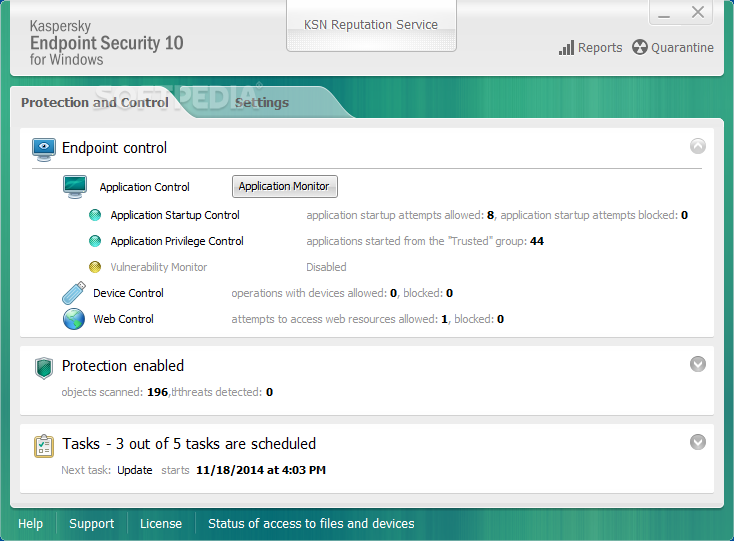
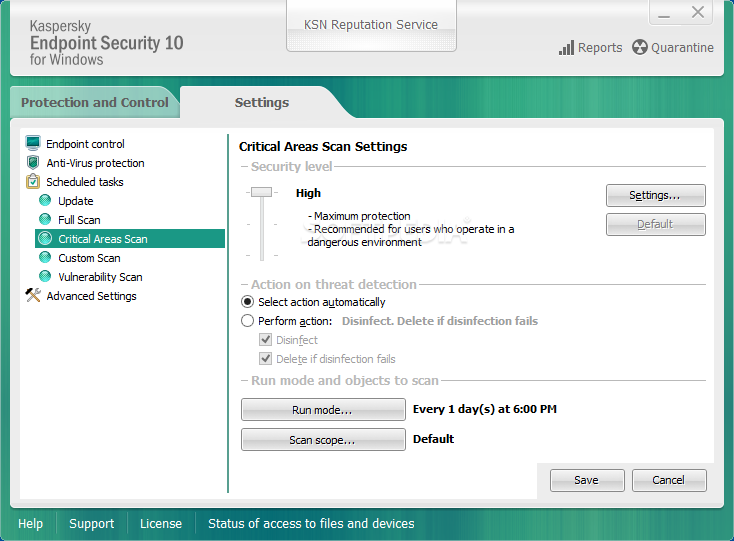
Kaspersky Endpoint Security for Business represents a suite of applications meant to deliver advanced protection features for enterprise networks, allowing businesses to easily implement security capabilities that can help them secure both their internal IT infrastructure and employee's devices.
With the help of this set of programs, the business protection goes beyond the traditional perimeters, ensuring that mobile workers access the company's network without posing a security risks.
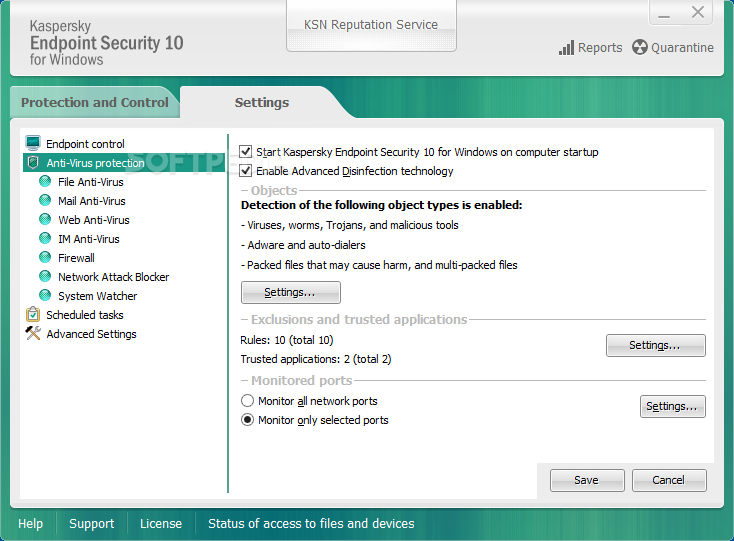
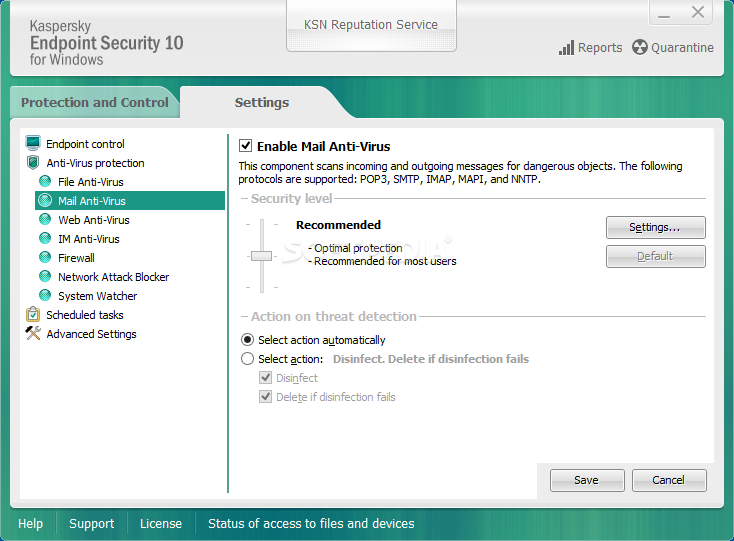
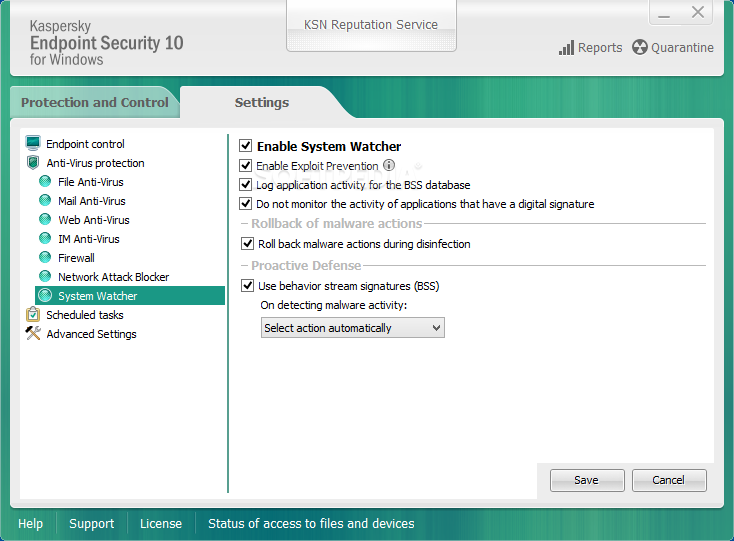
For that, Kaspersky Endpoint Security for Business offers Kaspersky Lab’s award-winning anti-malware technologies and file server security, while also offering easy-to-configure endpoint controls, mobile security, and MDM.
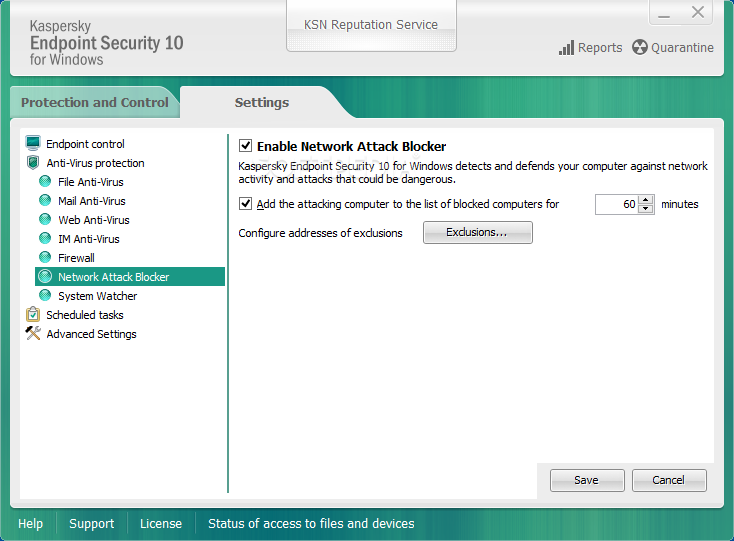
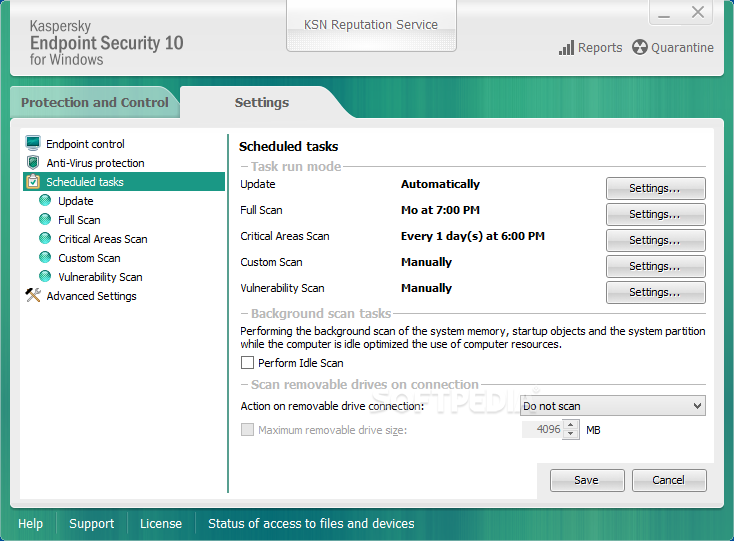
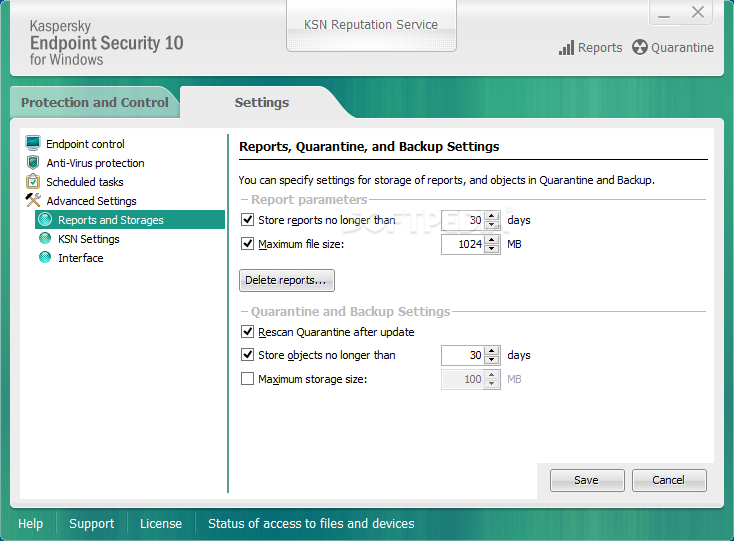
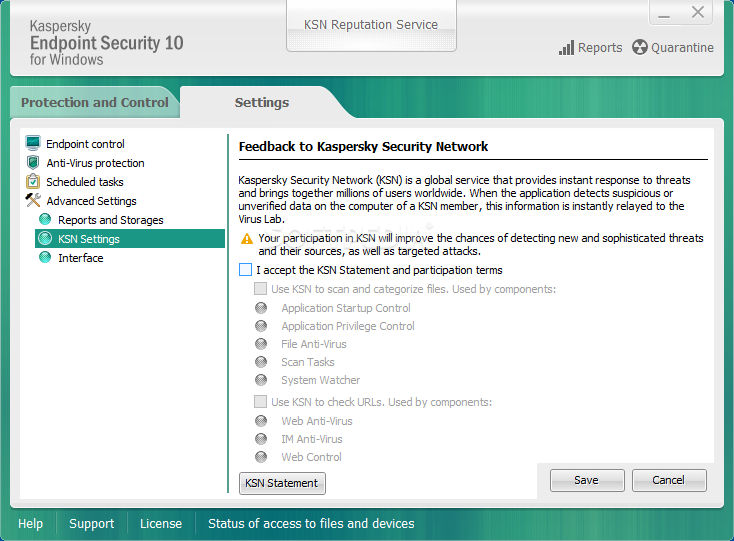
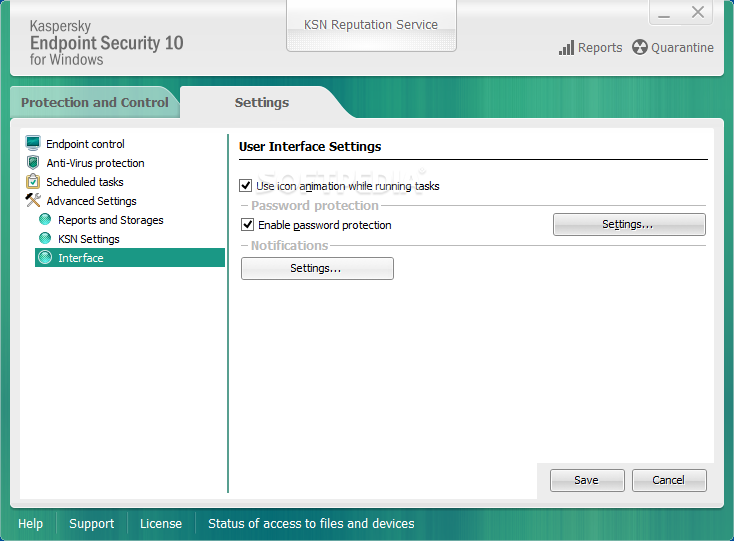
IT managers who will choose this set of tools will take advantage of a combination of professional security technologies and easy-to-use management functionality. They will enjoy the capabilities of anti-malware for workstations software, anti-malware for file servers, and flexible controls, all available from a single, easy-to-use management console, namely the Kaspersky Security Center.
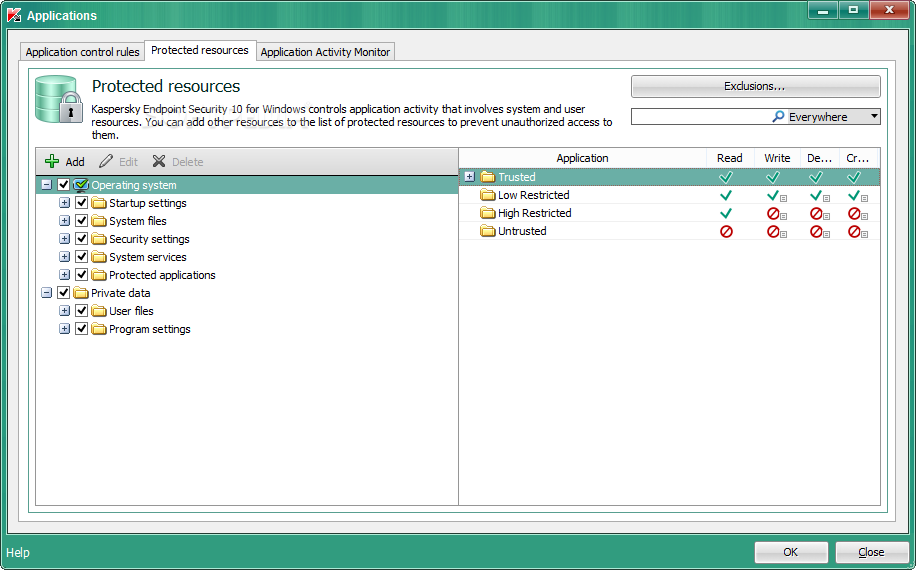
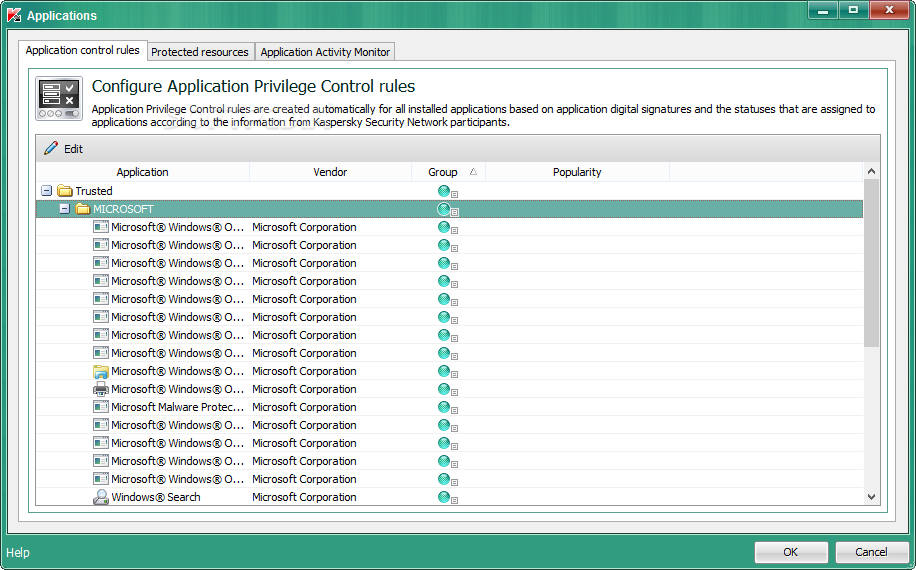
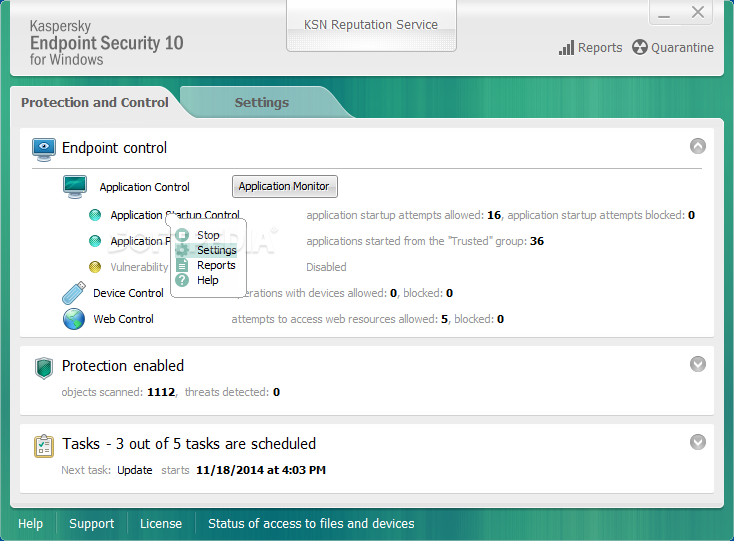
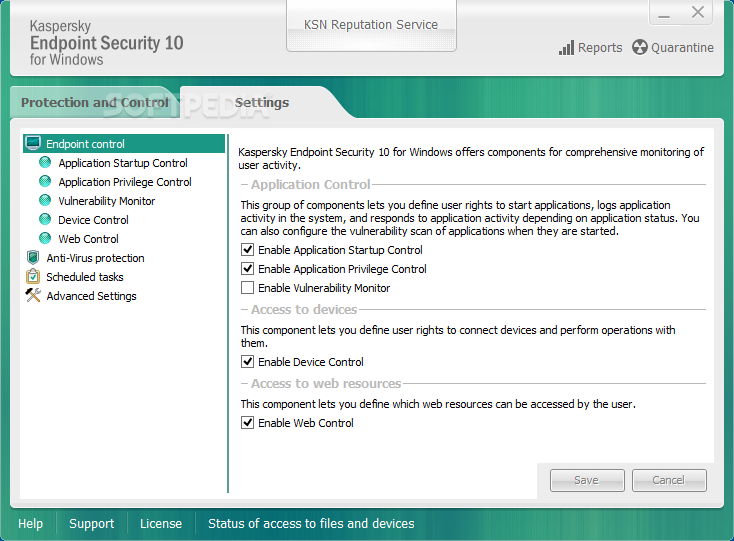
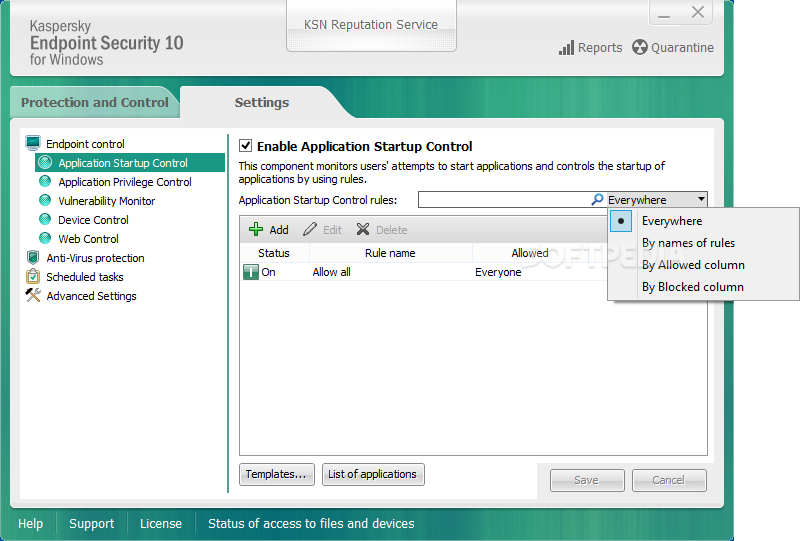
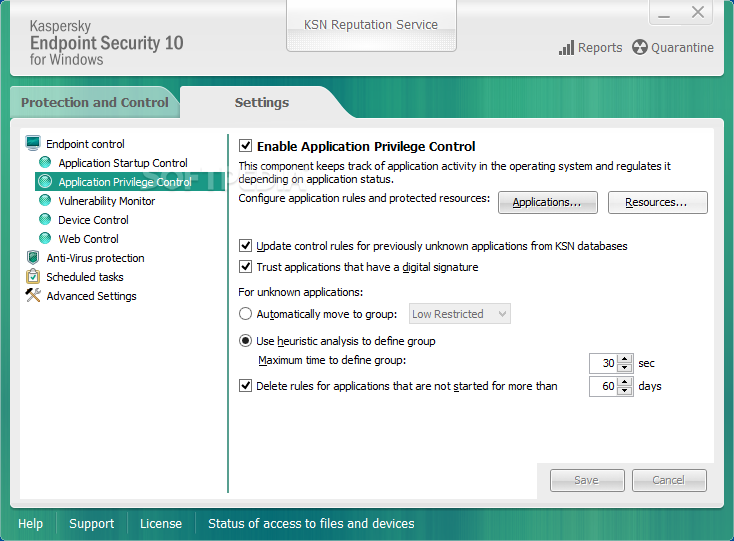
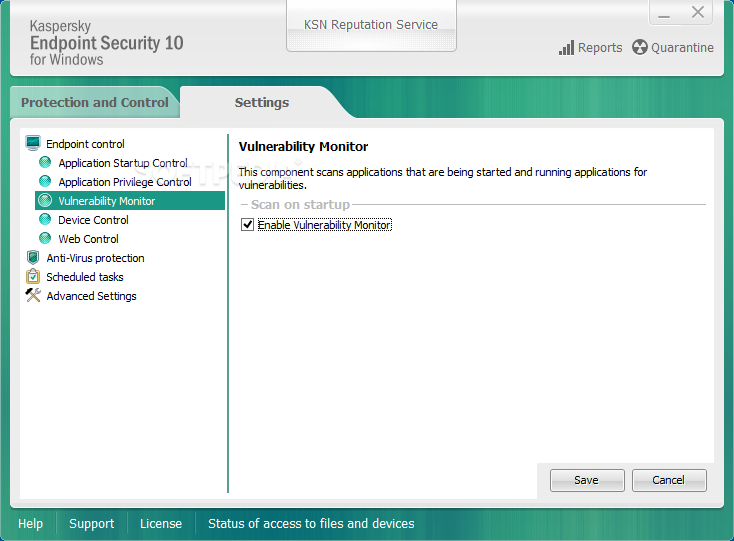
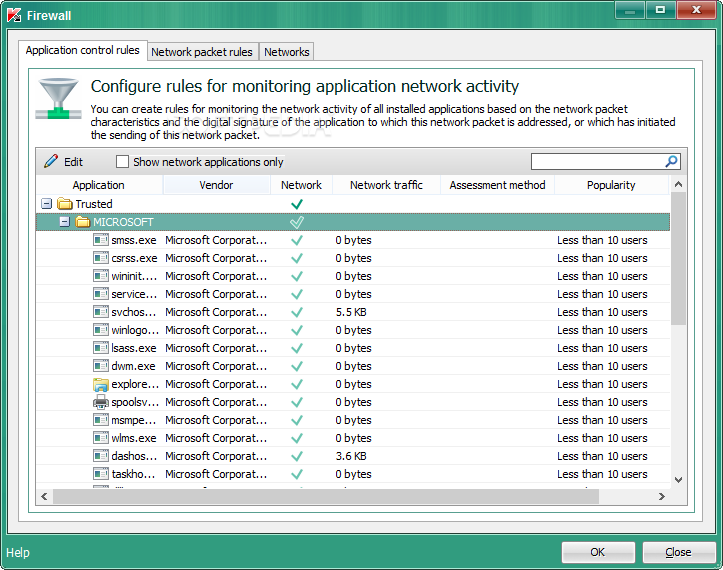
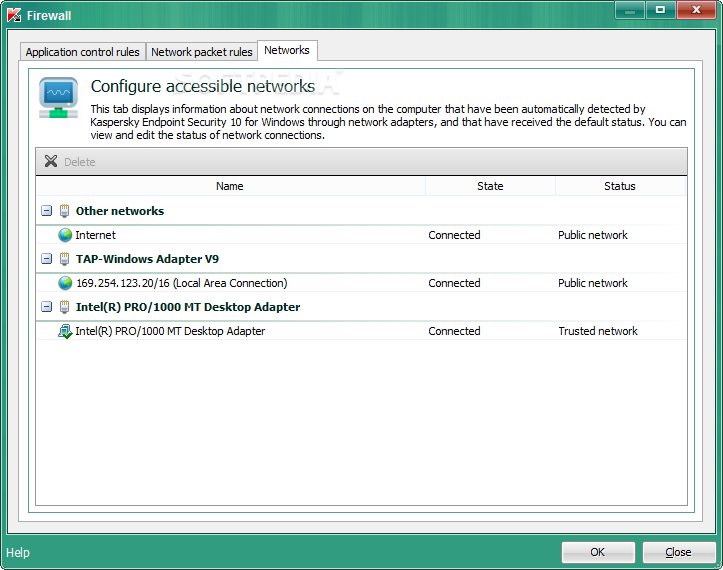
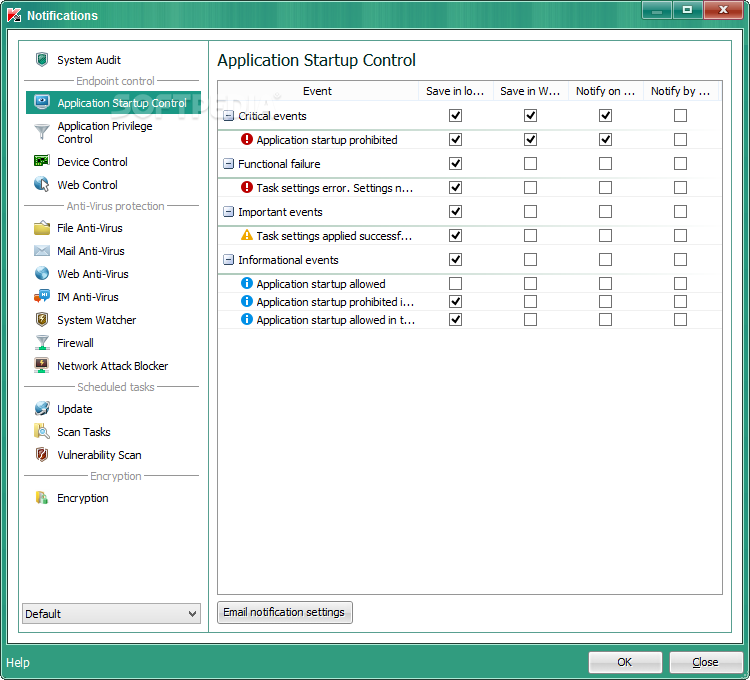
In addition to application monitoring capabilities (which classify them as untrusted, restricted or trusted), Kaspersky Endpoint Security for Business offers application startup control functionality, which makes it simple to block, allow or audit the launch of applications, as well as application privilege control, which ensures that admins control whether an application can access the registry, file system or other resources.
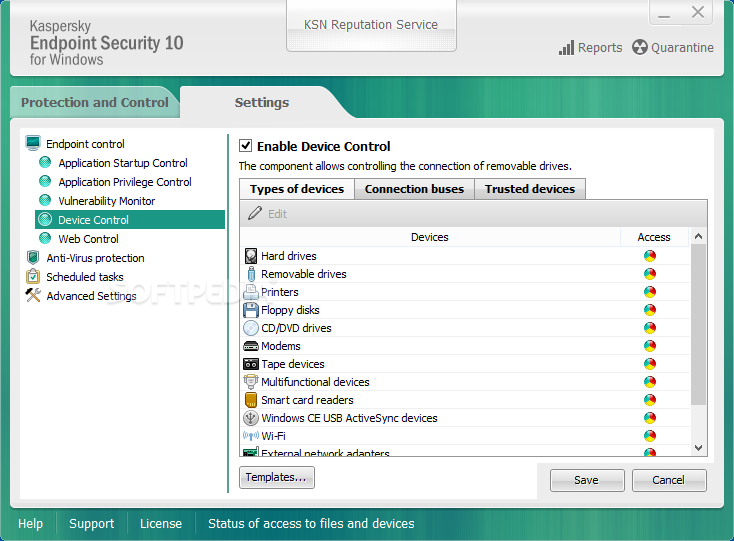
There are also Kaspersky’s Device Control features included in the suite of applications, which ensure that only authorized devices are connected to the corporate network. Given that users can easily attach removable devices their systems, this feature eliminates the possibility that malware infiltrates this way.
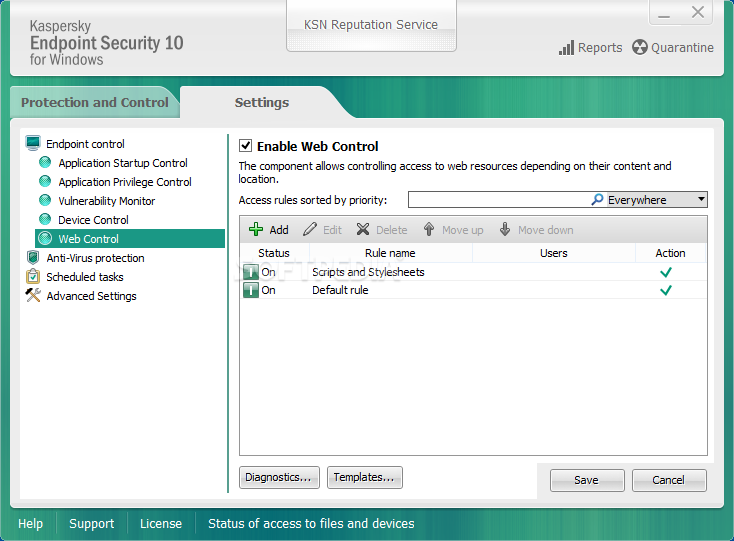
With the help of this set of tools, administrators can also monitor and filter users’ web browser activities, thus being able to prohibit or limit users’ activities on individual websites.
Kaspersky Endpoint Security for Business also offers support for Bring Your Own Device (BOYD) initiatives, while offering fast and simple management capabilities for all devices connected to the network, from a single console. It also allows for fast deployment of security applications and patches on all target workstations.
System requirements
- Minimum configuration:
- Intel Pentium 1 GHz or faster
- 1 GB of RAM
- 2 GB of free disk space on the hard drive
- Internet Explorer 7.0 or later
- Microsoft Windows Installer (MSI) 3.0 or later
- Internet connection for activating the application and for updating databases and application modules
- Supported virtual platforms:
- VMWare ESXi 5.5.0 2718055 Update 2
- VMWare ESXi 5.5.0 3568722 Update 3b
- VMWare ESXi 5.5.0 2718055 Update 2
- Microsoft Hyper-V 3.0 (Windows Server 2012 R2)
- Citrix XenServer 6.5
- Citrix XenDesktop 7.8
- Citrix Provisioning Server 7.8
Limitations in the unregistered version
- 30 days trial
- 10 computers trial
Kaspersky Endpoint Security for Business 12.1.0.506
add to watchlist add to download basket send us an update REPORT- runs on:
-
Windows 11
Windows 10 64 bit - file size:
- 320 MB
- filename:
- keswin_12.1.0.506_en_aes256.exe



- main category:
- Antivirus
- developer:
- visit homepage
Bitdefender Antivirus Free

paint.net

ShareX

calibre

7-Zip

4k Video Downloader

Zoom Client

Windows Sandbox Launcher

Microsoft Teams

IrfanView

- Windows Sandbox Launcher
- Microsoft Teams
- IrfanView
- Bitdefender Antivirus Free
- paint.net
- ShareX
- calibre
- 7-Zip
- 4k Video Downloader
- Zoom Client