Softpedia
 

WINDOWS CATEGORIES:


GLOBAL PAGES >>
SOFTPEDIA REVIEWS >>
MEET THE EDITORS >>
WEEK'S BEST
  • Bitdefender Total ...
  • Ocster Backup Pro ...
  • Hard Disk Sentinel...
  • FlashFXP [DISCOUNT...
  • DVDFab DVD Copy [D...
  • Kaspersky Internet...
  • Avast! Internet Se...
  • Avira Internet Sec...
  • Webroot SecureAnyw...
  • McAfee Total Prote...
  • Home > Windows > Antivirus
     Report malware

    McAfee VirusScan Enterprise 8.8

    download button buy button

    Downloads: 154,845  View global page  Tell us about an update
    User Rating:
    Rated by:
    Very Good (4.0/5)
    243 user(s)
    Developer:

    License / Price:

    Size / OS:

    Last Updated:

    Category:

    Trial / $ N/A buy button
    36.5 MB / Windows 2K / XP / 2003 / Vista / XP X64 / 2008 / Vista64 / 7 / 7 x64 / 2008 x64 / 2008 R2

    C: \ Antivirus

     Read user reviews (5)  Send to friend   Follow (2 users)

    Softpedia Editor's Review for McAfee VirusScan Enterprise

    EDITOR'S RATING:   4.0/5

    The ultimate way to keep viruses out of your desktops and servers

    Written by Giorgiana Bursuc on January 23rd, 2013

    Just like home users, companies also need to make sure that the data they store on their computers is safe and well-protected against malware attacks. McAfee VirusScan Enterprise is such a product created especially to meet the necessities of companies in terms of antivirus protection.

    Since it is meant to provide to business requirements, McAfee VirusScan Enterprise can also protect contents stored on servers, not only on computers, so additional products are no longer needed.

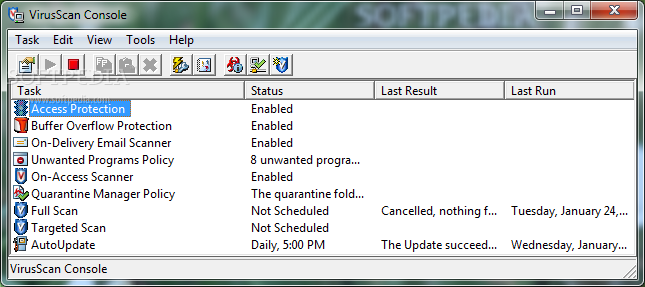
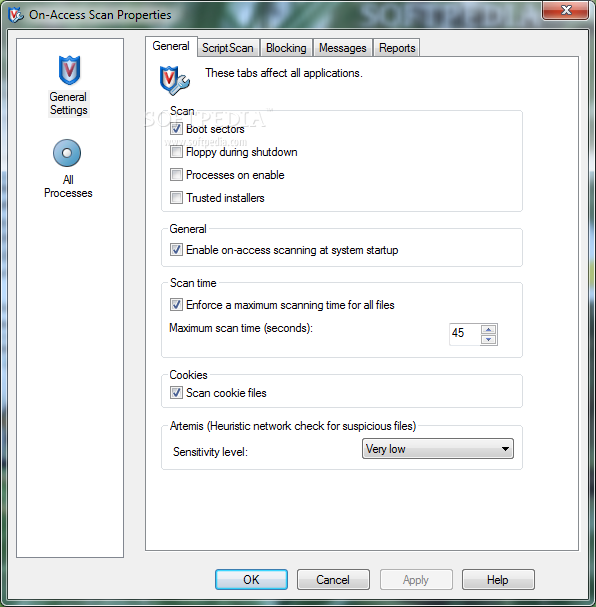
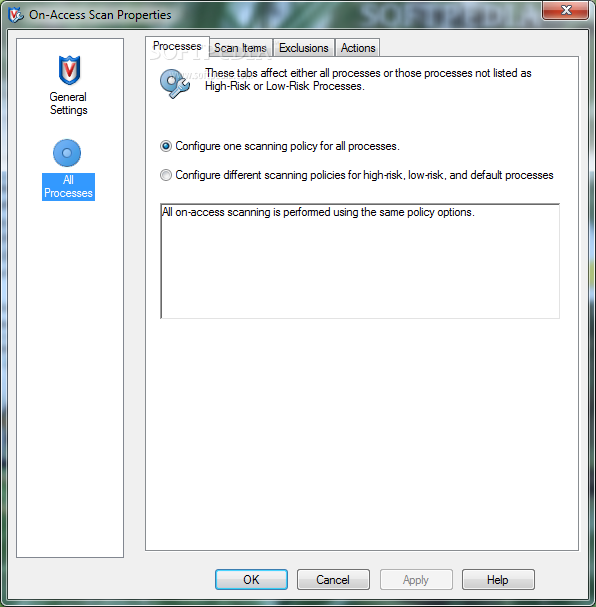
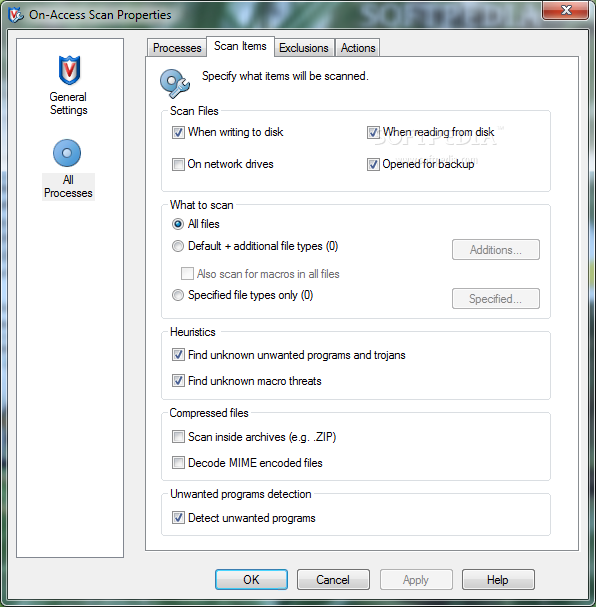
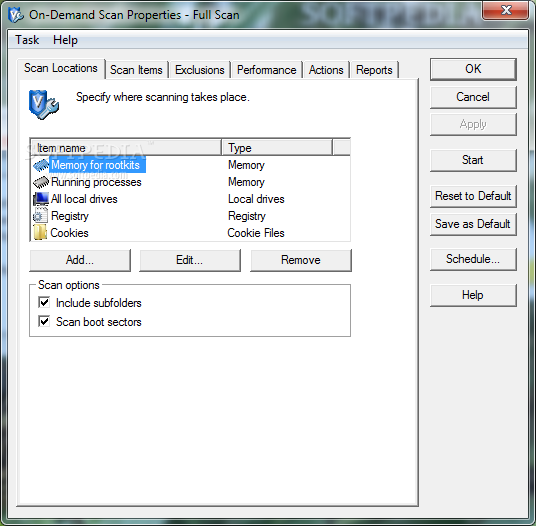
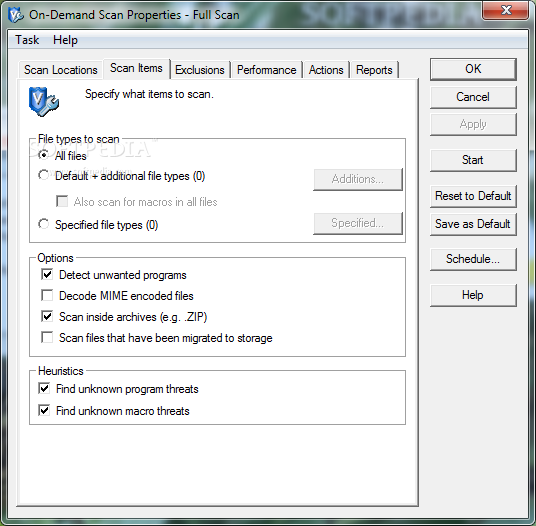
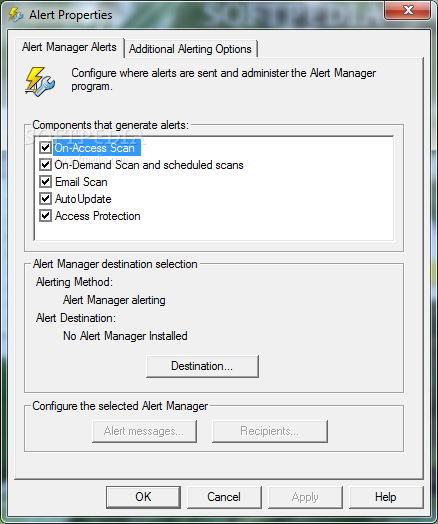
    The functions of the application can be accessed with ease by admins who can easily activate or disable buffer overflow protection, on-delivery email scanner and on-access scanner, as well as schedule scans at specific times.

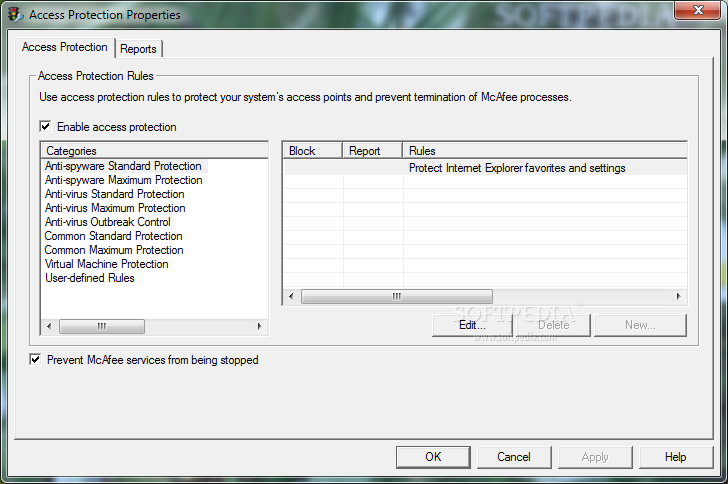
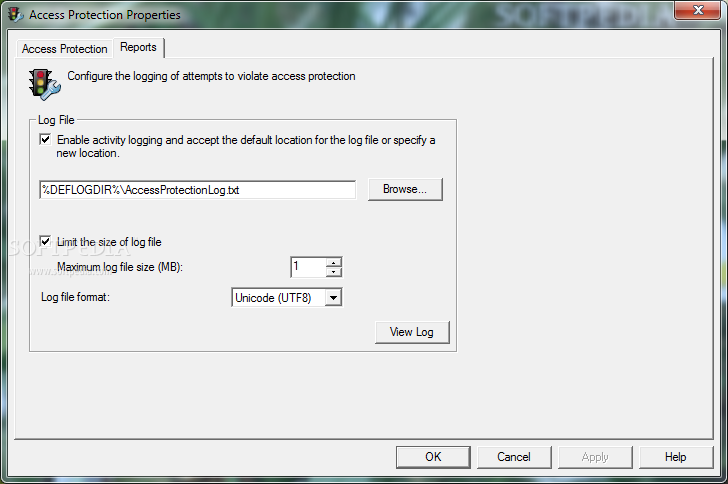
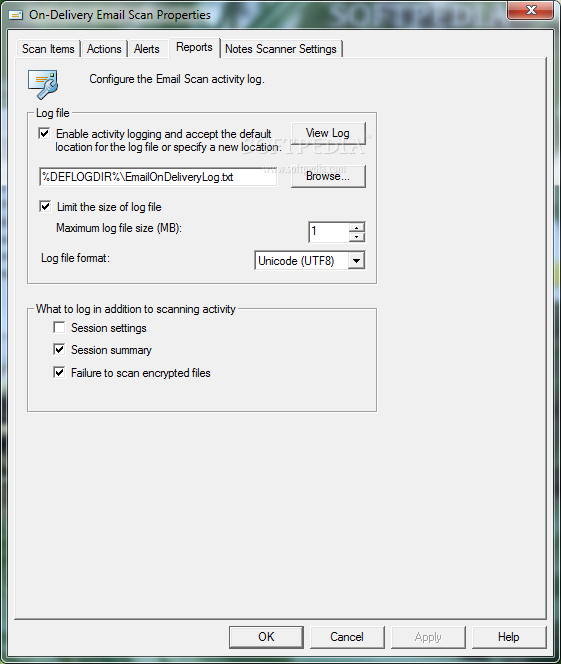
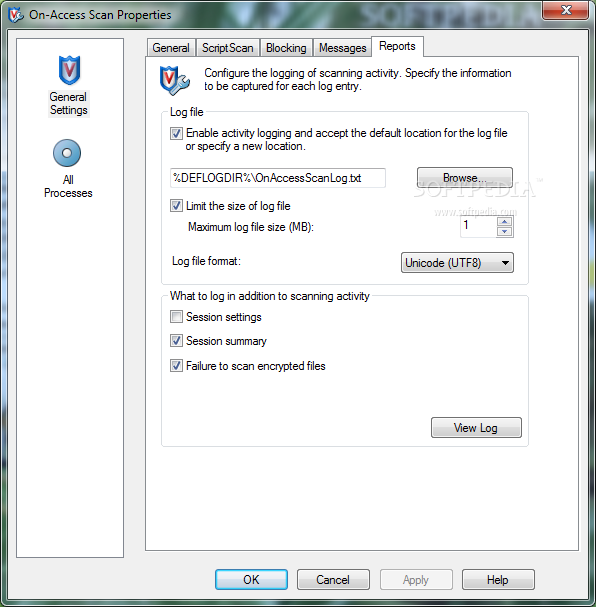
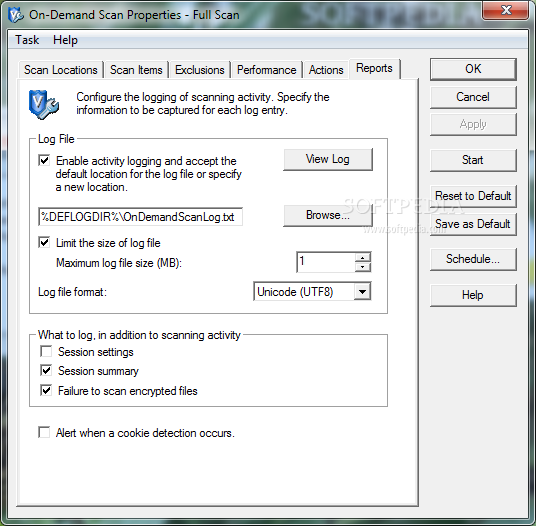
    More precisely, McAfee VirusScan Enterprise comes with access protection rules that can be configured so that McAfee processes cannot be terminated, not even by the most aggressive of malware. All attempts to break the created rules are logged and the generated file can be analyzed by security experts to identify and isolate the threat.

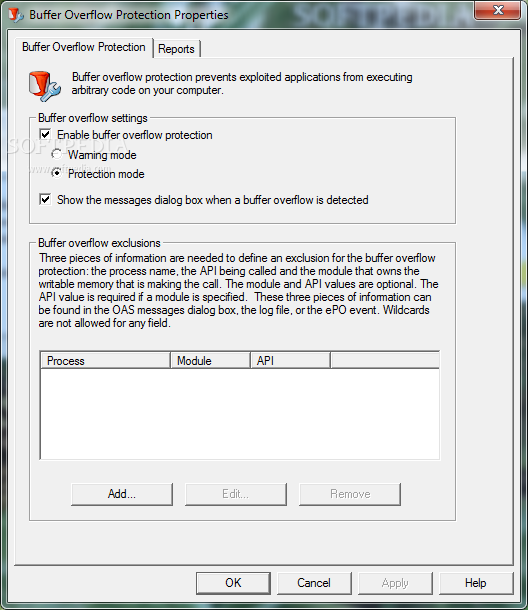
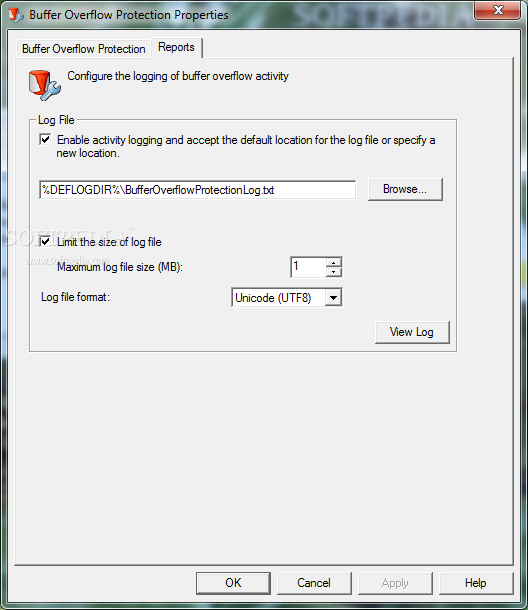
    In addition, due to its integrated Buffer Overflow Protection feature, McAfee VirusScan Enterprise can prevent infected applications from executing arbitrary code on the host machine, as well as create log files detailing each attempt.

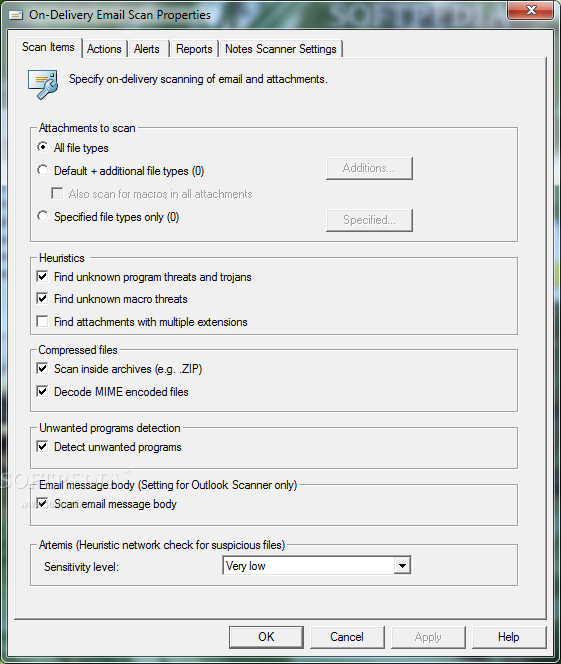
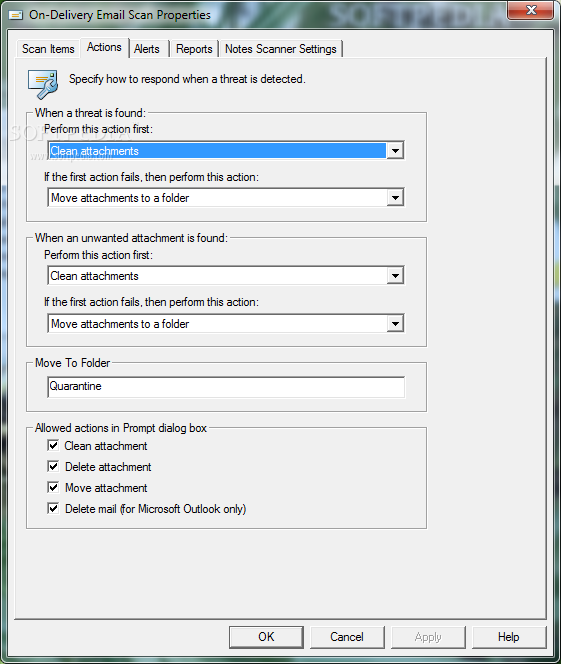
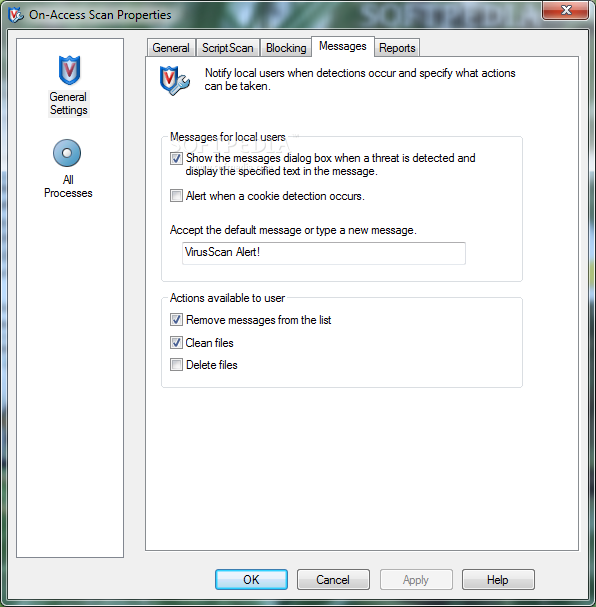
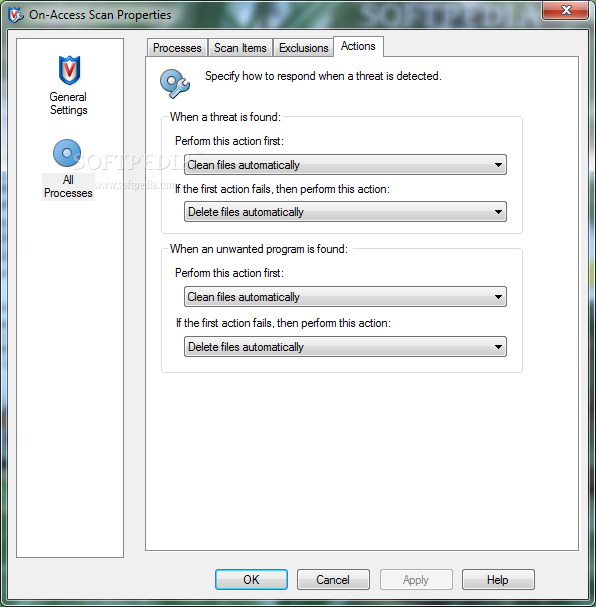
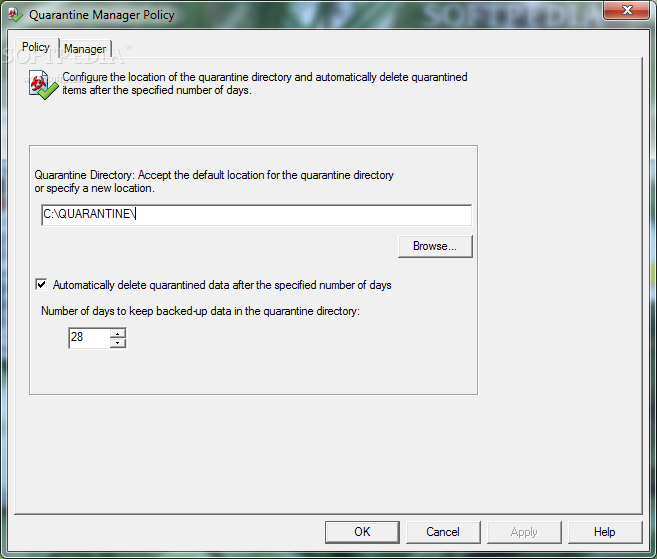
    Since viruses, trojans, spyware, worms and other malware threats can also be spread via email, McAfee VirusScan Enterprise integrates a dedicated module for scanning both email messages and their attachments before they are accessed by the users. Infected items can be either moved to a pre-defined folder for further analysis or they can be automatically erased, to prevent infection.

    To sum it up, McAfee VirusScan Enterprise is a combination between an antivirus solution and a firewall, based on patented McAfee technology and additional security tools to make sure data is secure on all servers and desktops protected by the app. A license is required if admins want to use the product beyond its evaluation period.

    McAfee VirusScan Enterprise description

    Here are some key features of "McAfee VirusScan Enterprise":

    Block multiple threats:
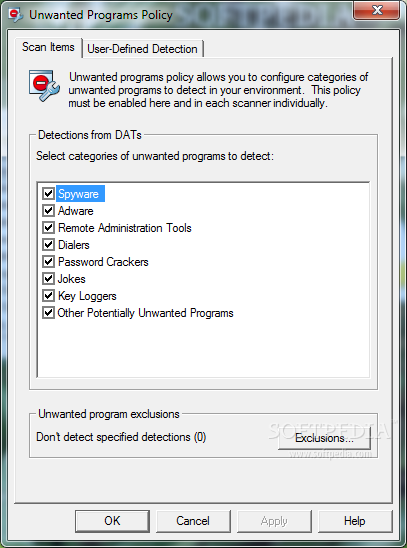
    · Defend your systems against viruses, worms, spyware, bots, Trojans, buffer overflows, and blended attacks. Block a broad range of viruses and malicious code — even those hidden in compressed files — with combined anti-virus, firewall, and intrusion prevention technology. McAfee’s industry-leading security also safeguards against spam, phishing attacks, malicious websites, and other threats that often evade standard anti-virus and URL filtering systems.

    Stop malware in real time:
    · Close the protection gap with McAfee Global Threat Intelligence (GTI). GTI offers comprehensive, real-time protection against both known and emerging threats across all key threat vectors — file, web, email, and network. A cloud-based service using reputation-based threat protection in addition to other techniques, McAfee GTI correlates real-world data collected from millions of sensors globally and delivers intelligence via a complete suite of McAfee security products.

    Safeguard email programs:
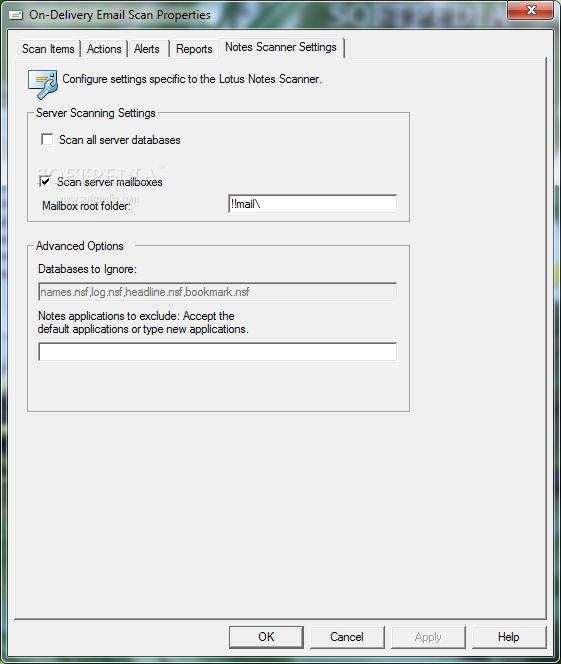
    · Detect and clean viruses in Microsoft Outlook and Lotus Notes, including HTML text and attachments.

    Get high-performance security:
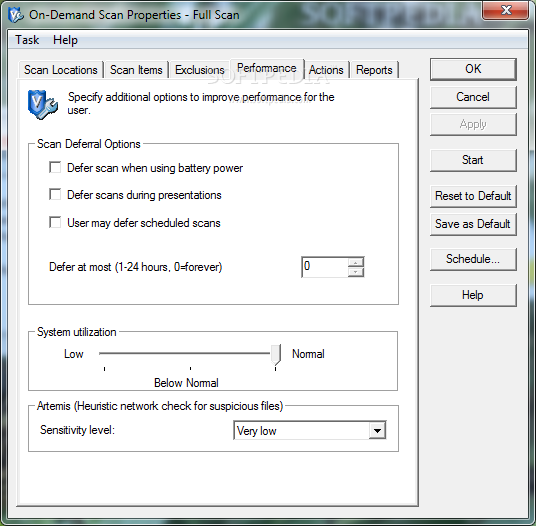
    · Don’t let your anti-malware software slow down end users. VirusScan Enterprise scans faster, uses less memory, requires fewer CPU cycles, and protects users better than any other anti-malware product on the market.

    Lessen damage from outbreaks:
    · Limit the risk and impact of an outbreak if one occurs. Close ports, monitor applications and email engines, and block files and directories, even before .DAT files are issued.

    Increase security confidence:
    · Defend your desktops, laptops, and file servers against disruptions. Malware and hackers cannot disable McAfee VirusScan Enterprise.

    Defend against threats that target Microsoft applications:
    · Guard against buffer-overflow exploits that aim at vulnerabilities in Microsoft Windows operating system services, Microsoft Word, Microsoft Excel, Microsoft Internet Explorer, Microsoft Outlook, and Microsoft SQL Server. It also protects IIS services, WinZip, and Microsoft PowerPoint, Microsoft Office Access, Microsoft Office Visio, Microsoft Windows Media Player, and Microsoft Messenger.

    Save money with efficient visibility and management:
    · Control and manage VirusScan Enterprise from one central McAfee ePolicy Orchestrator (ePO) console, and get detailed enterprise-level reporting quickly and easily.

    Requirements:

    · Intel Pentium or Intel Celeron processor running a minimum of 166 MHz
    · 32 MB of RAM
    · Minimum 38 MB free disk space
    · Microsoft Internet Explorer 5.0 or higher

    Limitations:

    · 90 days trial period

     Softpedia guarantees that McAfee VirusScan Enterprise 8.8 is 100% CLEAN, which means it does not contain any form of malware, including spyware, viruses, trojans and backdoors. [read more >]


    TAGS:

    virus detection | virus remover | detect virus | antivirus | quarantine | remover

    Go to top

    WindowsGamesDriversMacLinuxScriptsMobileHandheldNews

    SUBMIT PROGRAM   |   ADVERTISE   |   GET HELP   |   SEND US FEEDBACK   |   RSS FEEDS   |   UPDATE YOUR SOFTWARE   |   ROMANIAN FORUM