
Analyze running processes on your computer and detect the ones that betray the presence of spyware components with the help of this application. #Detect rootkit #Spyware scanner #Delete spyware #Rootkit #Spyware #Detect

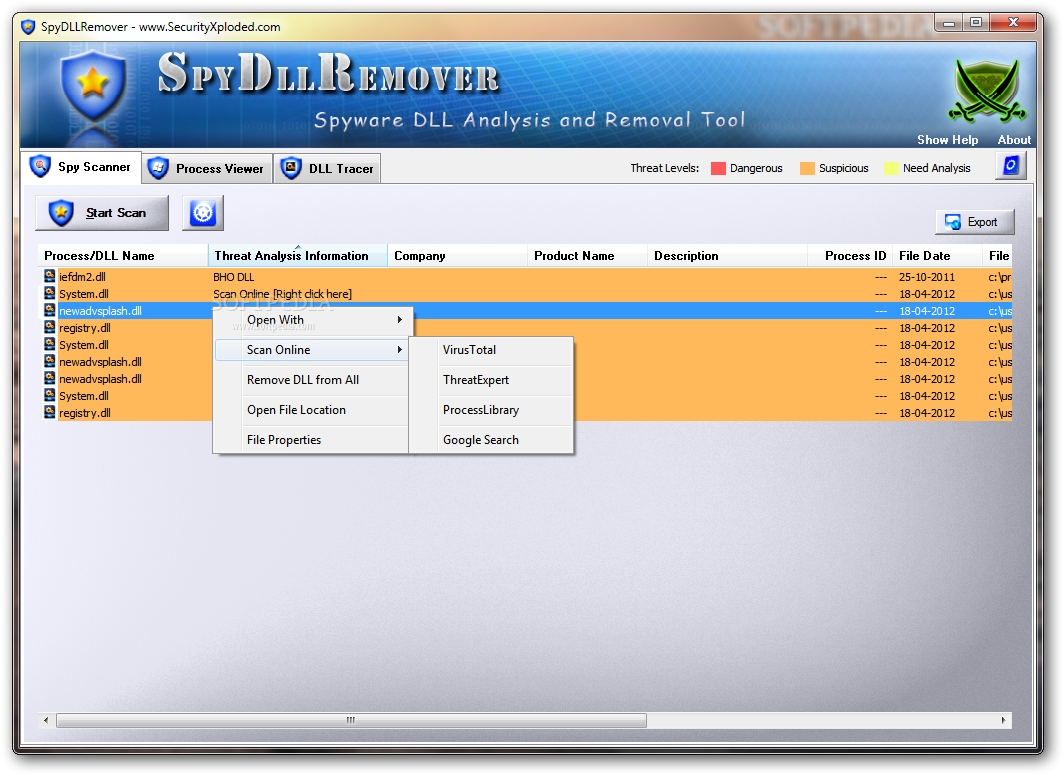
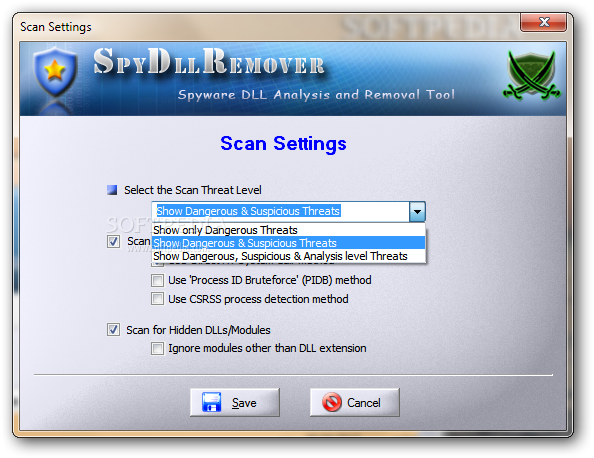
SpyDLLRemover is one of the apps that could add a new security layer to your computer, trying to detect spyware and hidden rootkits DLLs on your computer.
Antispyware security software tools are usually more difficult to use, but that's not the case of SpyDLLRemover, as the application relies on a more user friendly approach and intuitive features.
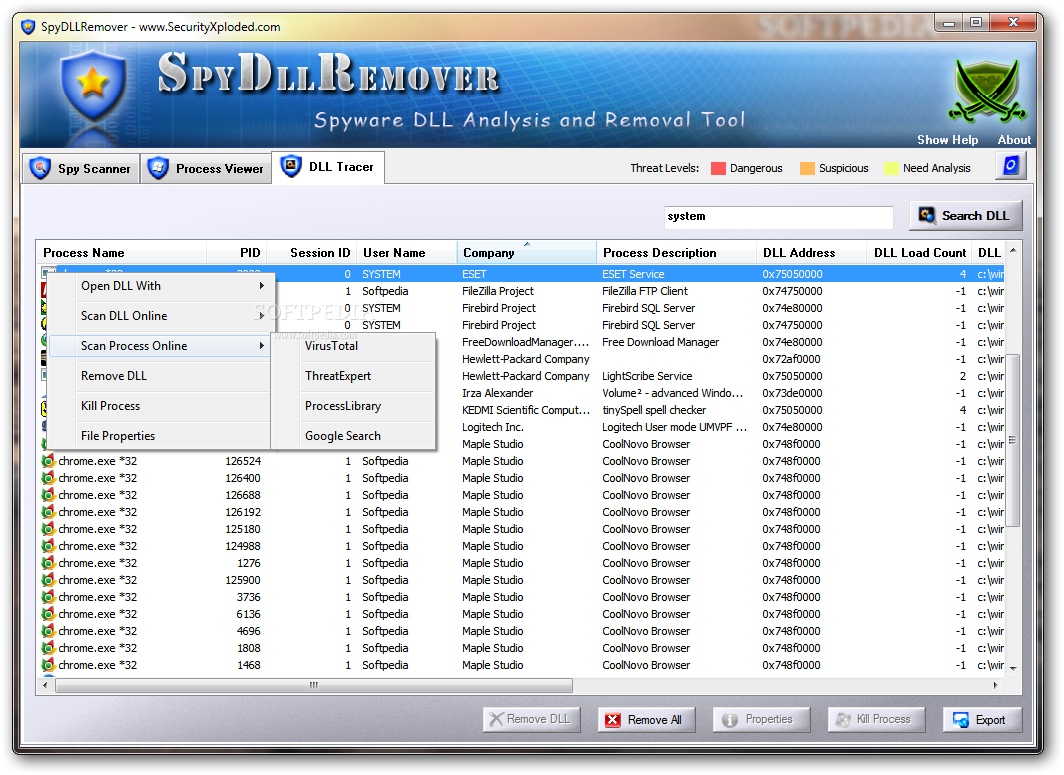
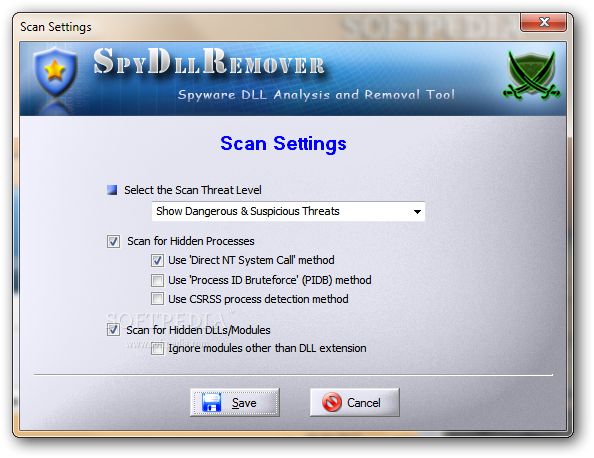
The main window for example groups all features in a total of three tabs, all of which hold vital information regarding your system.
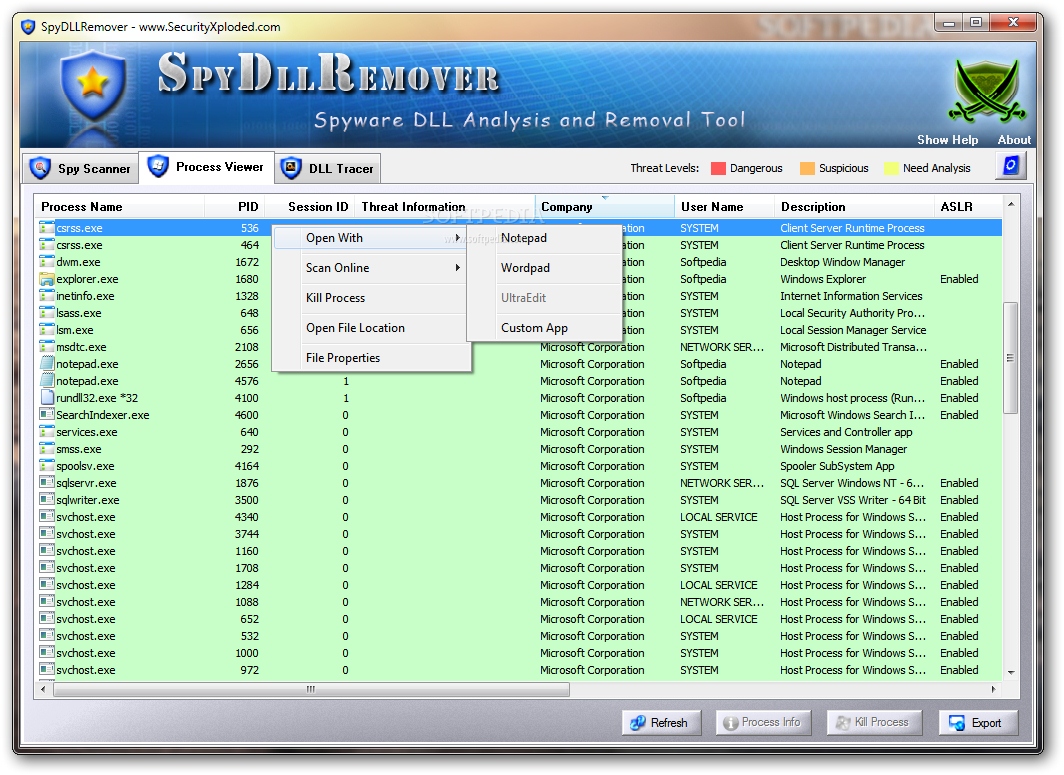
The “Spy Scanner” has a fairly self-explanatory name, so it allows you to scan the computer and look for malicious files that may exist on the local hard disks. On the other hand, the “Process Viewer” tab gives you an overview over the running processes, along with process and session ID, threat information, company and description, memory, file size and date.
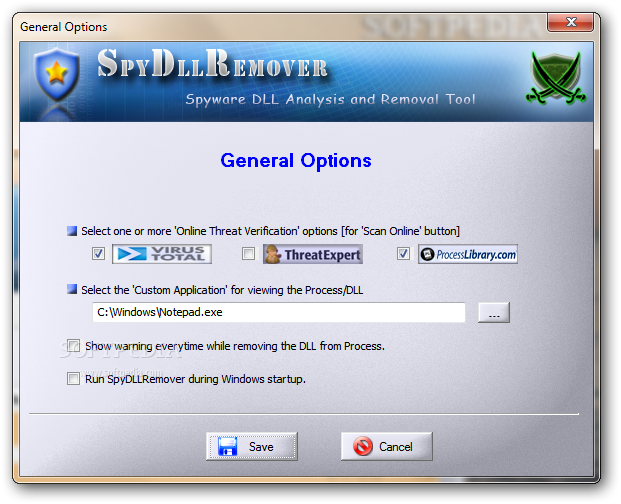
Each process can be checked for threats online, but you can also terminate it, show the file in Explorer, view properties or open it with some user defined applications.
SpyDLLRemover is indeed a handy tool and does its job very fast, scanning the system and letting you act accordingly in case some suspicious files are found on your computer.
It's far from being a resource hog and it runs smoothly on all Windows versions, without even asking for administrator privileges when used on Windows 7.
Overall, SpyDLLRemover is undoubtedly a very handy piece of software, running on low resources and providing advanced tools to detect any malicious file that may hide on your system.
What's new in SpyDLLRemover 7.0:
- Mega edition with the support for Windows 10 operating system. Also includes minor GUI refinements.
SpyDLLRemover 7.0
add to watchlist add to download basket send us an update REPORT- portable version
- SpyDLLRemover Portable
- runs on:
-
Windows 10 32/64 bit
Windows 2003
Windows 8 32/64 bit
Windows 7 32/64 bit
Windows Vista 32/64 bit
Windows XP - file size:
- 2 MB
- filename:
- SpyDLLRemover.zip
- main category:
- Antivirus
- developer:
- visit homepage
Bitdefender Antivirus Free

Zoom Client

Microsoft Teams

calibre

paint.net

7-Zip

4k Video Downloader

IrfanView

ShareX

Windows Sandbox Launcher

- IrfanView
- ShareX
- Windows Sandbox Launcher
- Bitdefender Antivirus Free
- Zoom Client
- Microsoft Teams
- calibre
- paint.net
- 7-Zip
- 4k Video Downloader