
User-friendly software that allows you to design mockups for your apps' interfaces, featuring an array of tools and templates to help you get started. #Mockup designer #UI designer #Design mockup #Mockup #Interface #Sketch


The question of how you design a user interface is crucial when you have an idea for an app to create. It's needless to say that it's important to have a vision in mind — designing the layout, translating that into a cohesive whole, while not sacrificing form over function — because that's how the users will be interacting with your software.
Working on a mockup before designing the app would help iron out some inconsistencies you may otherwise not notice. Applications designed to help you with this exist, and some are easy to pick up and use right away. Balsamiq Wireframes is intuitive and efficient — it provides you with enough tools to aid you in creating a mockup for your user interface.
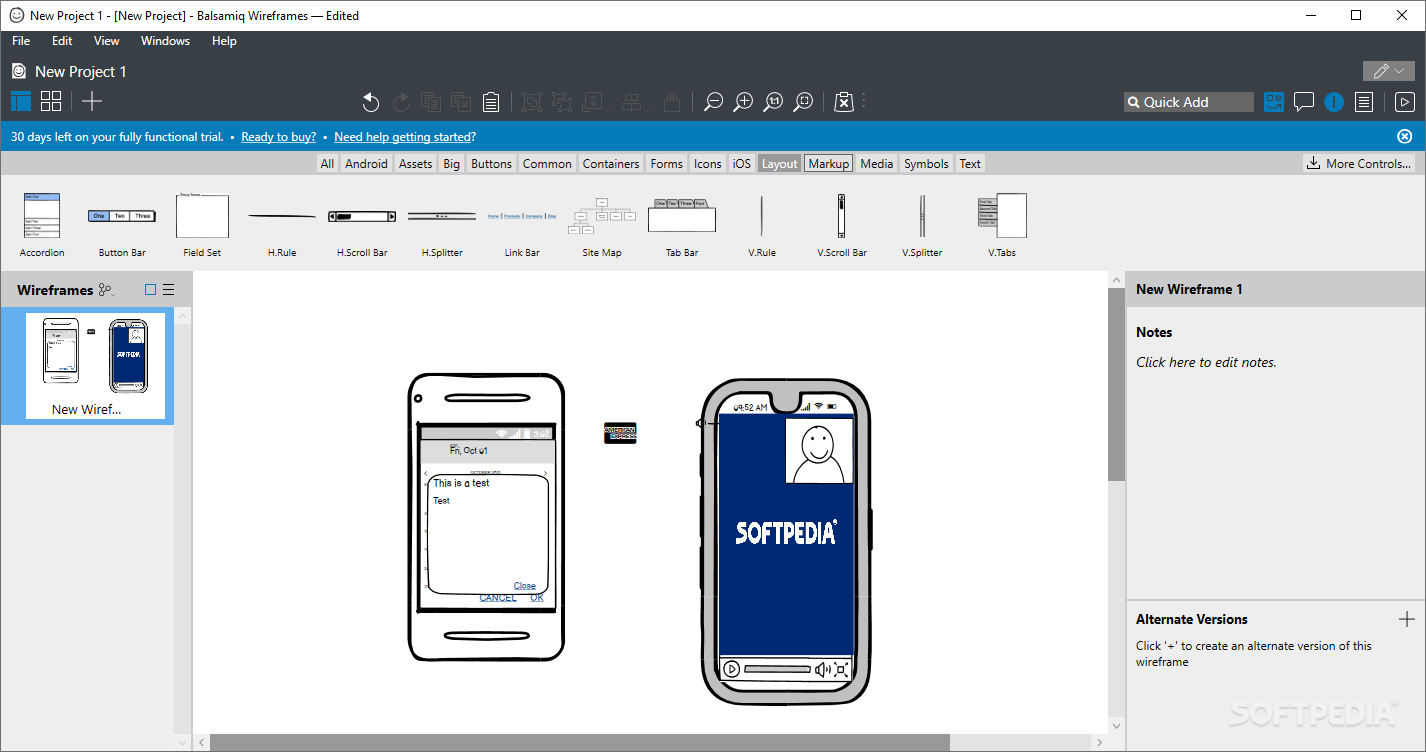
Perhaps this app's users can learn a thing or two from its user interface. It's easy to comprehend and use, and you immediately know some of its core capabilities at first glance.
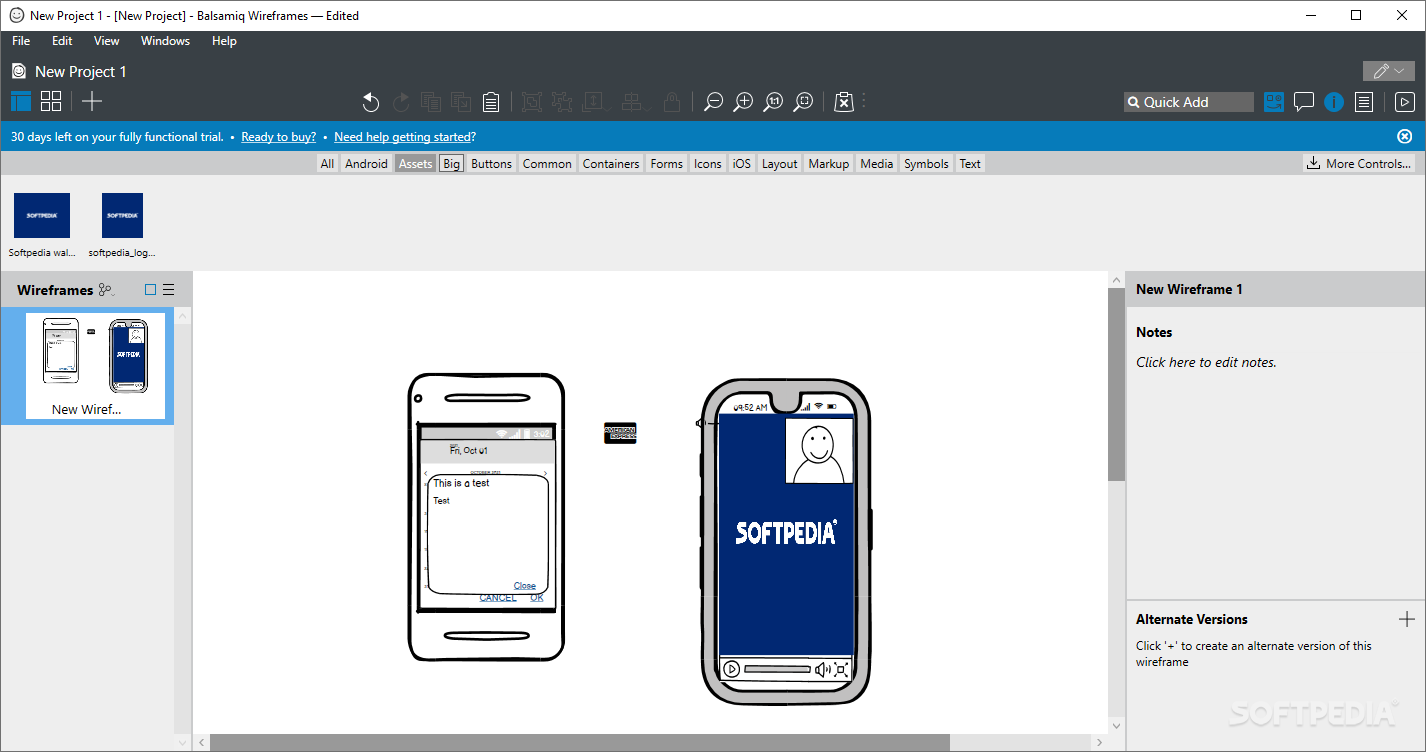
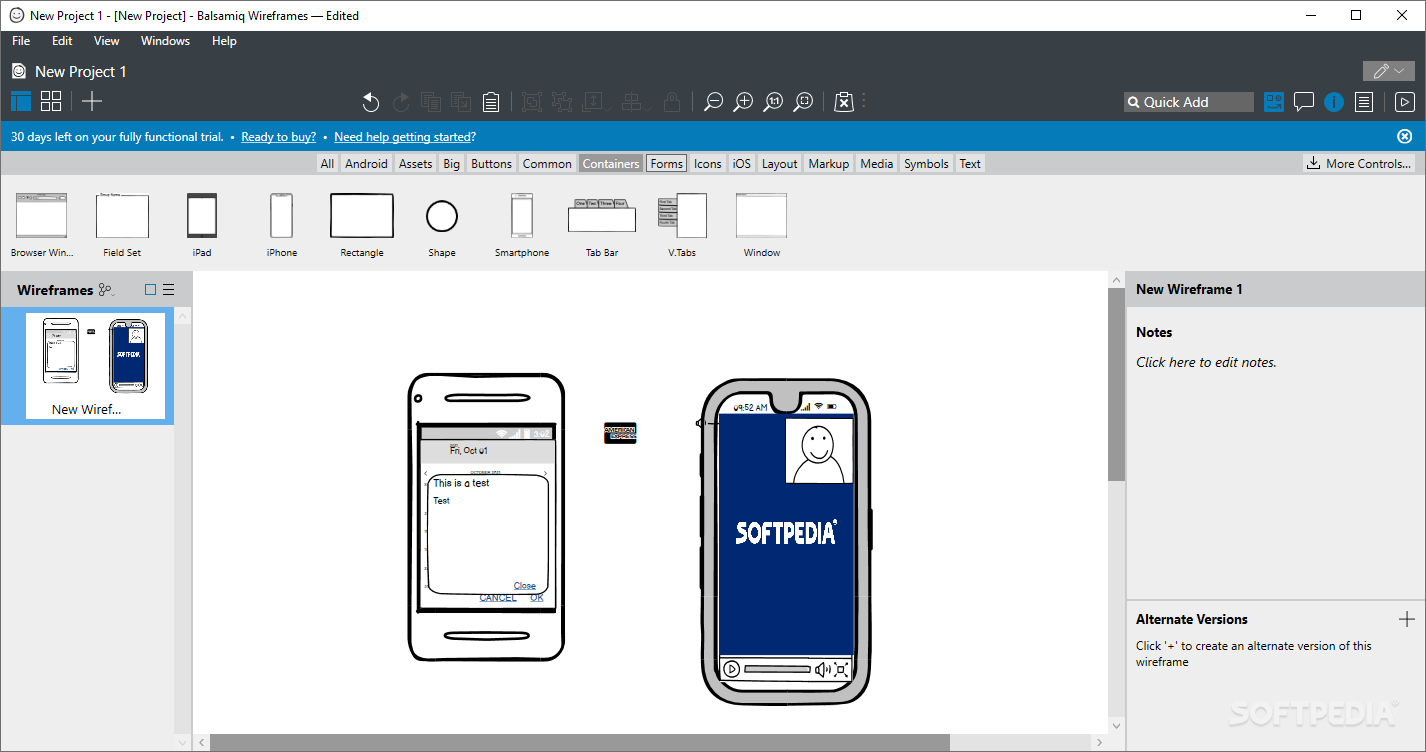
There's a blank canvas in the center and a navigator menu at the top. Upon dragging in an element from the navigator, clicking it will open up an additional menu, on the right part of the layout, with which you're able to customize what's been added. You can resize them, change the text font, and even add in your images.
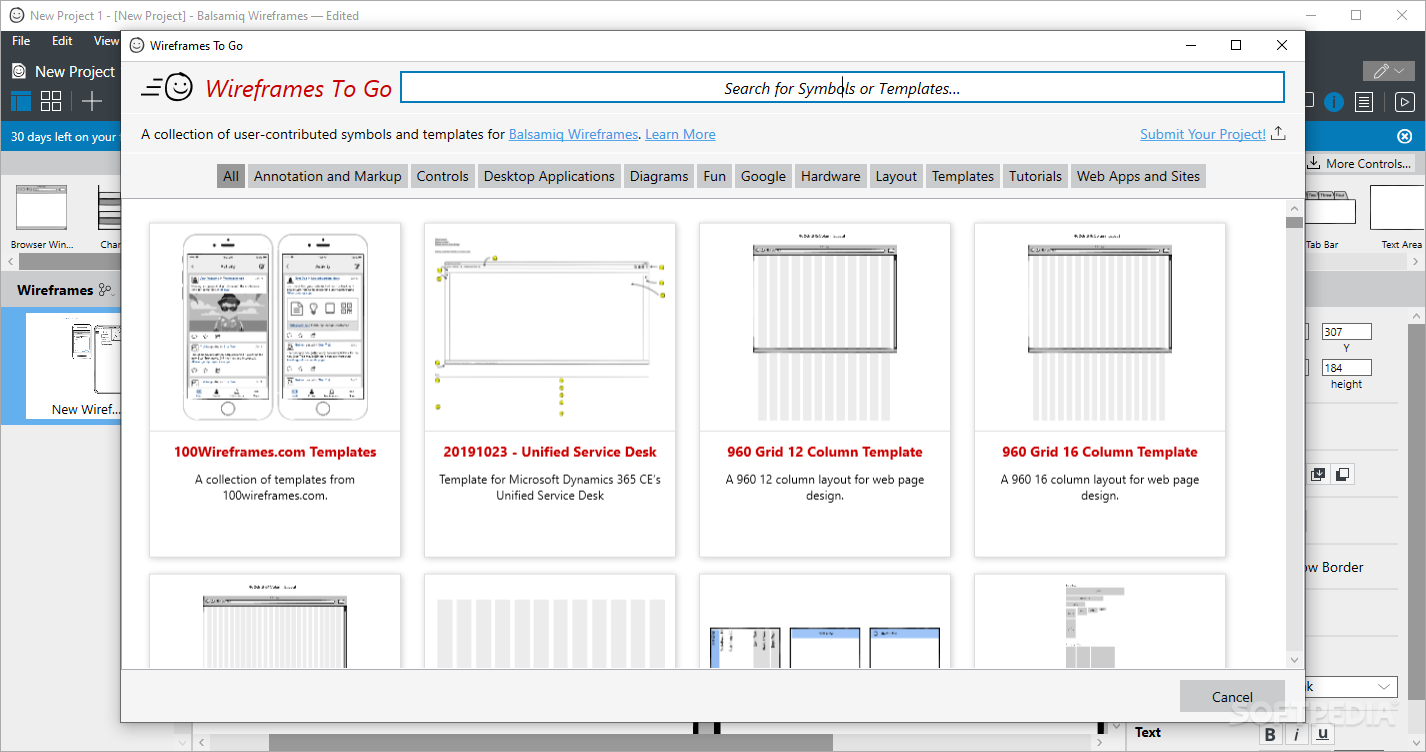
To further the functionality and convenience, Wireframes To Go is an option that offers even more templates and elements over the ones you initially get with the app. These elements are all user-made and the library is ever-growing.
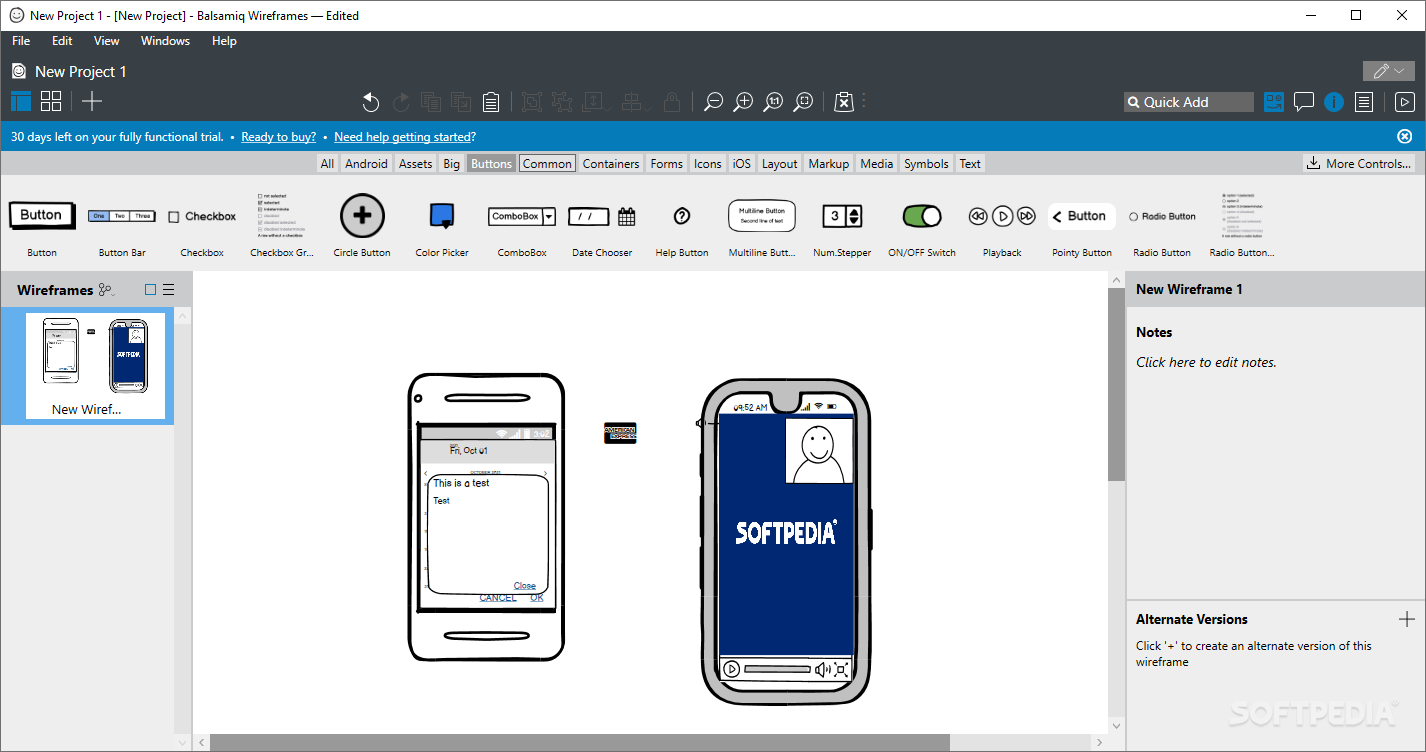
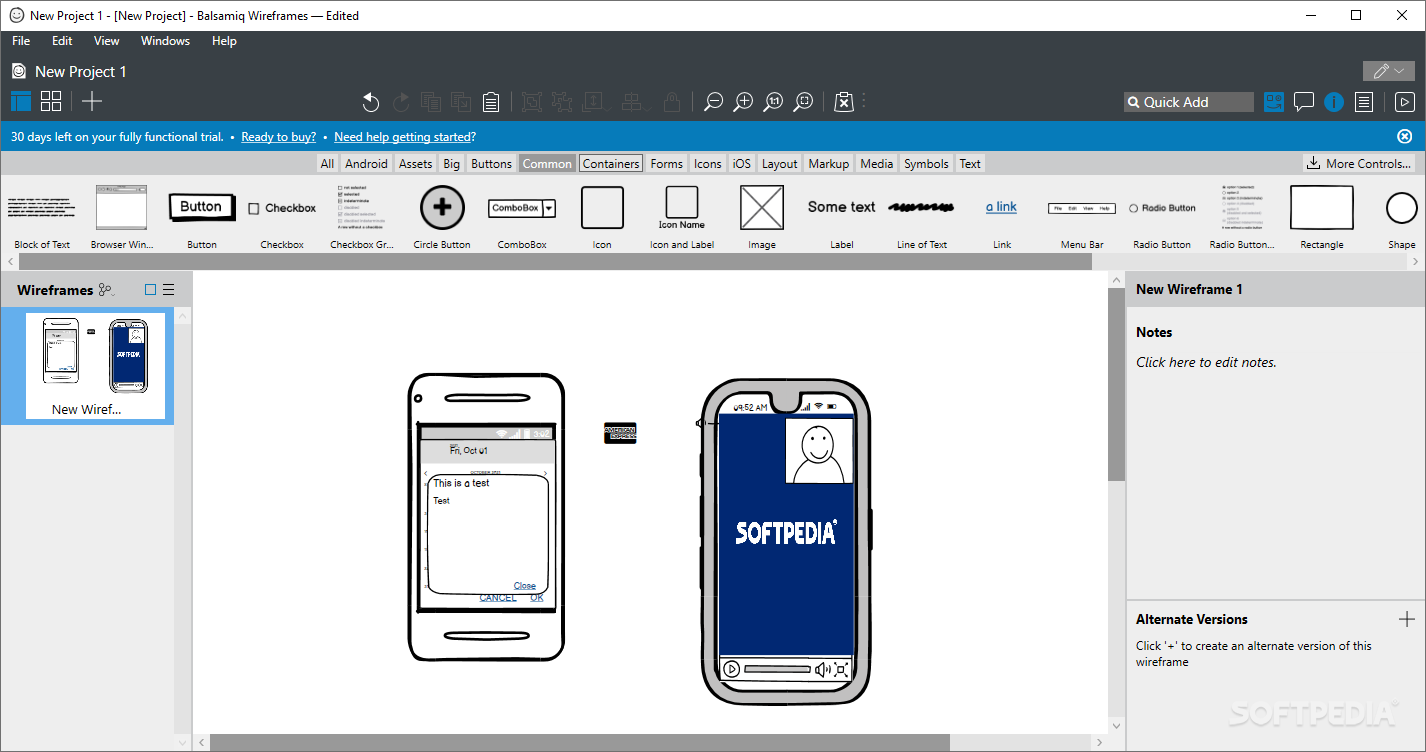
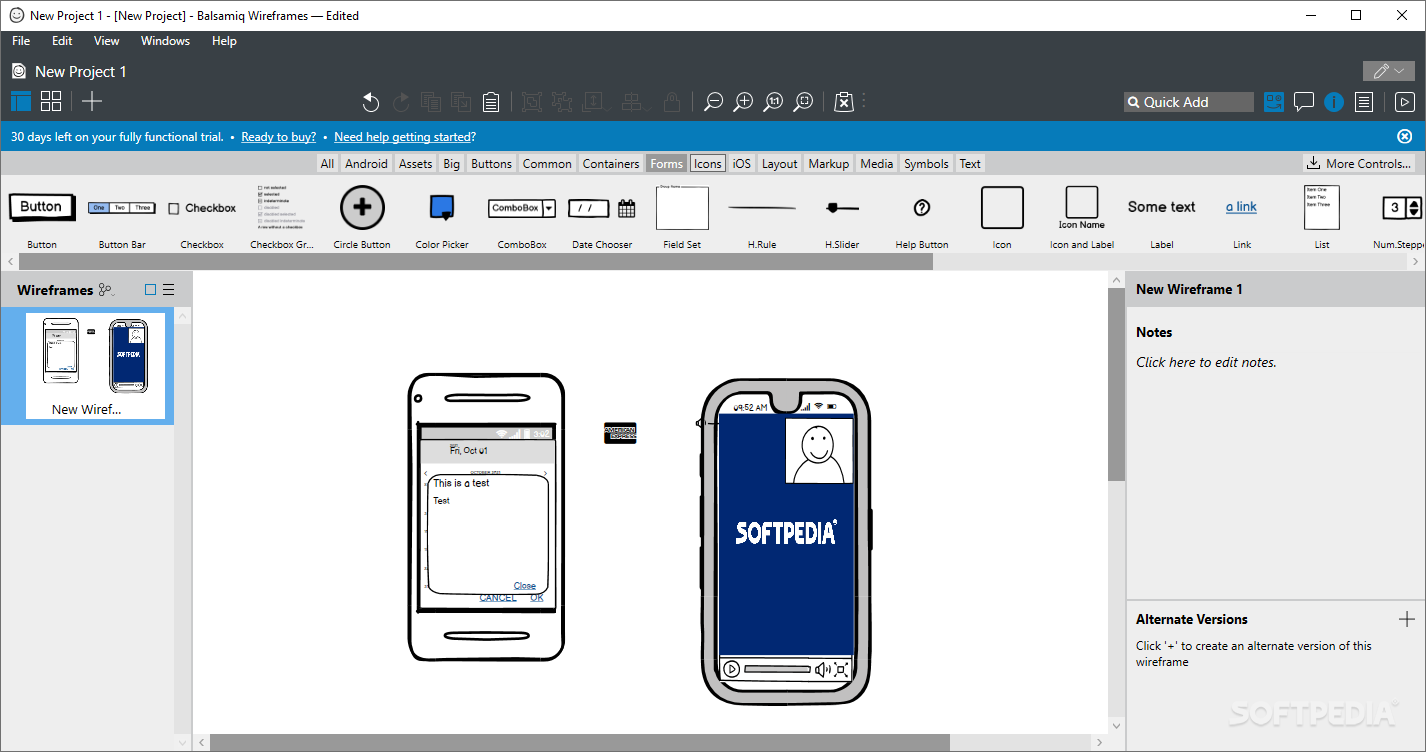
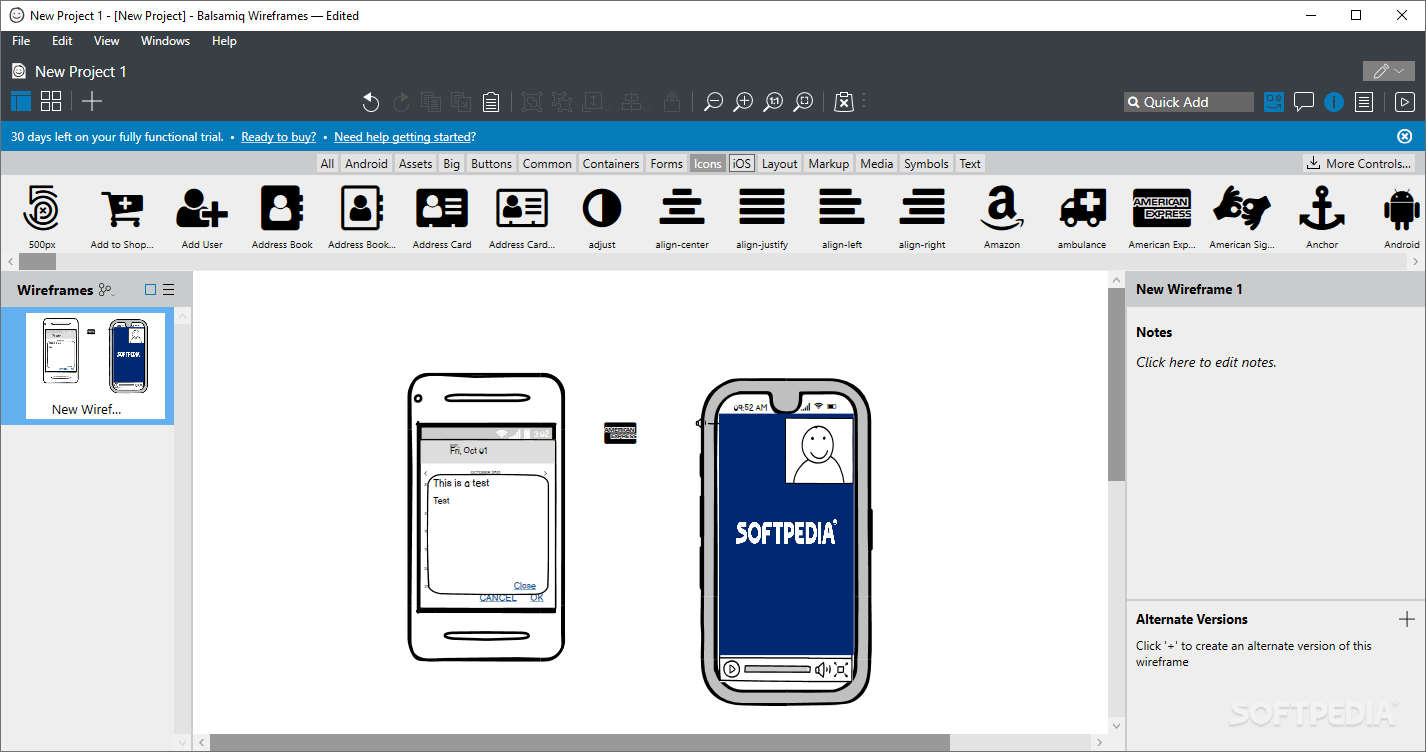
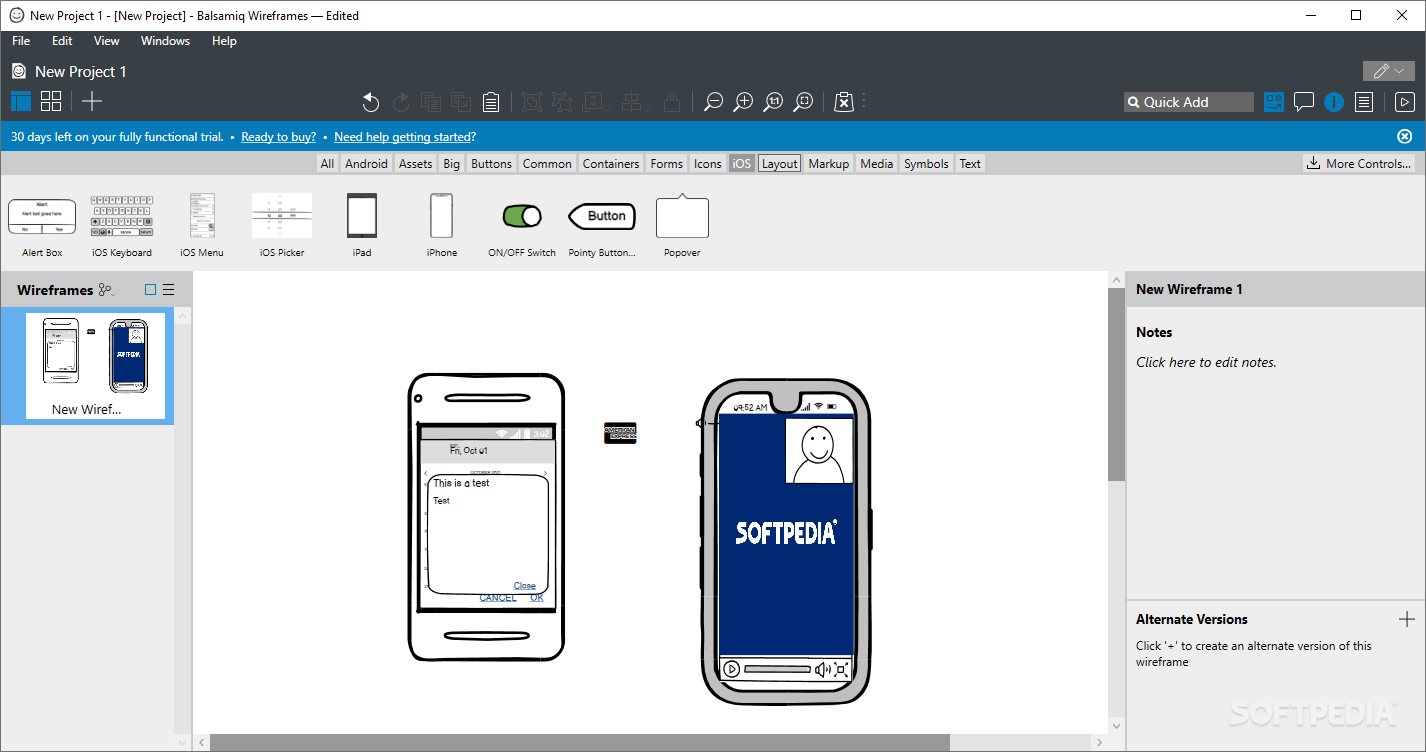
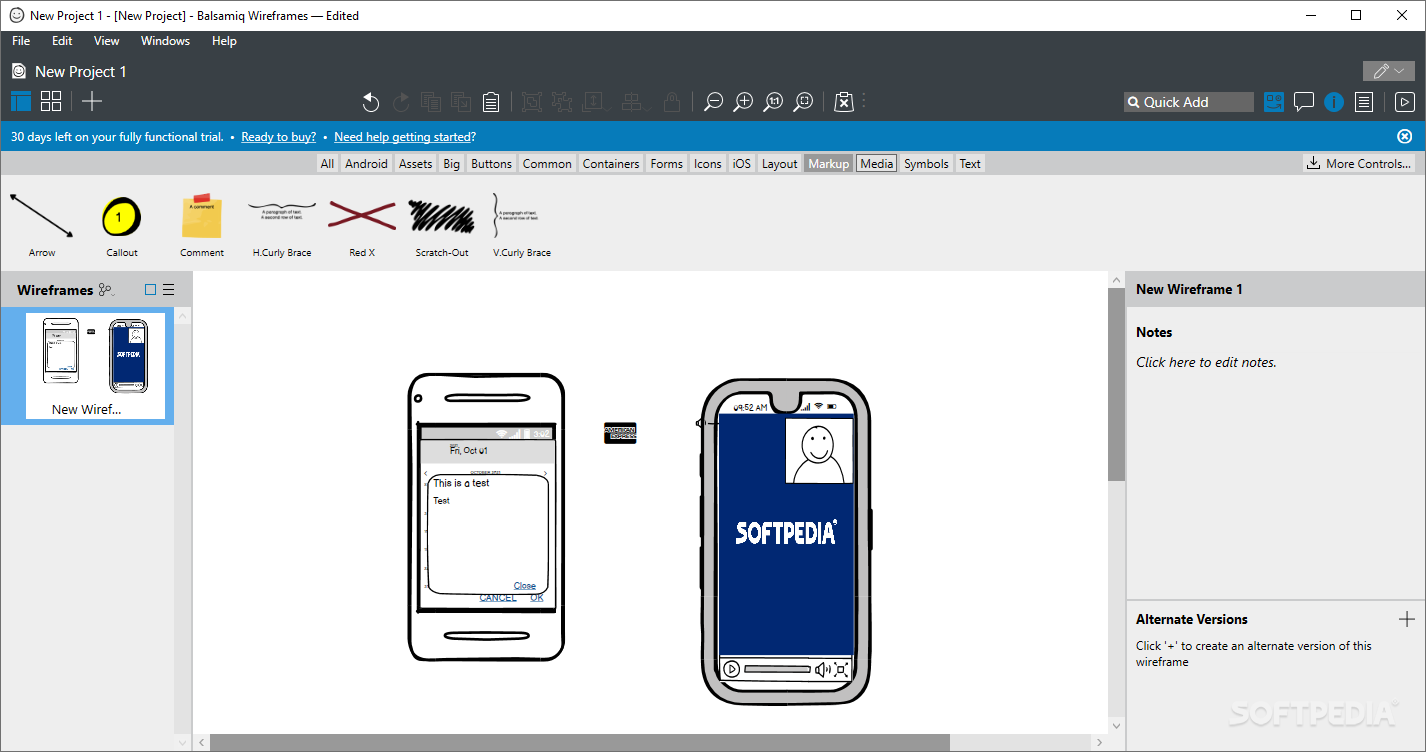
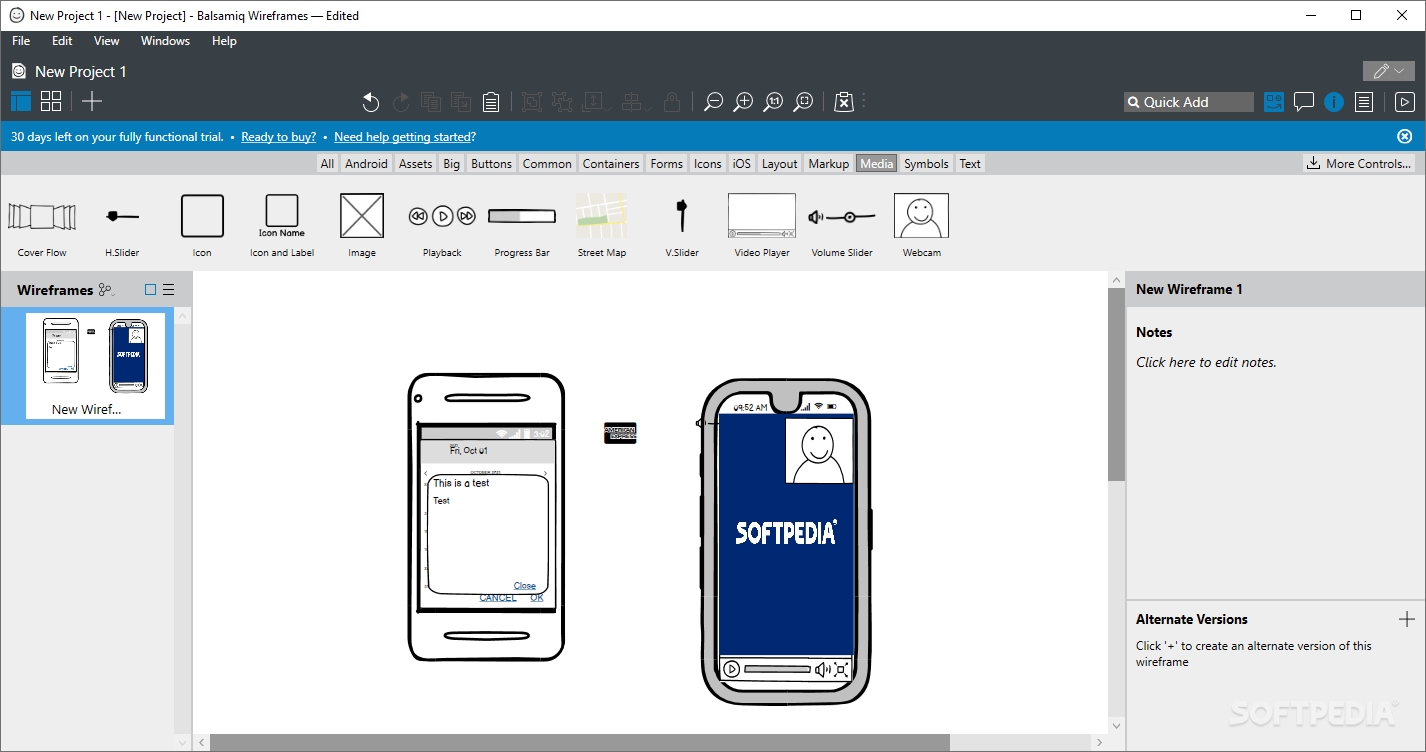
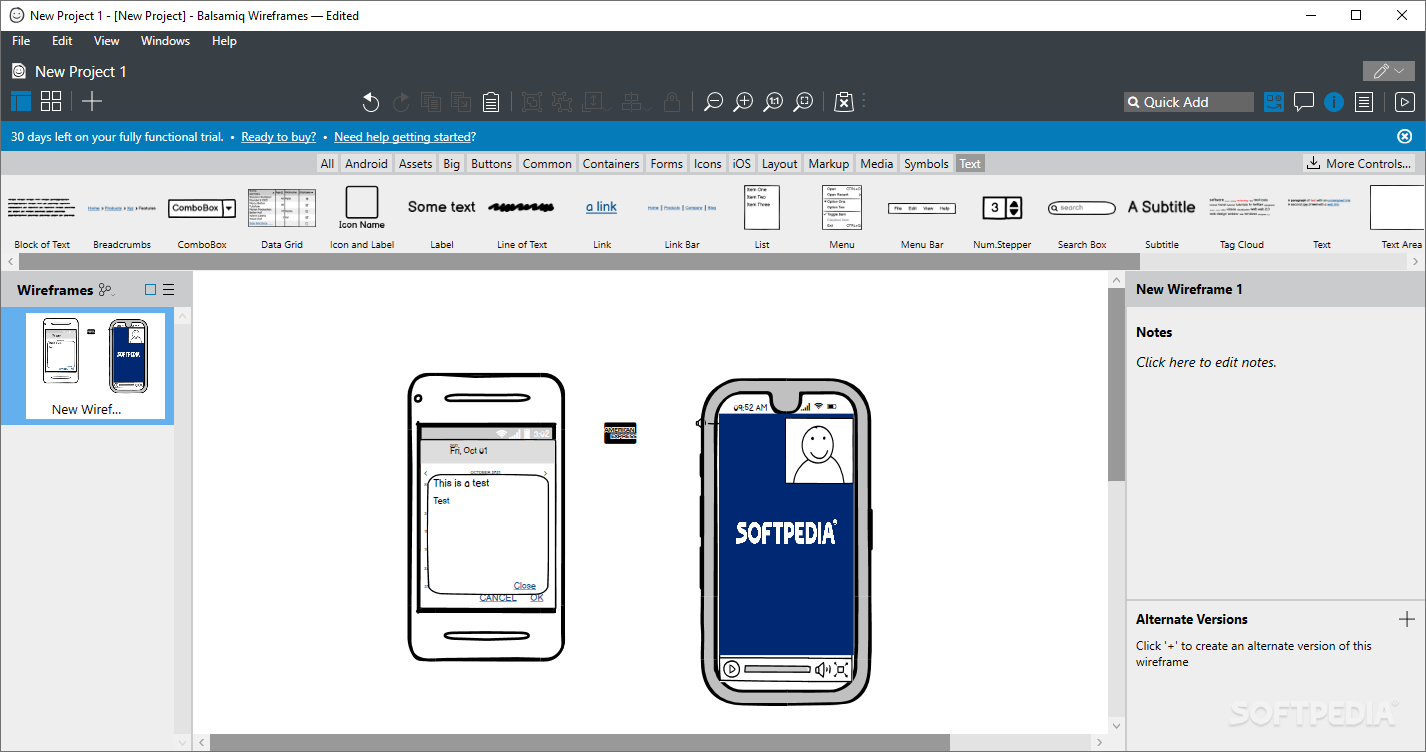
The UI parts you can use for your mockup are plentiful: they're each grouped in specific categories, mostly based on their shape. You have elements that resemble the ones commonly used on Android and iOS, and then you have them arranged by shape.
For example, you can drag and drop a fully editable Android alert box popup, as well as an iOS version. There's a lot of variety to be found in those menus: you can even add an iOS on/off switch icon to your UI, a date picker, volume slider, and progress bar from Android, and many others. It helps that you can rotate and skew them however you want, and the process is easy enough that you only have to drag and drop them in.
In conclusion, Balsamiq Wireframes can help you design a UI mockup with ease, and it cannot be overstated how simple and satisfying it is to use. On a more unrelated note, the app can even give you cooking suggestions, available under the "Help" menu by clicking on "What Should I Make For Dinner?" — featuring recipes made by their very own team. An endearing touch, for sure.
What's new in Balsamiq Wireframes 4.7.4:
- Windows and Mac: We reenabled two keyboard shortcuts for changing layering that were wrongly disabled.
- Windows: We fixed an issue with the scrollbar in the Navigator.
- Mac: The transform control menu now searches also the control alias names. Thanks, Cory for reporting it!
- Mac: We fixed an issue with the list control causing an error when you removed an icon.
Balsamiq Wireframes 4.7.4
add to watchlist add to download basket send us an update REPORT- runs on:
-
Windows 11
Windows 10 32/64 bit
Windows 8 32/64 bit
Windows 7 32/64 bit - file size:
- 111 MB
- filename:
- Balsamiq_Wireframes_4.7.4_x86_Setup.exe


- main category:
- Authoring Tools
- developer:
- visit homepage
calibre

7-Zip

Microsoft Teams

Zoom Client

IrfanView

Windows Sandbox Launcher

4k Video Downloader

paint.net

Bitdefender Antivirus Free

ShareX

- paint.net
- Bitdefender Antivirus Free
- ShareX
- calibre
- 7-Zip
- Microsoft Teams
- Zoom Client
- IrfanView
- Windows Sandbox Launcher
- 4k Video Downloader