
Use your laptop's fingerprint reader or a connected signature pad to grab data in order to create a custom digital signature, with various customization and watermark options. #Create Signature #Fingerprint Reader #Signature Creator #Signature #Watermark #Fingerprint
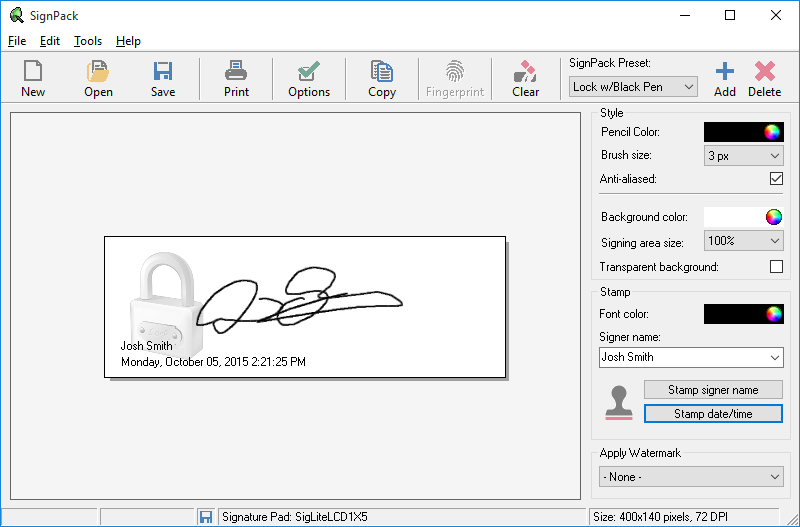
Digital signatures are a popular means of protecting products and information. In order to create such a signature, SignPack is specialized in reading input from fingerprint readers and e-signature pads, also providing a set of customization options.
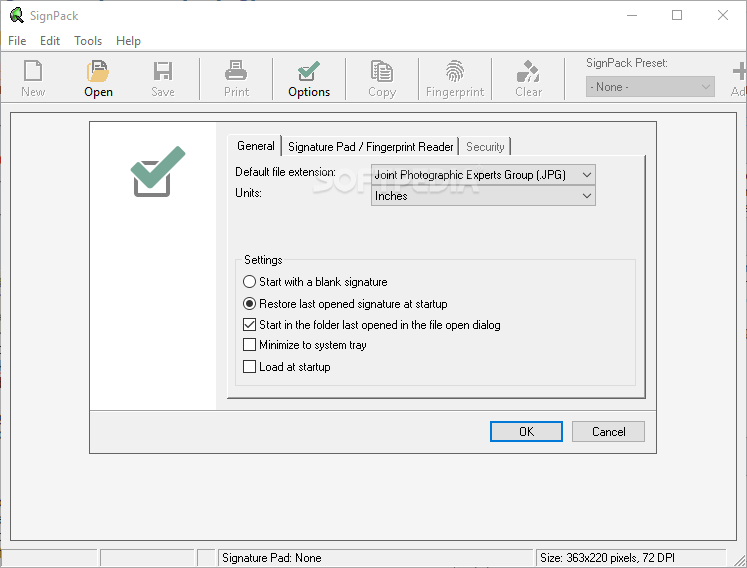
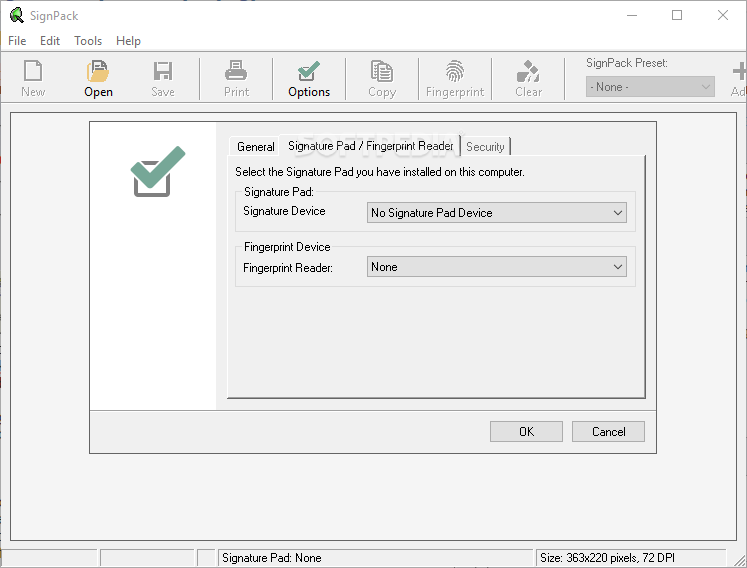
SignPack can work with signature pads like Topaz and Interlink, as well as fingerprint readers that are either fitted on laptops, or connected through any other means. Built-in options allow the application to load existing image formats such as JPG, PNG, TIF, PCX, TGA, BMP, WMF, EMF, PSD, GIF, and SEF.
When capturing, it’s possible to configure generated image, with sliders that can handle brightness and contrast. Several preset styles can be used. The main window represents the canvas where the captured image is shown, and where all editing is applied. Export is done under the same diversity of image file types.
Customization options are similar to those of paint utilities. Different colors, brushes, antialiasing, background, and stamp are found and modified through drop-down menus, palettes, and other value fields.
Security can be enhanced through a watermark feature. There’s the possibility to use a custom image, with sliders for scale and transparency, options for color, and style. Fingerprints and signatures grabbed from supported devices can also be used as watermarks.
System requirements
- PC Pentium 600MHz or higher
- Fingerprint Reader
- Signature Pad
- 50 MB free space
- DirectX 8.1 or higher
Limitations in the unregistered version
- 30-days trial
- All security features are disabled
- Nag screen
SignPack 3.0 Build 1
add to watchlist add to download basket send us an update REPORT- runs on:
-
Windows 10 32/64 bit
Windows 8 32/64 bit
Windows 7 32/64 bit - file size:
- 17.6 MB
- filename:
- signpack.exe
- main category:
- Authoring Tools
- developer:
- visit homepage
7-Zip

4k Video Downloader

Windows Sandbox Launcher

calibre

paint.net

Zoom Client

Bitdefender Antivirus Free

IrfanView

ShareX

Microsoft Teams

- IrfanView
- ShareX
- Microsoft Teams
- 7-Zip
- 4k Video Downloader
- Windows Sandbox Launcher
- calibre
- paint.net
- Zoom Client
- Bitdefender Antivirus Free