
Easily go through a step by step process to create eBooks using a large variety of file formats with the help of this software application. #EBook creator #Create eBook #EBook converter #EBook #Creator #Compress
The Internet is home to nearly everything you need for both entertainment and leisure. What's more, tales, novels or scientific research now reached the level of electronic books and are accessible from a large variety of devices. With the help of applications like eBook Compiler Free anyone can take a shot of gathering several files in order to create an eBook.
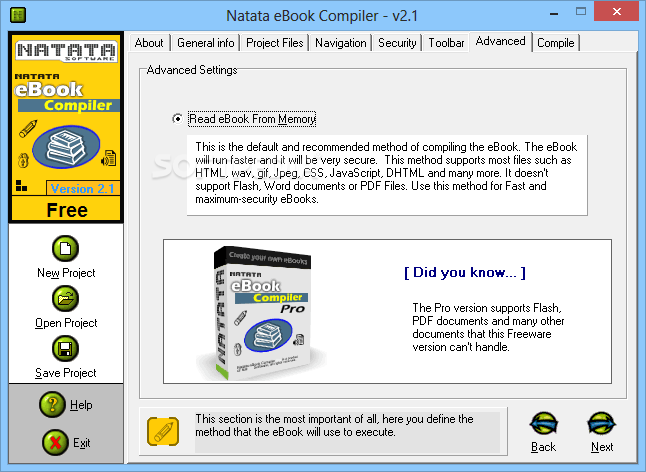
Running the application brings up a rather simplistic, yet intuitive interface, populated with various helpful info fields so you don't get stuck along the way. You are taken through a series of steps which only require you do accomplish small tasks. These are cleverly stored in tabs so you can quickly visit them anytime during the creation process.
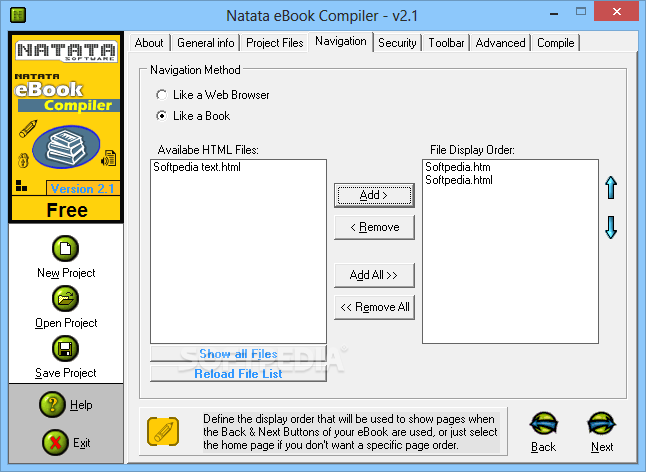
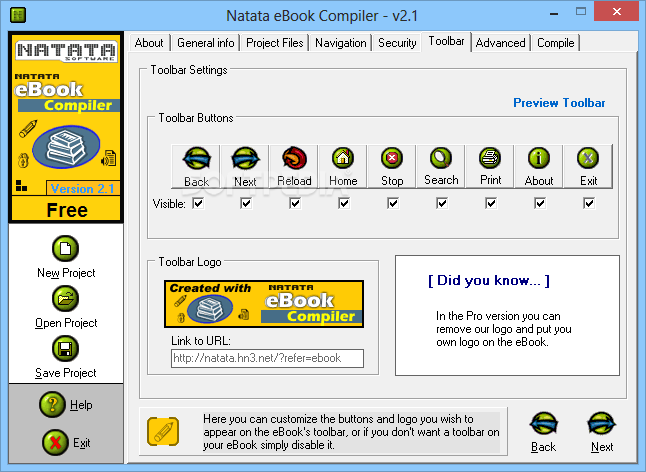
As a result, you can opt for a display method that either resembles a web browser or an actual book. Unfortunately, regardless of your efforts and choice, the output is displayed in the same layout, under an EXE file format.
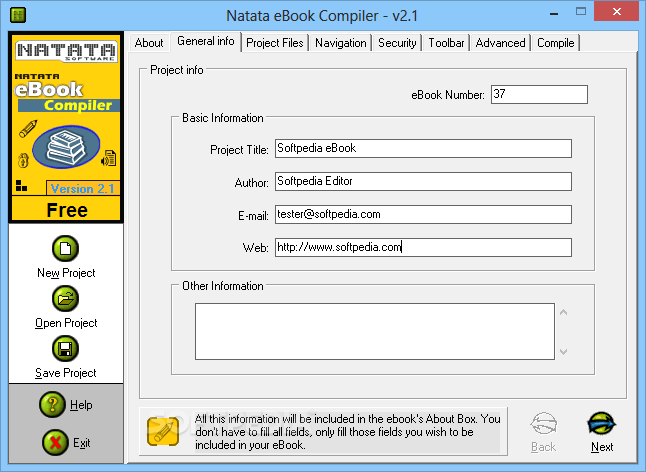
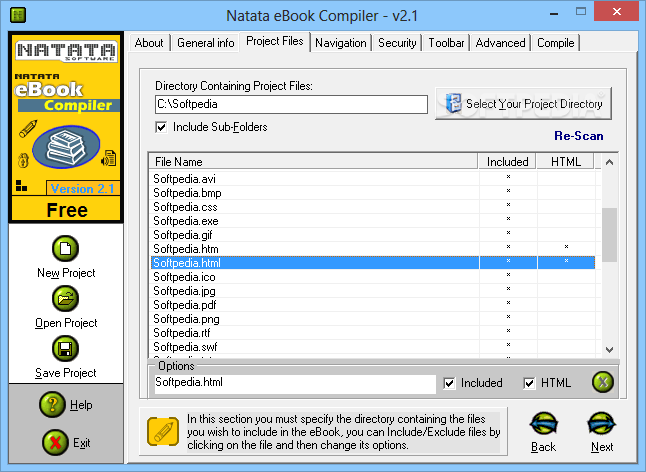
General info can be included, such as corresponding item number, project title, author, as well as contact details or additional info. Adding content to your project is easily done by selecting a target folder, with the option to also look in sub-folders.
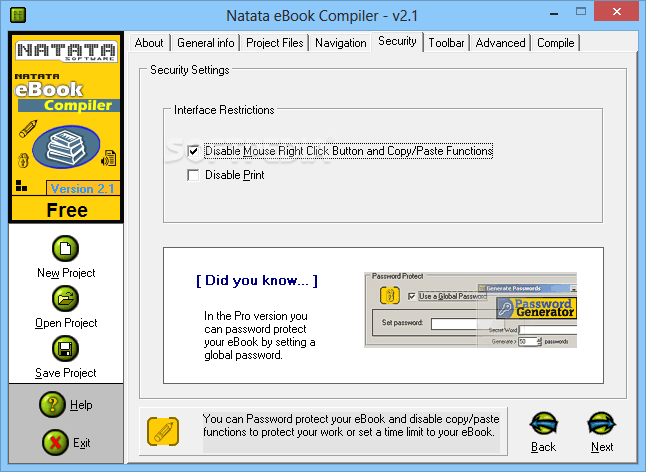
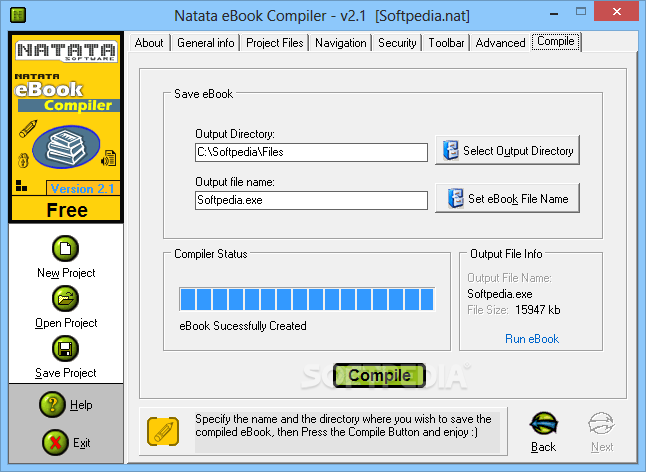
Depending on the public and content, you can also choose to disable several functions like the ability to copy text or print the document. Before triggering the actual build process, a destination folder needs to be specified, as well as a custom name to easily identify the output file.
Unfortunately, the application stopped receiving updates for some time, and you feel slightly limited when it comes to customization options. The resulting file is plain simple, only navigating back and forth, without even an option to trigger a slideshow.
On an ending note, eBook Compiler Free is far from being a professional application of its kind, and even though the feature set is slightly outdated you can still get a decent result. It's easy to use by anyone, with support for a large variety and diversity of file formats so that your book can blend in with any content.
eBook Compiler Free 2.1
add to watchlist add to download basket send us an update REPORT- runs on:
- Windows All
- file size:
- 1.2 MB
- filename:
- natcfree.exe
- main category:
- Others
- developer:
- visit homepage
Zoom Client

IrfanView

Microsoft Teams

Windows Sandbox Launcher

ShareX

4k Video Downloader

Context Menu Manager

7-Zip

Bitdefender Antivirus Free

calibre

- 7-Zip
- Bitdefender Antivirus Free
- calibre
- Zoom Client
- IrfanView
- Microsoft Teams
- Windows Sandbox Launcher
- ShareX
- 4k Video Downloader
- Context Menu Manager