
Create and modify Help files.HLP with the help of this lightweight software utility created for programs with no inherent help files. #Word processor #Help maker #Help builder #HLP #Authoring #Creator

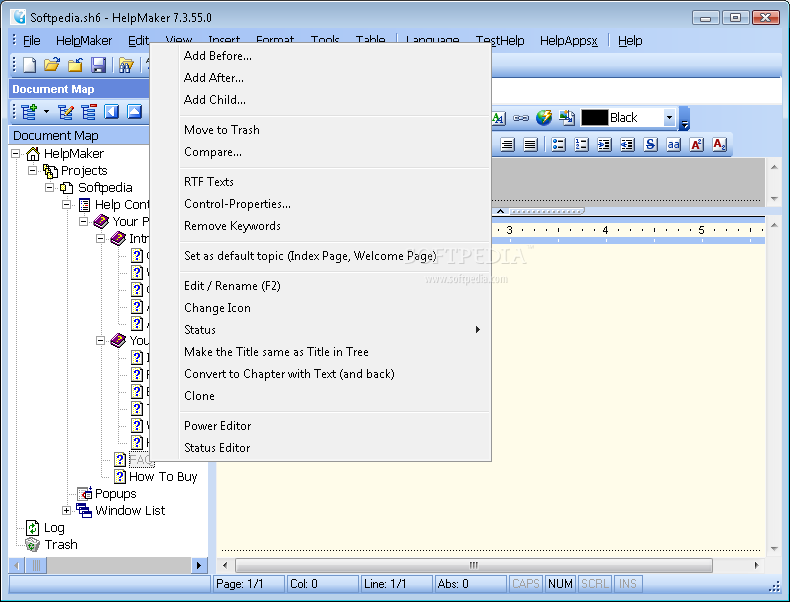
HelpMaker is a must have for any software developer because it provides very advanced tools to create help files without the need of a dedicated word processor. The application is so easy to use that you'll definitely be amazed.
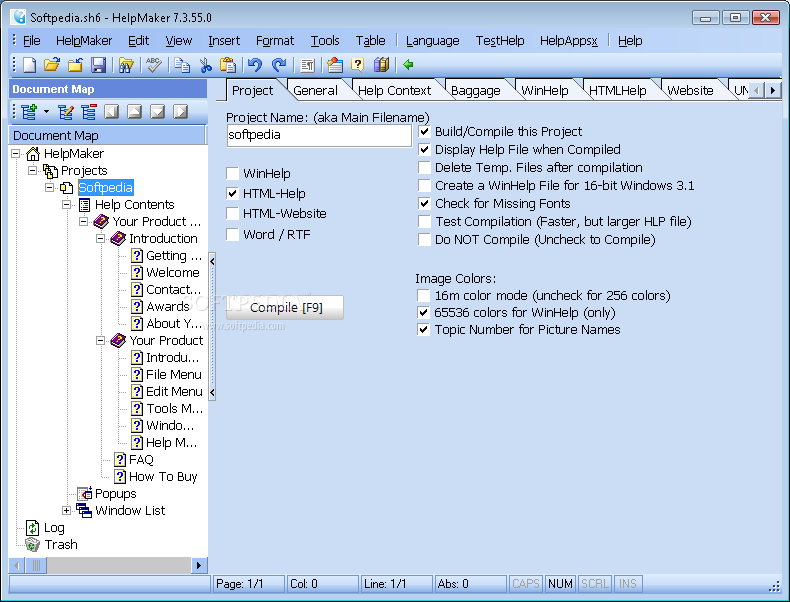
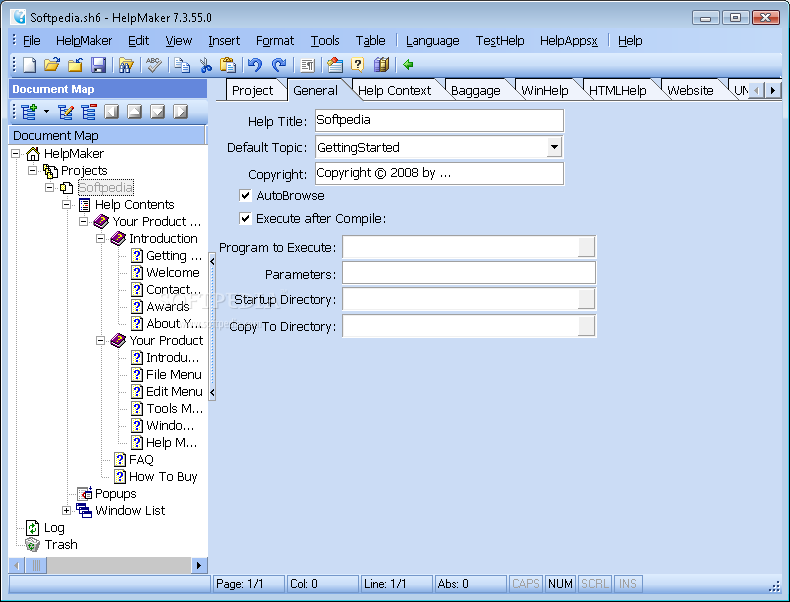
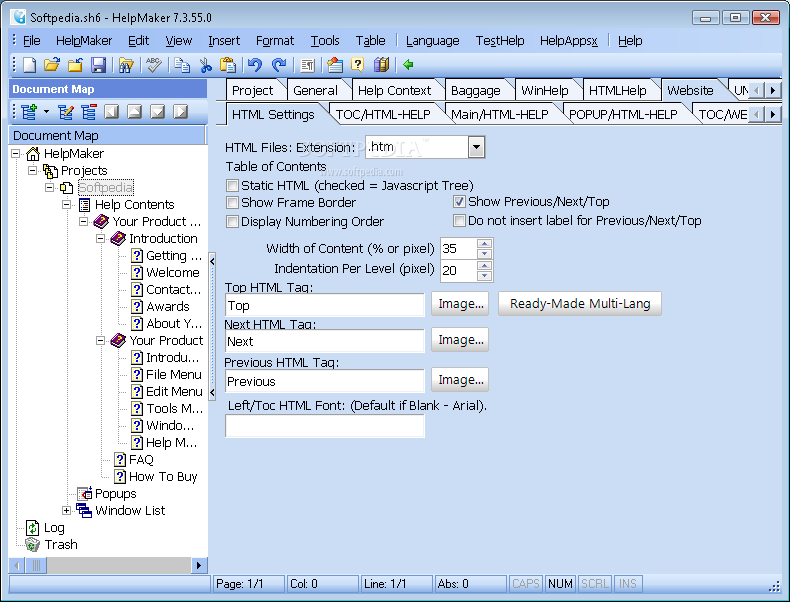
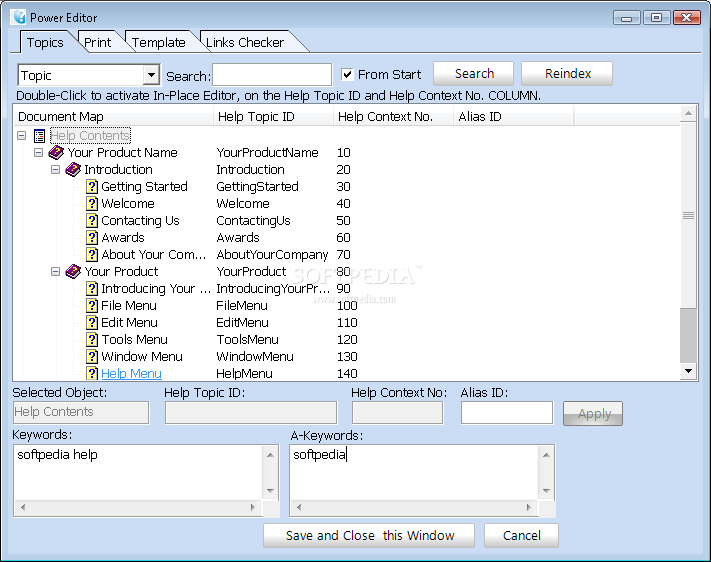
The first time you create a new project you just have to follow a simple wizard that asks you to provide the project name and choose the custom table of contents. You can thus decide to use both headings and sub-headings, it all depends on you and the app that's going to include the help file.
By default, it creates multiple chapters, such as 'Introduction', 'Contact us', 'About', 'Awards', 'FAQ' and 'How to buy', so you can leave things the way they are and only write down your text.
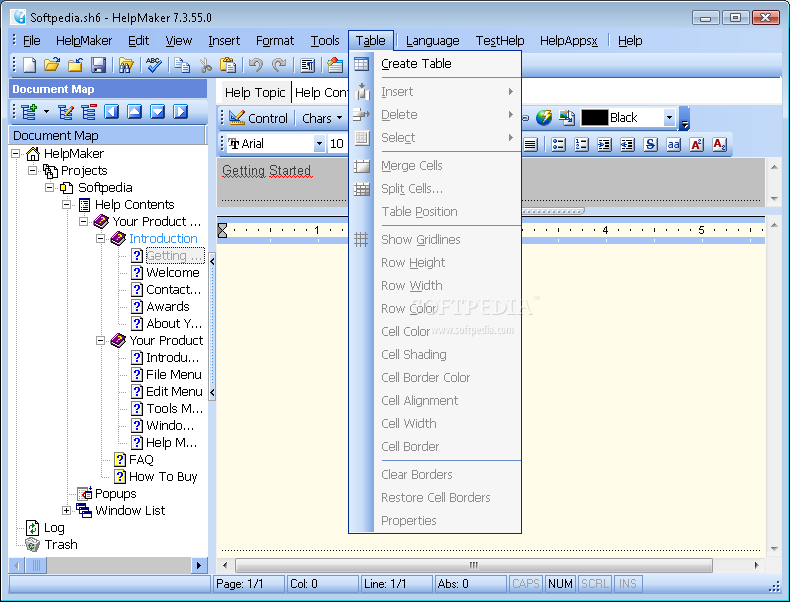
The editing process is easy as pie because you don't have to do more except to select the chapter you wish to edit and input the text. You can also insert photos, draw tables, place links and use all the other goodies you usually find in a word processor.
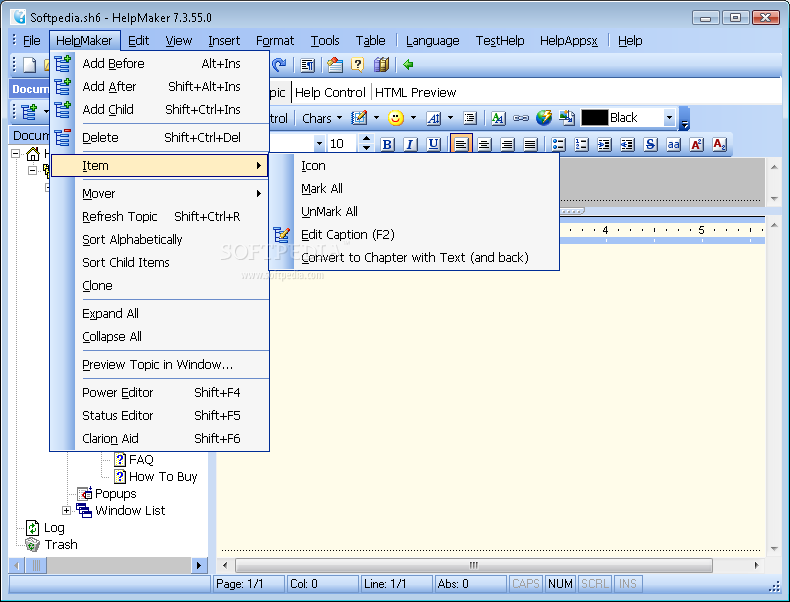
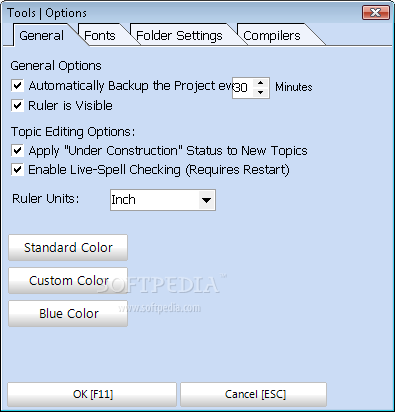
Formatting can be easily changed from a dedicated menu, so you don't have to worry that you'll get a huge block of text with no paragraphs or different text styles.
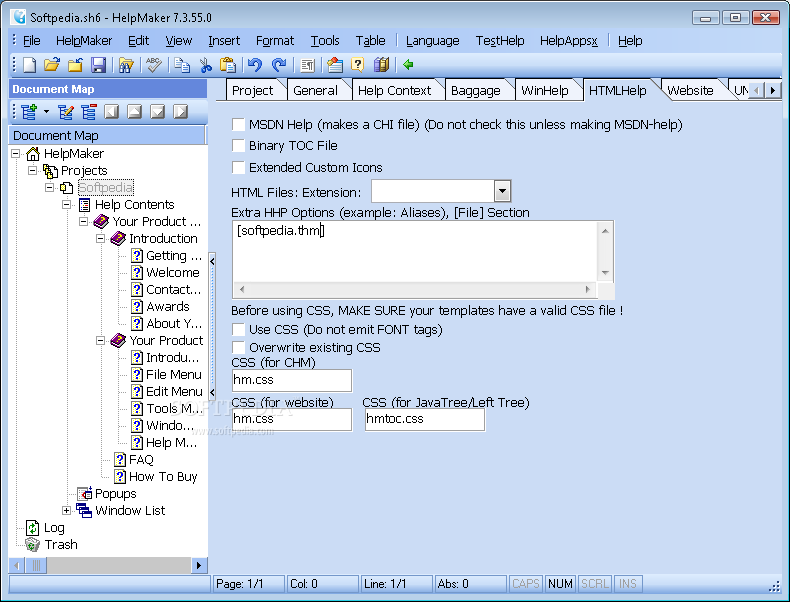
Once you're done with the help file, HelpMaker can either save it or export as PDF, HTML or RTF, giving you the power to easily integrate in into your recently-developed application.
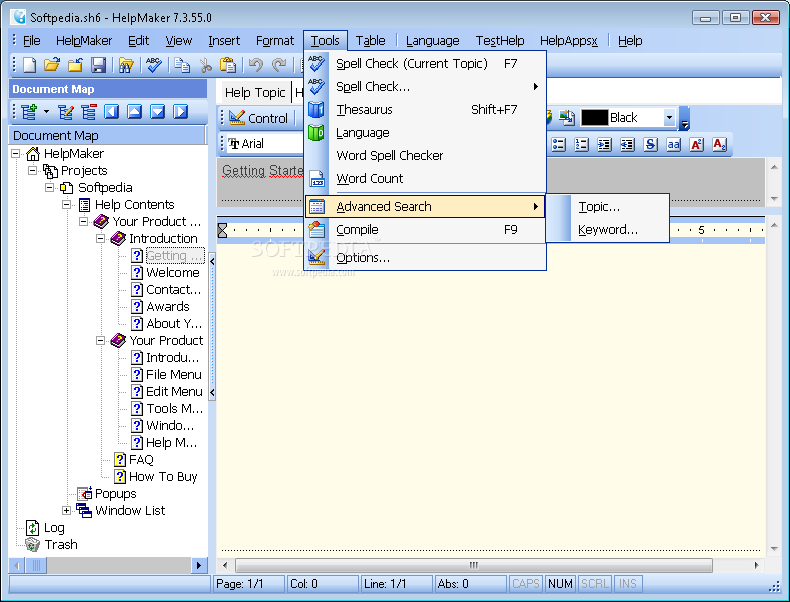
The good thing about HelpMaker must be the number of features, as this software includes basically all you'll ever need to create a comprehensive help manual to aid your users while playing with your downloadable tools.
So all in all, this utility is one of the best, if not best, help file creators. It has everything you'll need and is so easy to use that less experienced users can use it with minimal efforts.
Download Hubs
HelpMaker is part of these download collections: Help Makers
HelpMaker 7.4.4
add to watchlist add to download basket send us an update REPORT- runs on:
- Windows All
- file size:
- 27.4 MB
- filename:
- hm74b04.exe
- main category:
- Authoring Tools
- developer:
Zoom Client

Windows Sandbox Launcher

Bitdefender Antivirus Free

paint.net

7-Zip

calibre

IrfanView

ShareX

4k Video Downloader

Microsoft Teams

- ShareX
- 4k Video Downloader
- Microsoft Teams
- Zoom Client
- Windows Sandbox Launcher
- Bitdefender Antivirus Free
- paint.net
- 7-Zip
- calibre
- IrfanView