Search Perform an advanced search query SOFTPEDIA
 
SOFTPEDIA
Updated one minute ago
HomeSubmit a program for being reviewedAdvertise on our websiteGet help on surfing our websitesSend us your feedbackGet information about our XML/RSS backend and how to use itBrowse the news archiveVisit our discussion forumVizitati forumul in limba romana


Program Finder NormalFreeware onlyShareware only

Setup Factory 7.0.6.1 Report spyware 

Click to download Setup FactorySetup Factory - Softpedia Pick Award (If you developed this product, click here to download your award)
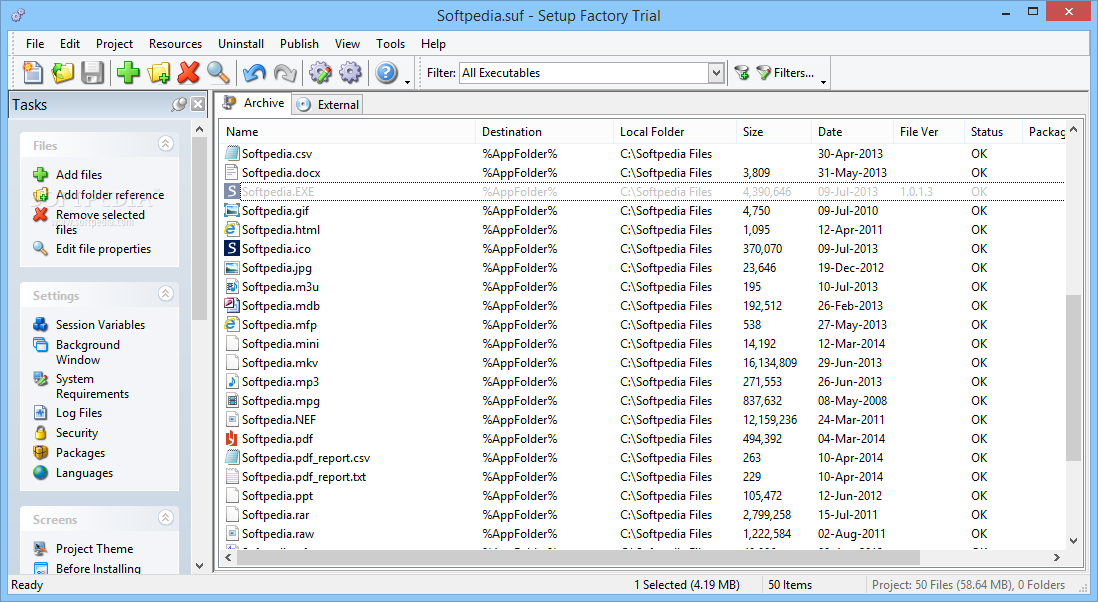
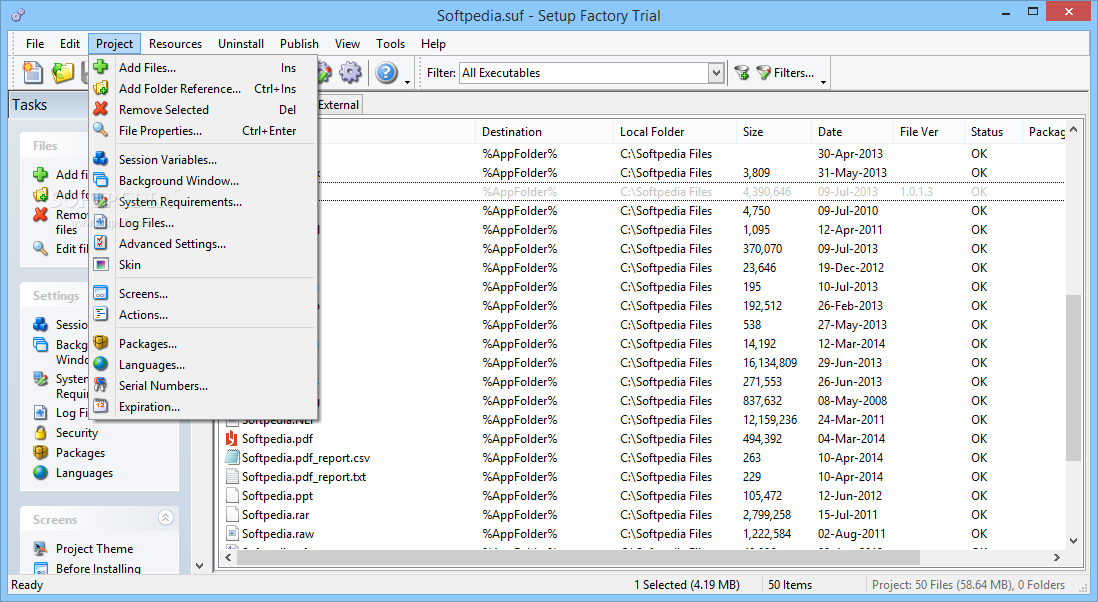
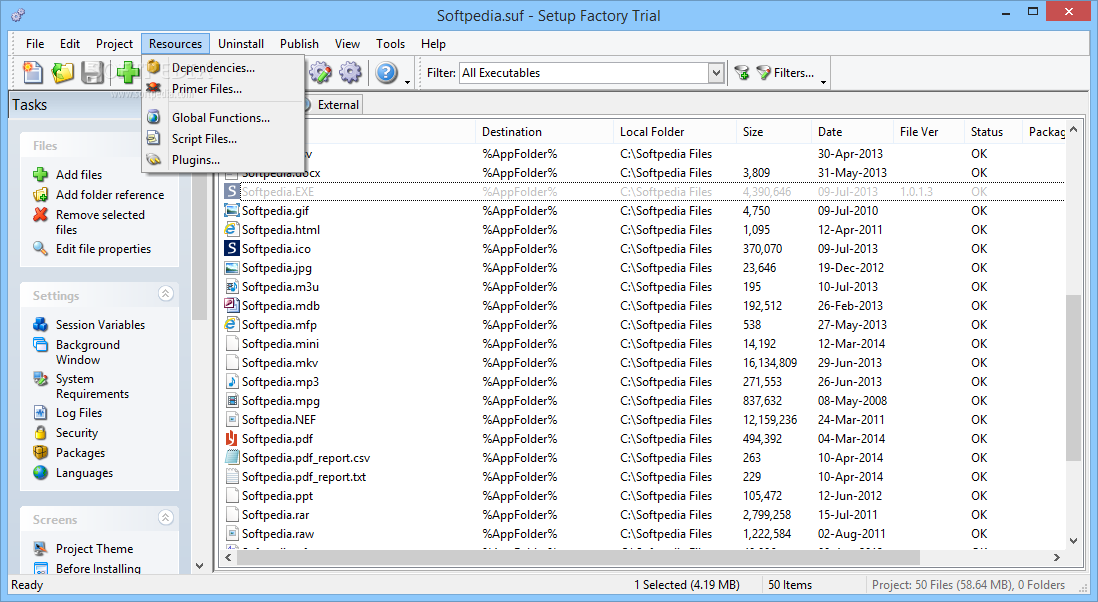
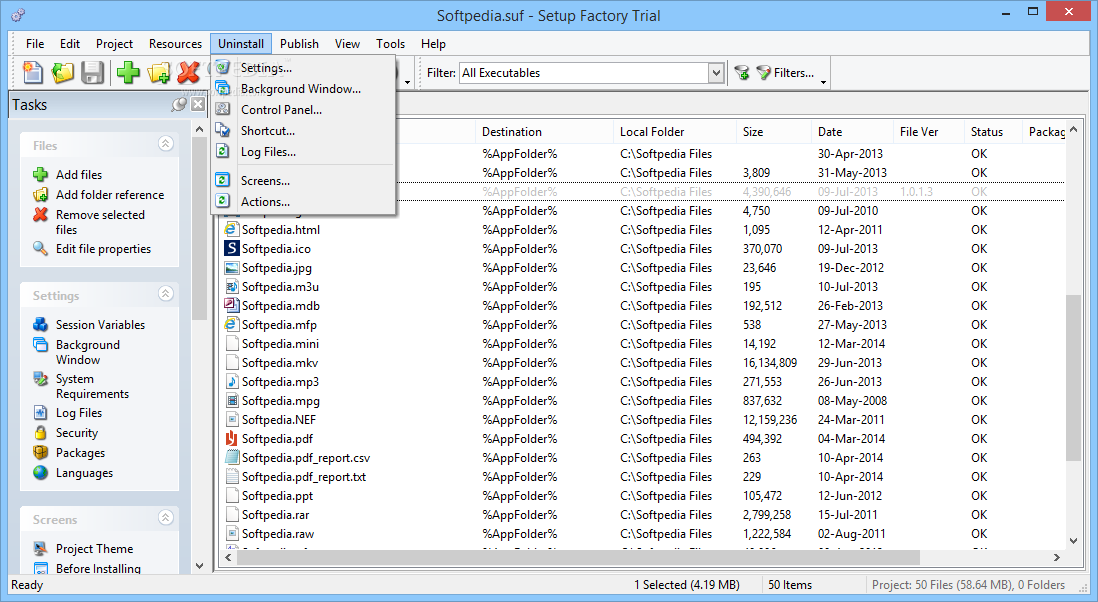
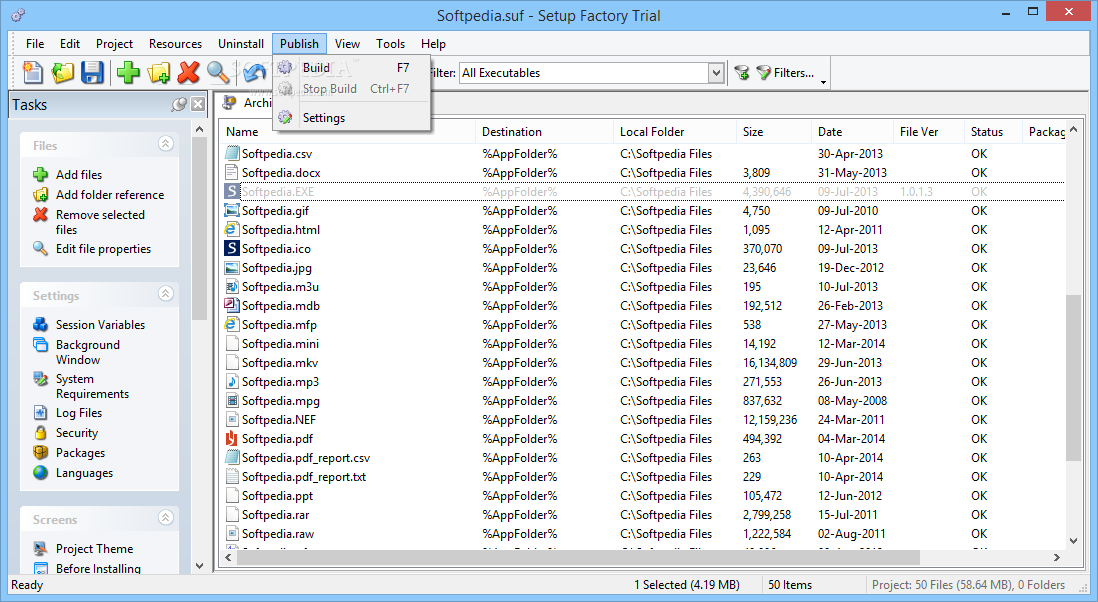
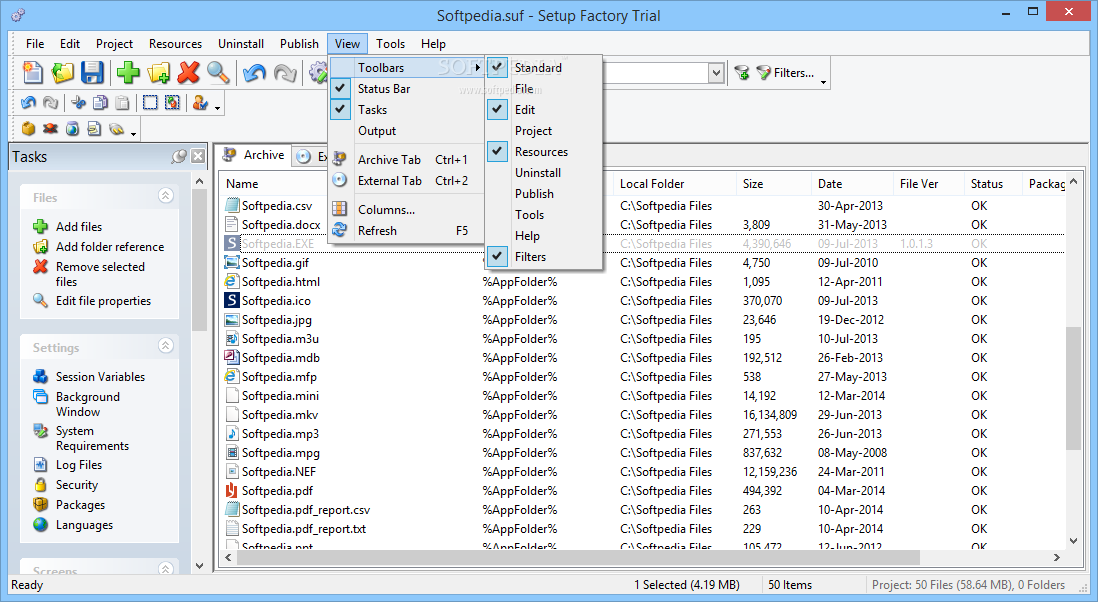
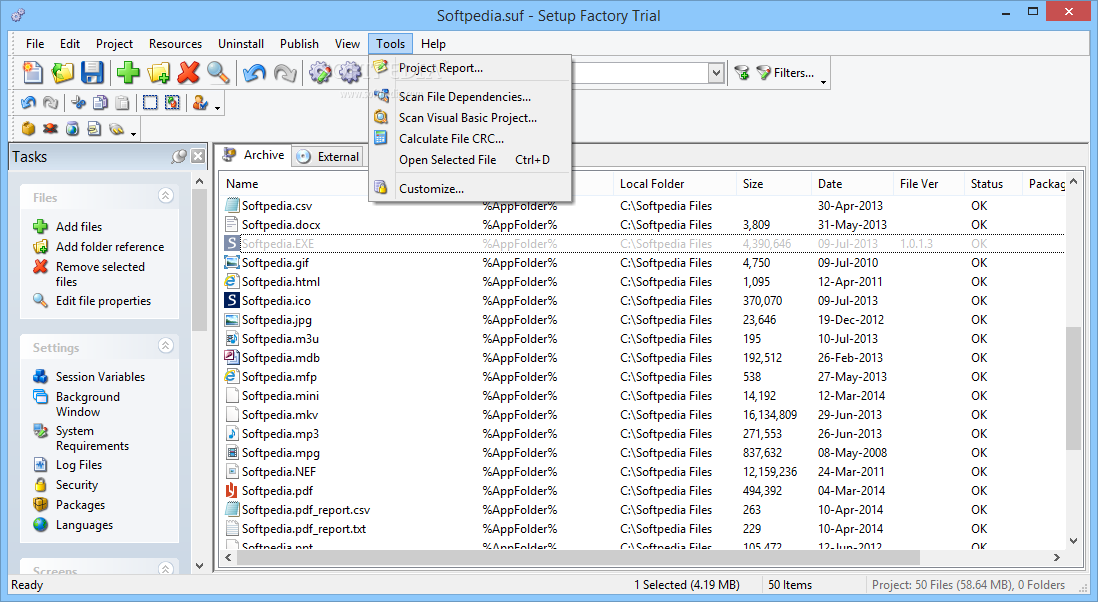
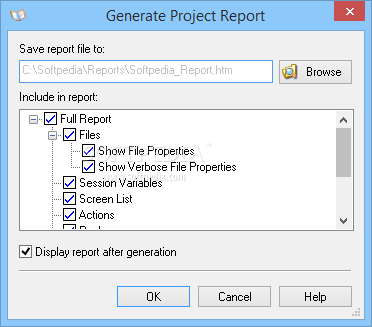
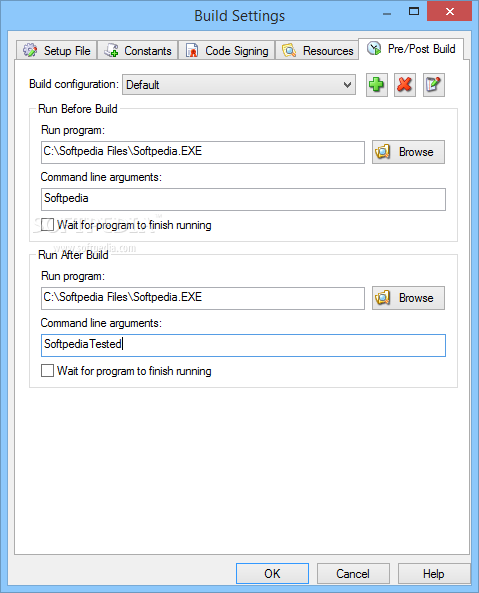
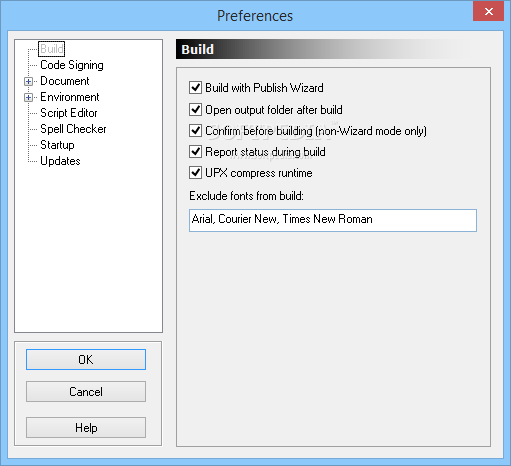
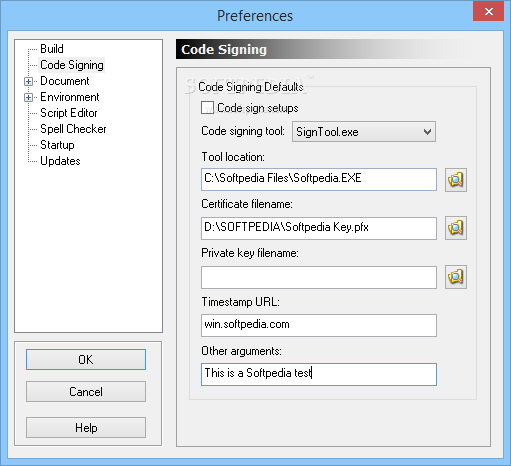
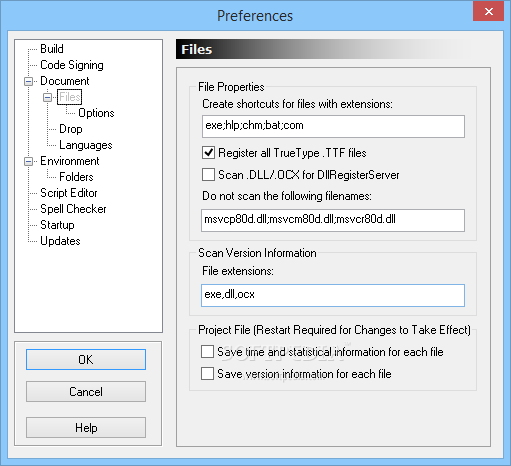
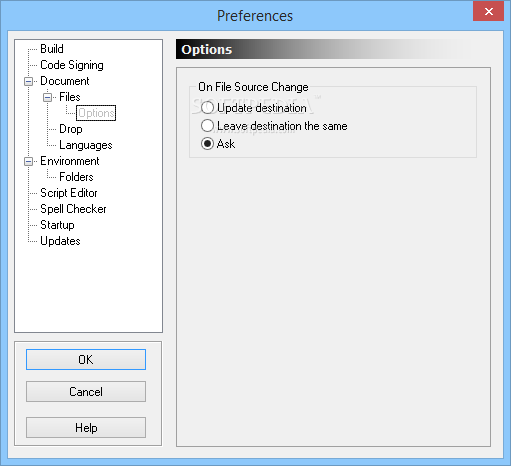
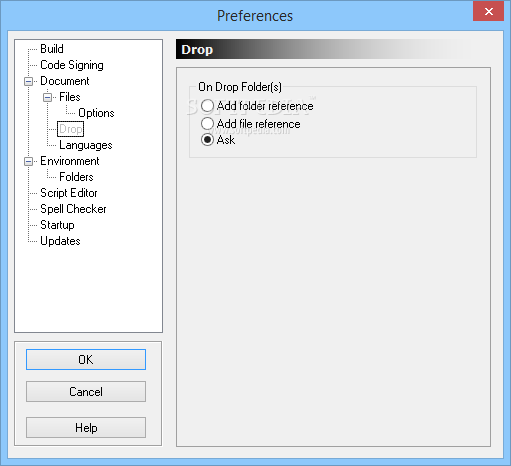
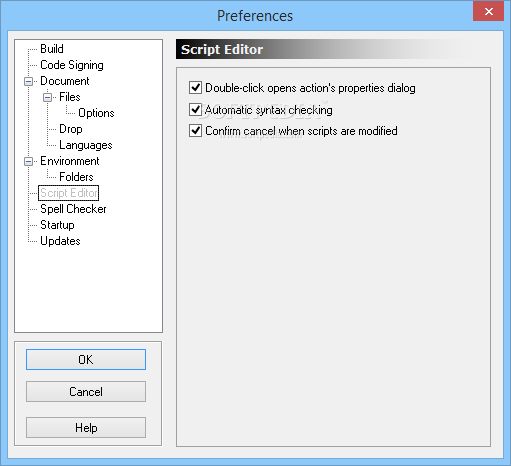
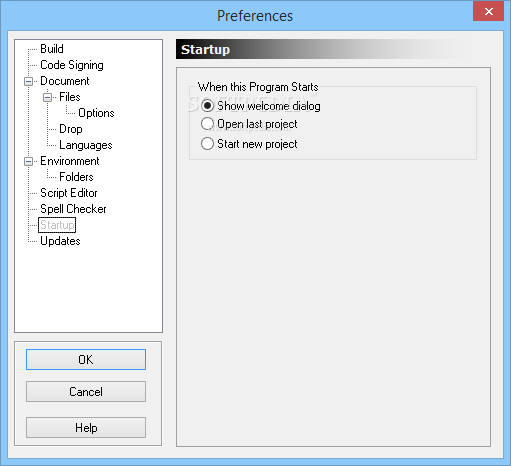
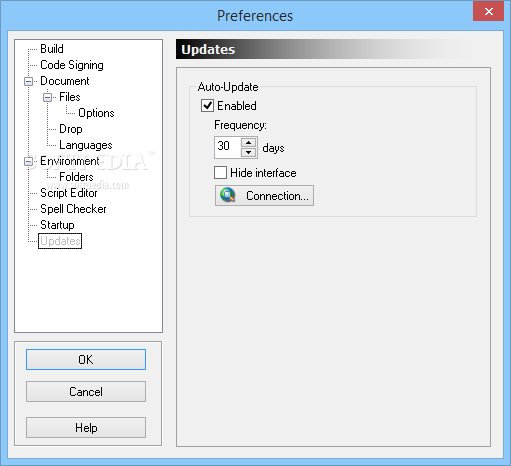
View more Setup Factory screenshots (3)
 Downloads: 17,587
Rating: Good (3.2/5) | Rated by: 151 user(s)
Add to download basket     Send us update information
 Developer: IndigoRose | More programs by this producer
 License: Trial , 495 $ to buy 
 Size / OS: 21.2 MB, Windows All
 Last Updated: February 12th, 2007, 08:26 GMT
 Category: C: \ Authoring tools \ Setup creators
 Read user reviews (2) Add a review Refer to friend Subscribe
    Download Setup Factory

Setup Factory description
Setup Factory is a great setup module creator

Don't be fooled by products costing twice as much. Setup Factory software has everything you need to make rock-solid professional software installers that work on every version of Windows from 95 to XP and beyond. The compressed, single-file setup.exe is ideal for distribution on CD-ROM, DVD-ROM, LAN, web download, email or even floppy disk.

An easy-to-use Project Wizard helps you create ready-to-build installation projects in minutes. Simply drag and drop your files, choose a look and feel using the new Visual Themes System and click on the Publish button. It’s that easy to create a rock-solid software installer.

But Setup Factory doesn’t stop there. With the addition of a new and powerful scripting engine, Setup Factory 7.0 can handle even the most sophisticated installation tasks.

The new scripting engine features everything from "for, repeat and while" loops, to "if/else" conditions, functions, variables and associative arrays. With a library of over 250 functions and an easy-to-use Action Wizard, advanced installers can be created by anyone.

Even beginners can make registry changes, call DLL functions, execute programs, start and stop services, interact with web scripts, enumerate processes, download files and much more.

With the new Screen Manager and Visual Theme System, you can create installers that are as unique as you want them to be. Choose from 20+ screen types and dozens of themes/skins, including HTML formatted text, license agreements, edit fields, check boxes, radio buttons and many more.

Other features include MD5 serial number security, expiration checking, multilingual support, authenticode signing, shortcut icons, registry editing, HTML-based project reports, uninstaller, spell checker, runtime modules, Visual Basic project scanner, silent install mode and support for automated builds. Learning resources include a comprehensive User’s Guide (PDF), Command Reference, Scripting Tutorial and optional video training CD-ROM.

Here are some key features of "Setup Factory":

· Install Any File – Anywhere!
Setup Factory 7.0 features an unbeatable development environment that puts you in total control of your files. Simply drag and drop your files and folders onto the project window and you’re ready to build. Setup Factory is smart enough to maintain your folder structure, automatically query version resource information, create shortcut icons and ensure 100% data integrity with reliable CRC-32 checking. Of course, everything can be customized and overridden if you wish, but for most projects the improved Project Wizard can handle it all with just a few clicks.

· Compact Single-File Setups
Smaller and faster means a better experience for your customers and Setup Factory 7.0 delivers. Compare our tiny ~450 KB runtime overhead (including uninstall) to the competition and see for yourself. Additionally, with no “unpacking” step required, Setup Factory 7.0 installers are also much faster to initialize and install than those created by competitive tools. What’s more, our Publishing Wizard walks you through the build process with a few easy steps. The single-file setup.exe is ready for distribution by web, email, LAN, CD, DVD and even floppy disk.

· Project Quick-Start
Spend five minutes with Setup Factory’s easy to use Project Wizard and come away with a complete, ready to build installation project. You’ll be walked through each option so you can get your project started as quickly as possible.

· Customizable Install Wizard Screens
Over 20 pre-built layouts handle just about any task your installer could want, and it’s easy to adjust them to fit your needs exactly. There’s everything from check boxes, radio buttons and edit fields to popular screens like license agreements, serial number verification, shortcut folder selection and other advanced options. Each screen features a real-time preview so you can see the result of your changes as you work.

· Themes and Skins
Choose from dozens of pre-made themes (skins) for your screens or even make your own. It’s as easy as viewing a live dialog preview and picking your favorite style. You can configure everything from fonts (face, color, size, style) and banner images to body/background graphics, control colors (buttons, check boxes, radio buttons) and more. Whether your installer needs a corporate feel or a hip attitude, you can do it with Setup Factory 7.0!

· Background Window Options
Choose between the traditional setup-wizard style or the modern Windows Installer style interface. You can customize the background window with gradients, images, color washes, headlines and footer text with 3D effects. Now you can also select a custom taskbar icon, force the setup window to remain on top of other windows or even hide the taskbar icon completely for totally silent installs.

· Extensive Action Library
Setup Factory comes with a built-in library of more than 250 easy to use actions, so you can do whatever you need without having to be an advanced programmer. There are actions
to handle everything from text file editing to system registry changes. You can execute programs, call DLL functions, query drive information, manipulate strings, copy files, enumerate processes, start and stop services, interact with web scripts, display dialog boxes and much more.

· Easy to Use Action Wizard
You don’t have to be a wizard to create powerful installers with Setup Factory 7.0. We’ve built the wizard into the software! Simply choose the action you want from a categorized list (complete with on-screen interactive help), fill in the requested information fields and the wizard does the rest. You don’t have to know anything about scripting or programming – just fill in the blanks and you’re done. Making changes is just as easy. Click on the line you want to change and press the “edit” button to go back to the original form. It’s really that easy.

· Powerful Scripting Engine
We’ve taken the classic Setup Factory action engine and replaced it with an all-new and incredibly powerful free-form scripting engine. Based on the popular LUA language, this easy to understand scripting language features everything from “for, repeat and while” loops, to “if/else” conditions, functions, variables and tables (associative arrays). Paired with the built-in action library, full mathematical evaluation and Boolean expressions, there’s simply nothing you can’t achieve. Of course, we’ve also built in an “Action Wizard” and “Code Wizard” so even complete novices can create powerful installers that handle even the most demanding installation tasks.

· Color Syntax Highlighting Action Editor
If you’ve outgrown the Action Wizard interface or simply want to unleash the power of the fast and efficient scripting engine, we’ve got you covered. The Setup Factory 7.0 freeform action editor features all of the professional features you’d expect. There’s color syntax highlighting, code completion, function highlighting, as-you-type action prototypes, Ctrl+Space function listings and even context-sensitive help. If you’re used to programming in Microsoft® Visual Basic, Microsoft® Visual C++ or any other modern development language, you’ll be right at home.

· Expandable with Action Plugins
Setup Factory 7.0 can be easily expanded with Action Plugins. These plugin modules can extend the product in infinitely powerful ways, such as adding support for databases, XML, data encryption and FTP file transfers. Tight integration with the design environment – including IntelliSense style code completion and syntax highlighting – makes them just as easy to use as built-in actions. Plugins are available through Indigo Rose as well as third-party developers thanks to Indigo Rose’s freely available plugin development kit.

· Dependency Modules & Runtime Support
Instantly add runtime support for many popular third-party technologies, including Visual Basic 5.0, Visual Basic 6.0, DCOM, JET, MDAC, Visual C++ and more. Additional dependency modules are easy to create and integrate seamlessly into the development environment. Setup Factory 7.0 gives you complete control over the detection and installation of each module, so you can easily adjust the behavior to suite your particular requirements.

· Flexible Uninstaller
Setup Factory 7.0 features a new and improved uninstall feature. Simply turn it on and let Setup Factory worry about removing your files. Anything that is installed during the setup will be marked for removal by the uninstaller. However, if you want to go in and tinker with the settings, you’ll find that the uninstaller is now fully customizable. You can take full control of what files are removed, what shortcut icons are deleted, what registry changes are made and anything else you require. Even the dialog screens and sequence can be adjusted to suit your needs!

· System Requirements Checking
You can easily enforce system requirements just by clicking a few boxes. Built-in checks include operating system, memory, screen resolution, color depth and administrator privileges. If the user’s system does not meet the minimum requirements you have chosen, the installer can either warn the user or abort the setup entirely.

· Serial Numbers, Security and Access Features
Setup Factory includes a variety of features designed to help you manage access to your software, including serial number lists and date-based expiration. With its powerful serial number generator you can quickly create thousands of unique serial numbers, which are stored internally as secure MD5 hashes. Hidden from prying eyes, your installer data is compressed using proprietary algorithms and only accessible to those users who supply a valid serial number. Of course, if you’d rather do it yourself, Setup Factory 7.0 is flexible enough to support your own custom validation and authorization schemes.

· Packages, Categories and Install Types
Creating installers for complex and multi-part products is now easier than ever. With dramatically improved support for grouping files into packages, it’s a snap to group products and features into a single installer. There’s even support for categories so you can group your packages into logical components. It’s the ultimate in flexibility for those large projects that need to support different installation types like typical, minimum, complete and custom.

· International Language Support
Setup Factory 7.0 offers unsurpassed support for multilingual installations right out of the box. While some products charge you extra for this essential feature (or don’t offer it at all), Setup Factory 7.0 gives you everything you need to support your customers and clients around the world. Installers created with Setup Factory can automatically determine the language of the client operating system and adjust the display of screens and messages appropriately. Whether you need to support English, French, German, Spanish, Italian or any other language recognized by Windows, with Setup Factory 7.0 you simply provide the text and your installer takes care of the rest!

· Built-in Spelling Checker
Now it’s easier than ever to make sure that typos don’t creep into your projects. Basically anywhere you can type, you can perform a spell check to ensure error-free text. Dictionaries are available for over a dozen languages including English, French, German, Italian, Spanish, Dutch, Swedish, Danish, Croatian, Czech, Polish and Slovenian.

· Reports and Logs
Keeping track of the essential details of your installation project is now just a couple of clicks away. With improved HTML-based project reports (featuring CSS formatting) and text-based install-time log files, you’ll have an accurate record of everything you need. New options let you control the level of detail being logged, including options for recording errors and script actions.

· Silent Installs
Create silent installations that operate without displaying user interface dialogs, prompts, messages or errors. Easily read command defaults from a response file and control the installation automatically. Silent installs let you maintain control over hundreds or thousands of workstations while enforcing corporate standards. New options let you enable silent installs with a command line switch, or even force the installer to always run in unattended mode. Setup Factory 7.0 installers automatically return command line status codes and can be easily called from batch files and automatic build processes.

· Visual Basic Project Scanner
If you’re creating installers for your Visual Basic projects, then look no further! Setup Factory can analyze your VB project and automatically add the necessary runtime files and dependencies for you. There’s even an advanced executable scanner that can assist you in determining required DLL’s and libraries for those difficult to manage multi-team projects.

· Unattended Builds
Setup Factory 7.0 fits seamlessly into your daily build process. Creating your product installer every time you build your source code makes it easy to test early and often. Simply include your Setup Factory project in your build process to run automatically and output a finished setup.exe.

· Works with Windows 95 through Windows Vista
While other installer tools are dropping support for older operating systems such as Windows 95 and 98, we believe that your choice of installation builder shouldn’t limit your potential market. Setups created with Setup Factory 7.0 work just fine on every Windows operating system from Windows 95 to Vista.

· Comprehensive User’s Guide
We listened when you said you wanted more learning resources. The new user’s guide has been written from scratch to cover everything you need to know to create professional installers. You’ll learn everything from basics like working with files and customizing the user interface all the way up to lessons on mastering the scripting language and creating multilingual installers. It’s sure nice to have when you want to move beyond the wizards and get the most out of your software investment.

· Video Training CD’s Available
An optional video training CD is available for learning Setup Factory 7.0 inside and out. Compared to classes and seminars, there’s really no question that this multimedia training series offers a great value and a depth of content that just can’t be beat. Indigo Rose is committed to seeing that your experience with Setup Factory is simply unbeatable!


Requirements:

Minimum
· Windows 95 (OSR2), 98, Me, NT 4.0 (SP3), 2000, XP, Vista
· Pentium 120 MHz
· 128 MB RAM
· 800x600 SVGA display with small fonts setting enabled
· 20+ MB free hard drive space
· Video card set to 16 bit color or greater
· Mouse

Recommended
· Windows 2000, Windows XP or Windows Vista
· Pentium 4 or equivalent
· 256 MB RAM or greater
· 19" monitor @ 1152x864 or 21" monitor @ 1280x1024 (1280x960 if supported by your video card)
· High-performance video card
· DirectX 8.1 or higher
· Sound card
· Mouse


Limitations:

· 30-day trial period


What's New in This Release:

· Fix: Fixed an error where the Application.GetWndHandle action was returning a string instead of a number.
· Fix: Fixed a bug where the admin check would not recognize an administrator on Windows Vista when UAC was disabled. This affected the System.GetUserInfo action, and the project settings checkbox (Requirements tab).... [ read full changelog ]


Softpedia guarantees that Setup Factory 7.0.6.1 is 100% CLEAN, which means it does not contain any form of malware, including but not limited to: spyware, viruses, trojans and backdoors.

This software product was tested thoroughly and was found absolutely clean, therefore it can be installed with no concern by any computer user.

However, it should be noted that this product will be retested periodically and the award may be withdrawn, so you should check back on this page from time to time. (click here for more information)


Related downloads IT News Popular downloads New additions   Latest reviews  
Nullsoft Scriptable Install System 2.38
A free, small, efficient and very capable scriptable installation system
CyberInstaller Suite 2008 1.0
Create reliable and safe installation packages in a few minutes for free
Tarma QuickInstall 2.99.3020
Creates fast, compact, and full-featured software installers
Agentix Installer 1.9.15
Create single exe-file installers. Multilanguage and .NET support
InstallAware Express for Windows Installer 7.0
Windows Installer Setups with Web Deployment, IIS, ACL, MS/My SQL/Oracle Support
MacInstallerBuilder 3.6.2
MacInstallerBuilder is a solution for hard copy and online software distribution
ThunderSetup Standard 2.0
ThunderSetup Standard will help you create powerful and modern Win32 installers in a short period of time
ThunderSetup Professional 2.0.1.11
ThunderSetup Professional is a script-based Win32 installation program that includes a redistributable web updating utility

go to top Use the following code to link to this page:


Welcome!
Hello, Guest

Login if you have a Softpedia.com account.

Otherwise, register for one.

Main categories:
  • Antivirus
  • Compression tools
  • CD/DVD Tools
  • Office tools
  • Programming
  • Authoring tools
  • File managers
  • Desktop Enhancements
  • Internet
  • Network Tools
  • IPOD TOOLS
  • Mobile Phone Tools
  • Multimedia
  • Tweak
  • System
  • Security
  • Others
  • Science / CAD
  • UNIX
  • Windows Widgets
  • PORTABLE SOFTWARE

  • Week's best:
  • Adobe Media Player 1...
  • Registry Mechanic 8....
  • BitSpirit 3.3.2.263
  • AnyDVD 6.4.5.6
  • Firefox 3.0.1 / 2.0....
  • AutoCAD 2009
  • Norton AntiVirus 200...
  • Norton Internet Secu...
  • The Bat! Professiona...
  • WinRAR 3.80 Beta 3 /...
  • GMail Drive shell ex...
  • DAEMON Tools Lite 4....
  • UBCD4WIN 3.2.0
  • Adobe Reader 9.0.0 /...
  • Total Commander Ulti...
  • System Mechanic 8.0....
  • Adobe Acrobat Profes...
  • iPhone PC Suite 1.0....
  • Portable Firefox 3.0...
  • MPlayer for Windows ...
  • Vista Codec Package ...
  • Windows Live Messeng...
  • WinBubble 1.73
  • Kaspersky Anti-Virus...
  • Malware Removal Tool...
  • Royale Noir Theme fo...
  • IBM Lotus Symphony 1...
  • Adobe Dreamweaver 10...
  • Adobe Fireworks 10.0...
  • BitDefender Total Se...
  • © 2001 - 2008 Softpedia. All rights reserved.
    Softpedia™ and Softpedia™ logo are registered trademarks of SoftNews NET SRL.
    Copyright Information | Privacy Policy | Terms of Use | Contact Softpedia | Update your software | Archive