
Comprehensive setup builder with a powerful scripting facility, API calling features, support for .NET assemblies, authenticode, web-based installations, auto web updates and more. #Setup builder #Setup creator #Build installer #Setup #Build #Builder
Note: The beta version is available for registered users only (commercialware).
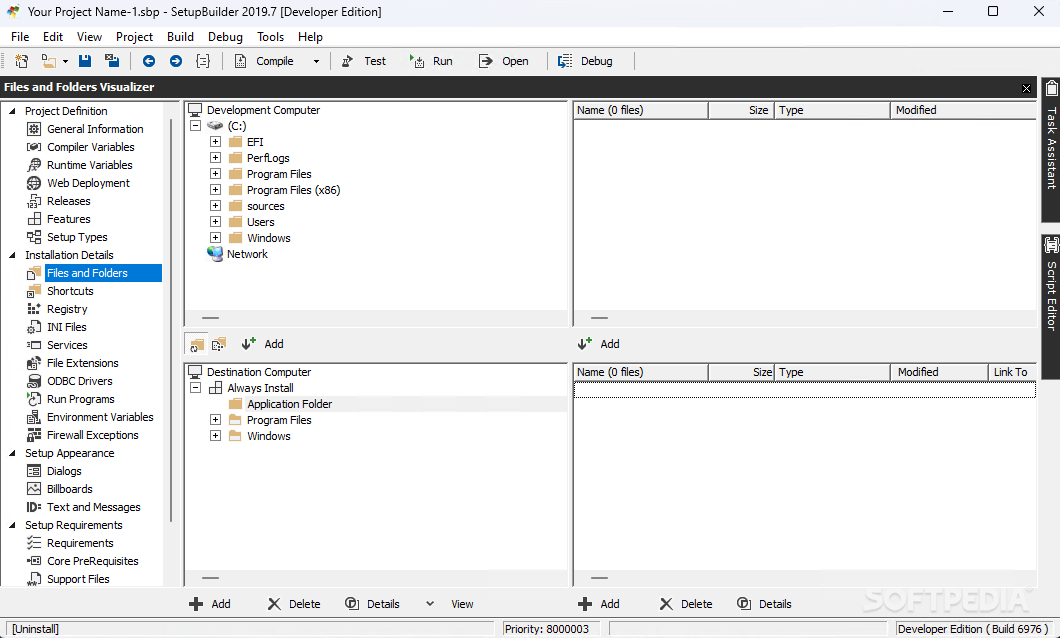
SetupBuilder Developer is a professional tool meant to help you design installers for applications based on the Windows Platform. It has a complex interface that guides you through the process of creating a rapid setup deployment file.
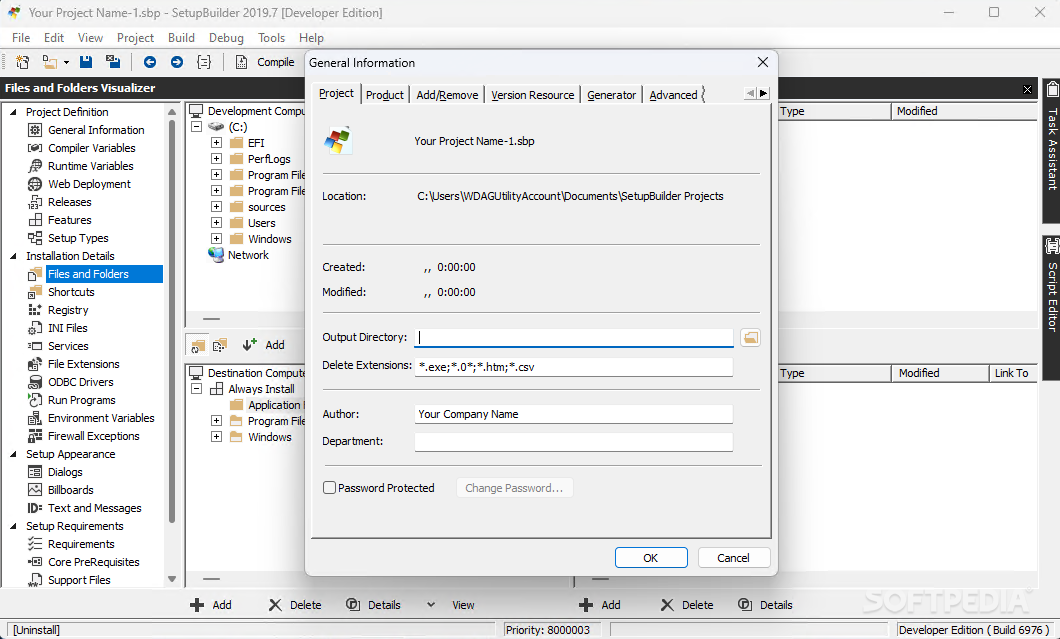
You can start generating the setup builder the moment you run the application by simply providing basic information regarding the developer and the program to install. Then the software program takes you to a wizard where you can properly configure installer settings.
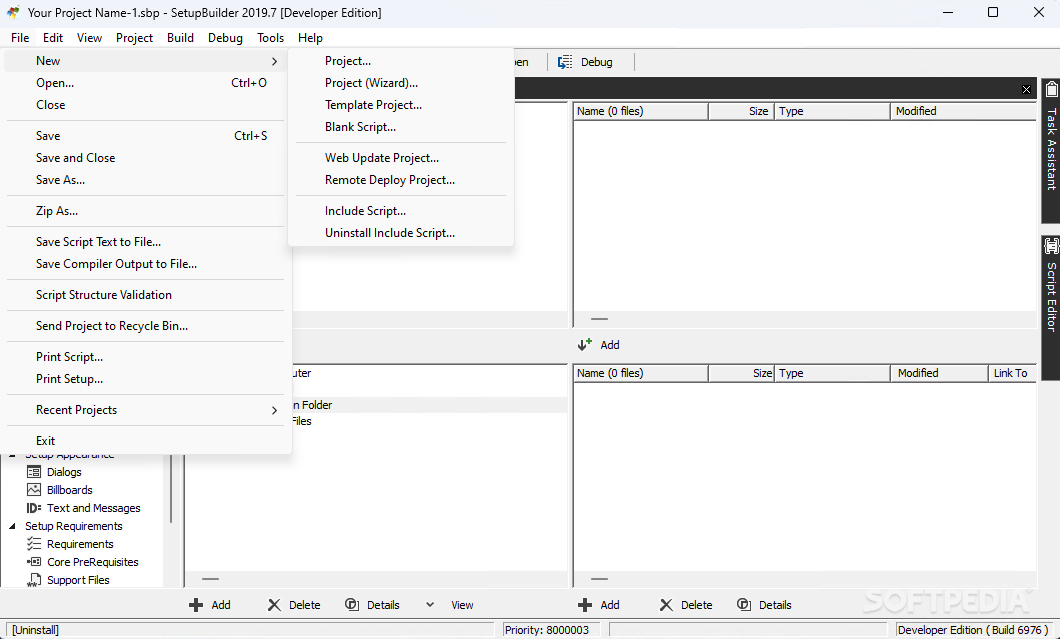
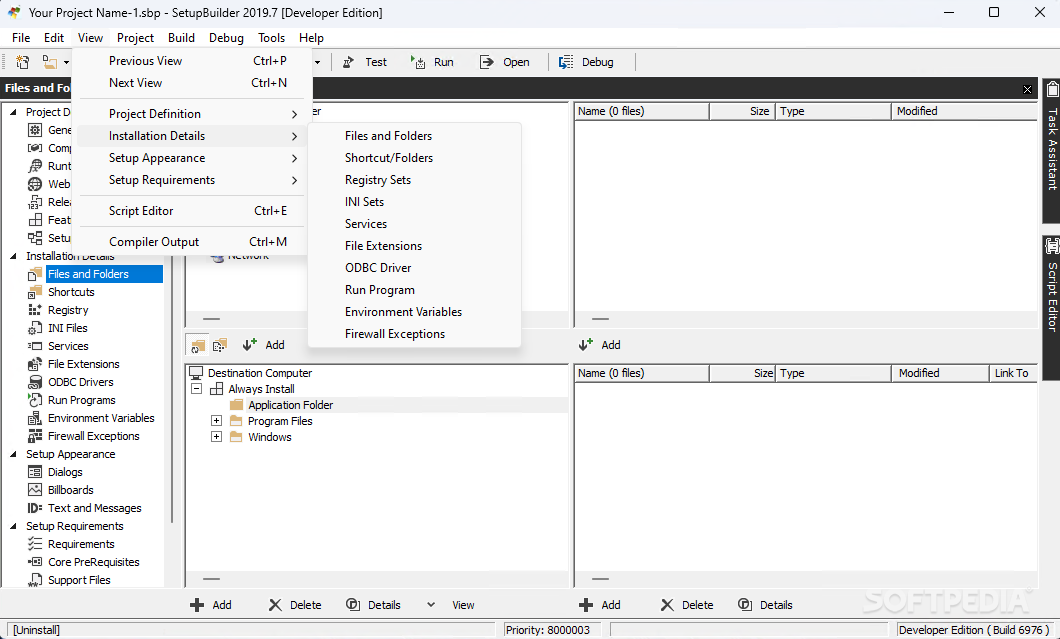
It's possible to choose the setup type, features to install, default destination folder, shortcuts, registries to write according to the features, INI files, associated services and file extensions as well as other aspects.
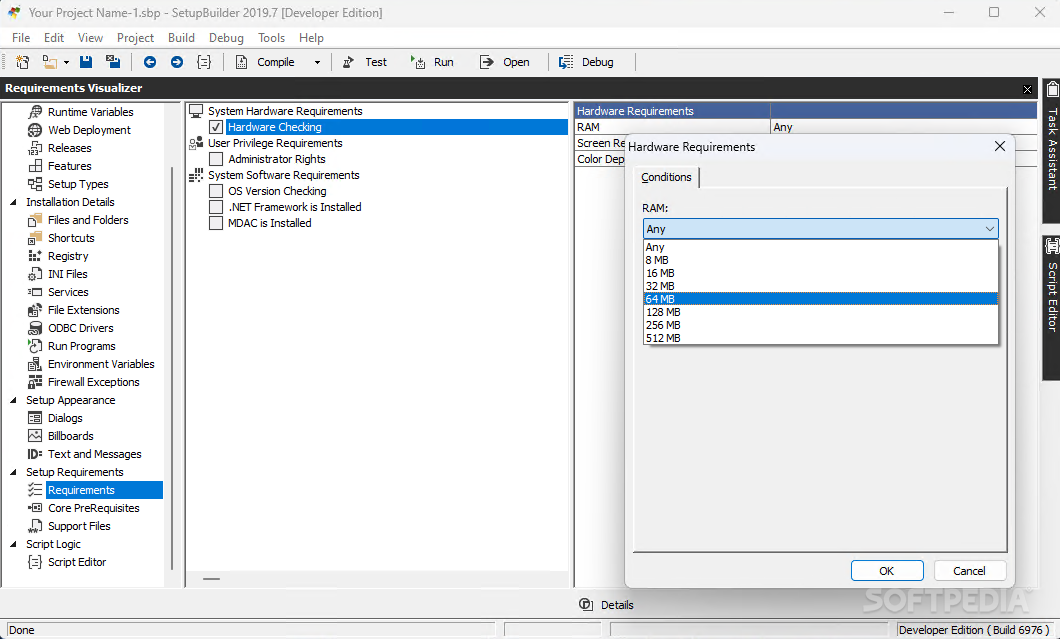
The tool gives you the possibility to make the necessary adjustments to the setup appearance by personalizing the text, format or contents for the dialog boxes included in the installer. The system requirements can also be specified so that the installer automatically runs this checkup and tells you whether or not it's compatible. Such examples are .NET Framework or MDAC version, available RAM, maximum screen resolution, or color depth settings. Once everything is set, you can run or test the installer right away.
Besides offering the basics described so far, SetupBuilder Developer comes with a few extra features. For example, it can help you create Internet-based installers or web updaters. The setupPROTECT feature is another perk, a security feature for distributing paid license products.
You can use it to manage access to your software, serial numbers and subscription expiration data. The included serial number list generator can prove quite useful for issuing product keys quickly. If we add the support for 29 runtime international languages to the script editor and the command-line compiler of SetupBuilder Developer, we get a complete product that definitely handles even the most demanding applications.
Download Hubs
SetupBuilder Developer is part of these download collections: Make EXE, EXE Creator, MSI Creator, Setup Maker
What's new in SetupBuilder Developer 10.0 Build 6976:
- NEW: Add preliminary built-in support for Windows Server 2022.
- NEW: Add built-in support for SoftVelocity Clarion 11.1 (Enterprise and Professional Editions).
SetupBuilder Developer 10.0 Build 6976
add to watchlist add to download basket send us an update REPORT- runs on:
-
Windows 11
Windows Server 2022
Windows Server 2019
Windows Server 2016
Windows 10 32/64 bit
Windows Server 2012 R2
Windows Server 2012
Windows 2008 R2
Windows 2008 32/64 bit
Windows 2003
Windows 8 32/64 bit
Windows 7 32/64 bit
Windows Vista 32/64 bit
Windows XP 32/64 bit
Windows 2K - file size:
- 15 MB
- filename:
- sb10_dev_trial.exe
- main category:
- Authoring Tools
- developer:
- visit homepage
ShareX

Bitdefender Antivirus Free

7-Zip

Zoom Client

Windows Sandbox Launcher

4k Video Downloader

Microsoft Teams

Context Menu Manager

calibre

IrfanView

- Context Menu Manager
- calibre
- IrfanView
- ShareX
- Bitdefender Antivirus Free
- 7-Zip
- Zoom Client
- Windows Sandbox Launcher
- 4k Video Downloader
- Microsoft Teams
