Softpedia
 

WINDOWS CATEGORIES:


GLOBAL PAGES >>
SOFTPEDIA REVIEWS >>
MEET THE EDITORS >>
WEEK'S BEST
  • Bitdefender Total ...
  • Hard Disk Sentinel...
  • FlashFXP [DISCOUNT...
  • Ocster Backup Pro ...
  • Kaspersky Internet...
  • DVDFab DVD Copy [D...
  • Avast! Internet Se...
  • Avira Internet Sec...
  • Webroot SecureAnyw...
  • McAfee Total Prote...
  • Home > Windows > CD/DVD Tools > AutoRun Builders
     Report malware

    AutoPlay Media Studio 8.1.0.0

    Softpedia Pick Award
    download button buy button

    Part of the Make Autorun download hub (+1 other)
    Downloads: 132,885  View global page  Tell us about an update
    User Rating:
    Rated by:
    Good (3.9/5)
    142 user(s)
    Developer:

    License / Price:

    Size / OS:

    Last Updated:

    Category:

    Trial / $295.00 USD buy button
    49.9 MB / Windows All
    [view history]
    C: \ CD/DVD Tools \ AutoRun Builders

     Read user reviews (1)  Send to friend   Follow (6 users)

    Softpedia Editor's Review for AutoPlay Media Studio

    EDITOR'S RATING:   4.0/5

    Helps you Create professional multimedia AutoRun / AutoPlay CD-ROM's

    Written by Elena Opris on November 5th, 2012

    AutoPlay Media Studio is a tool that you can use to create autorun files for CDs and DVDs containing audio, video, images, presentations, etc.

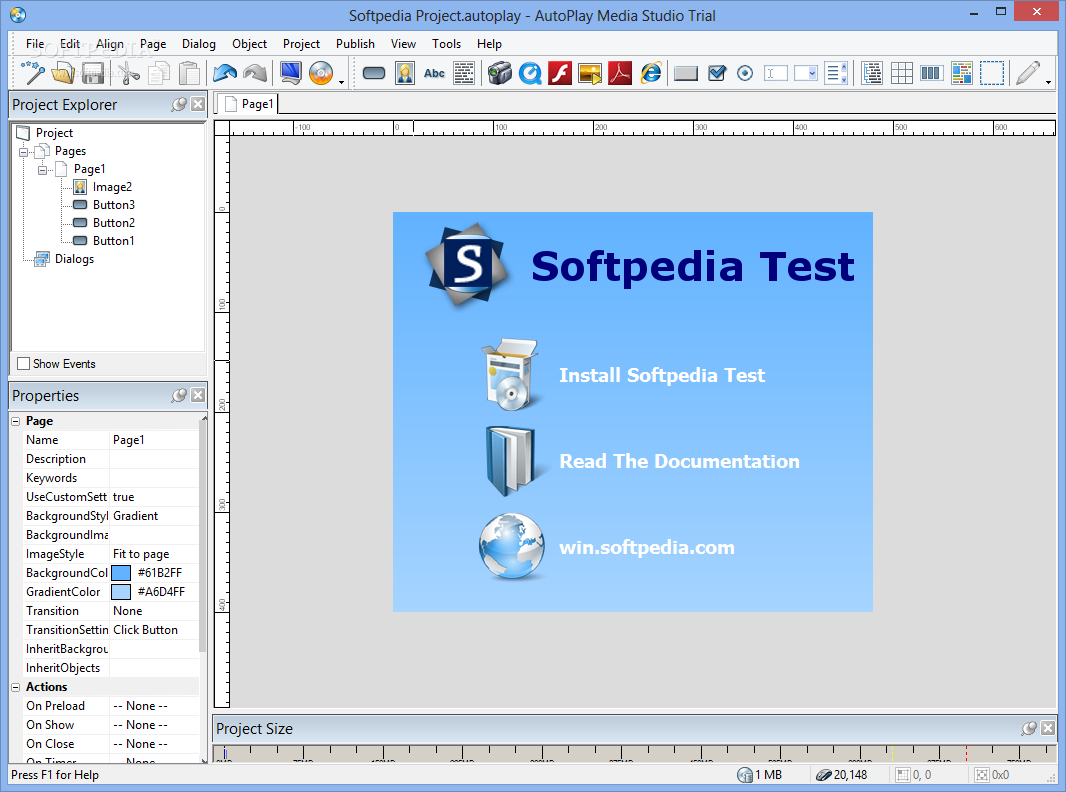
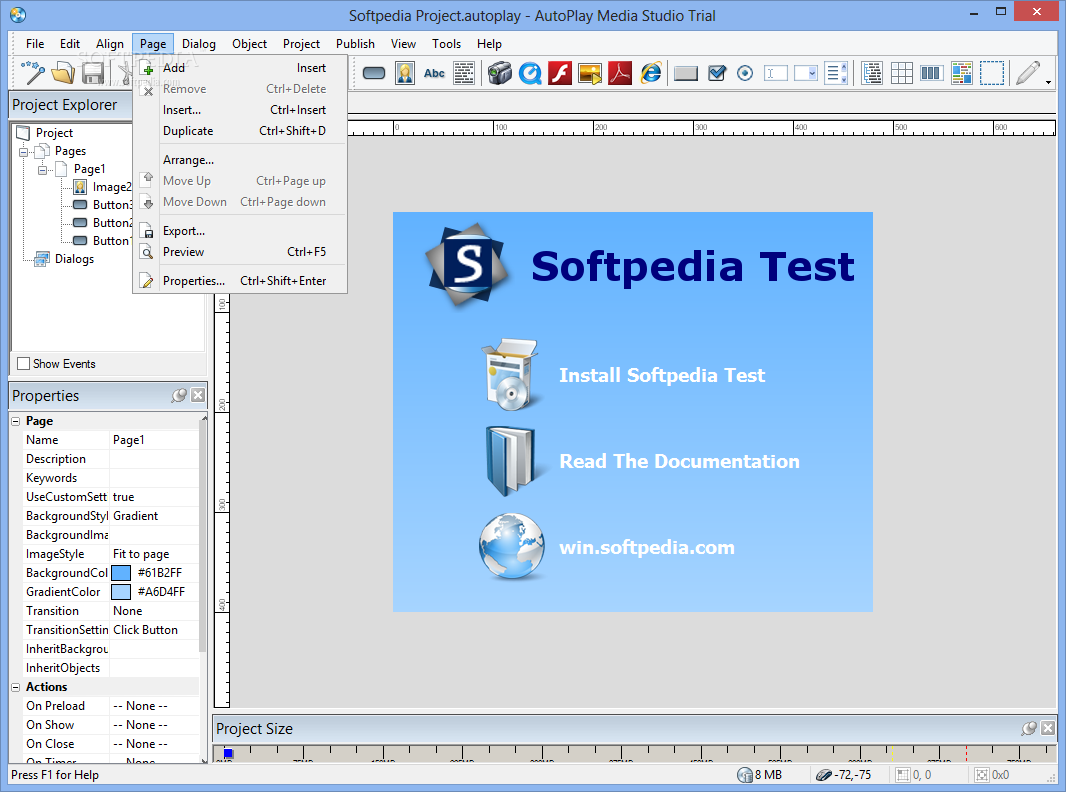
    The interface is user-friendly, and the welcome screen offers you three possibilities - to create a new project, open an existing one, or restore the last open project.

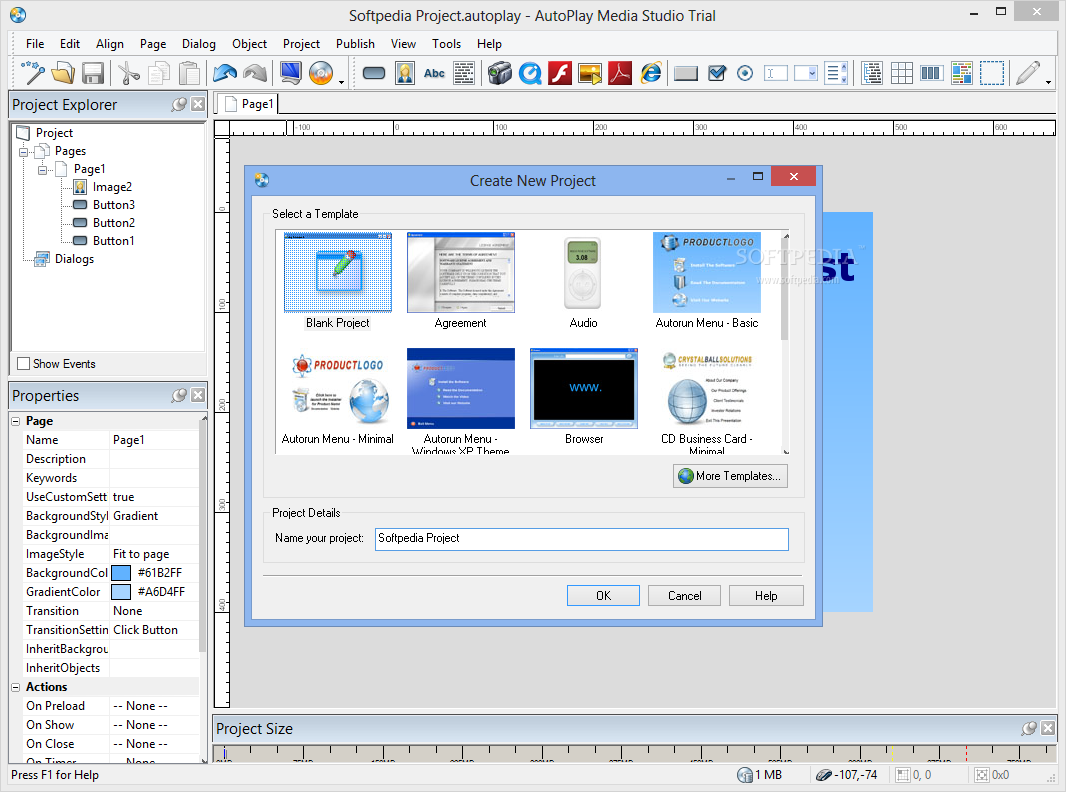
    Creating a new project comes with a few options regarding templates. You may either select from a blank project, agreement, audio, autorun menu - basic, minimal or Windows XP theme, browser, CD business card - minimal or real estate, PDF document viewer, slideshow maker, or others.

    Working with a template is fun and pretty addictive. Every element of the image is clickable. So, if you want to modify the text (as well as the text style) or images, just double click it. On the left side of the interface you can view and edit template properties, such as attributes, position, sounds and actions.

    Spending time playing with AutoPlay Media Studio can get frustrating at times, especially if you're not an experienced user who knows the meaning of the technical terms.

    Not to worry, because this software comes with a complete User's Guide, one that describes every feature of the application, but also offers lessons for graphics and text, buttons, actions and pages, publishing, and scripting basics.

    The script-building process doesn't support advanced programming, so power users may find themselves slightly disappointed. But since it is very intuitive, novices will get a thrill out of it.

    In conclusion, if you want to use an interactive multimedia application that creates autorun files for CD/DVDs, then AutoPlay Media Studio is the type of tool you need.

    AutoPlay Media Studio description

    Here are some key features of "AutoPlay Media Studio":

    · Drag-and-Drop Visual Development
    · Powerful, Yet Easy To Use
    · Display JPG, GIF, PNG, BMP and TIF Images
    · Play MPG and AVI Video
    · Complete WYSIWYG Development
    · No Programming Knowledge Required
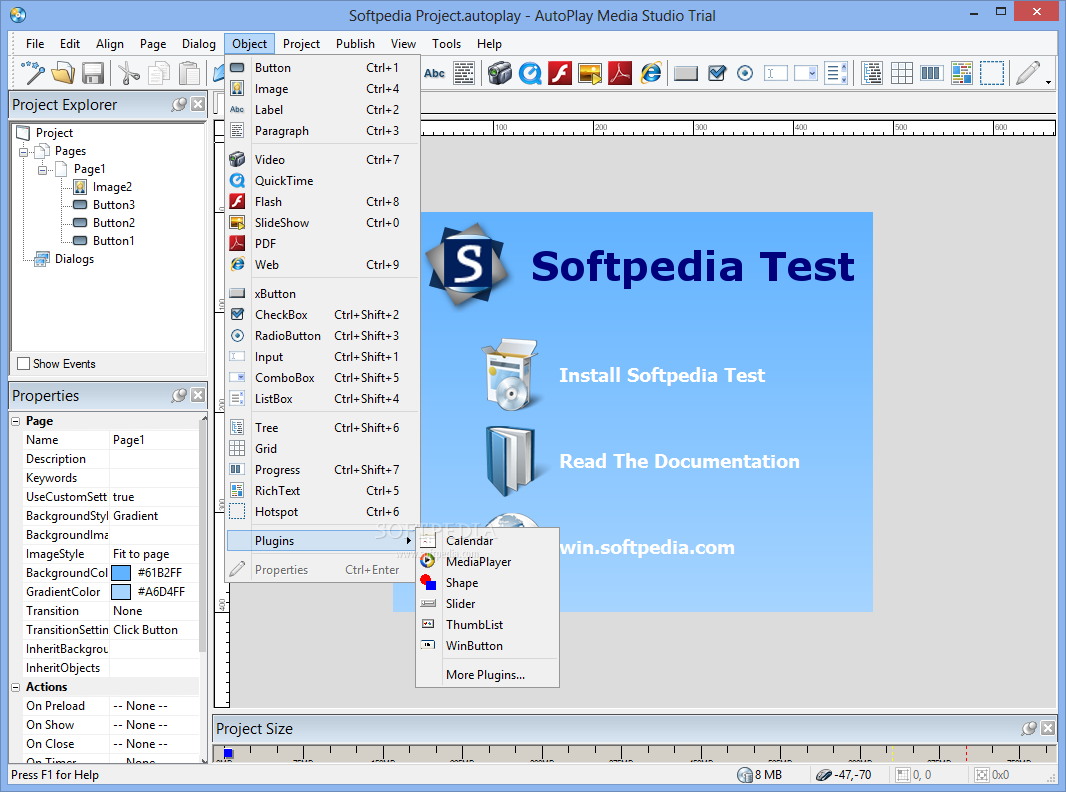
    · Over a Dozen Object Types
    · Integrated CD/DVD Burning
    · Publish to Single-File Executable
    · Mouse-Over Sound Effects
    · Multichannel Audio Mixing
    · Interactive Object Scaling
    · Launch Any File, Program or Document
    · Project Templates
    · Content Gallery
    · Comprehensive User's Guide
    · Help File
    · Perfect for CD/DVD Installer Menus
    · 1000 Pages Per Project
    · Quick Preview
    · Advanced Layout Tools
    · Undo/Redo
    · Align to Object
    · Align to Page
    · Arrange and Overlap Objects
    · Grid, Rulers and Guidelines
    · Snap to Grid
    · Create Slideshow CD's
    · Group/Pin Objects
    · Lock/Hide Objects
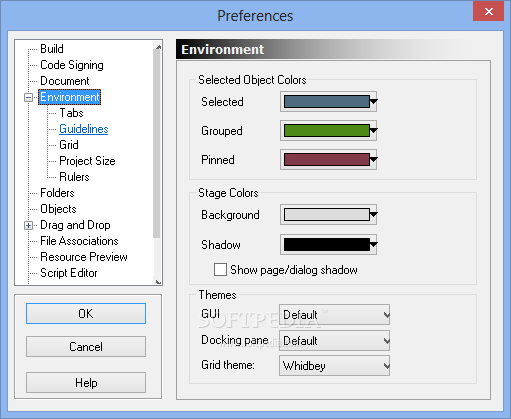
    · Customizable Environment
    · Great for Multimedia Projects
    · Dockable Toolbars
    · Menu Hotkeys
    · Movable Panes
    · Save/Restore Layouts
    · Project Explorer
    · Object Inspector
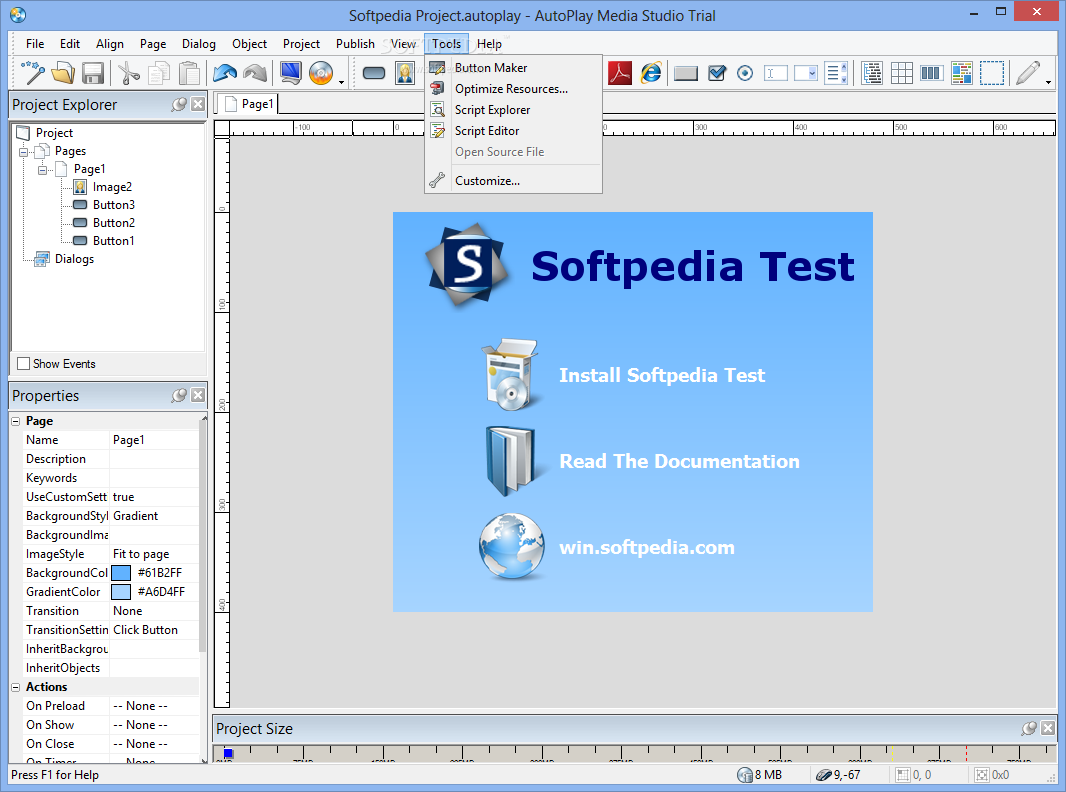
    · Script Explorer
    · Built-in Spelling Checker
    · Background Music Playlist
    · Alpha Transparency
    · Play Startup Video
    · Play Flash Movies
    · Expandable with Plugins
    · Button Object
    · Label Object
    · Paragraph Object
    · Image Object
    · Video Object
    · Macromedia Flash Object
    · Web Browser Object
    · Hotspot Object
    · Input Object
    · List Box Object
    · Combo Box Object
    · Progress Bar Object
    · Tree Object
    · Variable Image Opacity
    · Custom Project Shapes
    · Create CD Business Cards
    · Resizable Application Window
    · Custom Video Shapes
    · Multiple Window Styles
    · Version Resource Stamping
    · Use Your Own Icon for .EXE
    · Application Menu Bar
    · Tray Menus
    · Multiple Fonts, Sizes and Styles
    · Publish to ISO Images
    · Simple Quick Actions
    · Launch PowerPoint Slides
    · Open Acrobat PDF Documents
    · UNC Network Path Support
    · Perfect for Training Applications
    · Windows Version Detection
    · Event Driven Development
    · Easy to Use Action Wizard
    · Flexible Scripting Engine
    · Comprehensive Action Library
    · Parse XML Data
    · Crypto Actions
    · Popup Menu Actions
    · Cursor Effects
    · Page Timers and Events
    · Get/Set Object Properties
    · Manipulate Objects at Runtime
    · Built-In Dependency Checking
    · Written in C++ for Speed and Reliability
    · Used by 1000's of Companies Worldwide
    · 100% Compatible with AutoPlay Media Studio 5.0 Projects

    Limitations:

    · 30 days trial
    · Watermark on output files
    · Nag screen

    What's New in This Release: [ read full changelog ]

    · Feature: Added support for Windows 8 based on product testing in the Windows 8 Consumer Preview, and Windows 8 Release Preview.
    · Feature: Added Windows 8 compatibility GUID to AutoPlay Media Studio's design and runtime manifests.
    · Feature: Added support to the System.GetOSName action for Windows 8 and Windows Server 2012.
    · Feature: Made the 'Confirm Delete' dialog of the Optimize Resources feature a resizable dialog.
    · Fix: Fixed a bug where renaming objects would not update code in certain situations.
    · Fix: Fixed a bug where the Page.SetFocus action wasn't displaying all object types in it's object combo box.
    · Fix: Fixed a bug where you could not tab to the xButton object.
    · Fix: Fixed a bug where the 'Service Name' and 'Display Name' were incorrectly being compared in a case-sensitive manner in Service actions.
    · Fix: Fixed a bug in the ListBox.GetProperties action where the following table items weren't being populated: ResizeLeft, ResizeRight, ResizeTop and ResizeBottom.
    · F...

     Softpedia guarantees that AutoPlay Media Studio 8.1.0.0 is 100% CLEAN, which means it does not contain any form of malware, including spyware, viruses, trojans and backdoors. [read more >]


    TAGS:

    autorun creator | create autorun | autorun maker | autorun | autoplay | creator

    Go to top

    WindowsGamesDriversMacLinuxScriptsMobileHandheldNews

    SUBMIT PROGRAM   |   ADVERTISE   |   GET HELP   |   SEND US FEEDBACK   |   RSS FEEDS   |   UPDATE YOUR SOFTWARE   |   ROMANIAN FORUM