
Effortlessly create an automatic playing menu that you can launch from the CD-ROM using this simple and straightforward software solution. #Menu builder #Create autoplay-menu #Menu creator #Menu #Builder #Autoplay

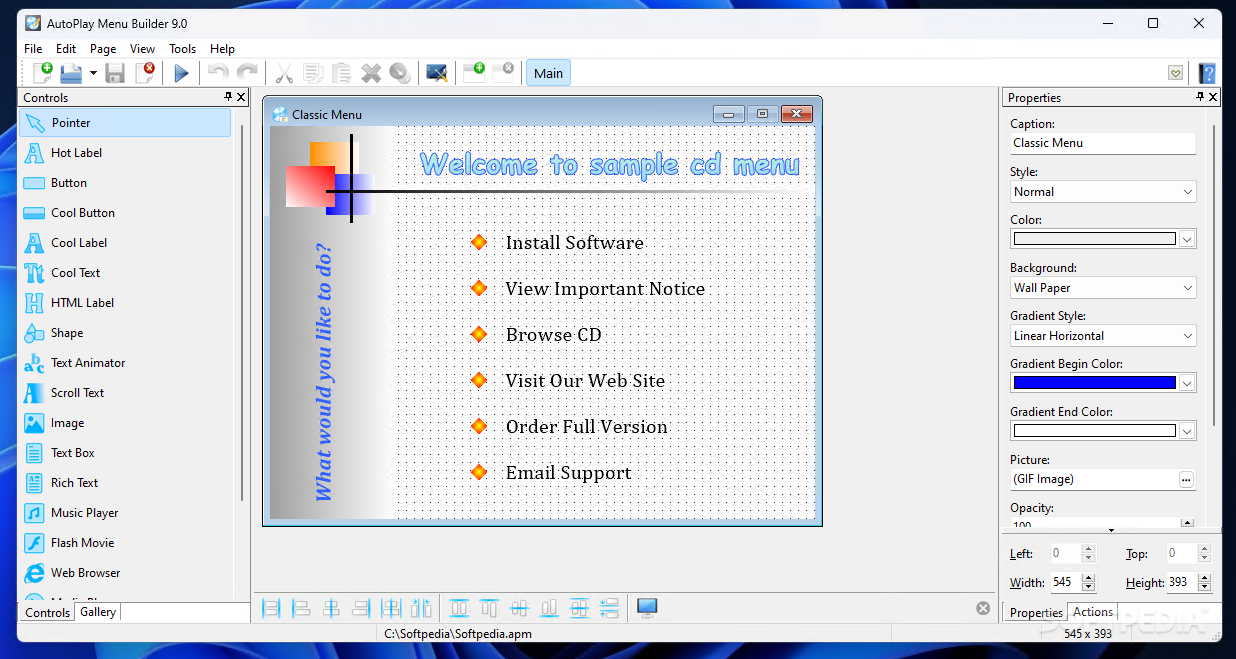
AutoPlay Menu Builder is a reliable tool designed to create autoplay menus for your CDs, offering several built-in templates as well as support for a wide array of multimedia formats.
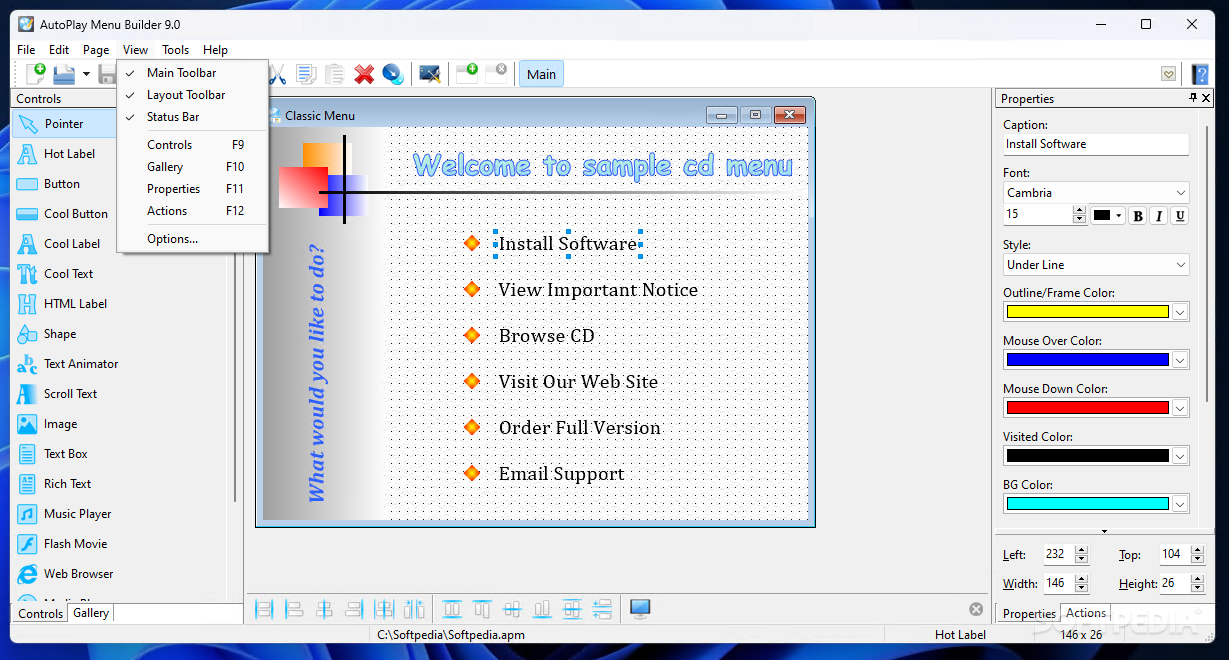
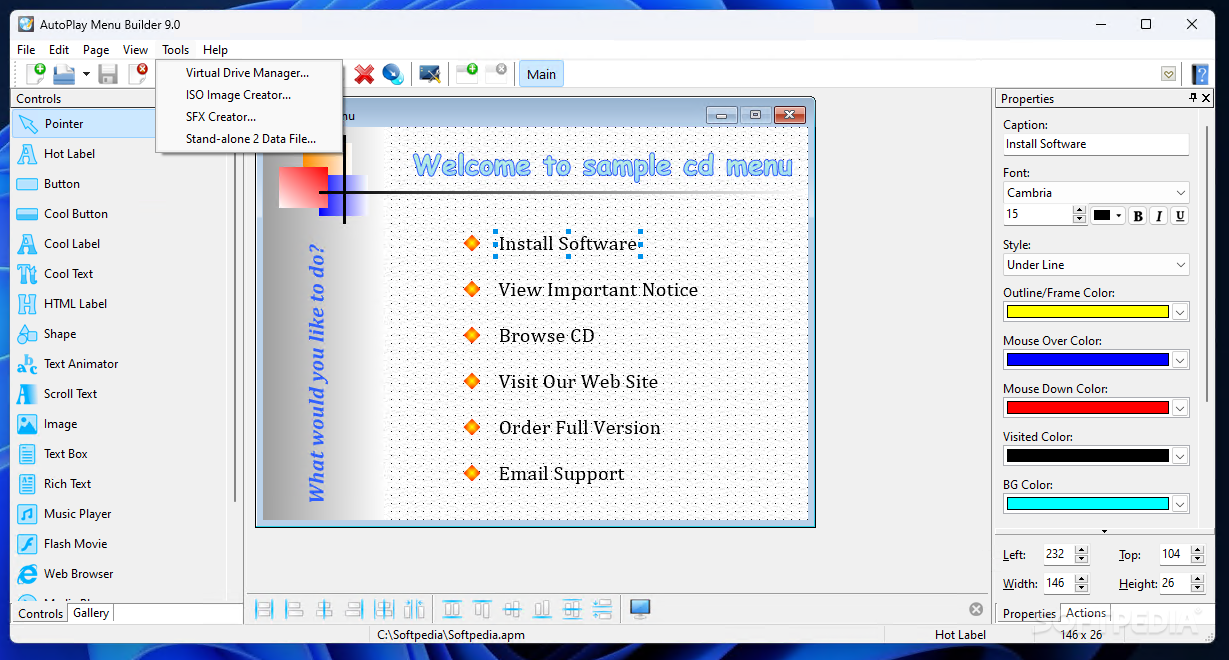
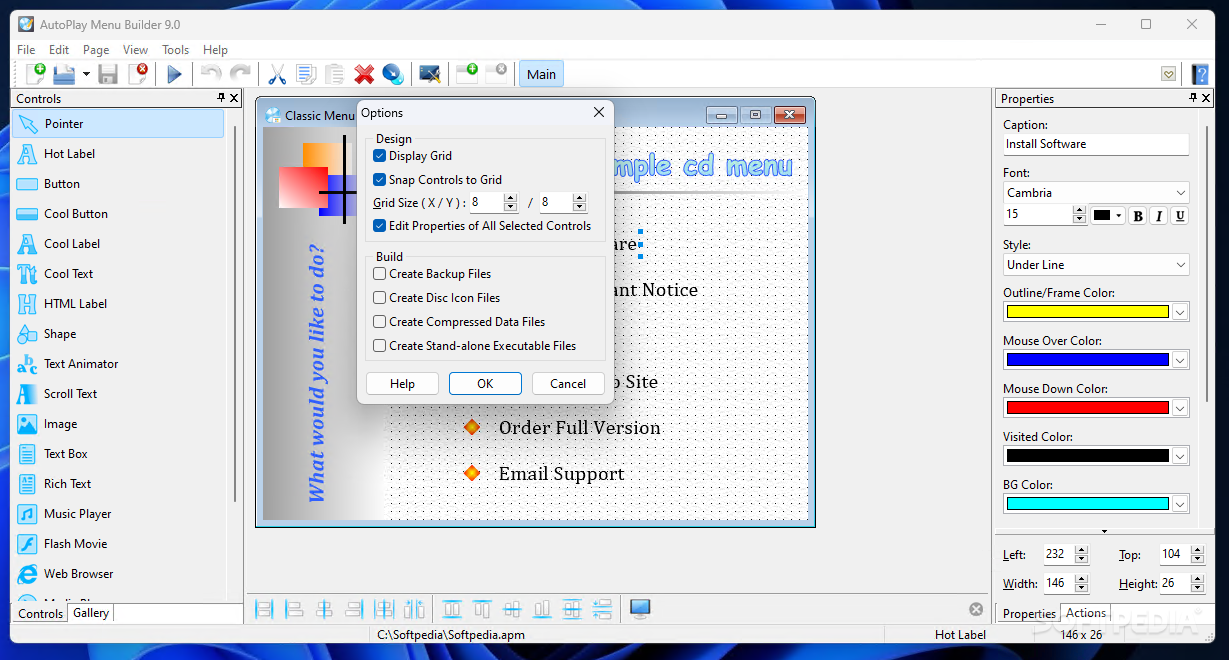
While you do not have to be an experienced user to take full advantage of this application, the interface may seem a bit overwhelming at first, mostly due to the fact that it displays customization windows all around.
Everything, however, is pretty straightforward and it takes a while to figure out which feature is which, while the help manual provides pieces of information about each of the buttons.
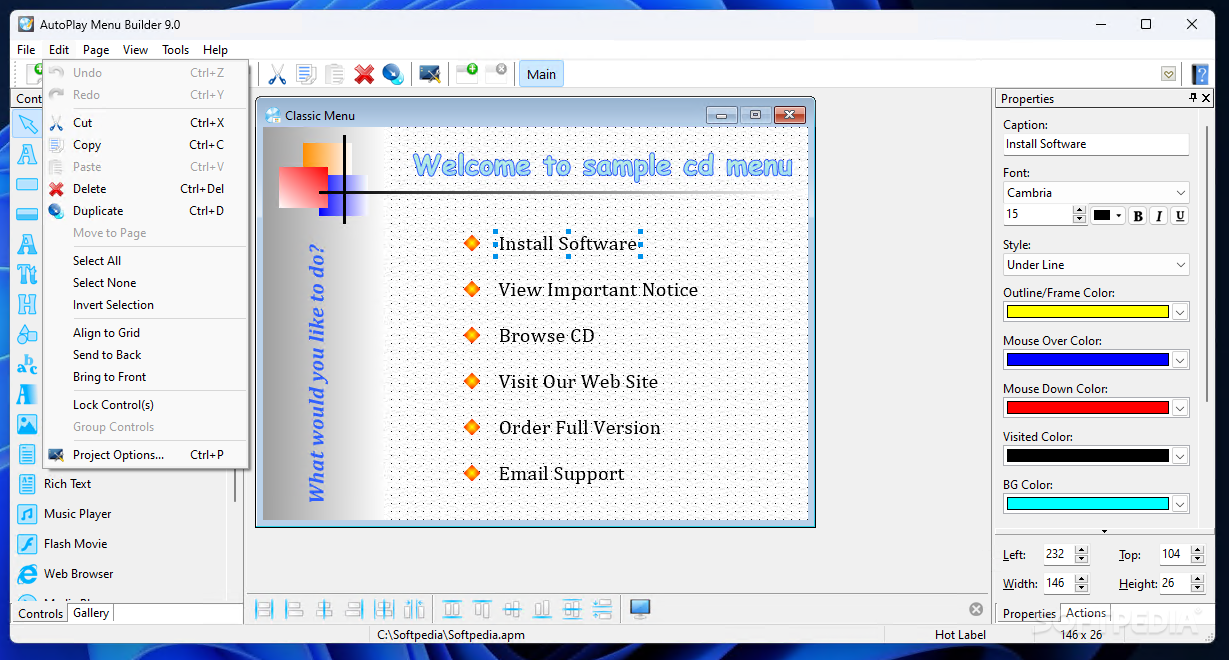
If you decide to use one of the existing templates, you have to choose from up to eight projects, including multi-page, classic menu, tutorial, XP style menu and software installer, each coming with its very own layout. Afterward, you are enabled to customize not only text and photos, but also layouts, alignment, buttons, gradient style, opacity, background and sounds.
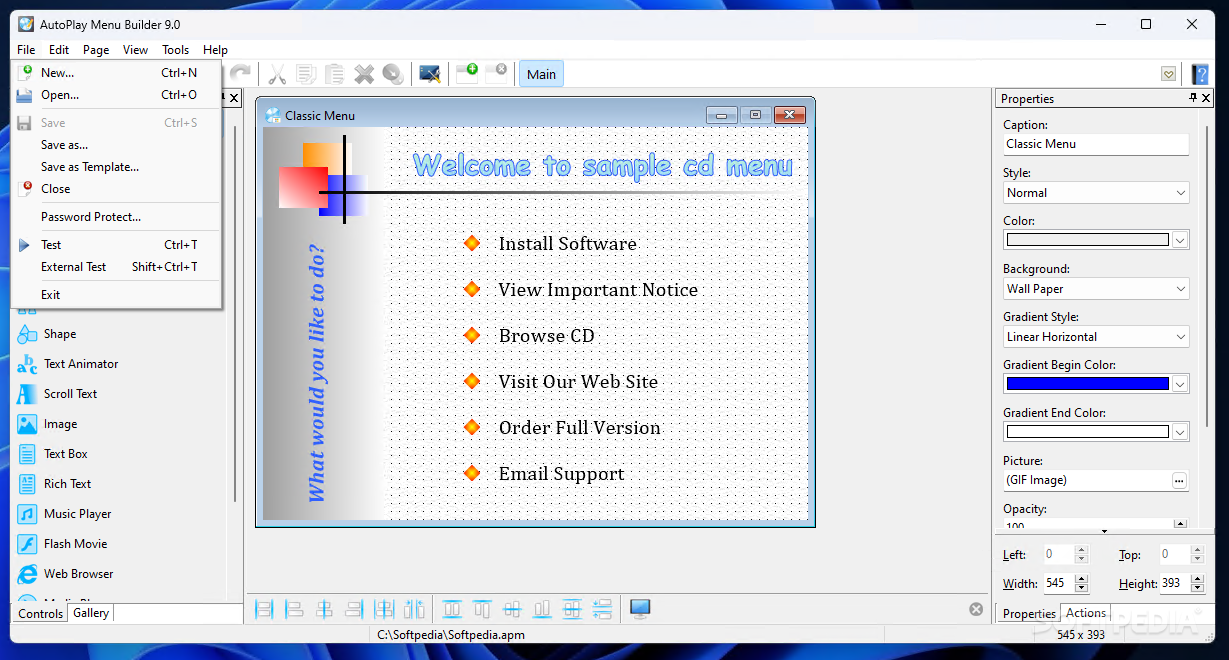
It includes a comprehensive test feature to provide a glimpse into your new project before burning it on a brand new CD.
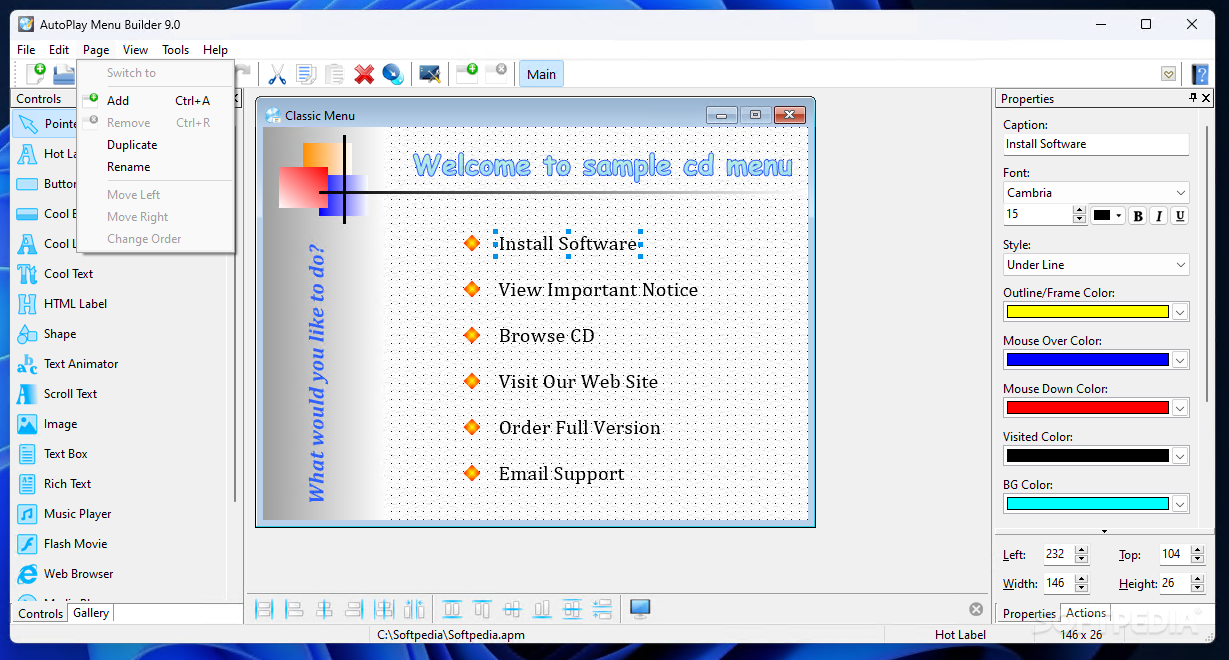
Of course, AutoPlay Menu Builder supports multi-page window, splash-windows, slideshows, Flash Player and even various mouse cursors. It is compatible with common audio and photo formats, including MP3, OGG, WAV, MID, BMP, JPG, PNG and ICO.
With a minimum footprint on hardware resources, AutoPlay Menu Builder has absolutely no problem in running on any workstation without slowing down the operating system.
After all, this is one of the best ways to create an autoplay menu and even if the interface may be a bit confusing at first, it's still the fastest way to a professional and good-looking project.
Download Hubs
AutoPlay Menu Builder is part of these download collections: Make Autorun, Autorun Creators
What's new in AutoPlay Menu Builder 9.0 Build 2836:
- High DPI support
- Improve compatibility with Windows 10/11
- Now requires Windows XP and later
- Minor bugs fixed
AutoPlay Menu Builder 9.0 Build 2836
add to watchlist add to download basket send us an update REPORT- runs on:
-
Windows 11
Windows 10 32/64 bit
Windows 8 32/64 bit
Windows 7 32/64 bit
Windows Vista 32/64 bit
Windows XP 32/64 bit - file size:
- 8.4 MB
- filename:
- apmsetup90.exe
- main category:
- CD / DVD / Blu-ray Tools
- developer:
- visit homepage
7-Zip

Bitdefender Antivirus Free

4k Video Downloader

calibre

IrfanView

Zoom Client

ShareX

Microsoft Teams

Windows Sandbox Launcher

paint.net

- Microsoft Teams
- Windows Sandbox Launcher
- paint.net
- 7-Zip
- Bitdefender Antivirus Free
- 4k Video Downloader
- calibre
- IrfanView
- Zoom Client
- ShareX