
Put your ideas into practice and design your own CD labels and jewel cases, choosing from a variety of templates and background images. #Create CD label #Create DVD label #Label creator #Label #Case #Designer

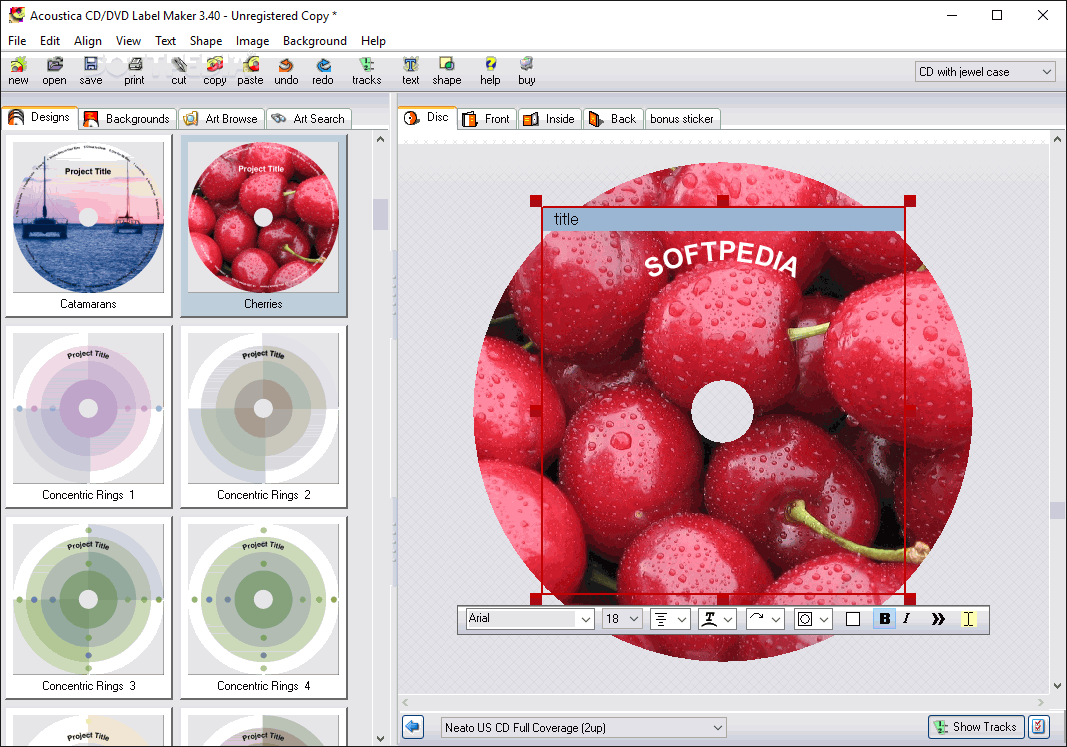
Because designing your very own CD labels and jewel cases is quite an important task, Acoustica CD / DVD Label Maker may really prove to be useful, as it provides an impressive bundle of features.
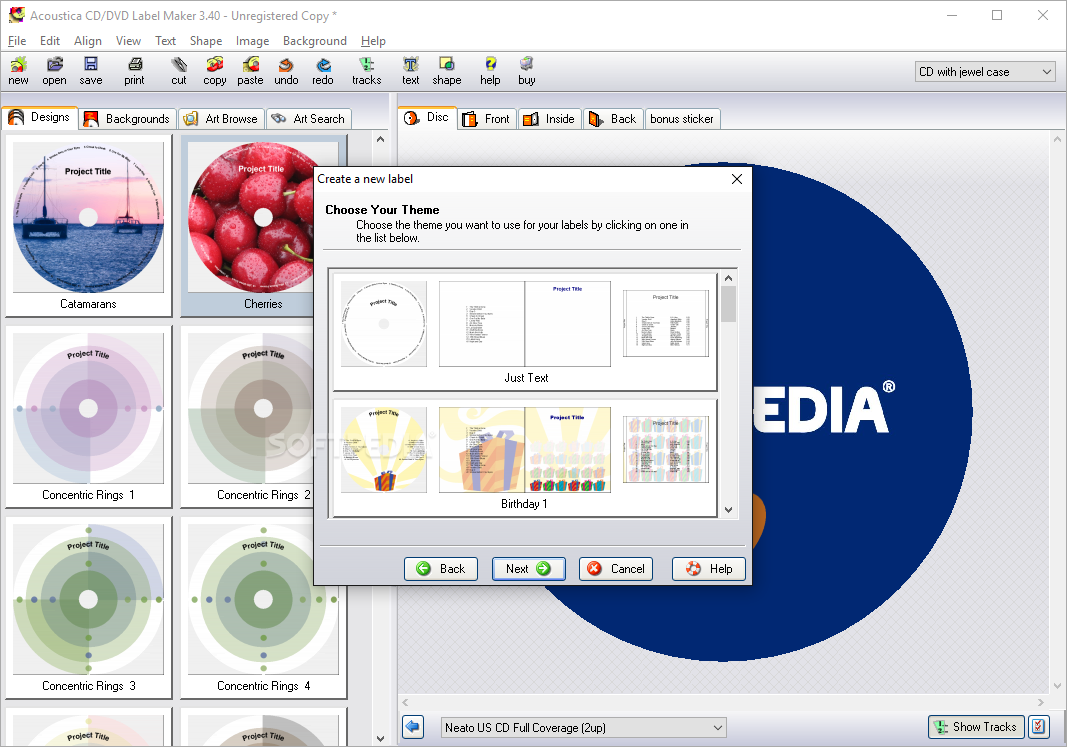
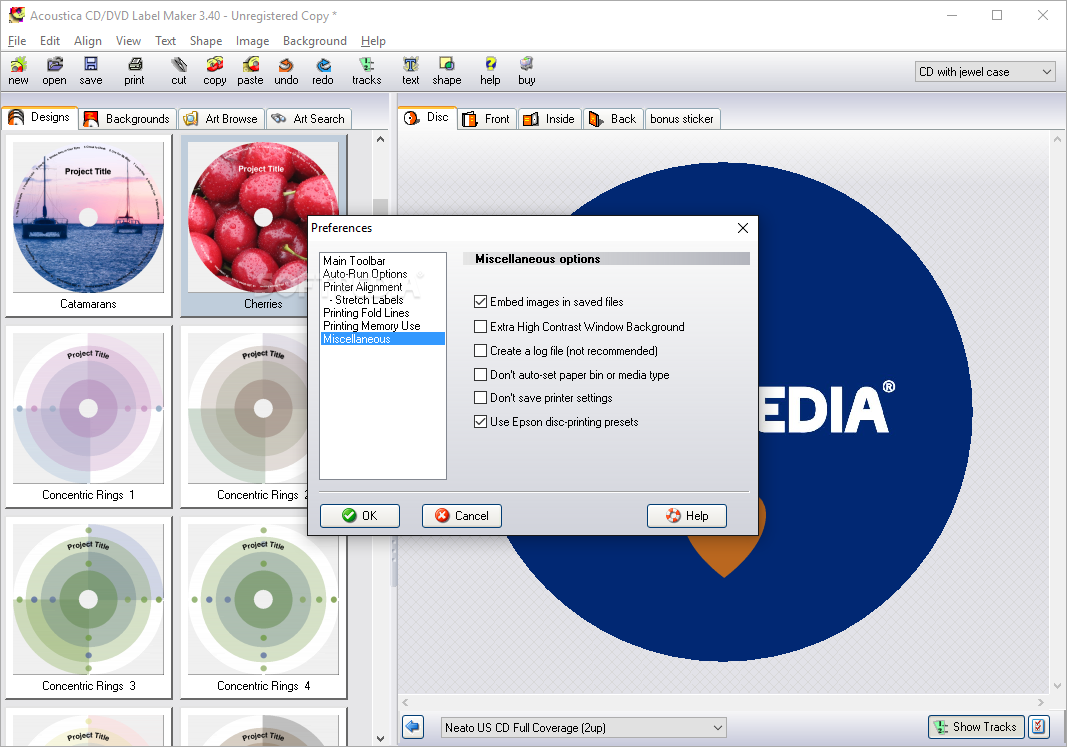
Especially designed to help you in this regard, the application boasts numerous built-in designs and backgrounds, which basically means that you can always rely on these templates to create good-looking designs.
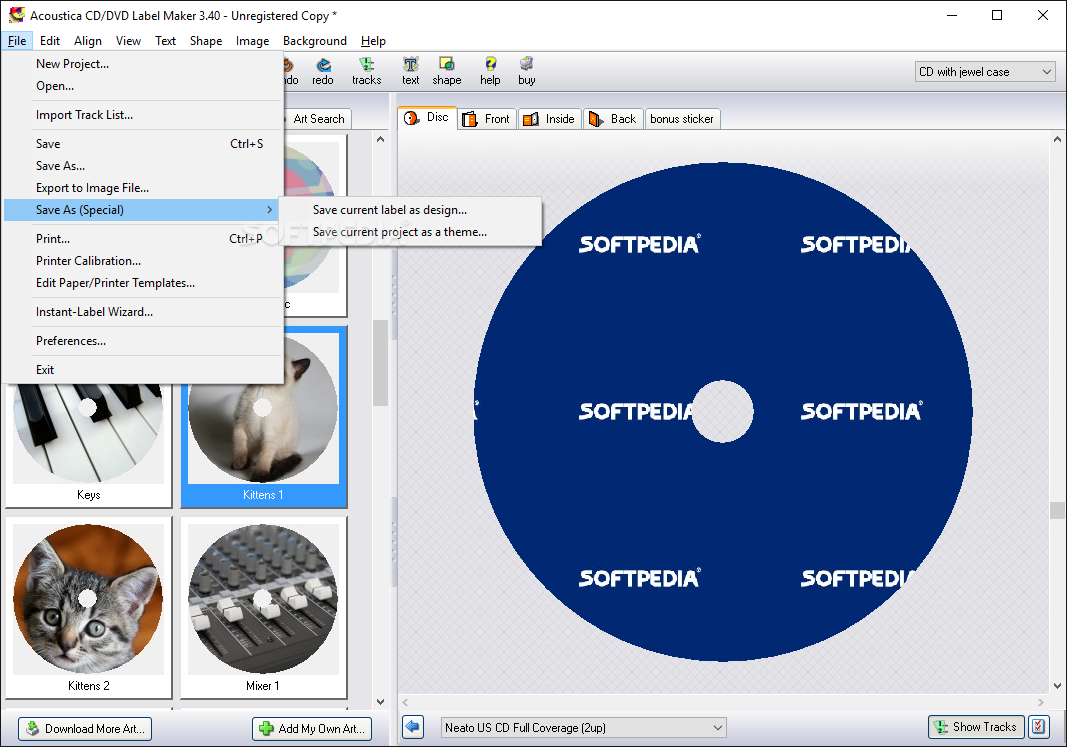
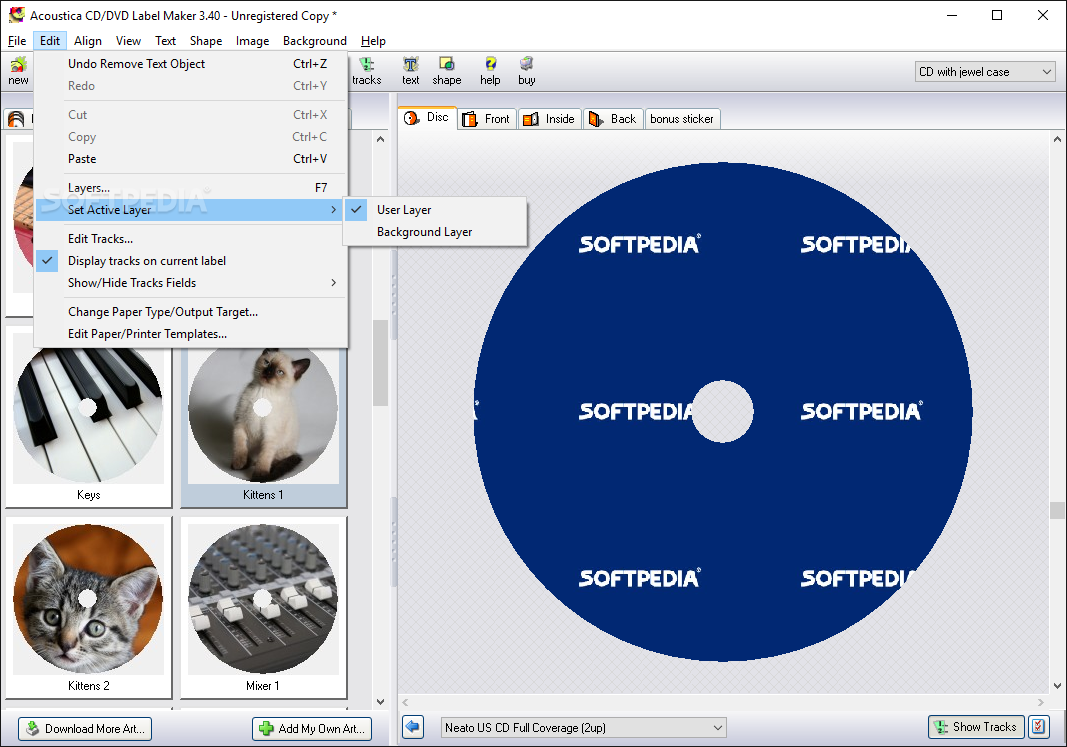
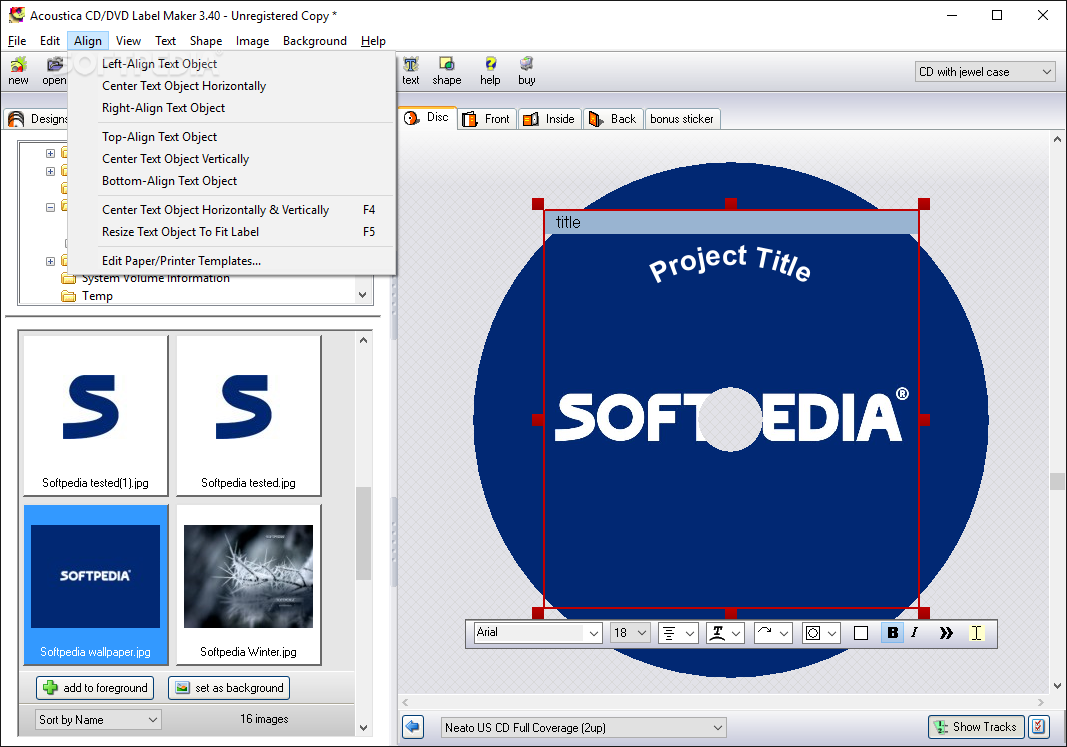
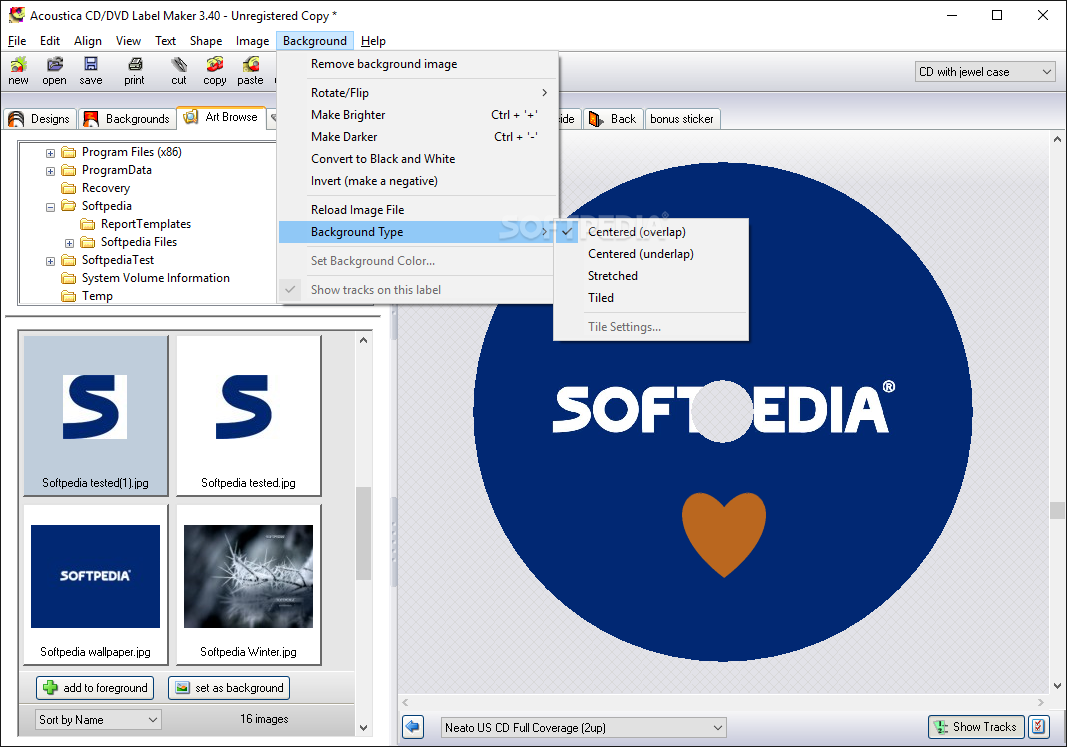
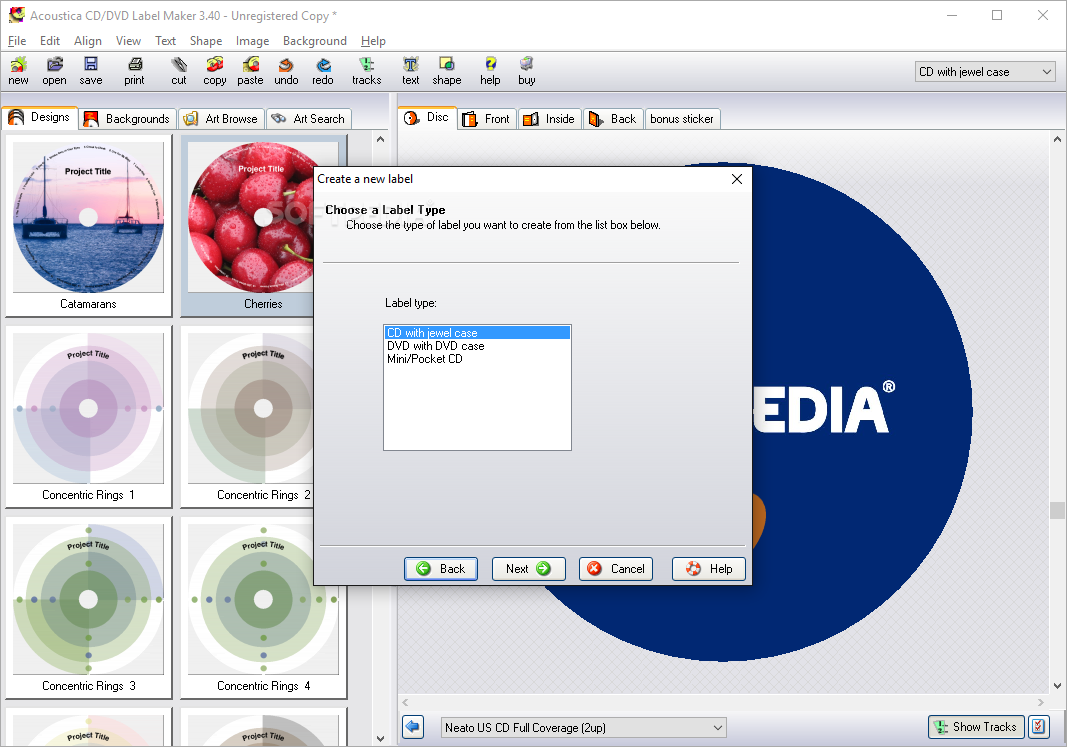
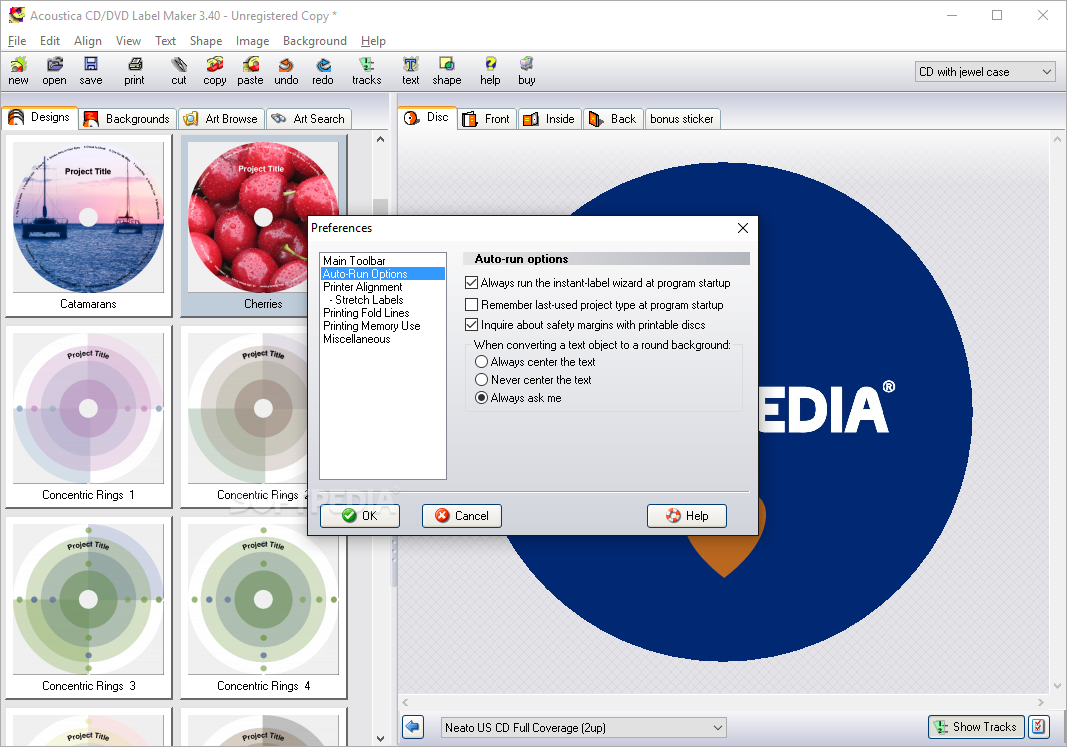
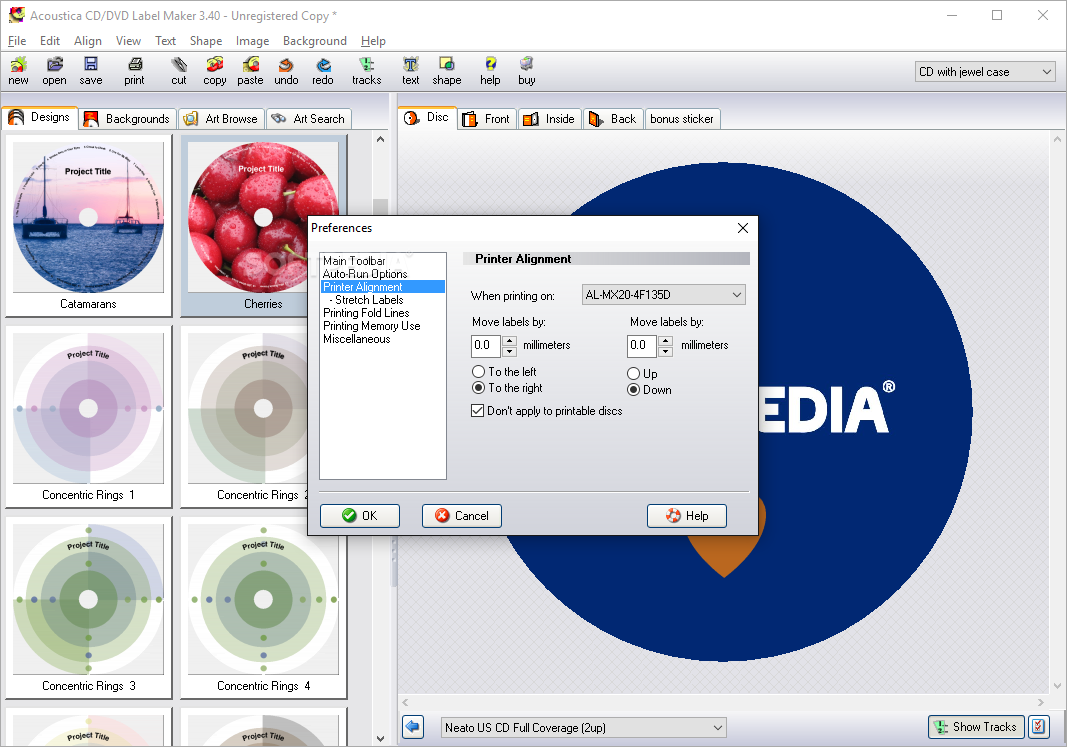
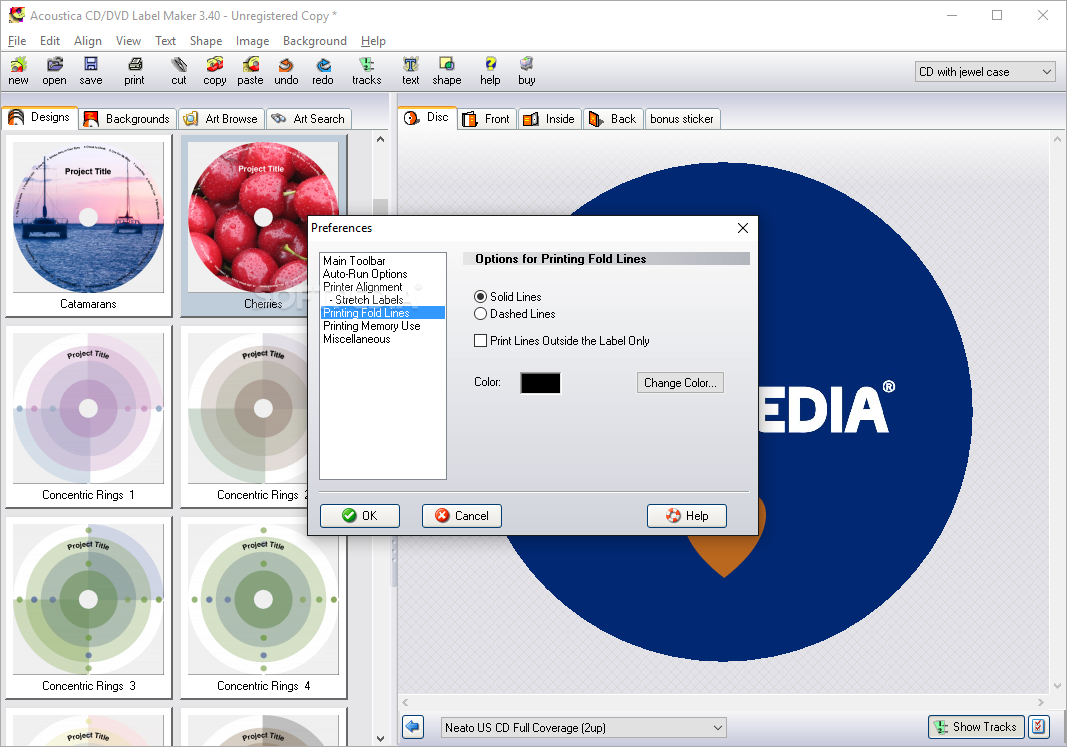
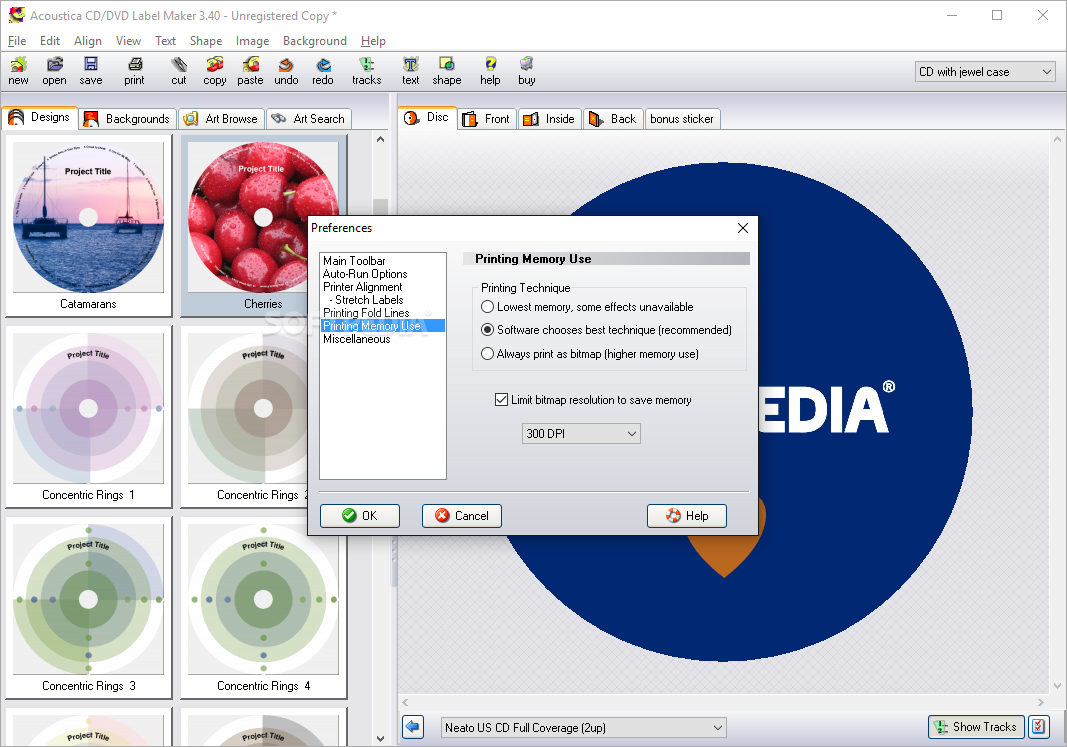
Acoustica CD / DVD Label Maker lets you create disc labels, but also front, back and inside covers. The available options are very impressive and include support for images and text, shapes and backgrounds, but also a dedicated tool to read the content of a disc and automatically place it on the cover.
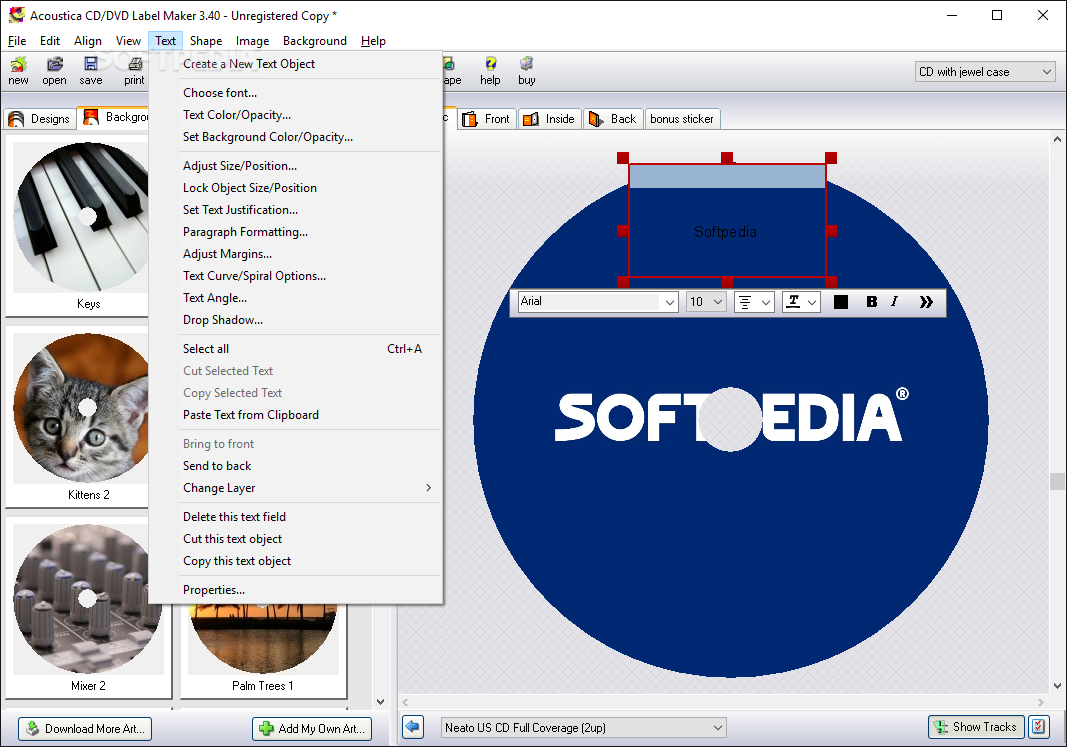
Of course, you can also use your very own images as background, but additionally the application lets you customize the text items by changing font, text color and opacity, adjust size and position, set text justification, adjust margins and paragraphs, text angle and drop shadow.
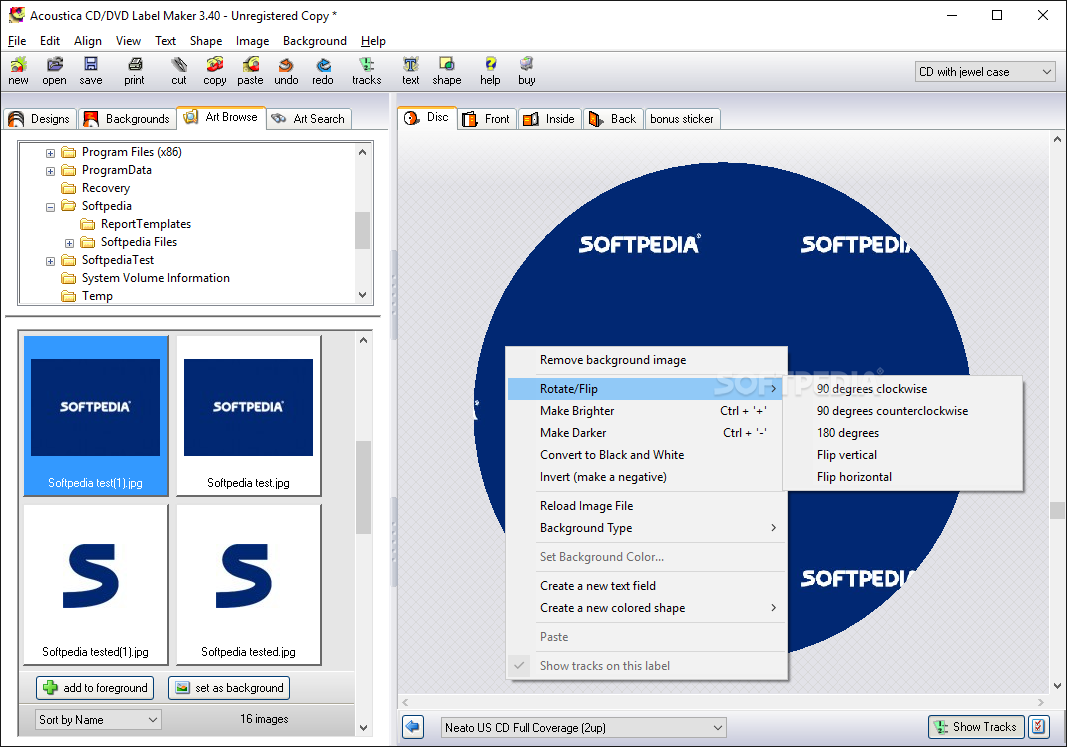
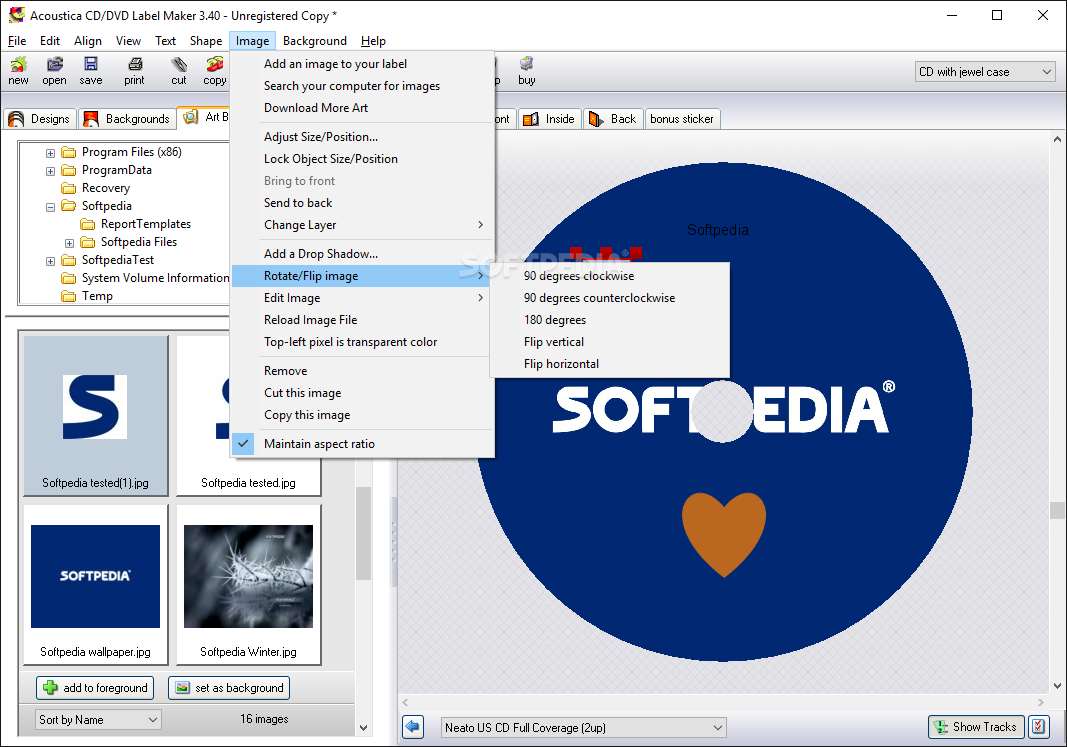
If you prefer working with images, you can rotate, flip or edit any photo on the go, but also adjust size and position and cut it while retaining aspect ratio.
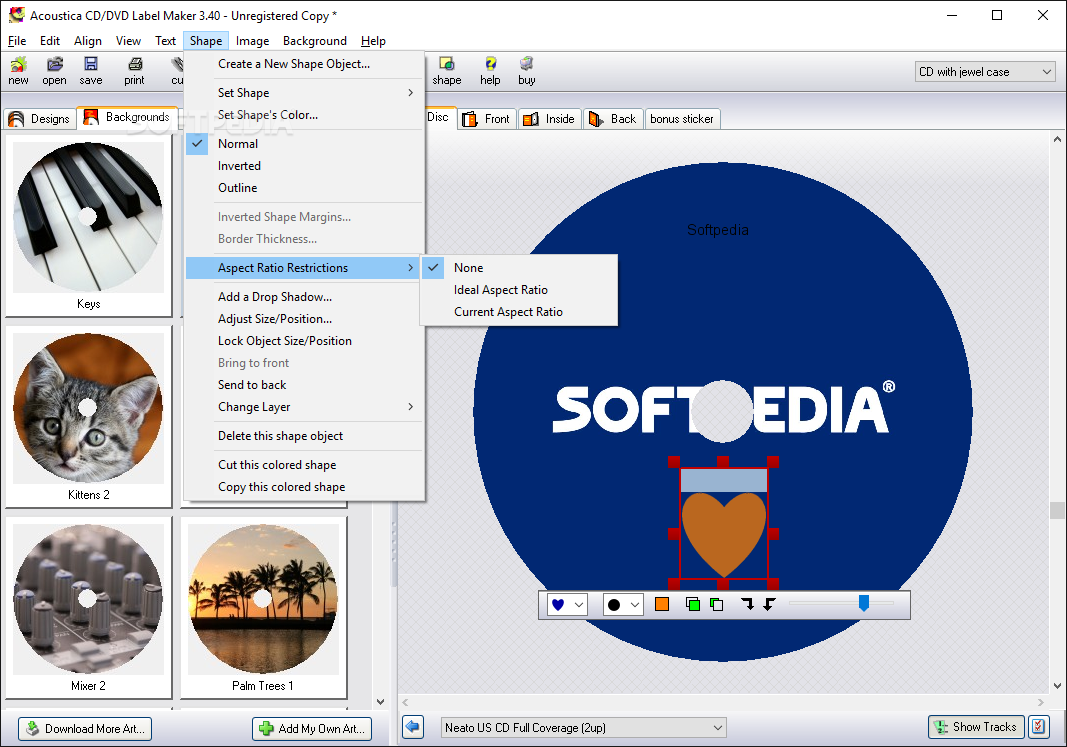
Last but not least, Acoustica CD / DVD Label Maker comes with support for shapes, which means you can place multiple shapes on your label and set their colors, add a drop shadow, adjust size and position, set border thickness and choose between multiple modes such as normal, inverted and outline.
Acoustica CD / DVD Label Maker works without a flaw on all Windows workstations and doesn't even take too much of your CPU and RAM.
Overall, this is one of the best CD label and jewel cases creators on the market, providing an impressive pack of features and tons of customization options for all users.
Download Hubs
Acoustica CD/DVD Label Maker is part of these download collections: Label Designer, Label Manager
What's new in Acoustica CD/DVD Label Maker 3.40:
- duplex (double-sided) printing available on printers that support it
- lots of new supported paper types and direct-to-disc printers
- bug fix: print job names not displaying correctly in the Windows print spooler
- bug fix: clicking the Tracks dialog's "Read CD" button when there was no disc in the CD drive caused the tracks type to change from audio to data
Acoustica CD/DVD Label Maker 3.40
add to watchlist add to download basket send us an update REPORT- runs on:
- Windows All
- file size:
- 10.2 MB
- filename:
- Acoustica-CD-Label-Maker-Installer.exe
- main category:
- CD / DVD / Blu-ray Tools
- developer:
- visit homepage
Bitdefender Antivirus Free

Microsoft Teams

ShareX

calibre

IrfanView

4k Video Downloader

Zoom Client

7-Zip

Windows Sandbox Launcher

Context Menu Manager

- 7-Zip
- Windows Sandbox Launcher
- Context Menu Manager
- Bitdefender Antivirus Free
- Microsoft Teams
- ShareX
- calibre
- IrfanView
- 4k Video Downloader
- Zoom Client