Search Perform an advanced search query SOFTPEDIA
 
SOFTPEDIA
Updated one minute ago
HomeSubmit a program for being reviewedAdvertise on our websiteGet help on surfing our websitesSend us your feedbackGet information about our XML/RSS backend and how to use itBrowse the news archiveVisit our discussion forumVizitati forumul in limba romana


Program Finder NormalFreeware onlyShareware only

ConvertXtoDVD 3.0.0.13 Report spyware 

Click to download ConvertXtoDVDConvertXtoDVD - Softpedia Pick Award (If you developed this product, click here to download your award)
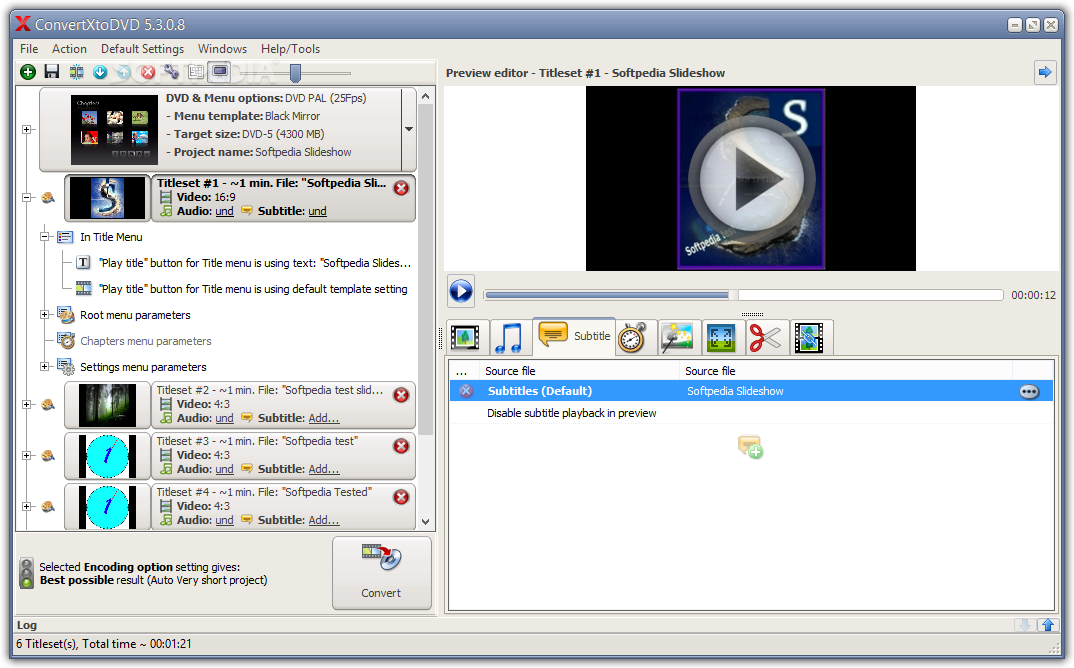
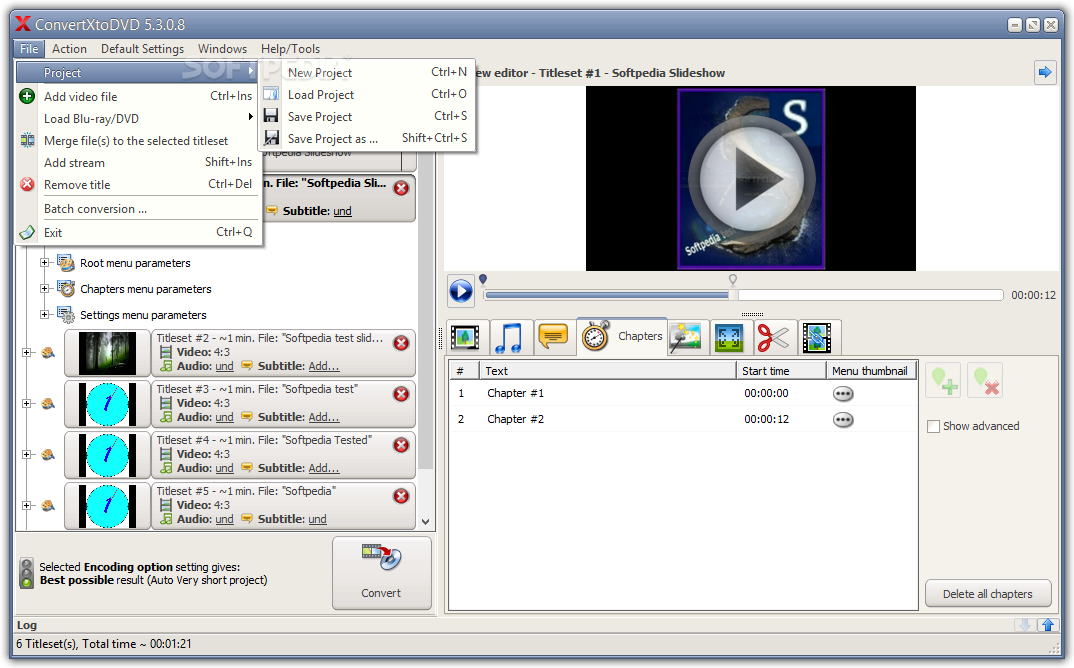
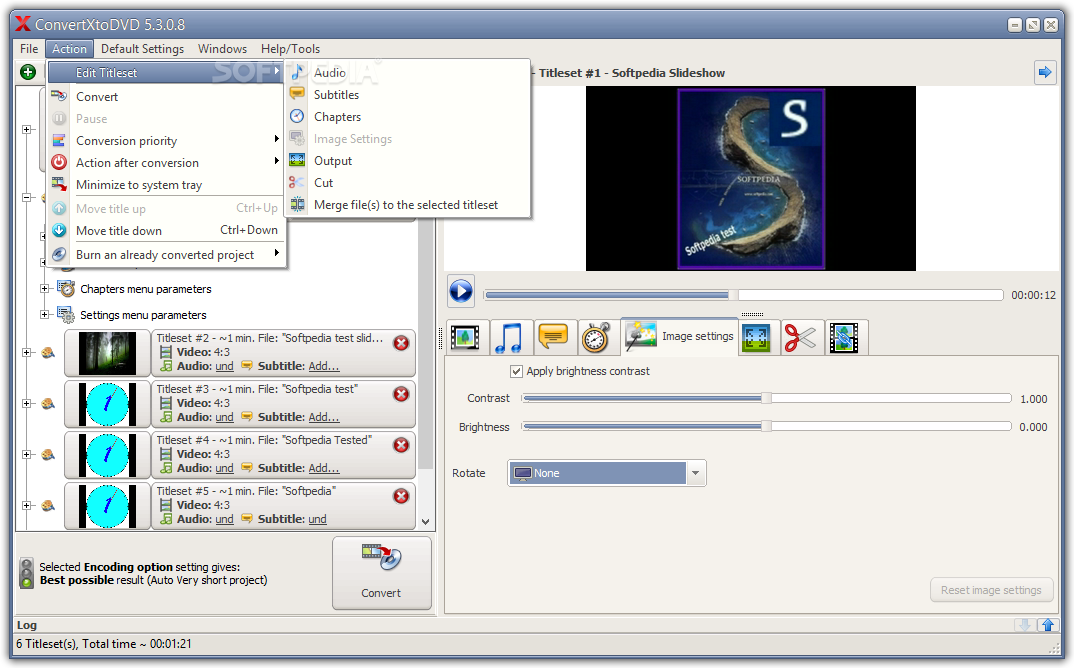
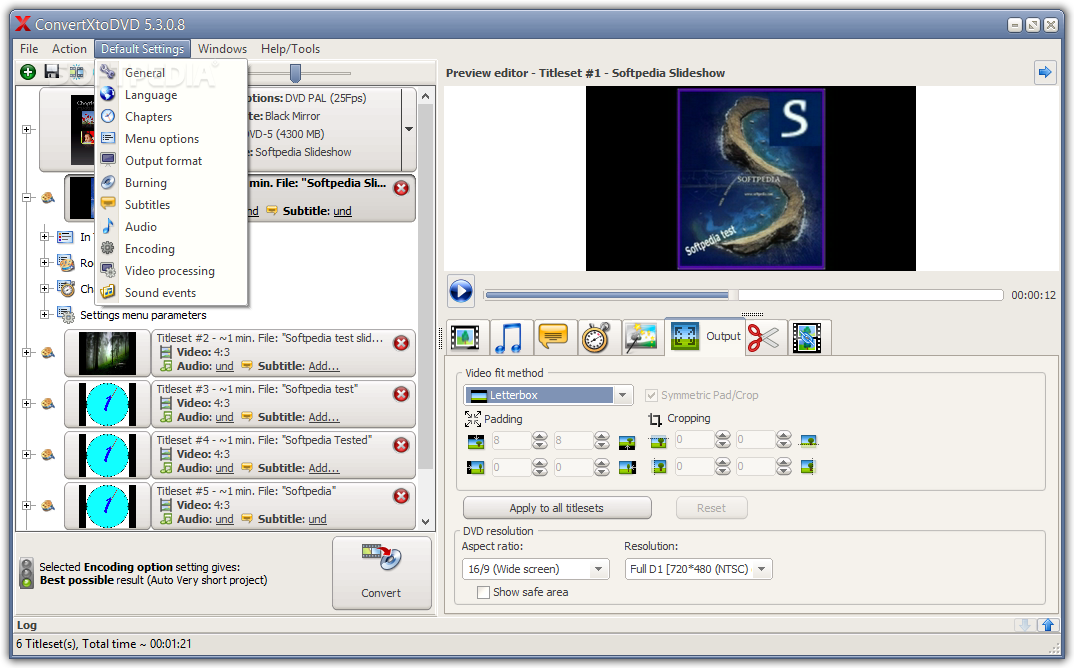
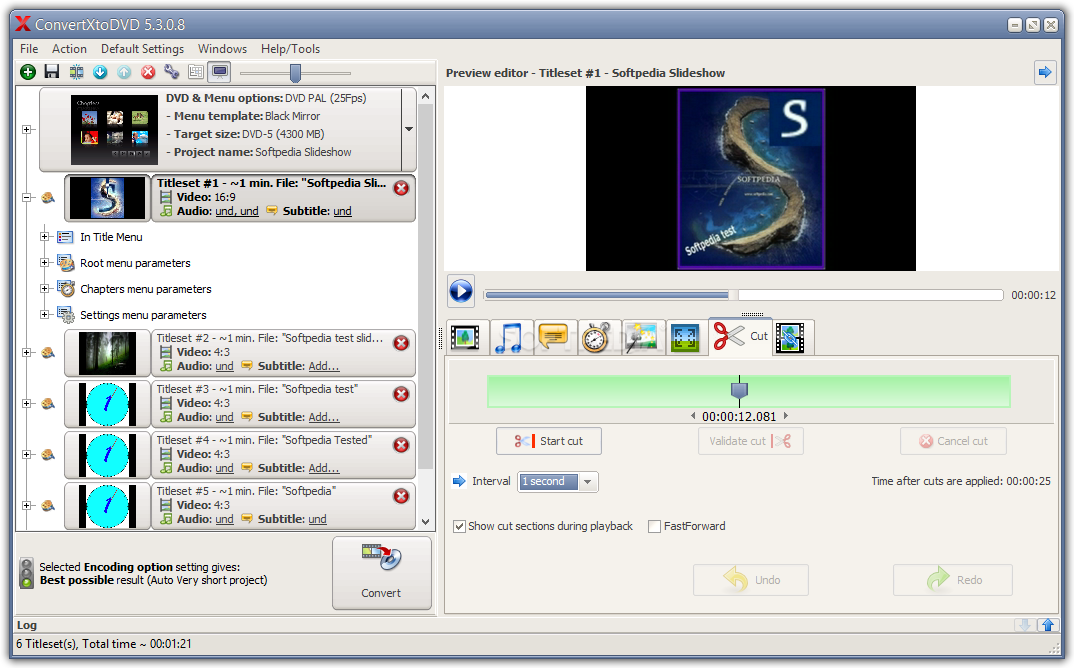
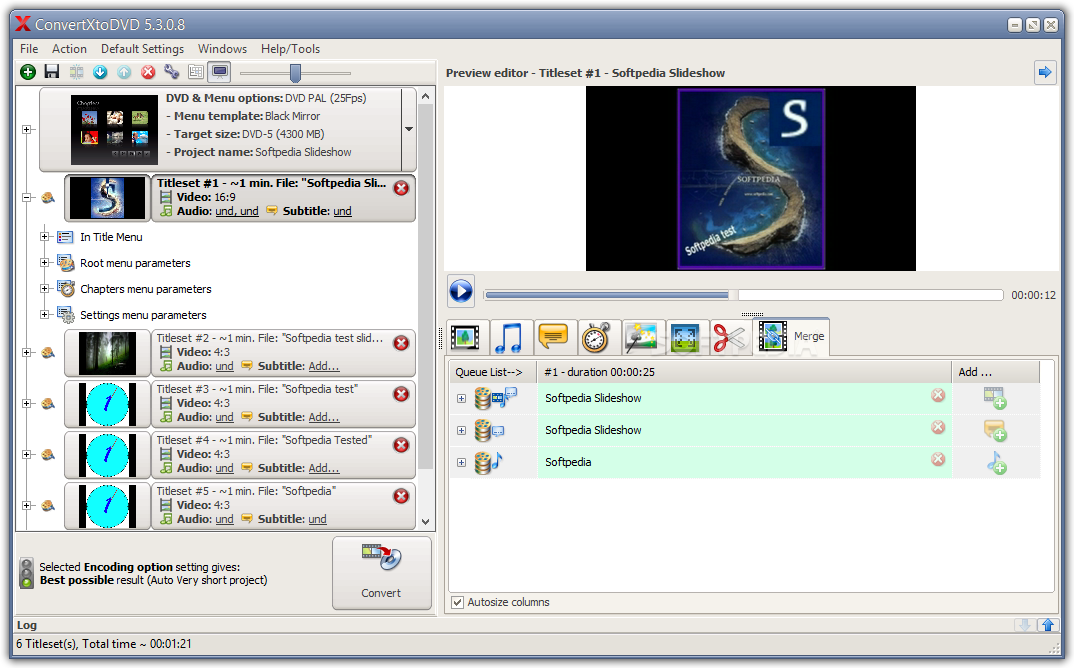
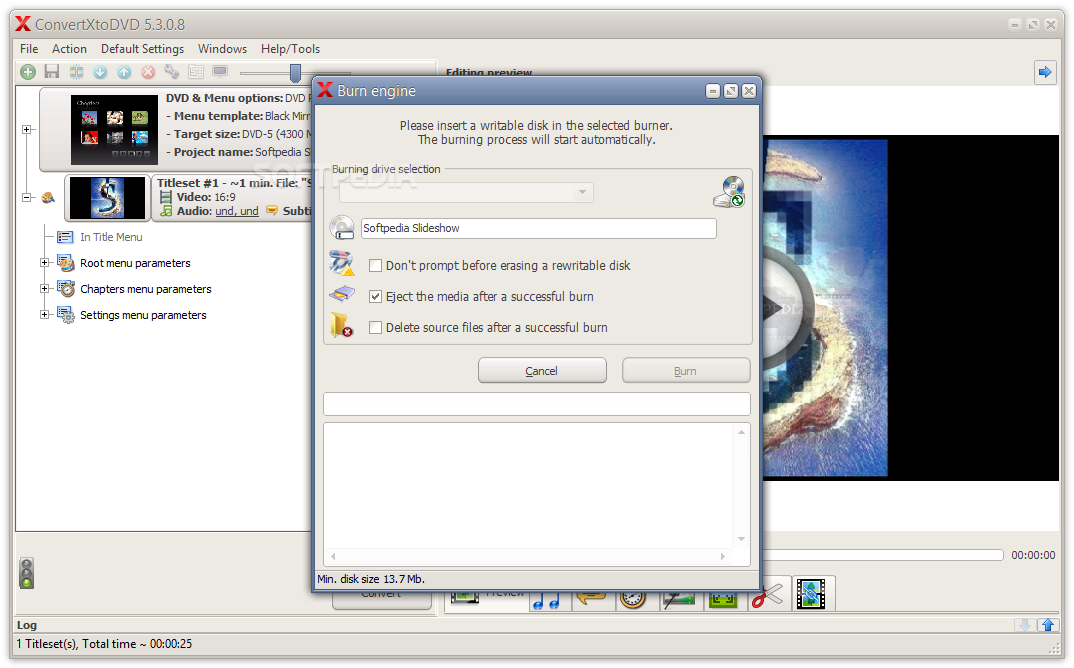
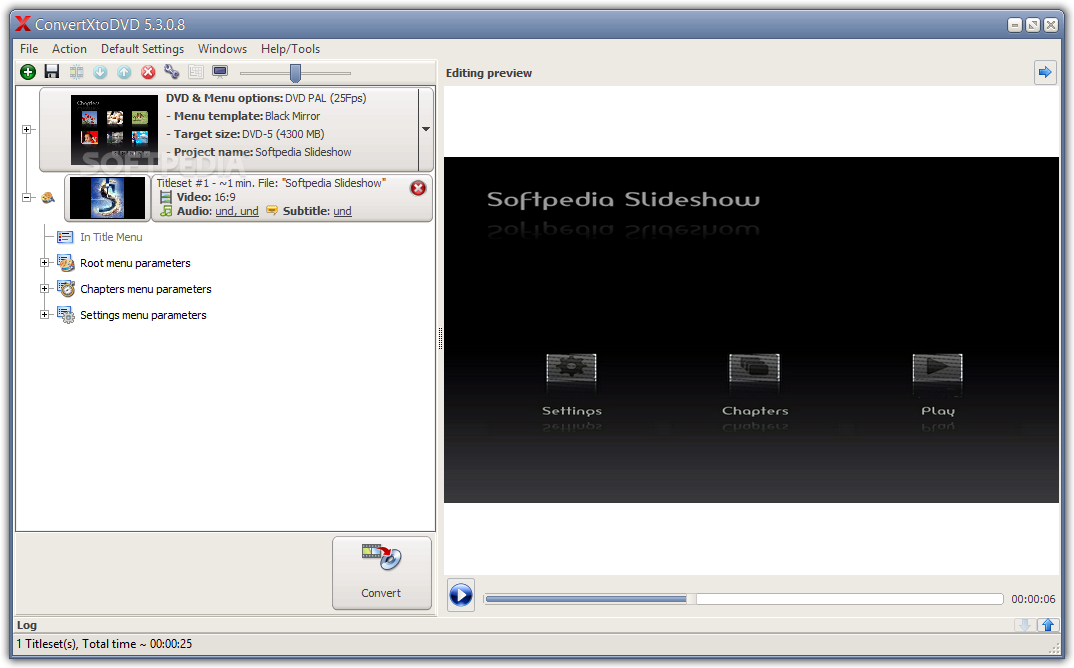
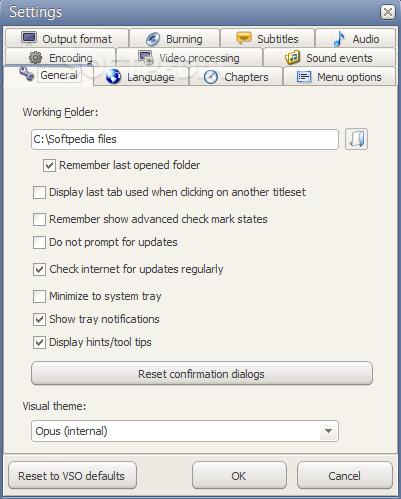
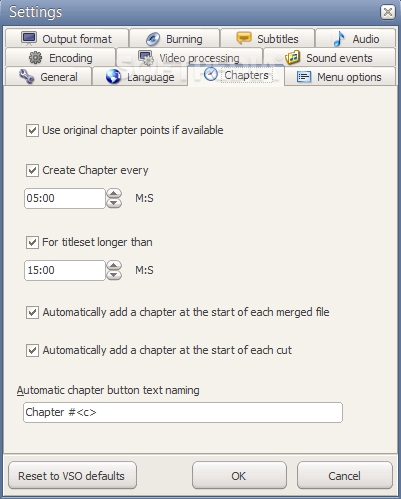
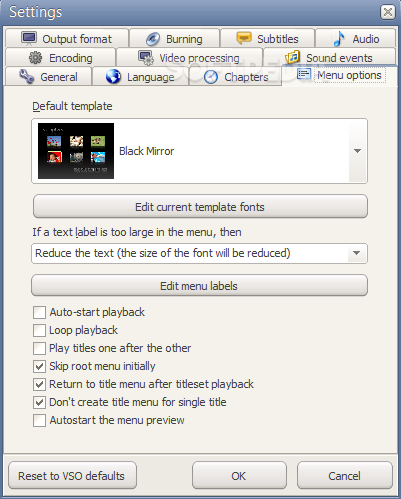
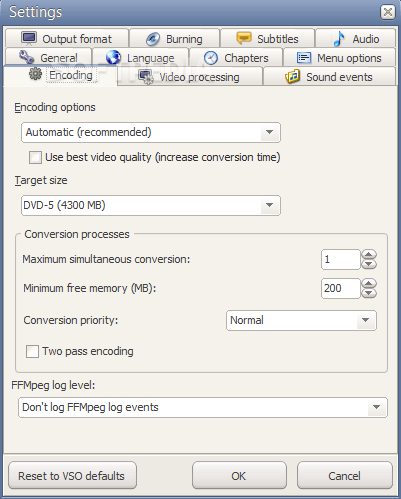
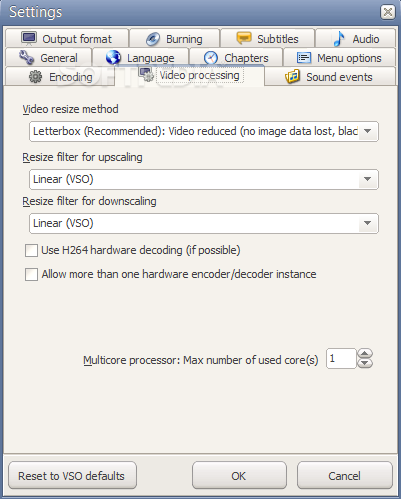
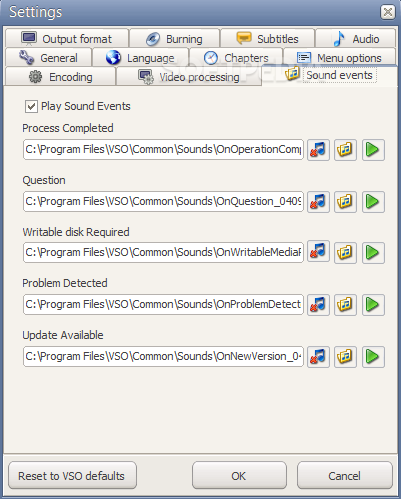
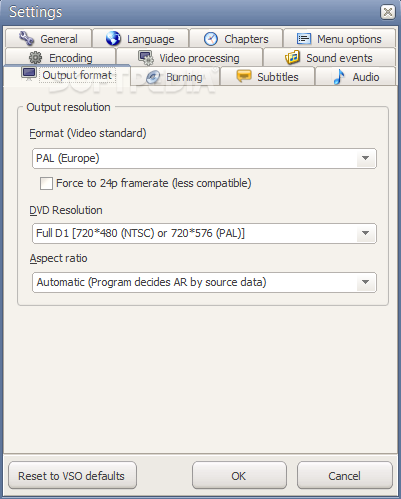
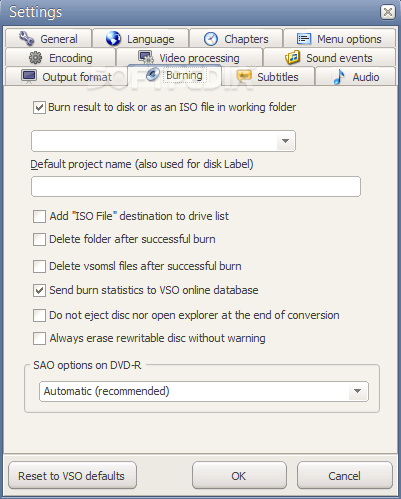
View more ConvertXtoDVD screenshots (3)
 Downloads: 106,645
Rating: Very Good (4.2/5) | Rated by: 244 user(s)
Add to download basket     Send us update information
 Developer: Vso-Software | More programs by this producer
 License: Shareware , 39.99 $ to buy 
 Size / OS: 6.9 MB, Windows 2K/XP/Vista
 Last Updated: May 7th, 2008, 21:06 GMT
 Category: C: \ CD/DVD Tools \ CD/DVD Rip/Other Tools
 Read user reviews (4) Add a review Refer to friend Subscribe
    Download ConvertXtoDVD

ConvertXtoDVD description
Convert and watch a Divx or a AVI on a regular home DVD Player

ConvertXtoDVD (formerly DivxToDVD) is a software to convert and burn your videos to DVD. With ConvertXtoDVD and in a few clicks you can backup your movies to DVD playable on any home DVD player.

ConvertXtoDVD supports most popular format such Xvid, MOV, VOB, Mpeg, Mpeg4, MP4, AVI, WMV, DV and stream formats. ConvertXtoDVD converts your files into a compliant DVD Video set of files and burns it on a DVD media.

The aspect ratio can be automatically selected or forced to a specific format. The program works for NTSC and PAL video formats and creates chapters automatically. Multiple audio tracks are supported. Version 2 uses a completely rewritten interface with subtitles support and a lot of new settings.

VSO ConvertXtoDVD is neither affiliated with, nor using
technology from Divx Networks!

Here are some key features of "ConvertXtoDVD":

· Supported video formats: DivX, Xvid, MPEG4, MOV, AVI, WMV, WMV HD, DV and more...
· Supported sources: existing files from digital camcorders, TV/Sat, capture cards
· Can merge up to 4 hours of material from several movies or episodes
· Supported audio formats: AC3, DTS, PCM, OGG, MP3, and more...
· Handles subtitles files (.SRT .SUB/IDX) with color and font selection, and supports tags (italic, bold)
· Video format choice: NTSC, PAL, or automatic and PULL-DOWN
· Picture output: Widescreen, Fullscreen, or automatic
· Create Automatic chapters or edit your owns
· Fast preview mode to check if the source is loaded correctly
· Save the DVD structure on hard drive or burn it to a blank DVD
· Reliable burn engine integrated (supports all DVD formats)
· Fast and quality encoder (typically less than 1 hour for converting 1 movie)
· Variable options and settings for advanced users
· Control of the conversion speed vs quality
· DVD Menu control (auto-start, loop etc)
· DVD Menu edition (background, fond, color)
· Customizable interface (themes, dockable windows)
· Multilingual support
· Optimized for Windows 2000 / XP / Vista


Limitations:

· The trial version will integrate a watermark into the DVD.
· Please test the free trial version above before buying. DVDs created by the registered version do not contain any watermark.


What's New in This Release:

· Introduce image processing features
· Support new formats
· fixes avi out-of-sync audio problems
·
· - 0000502: [Bug] v2.1.6.186 ßeta: No audio stream detected from a PAL dvd
· (VTS_01_0.IFO)
· - 0000762: [Bug] very bad sound quality when converting avi (also P-SDT buffer Underflow
· 1 times, 994 bytes peak)
· - 0000577: [Bug] DivX file creates a lot of sync messages, resulting audio stutters
· - 0000468: [Bug] support of .RM file with several video/audio sources
· - 0000882: [Bug] Show log option doesn't show the latest log entries
· - 0000537: [Bug] jittery picture
· - 0000768: [Feature Request] rm file deformed when converted, would like a way to specify
· pixel form
· - 0000822: [Suggestion] Ministery of proper English wording
· - 0000824: [Suggestion] Add a "Fit to screen" setting to avoid padding black bars
· - 0000660: [Unsupported file/stream format] no support for avi coming from a webcam
· (Indeo Video 5 support)
· - 0000611: [Unsupported file/stream format] IV5 (Indeo Video 5) doesn't convert
· - 0000832: [Bug] not detecting audio in film decrypted with DVDFab/ Matrix
· - 0000873: [Bug] v 2.1.19 when switching languages from french to english 'taille du
· cible' becomes 330mb
· - 0000470: [Bug] Unsupported .MKV file (version 2.1.5.173)
· - 0000758: [Unsupported file/stream format] ACELP Sound support (no sound in WMV file)
· - 0000756: [Bug] double line subtitles with TAGS show one line up
· - 0000828: [Bug] Horrible DTS output after converting a mkv x264 with DTS
· - 0000878: [Feature Request] default screen size needs to be larger
· - 0000835: [Bug] vertical streaks in the video ( 2nd edition, resampler updated )
· - Fix a problem with translation forcing output size to 330 Mb... [ read full changelog ]


Softpedia guarantees that ConvertXtoDVD 3.0.0.13 is 100% CLEAN, which means it does not contain any form of malware, including but not limited to: spyware, viruses, trojans and backdoors.

This software product was tested thoroughly and was found absolutely clean, therefore it can be installed with no concern by any computer user.

However, it should be noted that this product will be retested periodically and the award may be withdrawn, so you should check back on this page from time to time. (click here for more information)


Related downloads IT News Popular downloads New additions   Latest reviews  
Super DVD Creator 9.8
This is a tool to convert your AVI/DivX files to VCD/SVCD or DVD format.
AVI DivX to DVD SVCD VCD Converter 3.6.0411
AVI TO DVD, DIVX TO DVD, MPEG TO DVD, AVI TO VCD, DIVX TO VCD
Apollo DivX to DVD Creator 4.8.1
This software will burn DVD-Video compliant discs playable on any car or home DVD player.
Easy DVD to DivX/VCD/SVCD Converter 3.0.48
Easy DVD to DivX/VCD/SVCD Converter - you can copy DVD to your hard drive in DivX (MPEG4)/VCD(MPEG1)/ SVCD(MPEG2) format
Xilisoft DivX to DVD Converter 3.0.36.0502
Xilisoft DivX to DVD Converter can convert and burn DivX, Xvid, AVI to DVD
ImTOO DivX to DVD Converter 3.0.36.0509
A powerful to convert DivX to DVD easily and fast
DivX Direct Maker 5.5.2 build 170
Divx Direct Maker is a software tool that helps you create divx video files from many other formats.
Star Divx Converter 1.2.1
Convert AVI/DIVX/XVID/DIV, MPEG/MPG/DAT, WMV/ASF/ASX video formats to AVI, MPEG, VCD, DVD, WMV formats

go to top Use the following code to link to this page:


Welcome!
Hello, Guest

Login if you have a Softpedia.com account.

Otherwise, register for one.

Main categories:
  • Antivirus
  • Compression tools
  • CD/DVD Tools
  • Office tools
  • Programming
  • Authoring tools
  • File managers
  • Desktop Enhancements
  • Internet
  • Network Tools
  • IPOD TOOLS
  • Mobile Phone Tools
  • Multimedia
  • Tweak
  • System
  • Security
  • Others
  • Science / CAD
  • UNIX
  • Windows Widgets
  • PORTABLE SOFTWARE

  • Week's best:
  • SP3 UxTheme Patcher ...
  • PECompact 2.82
  • Sony Vegas Movie Stu...
  • 3DMark Vantage 1.0
  • Total Commander 7.03
  • VistaMizer 2.5.1.0
  • AVG Free Edition 8.0...
  • Windows XP Service P...
  • Ashampoo Burning Stu...
  • XviD Media Codec 1.1...
  • Blu-ray Disc Ripper ...
  • Blu-ray Region Code ...
  • Adobe Photoshop Ligh...
  • PowerDVD 8.0.1531
  • EF Commander 6.54
  • Microsoft Windows In...
  • Nero 8 Lite 8.3.2.1
  • WebSite-Watcher 4.41...
  • EVEREST Ultimate Edi...
  • Nokia PC Suite 6.86....
  • VMware Workstation 6...
  • AnyDVD HD 6.4.2.0
  • Messenger Plus! Live...
  • The Bat! Voyager 4.0...
  • Windows Vista Servic...
  • Nero 8 8.3.2.1
  • Vipre 3.1.1997 Beta
  • Internet Explorer 8 ...
  • Norton 360 2.0.0.242
  • SmartFTP 3.0.1015.5
  • © 2001 - 2008 Softpedia. All rights reserved.
    Softpedia™ and Softpedia™ logo are registered trademarks of SoftNews NET SRL.
    Copyright Information | Privacy Policy | Terms of Use | Contact Softpedia | Update your software | Archive