
Efficiently backup and clone movies from multiple discs to a single DVD or Blu-ray disc with this tool that supports various options and outputs to MKV and D5. #DVD cloner #Clone DVD #Copy DVD #DVD #Blu-ray #Copy
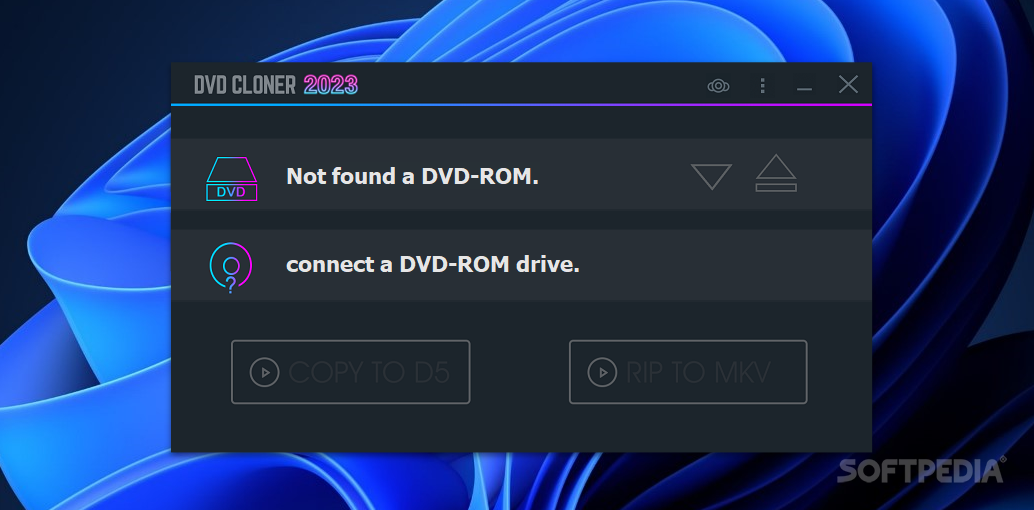
DVD-Cloner is a modern DVD management application that is suitable for users who want to create high-fidelity copies of their favorite videos, and output content in different encoding types and file formats.
Compared with other tools that allow you to burn your DVDs or create external copies of the content you have stored on video discs, this program enables you to customize the process and has additional features.
For example, DVD-Cloner offers the option to create DVD copies that are compatible with various device types (like PS4, Xbox1, or Blu-ray Players). Equally, with this app, you can rip Blu-ray- or 4K-quality content to MKV. Moreover, for movies, documentaries, and specialized videos that include subtitles or multiple audio cuts, you can selectively keep specific audio tracks and opt to speed up the encoding process.
For extreme technical precision when handling DVD copying, you can manually configure the input/output patterns of your data, accelerate the encoding speed with customized, user-defined setup, and even copy content from damaged and scratched discs.
Generally, this tool is intuitive and eases your DVD-copying tasks. When opening the application, it automatically detects whether you have DVD ROM drives connected to the host device and if these contain DVDs.
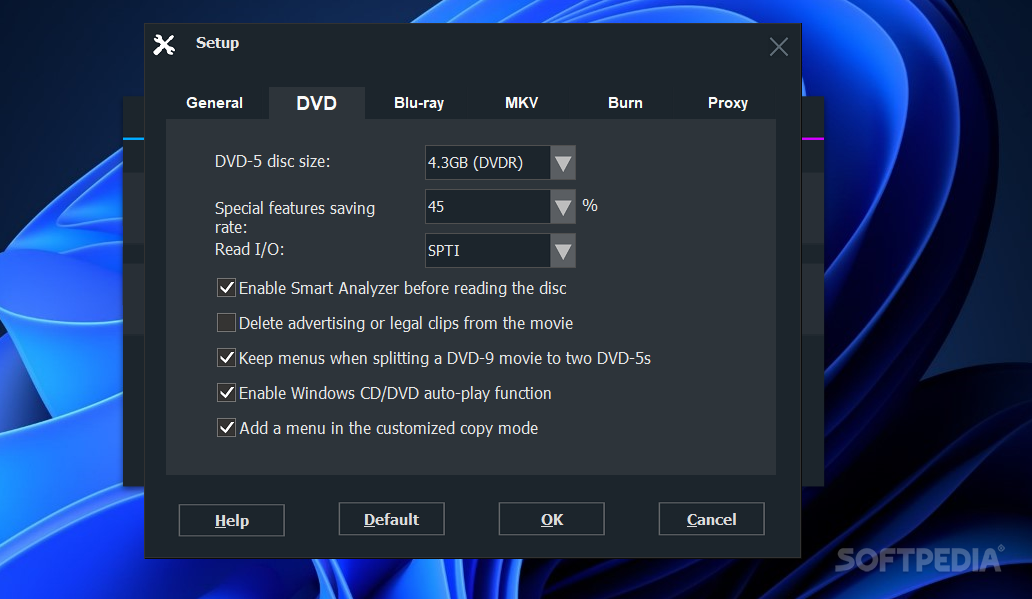
You can copy your content to D5 disc images or to MKV formats. Also, you can change the app's default language (having 5 different language options), enable the disc Smart Analyzer function, or opt for deleting advertising or legal clips from your content.
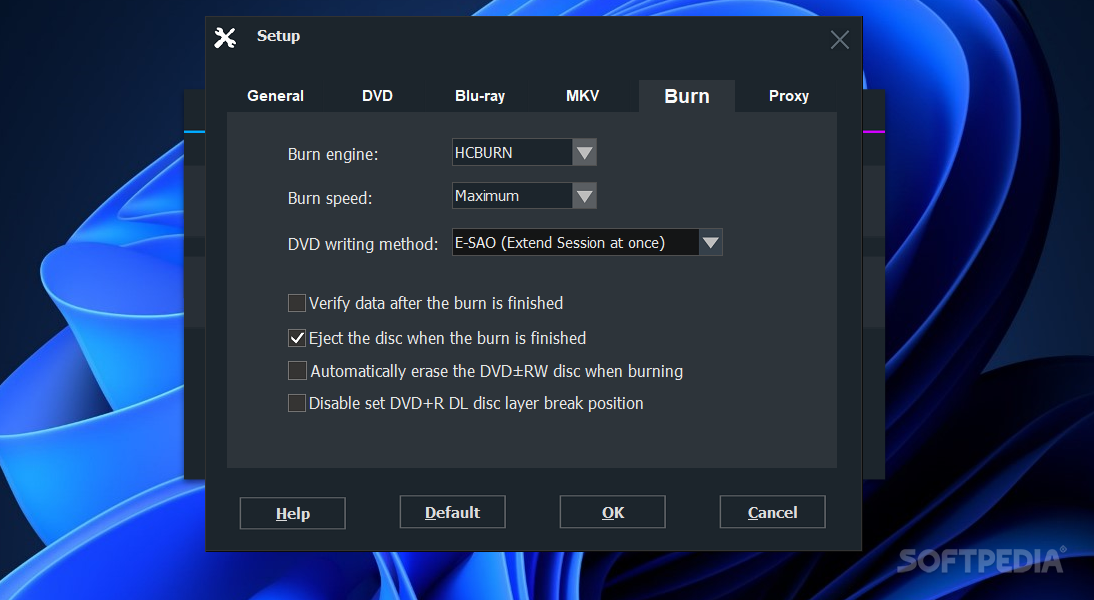
Last but not least, in the settings menu, you can enable encoding with H264, and configure all the details regarding the copying/burning process (e.g., the preferred burning engine, the DVD writing method and speed, encoding and output type, as well as, separate from the video processing method, the audio and subtitle management).
Download Hubs
DVD-Cloner is part of these download collections: Backup DVDs, Clone DVDs
What's new in DVD-Cloner 21.20.1484:
- Supports newly-released movies.
DVD-Cloner 21.20.1484
 Softpedia Editor's Pick
add to watchlist
add to download basket
send us an update
REPORT
Softpedia Editor's Pick
add to watchlist
add to download basket
send us an update
REPORT
- runs on:
-
Windows 11
Windows 10 32/64 bit
Windows 8 32/64 bit
Windows 7 32/64 bit
Windows Vista 32/64 bit - file size:
- 64.8 MB
- filename:
- dcloner.exe
- main category:
- CD / DVD / Blu-ray Tools
- developer:
- visit homepage
Zoom Client

Microsoft Teams

calibre

4k Video Downloader

Windows Sandbox Launcher

IrfanView

Bitdefender Antivirus Free

ShareX

7-Zip

paint.net

- ShareX
- 7-Zip
- paint.net
- Zoom Client
- Microsoft Teams
- calibre
- 4k Video Downloader
- Windows Sandbox Launcher
- IrfanView
- Bitdefender Antivirus Free