
This suite offers you a lot of capabilities to make the most out of using your computer: edit photos, videos, and music, retrieve and back up documents, rip files to discs, and many other varied functions, all under an all-rounder package. #Burn Disc #Tool suite #Create Slideshow #Multimedia #Optimizer #Blu-ray

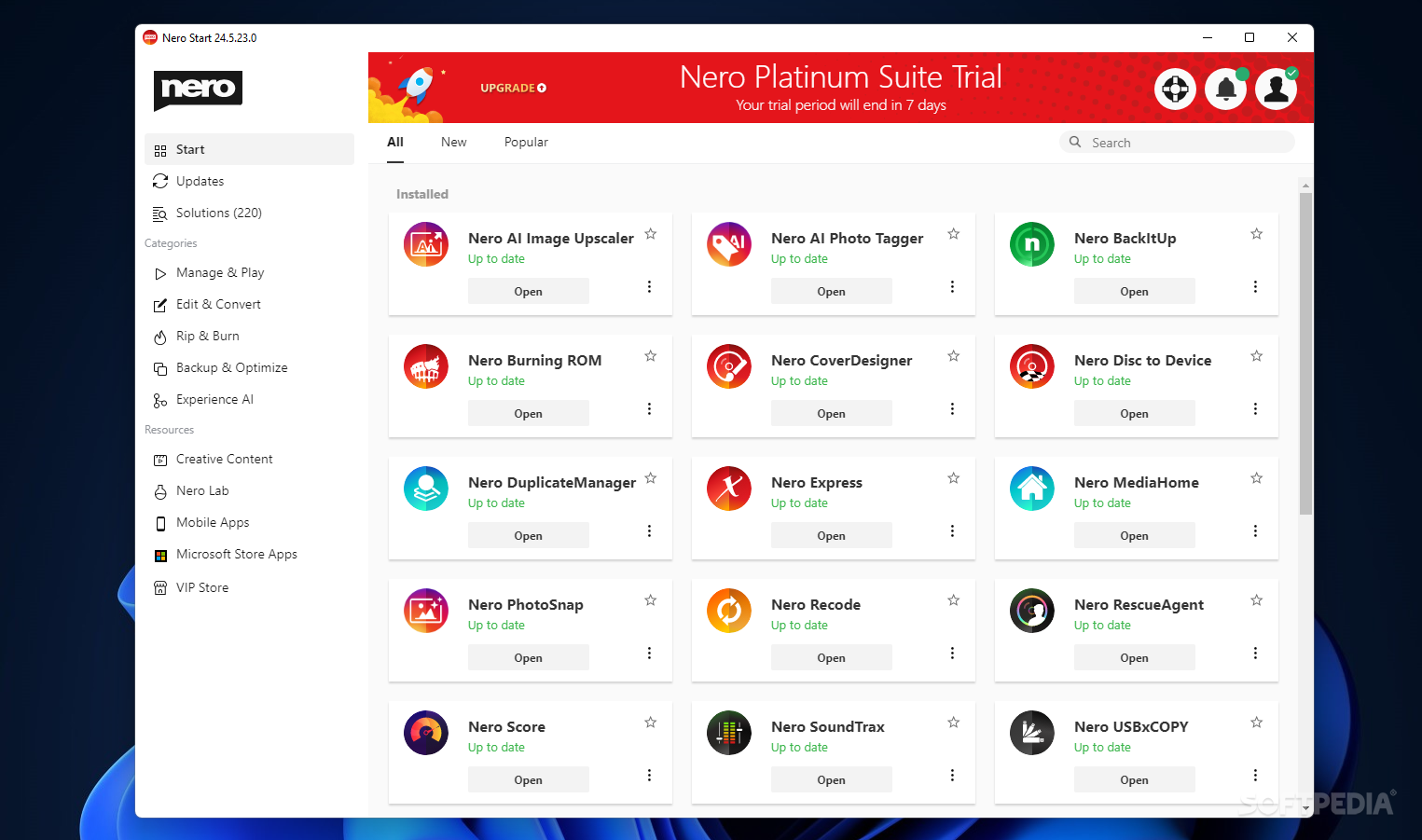
Perhaps the jack of all trades saying is most fitting for the Nero Platinum Suite. It encompasses a wide range of apps, the all-rounder package being targeted towards any and every user. Whether it is a master of none of those things, however, remains to be seen. You can manipulate photos and videos, speed up your system, stream media to your TV, rip discs, recover lost files, and the possibilities don't end here.
Nero Platinum is not just an app - it is a package containing a bunch of smaller programs, grouped under one umbrella. Upon booting it, you'll find that each of them has its niche, and the variety can be overwhelming.
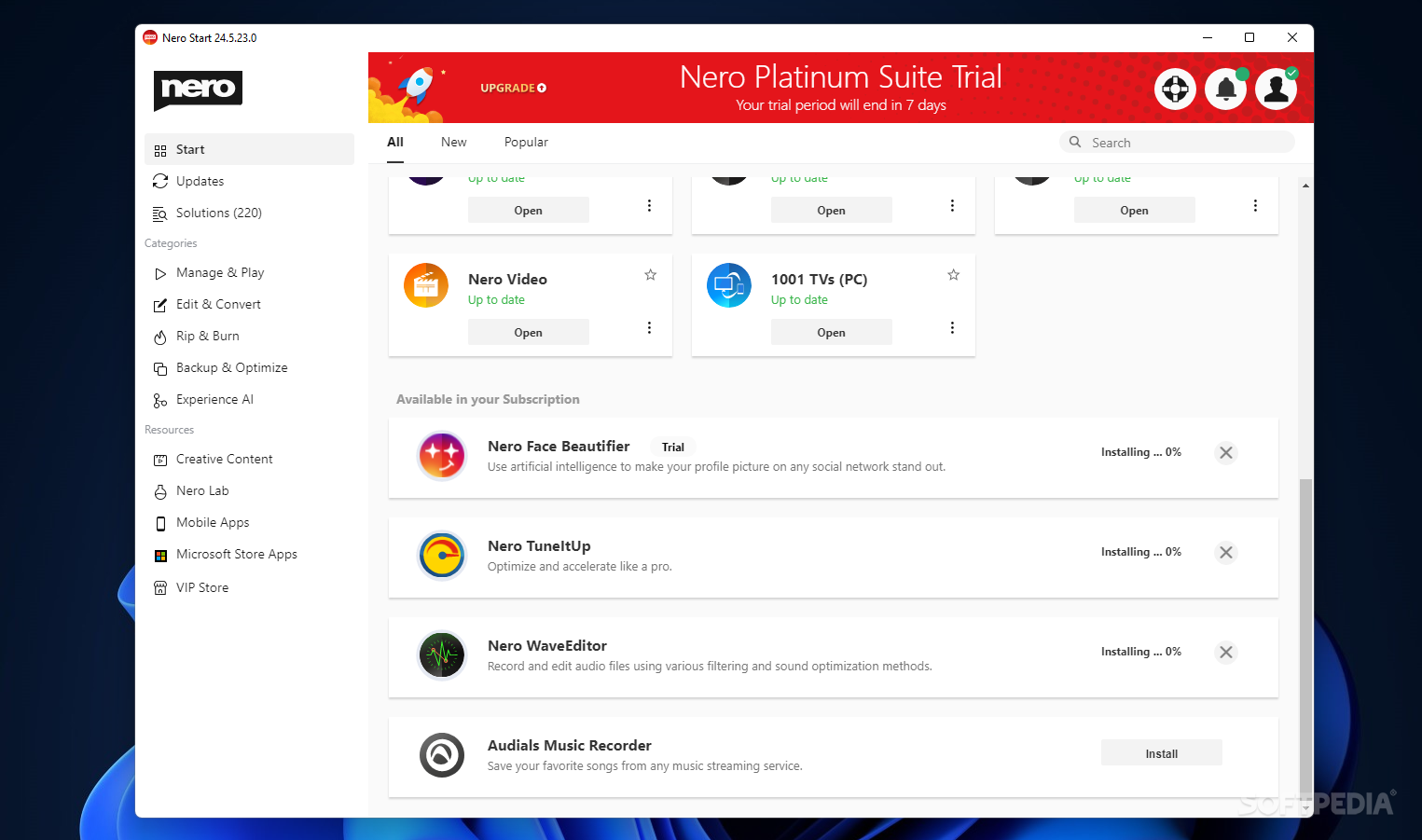
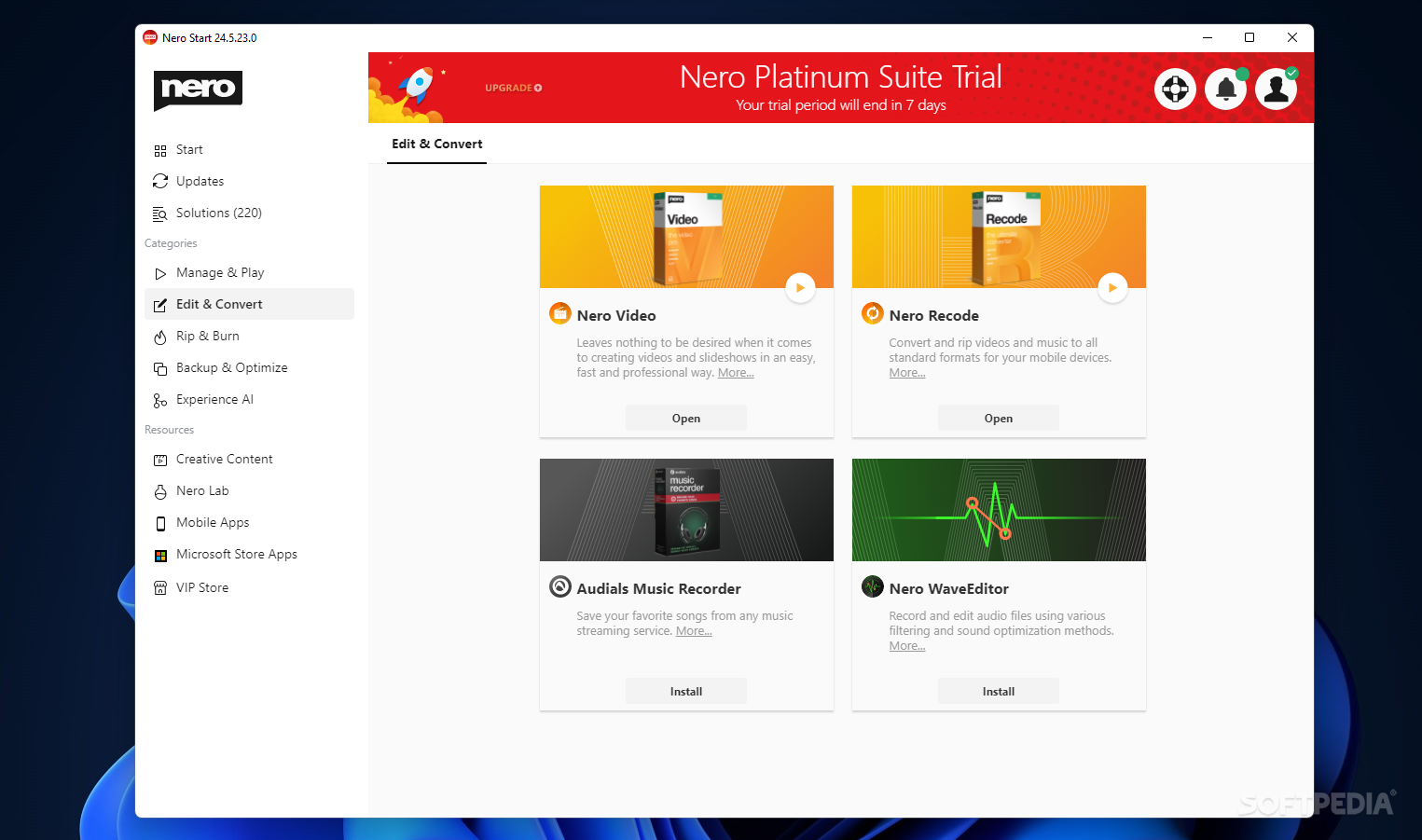
For instance, there's the Face Beautifier, which you can use to conceal the imperfections in your portraits, Nero Score to benchmark your computer, ReCode to convert your videos and rip them, and many others.
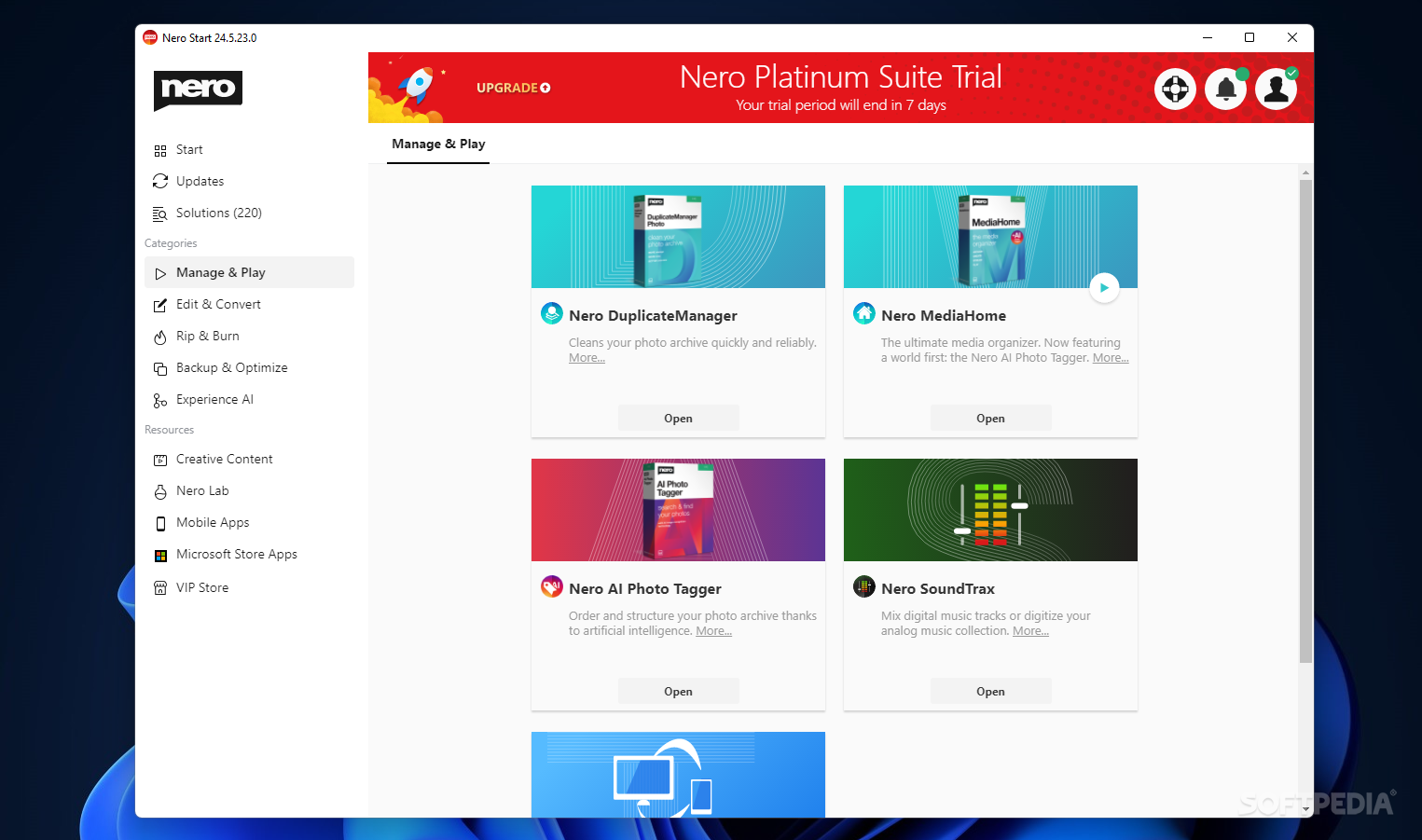
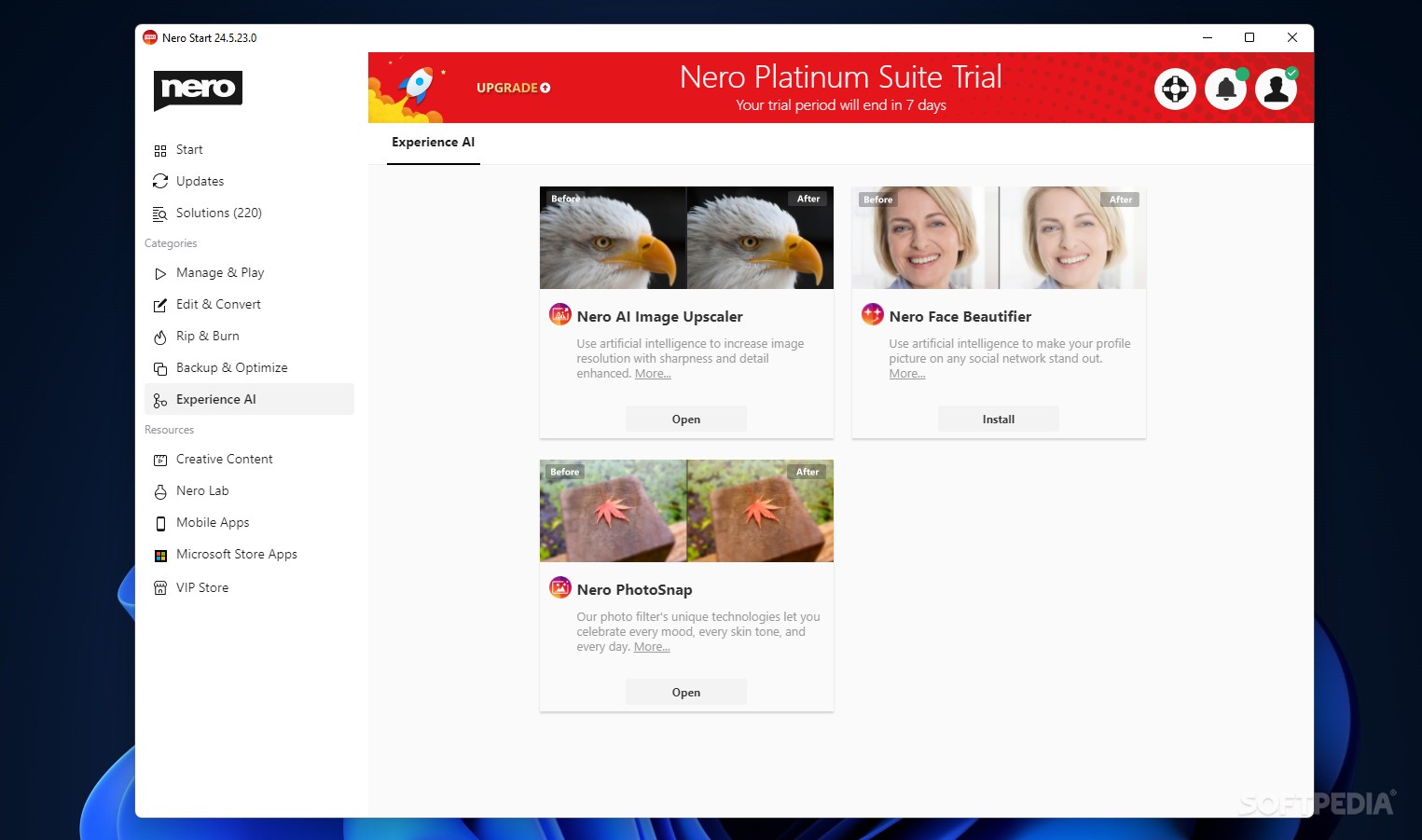
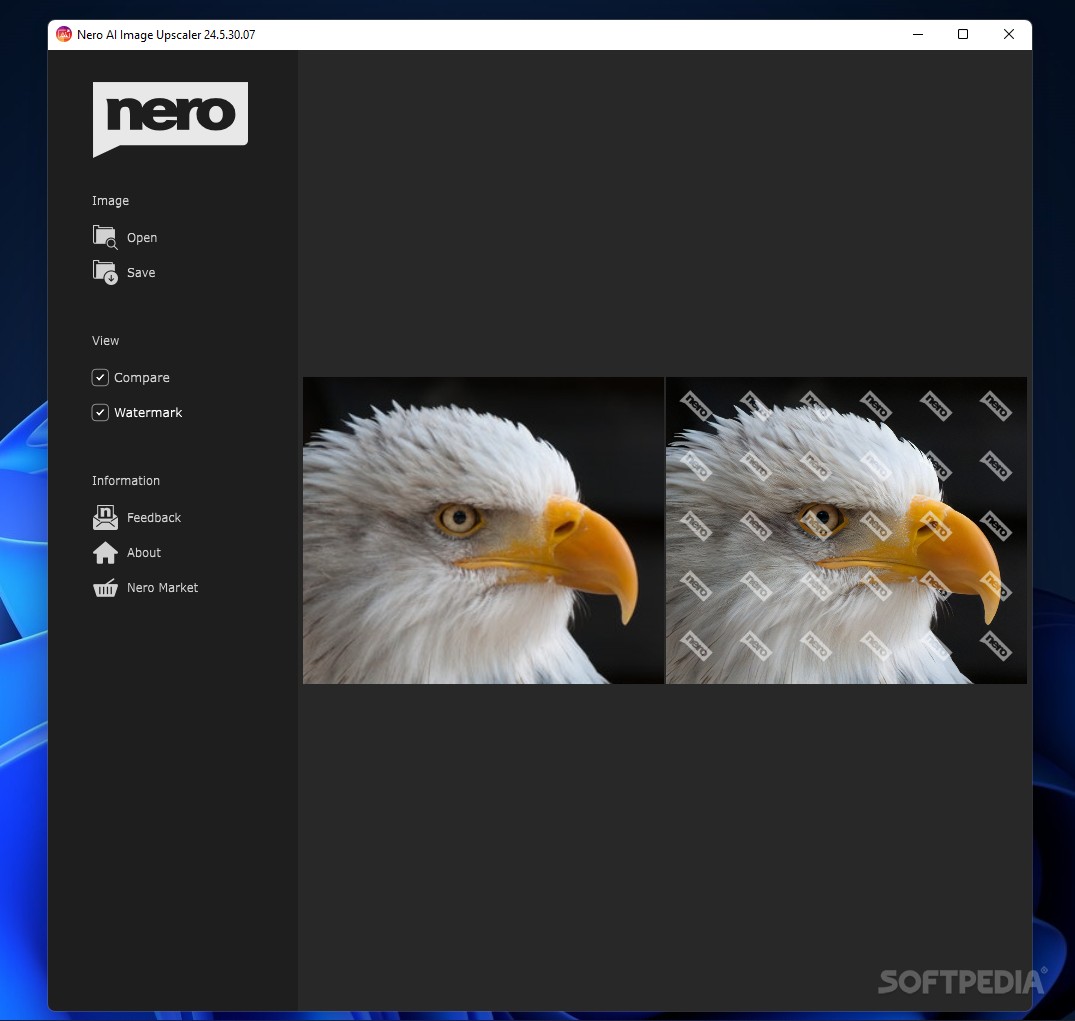
The best way to talk about the suite's functions is by grouping up its apps based on their scope. If photo editing is your thing, you can edit images through PhotoSnap, upscale, and tag them via the AI prerogatives, and make the subjects of your portraits look nicer via the Face Beautifier.
We found the AI tagger to be a bit hit-or-miss when it detected our still of a tree branch as an animal. It's also notable that the Face Beautifier went a bit overboard at higher settings, making the faces look very artificial.
Video editing can also be done through the dedicated app, a user-friendly editor that allows you to work with your clips quite efficiently. There are also the SoundTrax and WaveEditor apps that open up the possibility of recording and mastering audio.
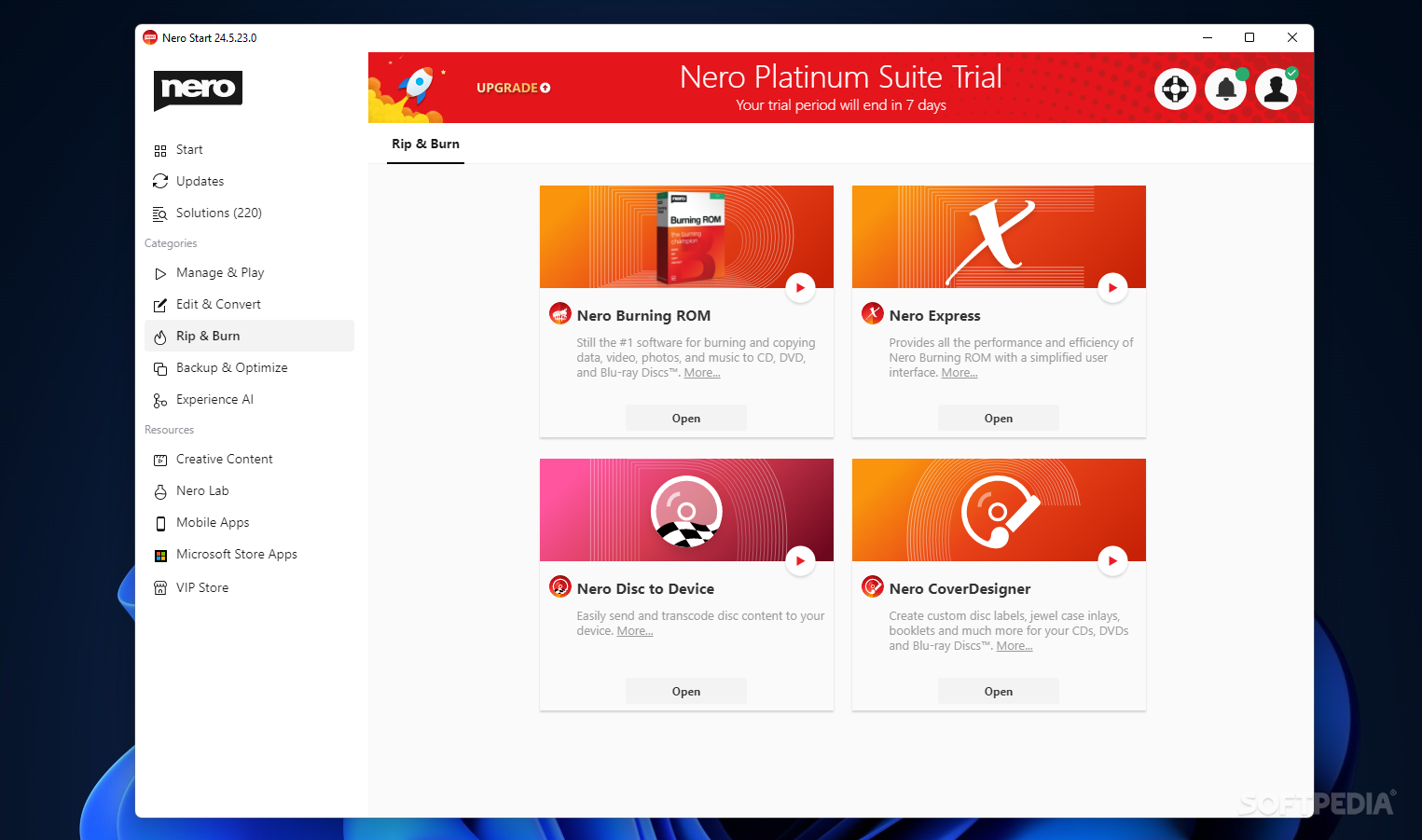
Nero Express, Burning ROM, and Disc to Device can help you rip content to discs, the former even supporting Blu-Rays.
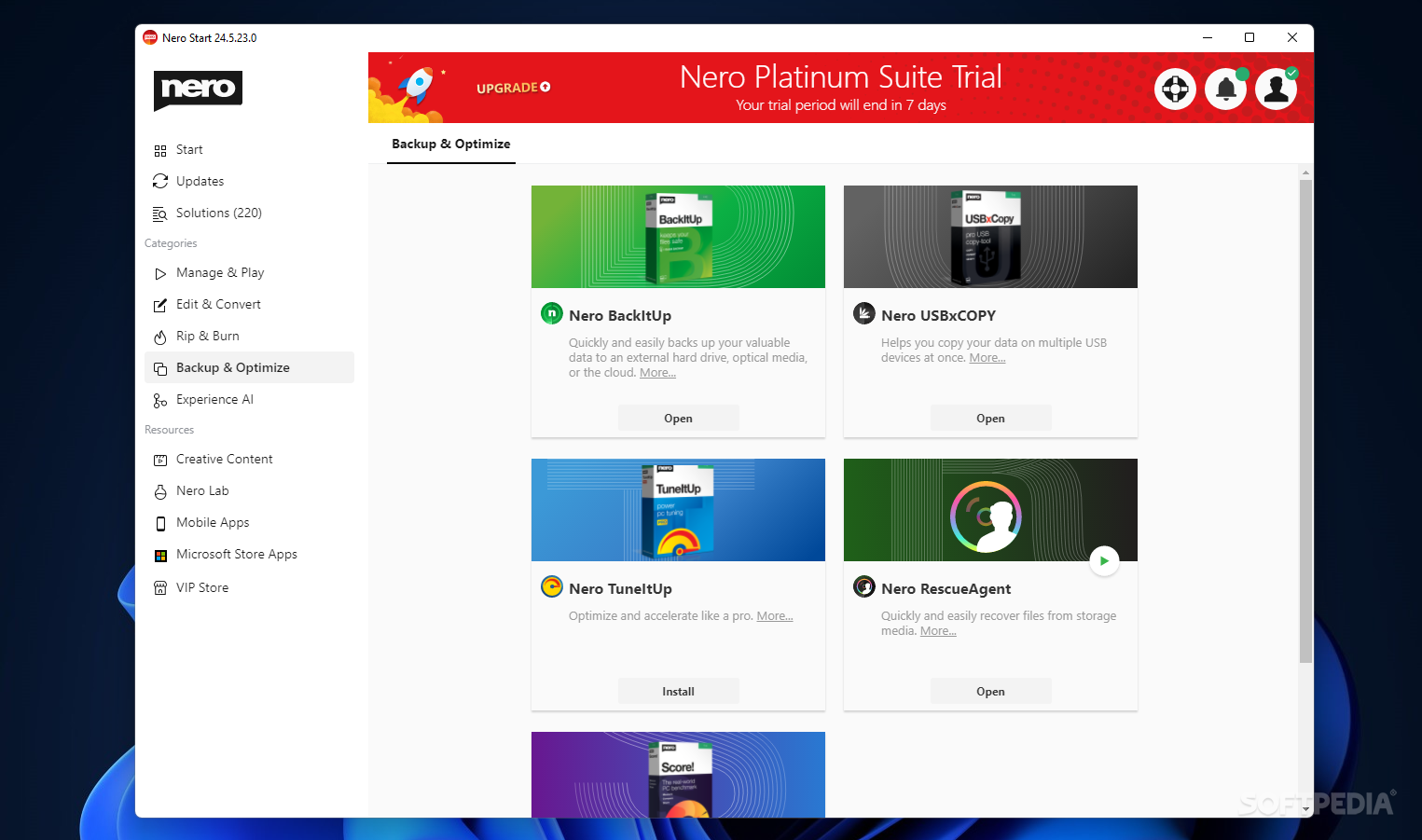
RescueAgent helps you recover deleted files, BackItUp helps you preserve them, while Duplicate Manager saves you space by ridding you of identical, redundant data. To add to that, TuneItUp serves to improve your machine's performance by looking into your registry, browser cookies, and temp files, all to speed up your system.
There are other things, too, but they would best fit under a miscellaneous category, like how 1001 TVs lets you mirror your phone's screen to TV and PC, and how CoverDesigner can create disc labels.
There is simply a lot to do and see in the Nero Platinum Suite, and it indeed is quite the jack-of-all-trades kind of package. It appears we're talking about a master of none scenario, though, but it's worth mentioning that it does a lot of things well — not specializing in something, but doing many things well enough to be worth the try.
Download Hubs
Nero Platinum is part of these download collections: View Blu-ray Disc
Nero Platinum 2024 26.5.61.0
add to watchlist add to download basket send us an update REPORT- runs on:
-
Windows 11
Windows 10 32/64 bit
Windows 8 32/64 bit
Windows 7 32/64 bit - file size:
- 152 MB
- main category:
- CD / DVD / Blu-ray Tools
- developer:
- visit homepage
4k Video Downloader

Zoom Client

Windows Sandbox Launcher

IrfanView

Bitdefender Antivirus Free

calibre

Context Menu Manager

7-Zip

Microsoft Teams

ShareX

- 7-Zip
- Microsoft Teams
- ShareX
- 4k Video Downloader
- Zoom Client
- Windows Sandbox Launcher
- IrfanView
- Bitdefender Antivirus Free
- calibre
- Context Menu Manager