
Rip movies from DVDs and Blu-ray discs to convert them into XviD, x264 or other formats, create a job list, set reminders, make image adjustments, apply filters, and more. #DVD ripper #Video converter #Blu-ray ripper #Ripper #Converter #Rip

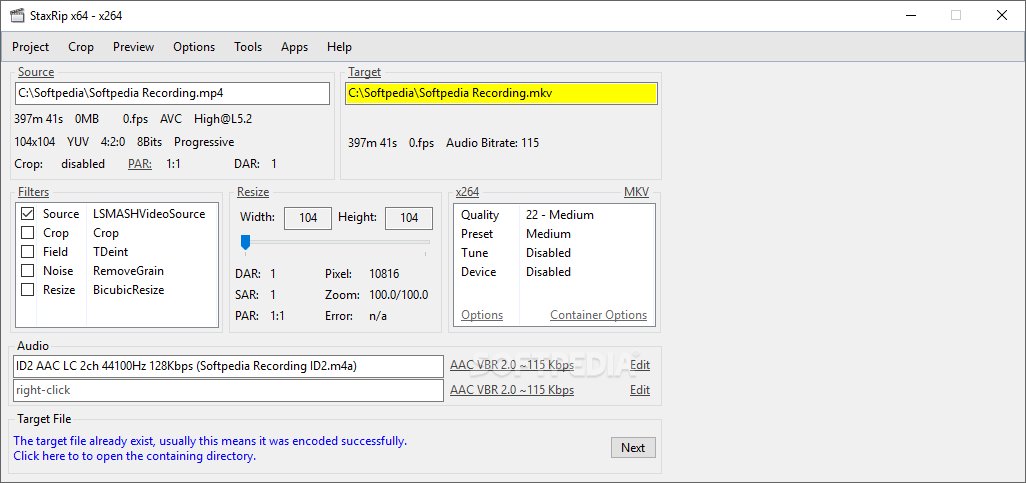
StaxRip is an advanced tool that uses built-in encoders, decoders, muxers, and demuxers to rip movies from DVDs and Blu-ray discs and turn them into other formats which are user-friendly for various devices, like iPhone or Xbox. It solely addresses experienced users.
Apart from DirectX and .NET Framework, you don't need to set up anything else. You can extract StaxRip's files anywhere on the disk and launch its executable file. This is also possible when saving the program to a pen drive to use it on any PC. Unlike most installers, it doesn't modify Windows registry settings.
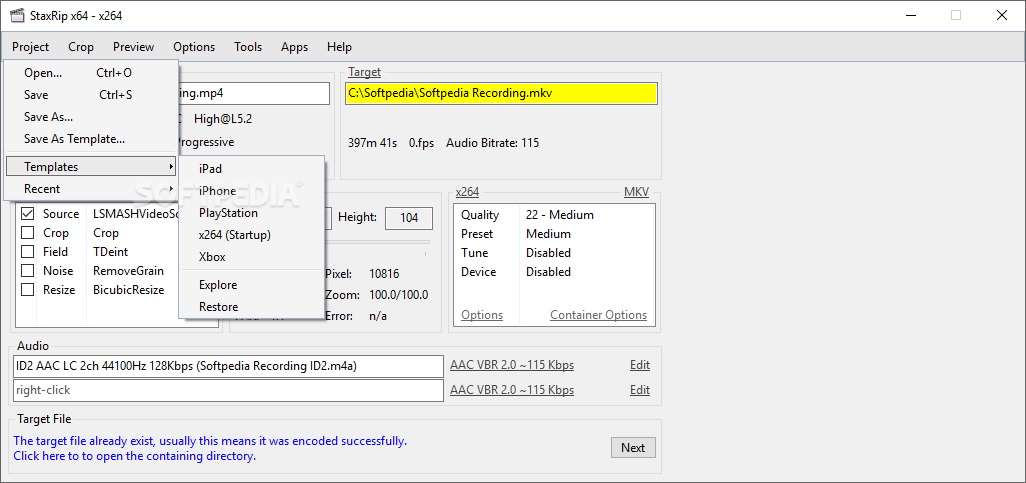
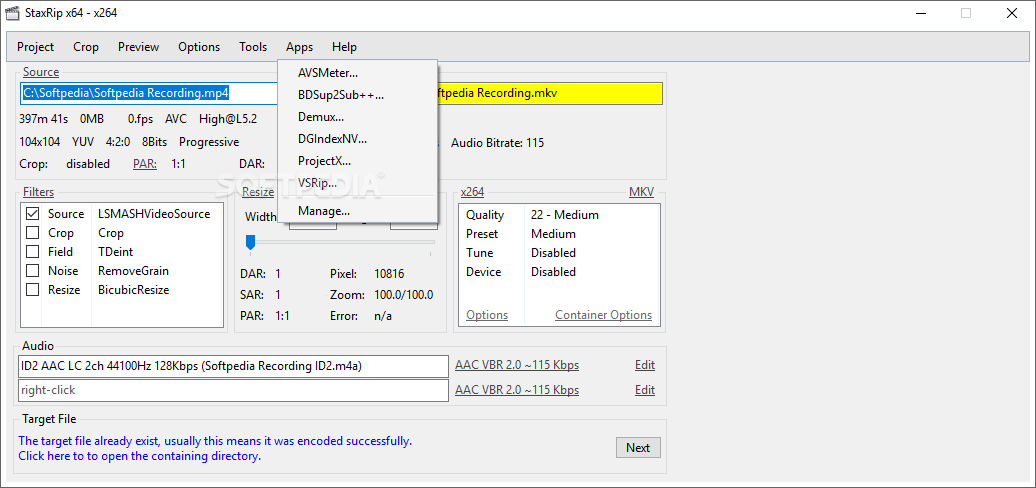
Wrapped in a classical-looking interface that doesn't put emphasis on appearance, StaxRip helps you get started by specifying an output profile between x264, DivX Plus, iPad, iPhone, PS3, WebM, Xbox 360 and XviD, thanks to the fact that it has optimized settings for these templates. Plus, you can choose the encoding mode by either favoring video quality (greater file size) or file size (poorer quality).
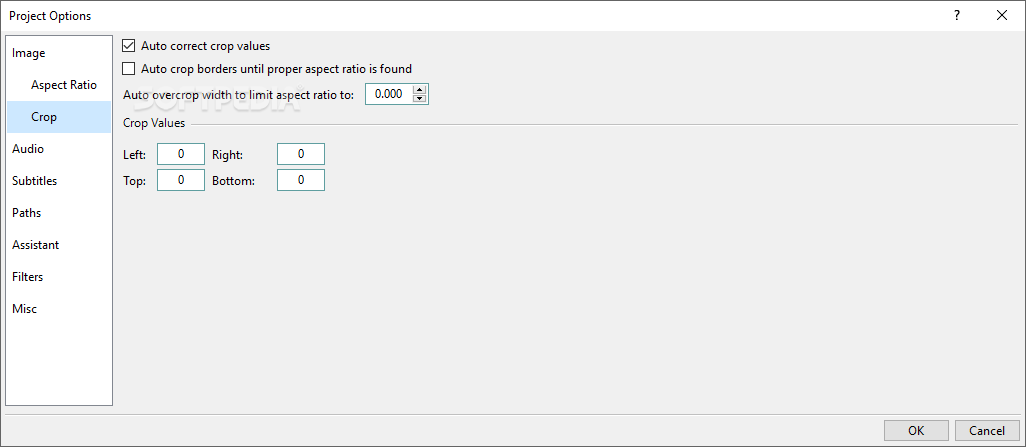
However, this doesn't mean that the application doesn't let you customize each setting. On the contrary, you can apply image filters (e.g. deinterlace, crop borders, noise, resize), set the resolution width and height, as well as select the quality level and targeted device.
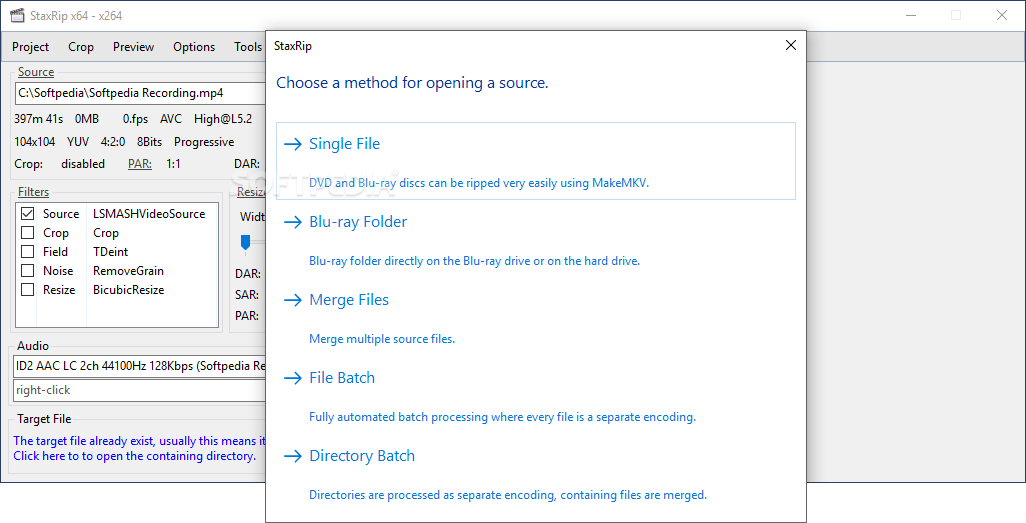
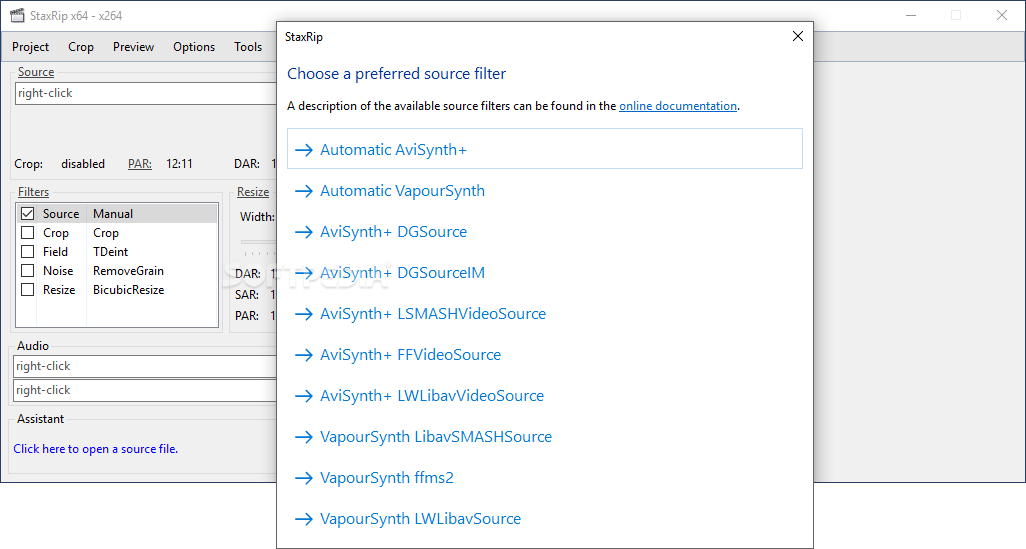
The program is able to rip movies from Blu-ray folders, DVDs or Blu-ray discs using MakeMV, as well as to convert regular videos from files in batch mode (e.g. .avi, .mpg, .mov) or from entire directories with common clips. It can also merge multiple videos into a single file.
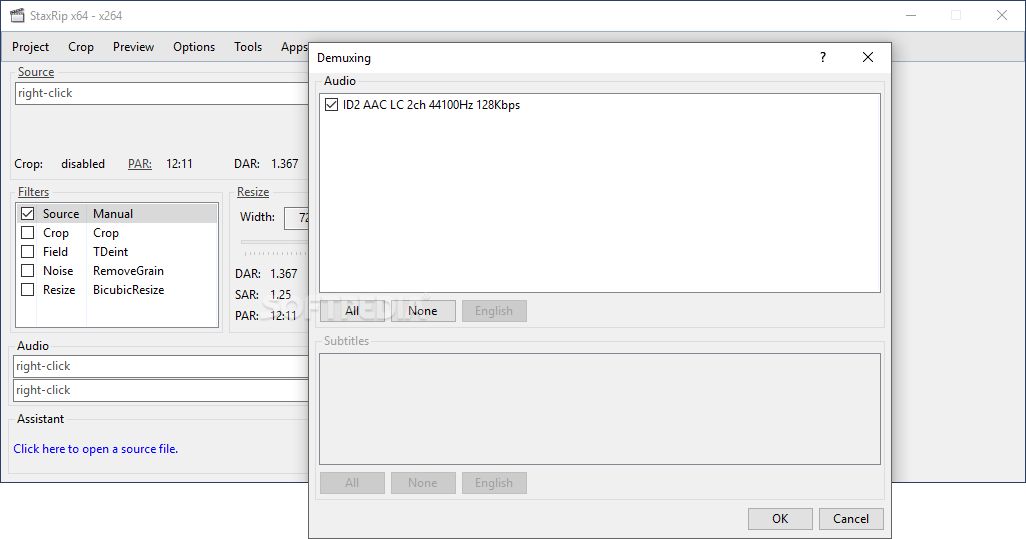
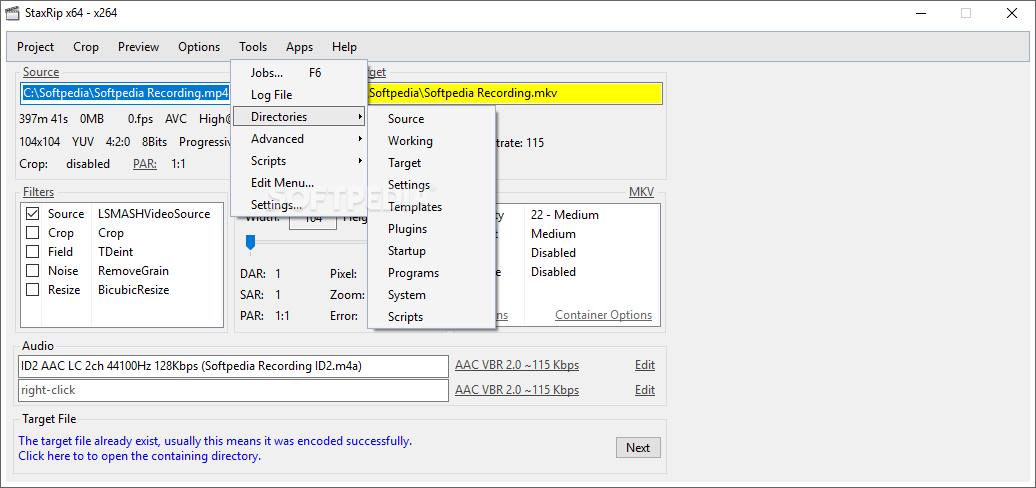
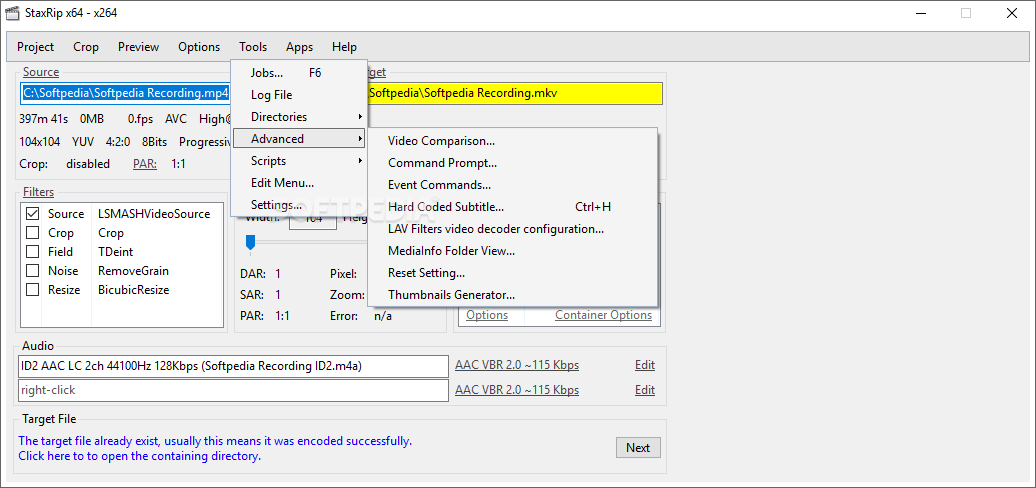
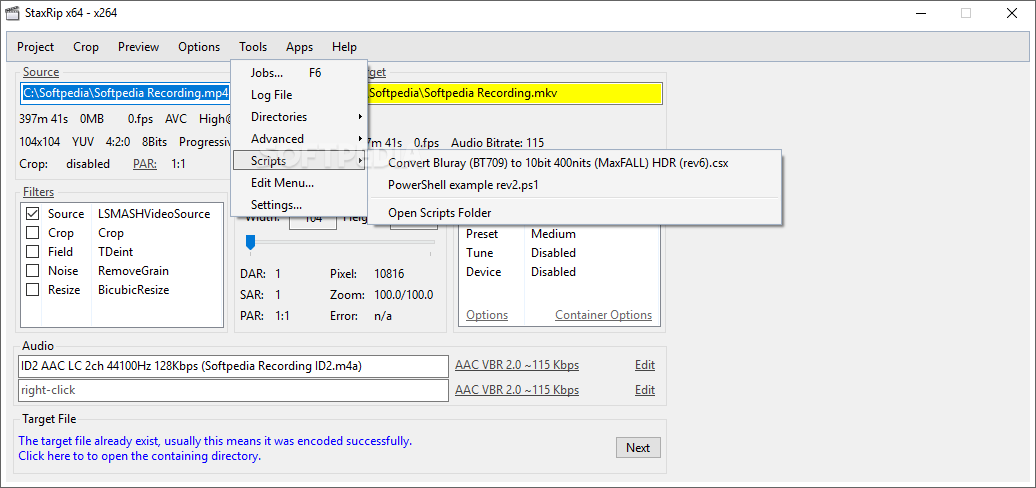
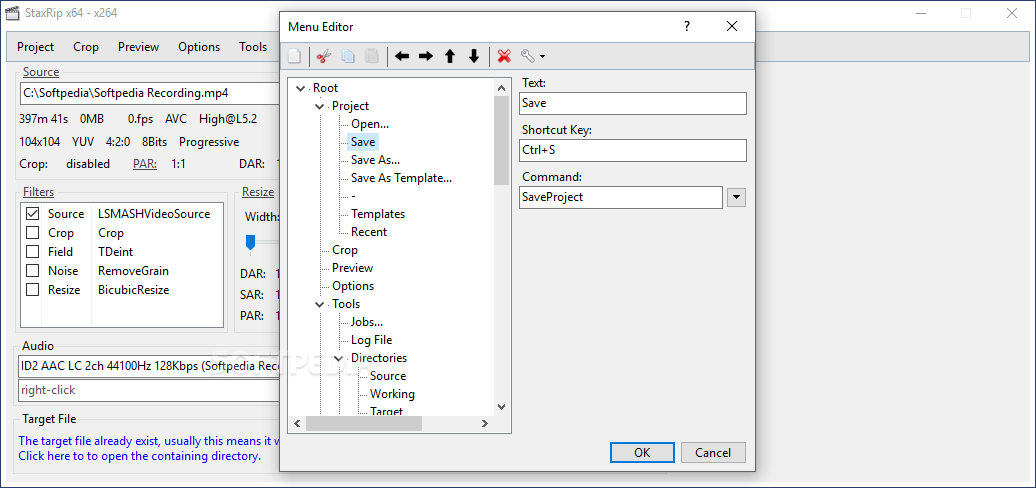
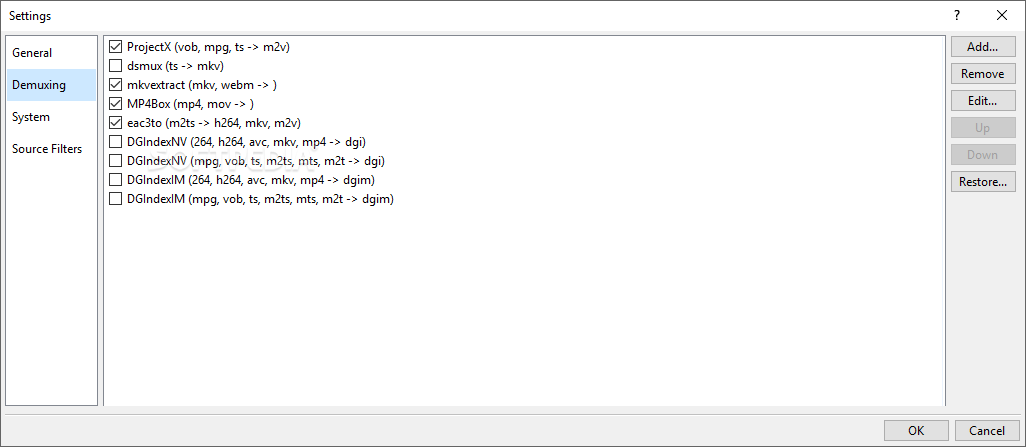
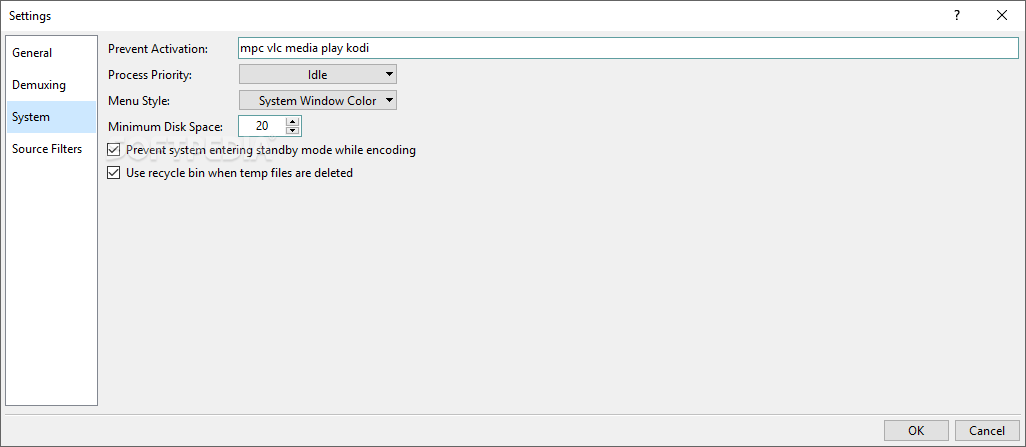
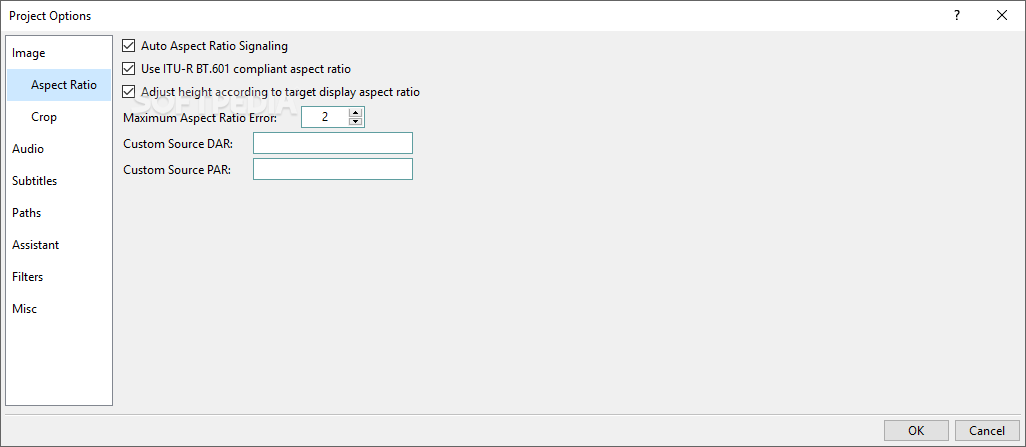
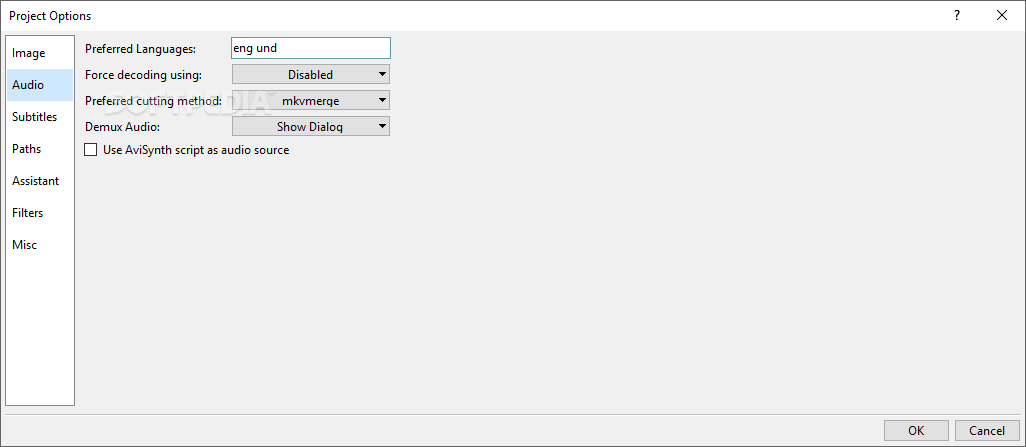
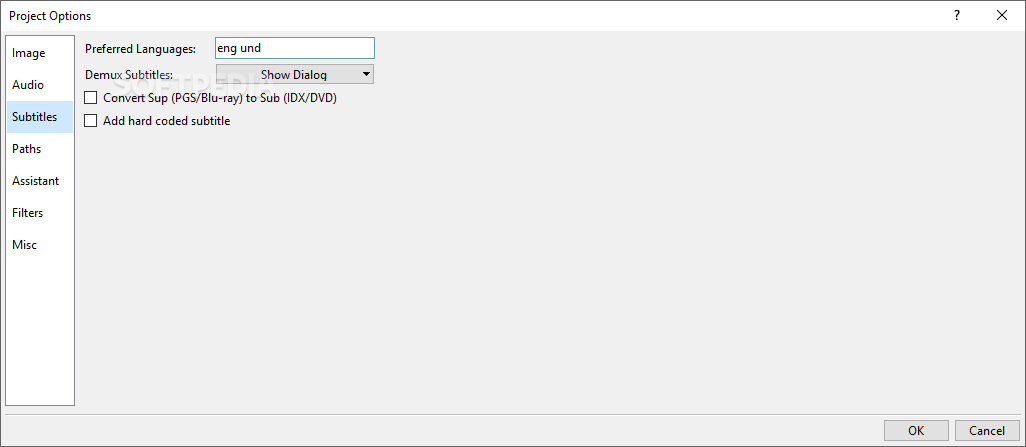
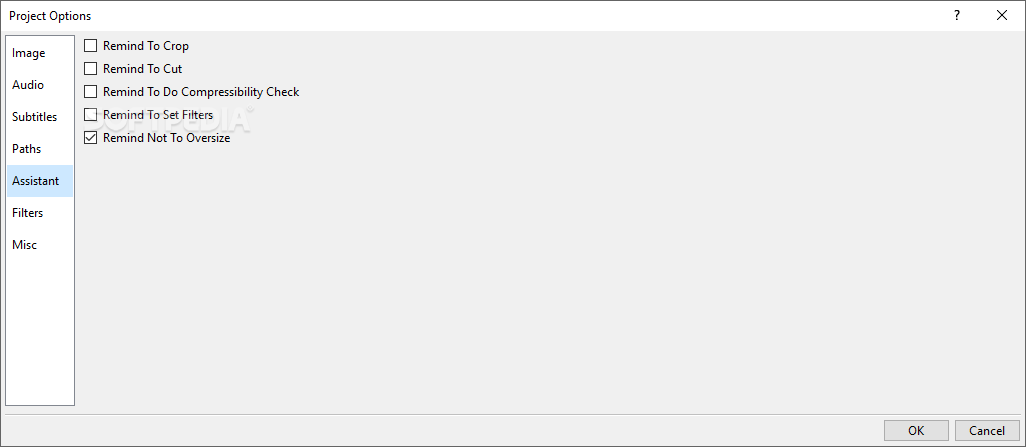
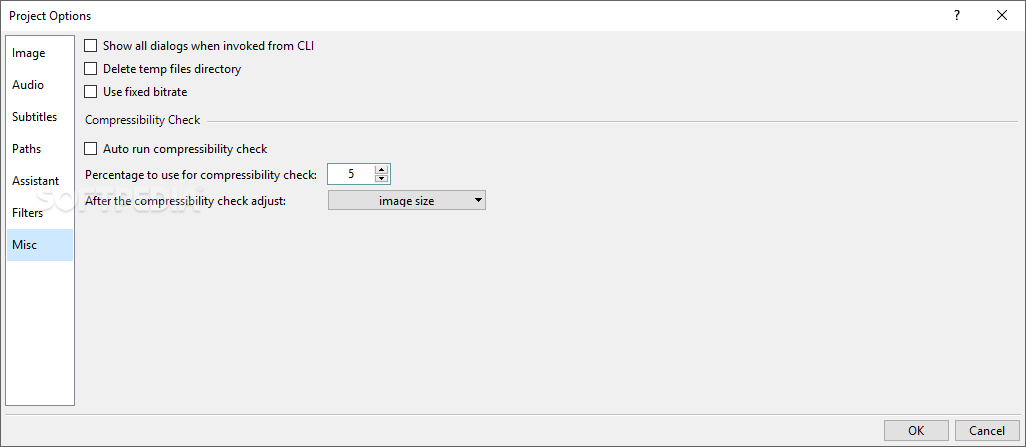
The project can be saved to file and resumed later. You can preview media files, add tasks to a queue for batch execution, manage encoders and decoders, muxers and demuxers along with filters, open hardcoded subtitles, as well as modify expert setting regarding the image, audio, subtitles, paths, reminders, filters, compressibility check, and others.
CPU and RAM consumption was fair in our tests, and StaxRip carried out conversion tasks swiftly, without triggering the operating system to hang, crash or prompt error dialogs. The main downside of the tool is that it's targeted at advanced users only since it's not intuitive for beginners. Other than that, it's packed with powerful options dedicated to DVD ripping.
StaxRip 2.37.6
add to watchlist add to download basket send us an update REPORT- runs on:
-
Windows 11
Windows 10 64 bit
Windows 8 64 bit
Windows 7 64 bit - file size:
- 370 MB
- filename:
- StaxRip-v2.38.0-x64.7z



- main category:
- Multimedia
- developer:
- visit homepage
IrfanView

ShareX

Bitdefender Antivirus Free

Microsoft Teams

calibre

4k Video Downloader

Zoom Client

Windows Sandbox Launcher

7-Zip

Context Menu Manager

- Windows Sandbox Launcher
- 7-Zip
- Context Menu Manager
- IrfanView
- ShareX
- Bitdefender Antivirus Free
- Microsoft Teams
- calibre
- 4k Video Downloader
- Zoom Client