Softpedia in association with CyberLink offers you a special discount: Now, only from Softpedia, you can buy CyberLink Power2Go with a 15% discount. Take advantage of this opportunity and press the Buy Now button; you'll surely notice, the discount has been activated. No coupons, no codes, no questions, no hassle! Get it now, while it's hot!
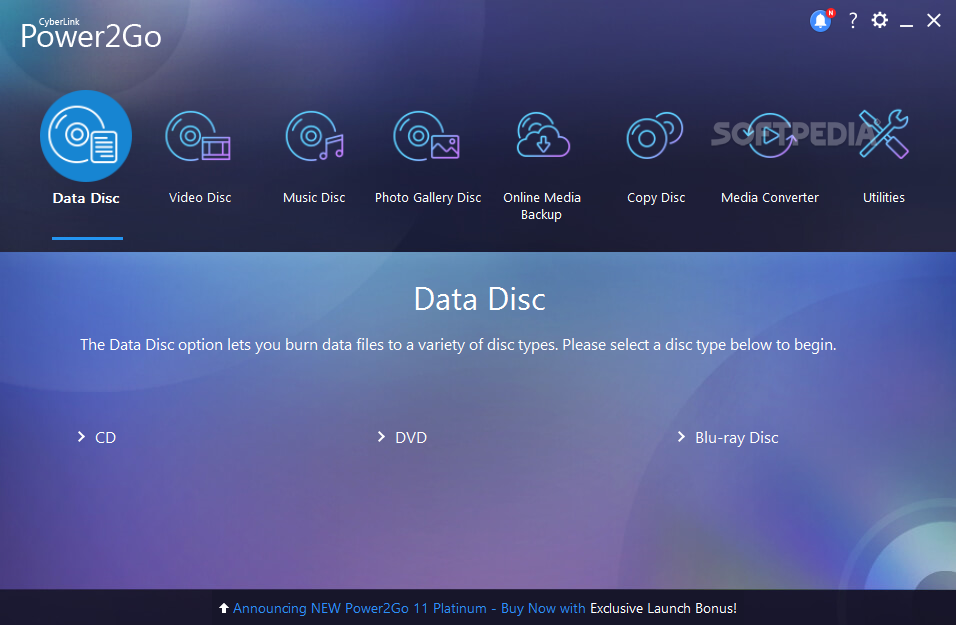
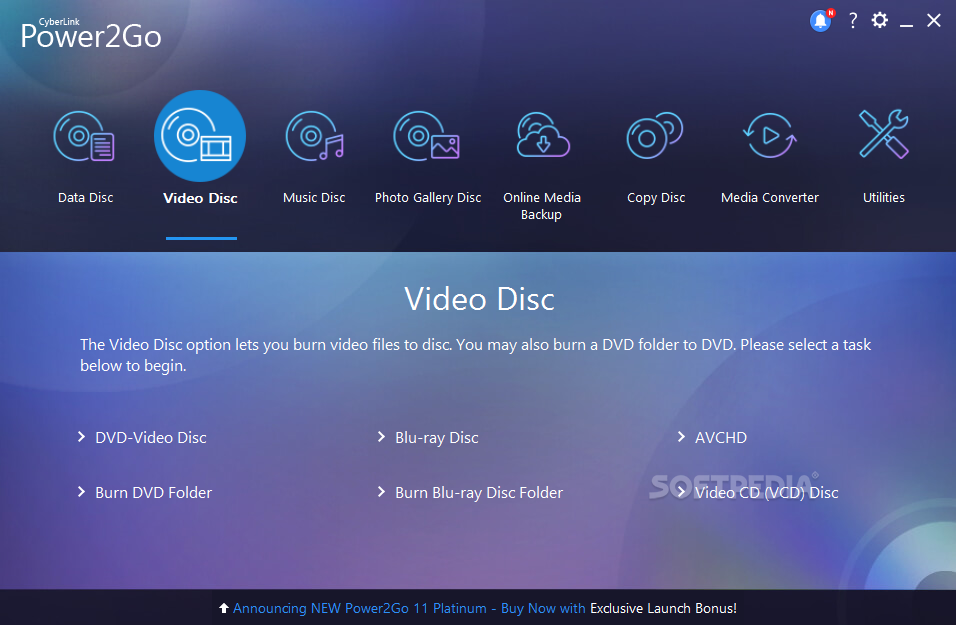
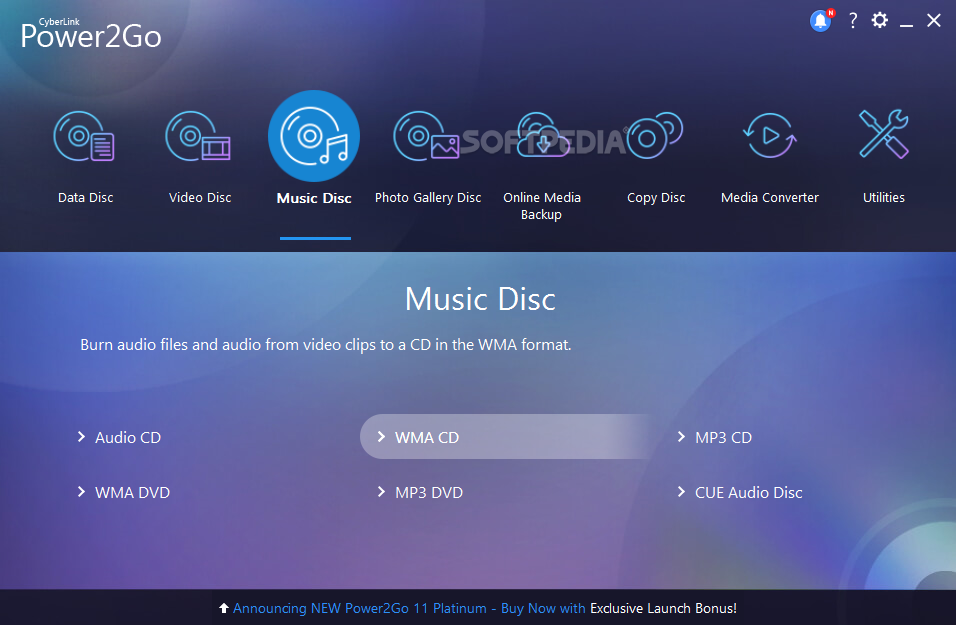
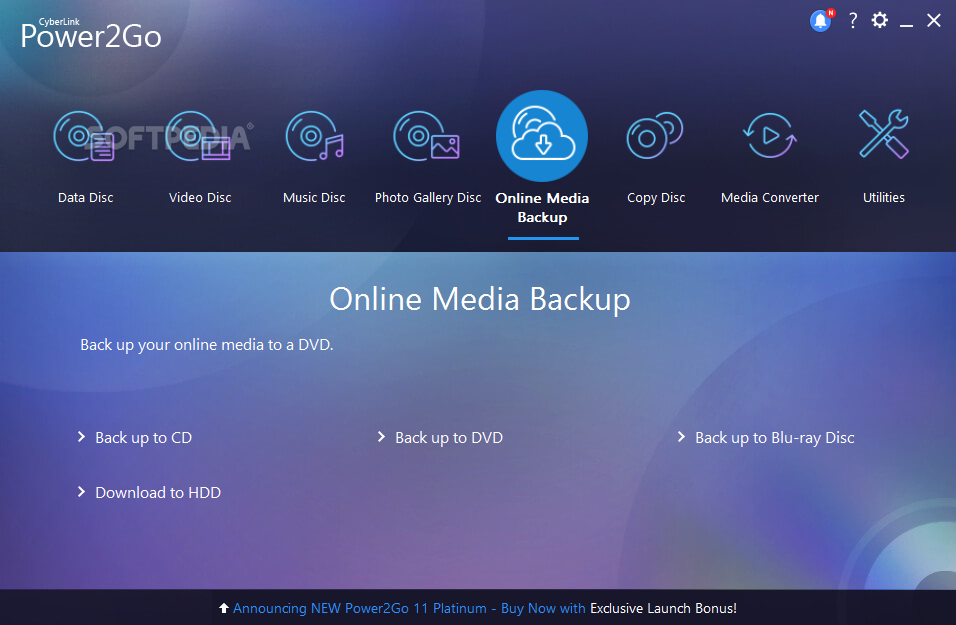
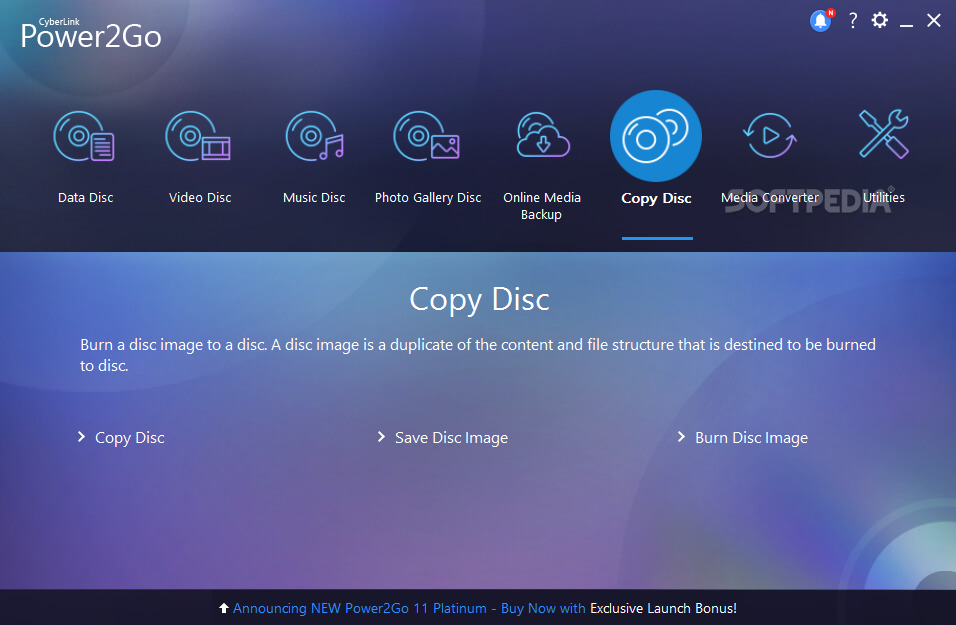
CyberLink Power2Go offers you the full functionality to back up your files, create audio CDs and burn CDs, DVDs, Blu-ray Discs(BD). CyberLink Power2Go provides you with the best way to maximize your disc burning capabilities.
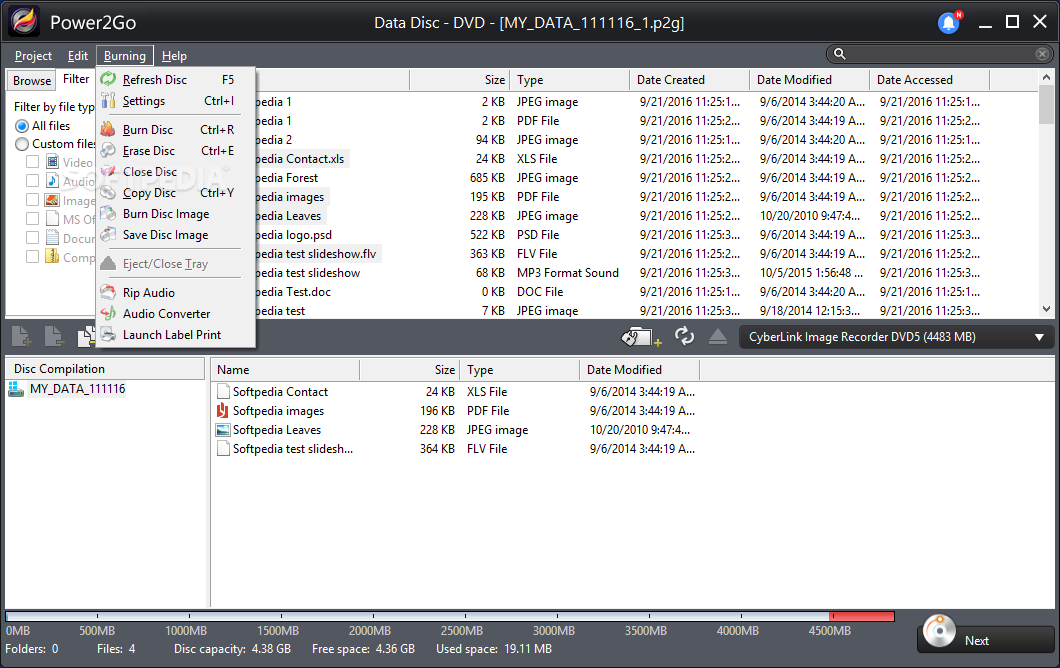
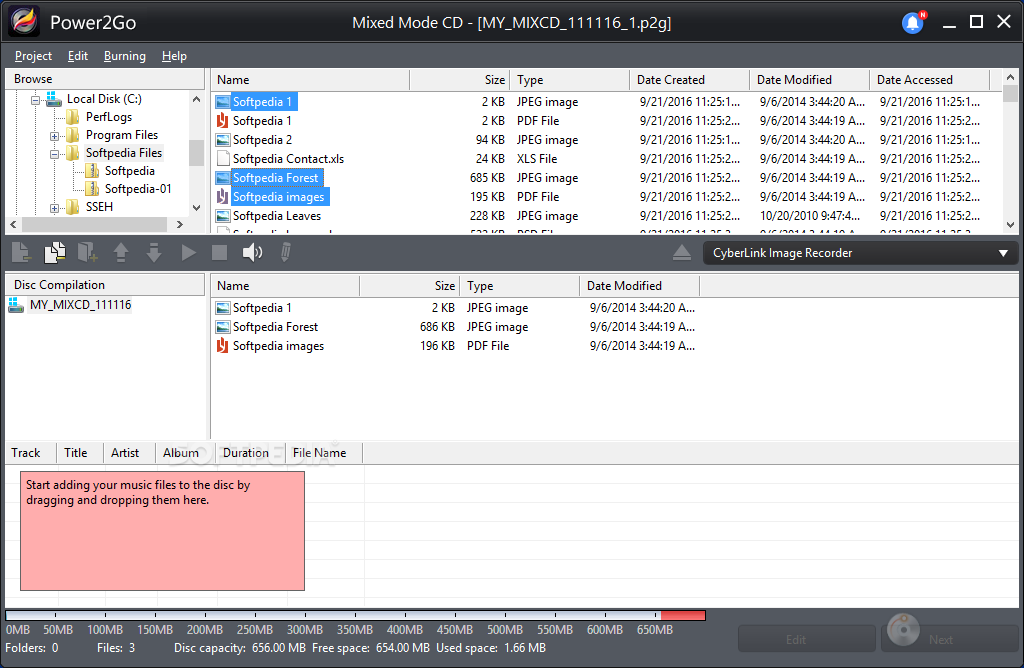
Using CyberLink Power2Go's easy to use drag and drop feature, you can create a data backup, music or movie disc easily and quickly. CyberLink Power2Go also supports the most complete range of disc formats on the market today. That's not all! CyberLink Power2Go also comes with an abundance of handy disc utilities to help you with the disc creation process.
Industrial grade encryption, more creativity and control of your media files with a robust engine that take care of all your burning needs. Designed for both home and enterprise users, Power2Go provides the security that enterprises crave and the ease of use that home users want. In addition, Power2Go also features several media utilities which enable users to easily share their media files in style.
Power2Go also supports the latest Blu-ray format - BDXL. With BDXL, you can burn up to 128GB (4 layers) on a single Blu-ray disc
NOTE: After the 15 days trial period CyberLink Power2Go will still work but with limited functionality.
Here are some key features of "CyberLink Power2Go Deluxe [DISCOUNT: 15% OFF!]":
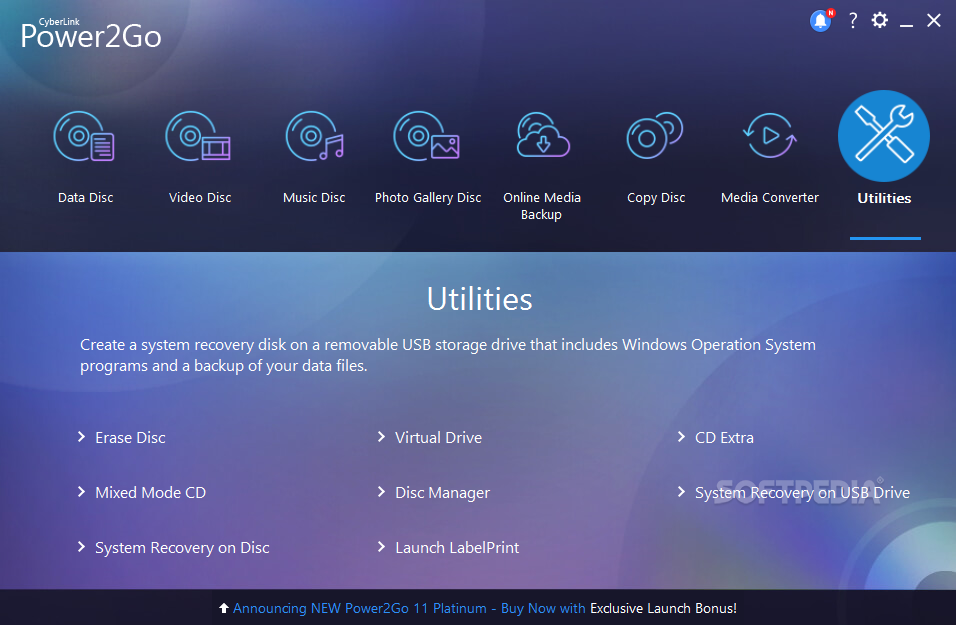
Mount Disc Images as Virtual Drives:
· Power2Go 8 allows you to mount a disc image file as a virtual drive and access it like a real disc drive on your computer. The mounted ISO image will be assigned a drive letter and it appears just like another optical drive in your system.
· To view the contents of the virtual drive on your PC, navigate to the Computer folder which displays the available drives on your system. Select the virtual drive and you will be able to access the files in the disc image. The virtual drive feature makes it easy to share a file with Power2Go 8 users, or online, instead of using a disc.
Rip and Copy Your Music:
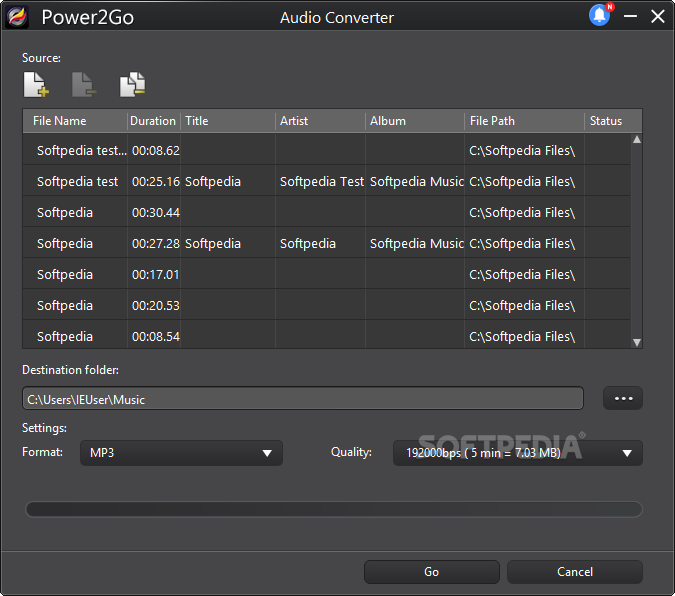
· Want to copy a song from your favorite CD and store it on your PC? How about extracting a soundtrack from a favorite video? Let Power2Go rip and extract your audio files for you. It's as easy as a click of the mouse! Once your audio files are copied to your PC, you can easily use a media player to create playlists from different CDs.
· With Power2Go 8 you can rip from CDs to MP3, WMA or WAV files. You can even create audio files for your portable media player, like your MP3 player or smart device, so you can enjoy the coolest tunes from your audio CDs everywhere you go!
Precision Audio Editing – WaveEditor 2:
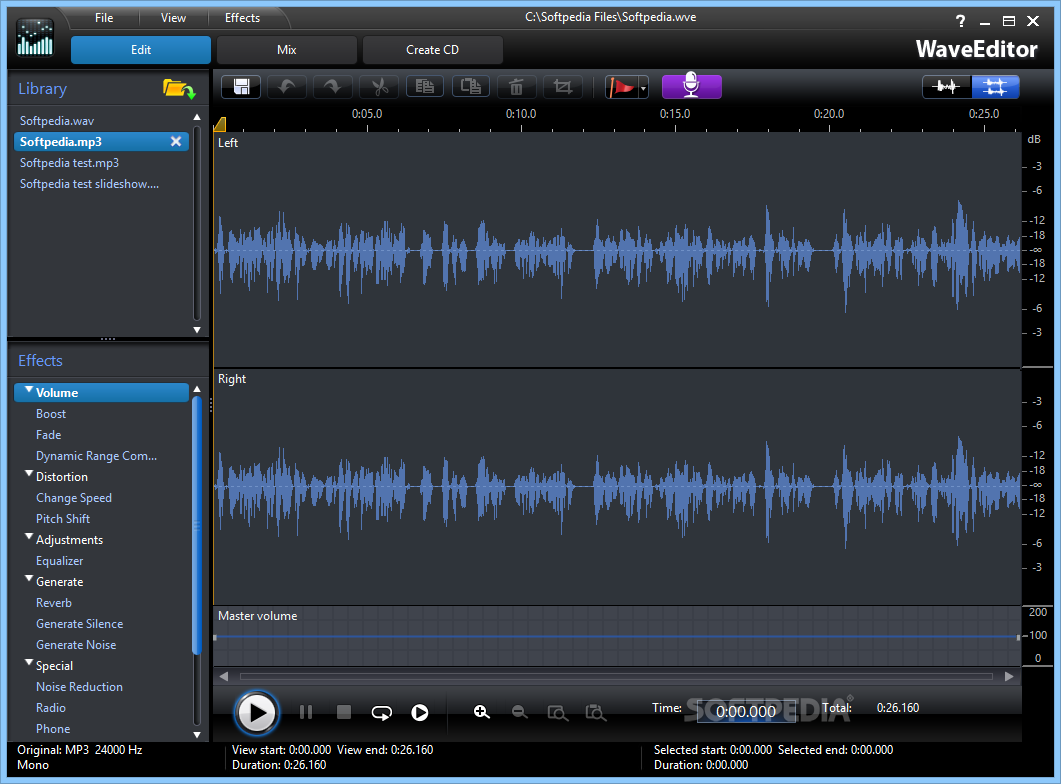
· When you are creating discs, it is a huge advantage to be able to edit and enhance audio files. Power 2 Go 8 now features WaveEditor 2, a sample-level precision waveform editor with cool audio effects that allows you to trim or enhance your tunes before adding them to your slideshow or distributing them.
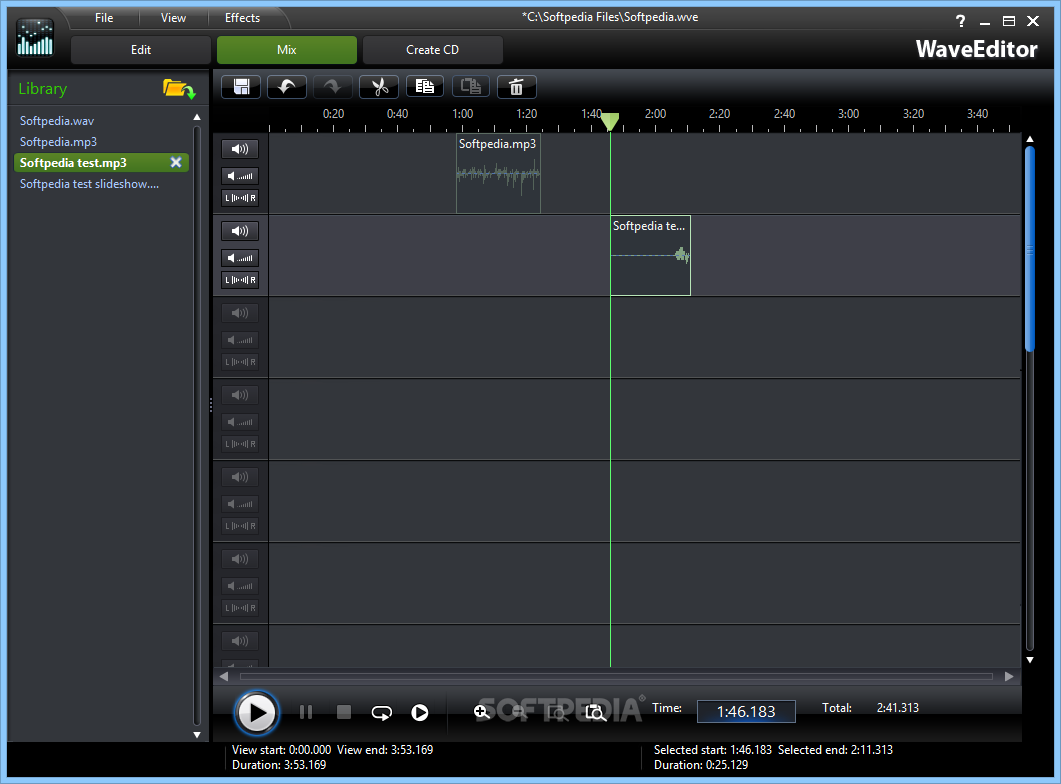
· WaveEditor 2 brings several new exciting features to Power2Go 8 users, includes multi-timeline audio mixing which allows users to compose an audio output from multiple audio tracks.
Extract Files with the .ISO Disc Image Viewer:
· No more second guessing what is in that .ISO image file! With Power2Go’s built-in .ISO disc image file viewer, you can access and extract files and folders directly from an .ISO image onto your hard drive without the need to copy to a disc. With the ability to know which files are inside the .ISO image, you will never burn the wrong disc again - saving you both time and money.
· Power2Go 8’s .ISO viewer truly is an extremely useful tool to help you organize, burn and better manage your data.
Requirements:
· Screen Resolution: 1024 x 768 pixels
· Memory: 128 MB SDRAM for data and music burning / 256 MB DDR RAM for video burning (512 MB recommended)
· CPU - CD/VCD (MPEG-1) production: Intel Pentium II 450 | DVD (MPEG-2) production: Intel Pentium III 800 MHz, or AMD Athlon 700 MHz (Intel Pentium 4 2.0 GHz, AMD Athlon 2100+ or above recommended)
· Hard Disk Drive Space: 1 GB for making VCDs | 5-10 GB for making DVDs | 25 GB for making Blu-ray discs
Limitations:
· 15 days trial period
What's New in This Release: [ read full changelog ]
· Author Photo Gallery Discs that create a photo showcase application that runs on a PC.
· View and extract files within a disc image using the ISO Viewer.
· Burn partially or fully secured discs with 128-bit or 256-bit encryption levels.
· New desktop burning gadget that runs on all Windows environments.
· Use the enhanced disc authoring feature to create professional looking video discs.
· GPU acceleration to decode or encode video to speed up the creation of video discs.
· Advanced and custom filtering of data files to simplify the search process.
· Download an unlimited number of DVD menu template designs from the CyberLink DirectorZone web site.
· Trim, cut, enhance, and add effects to audio intended in your burning tasks using the CyberLink WaveEditor program.
Users are advised to pay attention while installing this ad-supported application:
· Offers to download or install software or components (Google Chrome) that the program does not require to fully function
· Offers to change the default search engine for web browsers installed in the system