
Straightforward application which enables you to easily burn all kinds of data to a CD or DVD, and adds an entry in the context menu. #Cd burn #Dvd burn #Rewritable disc #Burner #Burn #Ripper

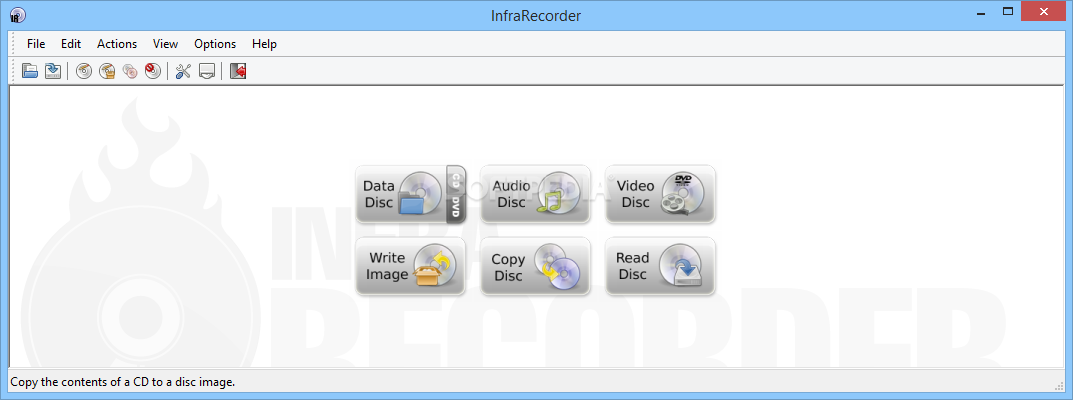
InfraRecorder is a freeware disc burning software solution that helps you create data and audio discs, while also being able to work with virtual images.
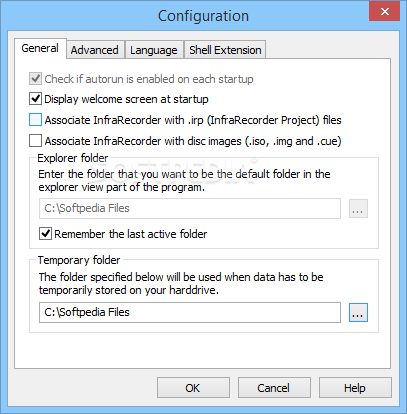
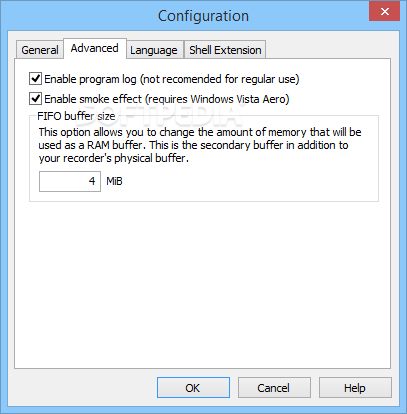
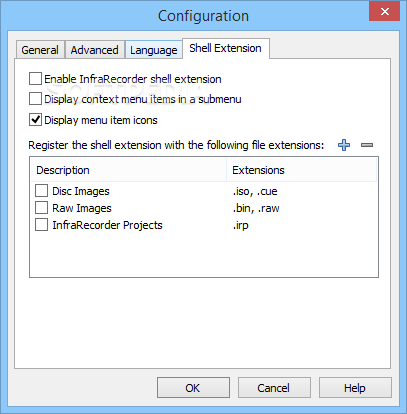
The interface is the strong point of the software that sets itself apart as it is quite user friendly and simple to handle. It allows you to select the type of disc you wish to create from the get go, while more experienced users can get the advanced configuration screen a go with just a single click.
InfraRecorder enables you to create a data CD or DVD, audio or video disc, copy or read a disc as well as write a virtual image. It is important to keep in mind that each of these operations come with its very own configuration settings, which can help you get the results you need.
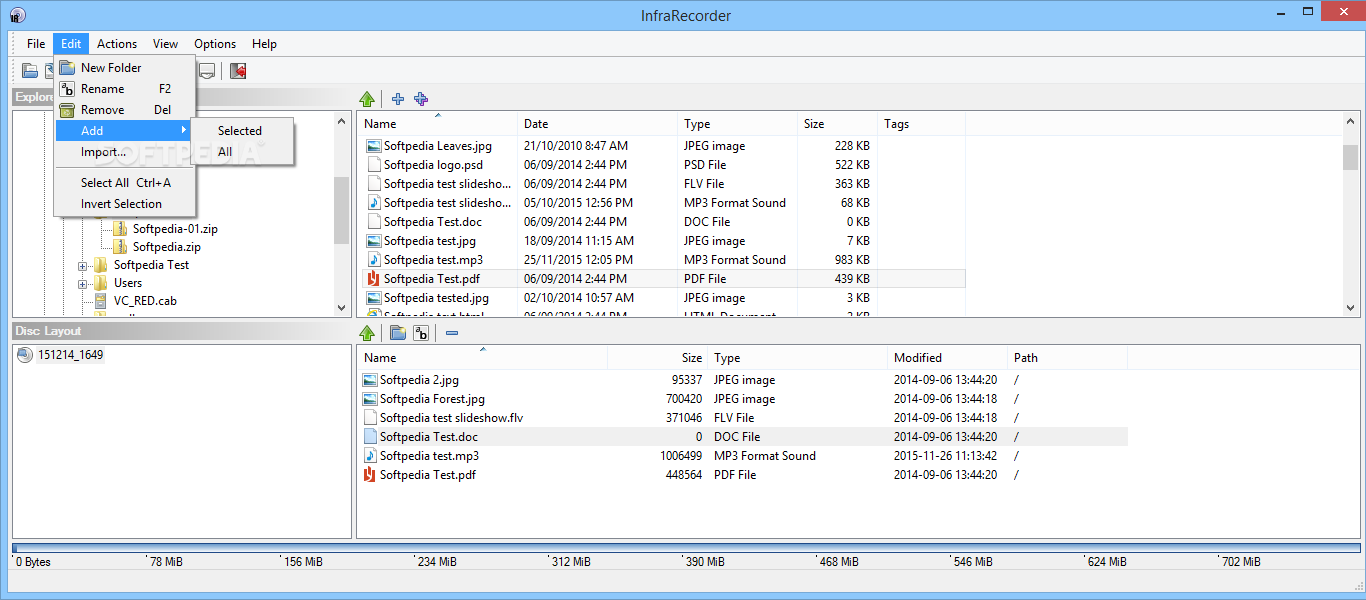
Once you start a new burning project, InfraRecorder opens a multi-panel screen which allows you to browse the contents of your hard drive and add new files to the compilation. In addition to that, “drag and drop” support is included, so placing new files on the disc is quite easy.
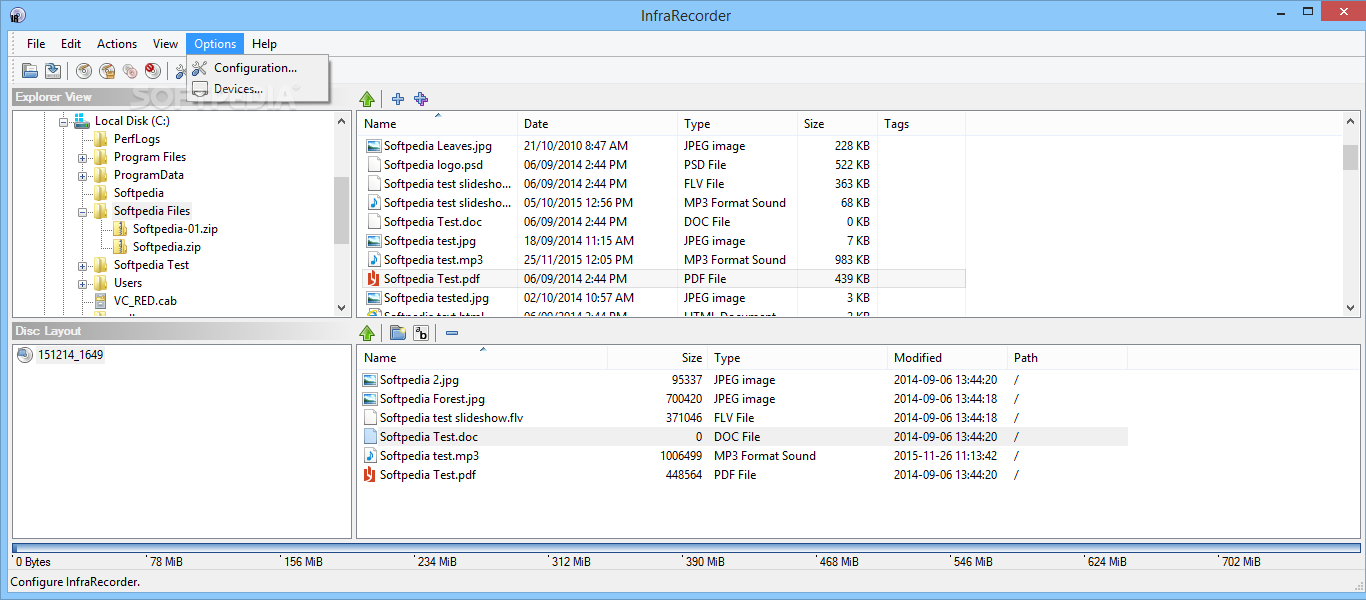
This program allows you to configure the burning process, so you can choose to verify the disc or eject it after writing, adjust the write speed and method and use buffer underrun protection.
InfraRecorder gets the burning task done quite smooth and you should encounter absolutely no problem, no matter the Windows edition you are currently using.
At this moment, there are numerous burning apps on the market and there's no doubt InfraRecorder deserves its place between the best. It's offered with a very user friendly interface and a comprehensive help manual, so rookies should have no difficulties in working with it. It does not put a strain on the computer’s performance.
If you are interested in skipping the installation process, you should know a portable edition can also be downloaded, called Portable InfraRecorder.
Download Hubs
InfraRecorder is part of these download collections: Create ISO, Burn ISO, Make ISO
What's new in InfraRecorder 0.53.0.0:
- Fixed write speed detection issue.
- Fixed bug where maximum write speed would be used instead of the selected one when burning DVDs.
- Fixed bug in creation of UDF and ISO9660 file systems containing many files and folders.
- Relaxed ISO9660 duplicate file naming algorithm.
InfraRecorder 0.53.0.0
add to watchlist add to download basket send us an update REPORT- runs on:
- Windows All
- file size:
- 3.9 MB
- filename:
- ir053.exe


- main category:
- CD / DVD / Blu-ray Tools
- developer:
- visit homepage
IrfanView

4k Video Downloader

ShareX

Bitdefender Antivirus Free

7-Zip

Zoom Client

Context Menu Manager

Microsoft Teams

Windows Sandbox Launcher

calibre

- Microsoft Teams
- Windows Sandbox Launcher
- calibre
- IrfanView
- 4k Video Downloader
- ShareX
- Bitdefender Antivirus Free
- 7-Zip
- Zoom Client
- Context Menu Manager