WINDOWS CATEGORIES:


NEWS ARCHIVE >>
SOFTPEDIA REVIEWS >>

WEEKLY HIGHLIGHTS

DVD Cloner45
Spyware Doctor40
1Click DVD Copy40
Apollo DVD Copy40
ABC Amber BlackBer...45
Protected Music Co...40

7-DAY TOP DOWNLOAD

#
Program
Windows Live
Messenger 2009
14.0.8089.726

180,234
Avira AntiVir
Personal - Free
Antivirus 9.0.0.415

178,519
Avira Antivir Virus
Definition File
Update November 19,
2009

146,030
Nexus Radio 4.1.1
131,999
FreeZ Online TV 1.31
109,437
Microsoft Office
2010 14.0.4536.1000
Beta / 2007

79,456
Y! Multi Messenger
8.x and 9.x

78,836
Windows Live
Messenger
8.5.1302.1018

64,776
RemoveWGA 1.2
51,019
AVG Free Edition 9.0
Build 707a1765

50,150

WEEK'S BEST

  • Faststone Image Vi...
  • Vuze (formerly Azu...
  • Softpedia Wallpape...
  • Softpedia Wallpape...
  • Softpedia Wallpape...
  • RSSOwl 2.0 Final
  • Internet Explorer ...
  • Online Armor ++ 4....
  • cFosSpeed 5.01 Bui...
  • SONY Vegas Pro 9.0...
  • Firefox 3.6 Beta 3...
  • Nokia Photos 1.6.434
  • Windows Server 200...
  • Skype Portable 4.1...
  • Google Chrome Port...
  • PCMark Vantage Bas...
  • Kaspersky Anti-Vir...
  • Microsoft Virtual ...
  • Messenger Plus! Li...
  • WinX DVD Author [F...
  • SoftPerfect Networ...
  • System Mechanic Pr...
  • Ad Muncher 4.8 Bui...
  • Windows 7 Upgrade ...
  • Pidgin 2.6.3
  • OpenOffice.org 3.2...
  • VirtualDub 1.9.7 B...
  • Maxthon [Softpedia...
  • Spyware Doctor 7.0...
  • SUPERAntiSpyware 4...
  • Home / Windows / CD/DVD Tools / Data CD/DVD Burning
     Report spyware

    Nero 8 8.3.13.0

    Softpedia Pick Award
    Download button

    Downloads: 2,797,307  Add to download basket  Tell us about an update
    User Rating:
    Rated by:
    Very Good (4.1/5)
    4228 user(s)
    Developer:

    License / Price:

    Size / OS:

    Last Updated:

    Category:
    Nero | More programs
    Commercialware / USD 63.99 | BUY the full version
    0 KB / Windows 2K / XP / Vista
    August 8th, 2008, 08:16 GMT [view history]
    C: \ CD/DVD Tools \ Data CD/DVD Burning

     Read user reviews (13)  Add a review  Refer to a friend  Subscribe


    Nero 8 description


    The Ultimate Solution for your Digital Life

    Using Nero 8 Ultra Edition you can now create and edit, convert and share, rip and burn, backup and protect your digital media, all from one easy-to-use interface!

    New and Improved Features
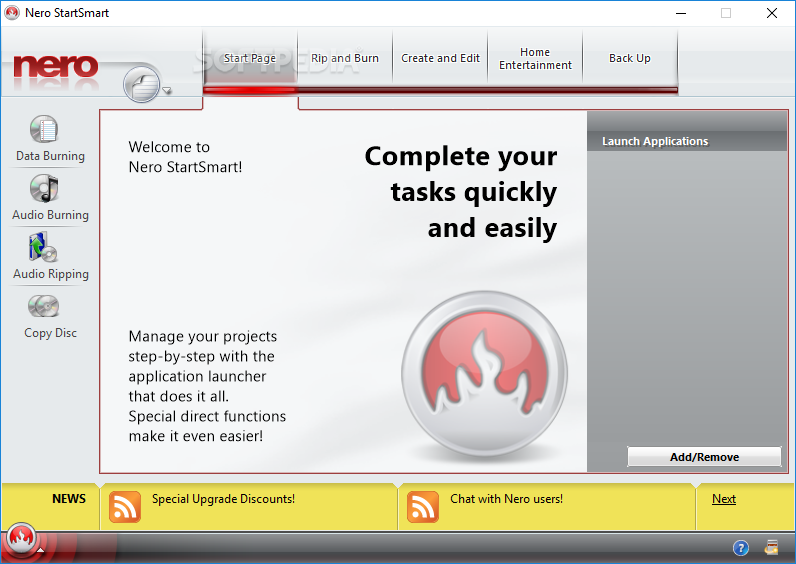
    · New easy-to-use and intuitive NeroStartSmart
    · One-click import and share to/from online communities
    · Playback on AVCHD and Blu-ray (BD-AV) video
    · Backup files to CDs, DVDs, HD DVDs and Blu-Ray discs
    · Convert DVD files to play on your iPod or PSP and other portable devices
    · Optimized for Windows Vista

    Create and edit
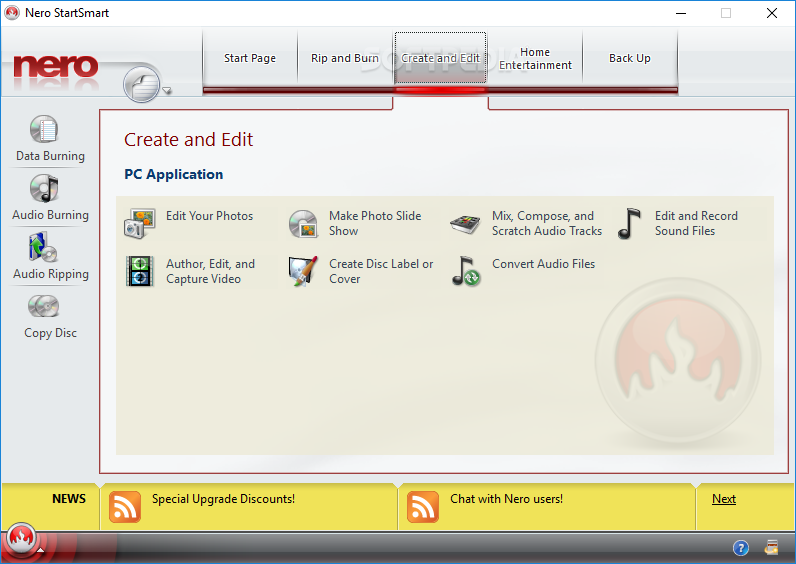
    Nero 8 gives you freedom when it comes to creating and editing your audio, video, and photo files. Edit vacation videos in High Definition (HD), create dynamic slide shows from family photos, and make a cool MP3 mix to take on the go. With a broad range of professional tools, innovative features, and cutting-edge technology, Nero 8 helps you get the most out of your audio, video, and photo files.

    Convert and share
    With Nero 8 you can format DVD content to view on an iPod or PSP, enjoy blue laser content without a blue laser burner, and import and share your favorite photos and videos with one click to and from online communities like My Nero. Nero 8 makes it easy to live today's digital life!

    Home Entertainment
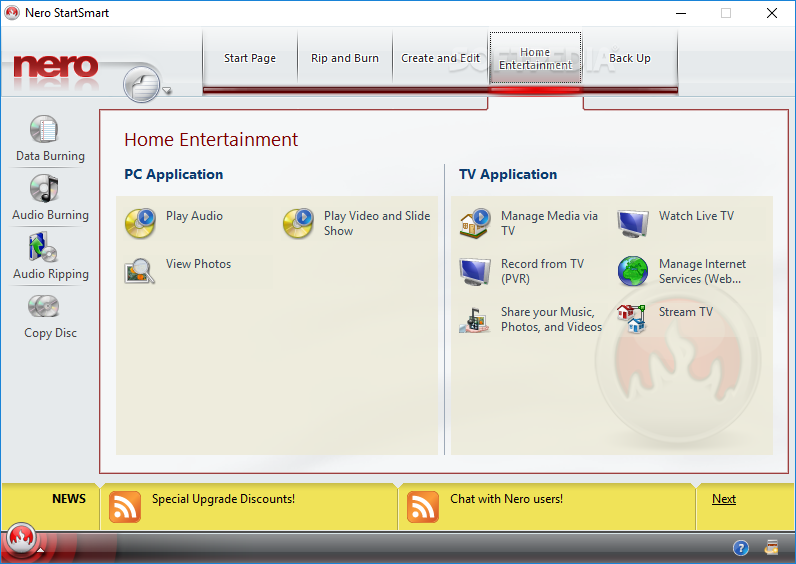
    Experience the finest in home entertainment. With Nero 8 you can stream your multimedia data to an Xbox 360 or a PlayStation 3 to enjoy in every room in the house. Use your PC to record your favorite TV shows, and use the time-shifting feature so you never miss another episode!

    Rip and burn
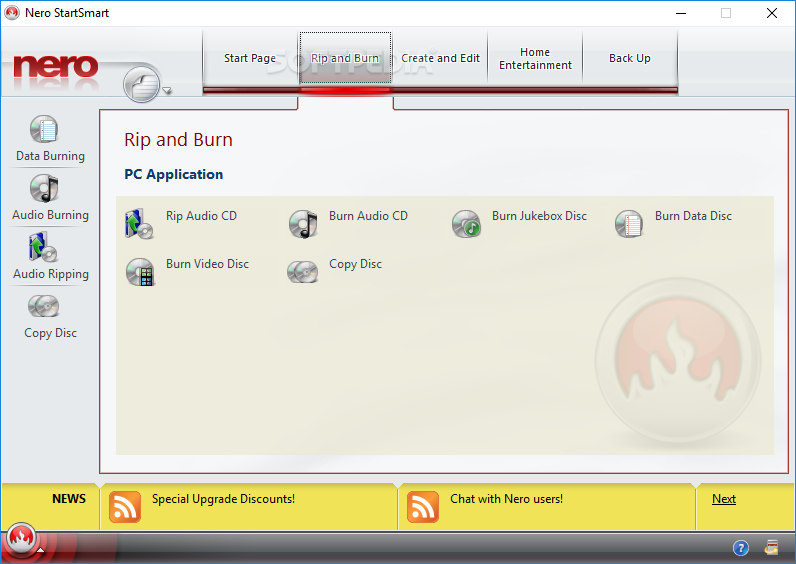
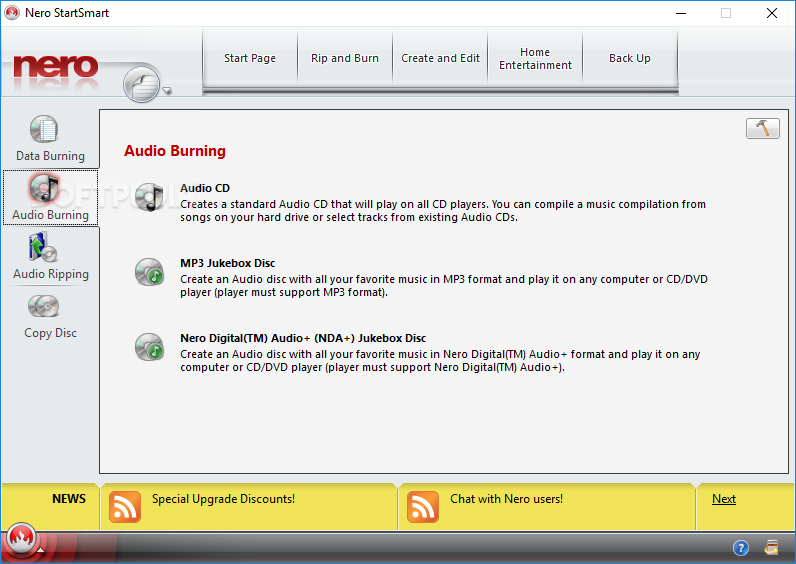
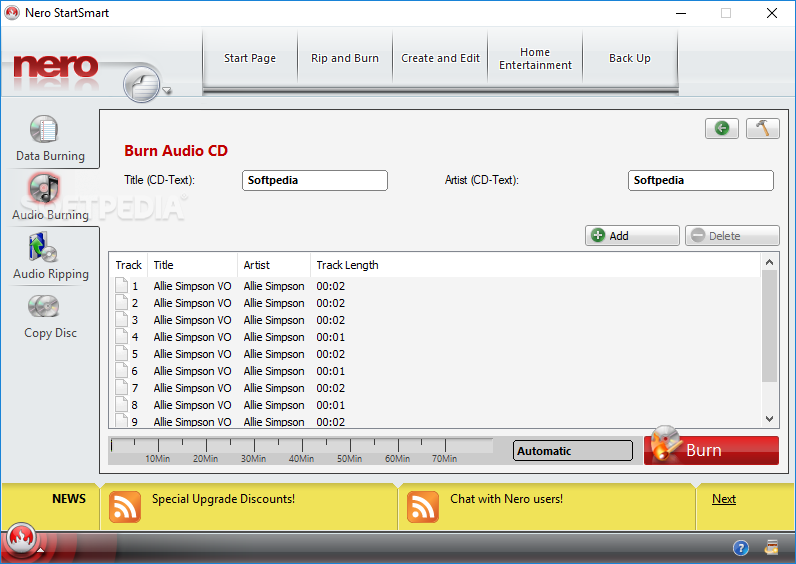
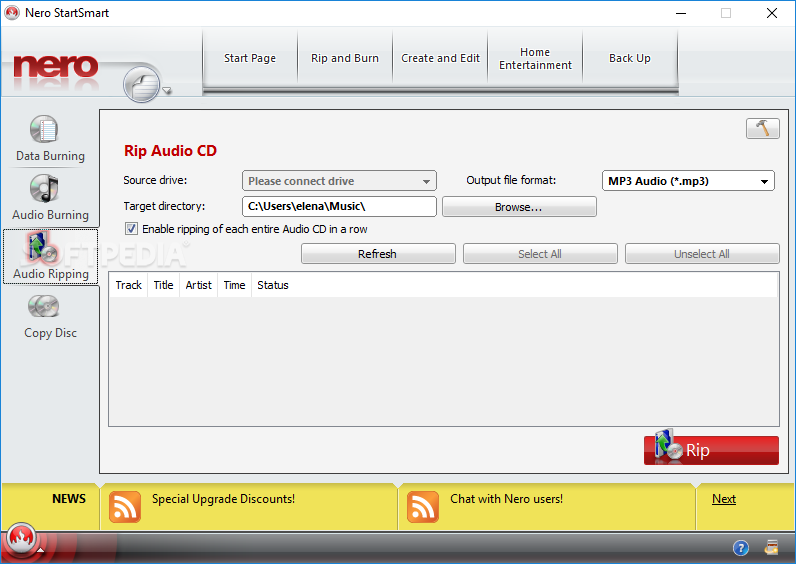
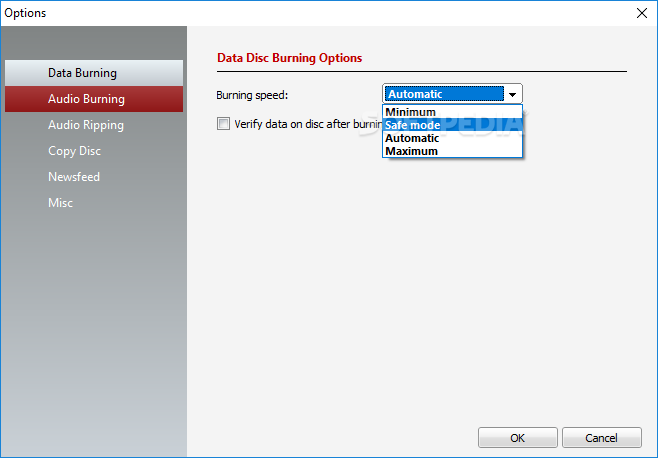
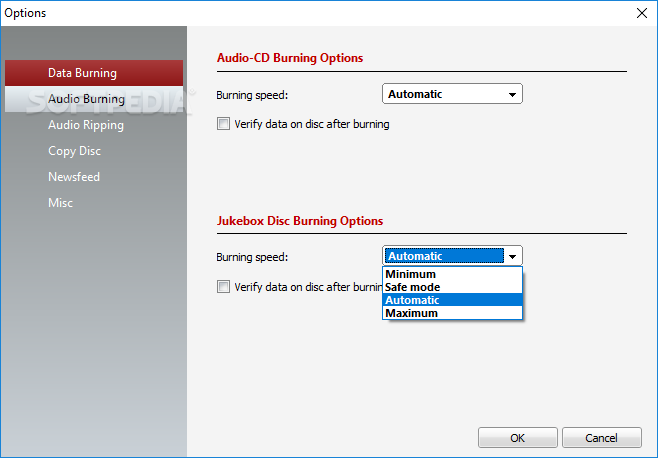
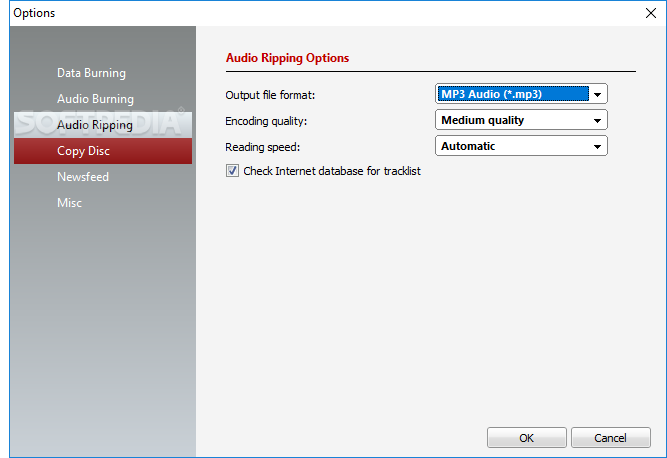
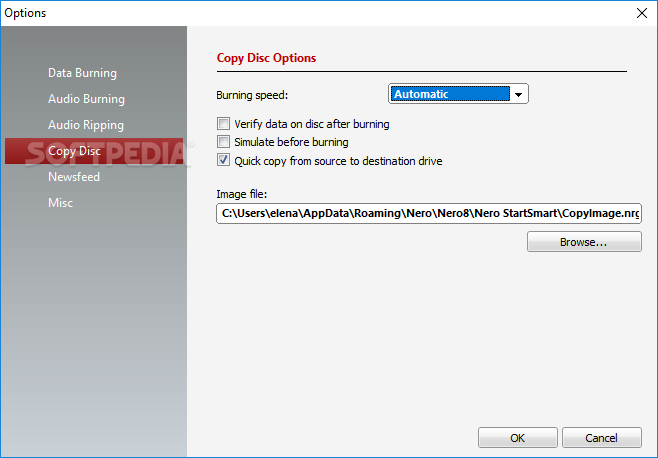
    With Nero Burning ROM 8, the world's most powerful burning application, you can rip your non-copy-protected CDs and DVDs and burn data and audio files to CD, DVD, Blu-ray Disc, and HD DVD. With the integrated SecurDisc technology, you can create password-protected discs or a digital signature to ensure the authenticity of your documents.

    Backup
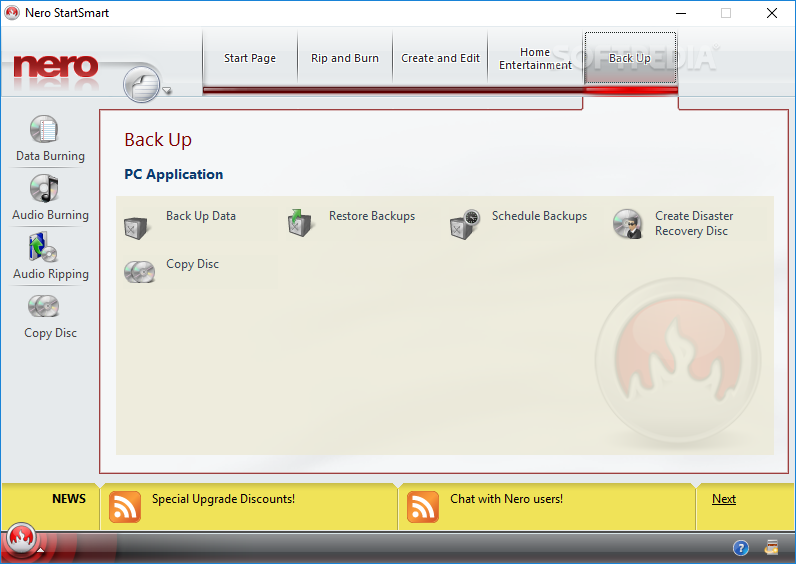
    No more worrying about losing important files! Integrated SecurDisc technology and the advanced backup features in Nero 8 give you peace of mind knowing your data is safe if your system crashes or a disc gets damaged. User-friendly wizards make it fast and easy to back up, restore, and verify your data, and customizable automation features allow you to ensure backups happen on time.

    Requirements:

    · DVD ROM drive is required for installation
    · Microsoft Windows 2000 (Service Pack 4 or later); Windows XP SP1 Windows 2003 Server SP1; Windows XP Media Center Edition, Microsoft Windows Vista Home/Business/Ultimate
    · Microsoft Windows XP Professional x64 Edition (all applications except InCD, InCD Reader, Nero Scout and Nero ImageDrive work in the x86 emulator that allows 32-bit Windows applications to run)
    · Microsoft Windows VISTA x64 (all applications except InCD, InCD Reader, Nero Scout and Nero ImageDrive work in the x86 emulator that allows 32-bit Windows applications to run). Gadgets are not available under VISTA x64
    · Installation of the latest WHQL certified device drivers are strongly recommended
    · 1GHz Intel Pentium III processor, AMD Sempron 2200+ or equivalent
    · DirectX 9.0c installation is required
    · Internet Explorer 6.0 or later
    · Min 256MB RAM (For Windows Vista min 512MB RAM)
    · 1.5 GB disc space for a typical installation of all components
    · Up to 9 GB available hard disc space for DVD images and temporary DVD files
    · Graphics card with at least 32 MB video memory and minimum resolution of 800 x 600 pixels and 16-bit color settings. 24-bit or 32-bit true color is recommended
    · CD or DVD recordable or rewritable device
    · Internet connection required for registration, free online activation of full DVD, MPEG-2, MPEG-4 and AVC functionality, product updates, and other features such as photo sharing.
    · Usage of DSL-1000 or faster is recommended for video services. Internet connection charges are at user's expense

    Additional Requirements
    · 16-bit Microsoft Windows compatible sound device and speakers
    · Installation of latest WHQL certified device drivers recommended
    · Blu-ray Disc / HD DVD recordable or rewritable device for Blu-ray Disc / HD DVD functionality
    · HD DVD playback requires purchase of an additional plug-in
    · Blue Laser reading/writing device for Blu-ray Disc / HD DVD support
    · Up to 25/50 GB hard disc space for Blu-ray Disc / HD DVD disc images
    · Nero Mobile not compatible on all mobile devices
    · TV tuner or video recording card for analog or digital recording, time-shifting and any TV functionality.
    · UPnP capable equipment for streaming with Nero MediaHome server
    · LightScribe and Labelflash compatible recorder and media SecurDisc compatible recorder


    Limitations:

    · 15 day trial

    What's New in This Release: [ read full changelog ]

    · On some systems Nero StartSmart crashed when analyzing or erasing a disc. - fixed
    · Nero Burning ROM could not encode AC-3 audio files into another output format. - fixed
    · Under certain system configurations Nero Vision crashed when exporting a video file to camera. - fixed
    · Nero Recode could not create image files correctly with the default settings. - fixed
    · Implemented DXVA 2.0 support.
    · Implemented ATI UVD support.
    · Improved compatibility for BD ROM disc profile 1.0.
    · On some systems Nero PhotoSnap Viewer could not open picture files anymore.

    Reasons why this program is marked as ad-supported:

    · Adware included ... Ask Toolbar... However you can uncheck this at installation.
    · The software is trying to change your Default Search Engine.


    TAGS:

    Burning Software | DVD Burner | Design Cover | Nero | Burn | Burner


    HTML code for linking to this page:


    Go to top

    Windows tabGames tabDrivers tabMac tabLinux tabScripts tabMobile tabHandheld tabGadgets tabNews tab

    SUBMIT PROGRAM   |   ADVERTISE   |   GET HELP   |   SEND US FEEDBACK   |   RSS FEEDS   |   ENTER NEWS SITE   |   ENGLISH BOARD   |   ROMANIAN FORUM