|
|
|
Part of the DVD Burners download hub (+7 others) |
|
|
| Downloads: 2,060,071 |
Tell us about an update
|
 |
|
User Rating: Rated by: |
Very Good (4.1/5) 1543 user(s) |
|
|
|
|
Softpedia Editor's Review for Nero 9
|
Simply Create, Rip, Burn, Copy, Share, Back Up, Play, and Enjoy
Written by Elena Opris on March 6th, 2012
Nero has always been a favorite among burning software suites. This is because it offers user-friendly, quick features that you can easily work to your advantage.
Nero 9 takes some time to extract files and extra attention needs to be paid during installation, as it offers you the possibility to install a toolbar and change the default search engine and homepage for all the browsers on the computer. Needless to say, this is not required for proper functioning of the app.
Then Nero displays the list of complete features (some are indeed necessary) and their installation progress. Hitting the Next button quickly installs them, after which the unpacking of Nero itself begins. Once everything is in place, one can explore the multitude of tools Nero has to offer – Burning ROM, CoverDesigner, DiscSpeed, DriveSpeed, Express, PhotoSnap, Recode, RescueAgent, ShowTime, SoundTrax, Vision, and Wave Editor.
By using Nero, users can basically convert old CDs, cassette tapes, LPs to MP3s that can be played in any portable device, upload their favorite pictures and store them online for the world to see, enjoy watching a movie in high definition, backup one's files and folders, and many more.
To sum it up, Nero is not just a burning software suite, but an entire package designed to suit all of your multimedia needs. Even if its large array of functions might scare off some users, after experimenting and exploring each section, it all seems intuitive enough to easily locate each function one might need.
The interface is quite user-friendly, the tool itself runs at a fast pace, and anyone who uses a computer should try Nero at least once.
Read an in-depth analysis in our professional review for Nero 9
|
Nero 9 description
|
Here are some key features of "Nero 9":
Create & Edit:
· Video - Whether you’re recording soccer games, concerts, or family reunions, get professional results in an easy-to-use video creation and editing tool. Use the Movie Wizard template library and create entertaining movies for every occasion (birthdays, weddings, vacations). Watch seamless movies or music videos, without commercials or other scenes interrupting, by using Ad Spotter to automatically cut them out. Become the movie director you were meant to be!
· Music - Dust off your old CDs and LPs and digitally archive them forever. Easily manage and play your favorite music titles with new music recognition service delivers accurate song and artist information, and album art (Powered by Gracenote). Browse media for playback, create playlists of your favorite audio tracks, shuffle and categorize tracks for easy reference. Simply create MP3 archives of your favorite Music videos with Music Grabber.
· Photo - Nero 9 allows you to easily edit your photos using professional tools. For example, you can change the brightness, remove red eye, resize, and much more, all a quick and easy-to-use interface.
Convert & Share:
· High-Definition - Make use of the latest AVCHD or HDV camcorders, edit your project in HD quality including Nero SmartEncoding for AVCHD and create an AVCHD disc on a regular DVD medium (red laser) or a BD-AV disc (blue laser).
· Convert & enjoy multimedia files on iPod, PSP - Convert your music, videos, and photos to DVD, CD, or your portable devices and enjoy them on the go. Convert your old CDs, LPs, and tapes to MP3s and save them forever – Gracenote MusicID will give you the track information, titles, and great album art to complete your collection.
· Internet - Upload your coolest photos and videos to share with online communities.
Home Entertainment:
· Media Center - NEW amazing TV experience from the comfort of your sofa gives you state-of-the-art TV technology, even for HDTV and DVB Radio. Integrates into Windows Vista Media Center and Windows XP Media Center Edition.
· High-Definition Television - Record, manage, playback, and enjoy your favorite TV shows – even for HDTV. Watch High-Definition TV and use the P-i-P (“picture-in-picture”) mode for watching 2 channels at the same time.
Rip & Burn:
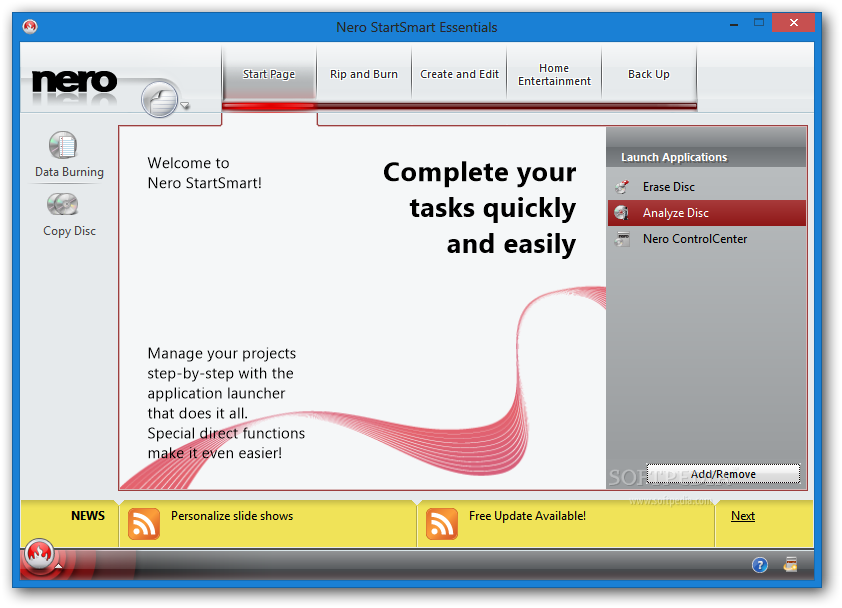
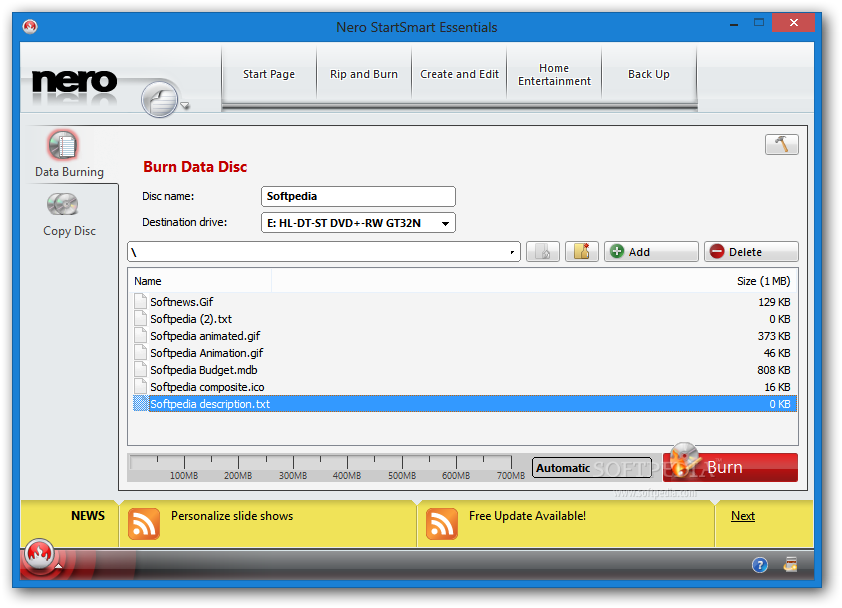
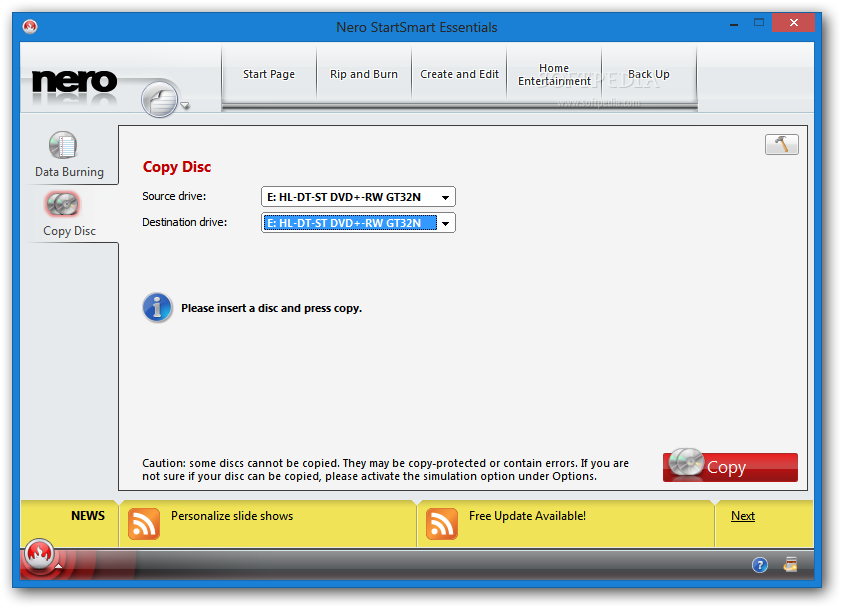
· Best in the World! - Fast and easy ripping, burning and copying of CDs, DVDs and Blu-ray Discs directly through Nero StartSmart. With DVD-R Dual Layer and DVD+R Double Layer support, you’ll get more data on a disc than ever before!
· DiscCopy Gadget - One-click disc copy with Nero DiscCopy Gadget - optimized for Windows Vista.
· Personalized Disc Labels - Personalize your discs with labels, covers, and booklets, and choose from multiple templates or customize with your own images.
Backup:
· Protect and Archive Files and Data - Safely backup to archive, protect, and manage your multimedia library for generations to come. Don’t lose your valuable memories and important files to life’s potential hazards, or risky hardware – protectively archiving files and data is a point-and-click away.
· Securely Manage Content - Customize automatic functions for easy and convenient Autobackup for offline or online files storage. Schedule automatic backups to ensure consistency and recover and preserve files and data with Nero RescueAgent. Easily scan for most media types and files, with quick overview of damage and rescue status.
Requirements:
· A DVD-ROM drive is required for installation
· Internet Explorer 6.0 or higher
· 1 GHz Intel Pentium III or equivalent AMD and Intel processor (2 GHz Intel Pentium 4 or equivalent AMD and Intel processor for Windows Vista), 256 MB RAM (512 MB RAM for Windows Vista)
· 1.5 GB hard drive space for a typical installation of all components
· CD, DVD, or Blu-ray Disc recordable or rewritable drive for burning
· DirectX 9.0c revision 30 (August 2006) or higher
· Up to 9 GB available hard drive space for DVD images and temporary DVD files
· Graphics card with at least 32 MB video memory and minimum resolution of 800 x 600 pixels and 16-bit color settings (24-bit or 32-bit true color is recommended)
· Installation of the latest WHQL certified device drivers is strongly recommended
· For the Nero Online services: Nero product registration, product updates, patent activation, Gracenote services, Nero Online Backup, and other features (such as photo sharing) an Internet connection is required.
Limitations:
· 15 days trial
· AVCHD authoring and playback as well as MPEG-4 and BD-AV formats are not supported in the trial version What's New in This Release: [ read full changelog ]
Changes/Bugfixes:
· The error message: "could not get ClassID" is no longer displayed after launching Nero Burning ROM.
· "Continue multisession" projects are displayed in the correct size.
· Volume is correct when using the "Save Tracks" option (MP3 only).
· Nero Recode (4.4.22.0)
Changes/Bugfixes:
· The option "Shutdown down computer when finished" works correctly.
· .TS files can be opened.
· The error message "Out of memory" is no longer displayed during the burn process.
· The error message "DirectShow error" is no longer displayed when encoding to an iPod format.
· Nero Vision (6.4.9.0)
New Features:
· Import your PowerPoint presentations and convert to DVD-Video or BD for TV playback (requires installed Microsoft Office PowerPoint 2003 or 2007)
· Archive HD movies in highest quality AVCHD format to HDD including USB stick and flash memory card, SD Card and Memory Stick(TM), even without the use of an optical recorder
Changes/Bugfixes:
· After exporting files from Nero Vision, it is pos...
Users are advised to pay attention while installing this ad-supported application:
· Offers to install ASK toolbar that the program does not require to fully function
|
|
 | | |
|