
Virtual disc emulation tool that helps you create up to 4 virtual drives, mount and unmount images, and generate image files from device contents, while offering support for RMPS, SafeDisc, SecuROM and LaserLock. #Virtual DVD #Virtual CD #Drive Emulation #Emulation #Virtual CD #Mount

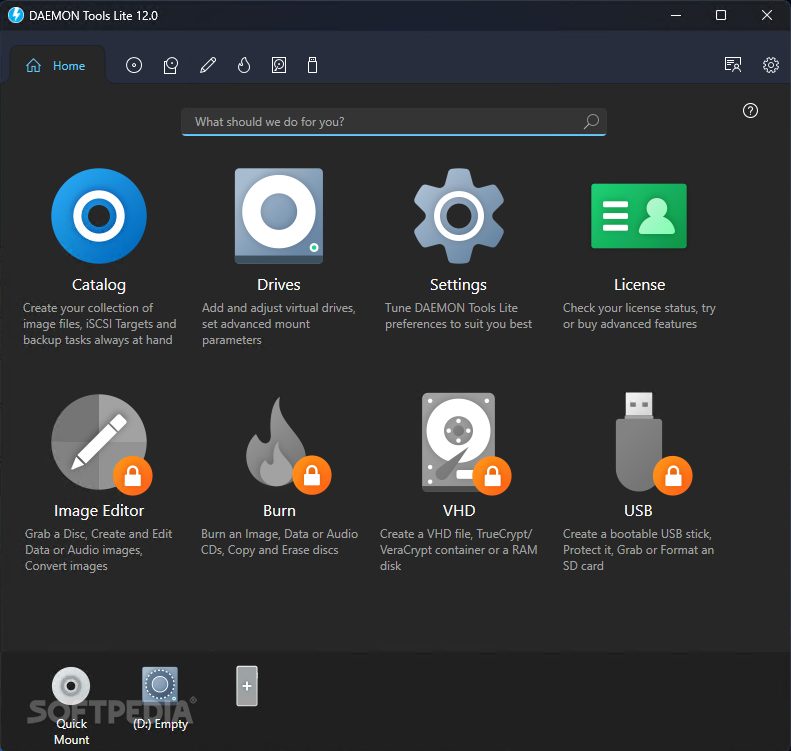
Being able to use virtual drives in order to mount optical media from a file is one of the most useful "hacks" for any Windows user looking to save a bit of time.
However, just like most computer-knowledgeable users will tell you, Windows is not exactly the best OS out there when it comes to dealing with virtual drives (although, we will admit that Windows 10 is a massive improvement over past iterations in this particular regard).
Which is exactly why you might want to ask for the helping hand offered by the multitude of specialized apps for virtual drive emulation or disc imaging, as it's also called.
And, what better way to go than with what is arguably the most famous app of the lot, DAEMON Tools - in its low-spec trim, DAEMON Tools Lite.
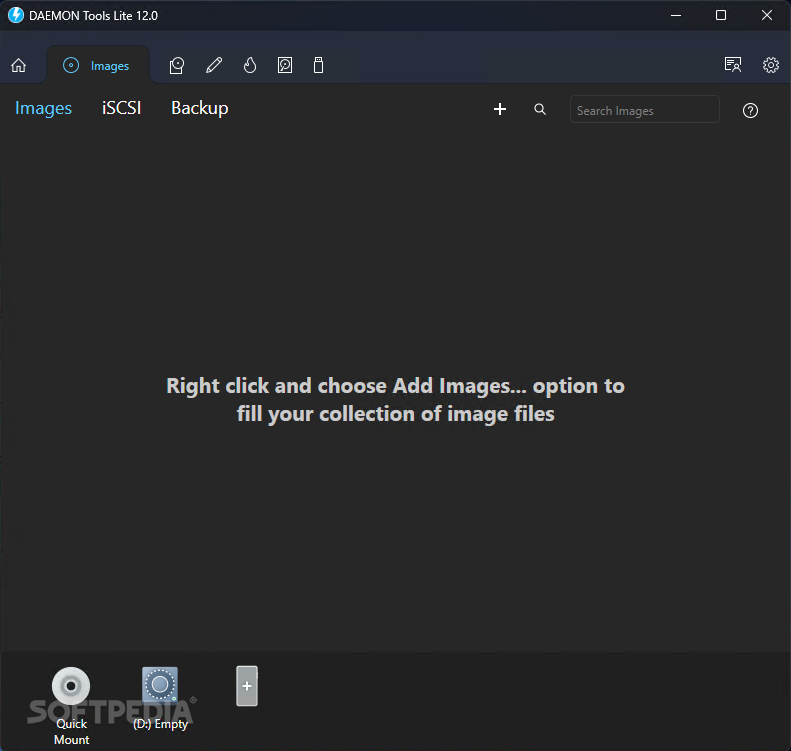
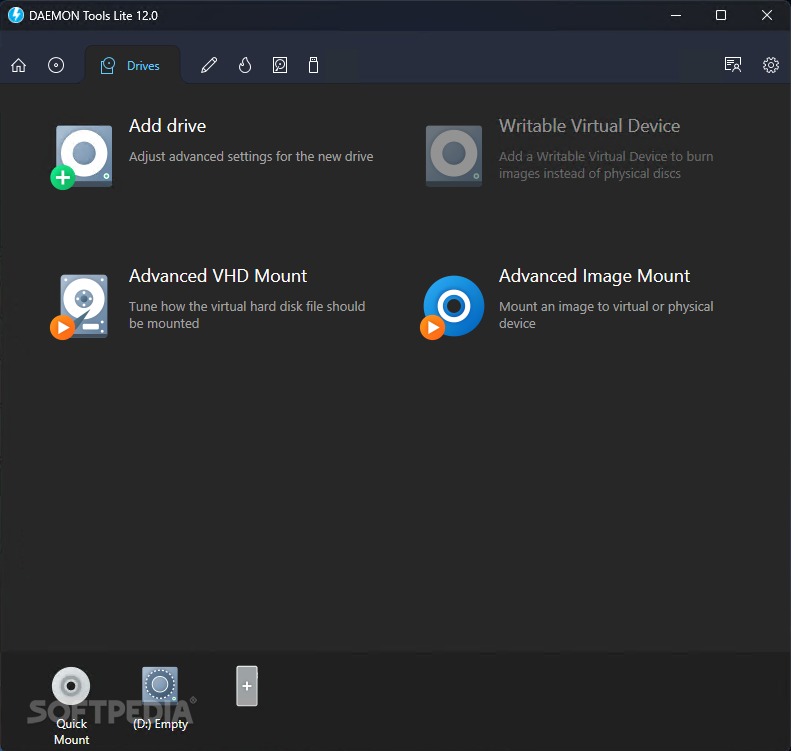
As standard, it allows you to emulate up to four DT, SCSI, or HDD devices. You can mount a plethora of both popular and less popular image formats such as MDX, MDS, MDF, ISO, IMG, CCD, ISZ, CDI, B5T, B6T, BWT, NRG, VHD, TC, ISCSI, VMDK, VDI, and even ZIP archives. The app also includes the ability to create disc image files from your own optical media with formats such as ISO, MDX, MDS, and APE.
Granted, that may not sound like much to begin with, but that should be enough for the day-to-day user. However, there's another area in particular where DAEMON Tools Lite shines, and that's user-friendliness.
Not only does the app looks and feels like a modern app should (thanks to its intuitive and clear-cut GUI) but it can be very unobtrusive as well. This is thanks to its useful tray agent that allows you to mount any supported image type and effortlessly toggle between them, as well as to mount and unmount drives, directly from the lower right part of your computer's screen.
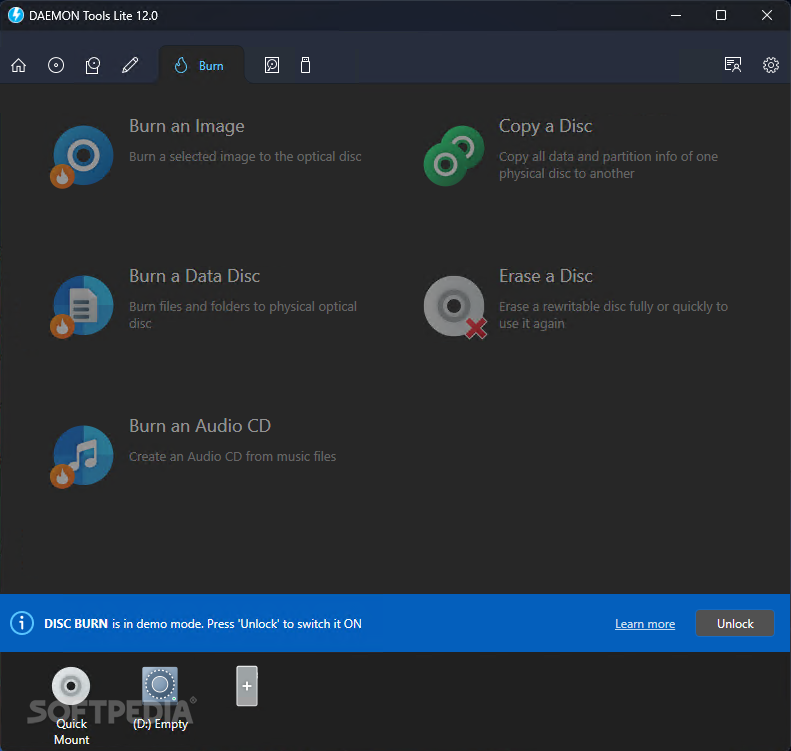
Clearly one of the best tools of this sort, DAEMON Tools Lite also does a good job of advertising its full, untapped potential. And, finally, we can address the elephant in the room, namely the fact that the app's GUI is like a big collection of locked and unlockable sections (some features are available for a small trial period), which, truth be told, might annoy the hell out of some of you out there.
On the upside, though, the pricing plans are nicely thought-out offering you the possibility of the buying any of the available features individually.
The popularity gained by this app over the years is so impressive that it should be enough to make it one of the top popular picks even if it wasn't a very good app, which, truth be told, is not at all the case as, in spite of all its potential drawbacks, the app works flawlessly.
Is it right for you? Well, we guess it all comes down to whether you are willing to accept the somewhat in-your-face marketing policy and the various locked sections of the app, because other than that, there's really nothing to reproach.
Download Hubs
DAEMON Tools Lite is part of these download collections: Virtual Drives, View ISO, Open IMG, Open Virtual CD
What's new in DAEMON Tools Lite 12.0.0.2126:
- What's new:
- The updated menu is located on the top panel;
- Customizable menu sizes allow users to tailor the interface to preferences;
DAEMON Tools Lite 12.0.0.2126
 Softpedia Editor's Pick
add to watchlist
add to download basket
send us an update
REPORT
Softpedia Editor's Pick
add to watchlist
add to download basket
send us an update
REPORT
- runs on:
-
Windows 11
Windows 10 32/64 bit
Windows 2008 R2
Windows 2008 32/64 bit
Windows 8 32/64 bit
Windows 7 32/64 bit - file size:
- 46.8 MB

- main category:
- CD / DVD / Blu-ray Tools
- developer:
- visit homepage
4k Video Downloader

IrfanView

Bitdefender Antivirus Free

Context Menu Manager

7-Zip

Windows Sandbox Launcher

calibre

Microsoft Teams

ShareX

Zoom Client

- Microsoft Teams
- ShareX
- Zoom Client
- 4k Video Downloader
- IrfanView
- Bitdefender Antivirus Free
- Context Menu Manager
- 7-Zip
- Windows Sandbox Launcher
- calibre