WINDOWS CATEGORIES:


NEWS ARCHIVE >>
SOFTPEDIA REVIEWS >>

WEEKLY HIGHLIGHTS

DVD Cloner45
Spyware Doctor40
1Click DVD Copy40
Apollo DVD Copy40
ABC Amber BlackBer...45
Protected Music Co...40

7-DAY TOP DOWNLOAD

#
Program
Avira AntiVir
Personal - Free
Antivirus 9.0.0.415

171,959
Windows Live
Messenger 2009
14.0.8089.726

161,417
Avira Antivir Virus
Definition File
Update November 19,
2009

143,181
FreeZ Online TV 1.31
126,591
Nexus Radio 4.2
115,026
Microsoft Office
2010 14.0.4536.1000
Beta / 2007

72,900
Y! Multi Messenger
8.x and 9.x

71,583
Windows Live
Messenger
8.5.1302.1018

57,192
RemoveWGA 1.2
47,036
AVG Free Edition 9.0
Build 707a1765

46,047

WEEK'S BEST

  • Faststone Image Vi...
  • Vuze (formerly Azu...
  • Softpedia Wallpape...
  • Softpedia Wallpape...
  • Softpedia Wallpape...
  • RSSOwl 2.0 Final
  • Internet Explorer ...
  • Online Armor ++ 4....
  • cFosSpeed 5.01 Bui...
  • SONY Vegas Pro 9.0...
  • Firefox 3.6 Beta 3...
  • Nokia Photos 1.6.434
  • Windows Server 200...
  • Skype Portable 4.1...
  • Google Chrome Port...
  • PCMark Vantage Bas...
  • Kaspersky Anti-Vir...
  • Microsoft Virtual ...
  • Messenger Plus! Li...
  • WinX DVD Author [F...
  • SoftPerfect Networ...
  • System Mechanic Pr...
  • Ad Muncher 4.8 Bui...
  • Windows 7 Upgrade ...
  • Pidgin 2.6.3
  • OpenOffice.org 3.2...
  • VirtualDub 1.9.7 B...
  • Maxthon [Softpedia...
  • Spyware Doctor 7.0...
  • SUPERAntiSpyware 4...
  • Home / Windows / CD/DVD Tools / Virtual CD/DVD-Rom
     Report spyware

    GameJackal Pro 4.0.1.2 Beta / 3.2.1.4 Stable

    Download button

    Downloads: 77,381  Add to download basket  Tell us about an update
    User Rating:
    Rated by:
    Fair (2.6/5)
    436 user(s)
    Developer:

    License / Price:

    Size / OS:

    Last Updated:

    Category:
    SlySoft Inc | More programs
    Trial / EUR 29.00 | BUY the full version
    4 MB / Windows 2K / XP / Vista / 7
    November 16th, 2009, 10:36 GMT [view history]
    C: \ CD/DVD Tools \ Virtual CD/DVD-Rom

     Read user reviews (3)  Add a review  Refer to a friend  Subscribe


    GameJackal Pro description


    The ultimate must have killer application for the PC gamer!

    Game Jackal Pro is the ultimate "must have" killer app for the PC gamer! If you, like most gamers, find it annoying looking for and inserting the CD-ROM for your favorite game each time you play it, then Game Jackal Pro is for you.

    Keeping your gaming investment safe: One major concern gamers have is the CD's life span. The CD-ROM for a popular game may be inserted and removed many hundreds of times, this of course leads to the inevitable "Unable to read" error and ultimately a trip to the trash.

    Unleash your games and go gaming "cd free" in seconds: Using Game Jackal Pro eliminates the need to insert the CD-ROM before playing your favorite title, therefore allowing you to fire up your favorite game in seconds.

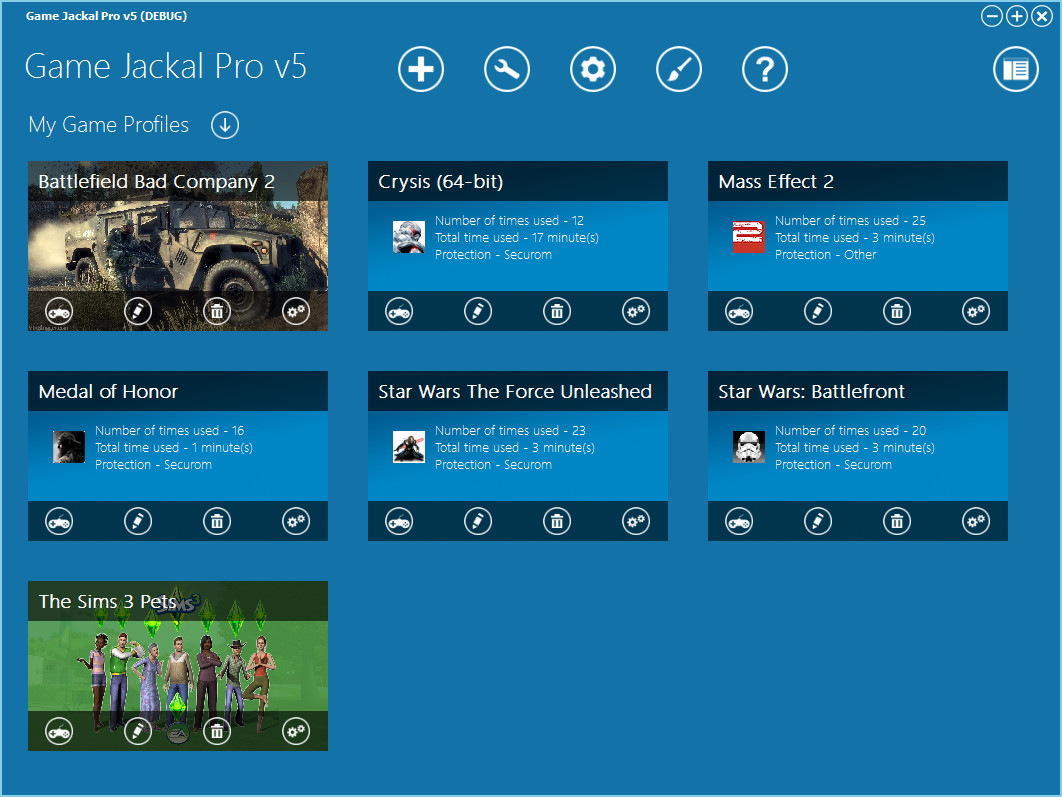
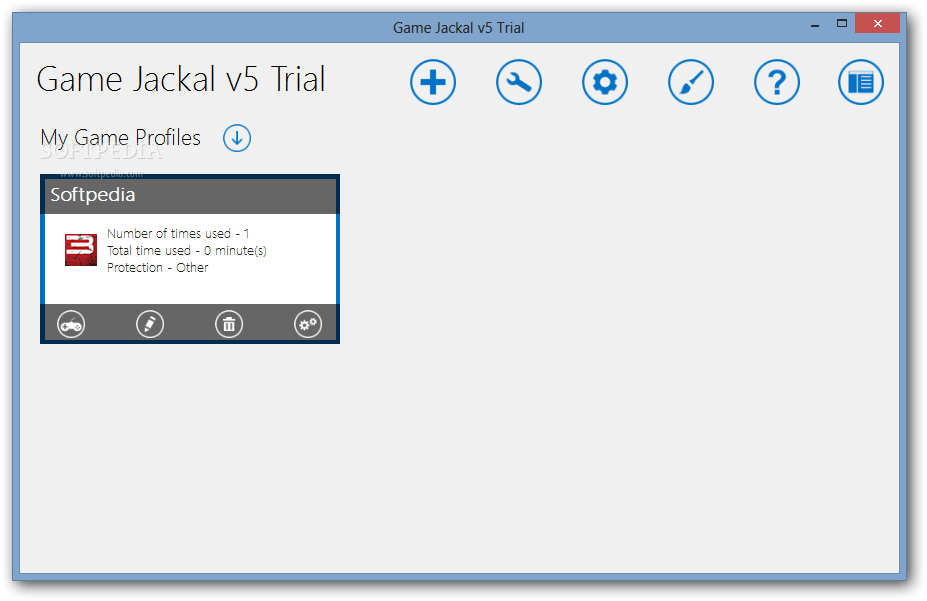
    Easy to use: Game Jackal Provides the user with a powerful and easy to use interface to go gaming "cd free". It does this without modifying any of your game's files or installing any virtual drives on your system. Simply select the game you want to play from the Game Jackal Pro interface, or create a desktop shortcut for even faster access.

    Image mode: Image mode adds support for games that need to stream data directly from the CD or DVD during game play.

    Keep young eyes from playing games that may not right for them: Game Jackal Pro comes complete with a feature called Guardian Control, this feature allows restrictions to be placed on game profiles.

    Young gamers can make short work of a game CD: Being able to pack away the game CD has proven to be extremely popular with parents of young gamers, where a game can be destroyed in weeks!

    There's no other product like it: The simple fact is that Game Jackal Pro stands alone. There's no other product on the market that delivers the flexibility and functionality that Game Jackal Provides.

    Guardian Control
    Ok... so Game Jackal Provides you with a way to protect game CD's from the little hands of a young gamer, but how do we then stop these same young gamers from playing games that may not be appropriate?
    Game Jackal Pro contains a very unique and powerful feature called Guardian Control, this allows a game profile to be password protected thereby ensuring that only specific users (i.e. those knowing the password) can play the game. And because your CD-ROM's are now put away for safe keeping, there's no fear of accidentally leaving a disc in the drive for a young gamer to find.
    So now that we have limited what a young gamer can play, wouldn't it be great if we could limit when games could be played? Well once again Game Jackal Pro provides a way... Guardian Control also allows rules to be created that detail when and how long games can be played. These rules can be as simple as defining a time (i.e. between 6:30PM and 8:30PM) during the week days in which games can be played to complex rules that involve many periods in which a young person can go gaming.

    Important note:
    There are a few things to note when running Game Jackal under Windows Vista.
    The first being that, although Game Jackal is compatible with Windows Vista, most games currently on the market are not fully compatible. This can cause issues when creating and using Game Jackal profiles.
    If you experience problems under Vista, we recommend that you try the following (in the order listed).
    1) Make sure the game has been patched with the latest updated available.
    2) Run Game Jackal as administrator. To do this right-click the Game Jackal icon, select "Properties", followed by the "Compatibilty" tab. Then check "Run this program as administrator".
    3) If you still experiencing problems, turning off UAC will fix most issues (we only recommend this option for experienced users).

    Here are some key features of "GameJackal Pro":

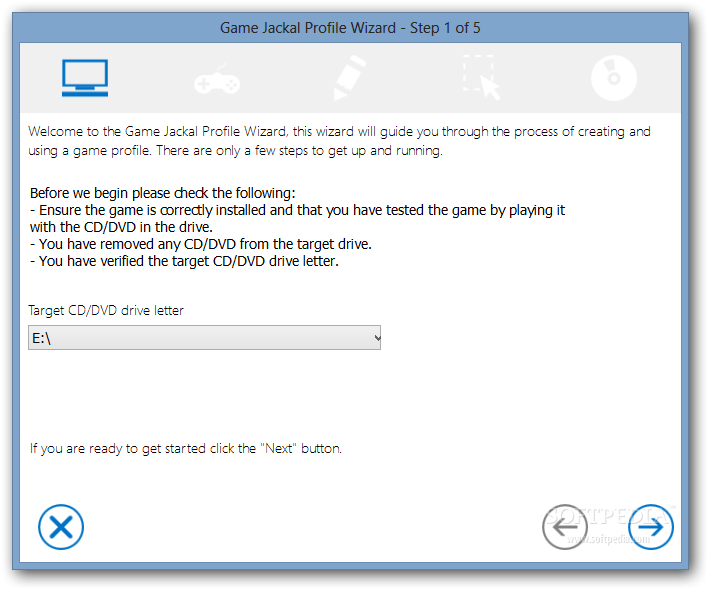
    · Create profiles right from the desktop with the new "One-click" profile creation option. Simply right-click any game icon on you desktop (or anywhere else for that matter) and select "Convert to Game Jackal Profile", a much simplified creation wizard guides you through a 2 step process.
    · Unused profiles can now be moved to an archive section allowing you to keep only your current favorites in the "My Game Profile" section.
    · A new "plug-in" interface is now available, this allows third-party developers to create plug-ins for Game Jackal Pro.
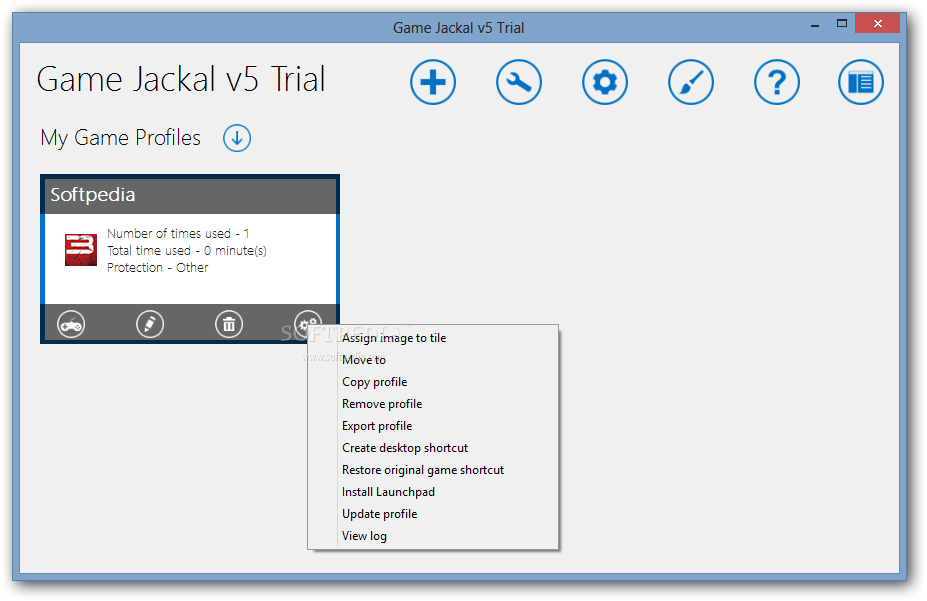
    · Right-click popup menu for profiles, this provides a faster and easier way to manage profiles.
    · Improved reliability, support and performance for many games and hardware configurations.
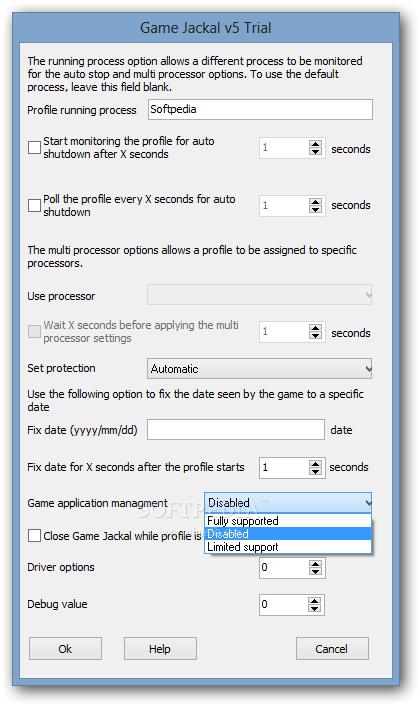
    · Support for multi processor hardware, including the ability to specific processor(s) on for each profile.
    · Image mode, for games that need to stream data from the CD or DVD during game play.
    · An easy to use interface, providing the user with a single tool for "cd free" gaming.
    · The creation of a Game Jackal Profile is performed while you are playing your favorite game!
    · Using the auto update feature, your version of Game Jackal Pro will always be the latest version available.
    · Guardian Control, this feature allows for the password protection of game profiles in addition to specifying when and how long a game can be played.
    · No longer do you need to find and insert the game's CD-ROM.
    · Preserve the original game's CD-ROM: one of the problems with having a favorite game is that the CD-ROM gets damaged over time.
    · Game load times are dramatically shortened

    Requirements:

    · IBM-compatible PC with a minimum 500 MHz Pentium-class microprocessor and 64 MB RAM
    · 2 MB hard-disk space

    What's New in This Release: [ read full changelog ]

    · Fixed language issue with main navigation bar (i.e. some items were not displaying the correct language).
    · Fixed issue with the profile map.
    · Minor interface updates.

       Softpedia guarantees that GameJackal Pro 4.0.1.2 Beta / 3.2.1.4 Stable is 100% CLEAN, which means it does not contain any form of malware, including spyware, viruses, trojans and backdoors. [read more >]


    TAGS:

    eliminate CD request | child control | remove cd insertion | gamer | tweaker | play game


    HTML code for linking to this page:


    Go to top

    Windows tabGames tabDrivers tabMac tabLinux tabScripts tabMobile tabHandheld tabGadgets tabNews tab

    SUBMIT PROGRAM   |   ADVERTISE   |   GET HELP   |   SEND US FEEDBACK   |   RSS FEEDS   |   ENTER NEWS SITE   |   ENGLISH BOARD   |   ROMANIAN FORUM