Softpedia
 

WINDOWS CATEGORIES:


GLOBAL PAGES >>
SOFTPEDIA REVIEWS >>
MEET THE EDITORS >>
WEEK'S BEST
  • Bitdefender Total ...
  • Ocster Backup Pro ...
  • Hard Disk Sentinel...
  • FlashFXP [DISCOUNT...
  • DVDFab DVD Copy [D...
  • Kaspersky Internet...
  • Avast! Internet Se...
  • Avira Internet Sec...
  • Webroot SecureAnyw...
  • McAfee Total Prote...
  • Home > Windows > CD/DVD Tools > Virtual CD/DVD-Rom
     Report malware

    VirtualDrive Pro [DISCOUNT: 30% OFF!] 15.01 Build 20121130

    download button

    Part of the Virtual Drives download hub (+1 other)
    Downloads: 119,051  View global page  Tell us about an update
    User Rating:
    Rated by:
    Very Good (4.2/5)
    49 user(s)
    Developer:

    License / Price:

    Size / OS:

    Last Updated:

    Category:

    Trial / USD 34.95 buy button
    28.7 MB / Windows 2K / XP / 2003 / Vista / XP X64 / 2008 / Vista64 / 7 / 7 x64 / 2008 x64 / 8 32-bit / 8 64-bit
    [view history]
    C: \ CD/DVD Tools \ Virtual CD/DVD-Rom

     Read user reviews (1)  Send to friend   Follow (3 users)

    Softpedia Editor's Review for VirtualDrive Pro [DISCOUNT: 30% OFF!]

    EDITOR'S RATING:

    An all-in-one disc image manipulation and burning program

    Written by Bogdan Popa on February 28th, 2013

    Softpedia in association with FarStone Technology offers you a special discount: Now, only from Softpedia, you can buy VirtualDrive Pro with a 30% DISCOUNT. Take advantage of this opportunity and press the "Buy Now" button; you'll surely notice the discount has been activated. No coupons, no codes, no questions, no hassle! Get it now, while it's hot!


    CD/DVD emulation software utilities are not hard to come by, but it's difficult to name one that serves all purposes and addresses all user categories in the same time.

    VirtualDrive Pro is one of the applications that could target most users out there, especially thanks to the fact that it bundles a lot of features to accommodate everyone's needs.

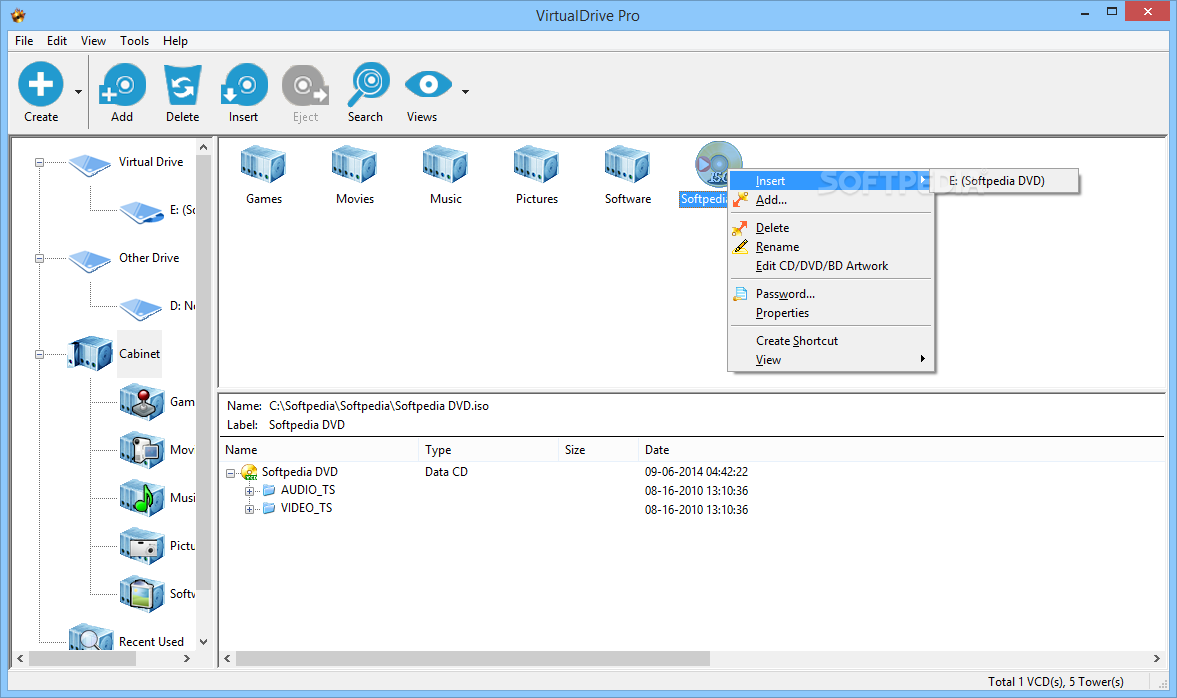
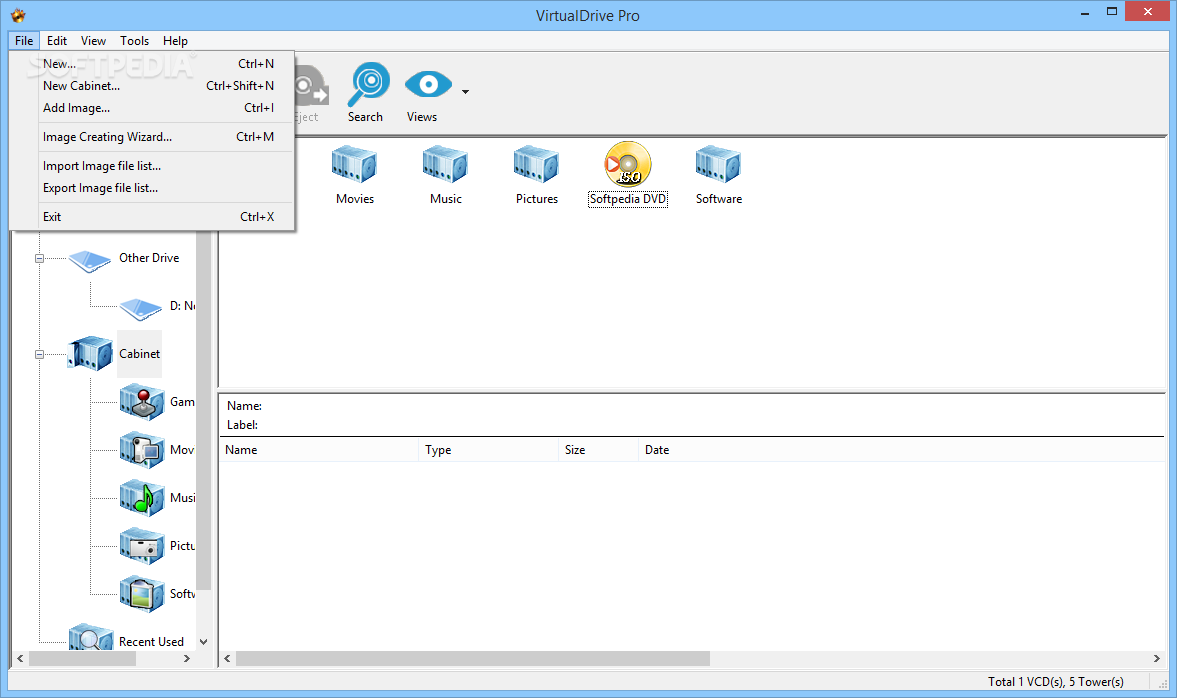
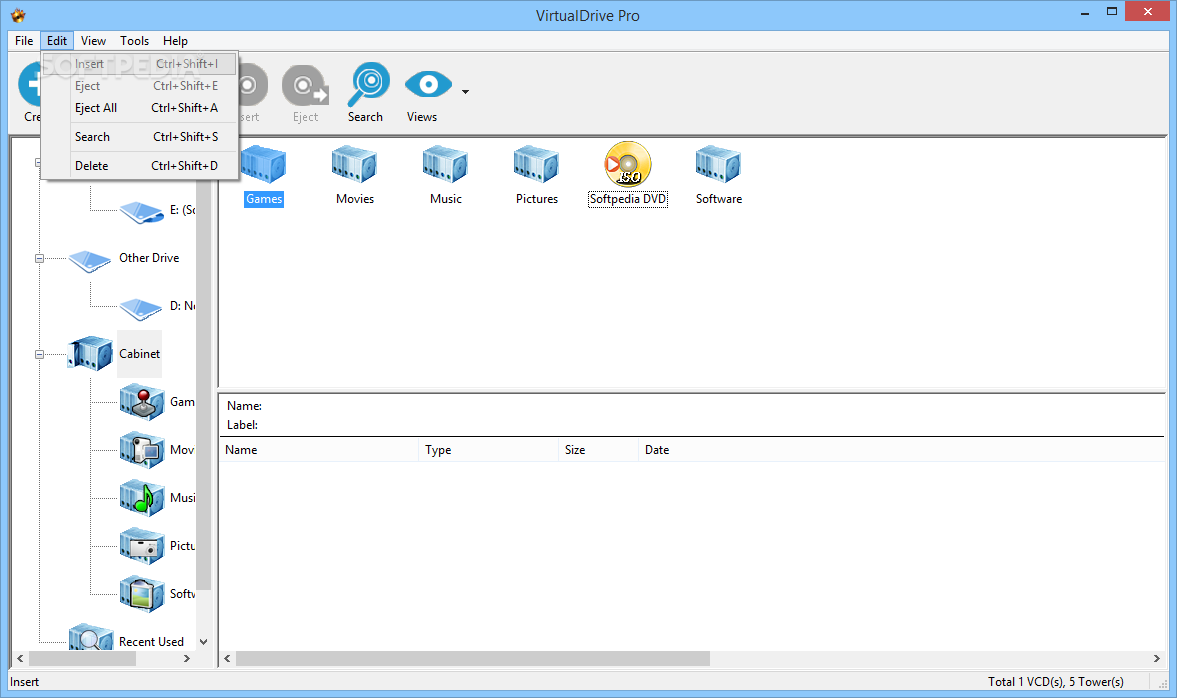
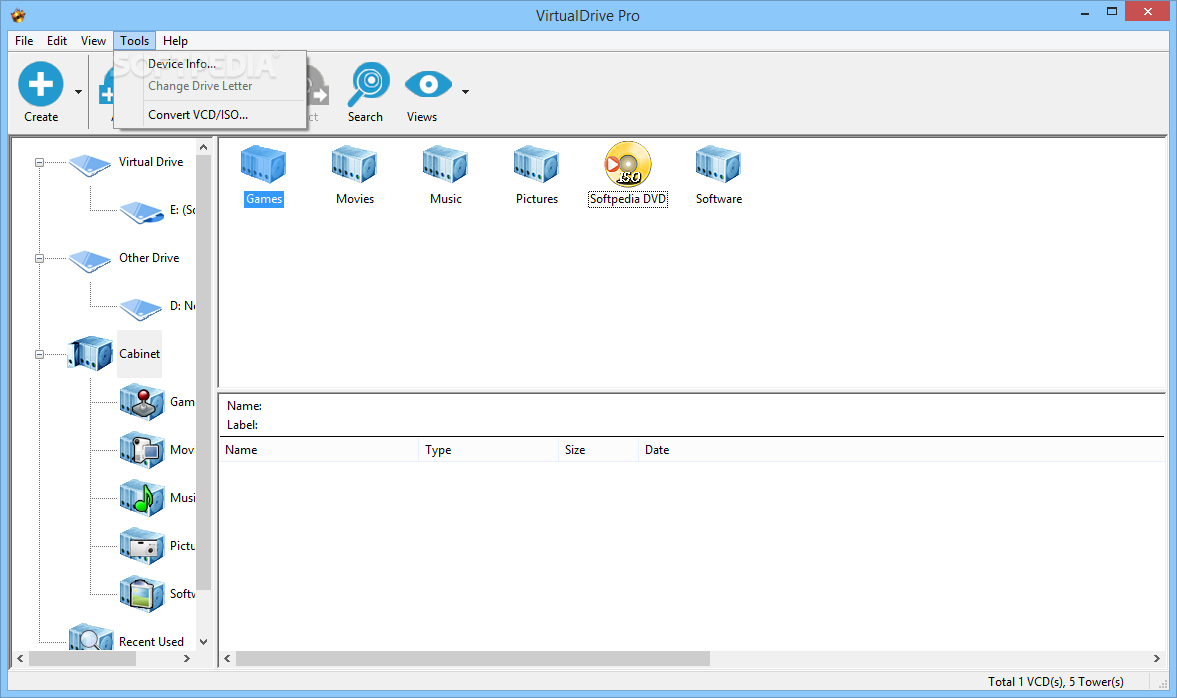
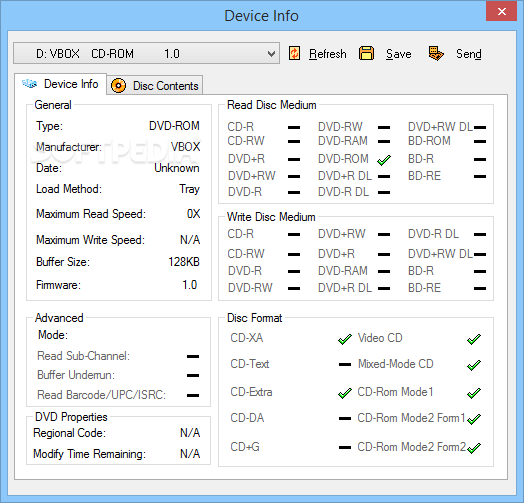
    The application can easily create virtual drives, burn and copy CD / DVD / Blu-ray discs and even backup discs on the fly. It offers an intuitive and easy to use interface that makes all the functions available with a single click.

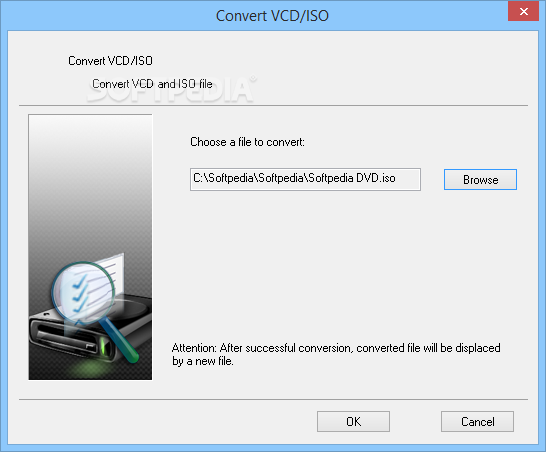
    The almost instant access to all the features of VirtualDrive Pro is coupled with several guides that are designed to make things even easier. For instance, there are wizards for creating or burning disc images, but also for cloning or erasing discs, so it's pretty easy to get along with the program.

    Thanks to the Blu-ray, DVD and CD support you can work with the most widespread disc formats out there. As a bonus, you will find a custom cover creator that enables you to further personalize the virtual copies of your discs.

    With almost two dozens of virtual drives available for instant emulation, you can simultaneously load several game or movie titles. The applications run this way no longer need the physical disc in the optical drive and will run full speed, at 200x.

    All things considered, VirtualDrive Pro does a great job and remains one of the most advanced tools in this software category. It is really easy to use and with enough features to fit the bill for all user categories.

    VirtualDrive Pro [DISCOUNT: 30% OFF!] description

    Here are some key features of "VirtualDrive Pro [DISCOUNT: 30% OFF!]":

    Blu-ray Support:
    · VirtualDrive enables you to easily read, burn, record, clone, and even decrypt Blu-ray discs

    Innovative Display Mode:
    · Cover flow helps to select, operate, edit, and delete CD/DVD/BD

    Customizable Cover:
    · Users can create a custom cover for every Virtual CD

    Touch screen support:
    · Enlarged icons displayed on user interface, easy to use

    Wizard Procedure:
    · Create and burn CDs/DVDs/BDs with easy clicks

    Disc Support:
    · VirtualDrive Pro reads Blu-Ray discs, CD-ROM discs, audio CDs, mixed-mode CDs, photo CDs, video CDs (DVD-ROMs data-mode), and unencrypted video DVDs, and offers the same game and disc support as VirtualDrive 14.

    Free Live Update Subscription:
    · Get the latest product features, patches, fixes, and game support. It’s free in all current versions of VirtualDrive Pro!

    Optimal Performance:
    · Run games and applications as VCDs with access rates more than 200 times faster than physical discs. Plus, there’s no spin-up delay!

    CD/DVD/BD Archiving:
    · Organize your virtual CDs in a searchable library.

    Intuitive GUI:
    · VirtualDrive Pro’s brand new, user-friendly interface gets you up and running in no time!

    Disc Backup:
    · Protect your CDs/DVDs/BDs from loss, theft, and damage by using high-quality disc images (VCDs) instead.

    Multiple Disc Play:
    · Pre-load up to 23 virtual discs and toggle back and forth between games or virtual CD volumes without having to wait for physical discs to spin up.

    Portability and Convenience:
    · Transport your virtual CDs on a laptop, an external hard drive, and other common digital storage media.

    Custom VCD Creation:
    · Make a virtual CD file containing applications, documentation, expansion packs, etc. and share it over a network.

    CD/DVD/BD Burning:
    · Burn data, music, and game CDs and DVDs directly from VirtualDrive, and make backup copies of your favorite game discs.

    Requirements:

    · At least 100 MB hard disk space for installation of the VirtualDrive software
    · 512 MB RAM
    · Display resolution: 1024 x 768 or higher

    Limitations:

    · 14 days trial
    · nag screen

    What's New in This Release: [ read full changelog ]

    · Support Windows 8
    · Support UDF 2.6 ISO
    · Upgrade drives’ compatibility in Windows 8
    · Record the location of last converted VCD
    · Modify icon style of toolbar
    · Solve the problem of failing to automatically inserting when computer start
    · Handle the issue of being unable to use some generated ISO files
    · Adjust the max length limitation of VCD image access password
    · Fix link address of HOME, buy now, support, product registration and promotion
    · Solve the problem of popup debugging message after entering a wrong serial number during installation
    · Fix failure of setting password while VCD files are running
    · Solve the problem of driver installation program window can’t be shut automatically in Windows 8

     Softpedia guarantees that VirtualDrive Pro [DISCOUNT: 30% OFF!] 15.01 Build 20121130 is 100% CLEAN, which means it does not contain any form of malware, including spyware, viruses, trojans and backdoors. [read more >]


    TAGS:

    virtual drive | DVD emulator | virtual disc | emulator | emluate | clone

    Go to top

    WindowsGamesDriversMacLinuxScriptsMobileHandheldNews

    SUBMIT PROGRAM   |   ADVERTISE   |   GET HELP   |   SEND US FEEDBACK   |   RSS FEEDS   |   UPDATE YOUR SOFTWARE   |   ROMANIAN FORUM