
This is a tool for making Self Extracting EXE files from 7-ZIP files. You can also change icons of the SFR archives, using Resource Hacker.. #SFX Generator #SFX Maker #7-ZIP to EXE #7-ZIP2EXE #7z2SFX #Compress

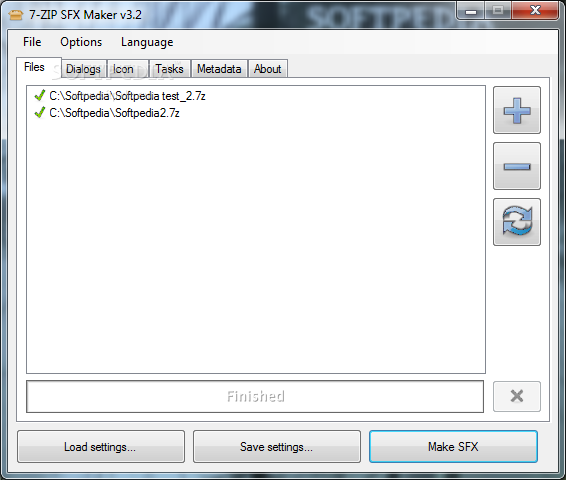
7-ZIP SFX Maker is an easy to configure software solution designed to create self-extracting executable files using 7-ZIP archives.
While this may sound a bit complicated for rookies, 7-ZIP SFX Maker does quite a good job when it comes to making everything very easy, and the number one thing that brings its contribution to this aspect is the interface.
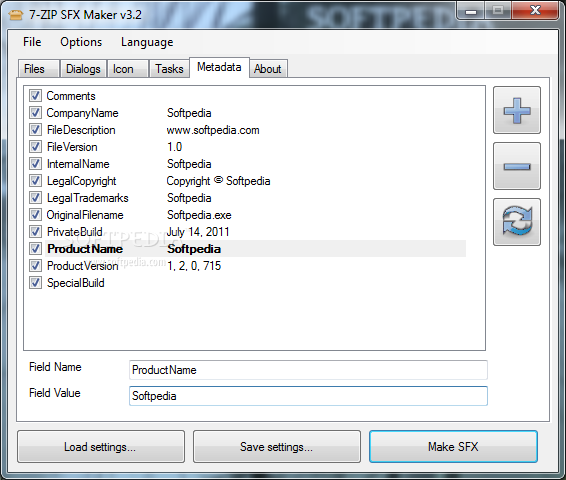
With a very clean and well-organized layout, the main window shows all features in tabs, so the configuration task is a quite a breeze.
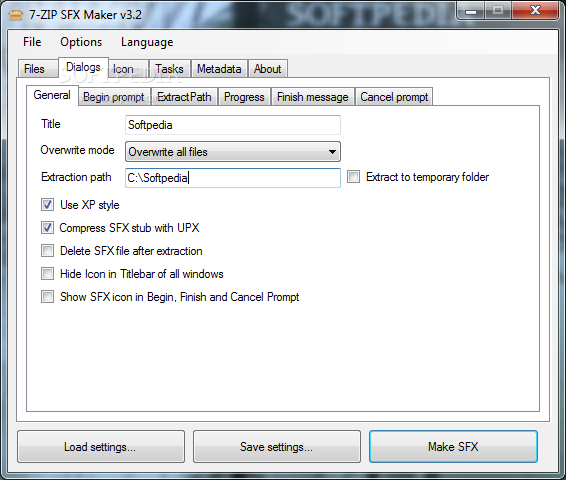
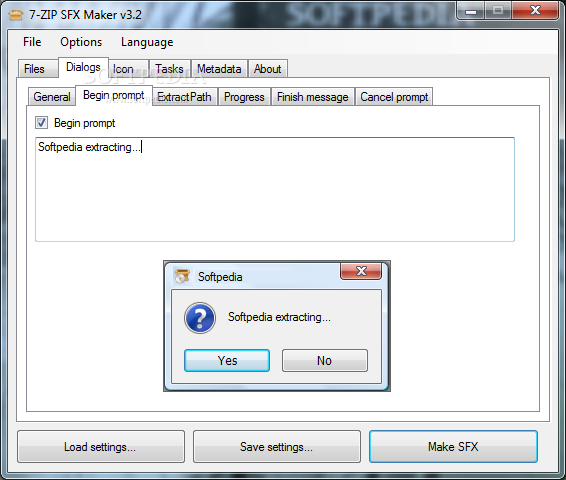
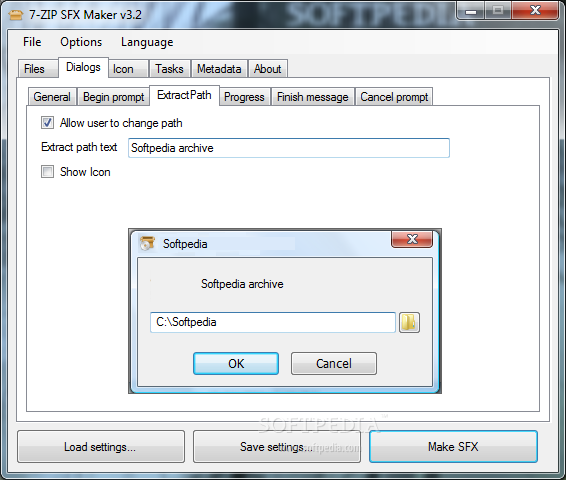
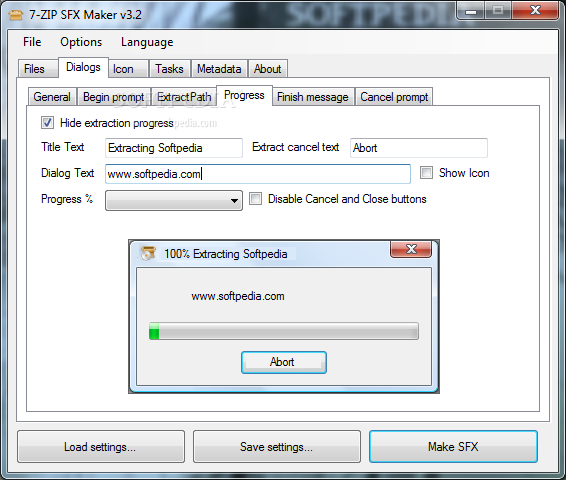
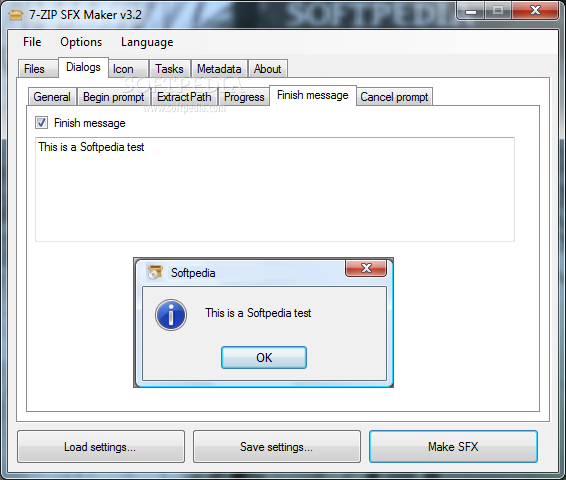
While the “Files” tab shows the content of any selected 7-ZIP archive, the “Dialogs” screen lets you configure each dialog that pops out during the whole process, including the beginning prompt, the extract path, the progress and cancel prompt.
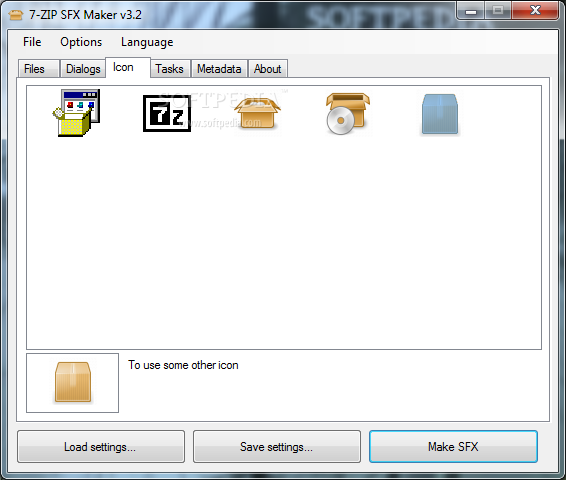
Another handy tool is the one that lets you change the SFX icon, but don't forget that you also need Resource Hacker to use this feature.
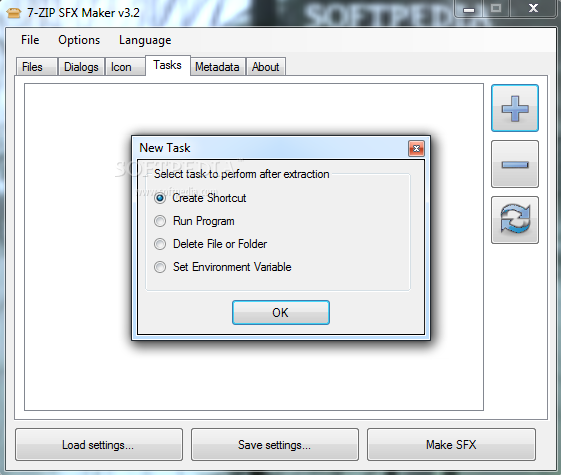
Additionally, 7-ZIP SFX Maker gives control over metadata information, while also providing dedicated tools to remove the SFX file after extraction, enable XP visual style, launch programs after extraction and many others.
Last but not least, 7-ZIP SFX Maker gives you the power to save and load settings, so it's easy to use the same set of options for multiple archives, without the need for manual adjustments every time you launch the program.
All things considered, 7-ZIP SFX Maker does what it says, while hiding a great number of customization features, all packed in a clean and well-organized look. Although it doesn't provide a help manual, rookies should encounter no problems while trying to figure out how to use the program.
Download Hubs
7-ZIP SFX Maker is part of these download collections: Make SFX
What's new in 7-ZIP SFX Maker 3.3:
- Fixed a critical issue that caused an exception while building the extractor
- Fixed issue with handling of translation files in UTF-8 encoding.
- The EXE file will trigger UAC prompt on Vista/Win7 so that files can be extracted to Program Files and other system locations.
- Added user-contributed translations for Greek, Hebrew, Japanese, Ukranian, Kurdish and Italian languages.
7-ZIP SFX Maker 3.3
add to watchlist add to download basket send us an update REPORT- runs on:
-
Windows 7 32/64 bit
Windows Vista
Windows XP - file size:
- 946 KB
- main category:
- Compression tools
- developer:
- visit homepage
IrfanView

calibre

4k Video Downloader

7-Zip

Windows Sandbox Launcher

Bitdefender Antivirus Free

Context Menu Manager

ShareX

Zoom Client

Microsoft Teams

- ShareX
- Zoom Client
- Microsoft Teams
- IrfanView
- calibre
- 4k Video Downloader
- 7-Zip
- Windows Sandbox Launcher
- Bitdefender Antivirus Free
- Context Menu Manager