
Manage nearly all existing archive formats and create new ones quick and easy with the help of this powerful and easy to use application. #Compression tool #File compressor #File decompressor #Compression #Archiver #Extractor


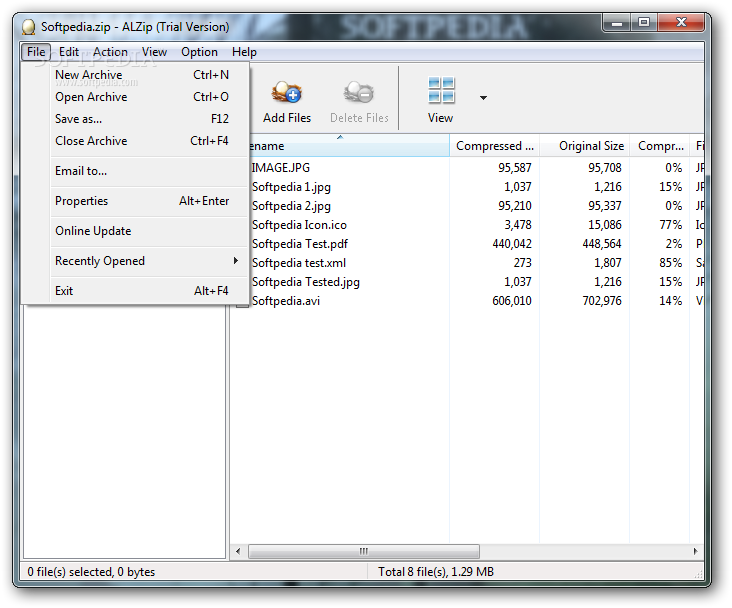
When talking about file compression programs, there are a lot of solutions to choose from. ALZip is one of them, a one-stop archiving and extraction program that you can use to compress files and view archive content.
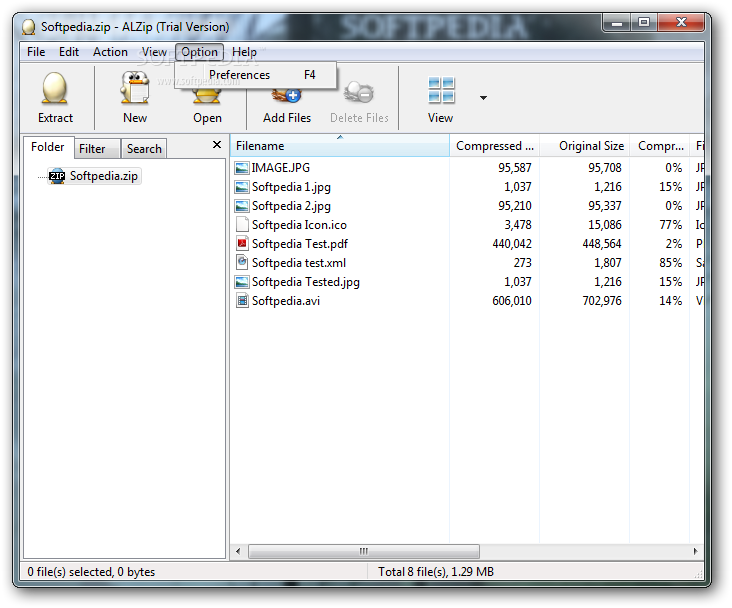
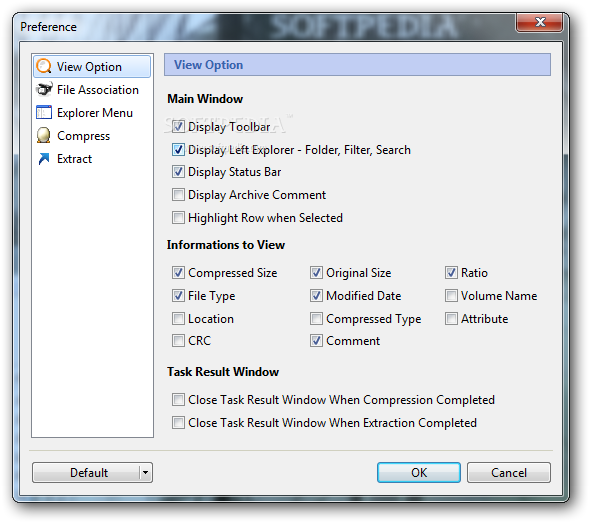
Ease of use is one of the advantages that this compression tool offers: its tree-view interface enables you to browse for the desired files fast. Searching for specific items can be easily done by inserting a keyword; files can be filtered out based on name, size or format. Moreover, users can assign a comment to any archive, in order to better identify it.
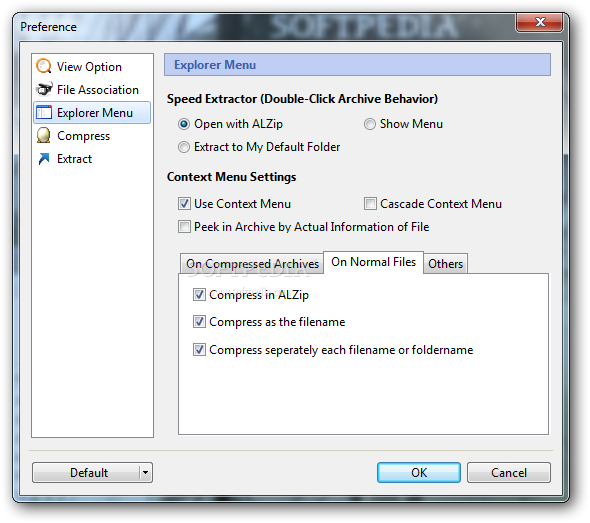
Once installed, new ALZip items are created in the context menu of any file or folder, so easy access to features is definitely not an issue. Moreover, you can peek into the archive by simply right-clicking on it.
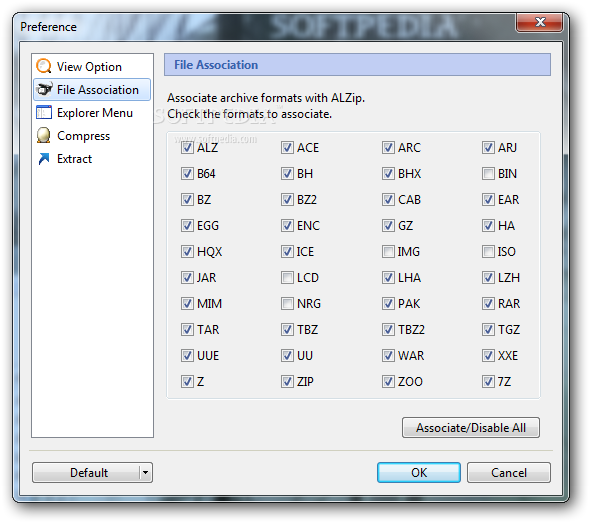
With support for over 40 different file formats, ALZip can also extract CD image formats, such as ISO, BIN and LCD. If you need to compress large size files, you can use ALZip's own EGG format, which is highly flexible and benefits of powerful features.
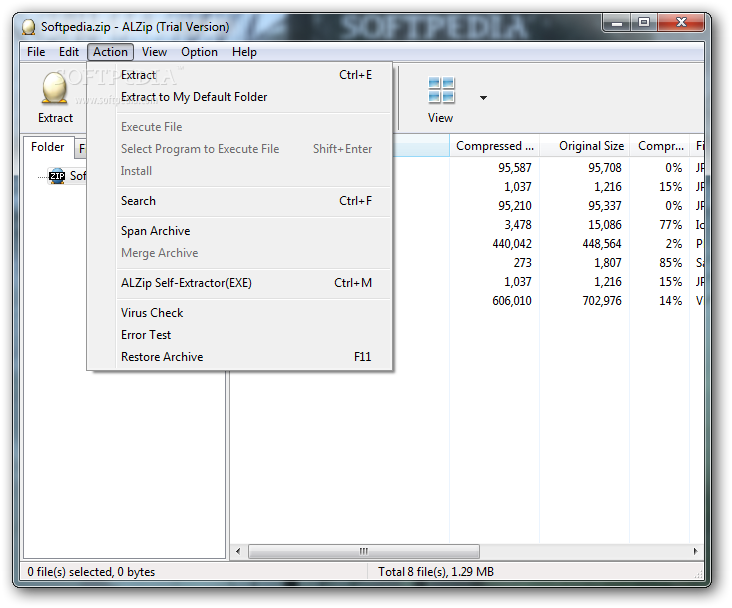
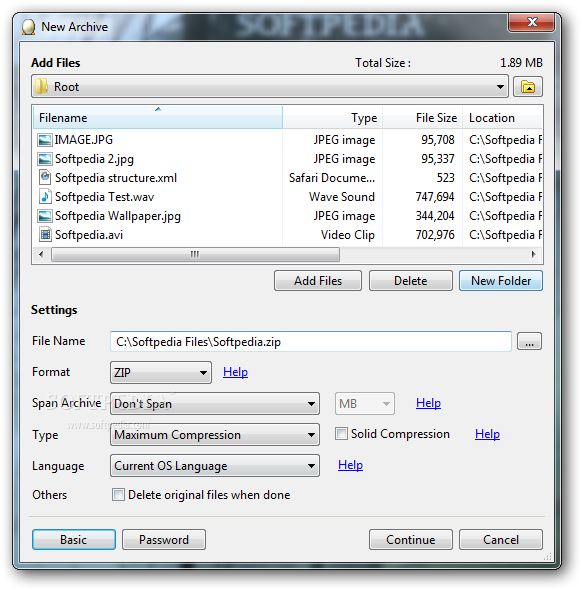
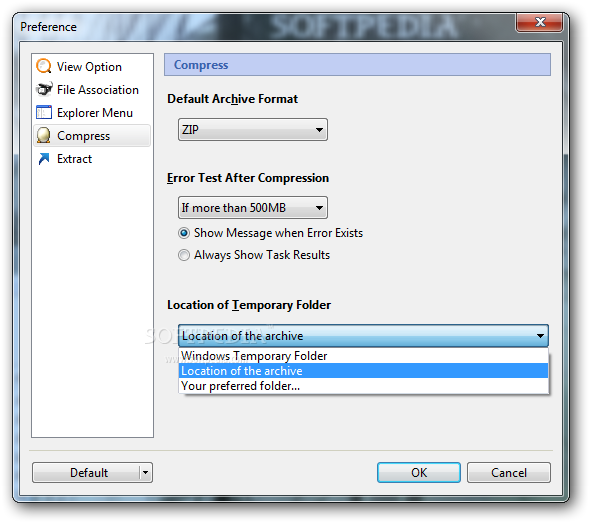
ALZip comes with some extra advantages that make archive managing much more easy. Along with the fast compression and extraction, the program supports spanning archives. One other important feature is that you can create self-extracting files for computers that do not have a compression tool installed. In addition to all this, you can perform virus checks and error tests, as well as recover files with error.
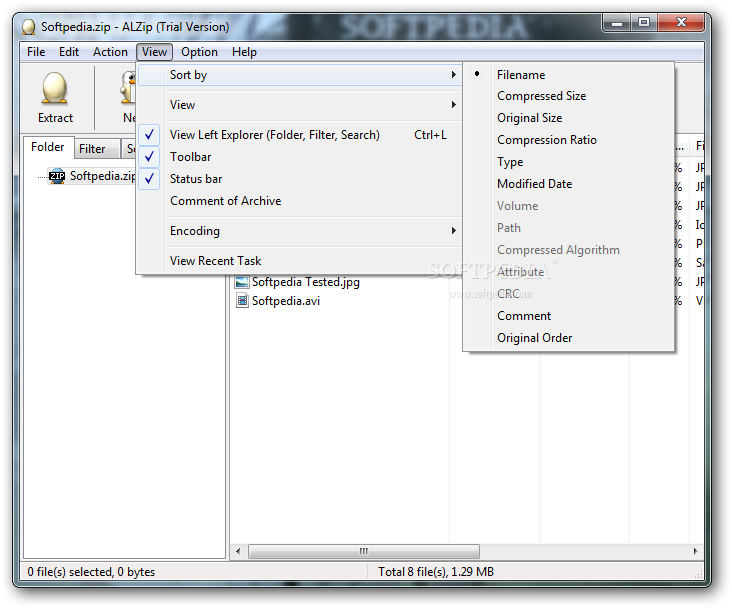
Another function that makes this software notable is the possibility to encode the language for the created archive, so it can be used in operating systems with different languages. More than that, ALZip allows you to protect your archives by assigning them a password, in order to restrain unwanted access.
ALZip proves to be a useful compression utility and extractor, which you can use to easily manage any kind of archives. It handles probably all formats you stumble upon, and does a pretty good job overall, with little effort required on your behalf and your computer.
Download Hubs
ALZip is part of these download collections: Create tar, SFX Creators, Create 7z, Make SFX
What's new in ALZip 8.51:
- Added: Support for deflate64 and PPMD algorithm
- Added: Support for 7zip LZMA2 algorithm
- Added: "Open folder after extraction" option added in Extraction window
- Added: Drag & Drop function on left explorer
ALZip 8.51
add to watchlist add to download basket send us an update REPORT- PRICE: Free
- runs on:
-
Windows 7 32/64 bit
Windows Vista 32/64 bit
Windows XP 32/64 bit
Windows 2K - file size:
- 9.7 MB
- filename:
- ALZip851.exe




- main category:
- Compression tools
- developer:
IrfanView

paint.net

ShareX

Windows Sandbox Launcher

calibre

Microsoft Teams

Bitdefender Antivirus Free

7-Zip

Zoom Client

4k Video Downloader

- 7-Zip
- Zoom Client
- 4k Video Downloader
- IrfanView
- paint.net
- ShareX
- Windows Sandbox Launcher
- calibre
- Microsoft Teams
- Bitdefender Antivirus Free