
An efficient application designed to help you create archives, decompress, encrypt with password and also update compressed files.. #Archive Creator #Archive Backup #Archive Encryption #Archive #Encryption #Compression

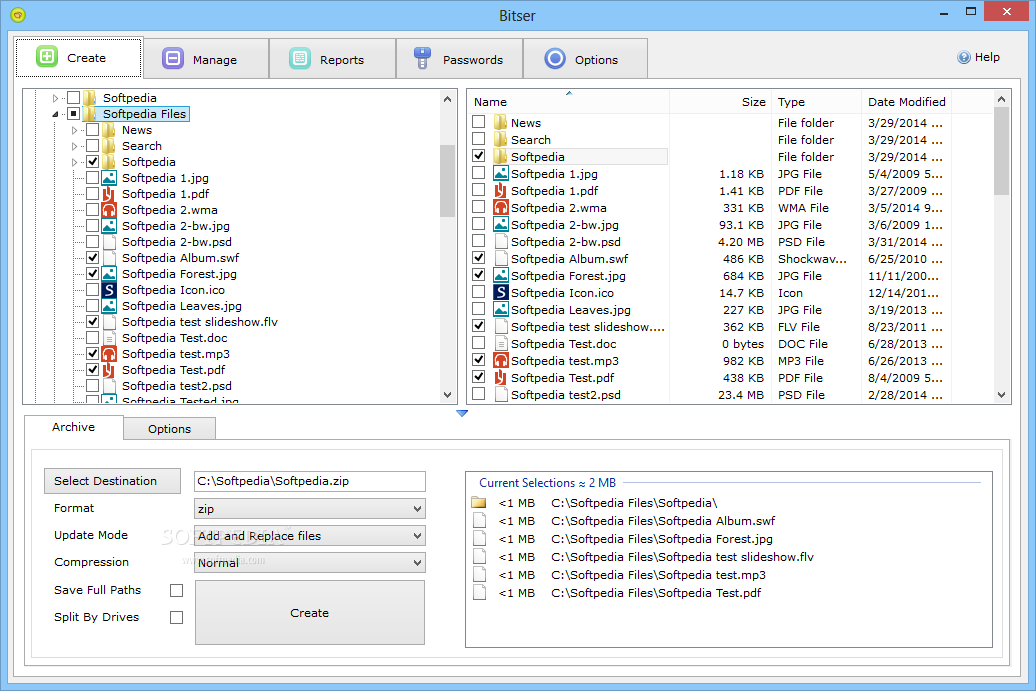
There are many software solutions on the market designed for managing archives in a professional way. Bitser is one of those apps and can help you compress or decompress files on the go.
The program sports an intuitive interface that reminds of Windows Explorer, so getting used to it shouldn't be quite a serious problem.
Adding files to the list is particularly simple thanks to the familiar interface of the app, while the drag and drop support makes file selection a breeze.
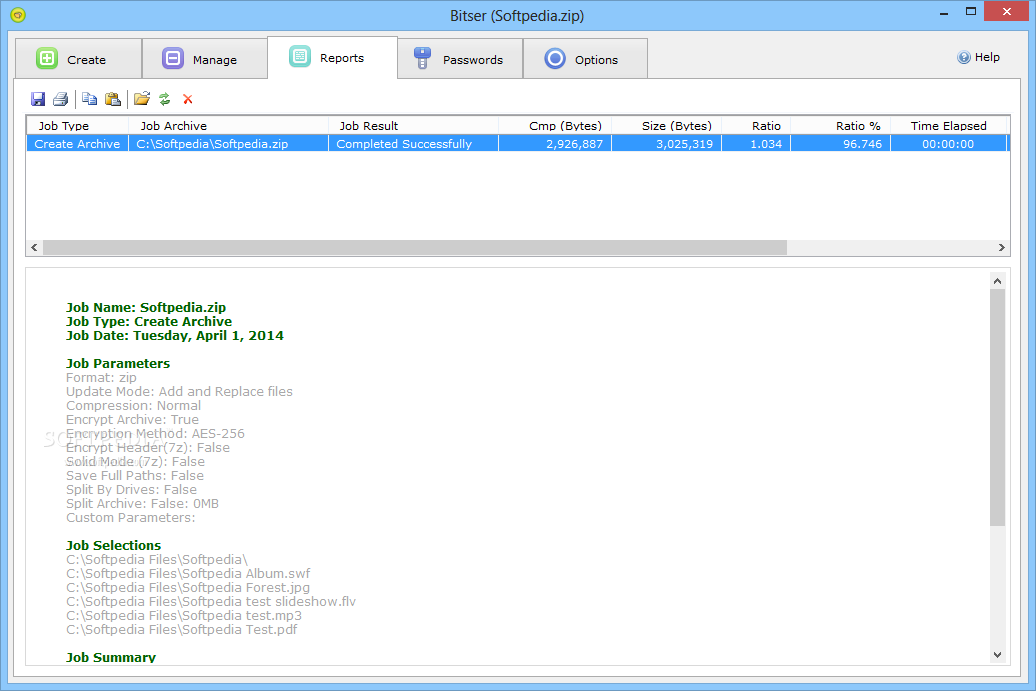
Bitser allows users to select the format of the archived files (ZIP, 7Z, EXE) and the compression mode (fastest, fast, normal, maximum and ultra). At the end of the compression process a log is displayed comprising all the necessary information, such as history of the archived files, speed, size and parameters used. You can print or save the reports.
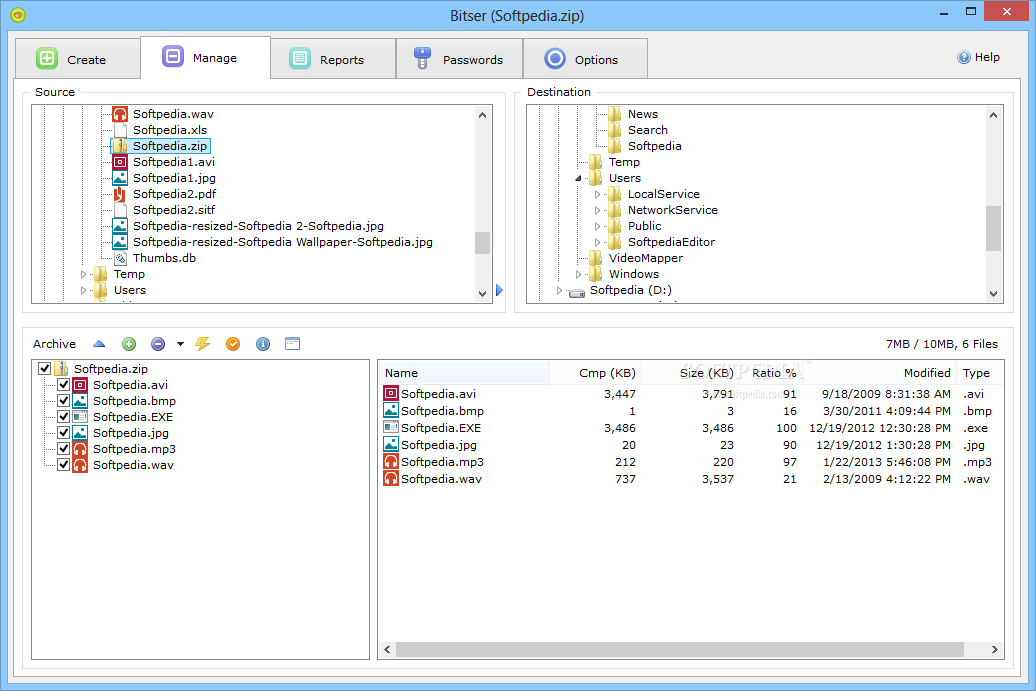
Key features bundled in this app include the possibility to add new files to the archive and to overwrite or update the existing ones. It is possible to decompress the files and perform tests to check for possible errors in the existing archive.
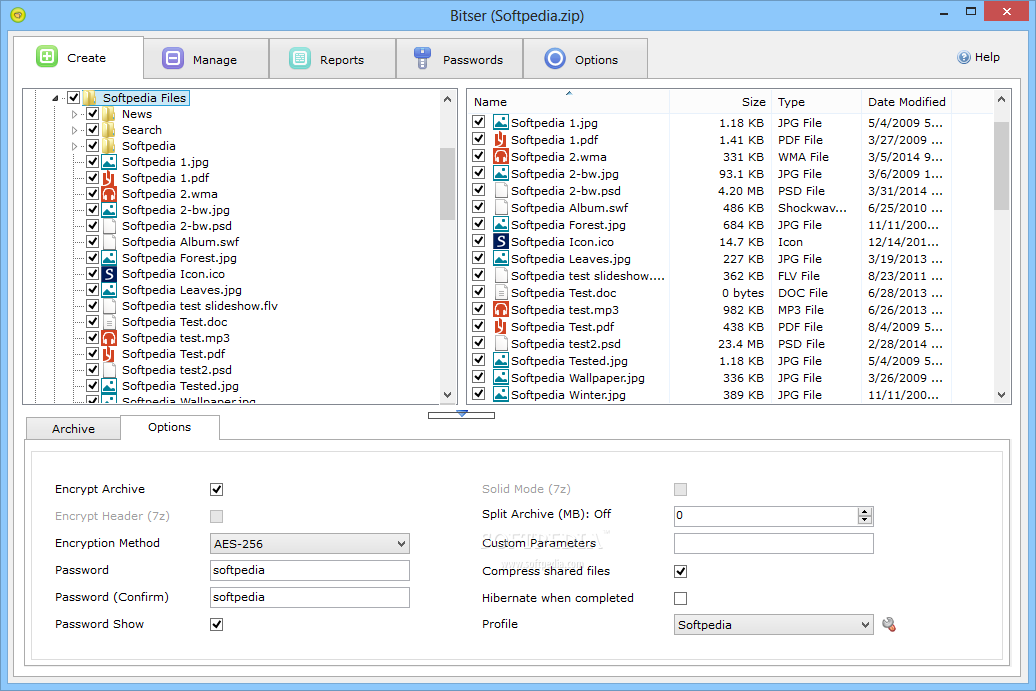
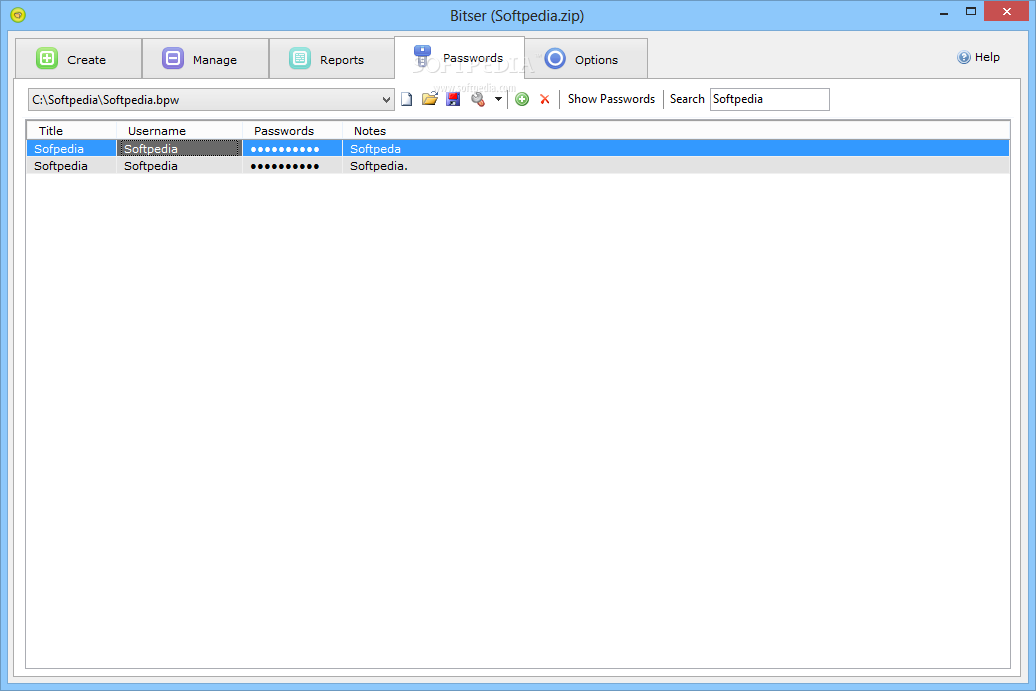
The program includes conversion and encryption features. You can convert the existing archive to a different format, select custom parameters and split the archive. Moreover, protecting your documents from unauthorized viewing is also possible by setting up passwords.
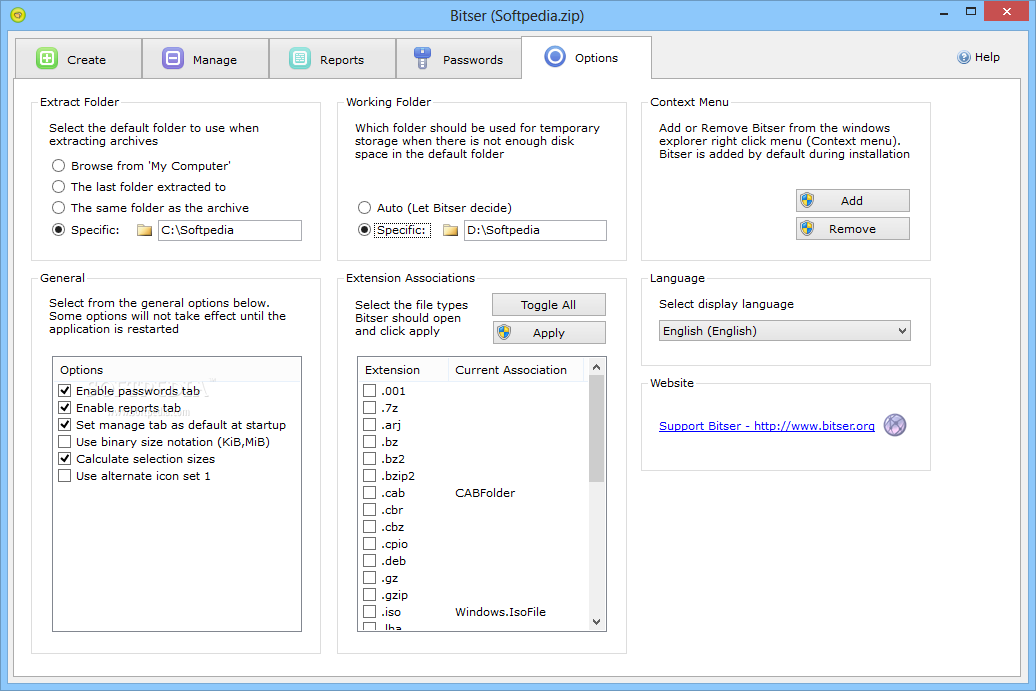
You can select what file associations should be used by the program and to specify which folder should be used for temporary storage when there isn’t enough disk space in the output destination.
Overall, Bitser is a handy application that can help you compress or decompress files quickly and efficiently. It features many useful features and it appeals to beginners and experts alike.
What's new in Bitser 1.5.0.0:
- Added Dutch translation by Stephan Paternotte.
- Added Traditional Chinese translation by jlgdot369.
- Added Greek translation by geogeo.gr.
- Added option to show Bitser's icon on the Windows Explorer context menu.
Bitser 1.5.0.0
add to watchlist add to download basket send us an update REPORT- runs on:
-
Windows 10 32/64 bit
Windows 2008
Windows 2003
Windows 8 32/64 bit
Windows 7 32/64 bit
Windows Vista 32/64 bit
Windows XP 32/64 bit - file size:
- 3.3 MB
- filename:
- Bitser-03-SEP-2018-V150.exe
- main category:
- Compression tools
- developer:
- visit homepage
Bitdefender Antivirus Free

Microsoft Teams

7-Zip

ShareX

IrfanView

4k Video Downloader

Context Menu Manager

Windows Sandbox Launcher

calibre

Zoom Client

- Windows Sandbox Launcher
- calibre
- Zoom Client
- Bitdefender Antivirus Free
- Microsoft Teams
- 7-Zip
- ShareX
- IrfanView
- 4k Video Downloader
- Context Menu Manager