
A suitable software solution strictly dedicated to exploring, creating and managing archives of various formats easy and in the blink of an eye. #File archiver #Compress folder #Create archive #Archiver #Compression #Compress
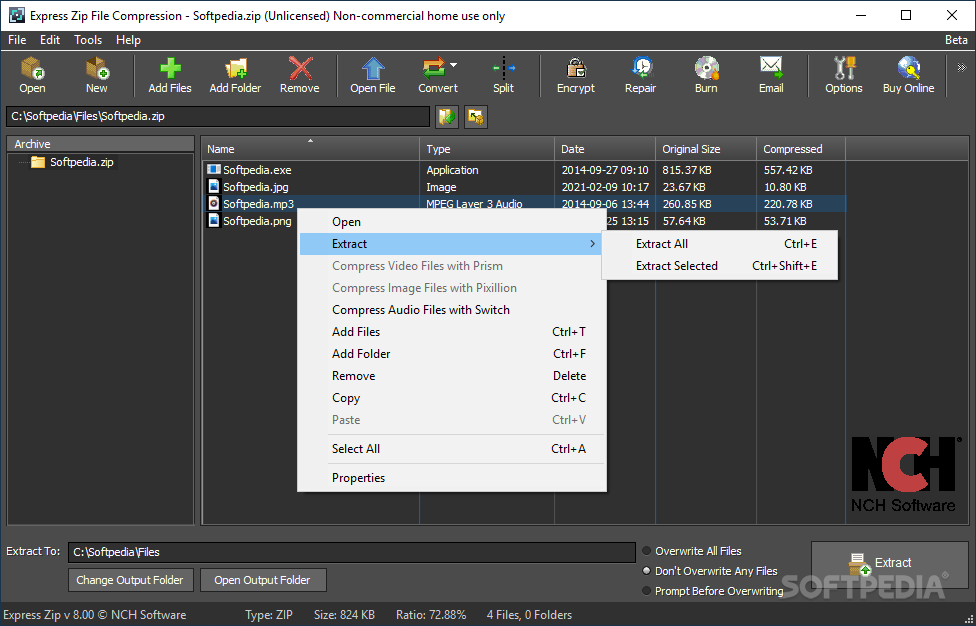
On the saturated market of compression utilities there are still tools that try to prove that innovation is always a key element in success. Amongst the existing industry giants, applications such as Express Zip File Compression Software come equipped with features you are familiar with, but adjusted to offer a little more speed and efficiency.
Before you can fully take advantage of the provided features, you need to cautiously go through the setup process. A certain level of attention is required, otherwise you might end up with a bunch of potentially unwanted applications also deployed on your system.
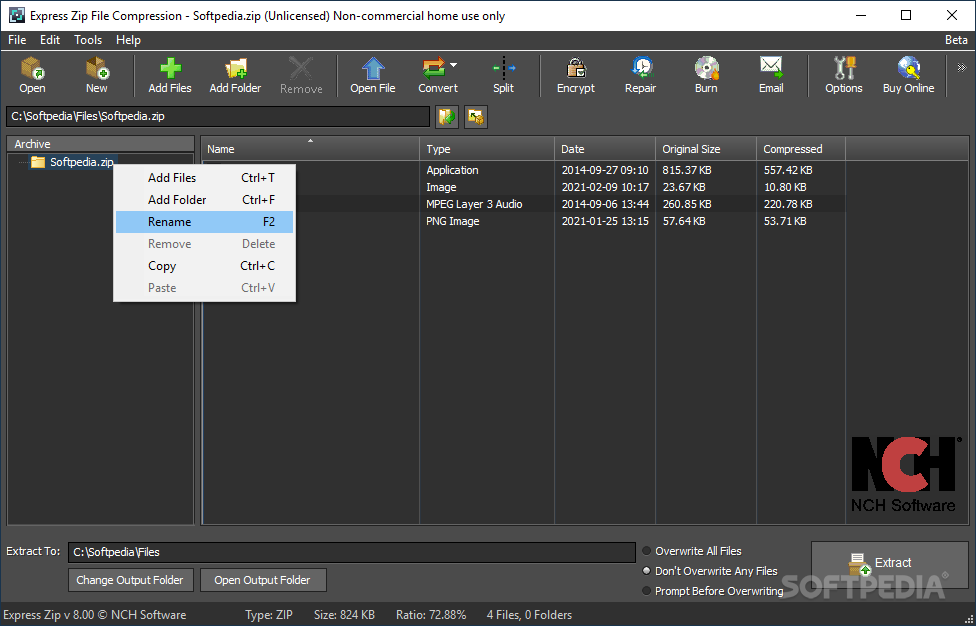
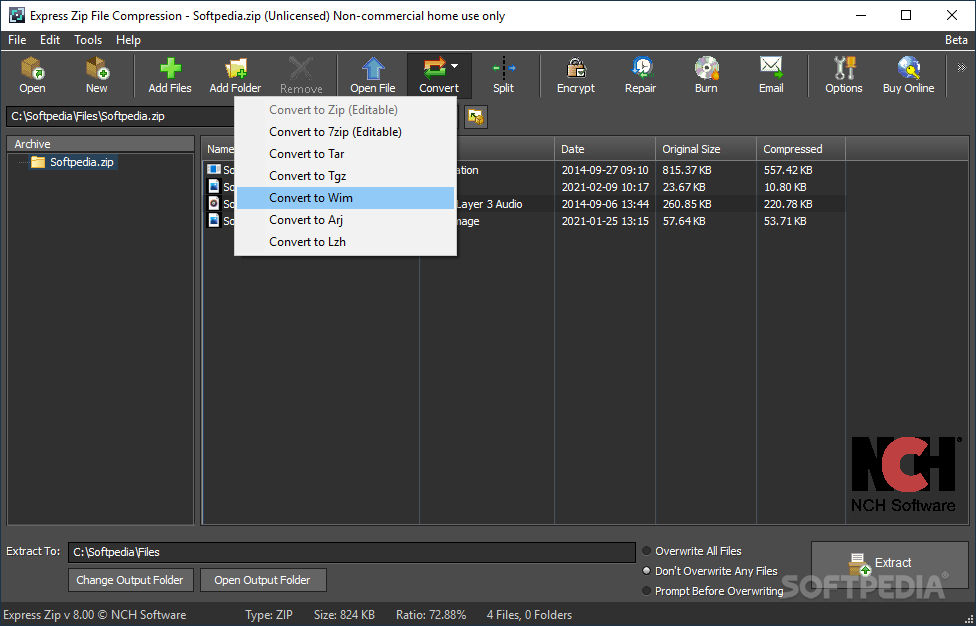
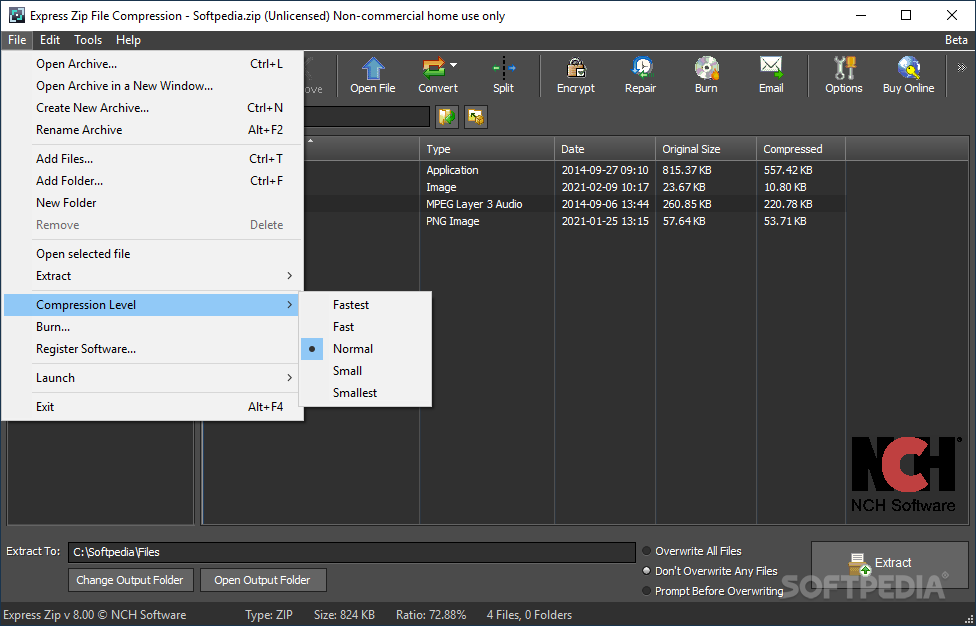
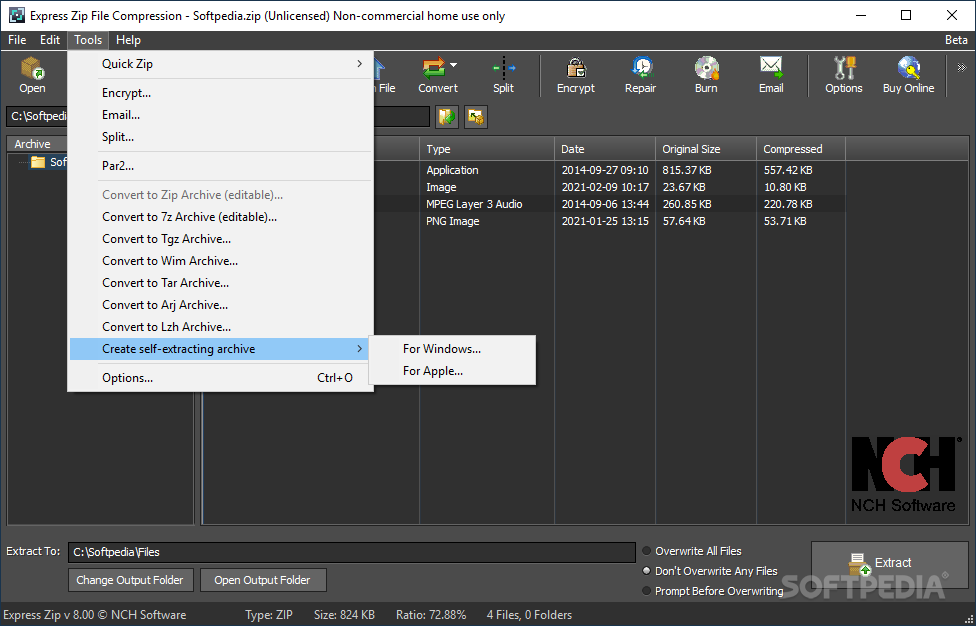
The main window stores all its available features in an upper toolbar, the workspace being dedicated to exploring content of the files you add to the process.
You can easily import desired items either through the dedicated options or dragging them over the main window. However, due to the poor design, it takes a rather disturbing amount of time to get files ready, especially if they take up a lot of space.
The same can be said about compression and extraction processes. The application first analyzes files, after which they are processed, leading to a considerable number of minutes practically wasted. Since the application is a dedicated compression utility and it does not come equipped with any other important features, this is a major drawback.
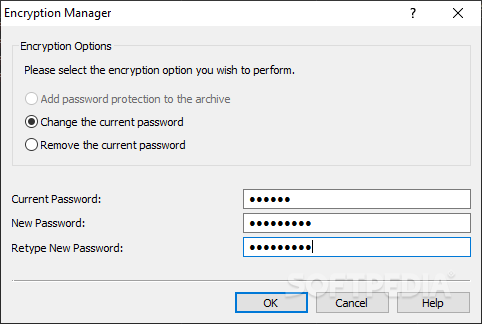
On the other hand, you can have your have files encrypted for enhanced security. A self-extracting archive can also be created so that you don't need any compression tools in order to unpack content on other computers.
In terms of functionality, the applications behaves incredibly poor, with no comparison needed. Regardless of the file size selected for compression, once you put the process in motion system resources are funneled towards the application, with the possibility to hang or even crash. During our tests, it took around 15 minutes to process 2.5 GB worth of data, making the computer difficult to use for other purposes and at a certain point even making it critically unstable.
Taking everything into consideration, we can say that Express Zip File Compression Software fails to fully deliver its full potential, with a lot of room for improvement. It's incredibly easy to use and the interface is intuitive, but taking a look under the hood reveals an outdated engine, incapable of winning the race for best compression tool.
Download Hubs
Express Zip File Compression is part of these download collections: Open RAR
What's new in Express Zip File Compression 11.06 Beta:
- Maintenance release
- Uploaded 2024-02-28
Express Zip File Compression 11.06 Beta
add to watchlist add to download basket send us an update REPORT- runs on:
-
Windows 11
Windows 10 32/64 bit
Windows 8 32/64 bit
Windows 7 32/64 bit - file size:
- 3.3 MB
- filename:
- zipsetup.exe
- main category:
- Compression tools
- developer:
- visit homepage
Bitdefender Antivirus Free

4k Video Downloader

IrfanView

Microsoft Teams

7-Zip

Windows Sandbox Launcher

ShareX

calibre

Zoom Client

Context Menu Manager

- calibre
- Zoom Client
- Context Menu Manager
- Bitdefender Antivirus Free
- 4k Video Downloader
- IrfanView
- Microsoft Teams
- 7-Zip
- Windows Sandbox Launcher
- ShareX