
Create and extract archived files and folders on the fly with integrated context menu support, with the possibility to handle nearly all available formats. #File compressor #Zip compressor #File archiver #Archive #Compress #Compression

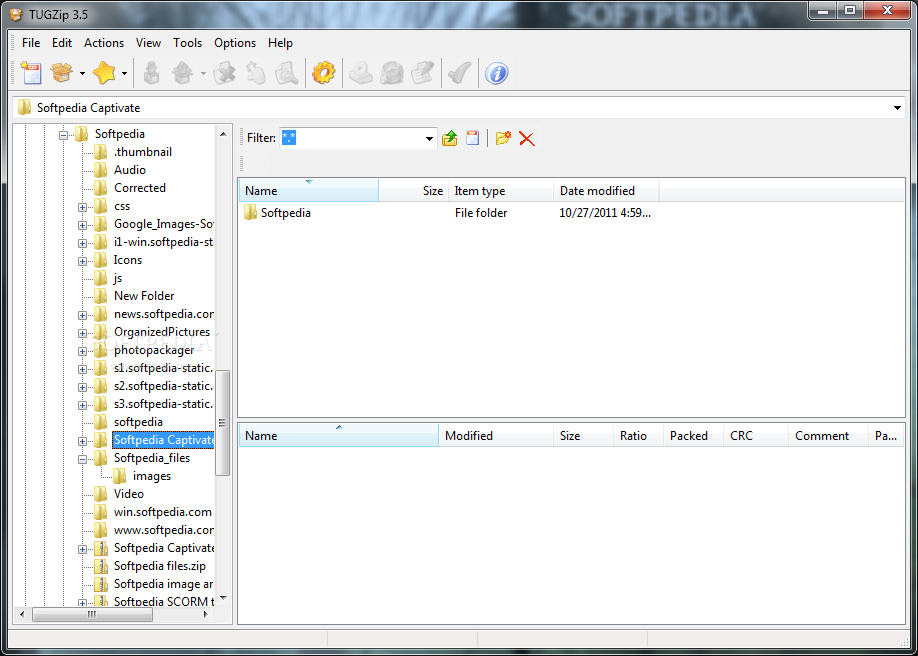
Compressing and decompressing batches of files is usually a job we like to assign to dedicated utilities like WinRAR or WinZip, to name just a couple of the most well-known names in this category. There are, nonetheless, several smaller but at least just as powerful tools that you can try for those purposes and one of them is TUGZip.
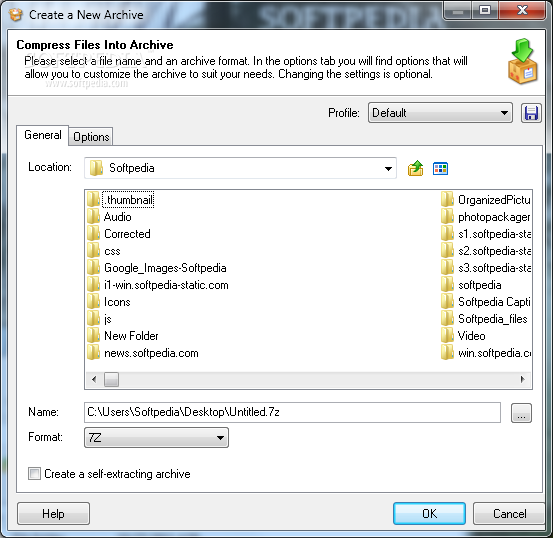
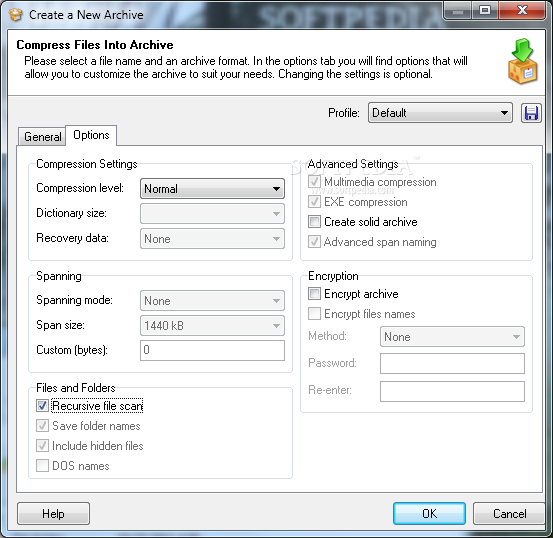
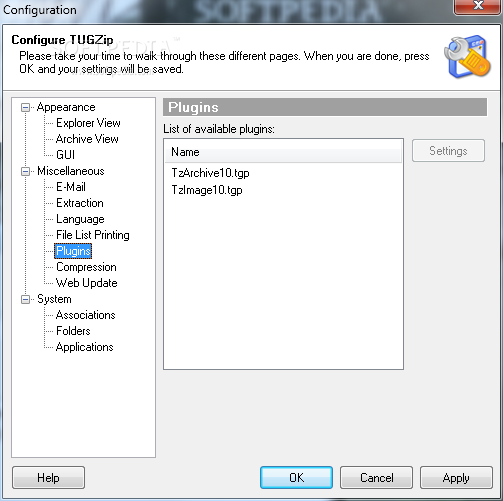
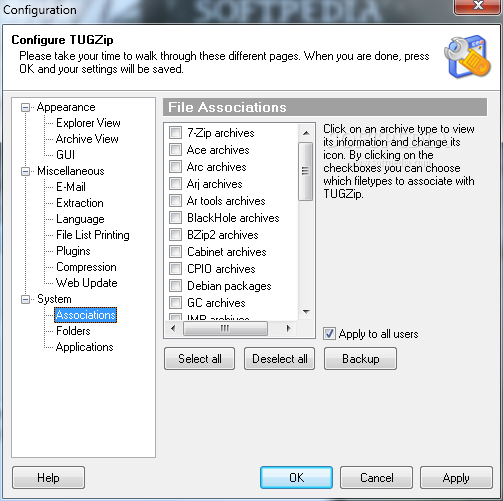
First of all, this application is capable of creating ZIP, TAR, TGZ, BZ2, CAB, LHA (LZH), SQX, YZ1 and 7-ZIP archives but, in the same time, it also has the power to open virtually all archive formats out there. Among them you will find, ZIP, 7-ZIP, A, ACE, ARJ, BZ2, CAB, CPIO, DEB, GCA, GZ, IMP, LHA (LZH), LIB, RAR, RPM, SQX, TAR, TGZ, TBZ, TAZ and YZ1.
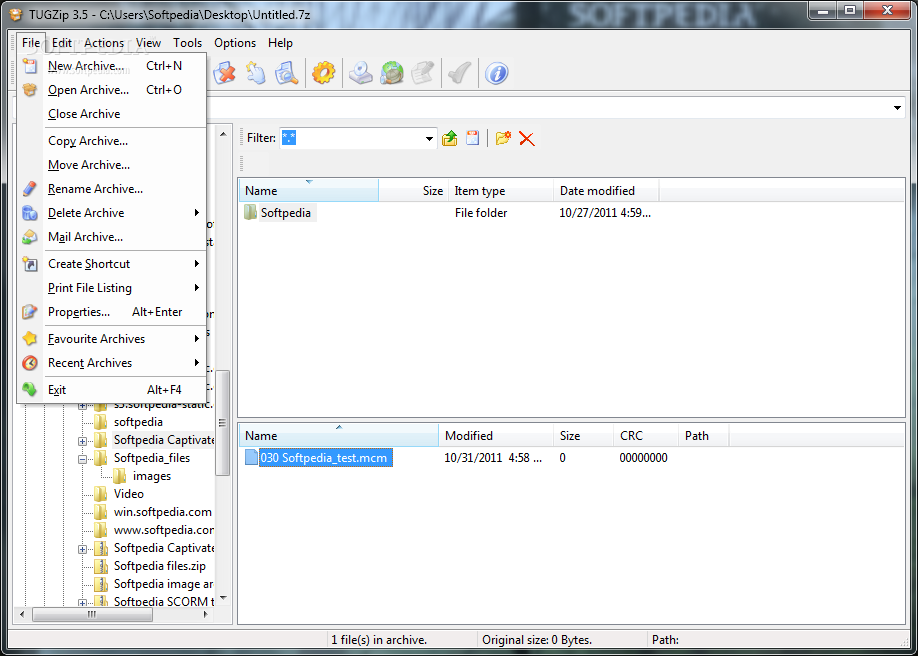
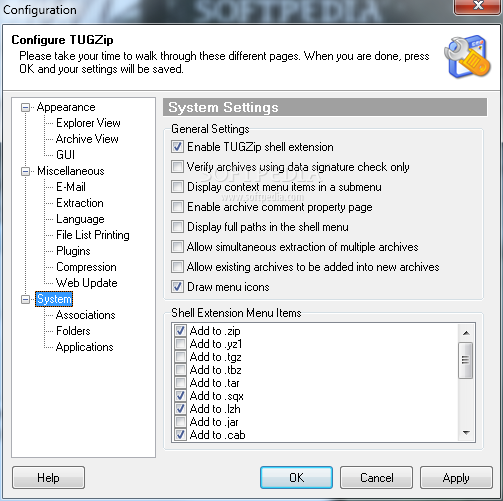
Of course, just like all the other compression tools in the world, TUGZip integrates pretty nice into the Windows context menu, which means you can create archives and extract files from the existing ones just with a simple right click.
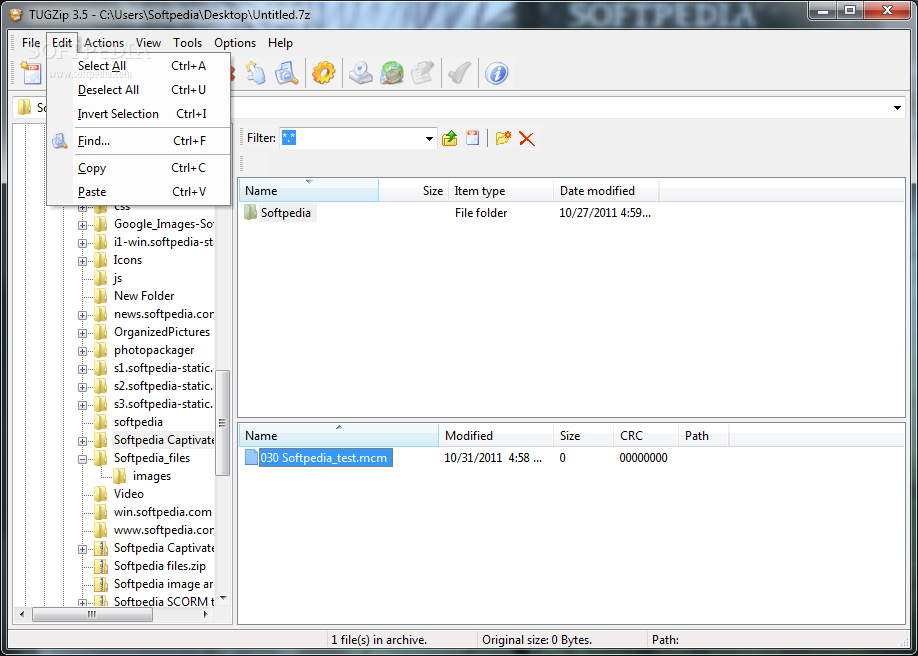
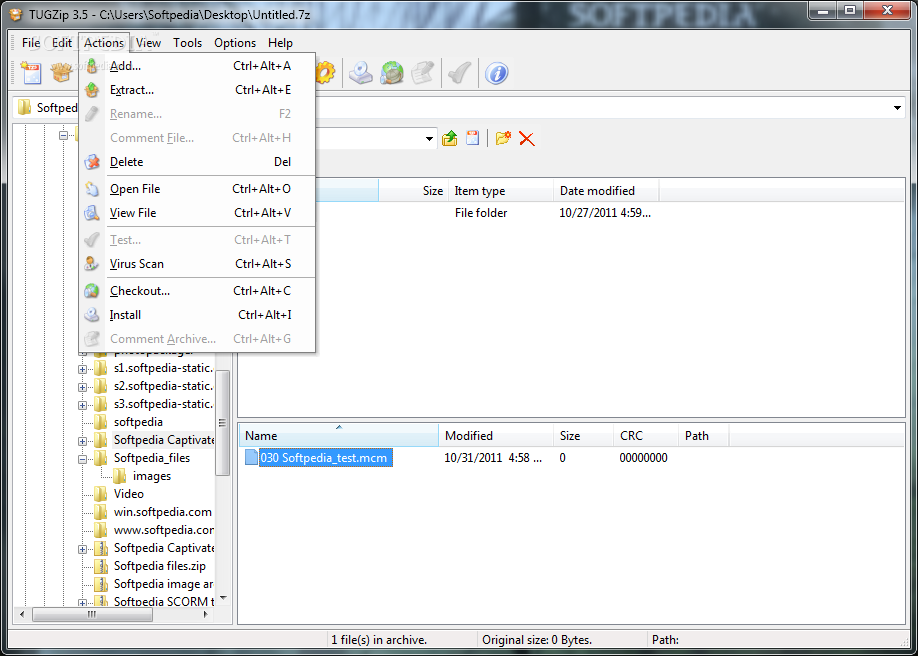
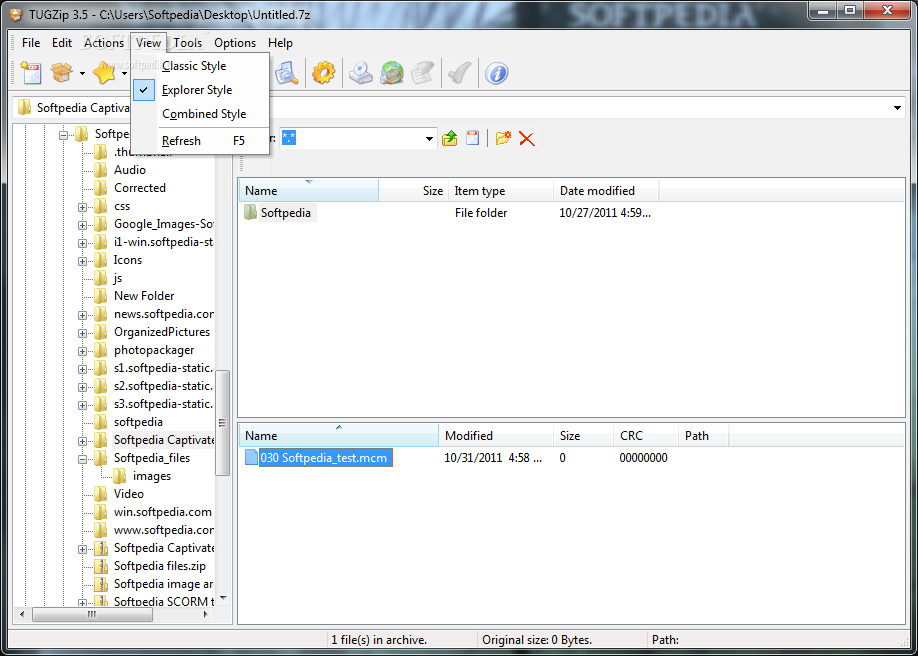
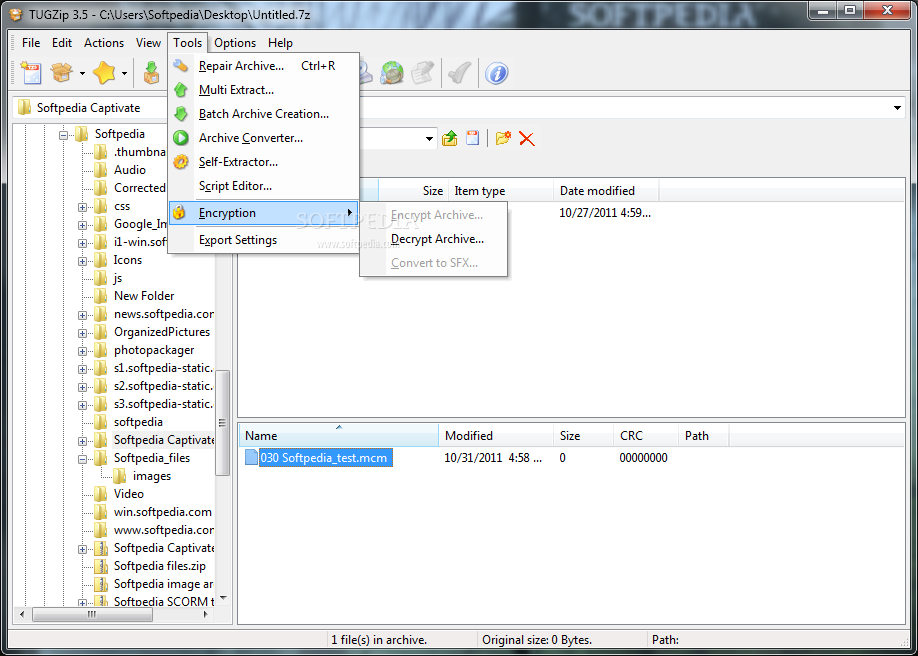
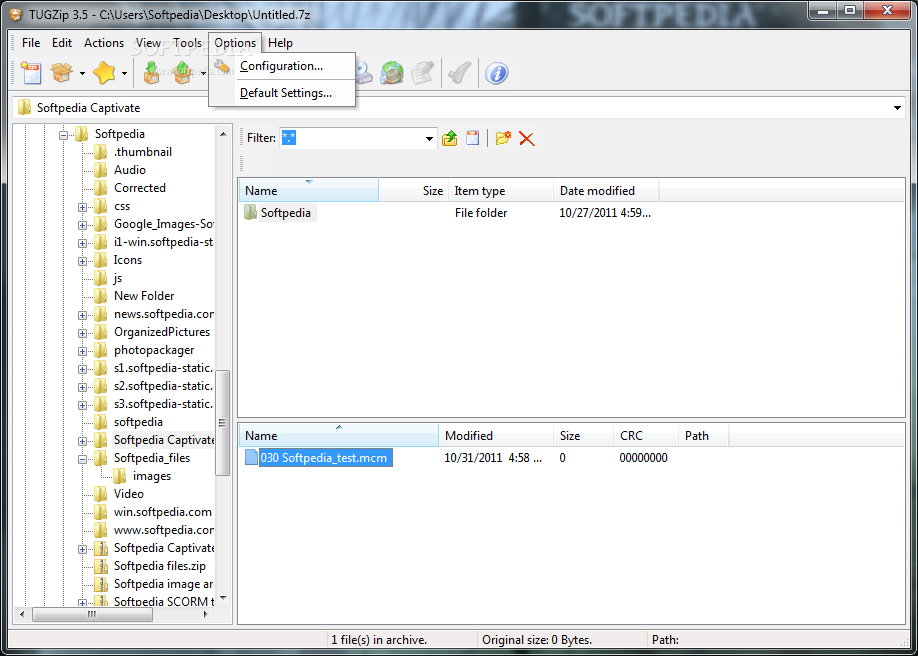
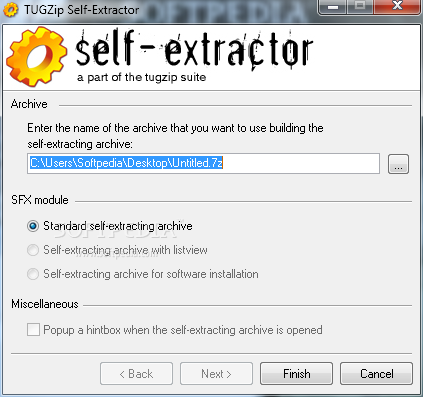
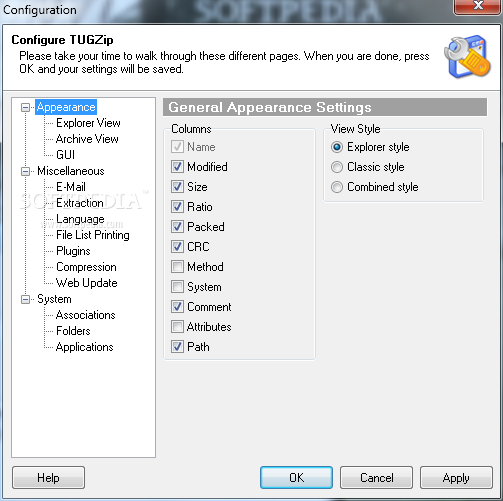
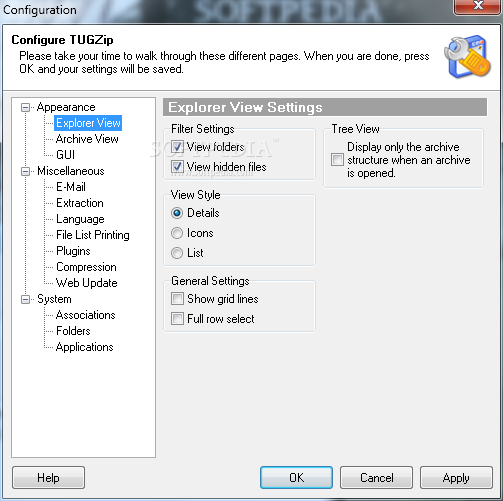
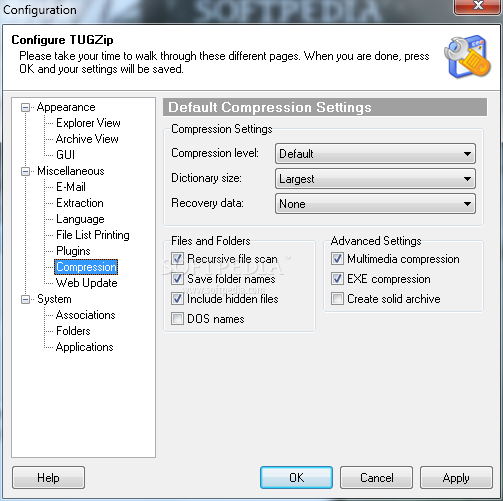
The interface is not at all complicated and it enables you to access the basic features on the fly and add, extract, delete, rename, test compressed files or scan them for viruses. The program supports the Zip64 algorithm and offers several encryption methods as well as a tool for creating self-extracting archives.
TUGZip works pretty fast with small archives, but we noticed that the biggest difference between this one and the top picks in the industry can be seen when dealing with large archives. This application tends to get tired a little bit after a while, so it might lose some speed when trying to handle really large files.
TUGZip offers awesome archive support and the ease of use make it suitable even for less experienced users. The utility puts up a very good performance overall and it remains one of the top choices in its category.
Download Hubs
TUGZip is part of these download collections: Create tar, Create 7z, Create CAB, Open 7z
What's new in TUGZip 3.5.0.0:
- I have released a new version TUGZip (3.5). It fixes some of the anoying bugs that users have reported in the forums and by mail
TUGZip 3.5.0.0
 Softpedia Editor's Pick
add to watchlist
add to download basket
send us an update
REPORT
Softpedia Editor's Pick
add to watchlist
add to download basket
send us an update
REPORT
- runs on:
- Windows All
- file size:
- 3.9 MB
- filename:
- tugzip35.exe




- main category:
- Compression tools
- developer:
- visit homepage
7-Zip

Windows Sandbox Launcher

calibre

4k Video Downloader

Context Menu Manager

Bitdefender Antivirus Free

Microsoft Teams

ShareX

Zoom Client

IrfanView

- ShareX
- Zoom Client
- IrfanView
- 7-Zip
- Windows Sandbox Launcher
- calibre
- 4k Video Downloader
- Context Menu Manager
- Bitdefender Antivirus Free
- Microsoft Teams