
An intuitive application with a very good compression ratio that can help you not only create and extract archives, but also test them for errors. #File archiver #Archive compression #Compress archive #7z #Compress #Archiver
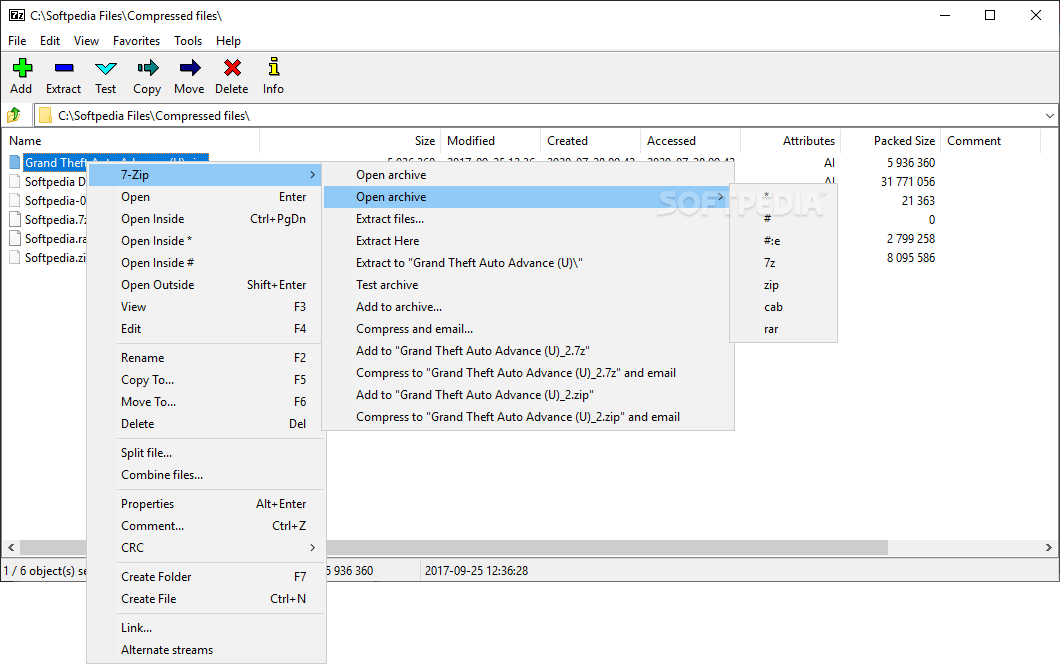
7-Zip offers extra flexibility to all users who wish to save space, compress content, and preserving quality, as well as create portable instruments or self-contained environments.
The tool is free of cost and a trusted open-source instrument. Having been around for a long time now, 7-Zip is already an optimized program that runs smoothly on Windows OS, macOS, and Linux distributions.
The tool provides strong data encryption capabilities, high compression ratios, file management instruments, as well as both GUI and CLI usage.
Regarding the creation of archives (a compressed file that incorporates other files), 7-Zip can create 7z, ZIP, XZ, BZIP2, GZIP, TAR, and WIM. The 7z format is 7-Zip proprietary instance.
Regarding the tool's capacity of unarchiving content, it supports a lot more file formats. Also, it is important to take into account that a perfect correlation between the packing/unpacking processes is impossible, as creating archives with 7-Zip requires the use of laborious mechanisms (e.g. preprocessing, compression, and encryption).
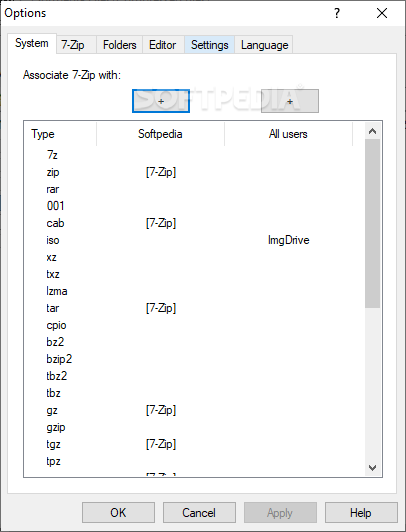
Some of the formats that 7-Zip can unpack are AR, ARJ, CAB, CHM, CPIO, CramFS, DMG, EXT, FAT, GPT, HFS, IHEX, ISO, LZH, LZMA, MBR, MSI, NTFS, RAR, RPM, UDF, UEFI, VHD, VMDK, WIM, XAR, etc.
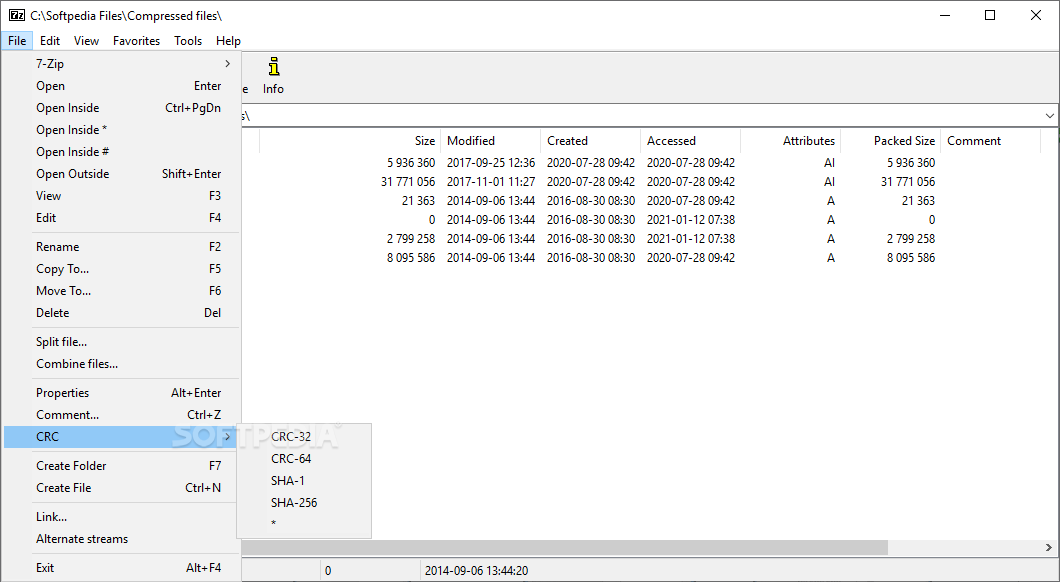
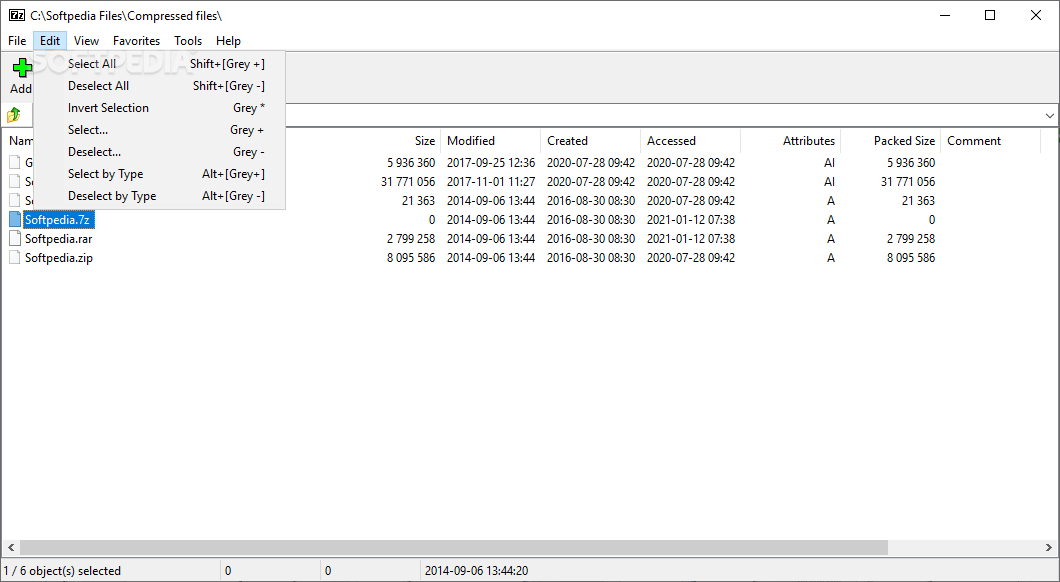
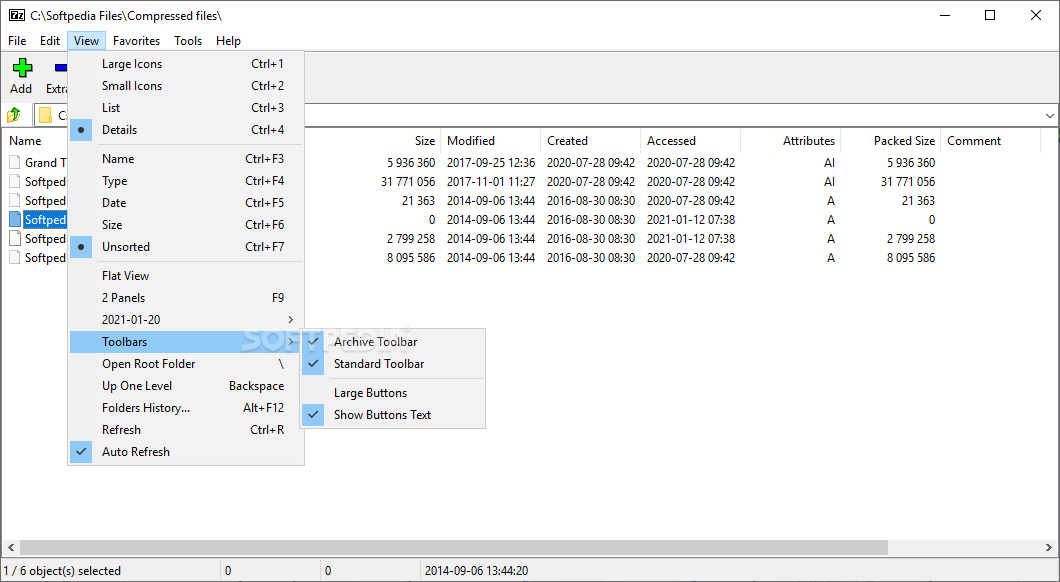
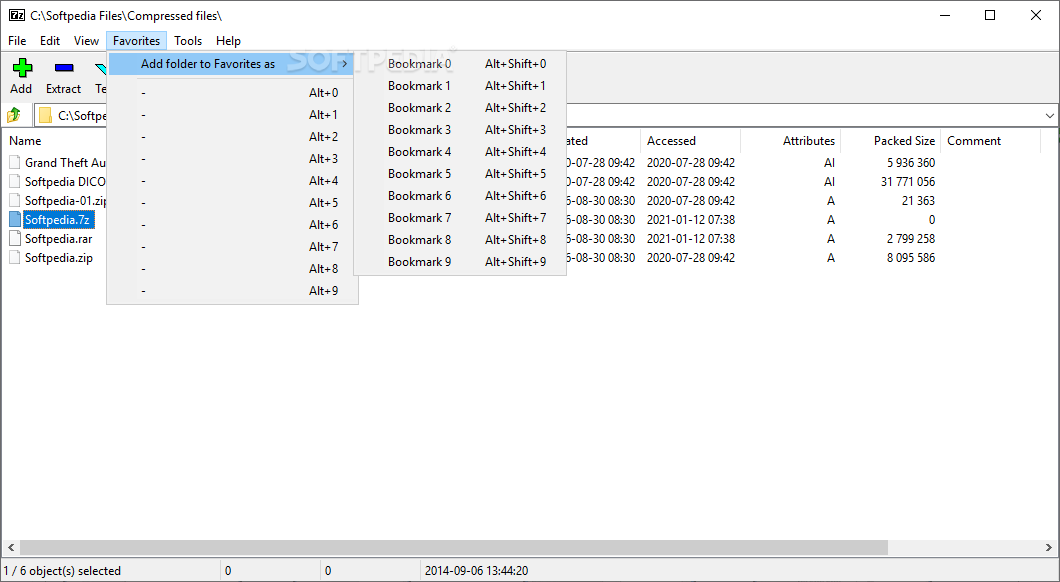
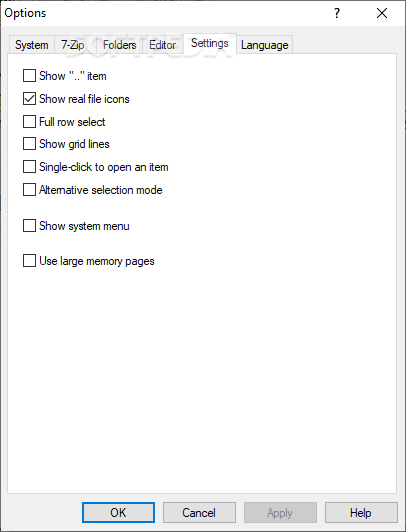
The application's file management interface is simplistic and has intuitive commands. You can browse your machine's storage directories, create files/folders, open different locations from the archive scope, customize the data display, as well as granularly set up your benchmark values for the compressing/encryption processes you want to execute.
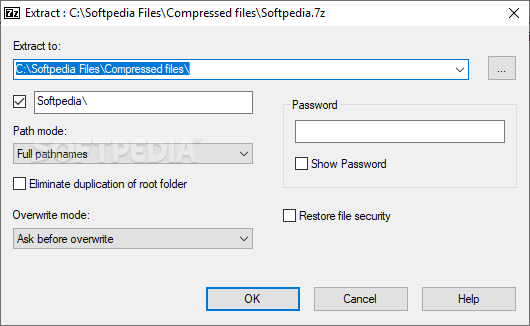
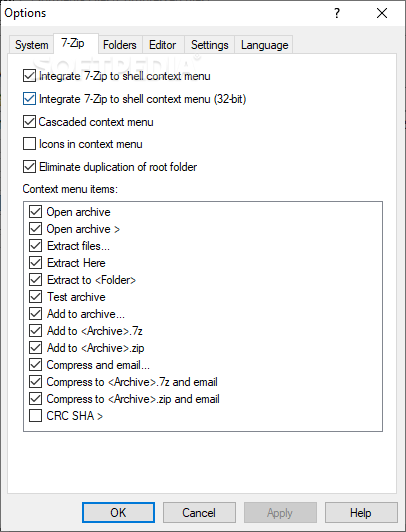
For more accessibility, with this app, you can target different folders and, with the right-click command, you can simply open them to view their content, or you can extract archived files. Also, you can add your local files/directories/instruments to an archive, compress them, or choose to send them via email.
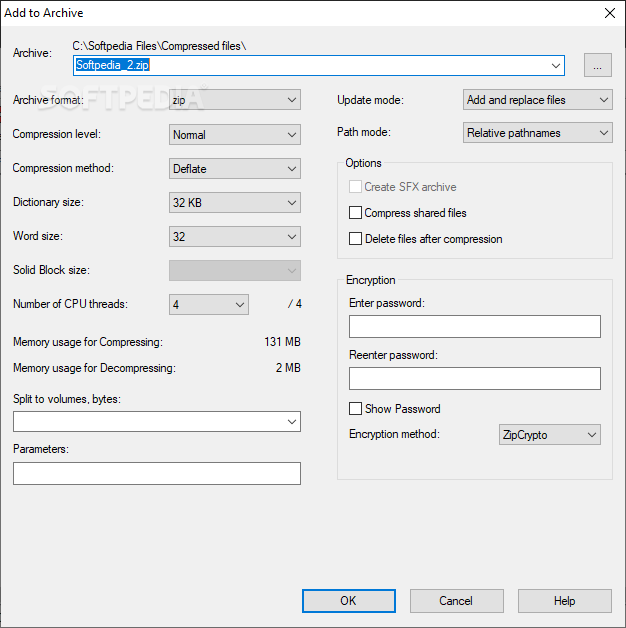
As such, during the actual compression process, users are given the option to choose the output's archive format, choose the compression method (LZMA, LZMA2, PPMd, BZip2) and level (store, normal, fast, fastest, maximum, ultra), add password encryption, split the data into volumes (bytes), and, last but not least, adapt the entire process according to the PC's estimated memory usage for compression/decompression.
Download Hubs
7-Zip is part of these download collections: Open RAR, Open ZIP, View ISO, Create tar
What's new in 7-Zip 24.04 Beta:
- New menu item in 7-Zip File Manager: "Tools / Delete Temporary Files...". This menu item opens a window showing temporary folders and files created by 7-Zip in the user's "Temp" folder on a Windows system. In this window, the user can delete temporary files.
7-Zip 23.01 / 24.04 Beta
 Softpedia Editor's Pick
add to watchlist
add to download basket
send us an update
REPORT
Softpedia Editor's Pick
add to watchlist
add to download basket
send us an update
REPORT
- PRICE: Free
- portable version
- Portable 7-Zip
- runs on:
-
Windows 11
Windows Server 2022
Windows Server 2019
Windows Server 2016
Windows 10 32/64 bit
Windows Server 2012
Windows 2008
Windows 2003
Windows 8 32/64 bit
Windows 7 32/64 bit
Windows Vista 32/64 bit
Windows XP 32/64 bit
Windows 2K - file size:
- 1.2 MB
- filename:
- 7z2301.exe
- main category:
- Compression tools
- developer:
- visit homepage
Microsoft Teams

Context Menu Manager

7-Zip

IrfanView

Bitdefender Antivirus Free

Windows Sandbox Launcher

Zoom Client

calibre

4k Video Downloader

ShareX

- calibre
- 4k Video Downloader
- ShareX
- Microsoft Teams
- Context Menu Manager
- 7-Zip
- IrfanView
- Bitdefender Antivirus Free
- Windows Sandbox Launcher
- Zoom Client