Search Perform an advanced search query SOFTPEDIA
 
SOFTPEDIA
Updated one minute ago
HomeSubmit a program for being reviewedAdvertise on our websiteGet help on surfing our websitesSend us your feedbackGet information about our XML/RSS backend and how to use itBrowse the news archiveVisit our discussion forumVizitati forumul in limba romana


Program Finder NormalFreeware onlyShareware only

ArtIcons Pro 5.20 Report spyware 

Click to download ArtIcons ProArtIcons Pro - Softpedia Pick Award (If you developed this product, click here to download your award)
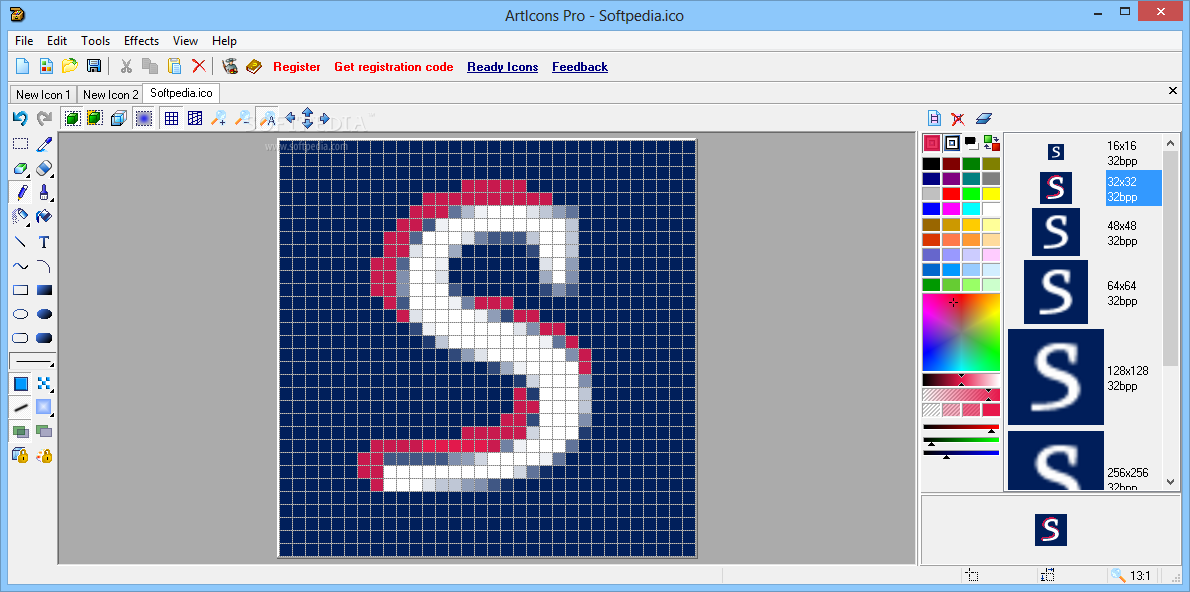
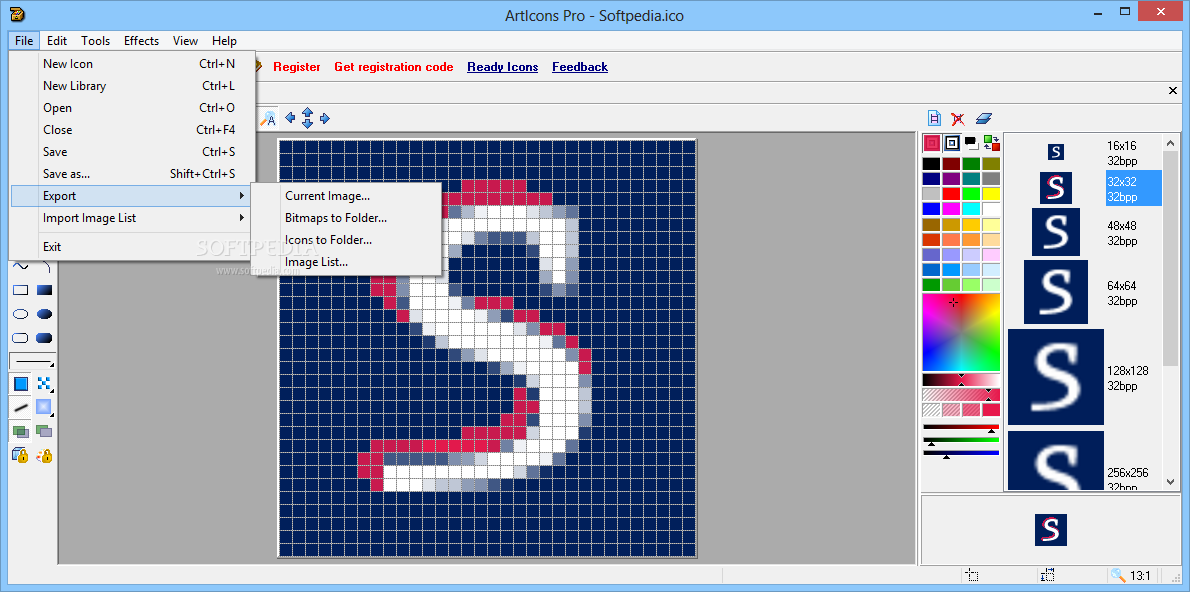
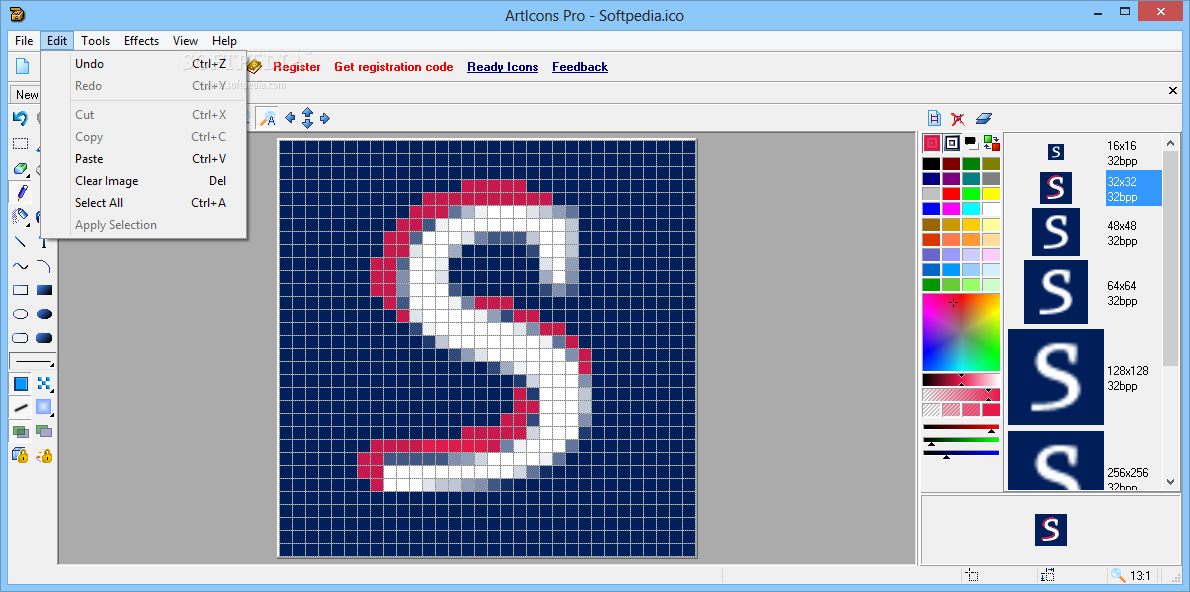
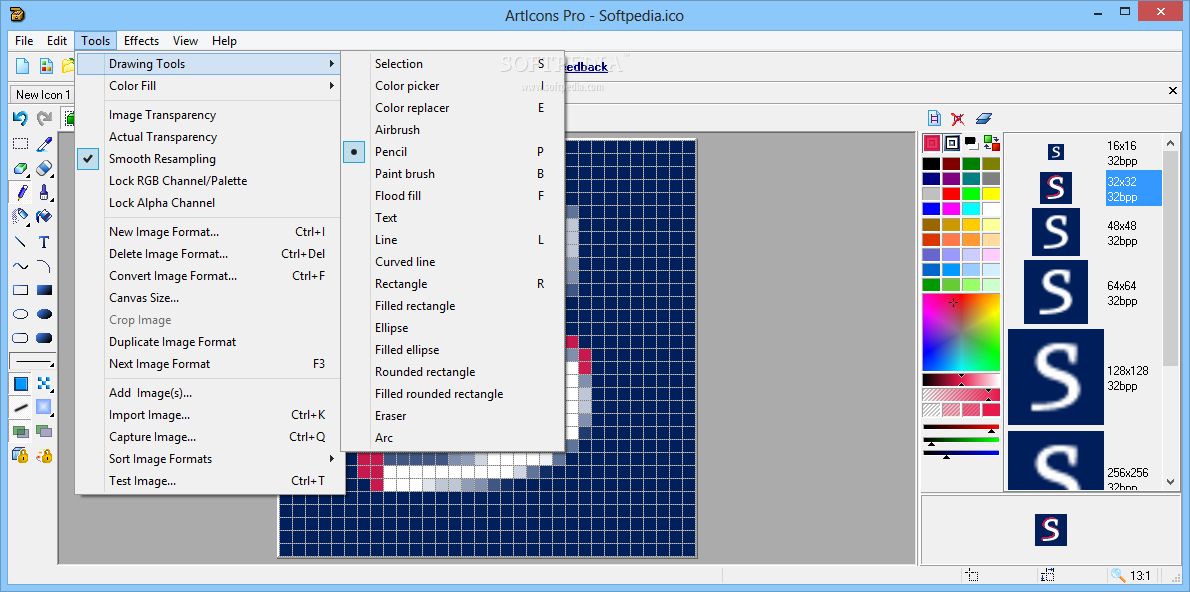
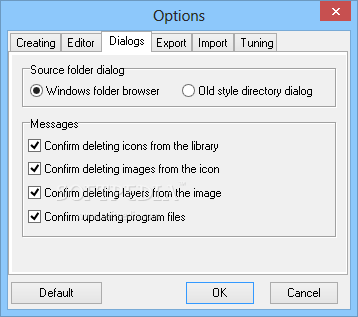
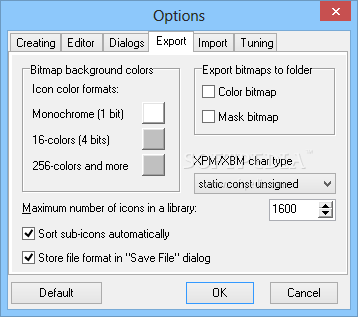
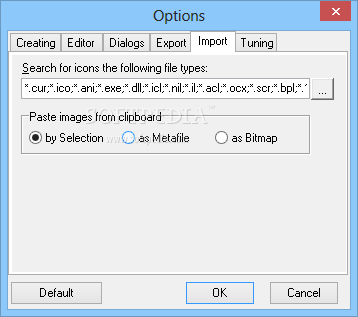
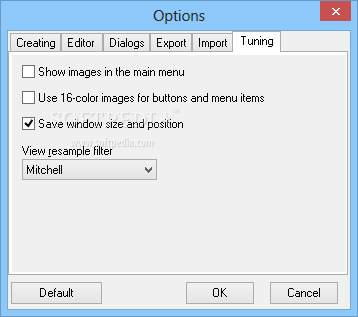
View more ArtIcons Pro screenshots (3)
 Downloads: 4,736
Rating: | Rated by: user(s)
Add to download basket     Send us update information
 Developer: Aha-Soft | More programs by this producer
 License: Trial , 39.95 $ to buy 
 Size / OS: 2.37 MB, Windows All
 Last Updated: January 25th, 2008, 17:05 GMT
 Category: C: \ Desktop Enhancements \ Icons Related
 Read user reviews (0) Add a review Refer to friend Subscribe
    Download ArtIcons Pro

ArtIcons Pro description
Allows professional and amateur alike to create and edit icon images and manage icon files and libraries

Aha-soft ArtIcons Pro is made for efficient icon creation and management and gives you a lot of features that cannot be found in standard graphics applications.

Among those features is the ability to import icons from executables, image and library files and the search and extract function that enables busy artists scan through the contents of a folder or a drive and arrange all images found in any files into a single icon library for easy and effective management.

This program features a sufficiently improved image editor that offers graphic artists a number of breakthrough features, including the ability to create icons with several raster layers. To support the multi-layer feature, a new image format - Icon Project - was introduced. Working with layers will offer you more freedom when using complex graphic tools and creating professionally looking images.

This new feature enables Aha-Soft ArtIcons to rival any high-end graphics package. In fact, it is better than any of these high-end tools when you consider creation of icons and other small graphics.

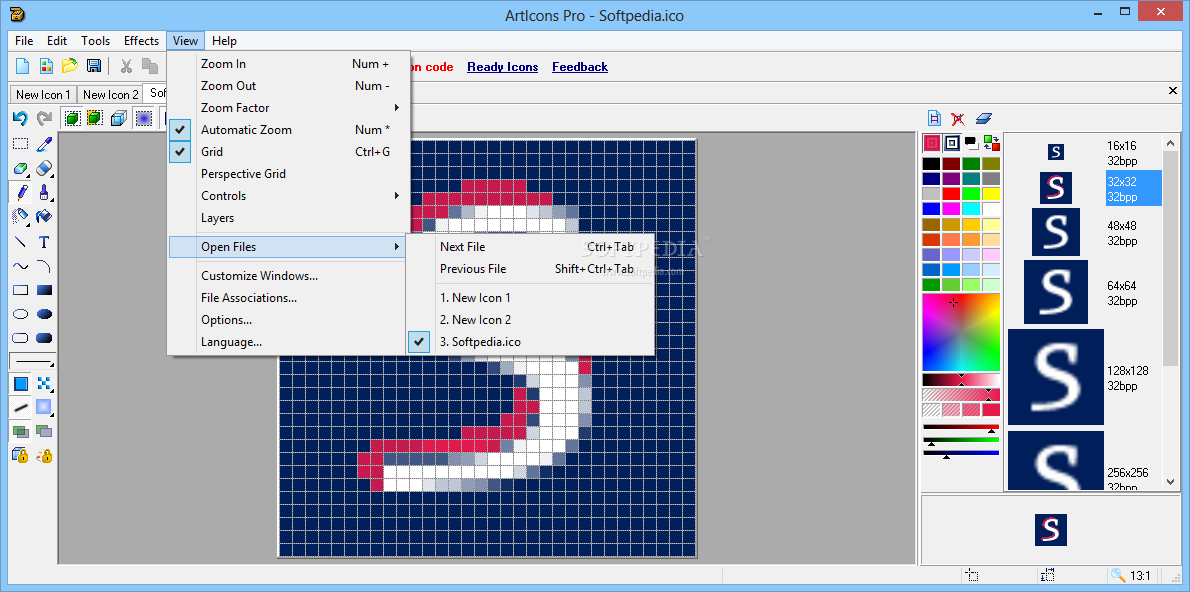
ArtIcons Pro is equipped with all essential drawing tools including various kinds of airbrushes, pencils and paintbrushes as well as miscellaneous text, line and shape tools.

The software is equally well equipped in the effects department and offers
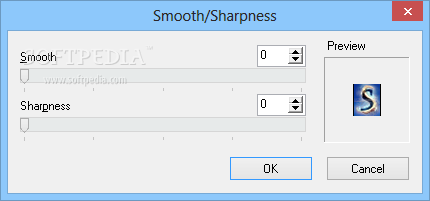
a variety of solid, patterned and gradient flood fills, drop shadow, smooth, color modification and other effects.

The native Windows XP icon format support enables artists to create 32-bit icons with 8-bit alpha channels. The program can import and export ICO, BMP, JPEG, ANI, CUR, PNG, XPM, XBM, WBMP, PSD, WMF, RC and GIF files.

Other new features include the ability to create, edit and import large images, support for export and import of transparent PNG images, new interface languages including Catalan, Serbian, Swedish and Brazil Portuguese, ability to export icon libraries to single 32-bit bitmap images, new flood fill patterns and effects, and more.

Here are some key features of "ArtIcons Pro":

· Create and edit PNG-packed Windows Vista icons
· Create and edit icons in either standard or custom sizes, in color depths up to 16 million colors
· Create and edit icons for Windows XP in 32-bit color depth with 8-bit alpha channel
· Create and store images containing several layers
· Paint images with gradient and chess fill
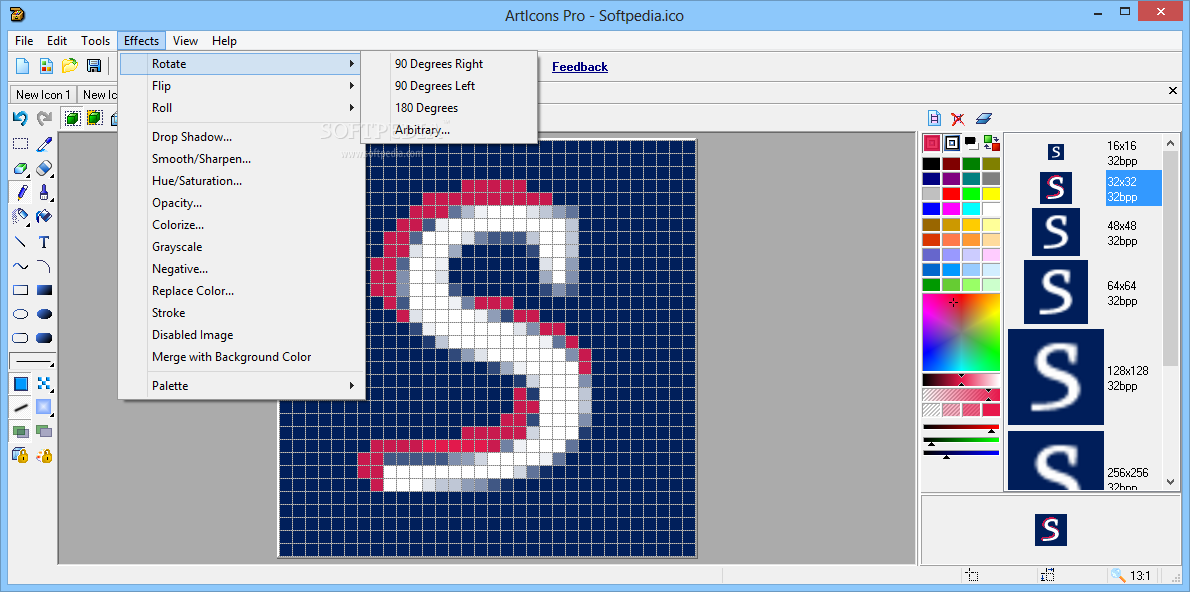
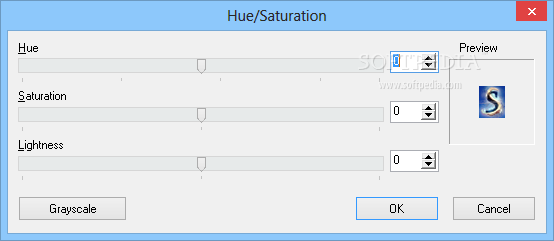
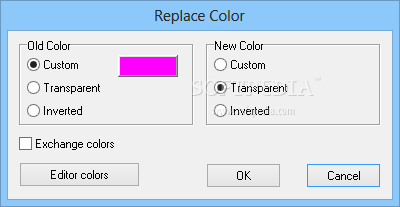
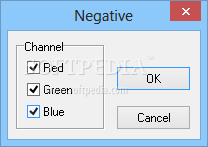
· Modify images with drop shadow, opacity, smooth, negative, grayscale, colorize, hue/saturation, color replacement, rotate, roll and mirror effects
· Open and edit ICO, ICPR, BMP, JPEG and PNG images
· Export icon images to ICO, ICPR, BMP, JPEG and PNG files
· Create and manage icon libraries for better and more efficient icon storage
· Modify icons inside executables and other program files
· Extract icons from Windows executables, libraries and animated cursor files
· Extract icons from all files in selected folders and subfolders
· and save them as icon libraries
· Delete identical icons in libraries
· Sort images inside icons and icons inside libraries
· Customize Windows Desktop and folder icons
· Drag and drop files from file shells
· Drag and drop icons between different libraries
· Use English, Spanish, German and other interfaces
· Import GIF, Adobe Photoshop PSD, WMF, XPM, XBM and WBMP images, DCR and RES files, CUR and ANI cursor files
· Import MAC OS icons
· Export images to GIF, Adobe Photoshop PSD, RC, XPM, XBM, WBMP and CUR files
· Import and export icon color palettes
· Work with image lists in BMP and PNG formats
· Export library items into one single image
· Split icon libraries into individual icon files
· Split icons into sub-icons


Requirements:

· 64MB RAM
· Pentium-333 MHz
· 4MB Hard Disk
· True Color video mode

Limitations:

· 30 days trial period
· Nag screen


What's New in This Release:

· Added: full support for 32-bit ICL files... [ read full changelog ]


Softpedia guarantees that ArtIcons Pro 5.20 is 100% CLEAN, which means it does not contain any form of malware, including but not limited to: spyware, viruses, trojans and backdoors.

This software product was tested thoroughly and was found absolutely clean, therefore it can be installed with no concern by any computer user.

However, it should be noted that this product will be retested periodically and the award may be withdrawn, so you should check back on this page from time to time. (click here for more information)


Related downloads IT News Popular downloads New additions   Latest reviews  
IconForge Icon Editing Tool Kit 7.23
IconForge - Simply the best way to create or change icons, cursors, animated cursors and icon libraries
IcoFX 1.6.1
A free and useful icon editor which can create easily icons with transparency
IconDeveloper 2.0.0.0
Makes it a snap to create your own icons for Windows
AZ Icon Editor 6.1.0
A full-featured and powerful Icon Editor for Windows icons and cursors
Alpha Icon Creator 1.0
Alpha Icon Creator - create 32-bit icons with alpha channels in multiple sizes from a single bitmap source image
Easy Icon Creator 5.0
Easy Icon Creator is a small and easy-to-use icon editing solution
16 Color Icon Tool 1.0
16 Color Icon Tool - you can use this tool to open icon files, or extract them from icon libraries, executables or DLLs
Tiger Icon Studio 3D 2.0.0
Gives you ability to create your own modern 3D models in fully integrated 3D Editor
IconMaster Lite 1.0.2
The IconMaster is an essential tool for true color icon creation
IconMaker 2007
Easily create your icons with a simple feature of mouse thanks to IconMaker

go to top Use the following code to link to this page:


Welcome!
Hello, Guest

Login if you have a Softpedia.com account.

Otherwise, register for one.

Main categories:
  • Antivirus
  • Compression tools
  • CD/DVD Tools
  • Office tools
  • Programming
  • Authoring tools
  • File managers
  • Desktop Enhancements
  • Internet
  • Network Tools
  • IPOD TOOLS
  • Mobile Phone Tools
  • Multimedia
  • Tweak
  • System
  • Security
  • Others
  • Science / CAD
  • UNIX
  • Windows Widgets
  • PORTABLE SOFTWARE

  • Week's best:
  • Adobe Media Player 1...
  • Registry Mechanic 8....
  • BitSpirit 3.3.2.263
  • AnyDVD 6.4.5.6
  • Firefox 3.0.1 / 2.0....
  • AutoCAD 2009
  • Norton AntiVirus 200...
  • Norton Internet Secu...
  • The Bat! Professiona...
  • WinRAR 3.80 Beta 3 /...
  • GMail Drive shell ex...
  • DAEMON Tools Lite 4....
  • UBCD4WIN 3.2.0
  • Adobe Reader 9.0.0 /...
  • Total Commander Ulti...
  • System Mechanic 8.0....
  • Adobe Acrobat Profes...
  • iPhone PC Suite 1.0....
  • Portable Firefox 3.0...
  • MPlayer for Windows ...
  • Vista Codec Package ...
  • Windows Live Messeng...
  • WinBubble 1.73
  • Kaspersky Anti-Virus...
  • Malware Removal Tool...
  • Royale Noir Theme fo...
  • IBM Lotus Symphony 1...
  • Adobe Dreamweaver 10...
  • Adobe Fireworks 10.0...
  • BitDefender Total Se...
  • © 2001 - 2008 Softpedia. All rights reserved.
    Softpedia™ and Softpedia™ logo are registered trademarks of SoftNews NET SRL.
    Copyright Information | Privacy Policy | Terms of Use | Contact Softpedia | Update your software | Archive