
Create desktop notes with ease while enjoying a whole plethora of customizations, searching and management tools with this neat app. #Create desktop note #Desktop note creator #Reminder tool #Creator #Generator #Create
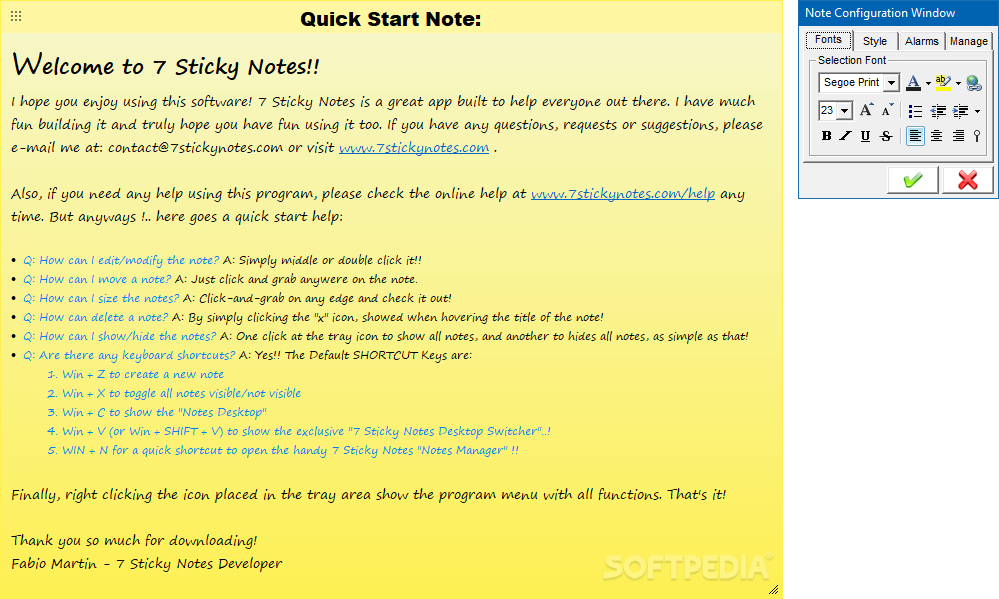
Sometimes you find a URL link to something really interesting and you want to keep it at hand. Other times you make snippets and noted about something you need to do. Whichever the case, keeping information at hand can definitely come in handy. 7 Sticky Notes is a lightweight and simplistic app that enables you to create sticky notes directly on your desktop.
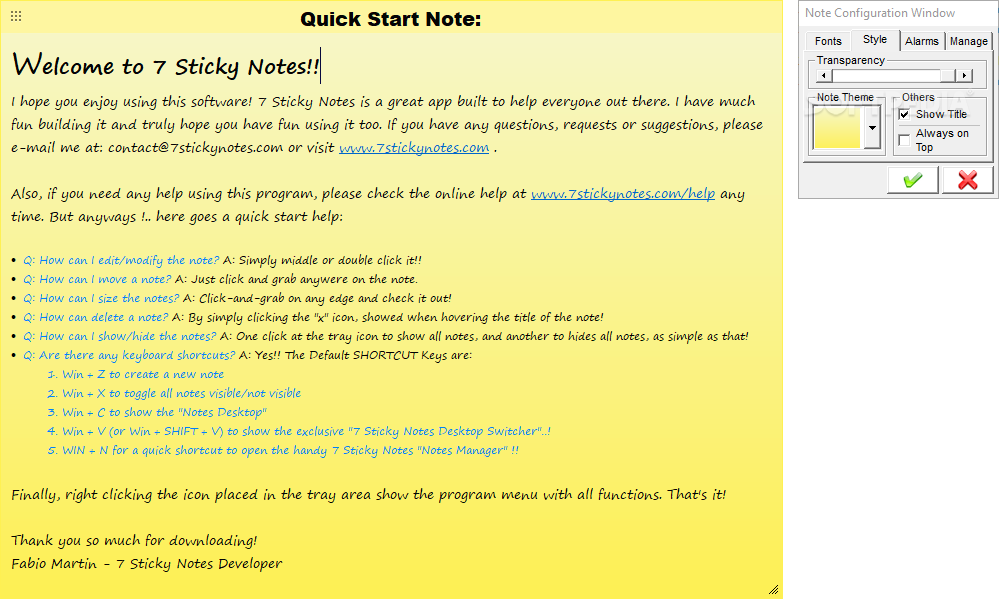
This tool can also be installed as a portable product. It means that you can store it on a removable drive, save it to any computer and directly run its executable file. More importantly, the Windows registry is not altered in any way. You can create as many sticky notes as you want and move them anywhere on the desktop with the help of the mouse cursor. Customization options revolve around the font (e.g. style, size, emphasis, alignment, color), style (e.g. transparency level, note theme) and alarms.
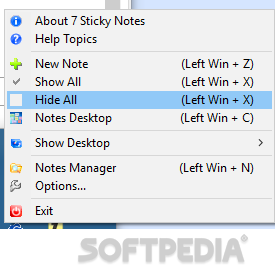
With 7 Sticky Notes, you can use a search and replace function, hide the title and make the sticky notes stay on top of other applications. But you can also duplicate notes and make the app automatically arrange them on the desktop. The simple-to-use app requires a low amount of CPU and system memory, has a good response time and includes user documentation. We have not come across any issues during our tests; 7 Sticky Notes did not freeze, crash or pop up error dialogs.
All aspects considered, if you are looking for a quick solution for organizing your tasks, 7 Sticky Notes can come in handy, easily replacing the default sticky note tool that your OS may come with.
What's new in 7 Sticky Notes 1.9.0:
- New HYPERLINK features:
- Now you can add customizable Hyperlinks on the note text!
- Hyperlinks can be anything, files, folders, directories, links, urls, e-mails, you name it!▪ The Hyperlinks work exactly like the ones you create on Word or on E-mails: just select a text and create a hyperlink for it!
- Added a new "Hyperlink" button for the config window, so you can edit or insert Hyperlinks
7 Sticky Notes 1.9.0
add to watchlist add to download basket send us an update REPORT- runs on:
-
Windows 10 32/64 bit
Windows 2008 32/64 bit
Windows 2003
Windows 8 32/64 bit
Windows 7 32/64 bit
Windows Vista 32/64 bit
Windows XP 32/64 bit
Windows 2K - file size:
- 5.9 MB
- filename:
- Setup7StickyNotesv19.exe
- main category:
- Desktop Enhancements
- developer:
- visit homepage
Microsoft Teams

paint.net

7-Zip

4k Video Downloader

Zoom Client

Windows Sandbox Launcher

Bitdefender Antivirus Free

IrfanView

calibre

ShareX

- IrfanView
- calibre
- ShareX
- Microsoft Teams
- paint.net
- 7-Zip
- 4k Video Downloader
- Zoom Client
- Windows Sandbox Launcher
- Bitdefender Antivirus Free