|
|
|
|
Actual Multiple Monitors 4.0
|
|
|
|
|
|
| Downloads: 3,505 |
Tell us about an update
|
 |
|
User Rating: Rated by: |
Very Good (4.3/5) 18 user(s) |
|
|
|
Actual Multiple Monitors description
|
Emulate Windows Taskbar on secondary monitors, create Desktop Profiles and more!
Actual Multiple Monitors is the comprehensive solution to improve the functionality of MS Windows user interface for comfortable and effective work with multi-monitor configurations. The smart app emulates standard Windows services on secondary monitors, and offers new window management services to free you from routine clicking and let you concentrate on your work undisturbed.
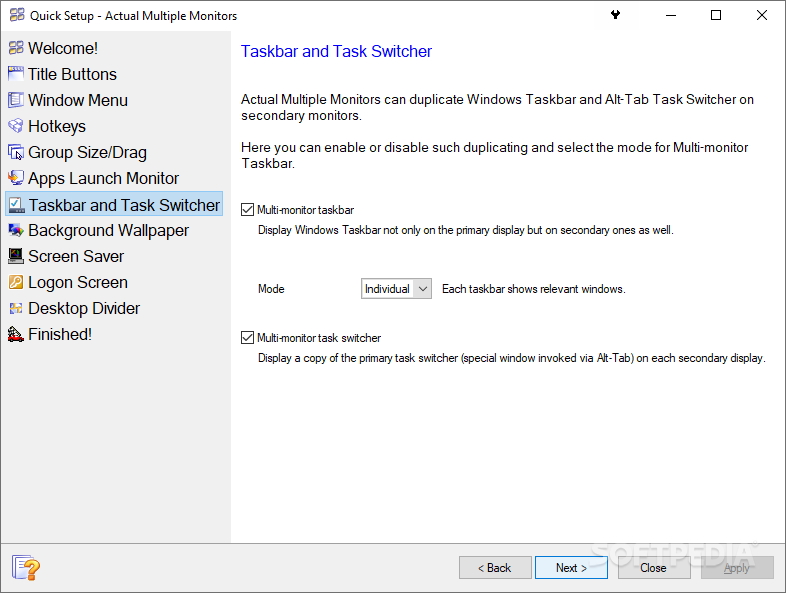
Powerful yet easy-to-use, Actual Multiple Monitors emulates the original Windows Taskbar on the secondary displays, allowing you to manage windows in your usual manner. Such Taskbar can work in the individual mode, displaying only the tasks running on the same monitor, or in the mirror mode, displaying all the tasks running on all monitors in your setup.
Moreover, you can also choose to emulate the Start button to launch apps more quickly and easily, and Task Switcher to switch between apps without having to switch your attention to another monitor. With Actual Multiple Monitors you won't have to keep reaching for the taskbar each time you want to move any application to another monitor.
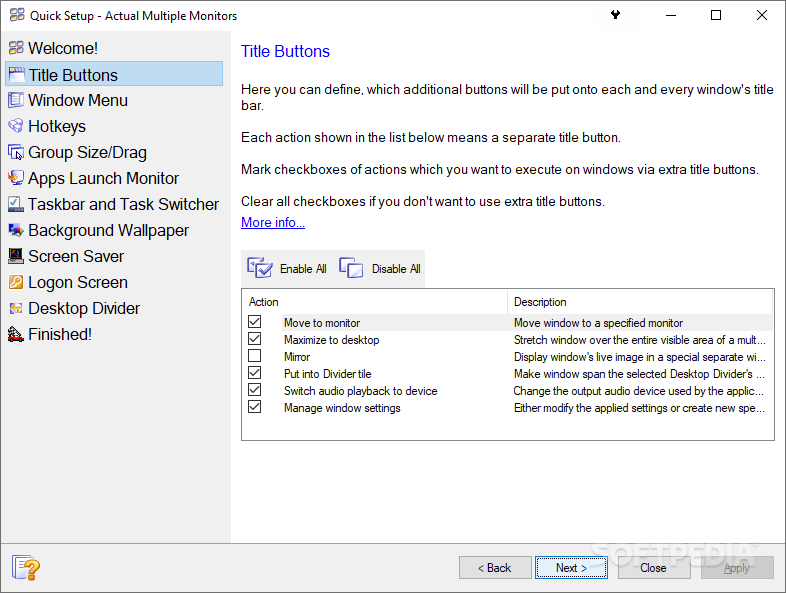
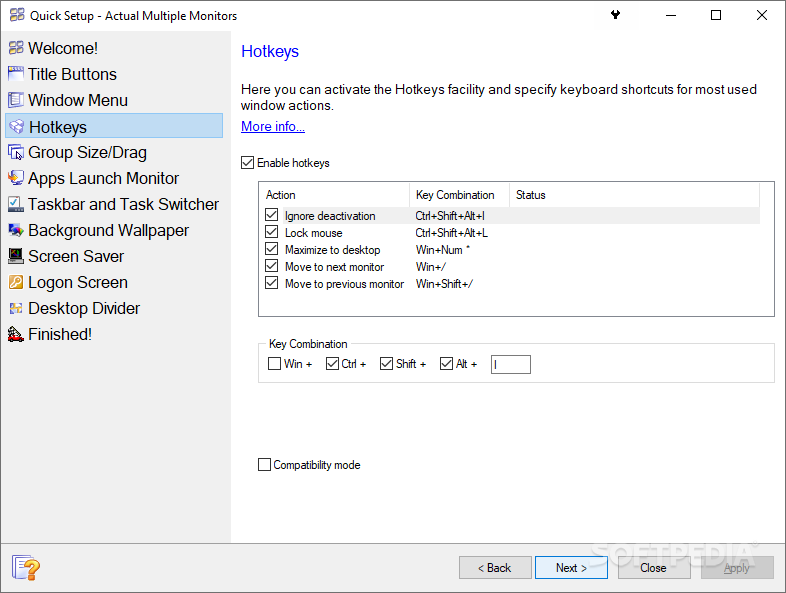
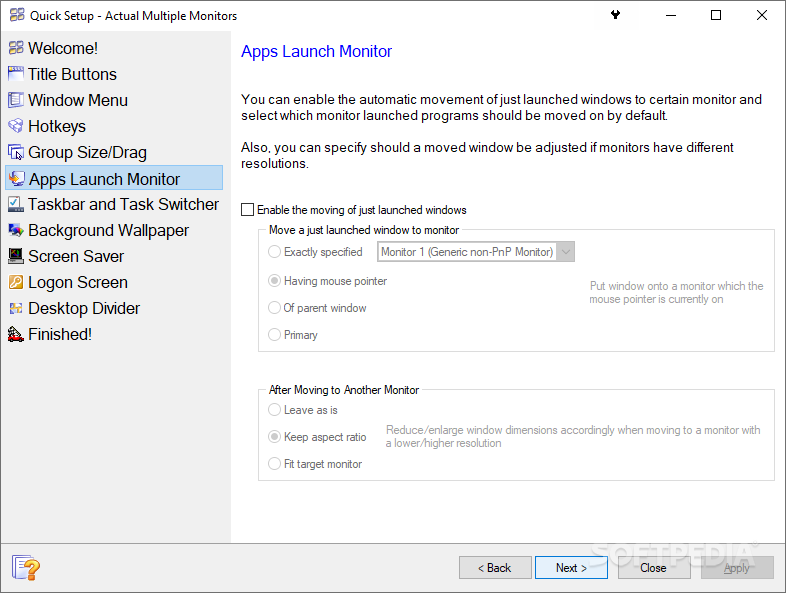
Now you can put the target window on the monitor of your choice by clicking the additional title bar button or pressing hotkeys. The program also enables you to span the application across all screens by right-clicking the regular Maximize button. To make your work environment even more comfortable and efficient, Actual Multiple Monitors offers setting up rules for your favorite apps to choose which monitor displays the program at startup.
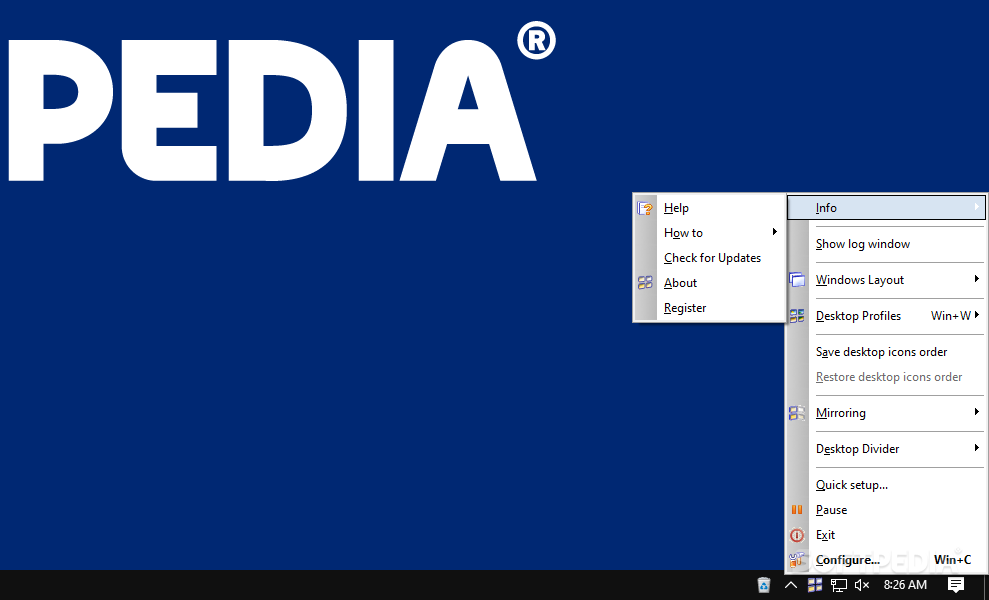
You can also create Desktop Profiles, which include display properties, such as screen resolution, refresh rate, color depth, monitor status (primary or secondary), the type of wallpaper and screensaver (shared or individual for each desktop).
And to top it all, the app emulates one of the niftiest features found in Windows 7 - Aero Snap mode. Try Actual Multiple Monitors right now - and it will make arranging multi-monitor setups a breeze! Here are some key features of "Actual Multiple Monitors":
Multi-monitor Taskbar:
· Powerful yet easy-to-use, the program emulates the original Windows Taskbar on the secondary displays, allowing you to manage windows in your usual manner. Such Taskbar can work in the individual mode, displaying only the tasks running on the same monitor, or in the mirror mode, displaying all the tasks running on all monitors in your setup. Moreover, you can also choose to emulate the Start button to launch apps more quickly and easily, and to clone the Task Switcher window on all monitors to switch between apps without having to redirect your attention to the primary monitor. In addition, Actual Multiple Monitors extends the general Taskbar with the ability to manually re-order Taskbar buttons with the mouse.
· In case you are still using Windows XP/2003 - you may find useful the Window Thumbnails service which was presented in Windows Vista: each time you place the mouse pointer over any taskbar button, the reduced copy of that button's corresponding window is displayed along with the regular tool tip. This service highly increases the recognition of minimized windows without the need to restore them.
Enhanced Window Management:
· With Actual Multiple Monitors you won't have to keep reaching for the taskbar each time you want to move any application to another monitor. Now you can put the target window on the monitor of your choice by clicking the additional title bar button or pressing the hotkey ( by default). The program also enables you to span the application across all screens by right-clicking the regular Maximize button. To make your work environment even more comfortable and efficient, Actual Multiple Monitors offers setting up rules for your favorite apps to choose which monitor displays the certain program at startup. And to top it all, the app emulates one of the niftiest features found in Windows 7 - the Aero Snap mode.
Multi-monitor Background Wallpaper/Screen Saver:
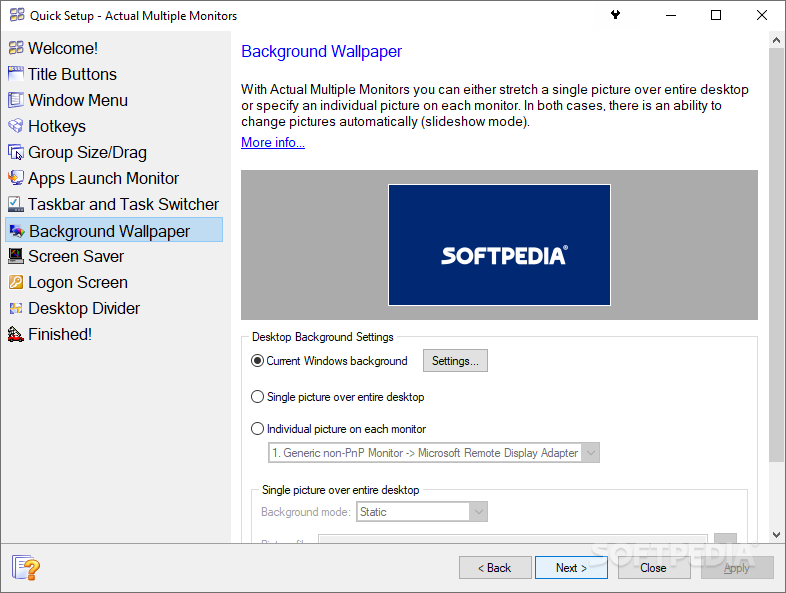
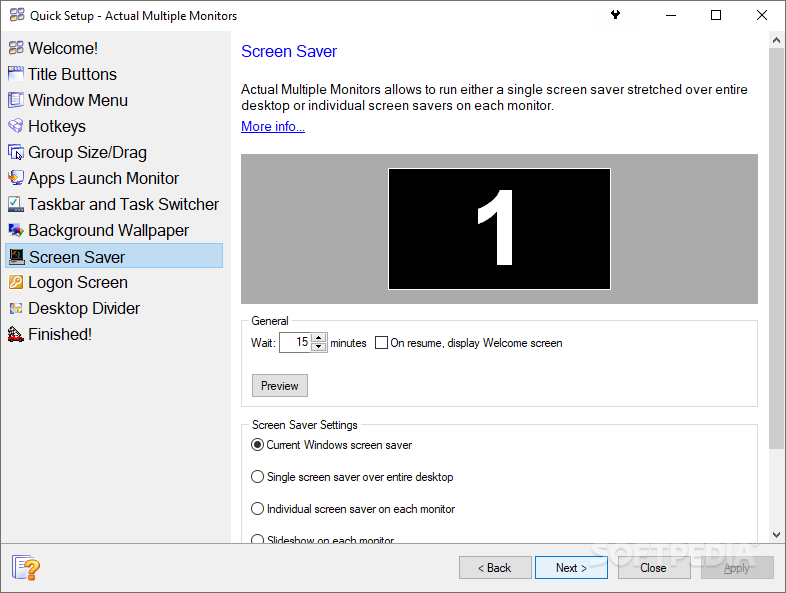
· You can significantly improve the look-and-feel of your multi-monitor desktop with the Multi-monitor Background Wallpaper and Multi-monitor Screen Saver features. Actual Multiple Monitors lets you either stretch a single background picture over the entire composite desktop or specify individual background pictures on each display (and the same is true for screen savers).
Desktop Profiles:
· If you often need to reconfigure your desktop (e.g. change display resolution, plug/unplug additional displays, rearrange the displays layout), you can store the most frequently used sets of desktop settings as different desktop profiles. Each profile includes display properties, such as screen resolution, refresh rate, color depth, monitor status (primary or secondary), the type of wallpaper and screensaver (shared or individual for each desktop). Then you will be able to instantly switch between different desktop configurations as the need arises just activating the appropriate profile. No more tedious manual adjustments!
Desktop Icons Manager:
· Sometimes Windows corrupts the order of icons on your desktop (usually after switching the display resolution from higher to lower). This may happen accidentally but result is always unwanted: you have to manually restore the customary icons layout dragging them with the mouse. Actual Multiple Monitors allows you save the order of your desktop icons and then restore it automatically if it was broken somehow.
Requirements:
· Internet Explorer 5.0 or higher
Limitations:
· 30 days trial
· When the trial expires, some features become unavailable
· nag screen What's New in This Release: [ read full changelog ]
· Configuration window has been revamped.
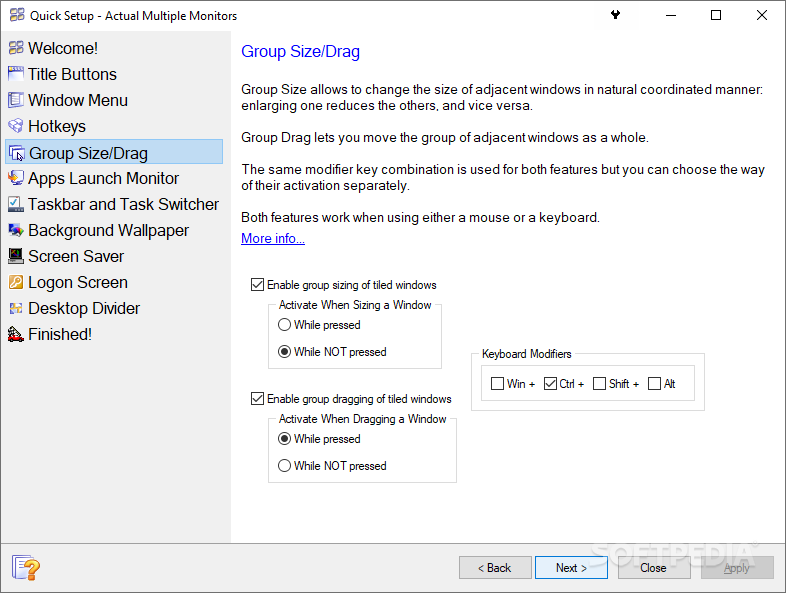
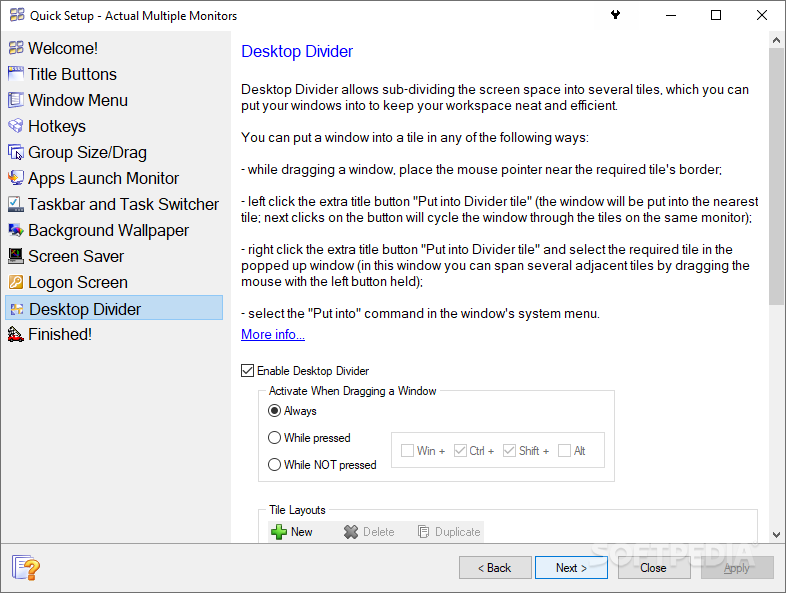
· Desktop Divider feature has been added. It allows sub-dividing the entire large desktop or each monitor into several non-intersecting areas (tiles). You can create as many custom tile layouts as you need and activate them on the fly as circumstances require.
· Multi-monitor Taskbar: The Mixed mode is added. In this mode, taskbar on the primary monitor shows all running applications on all monitors, whereas taskbars on secondary monitors show only applications running on their corresponding monitors.
· Multi-monitor Taskbar: The option is added to disable the preview thumbnails completely.
· Mirroring: The ability is added to run a mirror full-screen.
· Mirroring: The ability is added to adjust mirror's parameters on-the-fly via right-click context menu. Also, you can toggle a mirror full-screen and back using the Alt-Enter hotkey.
· Compatibility mode is added for the Lock Mouse and Ignore Deactivation hotkeys (try to activate it if these hotkeys d...
|
|
 | | Softpedia guarantees that Actual Multiple Monitors 4.0 is 100% CLEAN, which means it does not contain any form of malware, including spyware, viruses, trojans and backdoors. [read more >] |
|
|
|