
Simple, yet powerful application that comes in handy for users who want to make changes to their desktop settings, create multiple hotkeys, divide the screen and view logs. #Minimize window #Minimize application #Send to taskbar #Minimize #Minimizer #Taskbar

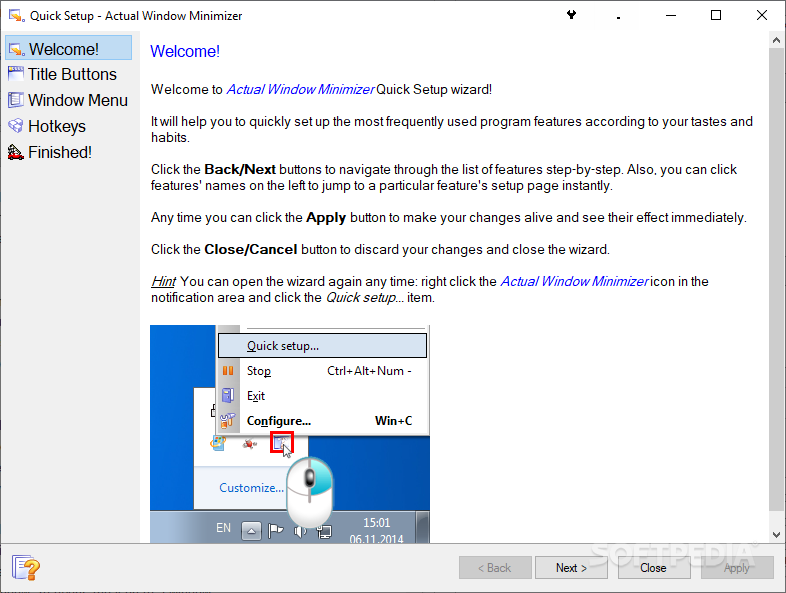
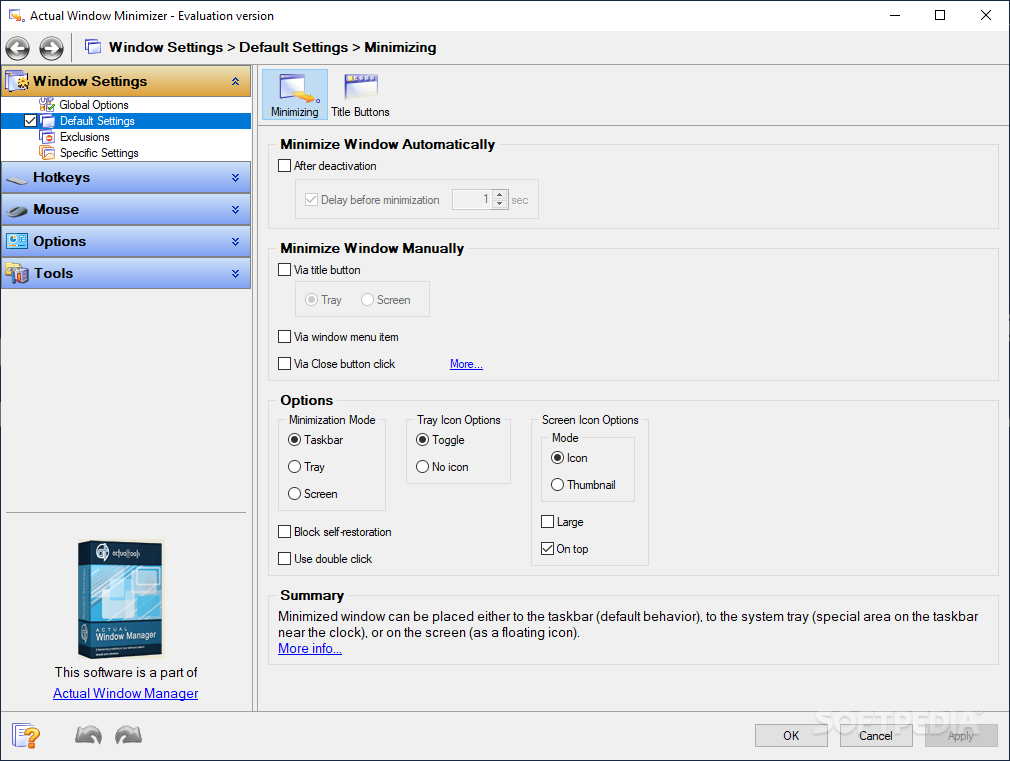
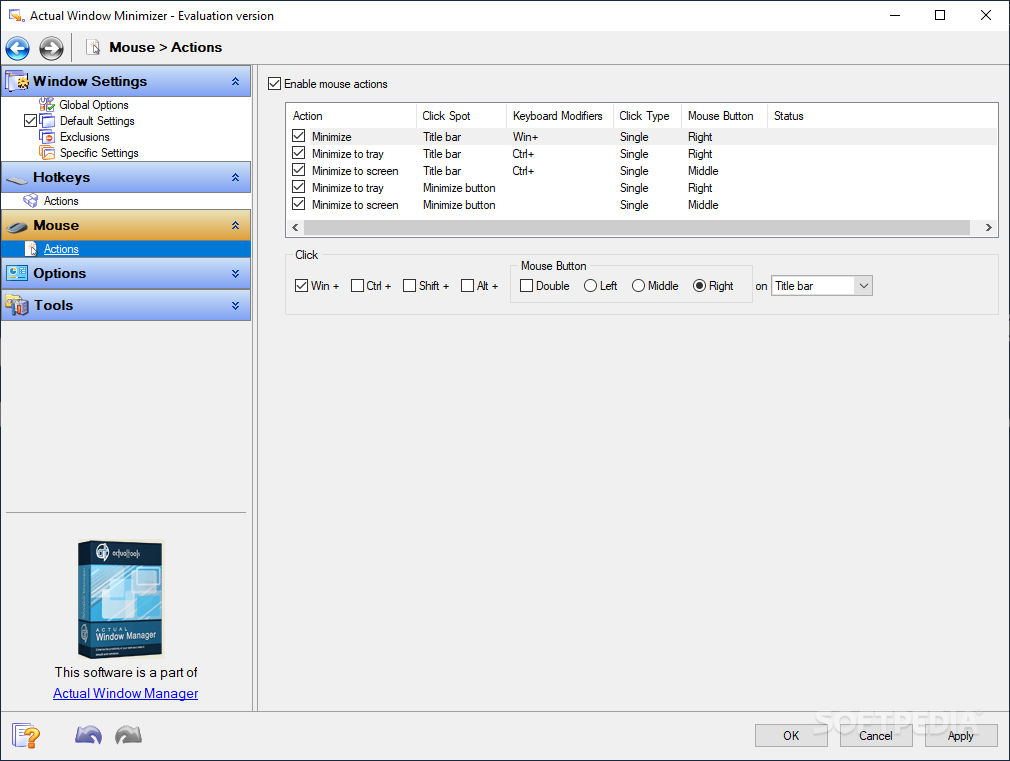
Actual Windows Minimizer is a software utility that was developed specifically to aid people in minimizing certain apps to the system tray, creating custom keyboard shortcuts, dividing the screen and tweaking several window settings.
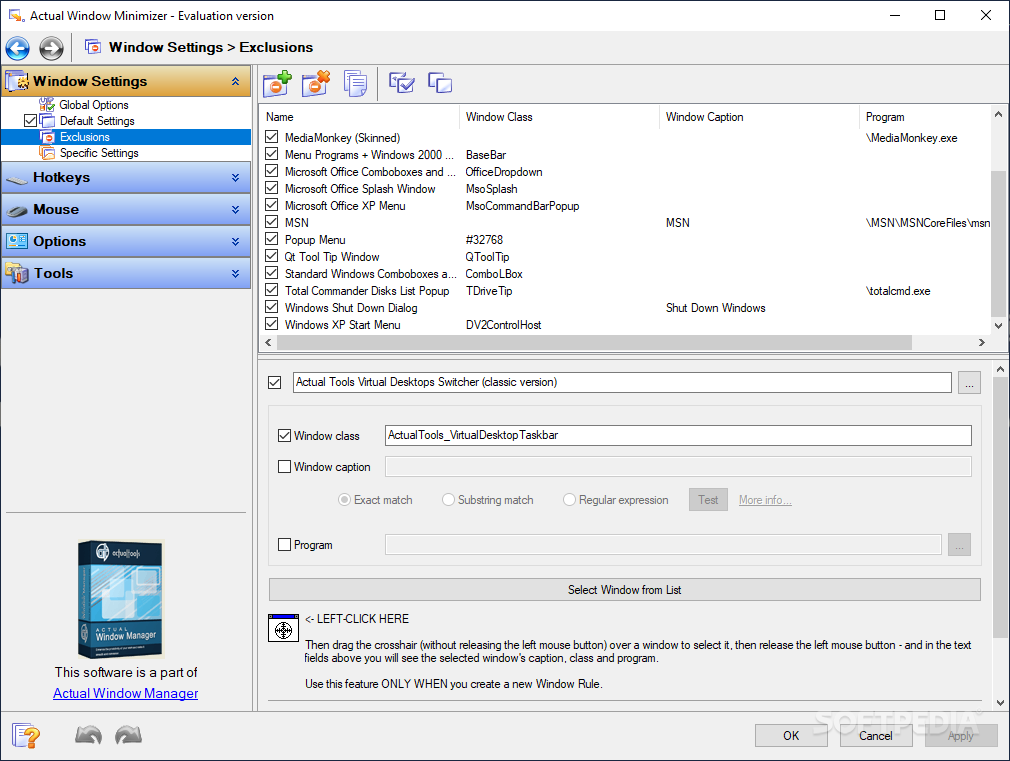
The installation process does not pose any kind of issues and does not take too long. The interface is quite well-organized and minimal, seeing it only consists of a navigation panel, a few buttons and a panel in which to view the selected information. Although no Help contents are included, this utility can be used by both beginners and versed individuals.
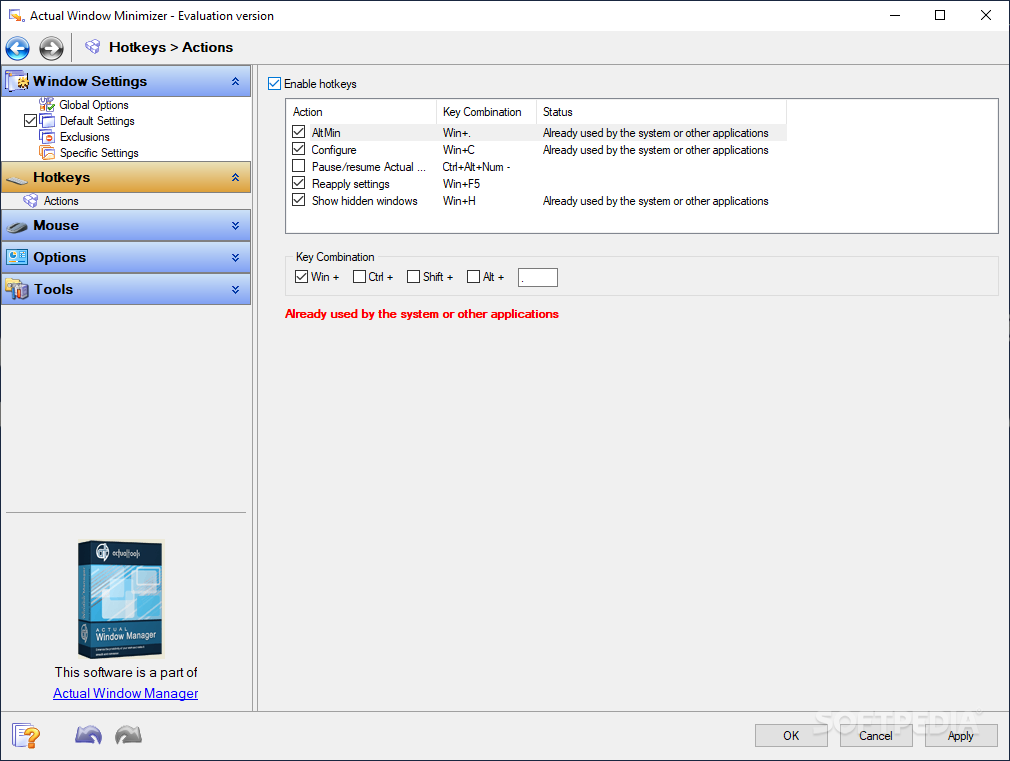
This program helps you enable hotkeys and customize them, for a wide variety of actions, such as saving desktop icon order, ignoring deactivation, maximizing and minimizing selected apps, locking mouse and saving idle screens.
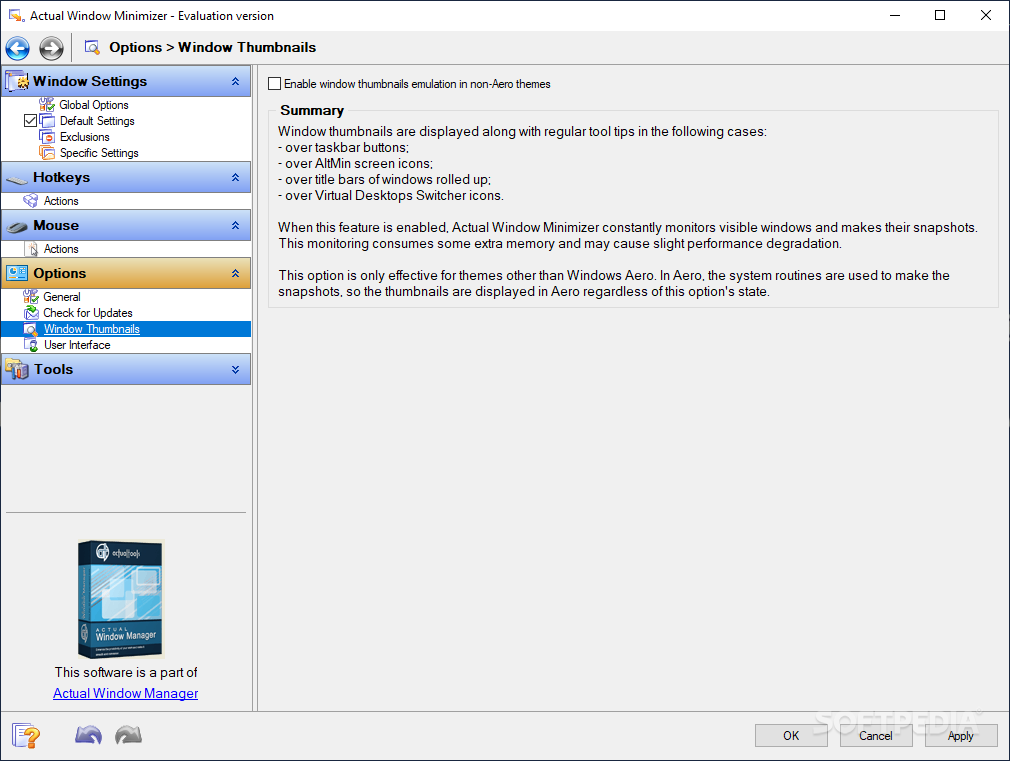
In addition to that, it is possible to enable a task switcher, preview for thumbnails and a multi-monitor taskbar. The latter has three modes you can use, namely “Individual,” “Mirror” or “Mixed”, which differ through the information displayed (each taskbar shows relevant windows, all taskbars show all windows, and a mixed view).
Monitor settings can be adjusted to suit your needs, as well as the Windows background and screensaver. It is possible to create multiple desktop profiles, so that you can switch between configurations with just a click of the button.
Moreover, you can divide the desktop in multiple panes, edit tile layout and enable hotkeys for a particular layout. Multi-monitor environments are also supported and you can set up various keyboard shortcuts to move between them.
Last but not least, it is possible to enable logging and the collection of usage statistics, so that you can analyze possible errors and get a clear picture of how the app is being used.
In conclusion, Actual Windows Minimizer is quite a useful application which aids people in navigating their computer in a more efficient manner. The interface is suitable to all, the response time is good and there are sufficient options to keep you busy for quite a while.
Download Hubs
Actual Window Minimizer is part of these download collections: Minimize Windows
What's new in Actual Window Minimizer 8.15.0:
- Security: Now all Actual Tools runtime executables natively support the Data Execution Prevention (DEP) and Address Space Layout Randomization (ASLR) security technologies provided by the system. That hardens the overall system security by preventing various exploit attacks.
- Title Buttons: Numerous fixes and improvements in Chromium-based apps:
- Glyphs on extra buttons did not change their color when toggling an app's window active/inactive automatic gradual compact mode did not work in Opera and Vivaldi (so the extra buttons covered the browser tabs and the "New tab" button)
Actual Window Minimizer 8.15.0
add to watchlist add to download basket send us an update REPORT- runs on:
-
Windows 11
Windows 10 32/64 bit
Windows 8 32/64 bit
Windows 7 32/64 bit
Windows Vista 32/64 bit
Windows XP 32/64 bit
Windows 2K - file size:
- 8.2 MB
- filename:
- awmsetup.exe
- main category:
- Desktop Enhancements
- developer:
- visit homepage
4k Video Downloader

Zoom Client

Bitdefender Antivirus Free

calibre

7-Zip

ShareX

paint.net

IrfanView

Windows Sandbox Launcher

Microsoft Teams

- IrfanView
- Windows Sandbox Launcher
- Microsoft Teams
- 4k Video Downloader
- Zoom Client
- Bitdefender Antivirus Free
- calibre
- 7-Zip
- ShareX
- paint.net