
An efficient and reliable software utility designed to function as a feature-rich and comprehensive window manager, offering numerous customization options. #Manage window #Minimize window #Desktop organizer #Enhancement #Transparency #Maximize
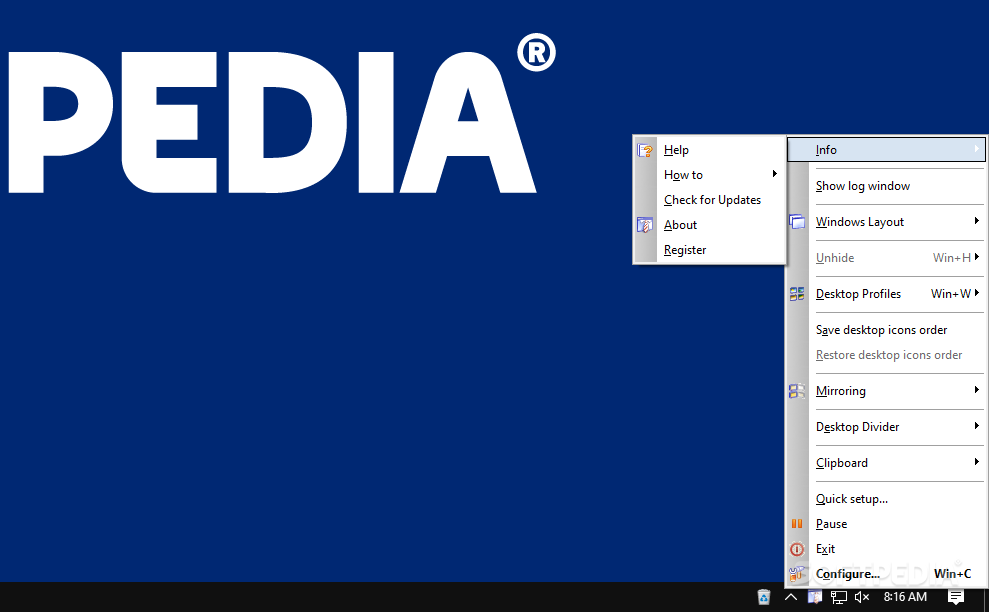
Actual Window Manager is an application that offers you a new and more productive way in which you can interact and deal with the multitude of windows that are opened on your computer screen.
Since Windows is an operating system designed to offer multitasking capabilities, it’s not uncommon that while you have several applications opened along with other Explorer windows, your computer screen can get overcrowded quite fast and can really affect your workflow.
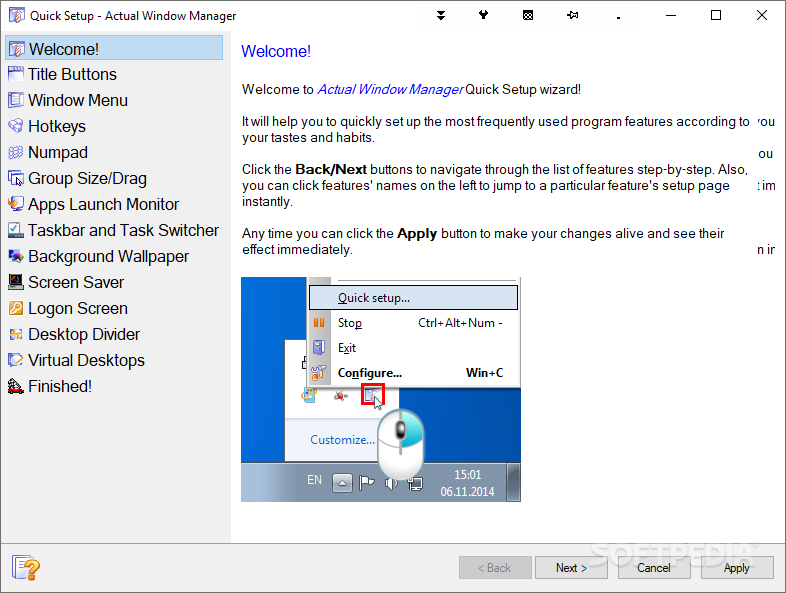
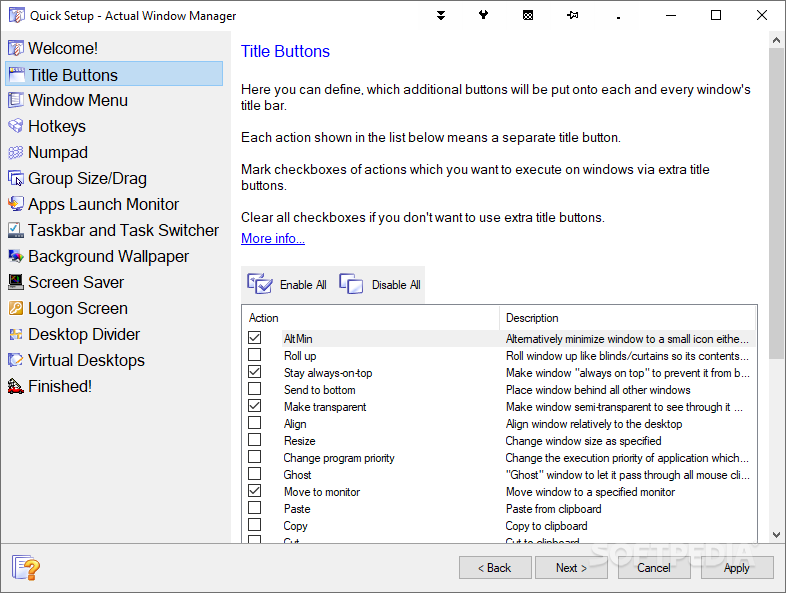
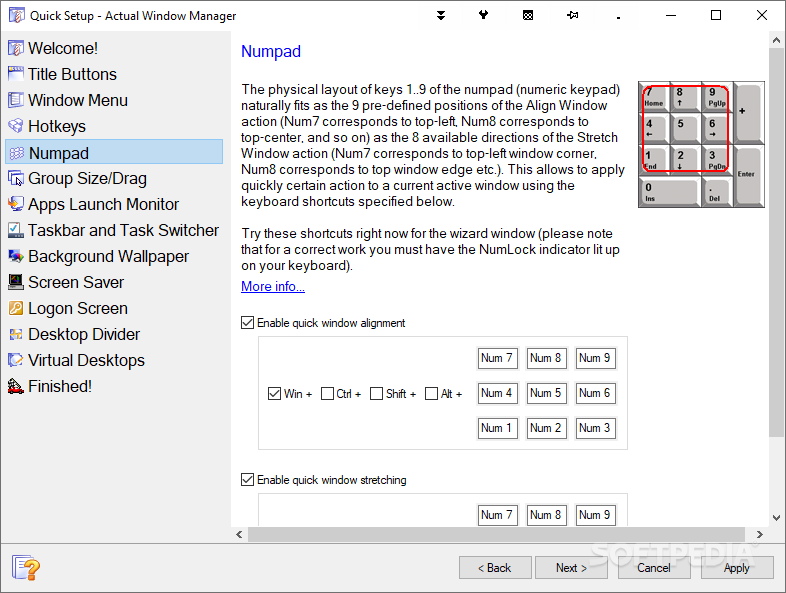
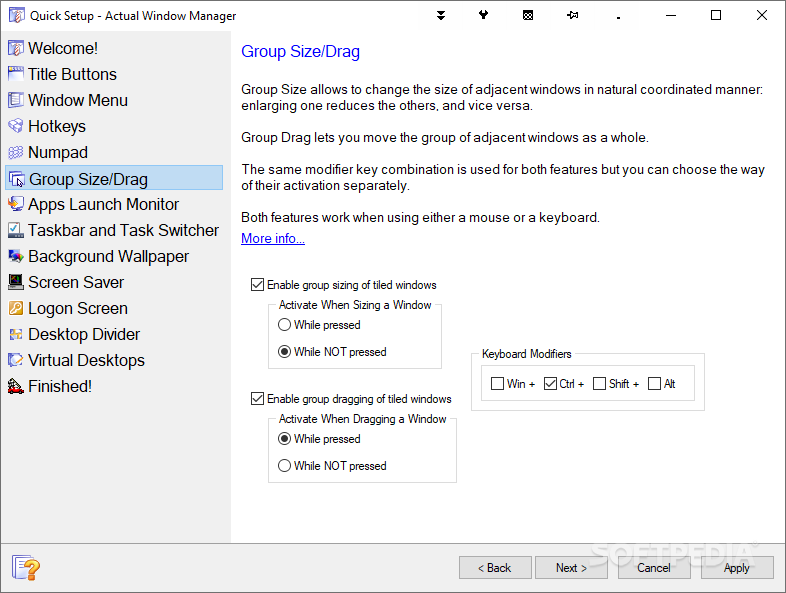
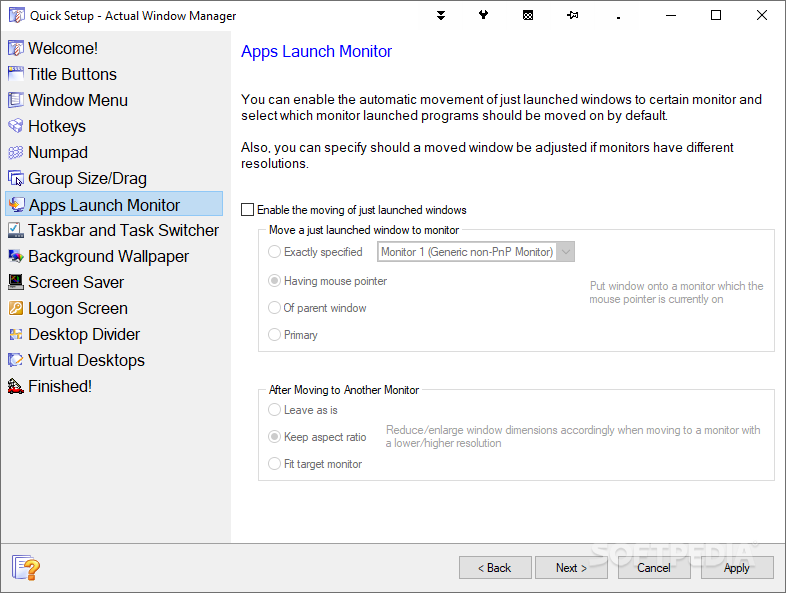
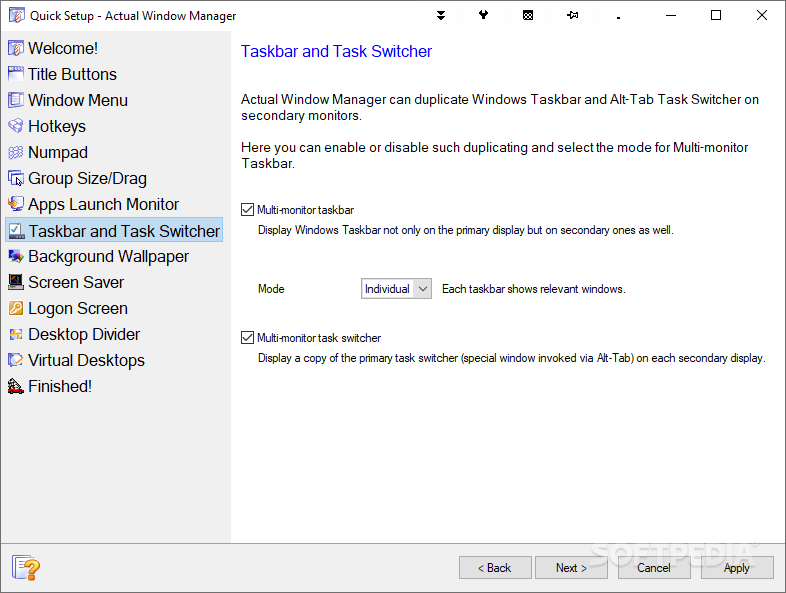
Actual Window Manager is an application that goes under the structure of the operating system and provides revised and additional functions for controlling opened windows. Immediately after you launch the application you get to see that a series of new buttons appear in the title bar of the window or application that is opened.
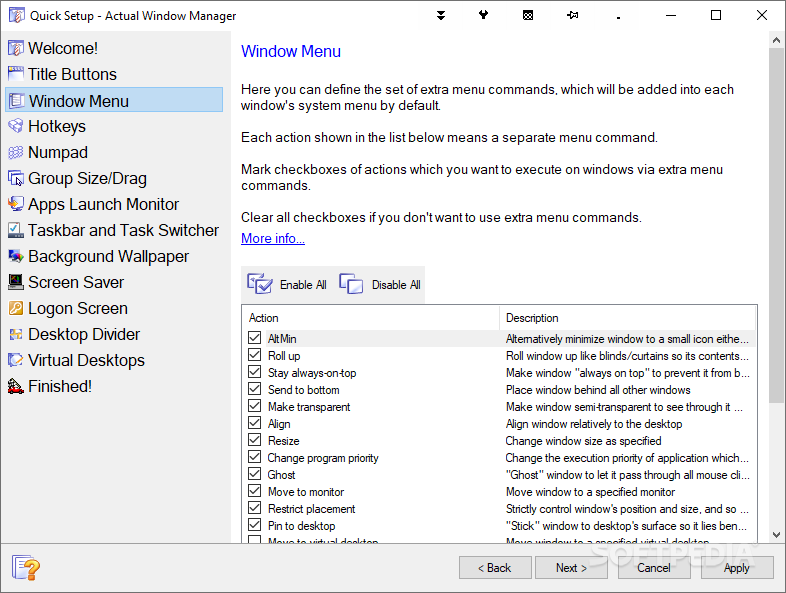
It’s these new additions that allow you to improve the way you use the windows. With Actual Window Manager installed, you get buttons that can rollup the window so you’re only left with the title bar, resize it to a custom size and even apply a ghost effect that lets you access files that are located beneath an open window. Moreover, you can make them transparent to a percentage of your choosing, pin them so they stay on top of other applications and minimize them the to the system tray.
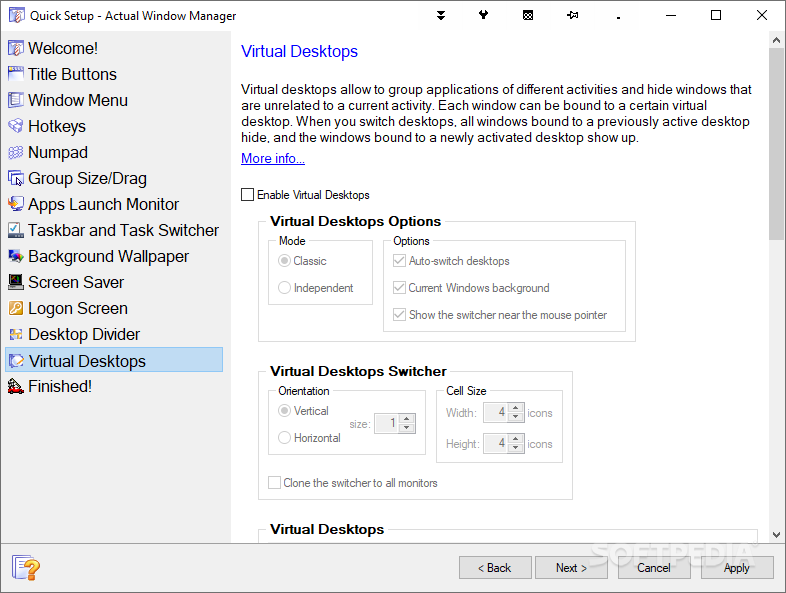
A feature that Actual Window Manager brings and is more than useful, is that it allows you to create virtual desktops. These can serve as small docking areas for open windows that belong to a certain category. You can create multiple desktops, assign them with different names and send windows to them with a simple click.
Another interesting and powerful feature that Actual Window Manager offers is the possibility to customize the new and old buttons to fit specific applications. This means that you can have the ‘Minimize’ button behave in a certain way for Google Chrome and in a different way for Mozilla Firefox.
In closing, it’s safe to say that if you need to reinvent the way you use and manipulate windows, you can certainly try Actual Window Manager.
What's new in Actual Window Manager 8.15.0:
- Security: Now all Actual Tools runtime executables natively support the Data Execution Prevention (DEP) and Address Space Layout Randomization (ASLR) security technologies provided by the system. That hardens the overall system security by preventing various exploit attacks.
- Title Buttons: Numerous fixes and improvements in Chromium-based apps:
- Glyphs on extra buttons did not change their color when toggling an app's window active/inactive automatic gradual compact mode did not work in Opera and Vivaldi (so the extra buttons covered the browser tabs and the "New tab" button)
Actual Window Manager 8.15.0
 Softpedia Editor's Pick
add to watchlist
add to download basket
send us an update
REPORT
Softpedia Editor's Pick
add to watchlist
add to download basket
send us an update
REPORT
- runs on:
- Windows All
- file size:
- 12.8 MB
- filename:
- aimsetup.exe

- main category:
- Desktop Enhancements
- developer:
- visit homepage
Bitdefender Antivirus Free

Windows Sandbox Launcher

paint.net

7-Zip

4k Video Downloader

Zoom Client

IrfanView

Microsoft Teams

ShareX

calibre

- Microsoft Teams
- ShareX
- calibre
- Bitdefender Antivirus Free
- Windows Sandbox Launcher
- paint.net
- 7-Zip
- 4k Video Downloader
- Zoom Client
- IrfanView