
This note-taking application can help users quickly write down their thoughts, set alarms for their notes, and group their work to organize themselves better. #Create sticky note #Desktop note #Desktop reminder #Sticky note #Note #Reminder

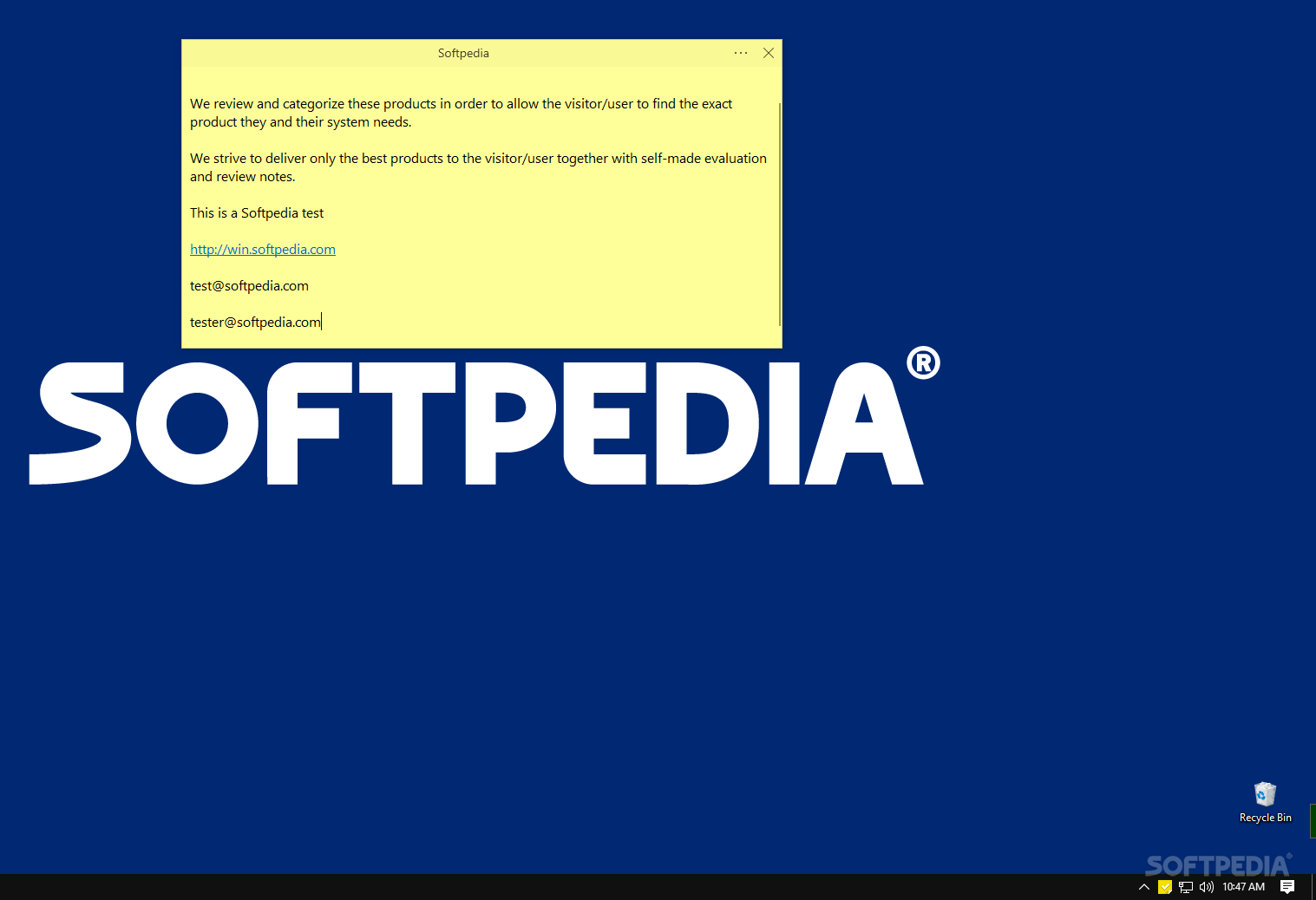
Taking notes can be done in a variety of ways: as more and more people have transitioned to jotting spur-of-the-moment thoughts on their phones, where does that leave the PC users? You can use Microsoft Word or Notepad as a journal of sorts, but that's not very efficient. Sticky Notes is a good, built-in tool to handle those duties, but what if you're out for a third-party solution?
If so, Simple Sticky Notes might be up your alley. It's a note-taking program, looking much like the built-in solution, but with a few changes: write things down, set alarms for what's most important, and group everything under Notebooks.
The program is as easy to configure as its name suggests: it's all a simple process, so going through the setup is something that any user will be able to do without a problem. The app will then automatically boot up, and you'll be able to start writing things down.
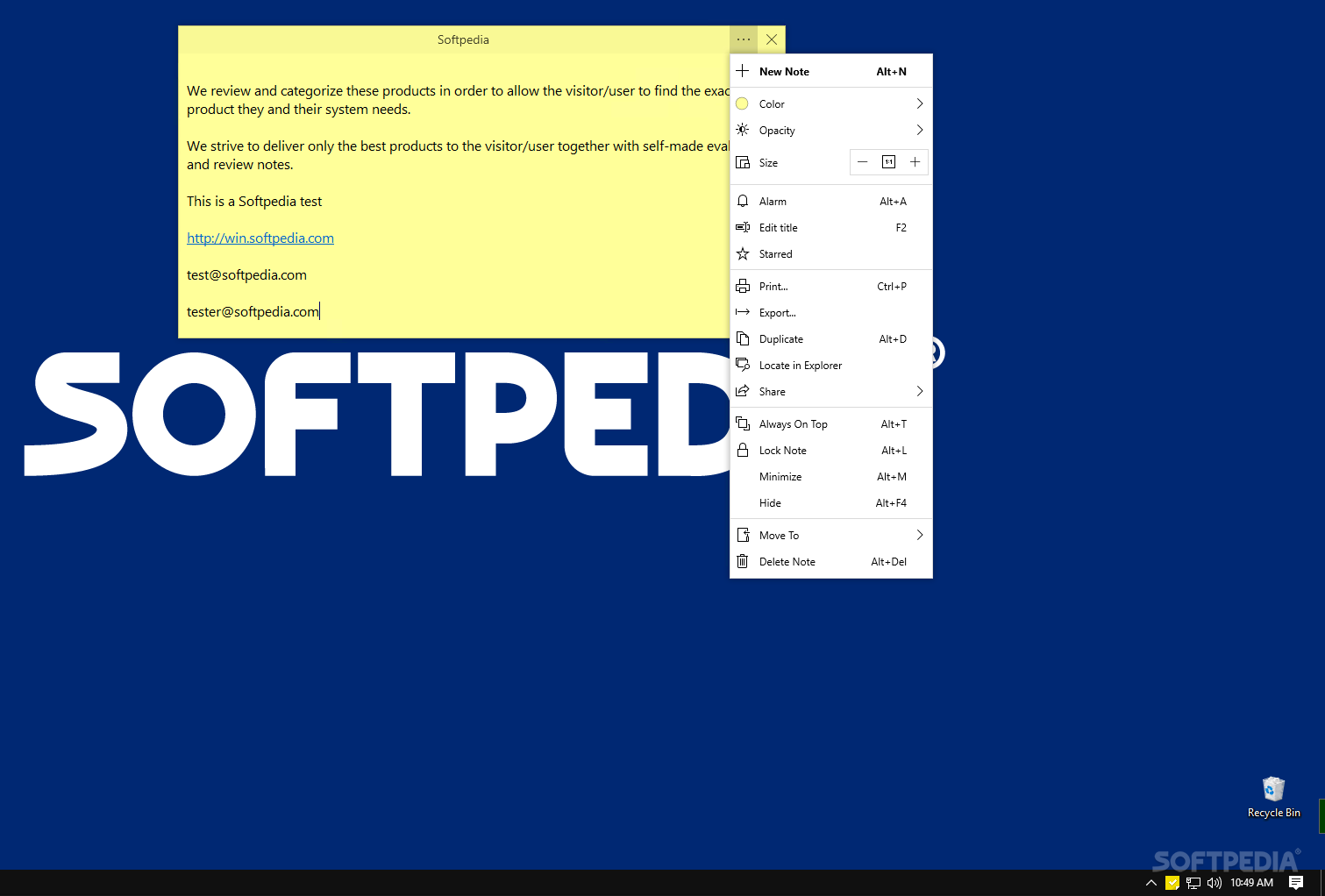
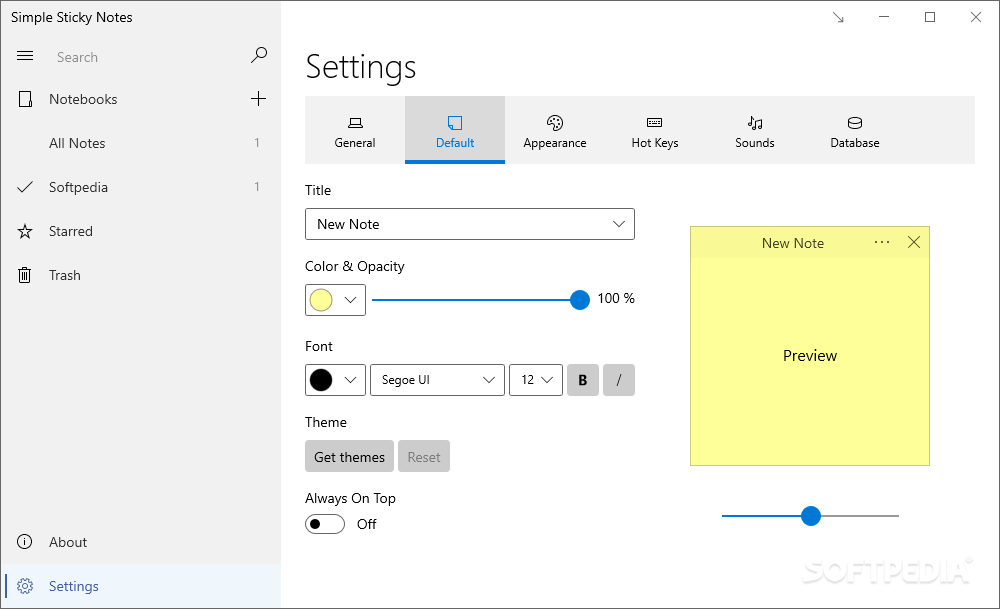
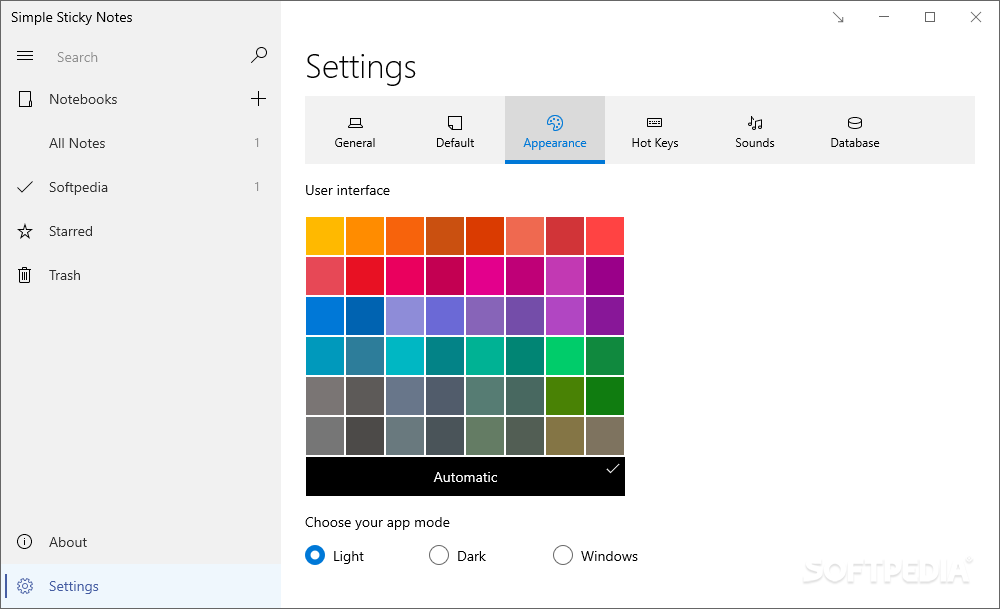
The interface is quite similar to the one of Sticky Notes: you can change the color of your notes, and there's also an Opacity setting to increase or decrease their transparency. It's nice seeing the latter option here, as Sticky Notes does not currently have such a function.
Markdown formatting is available, and users can utilize it through the usual Markdown shortcuts: Ctrl+B for Bold, Ctrl+I for Italic, and so on. Adding photos is likewise possible. Besides that, you can resize your notes as you see fit, and that's where the similarities peter out.
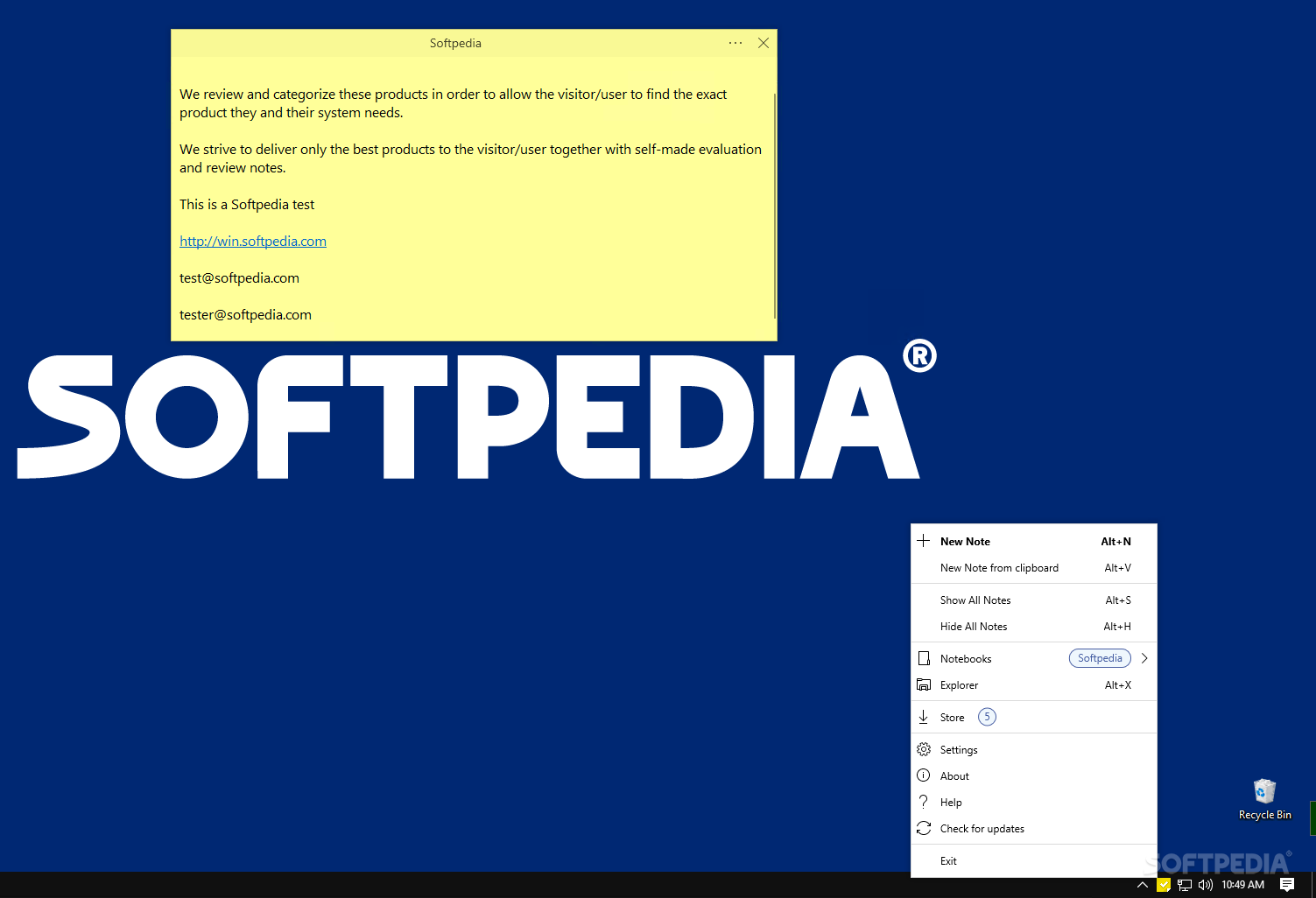
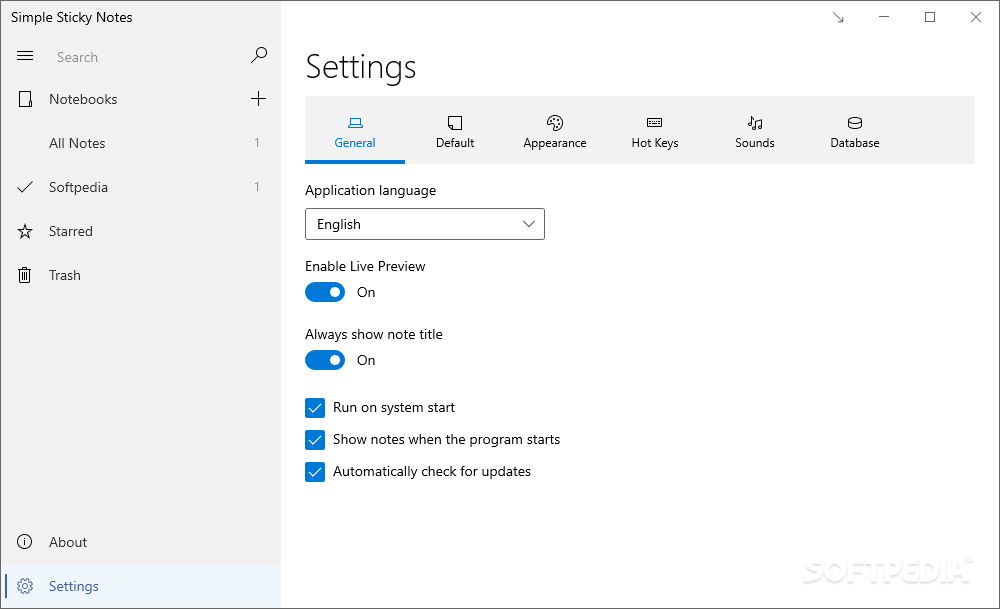
You can lock your notes to prevent further editing, as well as assign them to Notebooks. The Notebooks feature serves to help users better organize their work, allowing them to group their writings under a larger category — this works great when you're working towards a project and want to jot something down quickly.
The app also comes with an Explorer of sorts, which works to grant users a better overview of all their notes. Setting an alarm for your notes is also possible, and you'll be notified right at the scheduled time.
Simple Sticky Notes makes for an intriguing alternative to the built-in Sticky Notes, but there aren't many reasons to switch. The additional features are few and far between, and one might consider the loss of cloud syncing more valuable than being able to group your notes better.
What's new in Simple Sticky Notes 6.4.0.0:
- New Checkbox feature. Now you can create checklist (Windows 8 and later)
- Fixed database error that caused the application to crash
- Fixed the performance issue caused by emojis (Windows 11)
- Fixed other reported bugs
Simple Sticky Notes 6.4.0.0
add to watchlist add to download basket send us an update REPORT- PRICE: Free
- runs on:
-
Windows 11
Windows 10 32/64 bit
Windows 8 32/64 bit
Windows 7 32/64 bit - file size:
- 2.5 MB
- filename:
- Setup_SimpleStickyNotes.exe
- main category:
- Desktop Enhancements
- developer:
- visit homepage
Context Menu Manager

calibre

7-Zip

ShareX

Zoom Client

Bitdefender Antivirus Free

Windows Sandbox Launcher

4k Video Downloader

IrfanView

Microsoft Teams

- 4k Video Downloader
- IrfanView
- Microsoft Teams
- Context Menu Manager
- calibre
- 7-Zip
- ShareX
- Zoom Client
- Bitdefender Antivirus Free
- Windows Sandbox Launcher