
This application allows you to simply create digital slideshows. #Slideshow Maker #Digital slideshow #Picture slideshow #Slideshow #Presentation #Maker

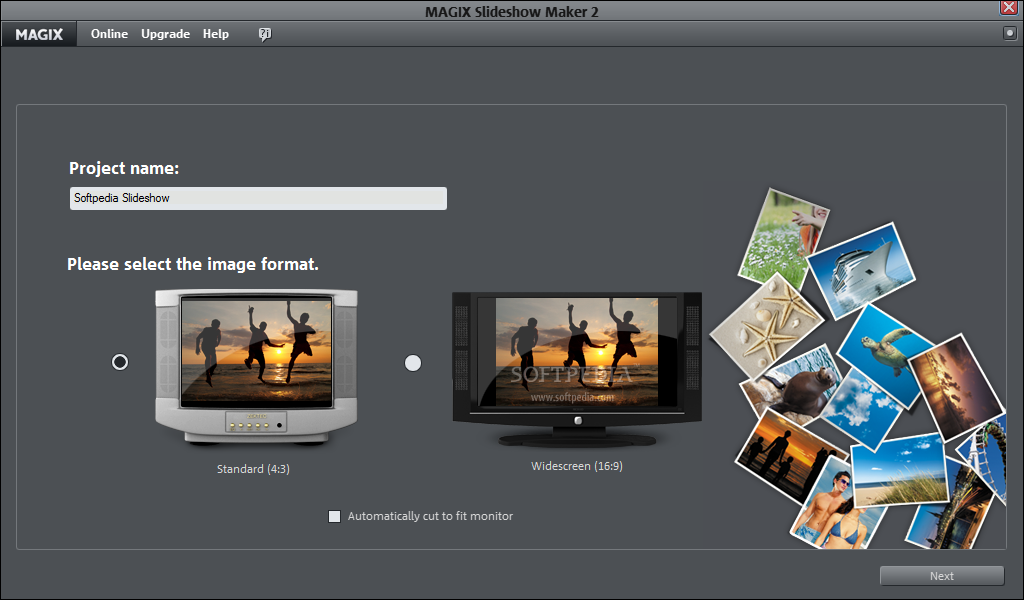
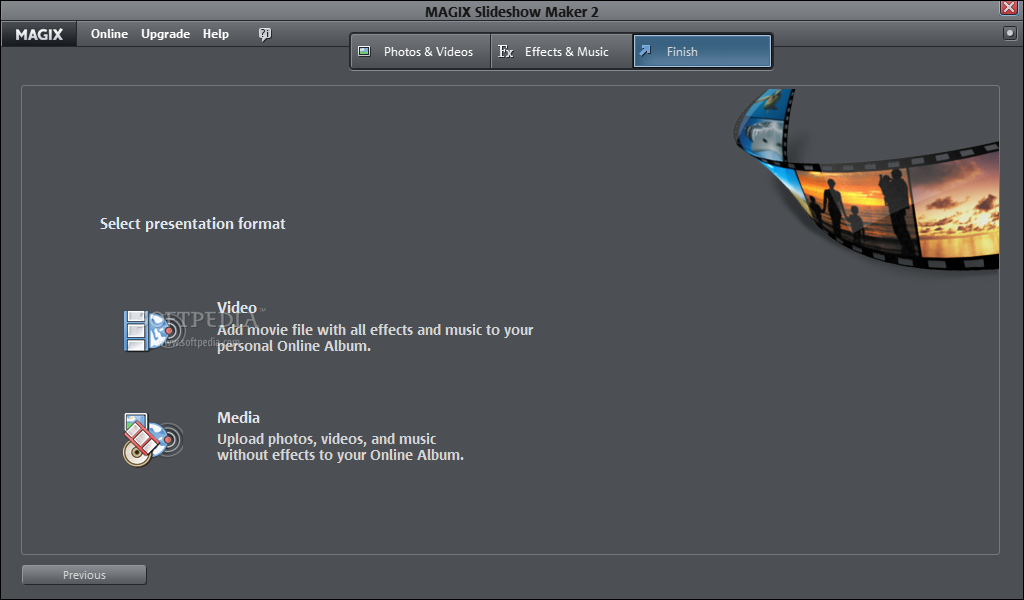
MAGIX Slideshow Maker is a software with a pretty self-explanatory name - it allows you to create a slideshow from images.
The interface of this program consists of a clean and eye-catching wizard in which you can follow a few simple steps.
You can get started by specifying a project name and image format (standard or widescreen). Plus, you can set MAGIX Slideshow Maker to automatically cut to fit the monitor.
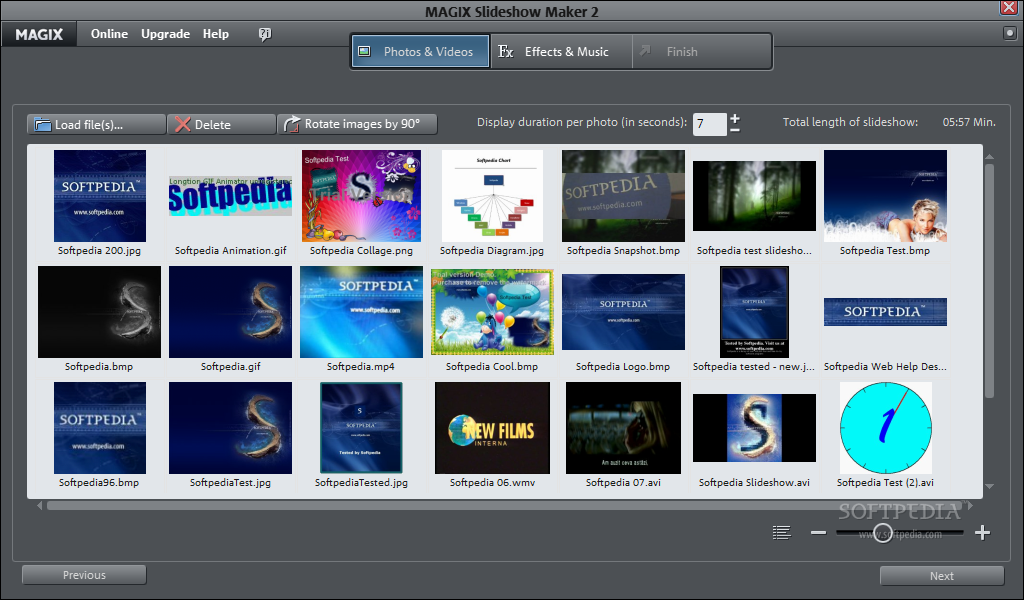
Once you import images by using the file browser (the "drag and drop" method is not supported), you can rotate them and set the display duration per photo.
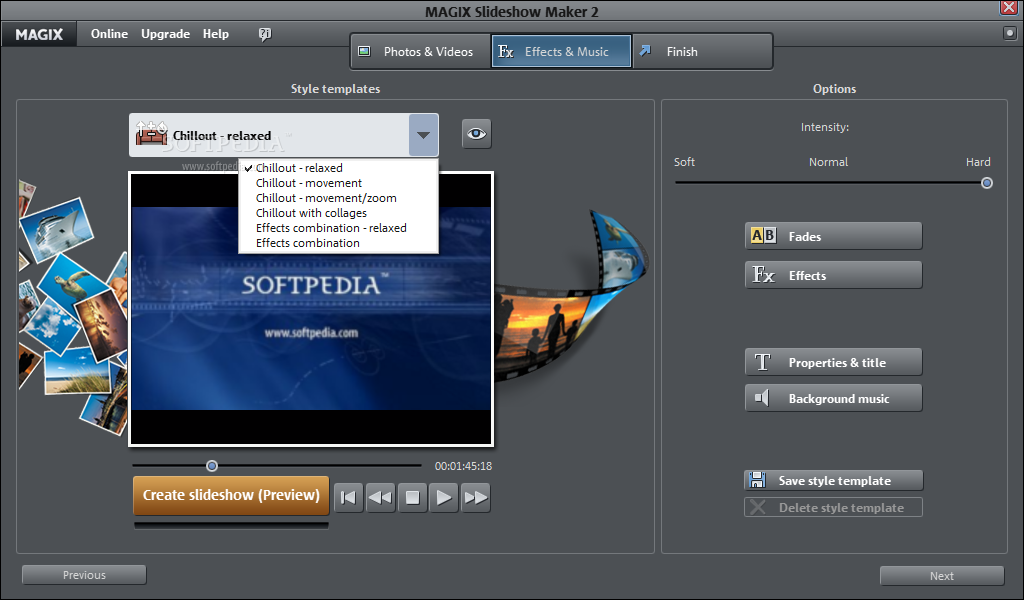
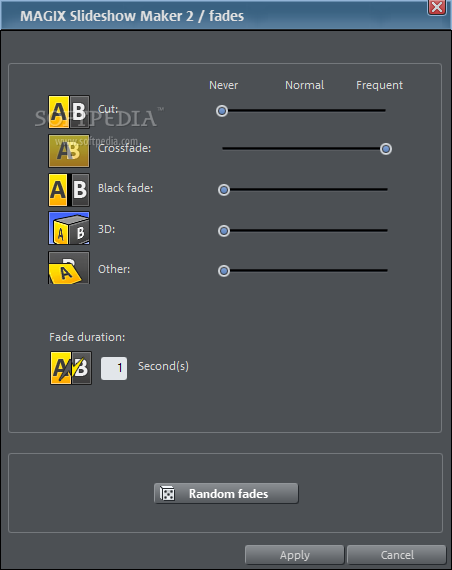
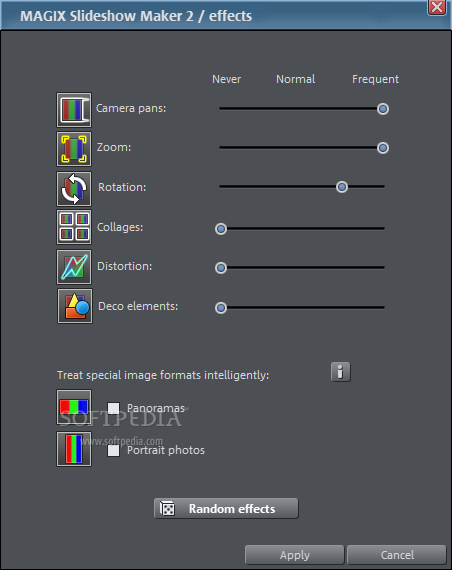
You can select a style template or create a custom one by adjusting the intensity, fades (e.g. cut, crossfade, 3D) and effects (e.g. camera pans, zoom, rotation, distortion).
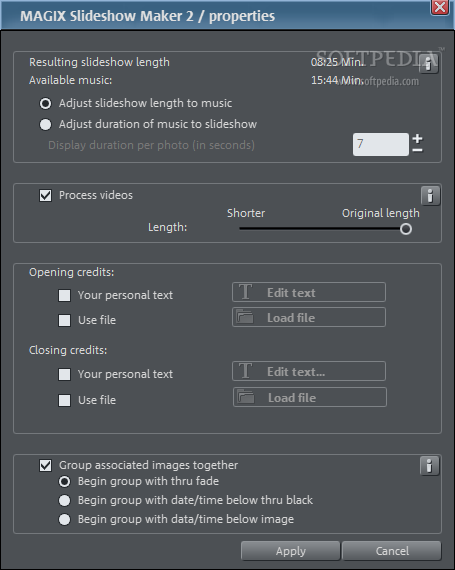
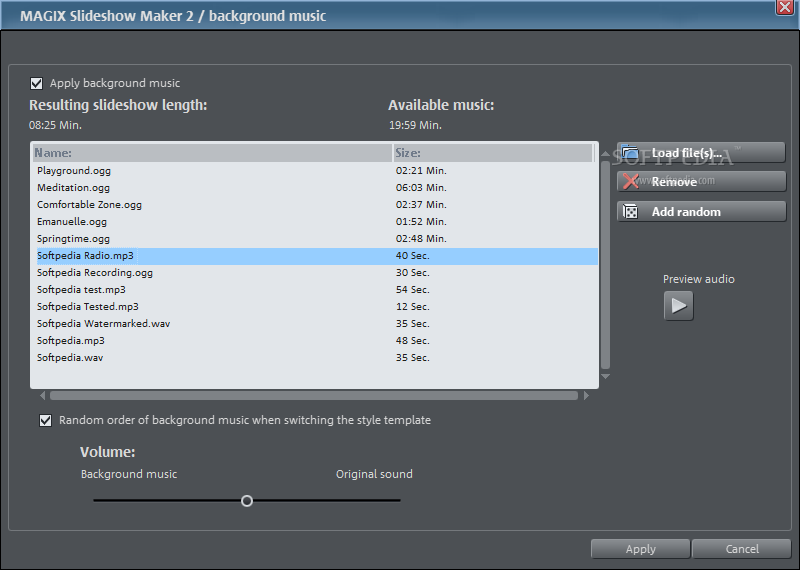
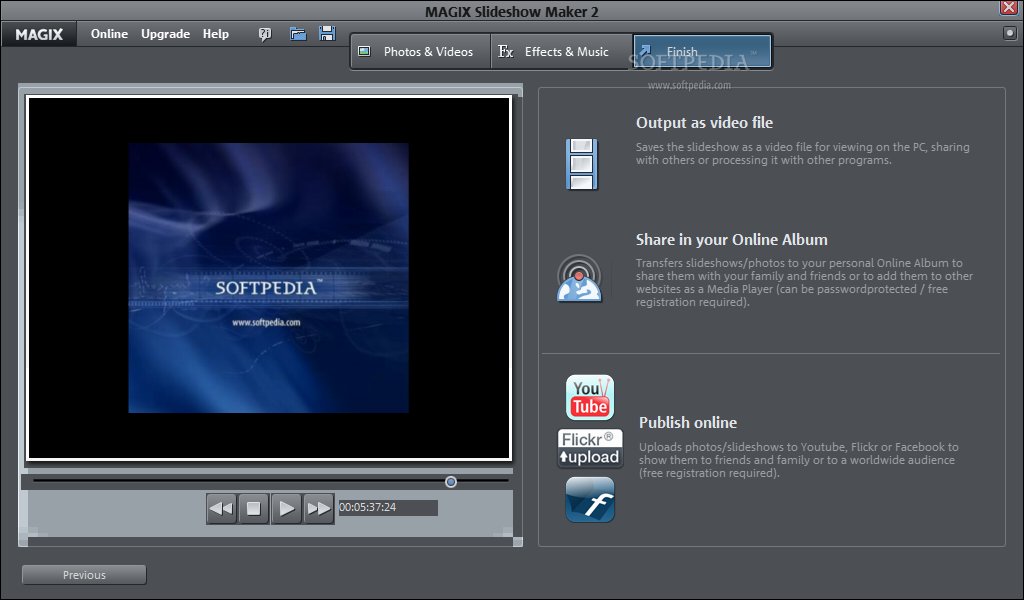
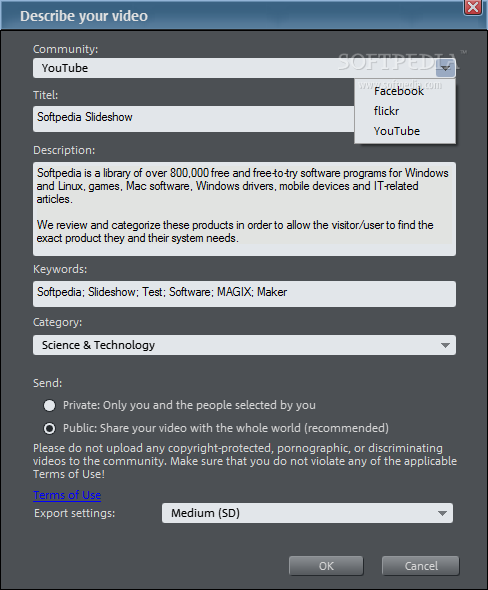
But you can also add background music and set the volume, as well as configure the properties and title (e.g. adjust the slideshow length to music or viceversa, process videos, input opening and closing credits). Once you have previewed the results, you can save them as a video file (in the WMV format), share on your online album or publish online on YouTube, Facebook and other social media platforms.
The program takes up a very high amount of system resources, has a very good response time (other applications don't run slower in the background), includes a well-written help file with snapshots for beginners and quickly creates a slideshow. No errors have occurred during our tests. We highly recommend MAGIX Slideshow Maker to all users.
Download Hubs
MAGIX Slideshow Maker is part of these download collections: Make Slideshows
What's new in MAGIX Slideshow Maker 2.0.0.6:
- New user interface:
- The user interface of Slideshow Maker 2 has been completely revised and is
- sure to impress you! As a result, the program is even easier to use than before.
MAGIX Slideshow Maker 2.0.0.6
add to watchlist add to download basket send us an update REPORT- runs on:
-
Windows 7
Windows Vista
Windows XP
Windows 2K - file size:
- 78.1 MB
- filename:
- slideshow_maker_2_en-us.exe
- main category:
- Desktop Enhancements
- developer:
- visit homepage
Windows Sandbox Launcher

IrfanView

4k Video Downloader

Zoom Client

Microsoft Teams

7-Zip

calibre

ShareX

Bitdefender Antivirus Free

paint.net

- ShareX
- Bitdefender Antivirus Free
- paint.net
- Windows Sandbox Launcher
- IrfanView
- 4k Video Downloader
- Zoom Client
- Microsoft Teams
- 7-Zip
- calibre