
Application which enables you to place a calendar and planner on your desktop, so that you can easily track your day-to-day activities. #Desktop calendar #Screen calendar #Activity planner #Calendar #Planner #Scheduler

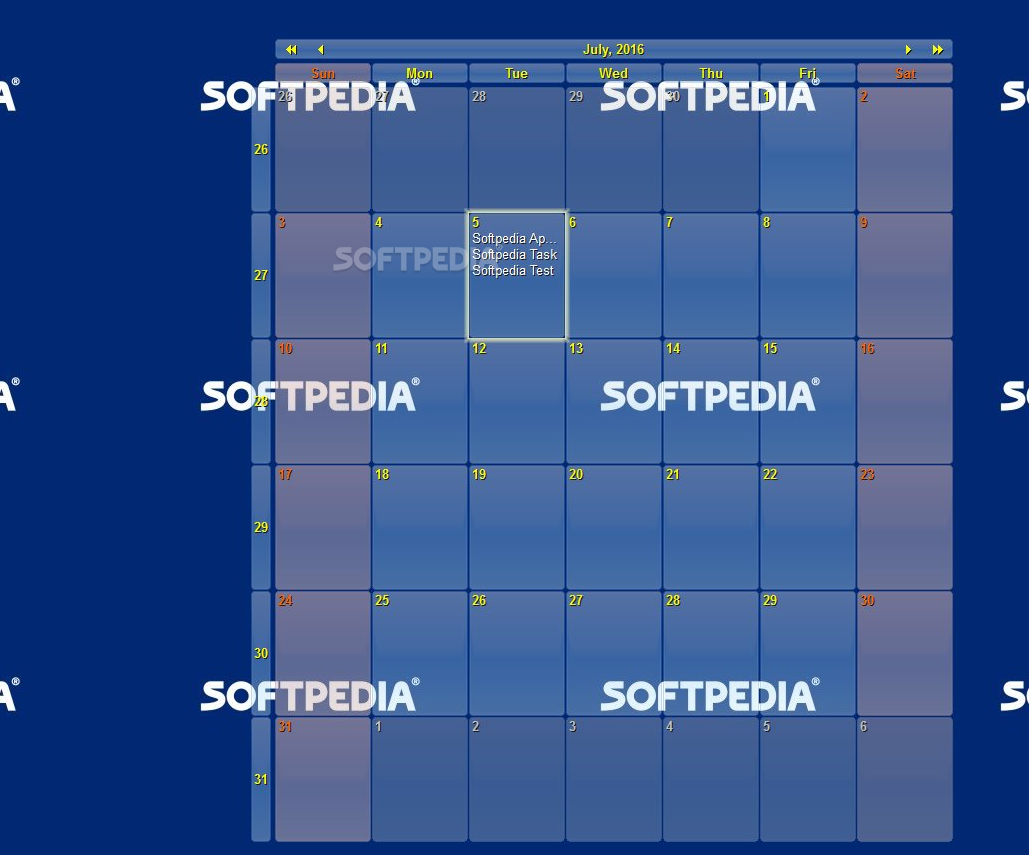
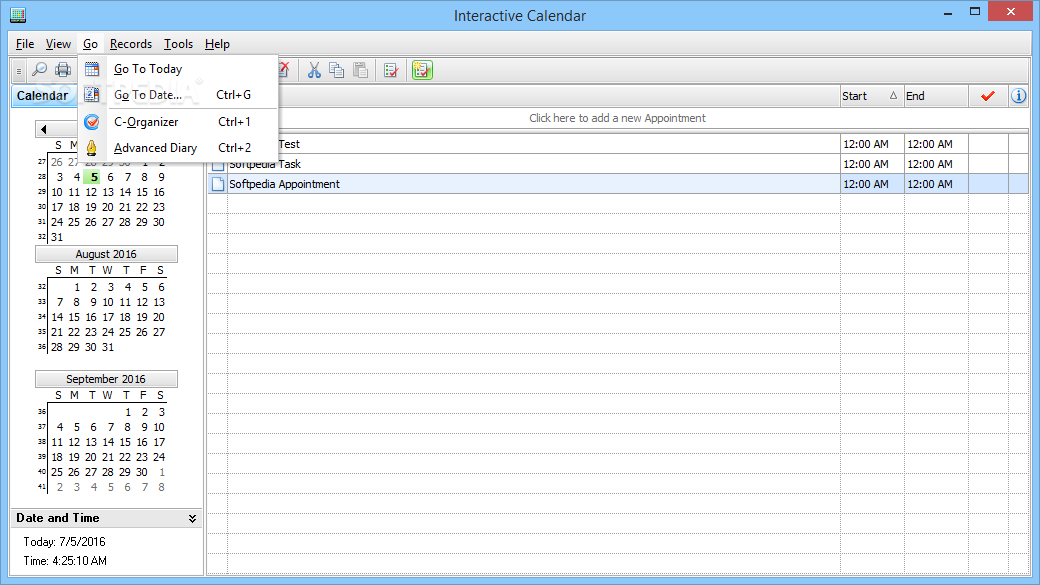
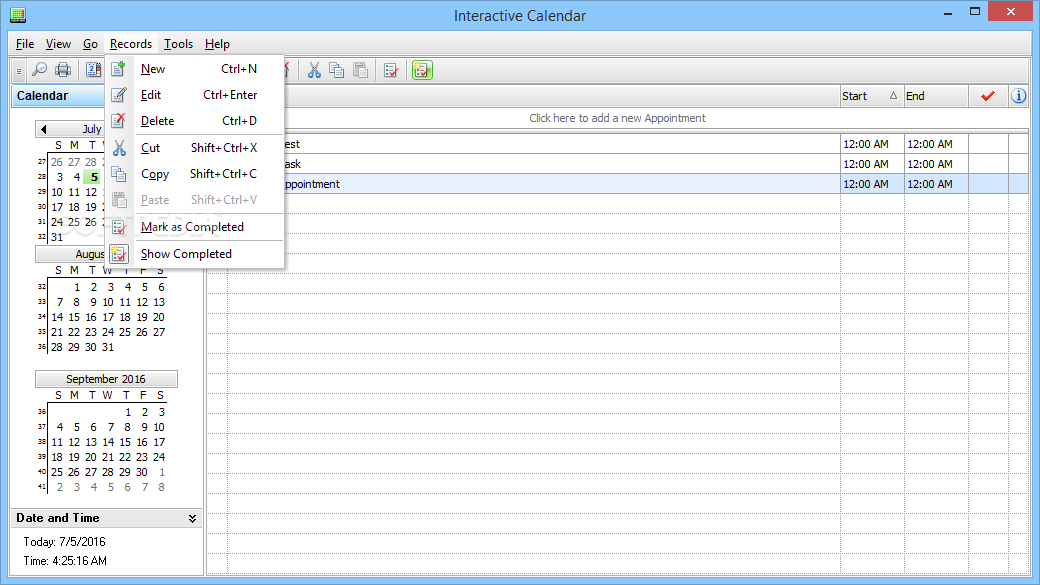
Interactive Calendar is a simple software utility which enables you to organize your time in a more efficient manner, by providing you with an interactive planner.
Upon launching the program, it is send to the system tray and a calendar of the current month is going to be placed on the desktop. This becomes an integral part of your Windows theme, as it is unresponsive to right or left clicking.
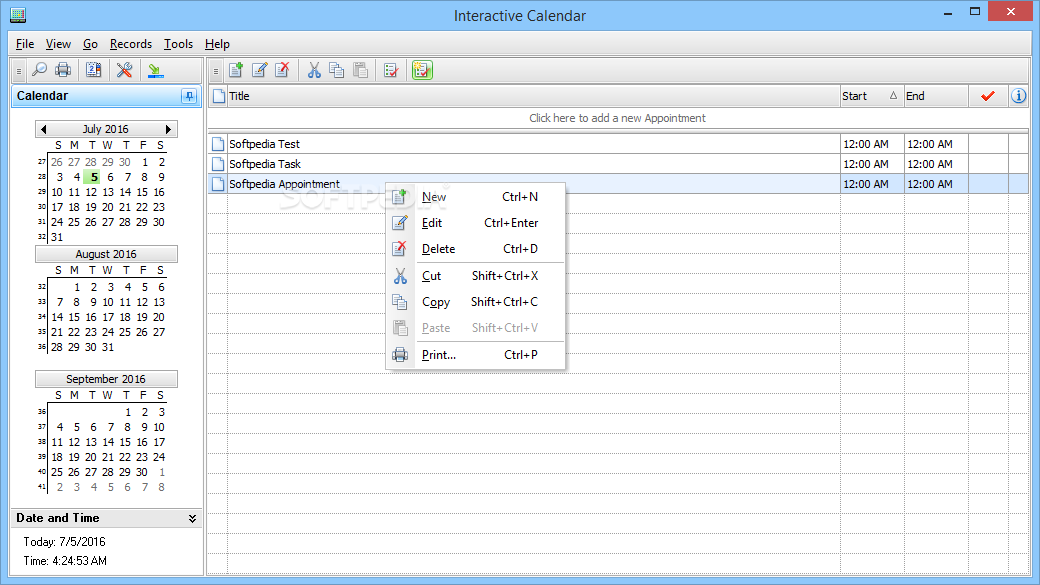
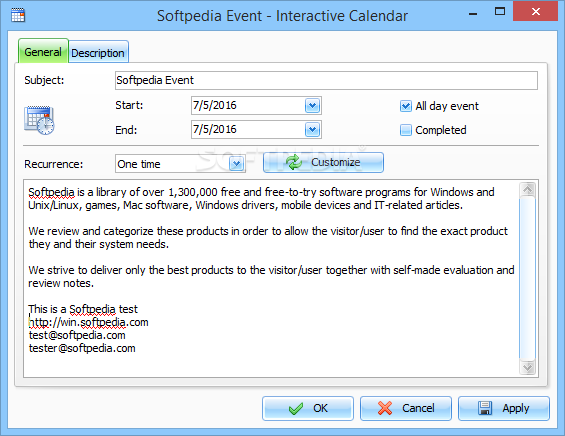
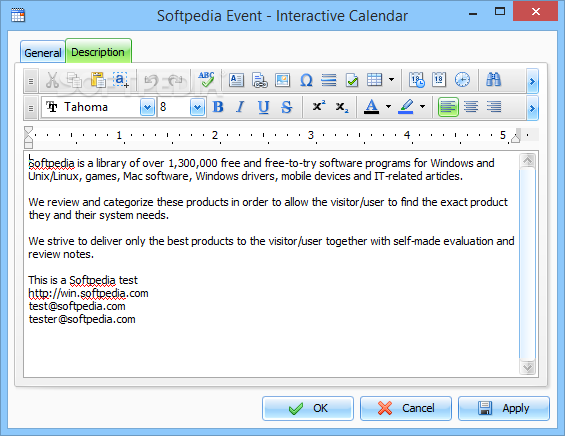
By double-clicking a date, you can add an event, along with details such as start and end date and time, subject, recurrence and a description. The latter is highly customizable, seeing you can cut, copy and paste elements, undo or redo actions, add pictures (GIF, PNG, JPG, BMP, ICO etc.), symbols, time and date, bullets, indents, and links. In addition to that, you can use a spell checker, look up words in a thesaurus and align the text.
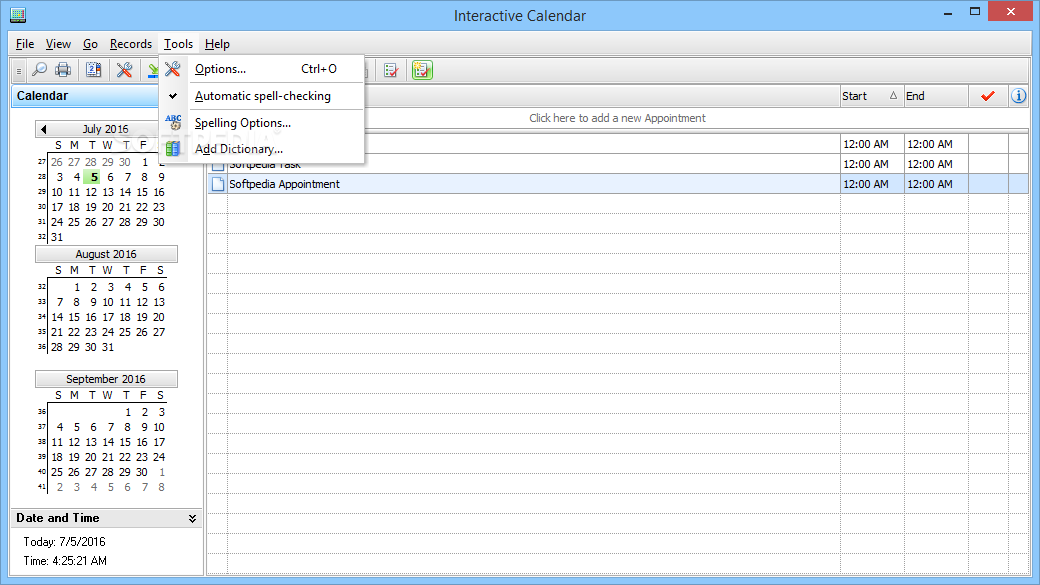
This software application integrates a search tool, as well as a find and replace function. In both cases you can enable looking up only whole words or case sensitive ones.
From the settings panel you can configure the calendar from a myriad of standpoints, including font, color, position, size and skin. You can also set up the work days, display number of week and run the app at Windows startup.
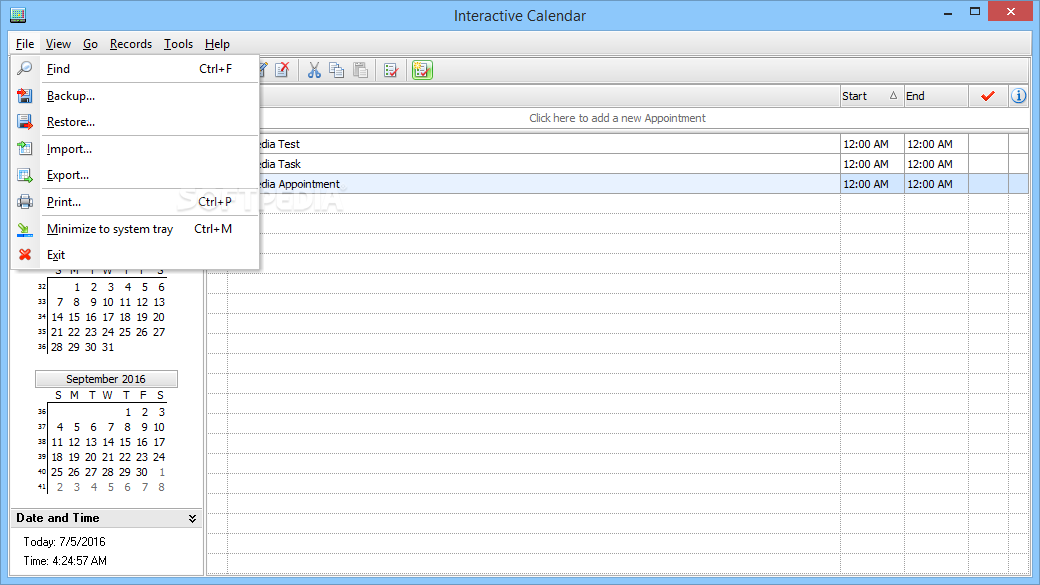
With backup and restore capabilities, as well as import and export from CSV and TXT file formats, minimal CPU and memory usage and support for a multi-screen environment, Interactive Calendar proves to be a useful piece of software.
What's new in Interactive Calendar 2.2:
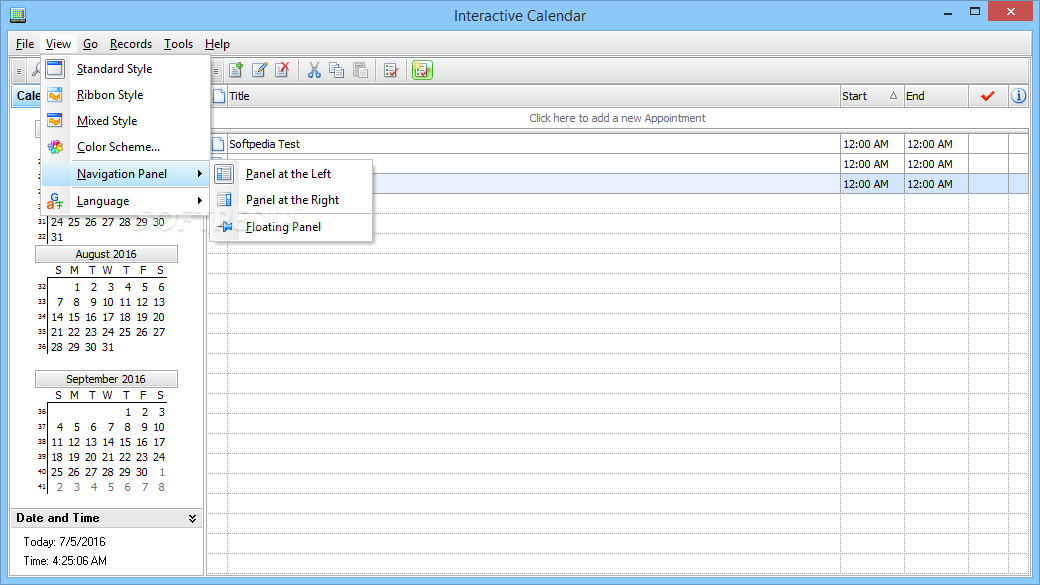
- Now Interactive Calendar supports 2 new interface color schemes.
- Search function has been improved.
- We've added a Format Painter feature to make text formatting easier and more convenient.
- To make a work with inserted images more convenient, Interactive Calendar will now automatically resize large images to the document width on insertion.
Interactive Calendar 2.2
add to watchlist add to download basket send us an update REPORT- PRICE: Free
- runs on:
-
Windows 10 32/64 bit
Windows 8 32/64 bit
Windows 7 32/64 bit
Windows Vista 32/64 bit
Windows XP - file size:
- 18 MB
- filename:
- ICalendar.exe


- main category:
- Office tools
- developer:
- visit homepage
Windows Sandbox Launcher

Microsoft Teams

7-Zip

IrfanView

4k Video Downloader

Zoom Client

Bitdefender Antivirus Free

ShareX

Context Menu Manager

calibre

- ShareX
- Context Menu Manager
- calibre
- Windows Sandbox Launcher
- Microsoft Teams
- 7-Zip
- IrfanView
- 4k Video Downloader
- Zoom Client
- Bitdefender Antivirus Free