
Onscreen keyboard that comes with support for different size models, sound notifications while typing, clipboard copying options, and colorful key representations. #On-screen keyboard #Virtual keyboard #Desktop keyboard #Keyboard #On-screen #Type

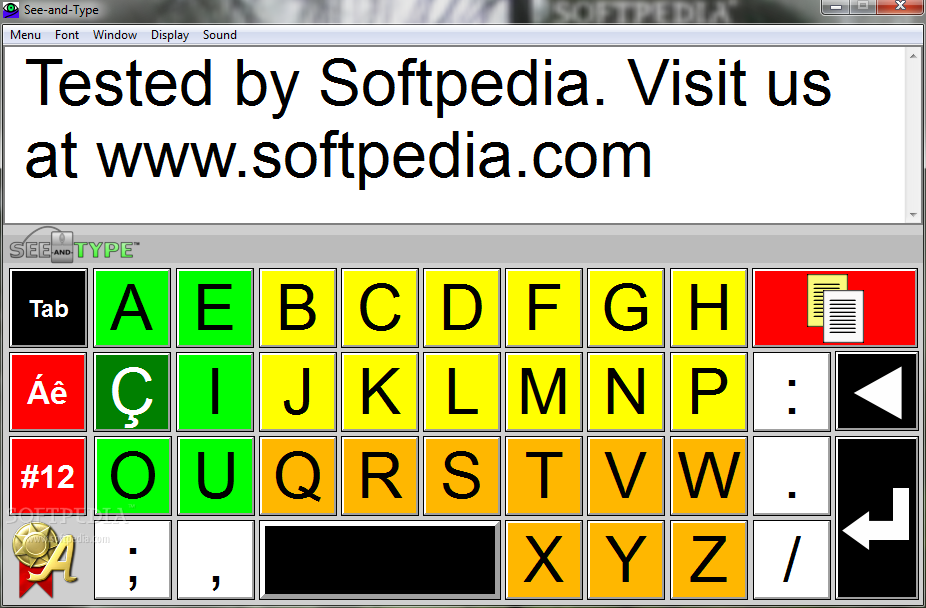
See-and-Type is a small software application whose purpose is to help you to write text messages with the aid of an onscreen keyboard. The keyboard comes in three different versions, namely Compact, UltraCompact, and Regular. All the aforementioned keyboard models offer the same functionality and features. They only differ in size.
The onscreen keyboards look intuitive and easy to work with. Although there’s no support for a help manual, you can get an idea about how to tweak the dedicated parameters in a short amount of time.
Vowels and consonants are represented on the keyboard with the aid of strong colors so they are easily visible. For example, vowels are placed in the left corner of the keyboard and shown on a green background, while consonants are revealed with the aid of yellow and orange background colors.
‘Tab,’ ‘Space,’ ‘Backspace,’ and ‘Enter’ are represented in a black background, while punctuation marks are displayed in a white background.
See-and-Type gives you the possibility to type custom text messages directly in the main window, copy data to the clipboard so you can transfer it into other programs (e.g. text editors, browsers, forums, emails), undo your actions, perform basic clipboard actions (cut, copy, paste), and delete text.
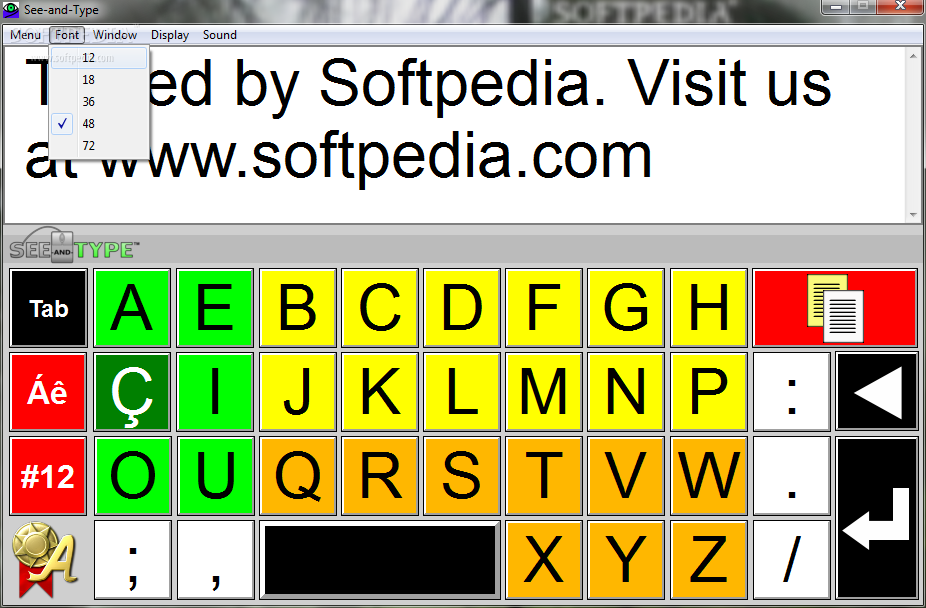
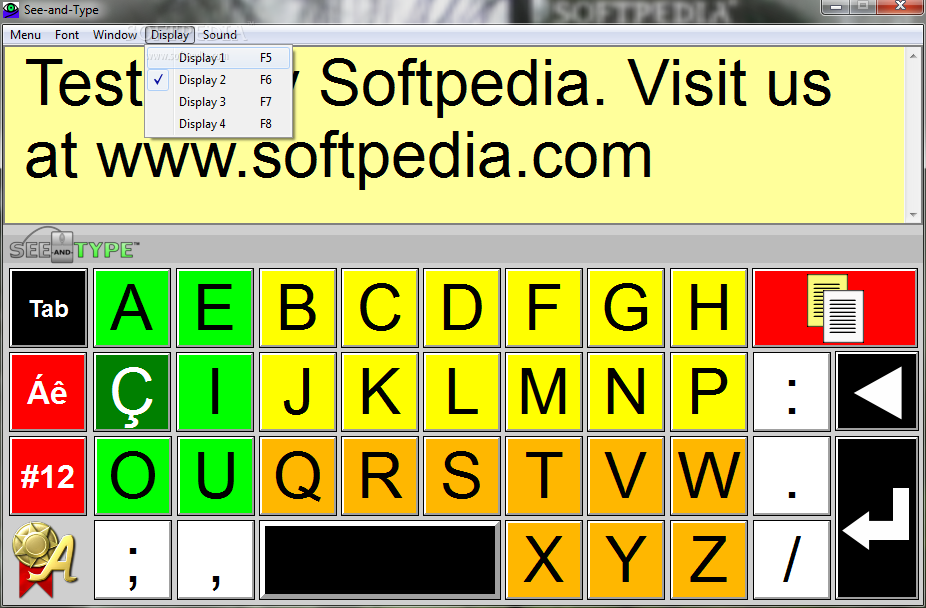
What’s more, you can change the size of the text, keep the primary panel on top of other tools, choose between several preset background colors, and enable or disable sound notifications while typing.
Tests have shown that See-and-Type carries out a task quickly and without errors. It does not eat up a lot of CPU and memory resources so the overall performance of the computer is not hampered.
To sum things up, See-and-Type provides several handy features for helping you make use of an onscreen keyboard, and is suitable especially for less experienced users.
See-and-Type 1.0
add to watchlist add to download basket send us an update REPORT- PRICE: Free
- runs on:
-
Windows 7
Windows Vista
Windows XP - file size:
- 2.9 MB
- filename:
- setup_seeandtype.exe
- main category:
- Desktop Enhancements
- developer:
Zoom Client

7-Zip

Bitdefender Antivirus Free

calibre

Windows Sandbox Launcher

IrfanView

Microsoft Teams

4k Video Downloader

ShareX

paint.net

- 4k Video Downloader
- ShareX
- paint.net
- Zoom Client
- 7-Zip
- Bitdefender Antivirus Free
- calibre
- Windows Sandbox Launcher
- IrfanView
- Microsoft Teams