
Desktop launcher with rich customization options, giving you the possibility declutter your desktop and neatly organize files and folders. #Desktop launcher #Desktop bar #Desktop note #Launcher #Launch #Enhancer
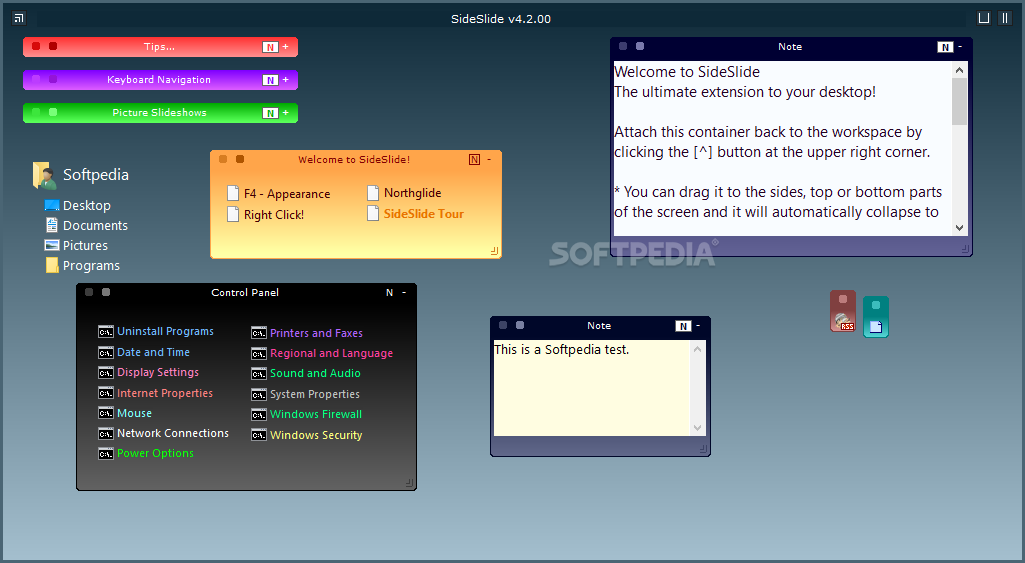
When working on a computer on a daily basis, you most likely use a collection of apps to speed up launching some of your regular tasks. This is exactly the main purpose of SideSlide.
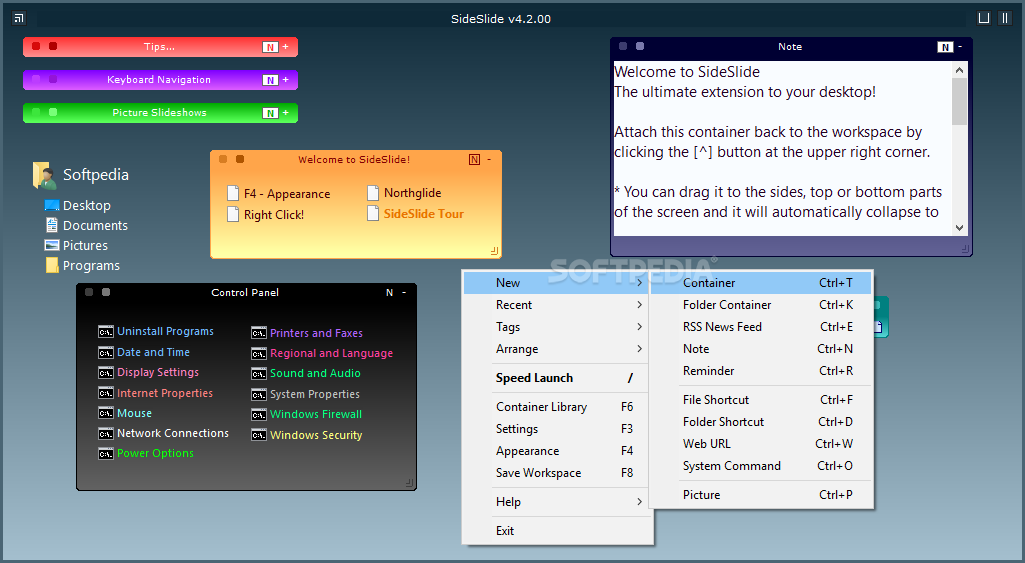
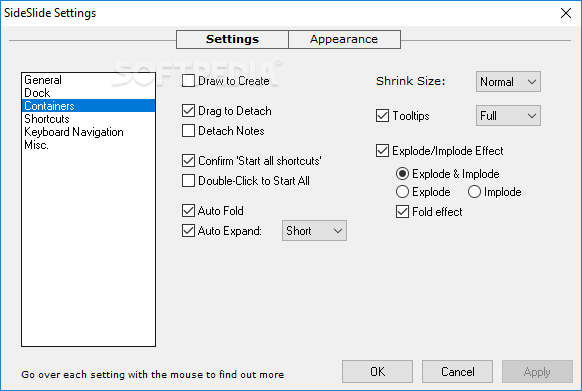
Unlike some other similar tools, SideSlide supports a flurry of components and you can add only the ones you need. For instance, you can add a note, a reminder, an RSS feed, a new container, or an image slideshow by simply clicking a few buttons.
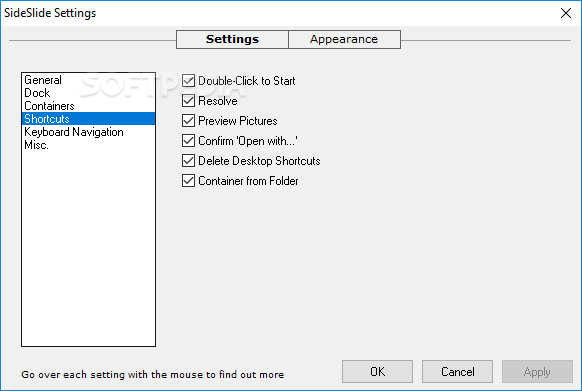
Moreover, you can also add shortcuts to files, folders, URLs or system commands, so you can easily access them at a later time. You can also use the built-in clipboard monitor when you want to quickly paste your text.
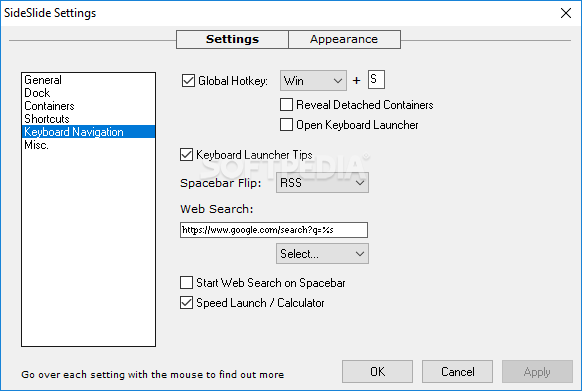
One of the most useful functions is its Keyboard Launcher, as it allows you to quickly find and open any of the created items, as well as open the default browser or calculate an expression without needing to open a different app.
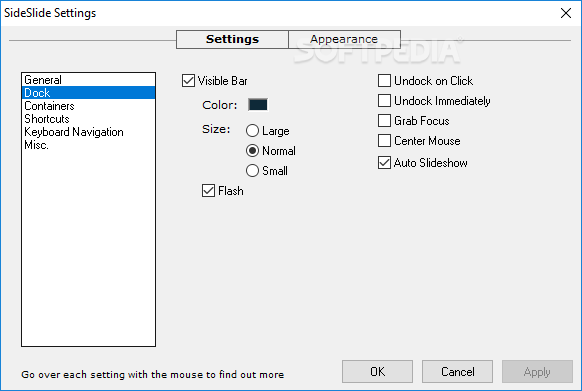
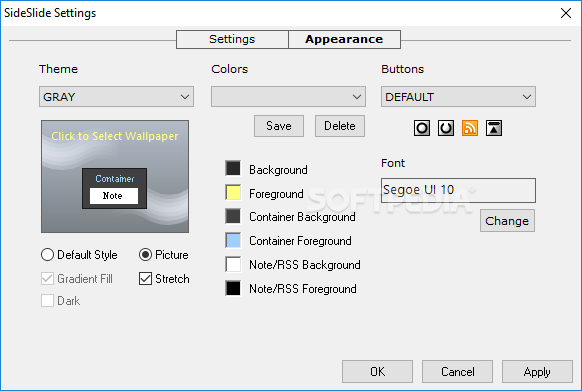
Another great feature of SideSlide is that you can not only adjust the elements you want to launch, but also the overall appearance of the launcher.
More specifically, you can switch to a completely new theme, or simply tamper with the colors and the button style of your current theme. The font type and size can also be modified as you see fit, along with the container background and foreground colors.
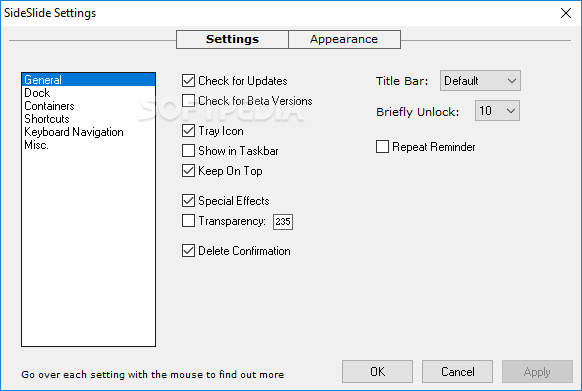
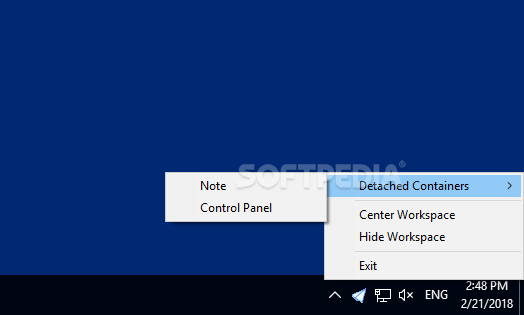
SideSlide can not only be personalized to fit your exact requirements, but it also automatically hides and gets out of your way until you need to enjoy its features.
Even if you can still use this application if you have little PC skills, it is the tech-savvy users who can truly understand the versatility and potential of this launcher.
What's new in SideSlide 5.81:
- Improvements and fixes
SideSlide 5.81
add to watchlist add to download basket send us an update REPORT- runs on:
-
Windows 11
Windows 10 32/64 bit
Windows 8 32/64 bit
Windows 7 32/64 bit
Windows Vista 32/64 bit
Windows XP 32/64 bit - file size:
- 865 KB
- filename:
- SideSlide_v5.81_Setup.zip
- main category:
- Desktop Enhancements
- developer:
- visit homepage
calibre

IrfanView

4k Video Downloader

Bitdefender Antivirus Free

ShareX

Microsoft Teams

Windows Sandbox Launcher

Zoom Client

Context Menu Manager

7-Zip

- Zoom Client
- Context Menu Manager
- 7-Zip
- calibre
- IrfanView
- 4k Video Downloader
- Bitdefender Antivirus Free
- ShareX
- Microsoft Teams
- Windows Sandbox Launcher