
A resources transformation pack for Windows which replaces most of the non-XP icons. #Desktop enhancement #Windows enhancement #Application enhancement #Desktop #Windows #Enhancement
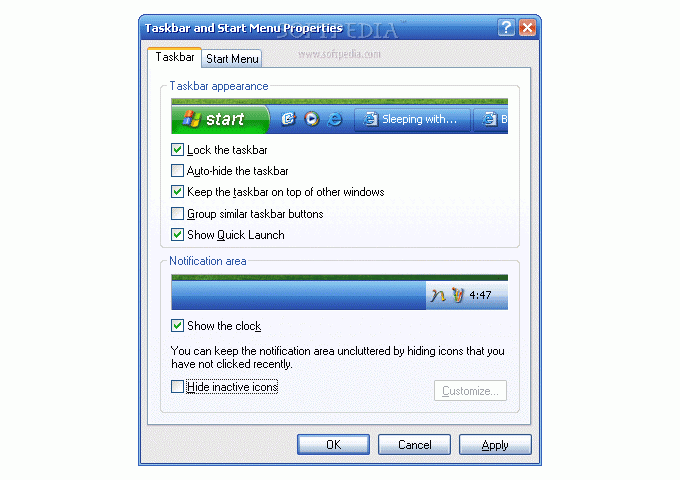
Microsoft attracted most of its fans due to Windows XP, the operating system that was both intuitive and powerful, managing to appeal to newbies and experts alike. As is the case with everything related to computers, users wanted to personalize their OS, thus prompting the development of apps that would change the visual appearance and sound scheme.
XPize is such an application, meant to offer users the possibility to replace the standard icons and wallpapers with custom ones, closer to their own preferences and tastes.
This software does not require any user input during installation until the point where one needs to choose the theme they want to install.
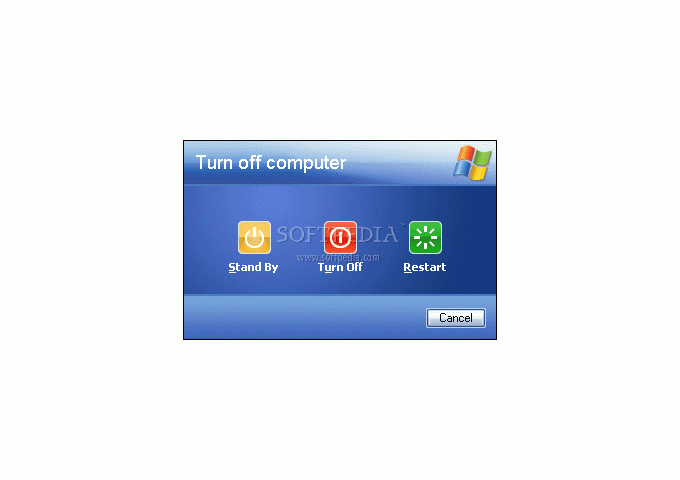
Since they can preview in real-time each change they make, users can also modify elements of the theme, such as the Welcome Screen, the default wallpaper or the visual style, thus designing a truly personalized look for their PC.
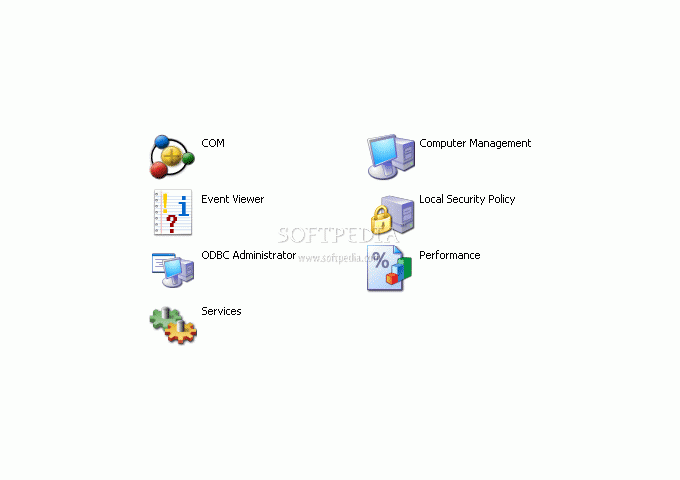
Experienced users have the chance of showing their skills by selecting the level of customization, meaning they get to choose the which Windows programs are affected by the new theme (such as Internet Explorer 6 or Outlook Express) and which of them retain the standard appearance.
Beginner users need not feel left aside when it comes to this type of personalization, since their expert buddies can burn the newly-configured theme to a Windows Setup CD then give it to the novices to install onto their XP computer.
Another aspect worth mentioning is that this theme requires a backup folder in order for it to be safely uninstalled. Even if users have no plans to remove the theme when they install it, it is best to create this backup folder just to be on the safe side. This way, when choosing to uninstall, they will not need to modify any registry entries or look for leftover items.
XPize 5 Release 6 / 4.6
 Softpedia Editor's Pick
add to watchlist
add to download basket
send us an update
REPORT
Softpedia Editor's Pick
add to watchlist
add to download basket
send us an update
REPORT
- runs on:
-
Windows 2003
Windows XP - file size:
- 16.5 MB
- filename:
- XPize46Full.exe
- main category:
- Desktop Enhancements
- developer:
- visit homepage
Bitdefender Antivirus Free

paint.net

7-Zip

Microsoft Teams

ShareX

Zoom Client

Windows Sandbox Launcher

4k Video Downloader

calibre

IrfanView

- 4k Video Downloader
- calibre
- IrfanView
- Bitdefender Antivirus Free
- paint.net
- 7-Zip
- Microsoft Teams
- ShareX
- Zoom Client
- Windows Sandbox Launcher