
An intuitive application able to animate your desktop activity by displaying images downloaded from the Internet or stored in the computer. #Wallpaper downloader #Picture slideshow #Slideshow screensaver #Screensaver #Slideshow #Downloader


Endless Slideshow Screensaver is a cross-platform utility with a pretty self-explanatory title, as it is able to enhance your desktop by displays various images.
Once you have installed the application, it is placed in the Windows screensaver menu, thus allowing you to set it as the default screensaver, and change various settings. The user interface is really simple and enables you to set up a lot of options pretty quickly.
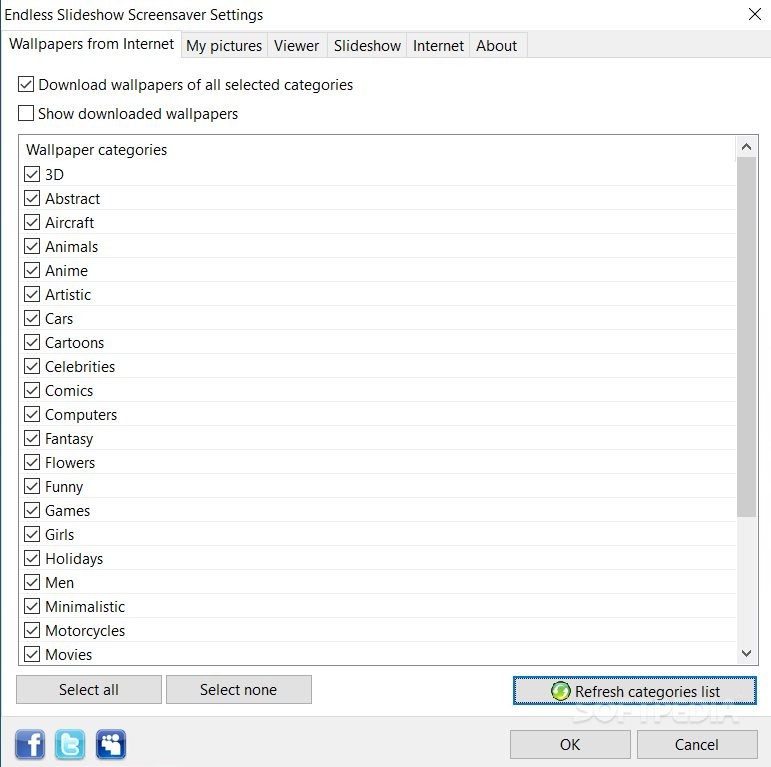
The program is able to download wallpapers from the Internet, and you can select the categories (e.g. 3D, aircraft, animals, art, cars, cartoons, celebrities, flowers).
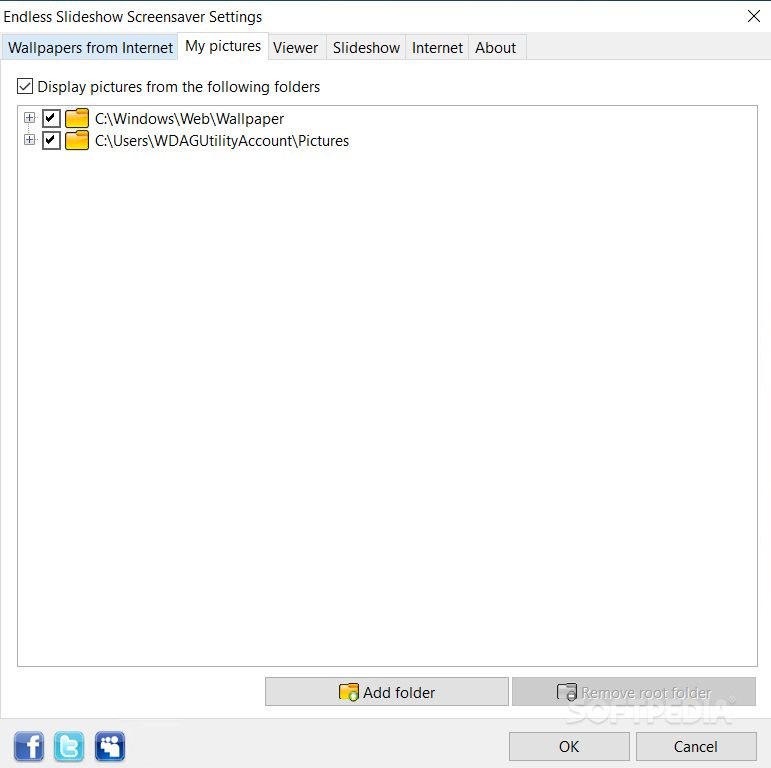
Endless Slideshow Screensaver allows users to add multiple folders to the list. You cannot add images individually, so before running the screensaver on your computer, you should make sure the selected folder contains the needed pictures. The program works with a wide range of file formats, namely TIF, GIF, JPG, PCX, BMP, PSD, PNG and others.
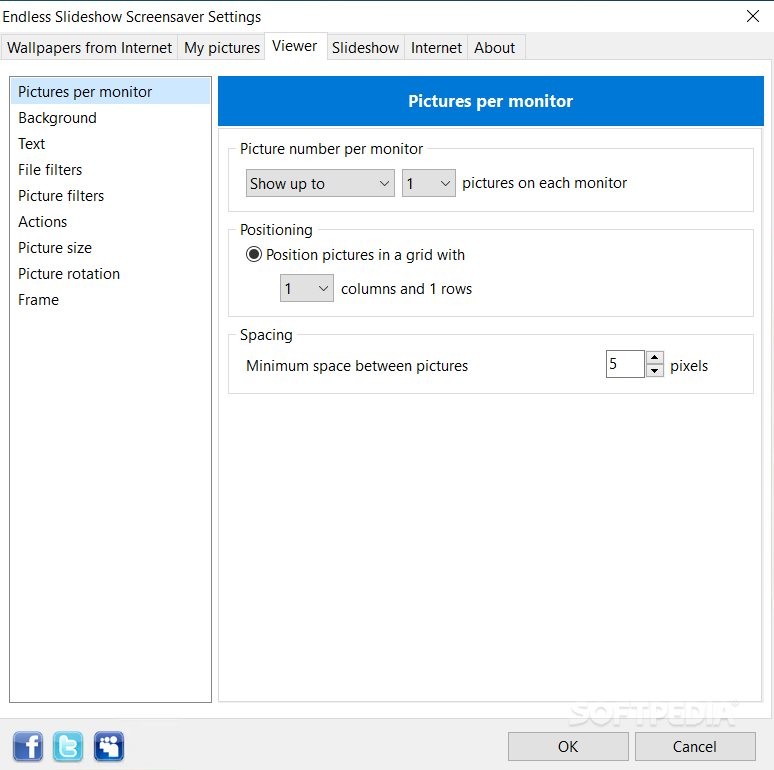
What’s more, you can change the background color and picture, and add preset text messages which can be customized in terms of font style, color, number and transparency. With a single key press, it is possible to show the next or previous picture in the slideshow, pause, set the image as wallpaper, copy the filename to the Clipboard, and delete the current picture.
You can make the program stretch the small pictures to fit the screen, distort the images to fill the entire screen, rotate images using the specified angle degree, as well as draw frames around the pictures by specifying the size and color.
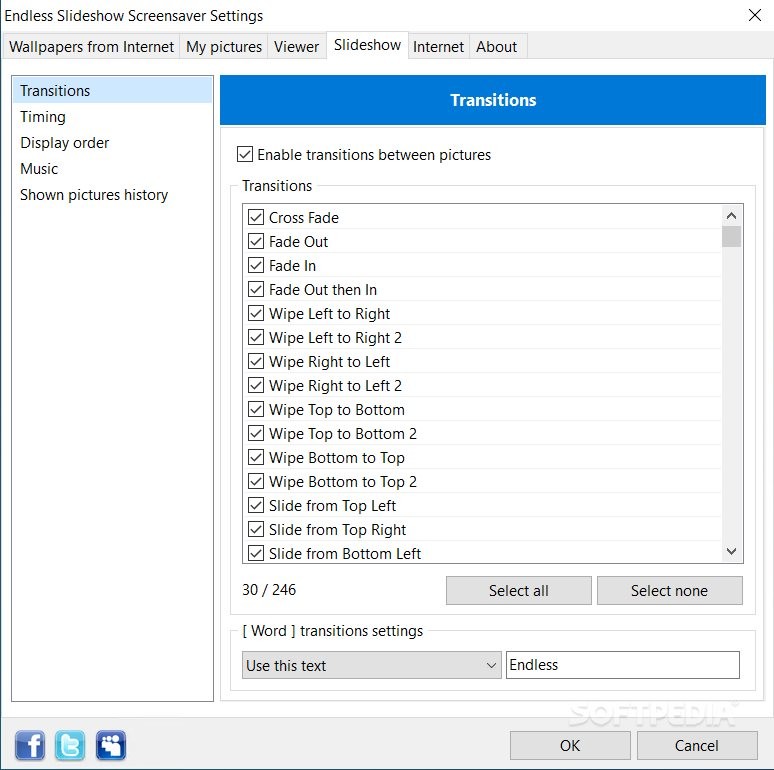
You are allowed to enable the transition between images, specify the time duration, and select from various predefined templates. You can set the time delay between images and enable the shuffle mode.
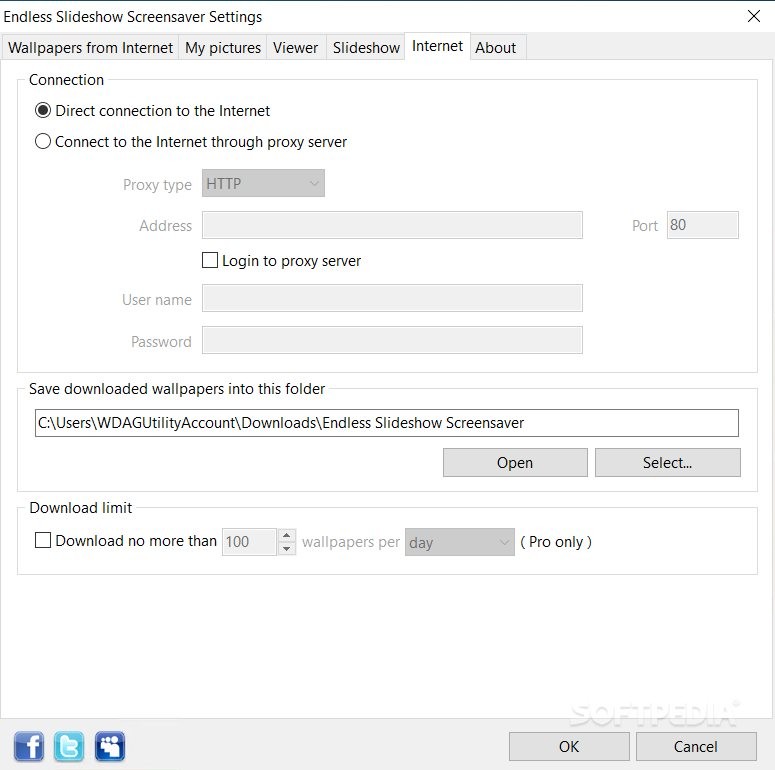
Additional settings give users the possibility of specifying the saving directory, limit the number of downloaded images per day, as well change the Internet settings.
Overall, Endless Slideshow Screensaver provides an easy way of animating your desktop activity by displaying images downloaded from the Internet or stored in your computer.
Endless Slideshow Screensaver 1.22.2
add to watchlist add to download basket send us an update REPORT- runs on:
-
Windows 11
Windows 10 32/64 bit
Windows 8 32/64 bit
Windows 7 32/64 bit
Windows Vista 32/64 bit
Windows XP 32/64 bit
Windows 2K - file size:
- 14.8 MB
- filename:
- esss_setup.exe
- main category:
- Desktop Enhancements
- developer:
- visit homepage
4k Video Downloader

ShareX

Zoom Client

Context Menu Manager

7-Zip

IrfanView

Microsoft Teams

calibre

Bitdefender Antivirus Free

Windows Sandbox Launcher

- calibre
- Bitdefender Antivirus Free
- Windows Sandbox Launcher
- 4k Video Downloader
- ShareX
- Zoom Client
- Context Menu Manager
- 7-Zip
- IrfanView
- Microsoft Teams