
3D Matrix screensaver you can enjoy. #Matrix screensaver #Matrix code #Matrix trilogy #Matrix #Screensaver #Screen

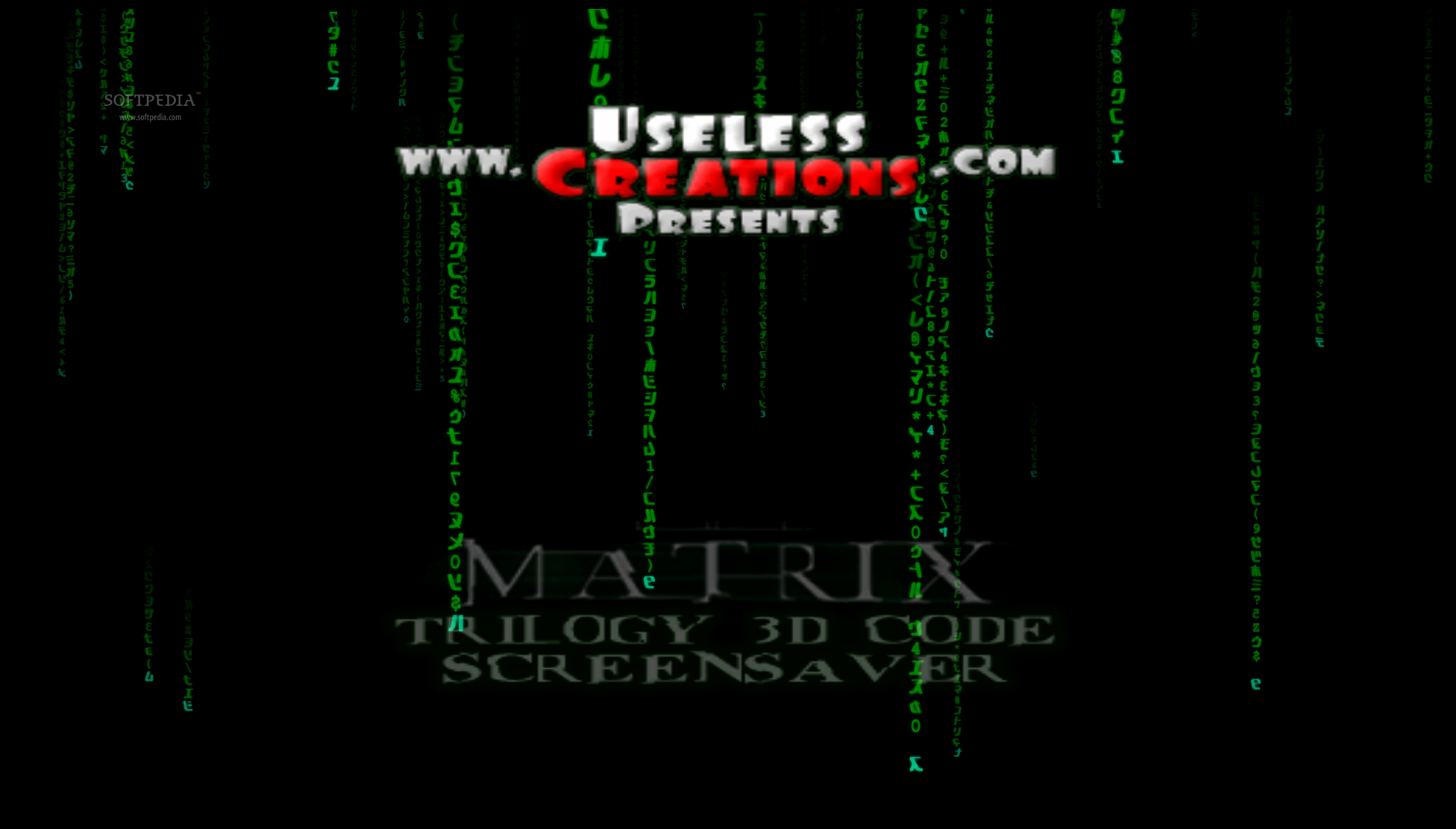
The Matrix Trilogy 3D Code Screensaver is an interesting 3D screensaver inspired by the Matrix movies. Once the application is installed, you can access it from the Windows screensaver settings. Here you can preview it, apply it, or change its settings.
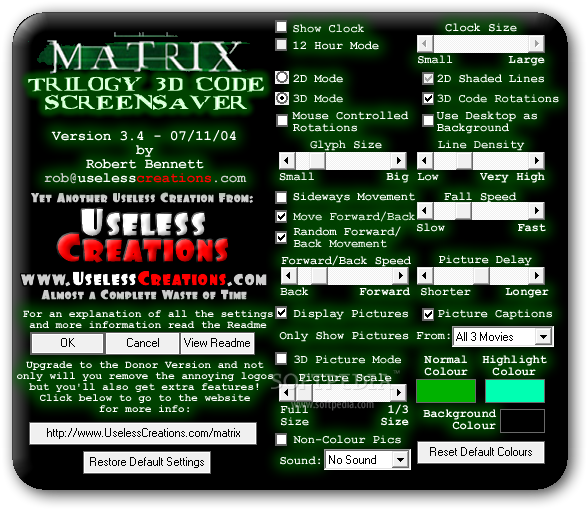
The Settings interface doesn't have the most inspired design but it is, nonetheless, quite straightforward. The text and background have a rather strident color scheme and, at first glance, some users would be tempted to immediately close it.
You can have several modules from the same developer simultaneously installed, and you can set them to randomly appear, at regular time intervals.
You can set the CPU priority (low, below normal, or normal), enable the screensaver to be displayed only on the primary monitor, show countdown with a specific message (as well as countdown date), and select the countdown color.
If you access the module's settings, you can choose to display a clock (in 12-hour or 24-hour mode) and adjust its size, enable 2D mode (with optional 2D shaded lines) or 3D mode (with optional 3D code rotations), activate mouse controlled rotations, or use the desktop as background.
You can adjust the glyph size, line density, fall speed, forward and back speed, picture delay, and picture scale, as well as configure the normal, highlight and background color. You can customize the sound effects.
The screensaver itself moved rather slowly on our test computers. Nevertheless, we have to appreciate the fact that it can be customized in many ways, and that system memory is minimally used.
The Matrix Trilogy 3D Code Screensaver has a very nice concept behind it, but it may not work perfectly even on newer computers.
Matrix Trilogy 3D Code Screensaver 3.4
 Softpedia Editor's Pick
add to watchlist
add to download basket
send us an update
REPORT
Softpedia Editor's Pick
add to watchlist
add to download basket
send us an update
REPORT
- runs on:
- Windows All
- file size:
- 2.1 MB
- filename:
- Matrix3DSetup.exe
- main category:
- Desktop Enhancements
- developer:
- visit homepage
Bitdefender Antivirus Free

Windows Sandbox Launcher

Zoom Client

4k Video Downloader

IrfanView

ShareX

Microsoft Teams

7-Zip

Context Menu Manager

calibre

- 7-Zip
- Context Menu Manager
- calibre
- Bitdefender Antivirus Free
- Windows Sandbox Launcher
- Zoom Client
- 4k Video Downloader
- IrfanView
- ShareX
- Microsoft Teams