
Will change the feel of your Windows XP/2003 operating system to a new, shiny and modern Vista-look. #Windows Vista look #Windows theme #Windows enhancement #Theme #Vista look #Enhancement

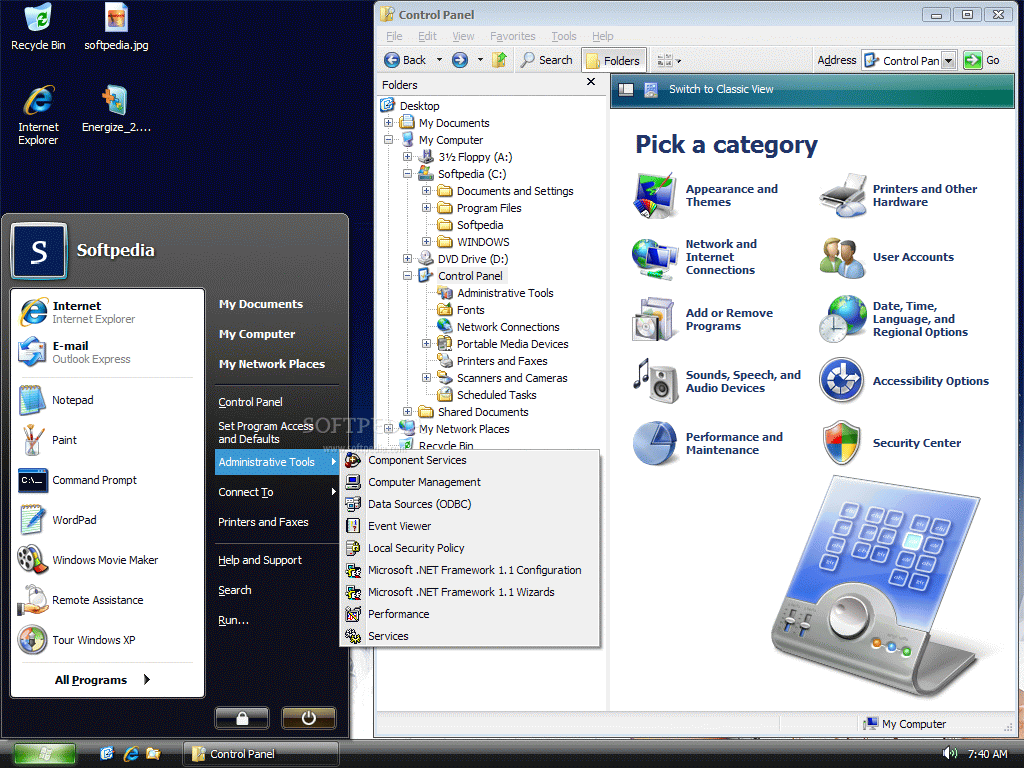
Changing the look and feel of the Windows operating system is something most if not all of us have done a few times until now. This applies particularly to the older iterations of Microsoft's OS where the visuals were not as good as those of Vista or Windows 7, not to mention Windows 8.
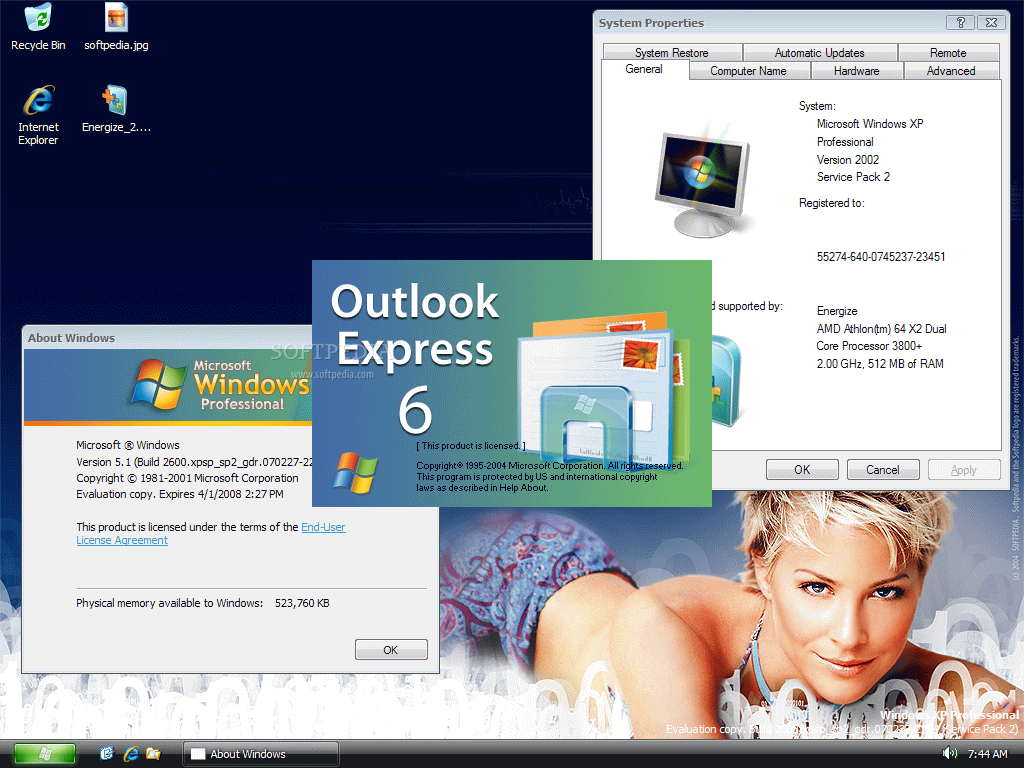
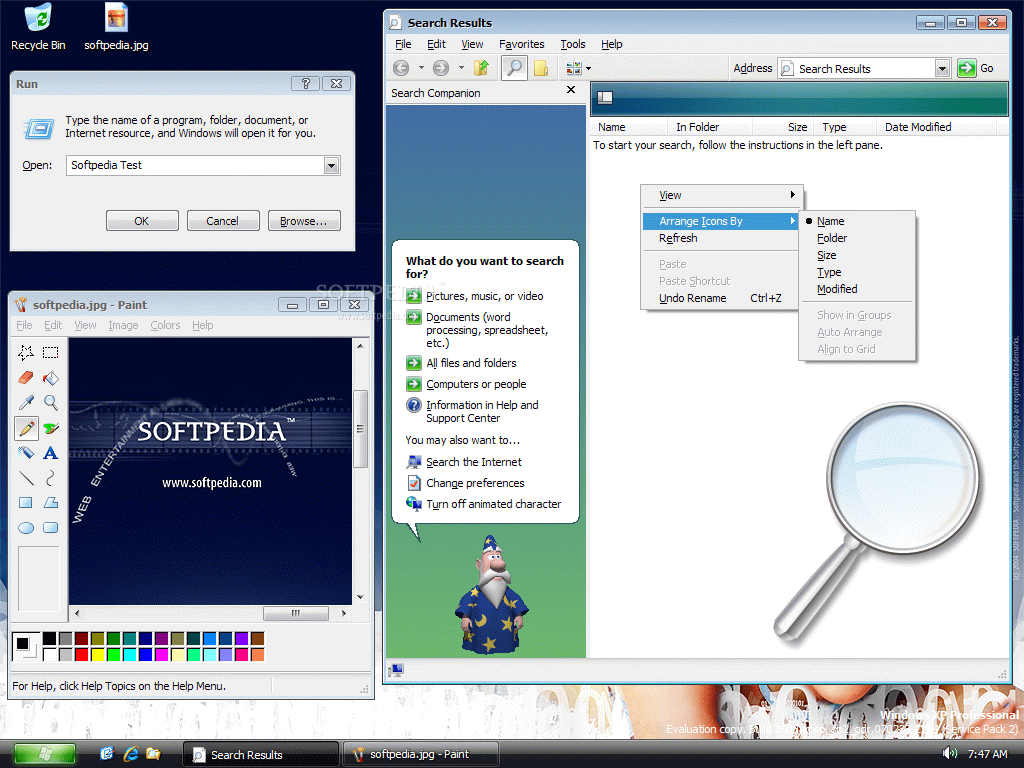
Energize is a power toy that can help a lot in this regard, as it can fundamentally change the appearance of Windows XP and Windows 2003.
Although it was initially supposed to get XP closer to Vista's look, Energize brings you a shiny interface that's still a lot more appealing.
The setup process is the only time you can change things about what will be replaced and added to your system. The good thing is that it displays in great detail each and every item that will be subjected to customization. This way you can easily opt out of unwanted modifications.
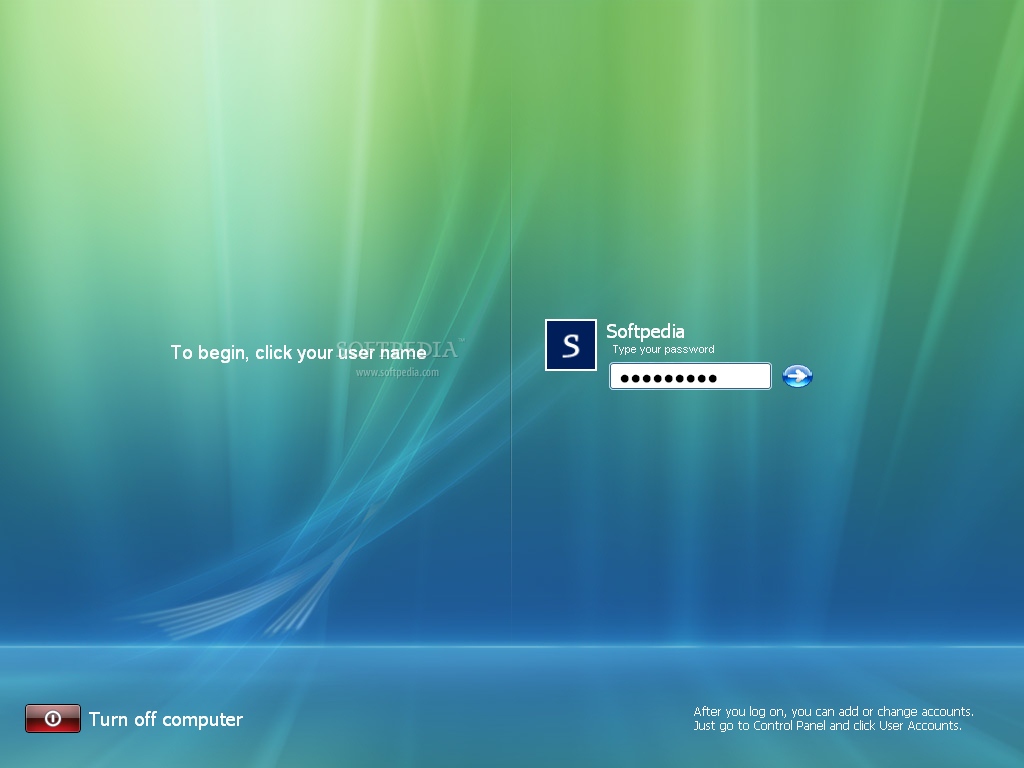
In just a few words, Energize changes the taskbar, the titlebars, the logon and logout screens and many other elements that will surely make your Windows look a lot better.
Among the extras that can be added to beautify your OS are custom visual styles, startup screen, icons and cursors, just to name a few. Besides the above mentioned improvements, Energize packs a set of applications that include a messenger, a media player, Bluetooth software and more.
Everything worked perfectly during our test,but it's recommended to make a backup before installing this app, because this kind of software solution tends to create all sorts of problems when uninstalling.
Energize is an interesting program that can make your operating system set itself apart from the crowd. In case you're tired of the old Windows XP looks, this can be a great way to refresh its appearance.
What's new in Energize 2.0 Beta 2:
- NSIS Scripts improvements
- New Extra: Vista Logo Startup Screen
Energize 2.0 Beta 2
 Softpedia Editor's Pick
add to watchlist
add to download basket
send us an update
REPORT
Softpedia Editor's Pick
add to watchlist
add to download basket
send us an update
REPORT
- runs on:
-
Windows 2003
Windows XP - file size:
- 22.9 MB
- filename:
- Energize_2.0.exe


- main category:
- Desktop Enhancements
- developer:
- visit homepage
Windows Sandbox Launcher

4k Video Downloader

ShareX

7-Zip

Bitdefender Antivirus Free

Microsoft Teams

IrfanView

paint.net

Zoom Client

calibre

- paint.net
- Zoom Client
- calibre
- Windows Sandbox Launcher
- 4k Video Downloader
- ShareX
- 7-Zip
- Bitdefender Antivirus Free
- Microsoft Teams
- IrfanView