
Change the appearance of your Windows XP by giving it the Vista look with this application, which provides you with various customization options. #Theme Replacement #XP to Vista #Change Theme #Replace #Vista #Change

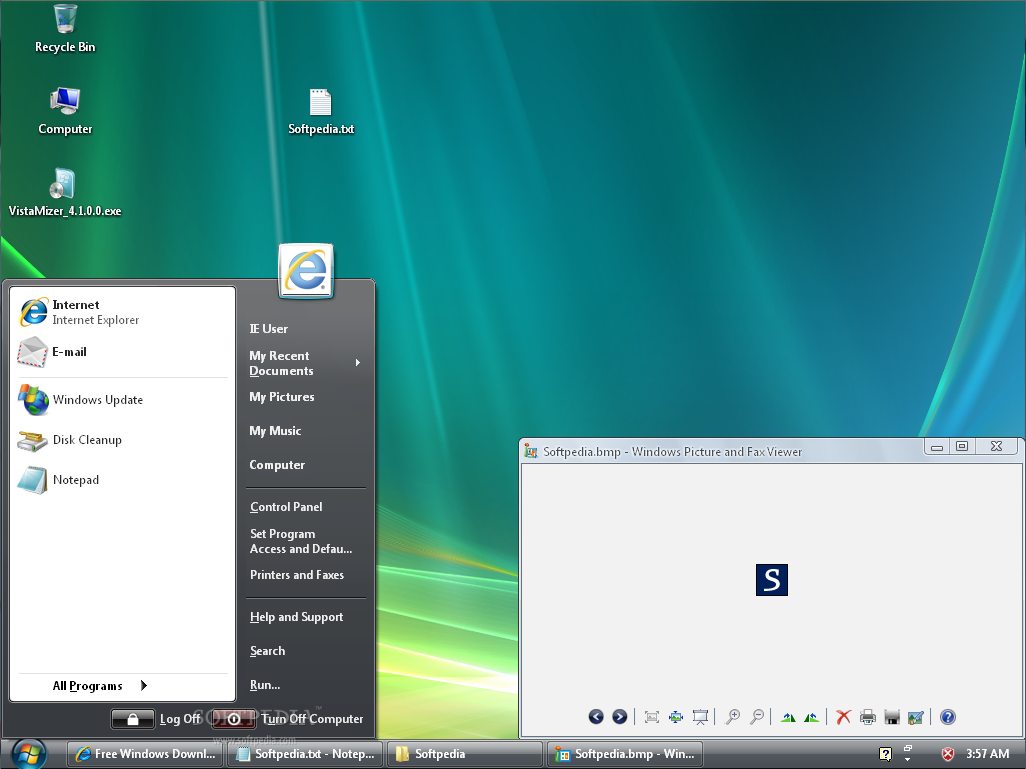
Back in 2007 when Microsoft finally decided to show its new Windows Vista operating system to the world, lots of people criticized it for the way it interacts with computer resources, as hardware upgrades were absolutely necessary in order to run smoothly a copy of Microsoft’s new OS. But most people liked its look, and even critics admitted that Vista looked good, so elements of its interface were quickly copied to be bundled into other applications.
VistaMizer is a software utility that offers an alternative to Windows XP users who like Vista’s interface but cannot upgrade to this OS because of various reasons.
Before setting up VistaMizer on their PC, users are required to choose if they prefer to install it as a normal app, also including an uninstaller, or if they want to patch their existing Windows installation without being able to undo the operation (unless the OS is reinstalled, of course) - however, they can create a bootable CD that can be used at a later time.
When the normal setup is chosen, once can choose to automatically create a restore point, then specify the items they want to personalize. To ensure a complete Vista-like experience, it is recommended to leave the default settings on, then restart the computer when the process is completed.
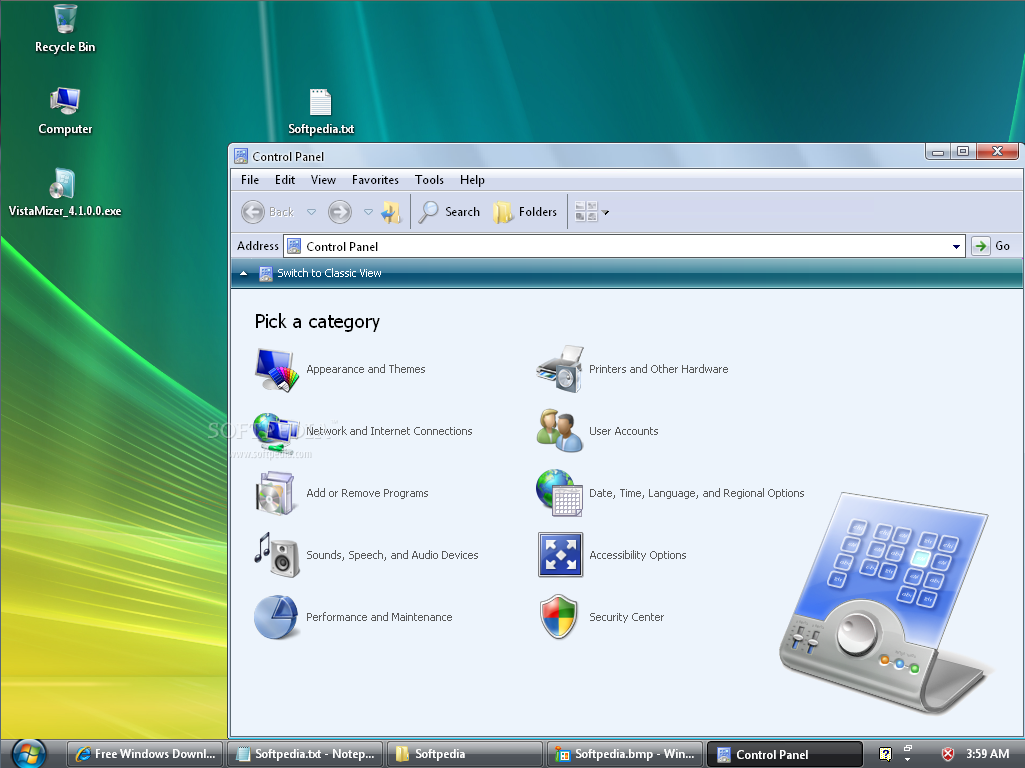
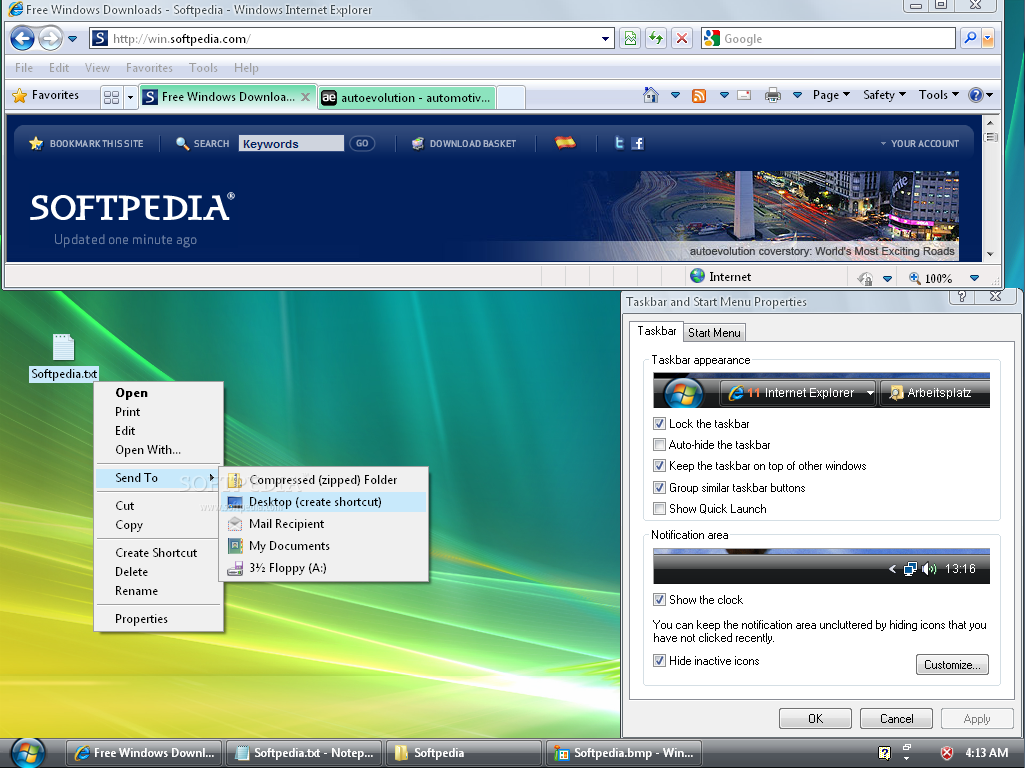
After reboot, all icons and fonts are revamped, and Windows XP has a fresh new look, hardly resembling the old one. All the standard Windows apps, such as Internet Explorer, Windows Media Player or Notepad have been updated to look like Vista's, along with the Start Menu and the Control Panel.
One should be aware, however, that no extra functionality is added, so other Vista functions, like Aero or User Account Control, are not present.
To put it briefly, VistaMizer definitely needs to be taken for a spin by all Windows XP users who want to beautify the looks of their PC without upgrading their hardware.
Download Hubs
VistaMizer is part of these download collections: OS Themes, System Tweak
What's new in VistaMizer 4.3.1.0:
- Error with installer and uninstaller solved
VistaMizer 4.3.1.0
add to watchlist add to download basket send us an update REPORT- runs on:
-
Windows 2003
Windows XP - file size:
- 19.8 MB
- filename:
- VistaMizer_4.3.1.0.exe
- main category:
- Desktop Enhancements
- developer:
Zoom Client

7-Zip

Bitdefender Antivirus Free

calibre

IrfanView

4k Video Downloader

ShareX

Windows Sandbox Launcher

Context Menu Manager

Microsoft Teams

- Windows Sandbox Launcher
- Context Menu Manager
- Microsoft Teams
- Zoom Client
- 7-Zip
- Bitdefender Antivirus Free
- calibre
- IrfanView
- 4k Video Downloader
- ShareX