
This easy-to-operate file manager can help users be more efficient in their file management duties: the dual panel layout allows them to work on more than one file at a time, and the several quality-of-life improvements take that further. #File manager #Dual window #Directory list #Manage #Manager #Directory

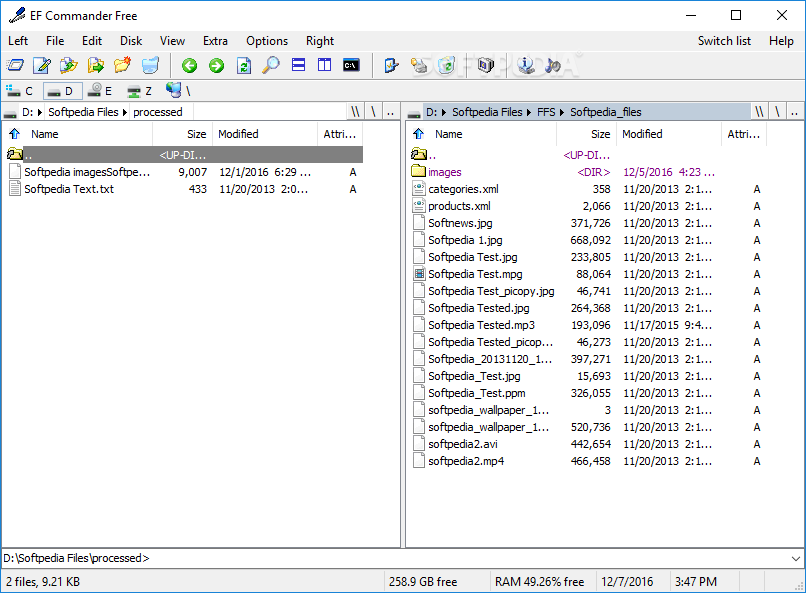
Computer file management is something that we all do, one way or another: whether it is organizing stuff on our desktop, creating new folders to house our files, or relocating data to a different drive, it's something that everyone does to make navigating on their system a more streamlined experience.
We all know of File Explorer, and for the most part, it's something that gets the job done without a problem. In case you're looking for some more functionality, though, a third-party tool like EF Commander might be worth trying: the dual-panel layout, along with several other quality-of-life improvements, allow for more thorough file management.
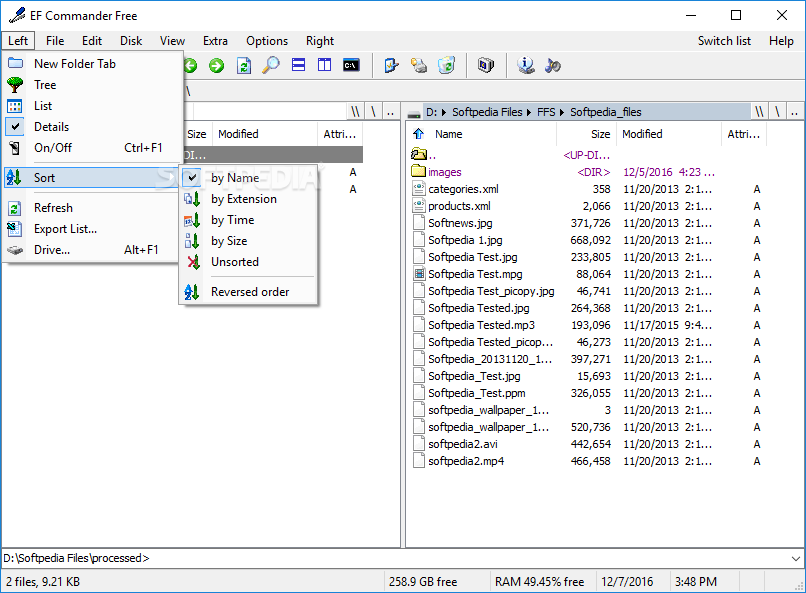
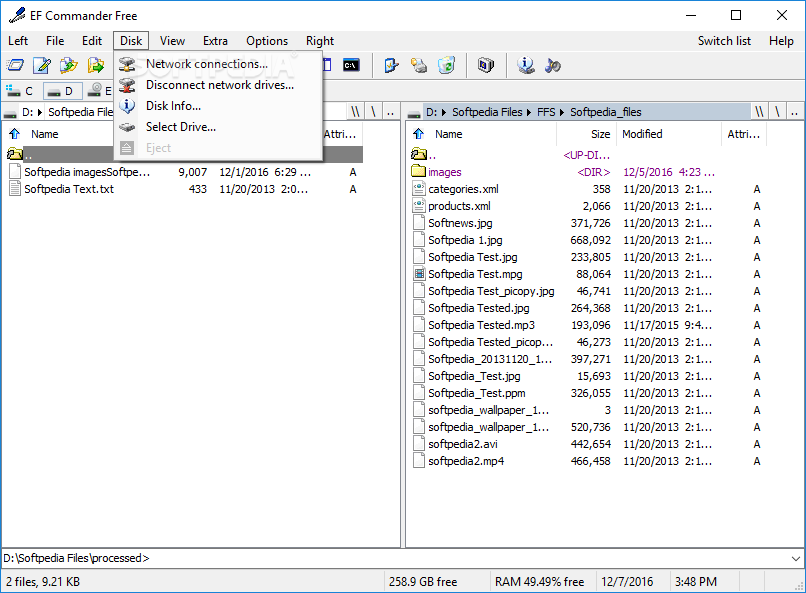
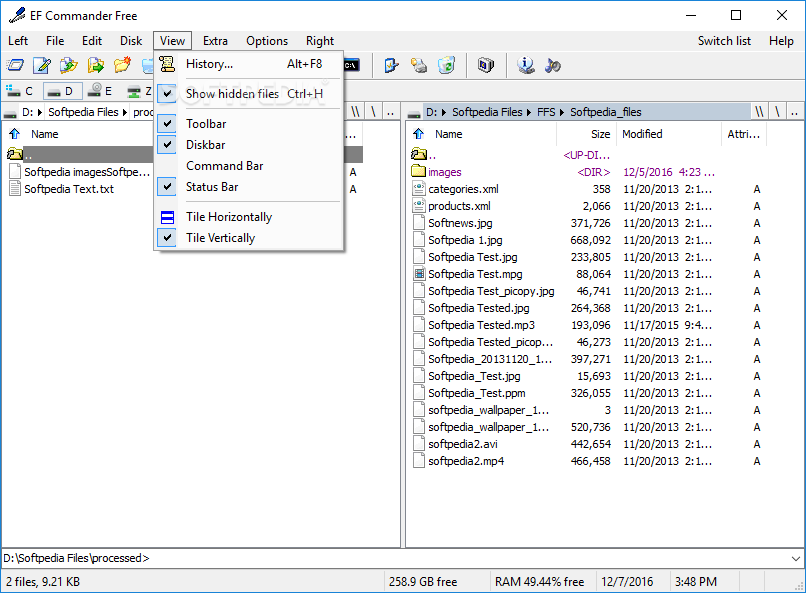
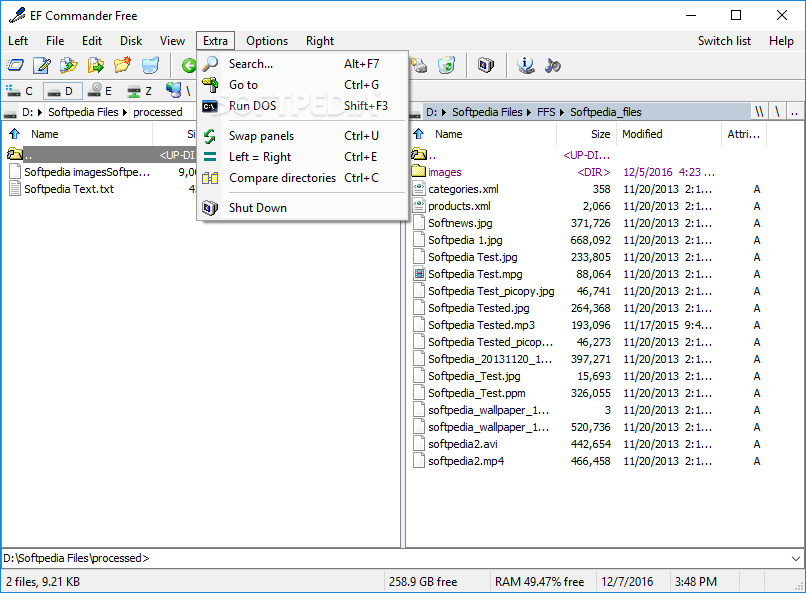
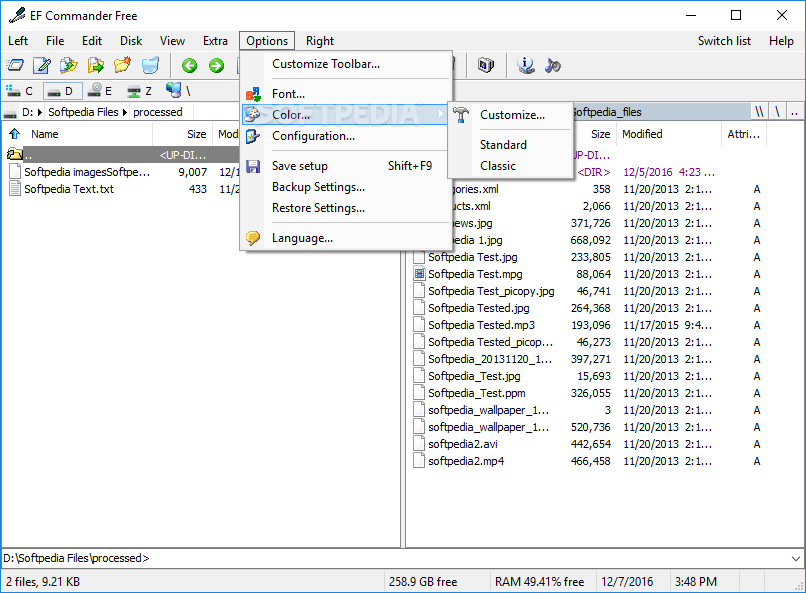
The interface is much like in any other file commander-type software: the dual-panel layout is the name of the game, and that's because it works so well in this context. Thanks to the two panels, users can work on two different folders at once, under the same interface, which is great for convenience.
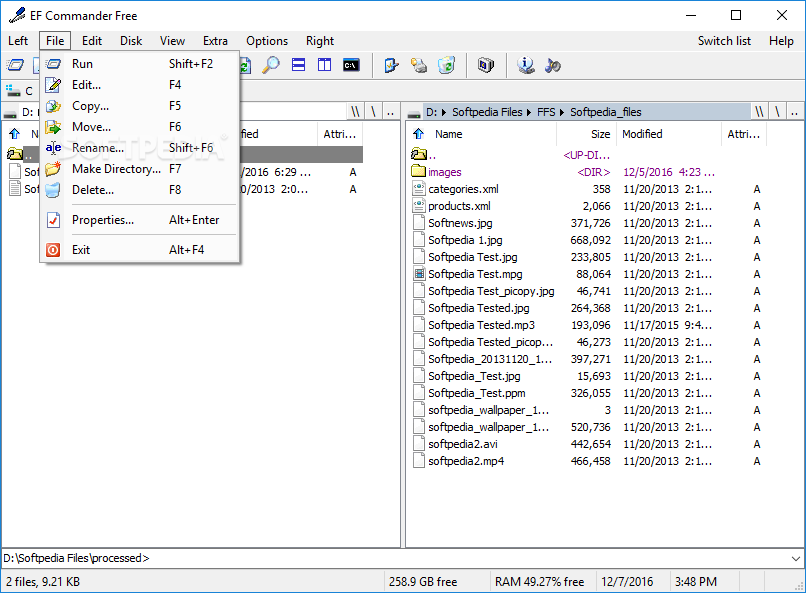
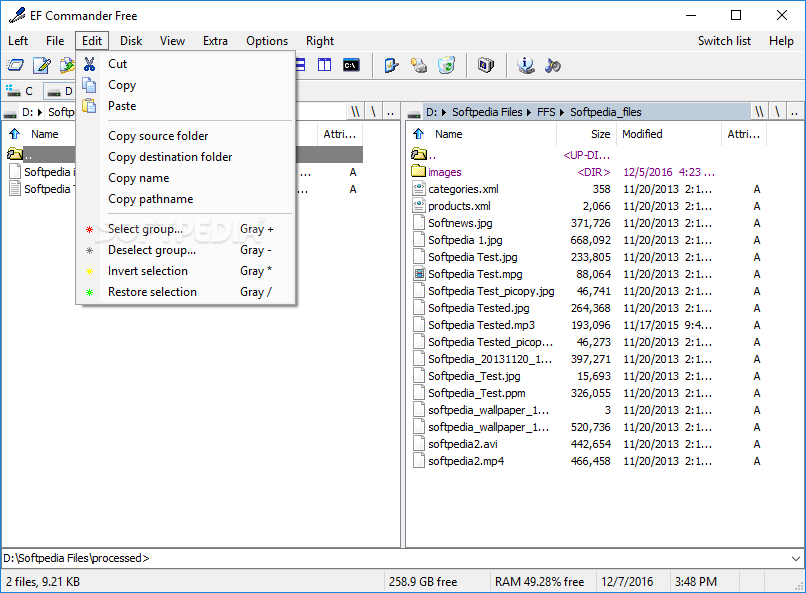
You can move files and folders around as you want, and the program offers some additional functions that are quite useful to make use of. For instance, users can open an archive directly in the interface, as well as move the files from an archive to another. Handy is also the parallel operation feature, which essentially allows users to employ multiple commands at the same time: as an example, you can have several ongoing copy commands.
The program affords users the option to split and merge files, and this works as you would expect: you can split larger files into smaller ones and relocate them somewhere else, which can greatly help when storage is of concern. A multi-rename tool is also built-in.
The internal viewer is also a much-needed quality-of-life improvement over the File Explorer: by modifying the layout to the Quick View mode, you can preview image, audio, and video files within the app. However, we experienced a couple of crashes when testing this — your mileage may vary, though.
EF Commander is yet another file commander-type program, and it is competent enough to make it worth the try: the odd crash and the Free version pop-up messages were a bit miffing, however.
Download Hubs
EF Commander Free is part of these download collections: File Managers, File Renamer
EF Commander Free 24.04
 Softpedia Editor's Pick
add to watchlist
add to download basket
send us an update
REPORT
Softpedia Editor's Pick
add to watchlist
add to download basket
send us an update
REPORT
- runs on:
- Windows All
- file size:
- 2.6 MB
- filename:
- EF_Commander_Free.zip
- main category:
- File managers
- developer:
- visit homepage
Windows Sandbox Launcher

4k Video Downloader

7-Zip

Microsoft Teams

Zoom Client

Bitdefender Antivirus Free

calibre

IrfanView

paint.net

ShareX

- IrfanView
- paint.net
- ShareX
- Windows Sandbox Launcher
- 4k Video Downloader
- 7-Zip
- Microsoft Teams
- Zoom Client
- Bitdefender Antivirus Free
- calibre