
Have backups automatically created for important files and folders, with a powerful scheduler that can run when the computer is idle, and various filter options. #Synchronization Tool #Folder Cloning #Data Backup #Backup #Synchronize #Synchronization
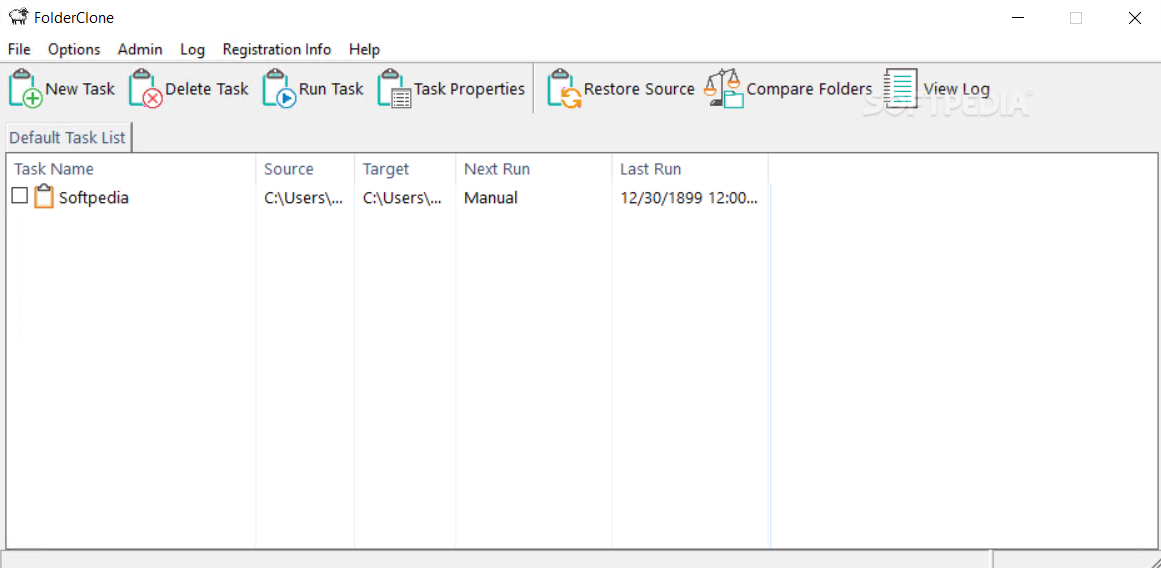
It’s always a good idea to keep an extra copy around, just in case something happens to the original. What’s more, you need this backup to be the most recent, but it can get frustrating to manually back up files with every update. Luckily, you can use specialized applications like FolderClone in order to automate the whole process.
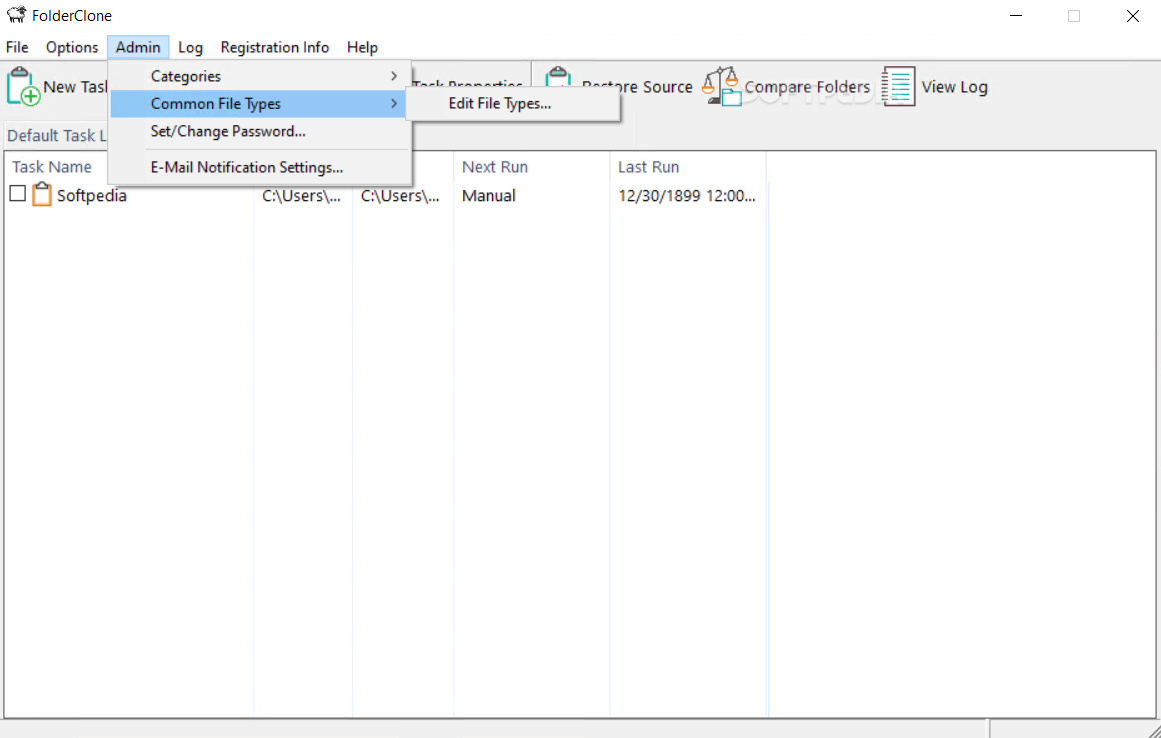
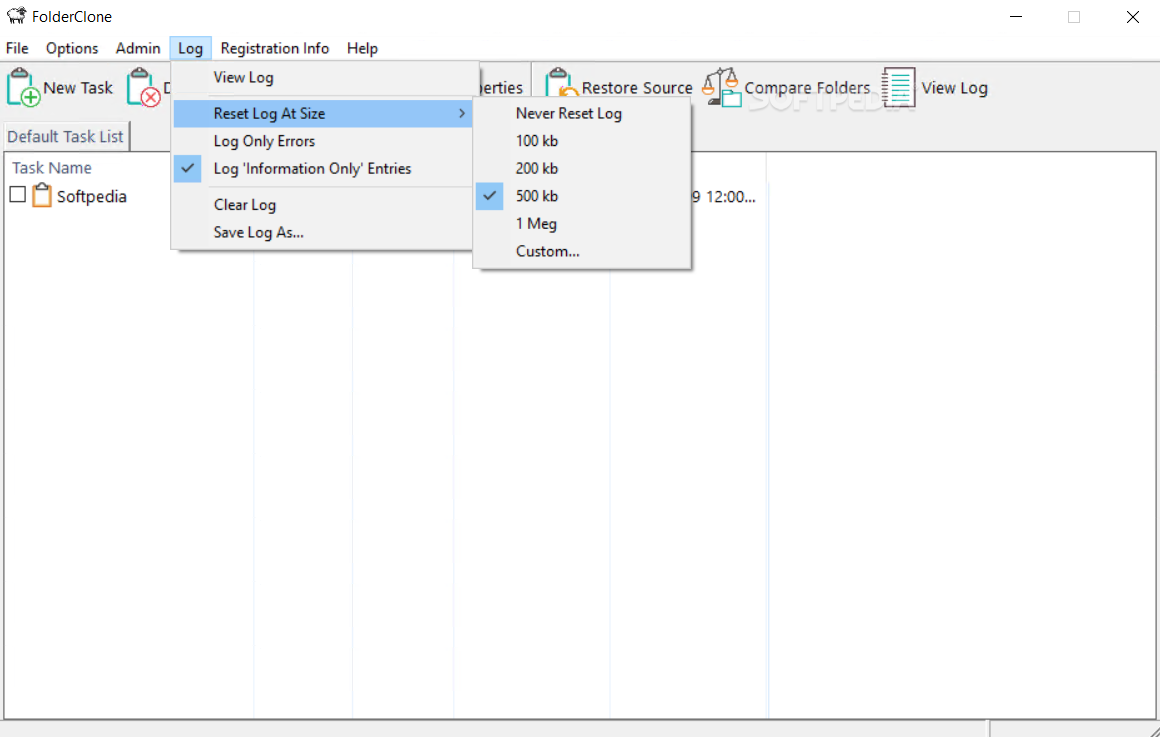
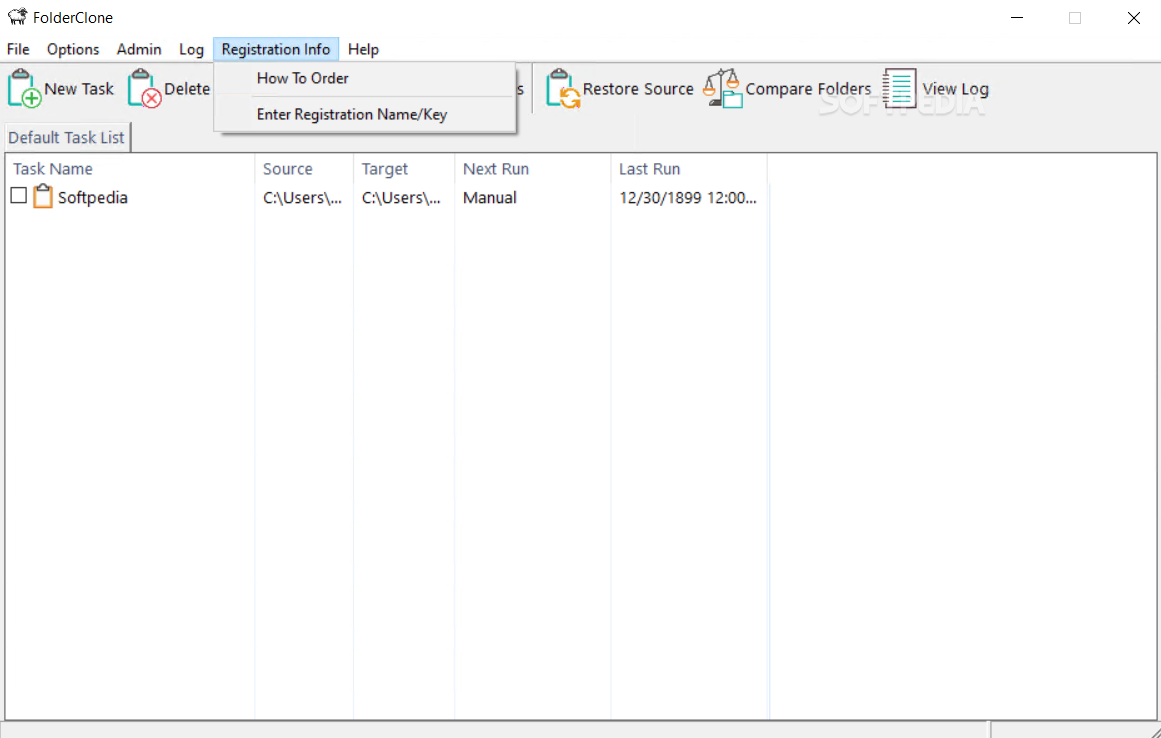
The main window initially shows up empty, but the large space is where all the tasks you create are shown. Related details reveal name, source, target, next run, and last run, with the possibility to filter by clicking column headers. General operations and log viewer are accessed from the upper toolbar.
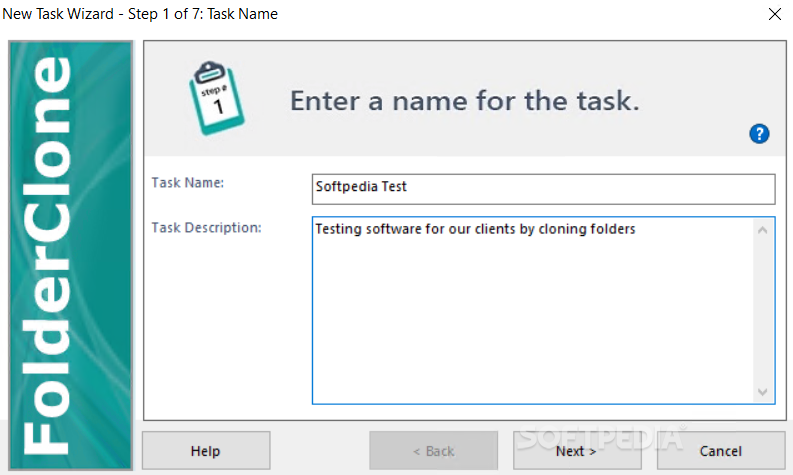
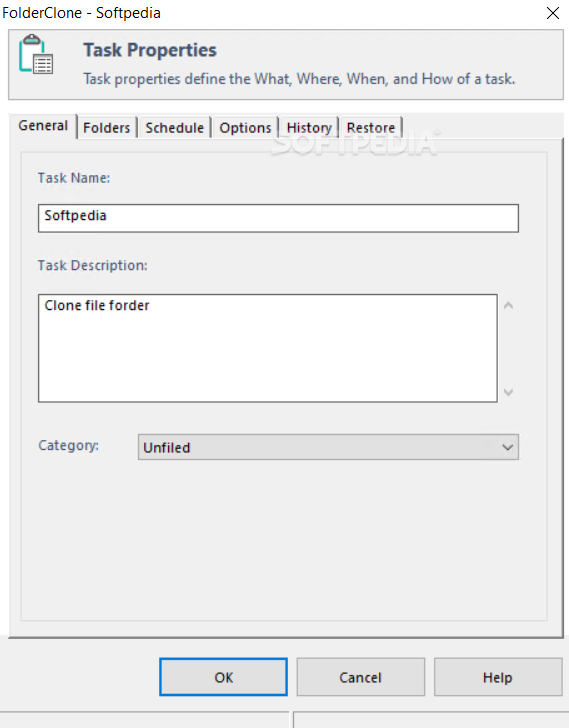
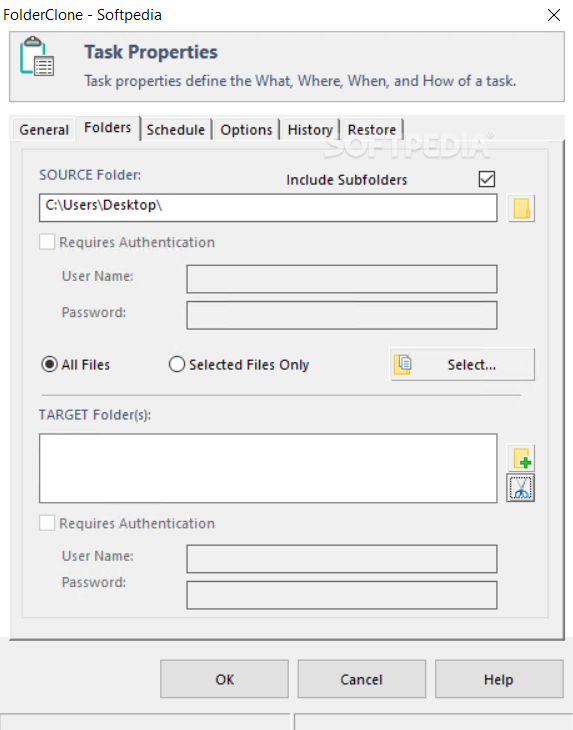
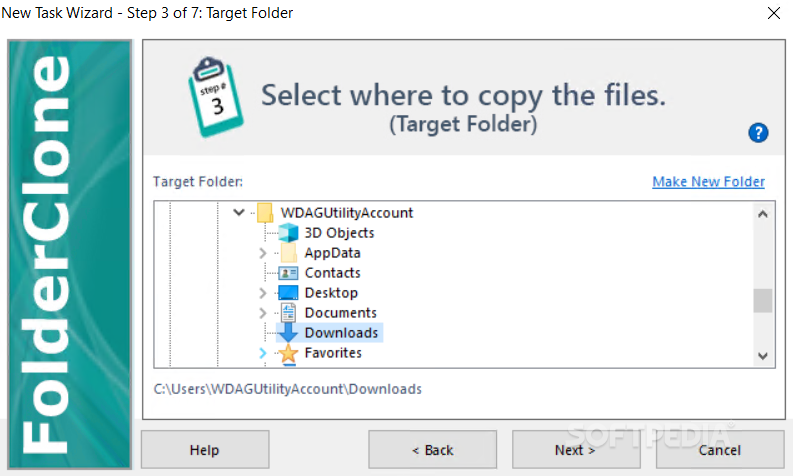
A task can either be created by taking the time to manually go through all settings, or using the simple, wizard-driven creation process. Regardless of method, two folders need to be selected, one to be the source, while the other for the destination. Unfortunately, synchronization isn’t possible, and the process only involves moving from source to destination.
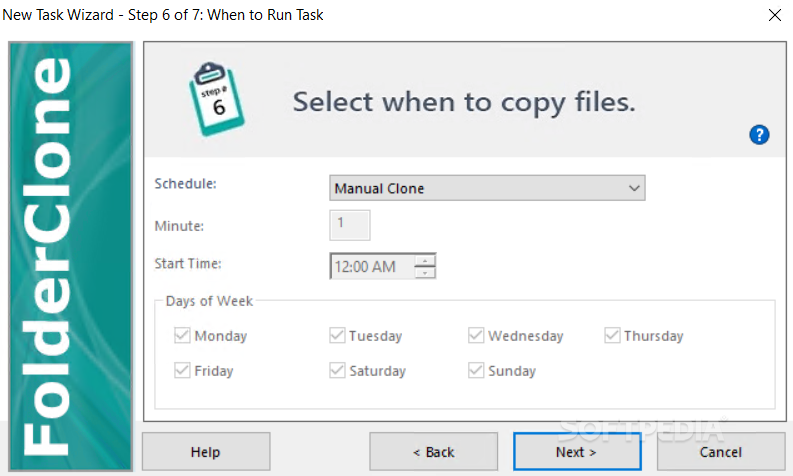
FolderClone’s main advantage is probably the scheduler component. It lets you specify exactly when the task to run, and if it needs to be done more than once. The application can be configured to move files only when the computer is idle for a specific amount of time, or the first thing whenever you reach the desktop.
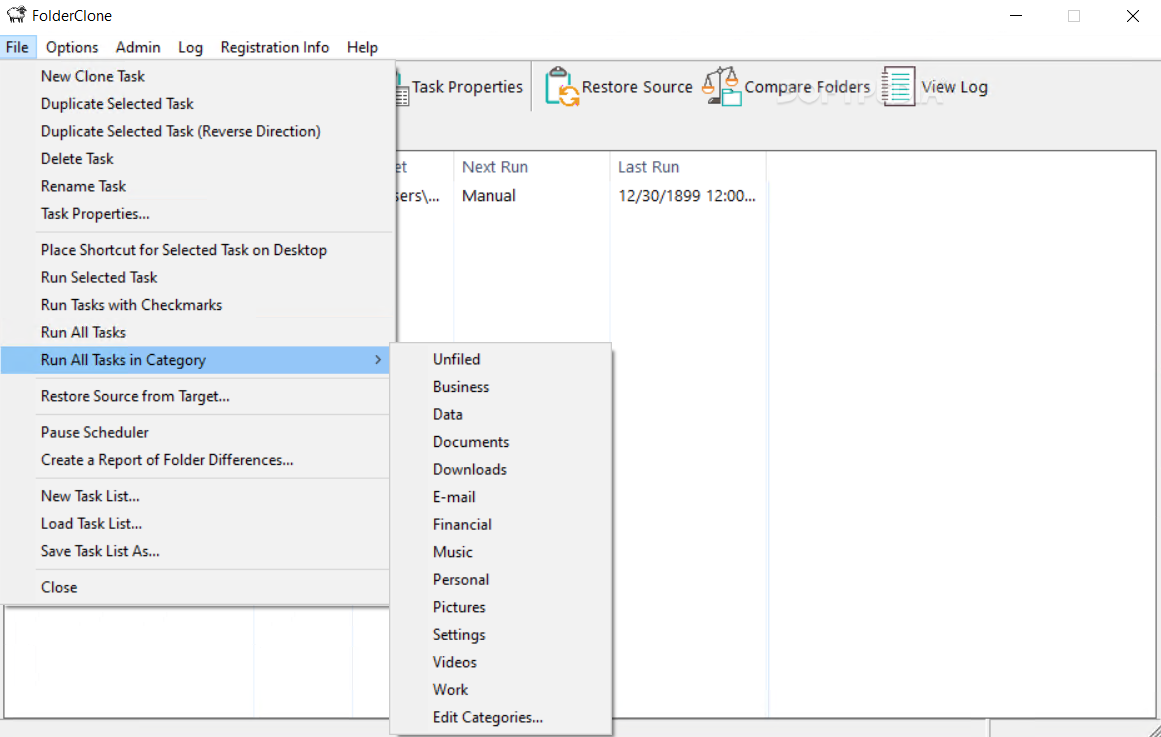
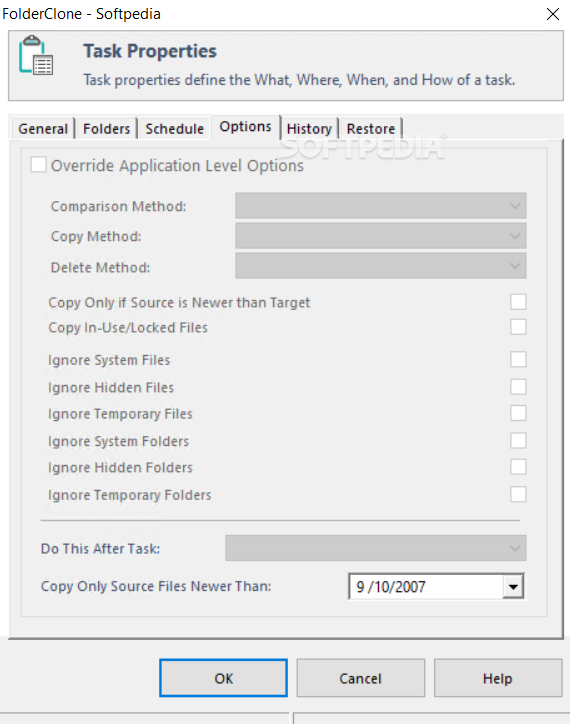
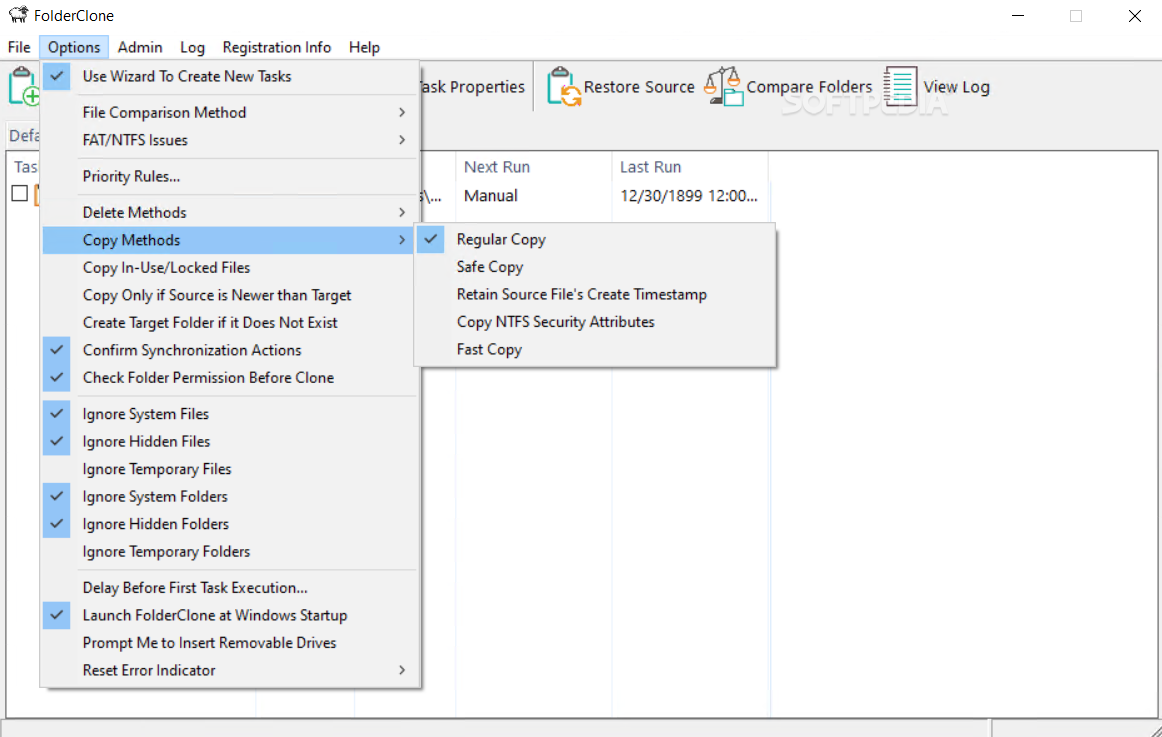
You can go ahead and manually start tasks at any given moment, without affecting scheduled times. File filters can also be configured during the creation process, so you only create backup for utmost important documents. However, there’s an entire menu filled with preset filter options, letting you include or ignore system files and folders.
Bottom line is that FolderClone is an application you can rely on to keep your files and folders safe. Although it’s a little rough on visuals, the set of features is intuitive enough to be used by beginners and experienced individuals alike, with little effort. Scheduling options provide a great variety of time management possibilities, making this app worth at least a try.
FolderClone 3.0.4
add to watchlist add to download basket send us an update REPORT- runs on:
-
Windows 11
Windows 10 32/64 bit
Windows 8 32/64 bit
Windows 7 32/64 bit - file size:
- 8.6 MB
- filename:
- fcinstall.exe



- main category:
- File managers
- developer:
- visit homepage
Windows Sandbox Launcher

Bitdefender Antivirus Free

7-Zip

IrfanView

Zoom Client

Microsoft Teams

4k Video Downloader

Context Menu Manager

ShareX

calibre

- Context Menu Manager
- ShareX
- calibre
- Windows Sandbox Launcher
- Bitdefender Antivirus Free
- 7-Zip
- IrfanView
- Zoom Client
- Microsoft Teams
- 4k Video Downloader
