
A double-sided file manager that displays the contents of your drives, no matter if they are hard disks or removable ones, providing basic management controls. #File manager #Explorer alternative #Windows Explorer #Manager #Commander #Explorer
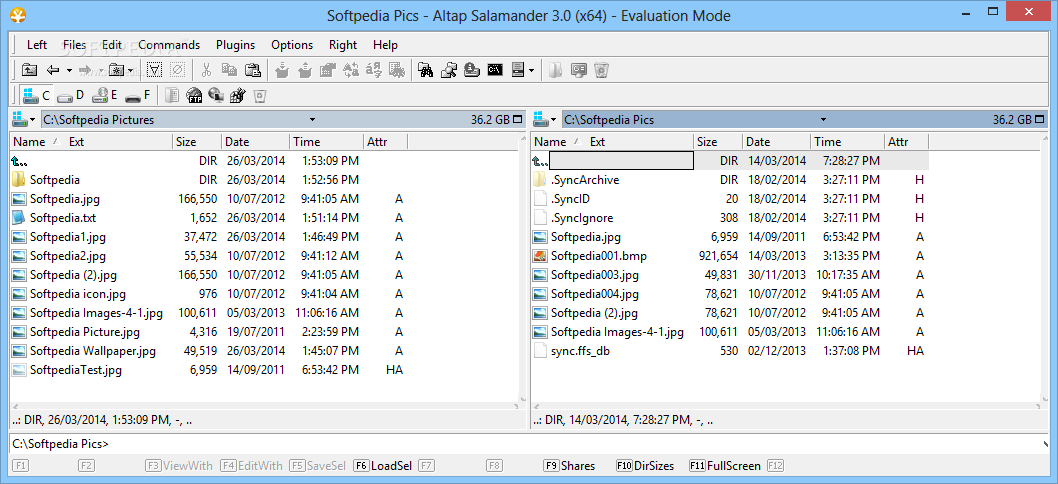
As an alternative to your operating system's file manager, you can do a quick search over the Internet and choose a better one. If the decision is taking too long, or if you happen to be reading this, than you should know that Altap Salamander might just be equipped with what you're looking for.
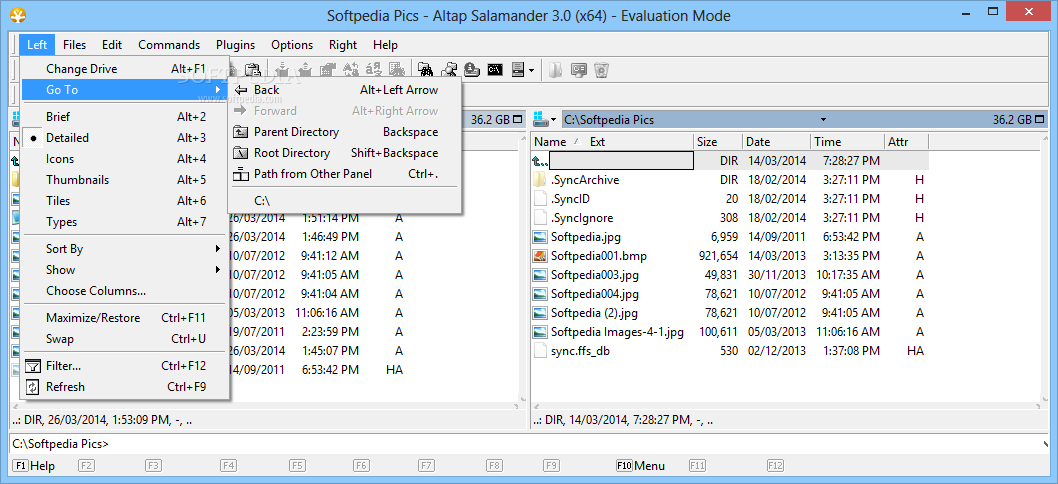
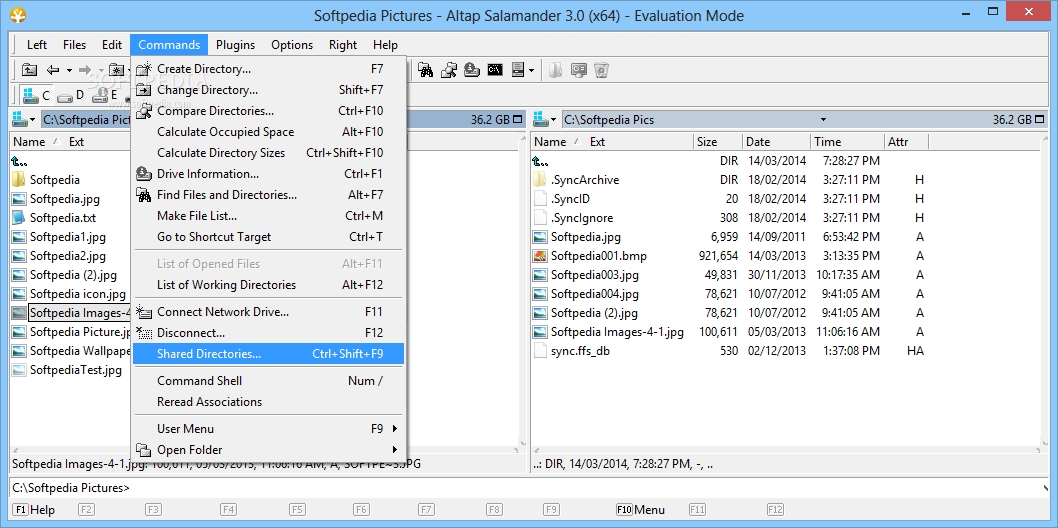
The main window is designed like any other advanced file manager, with the workspace split into two sections and an upper toolbar that is home to most available functions. Taking some time to go through all the application has to offer might convince you to keep it around.
Found under intuitive icons, you can quickly trigger an action by clicking on it. Moreover, the application gives you the possibility to fully customize what appears in the upper toolbar, as well as configuring a so-called “User menu” you can populate with directory paths for quick access, environment variables, and even custom scripts.
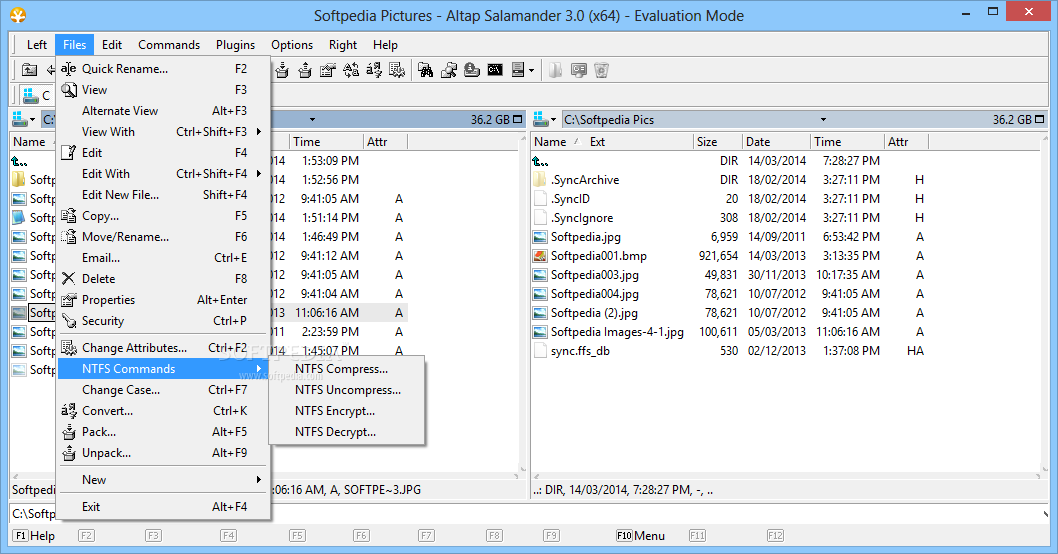
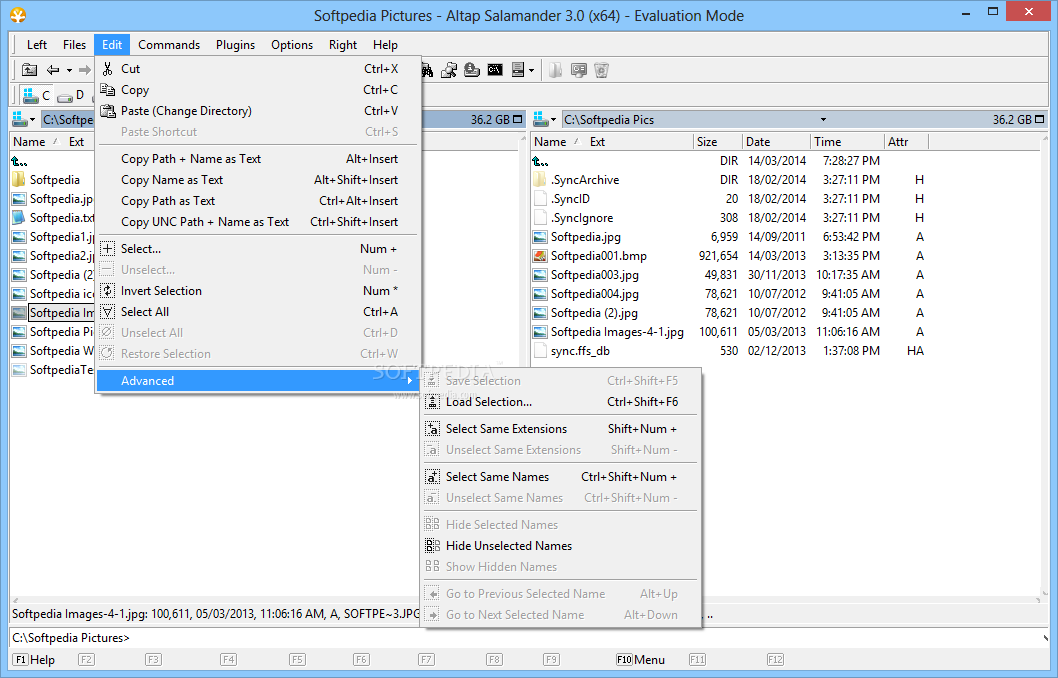
Right clicking on any element in the main window brings up the default context menu in order to gain full control over files and folders. You can drag elements from one side to another.
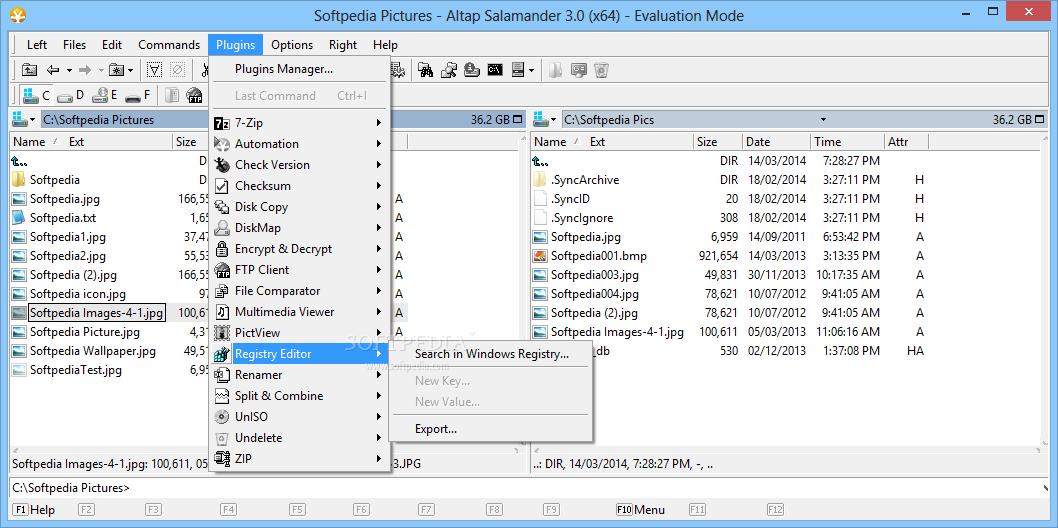
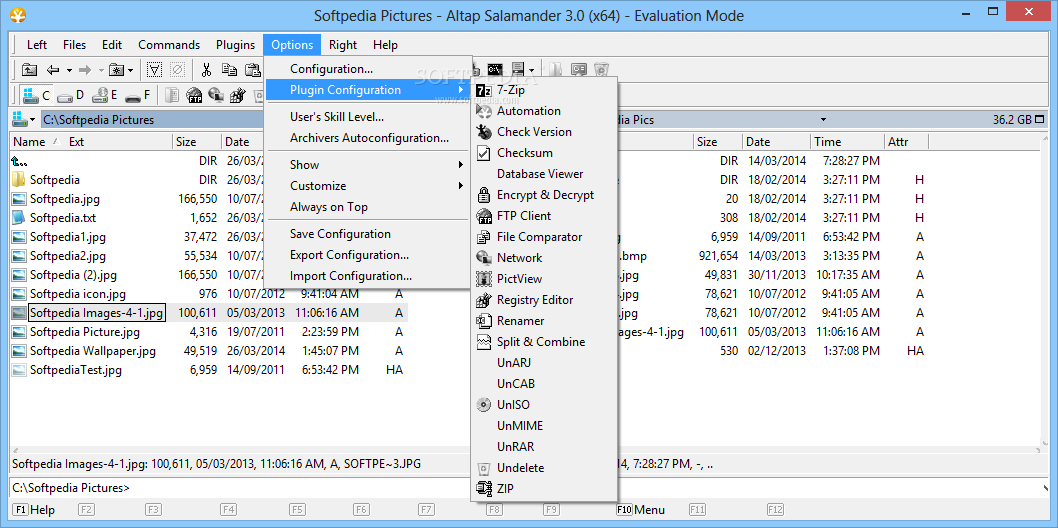
One of the biggest advantages is the large variety and constantly updating database of plugins. Amongst the default, you can take advantage of 7-Zip, disk copy, encrypt & decrypt, file comparator, PictView, Undelete and a lot more.
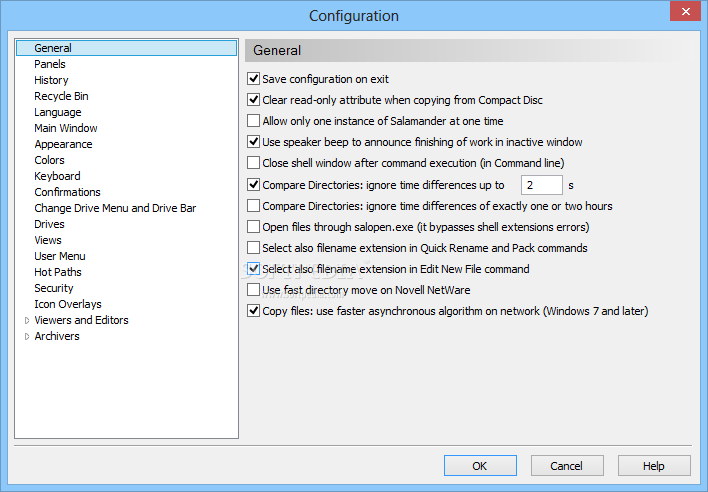
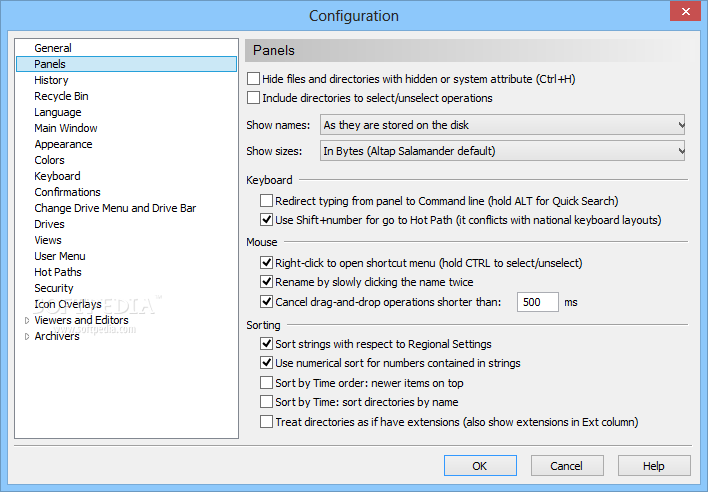
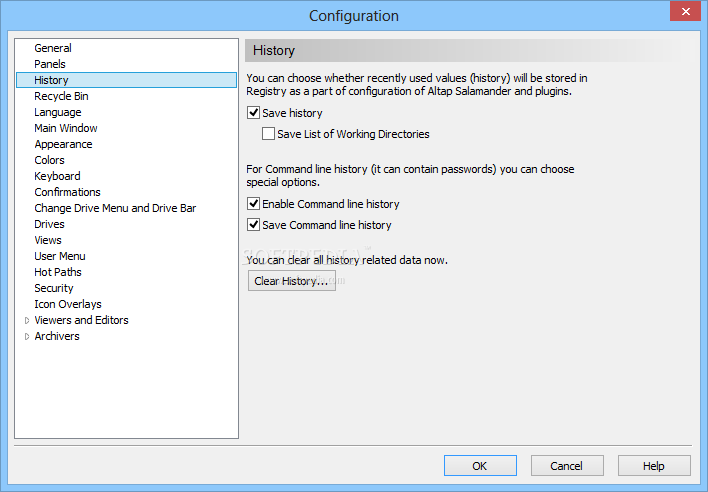
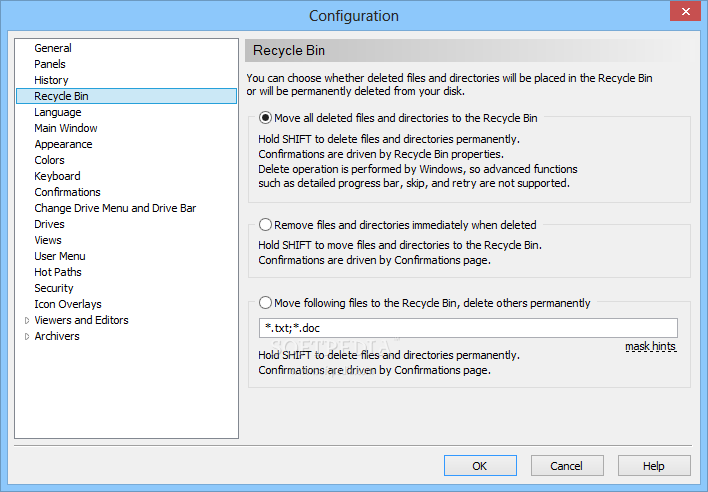
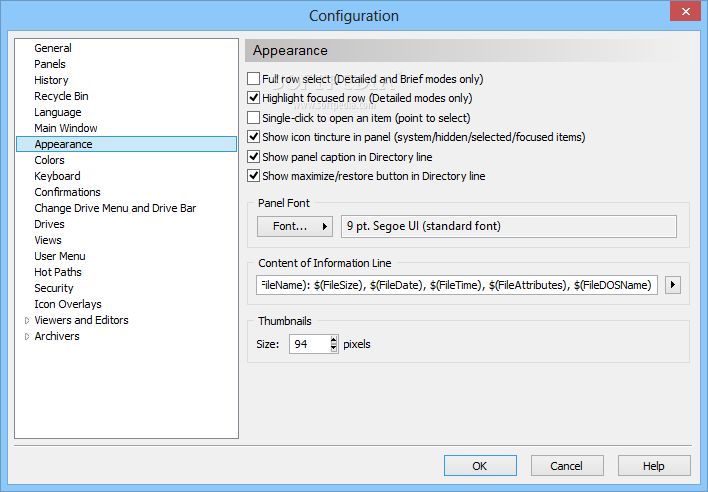
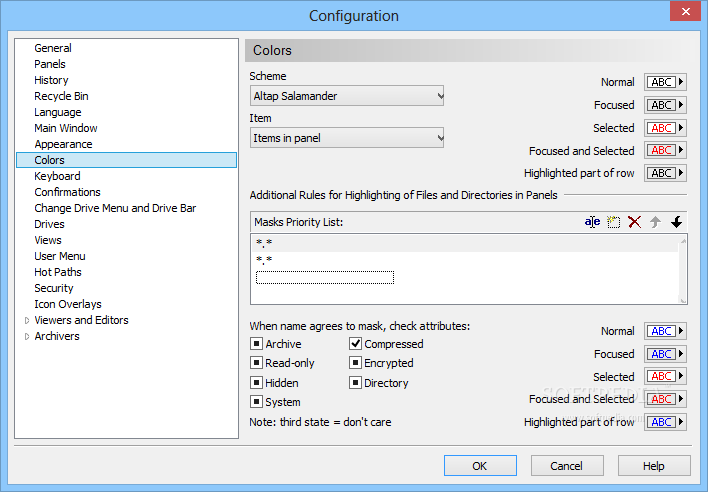
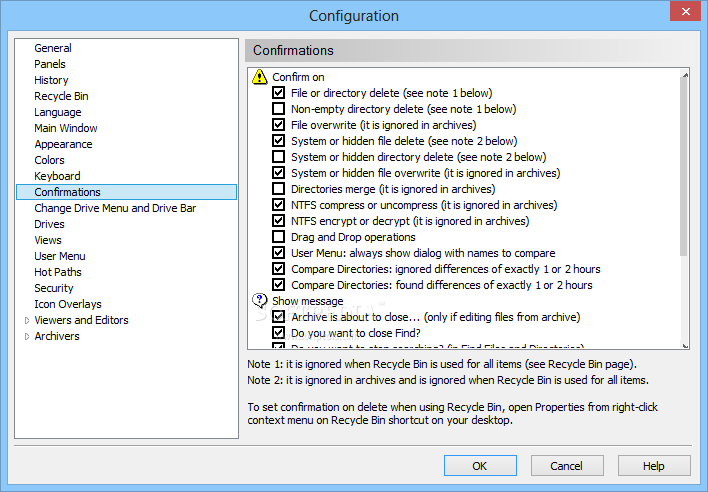
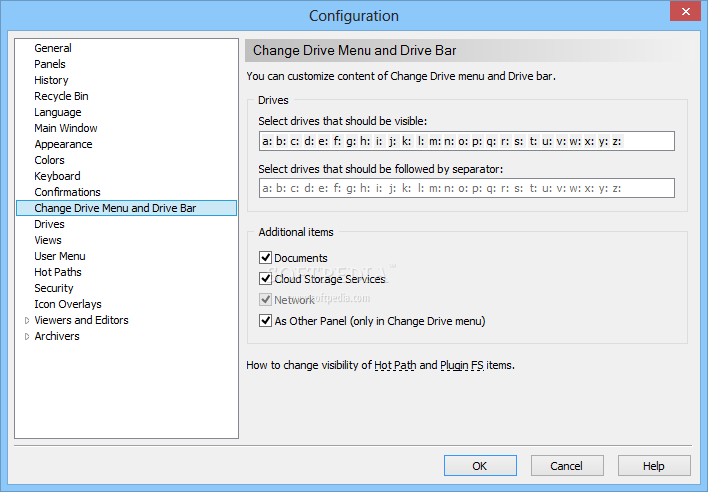
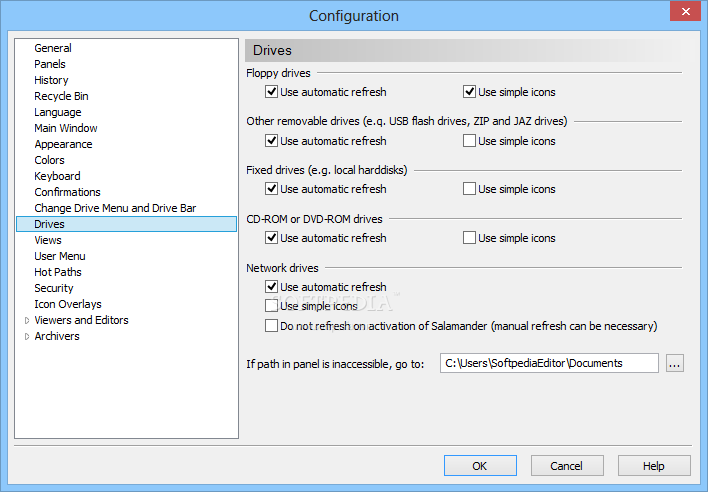
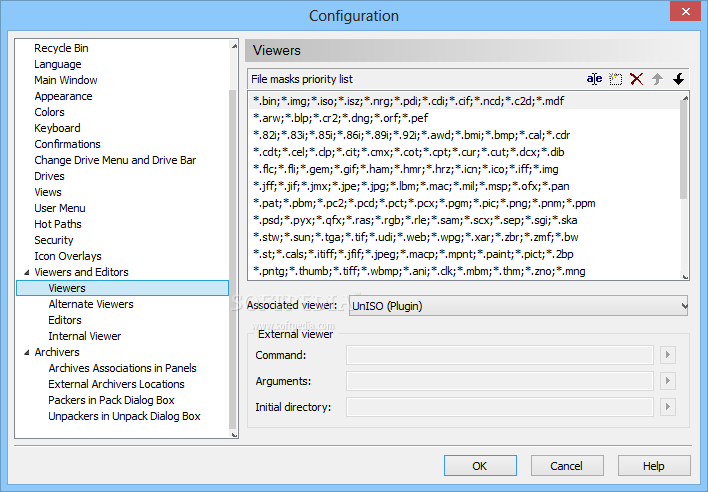
Accessing the options menu lets you configure nearly every aspect of the application, from display colors, to keyboard configuration, security, archivers settings and a lot more. One of the options that sets the application apart is the possibility to choose your own viewers and editors, and these can be set to more than one.
For even more file management options, you can easily access you OneDrive account, connect to a FTP server, access a computer connected to the same network or even browse the content of your mobile phone, if connected to the computer.
In conclusion, Altap Salamander is indeed a powerful file management utility that definitely convinces you to keep it around for some time. It works flawlessly, with no hangs or crashes and it does not even use a lot of your system's resources or space on the hard disk drive. Overall, it deserves a seat at the winner's table.
Download Hubs
Altap Salamander is part of these download collections: File Managers, Open IMG, Export IGS, Convert 2BP
What's new in Altap Salamander 4.0:
- Altap was acquired by Fine company, the civil engineering software developer
- Altap Salamander 40 is released free of charge for both commercial and non-commercial use
- Compiler switched to Visual C++ 2019
- Altap Salamander 40 requirements: Windows 10, 81, or 7 (x86 or x64) CPU with SSE2 support
Altap Salamander 4.0
 Softpedia Editor's Pick
add to watchlist
add to download basket
send us an update
REPORT
Softpedia Editor's Pick
add to watchlist
add to download basket
send us an update
REPORT
- runs on:
-
Windows 10 32/64 bit
Windows 8 32/64 bit
Windows 7 32/64 bit
Windows Vista 32/64 bit
Windows XP 32/64 bit
Windows 2K - file size:
- 8.5 MB
- filename:
- as40x86.exe
- main category:
- File managers
- developer:
- visit homepage
paint.net

IrfanView

Windows Sandbox Launcher

Zoom Client

Microsoft Teams

4k Video Downloader

Bitdefender Antivirus Free

7-Zip

calibre

ShareX

- 7-Zip
- calibre
- ShareX
- paint.net
- IrfanView
- Windows Sandbox Launcher
- Zoom Client
- Microsoft Teams
- 4k Video Downloader
- Bitdefender Antivirus Free