
Play music, view image files, manage your notes, take screenshots and perform calculations, with this versatile software solution. #Audio player #Image viewer #File manager #Player #Viewer #Capture

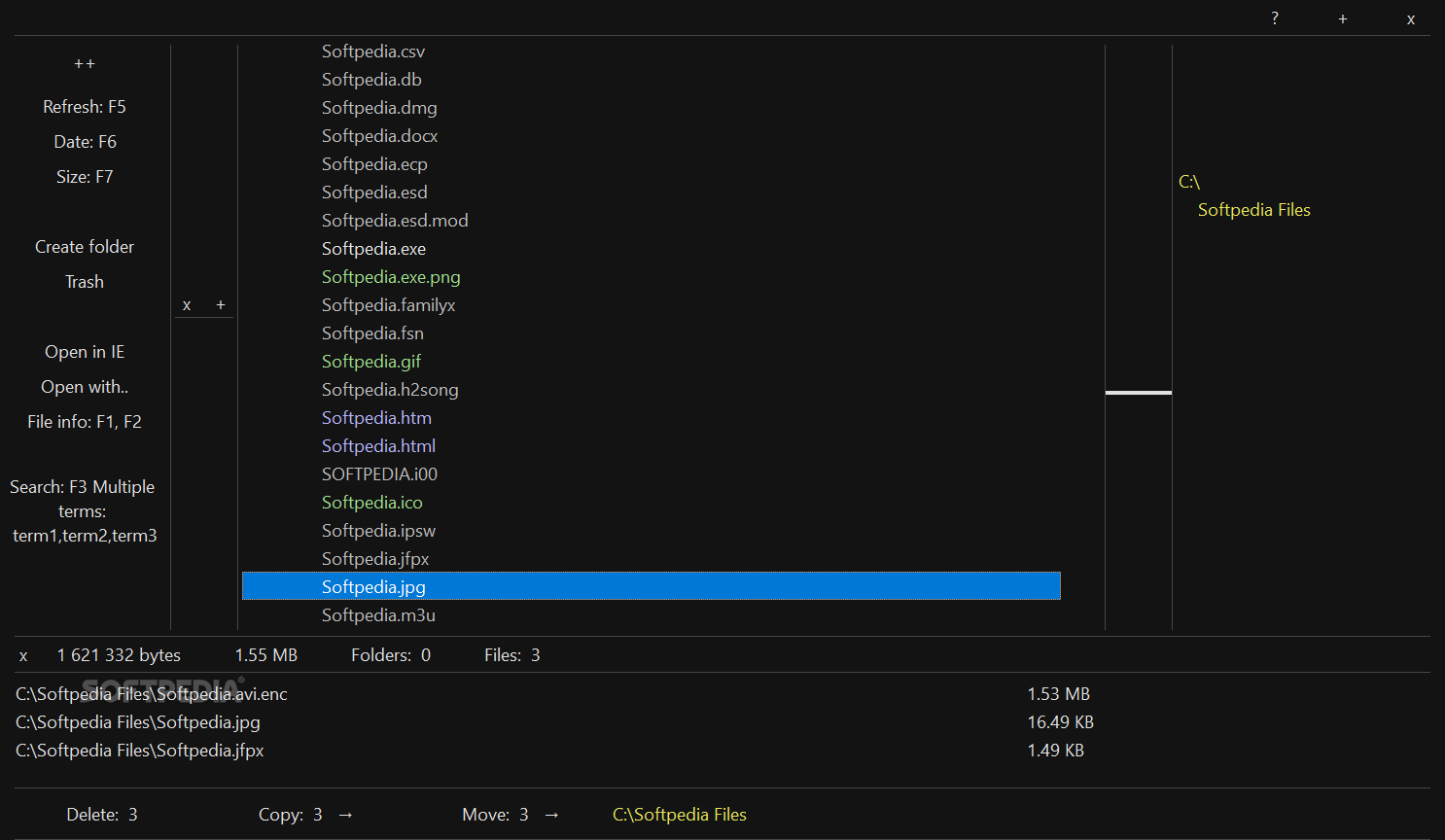
It is common to use multiple applications whenever you want to play music, organize your files, manage notes, perform calculations or capture screenshots, as not many utilities include all these functions in one package.
TreeView Player, however, is a straightforward program that that can help you perform all of these tasks, and is also fully portable. It may take some getting used to, however, and its interface could be improved in certain respects.
Despite what its name suggests, TreeView Player is not only designed to help you play music files, as it is also equipped to handle several other tasks.
For starters, it offers a built-in file manager that enables you to copy, move, rename and sort various items, as well as create bookmarks to make certain files or folders easier to access.
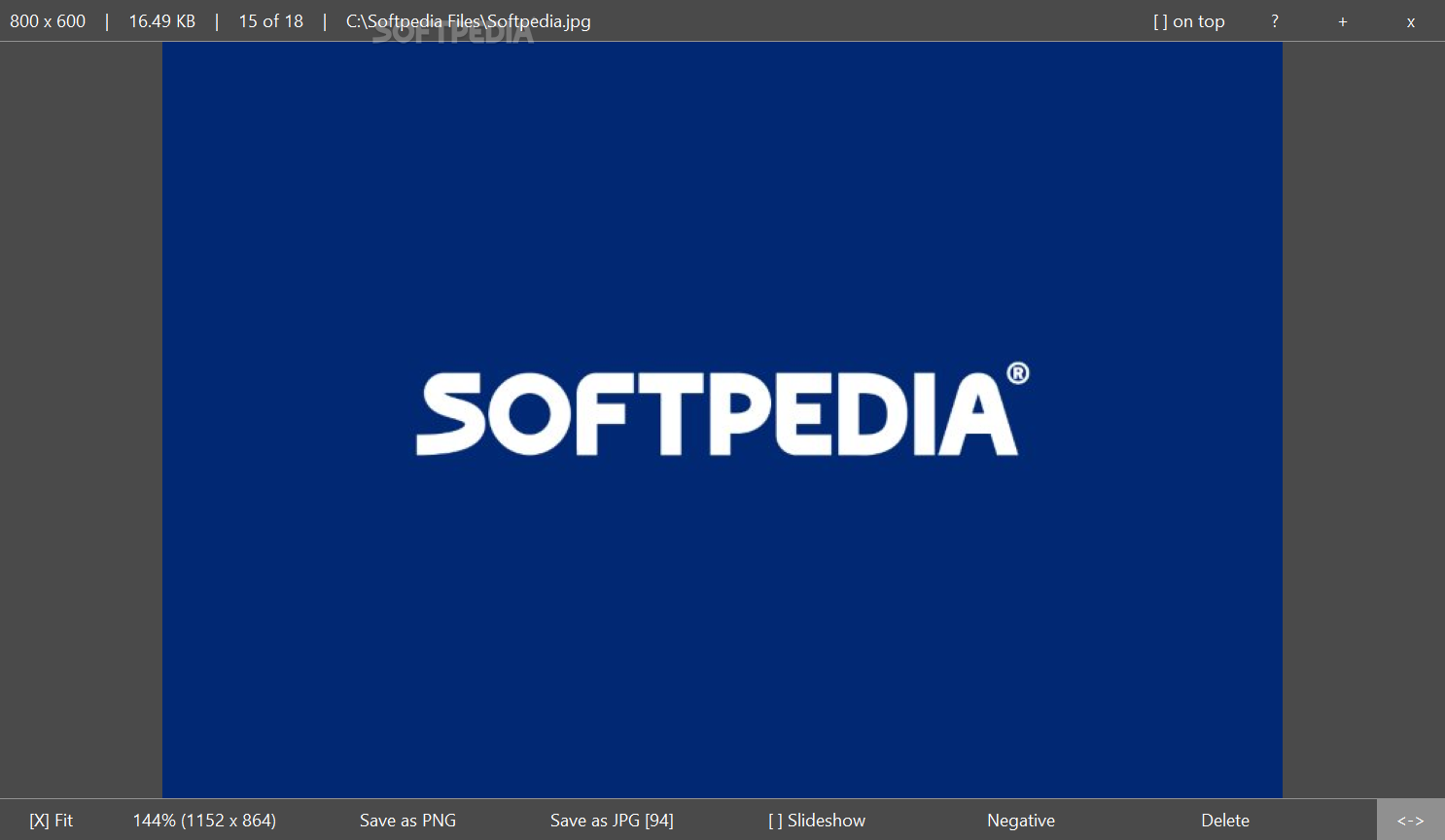
The application allows you to view image files, launch slide shows, crop pictures or convert them to PNG and JPG.
Lastly, TreeView Player can be used to capture screenshots of specific areas, active windows or your whole screen, pick colors from your desktop, store notes or perform calculations.
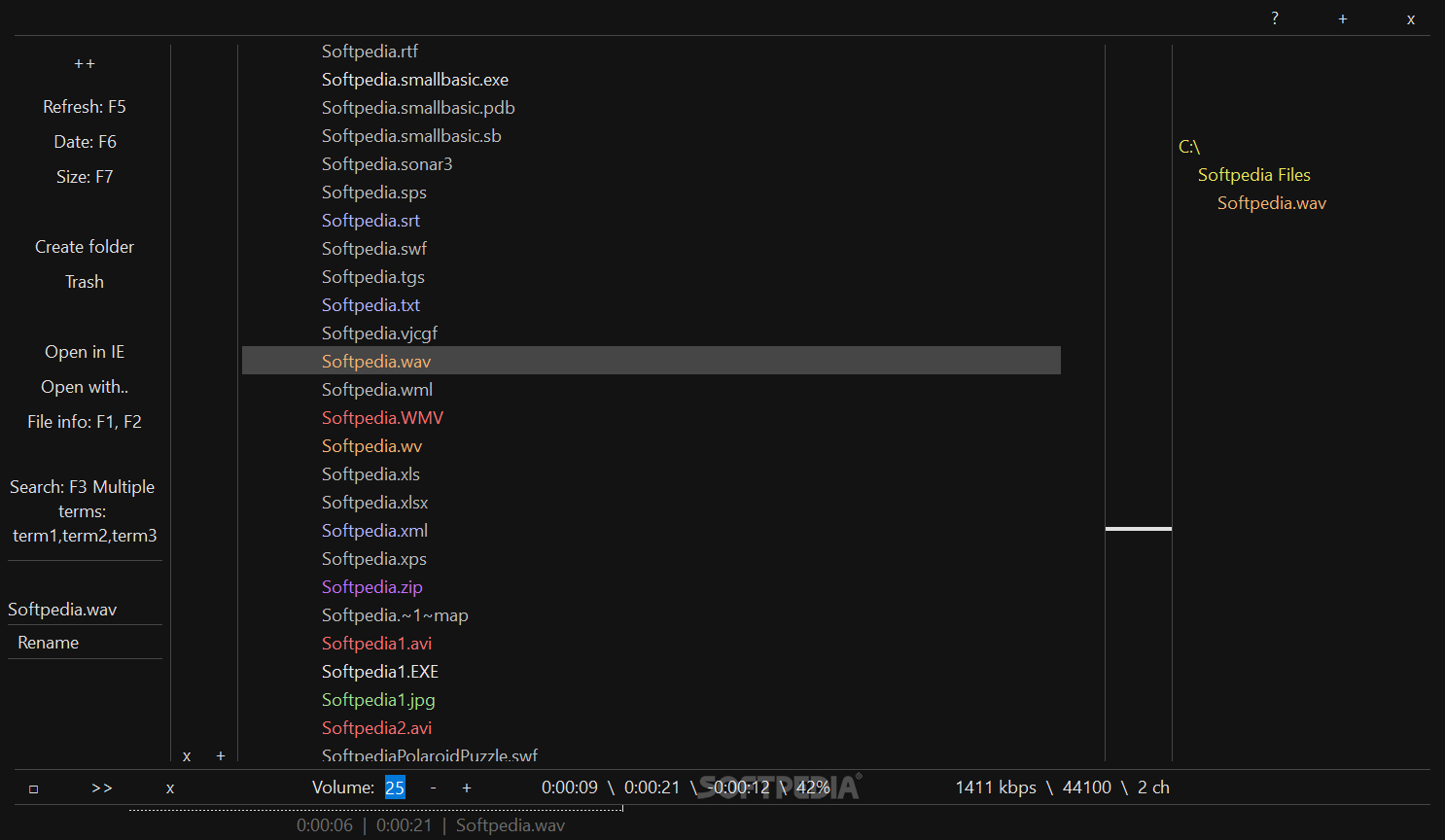
Songs can be added to your playlist from the file manager, but it is only possible to import folders, not individual files.
TreeView Player displays each track’s album art, metadata and file details, and you can skip to the next song, play, pause or stop playback using global hotkeys.
However, there is no easy way to organize your songs in the playlist once they are imported, and several other functions commonly found in other music players are missing, such as a built-in equalizer, the ability to shuffle tracks or create multiple playlists.
TreeView Player has a fairly unique look, and users who prefer simplistic UIs are likely to appreciate it. However, others may find it to be rather outdated.
While the interface and be rescaled, it is difficult to fine-tune its dimensions without accessing the Settings menu. Also, the program cannot be sent to the system tray.
Overall, TreeView Player is a multi-purpose application that allows you to play music files, view images, manage notes, perform calculations and capture screenshots. Each module offers a rather limited array of features, however, and the minimalistic user interface does look somewhat out-of-date.
What's new in TreeView Player 2018.05.15:
- General changes, improvements, and fixes.
TreeView Player 2018.05.15
add to watchlist add to download basket send us an update REPORT- PRICE: Free
- runs on:
-
Windows 10 32/64 bit
Windows Server 2012
Windows 2008 R2
Windows 2008 32/64 bit
Windows 2003
Windows 8 32/64 bit
Windows 7 32/64 bit
Windows Vista 32/64 bit
Windows XP 32/64 bit - file size:
- 2.3 MB
- filename:
- TreeViewPlayer-2018-May-15.zip
- main category:
- Multimedia
- developer:
- visit homepage
Bitdefender Antivirus Free

7-Zip

Zoom Client

IrfanView

ShareX

Microsoft Teams

4k Video Downloader

Windows Sandbox Launcher

Context Menu Manager

calibre

- Windows Sandbox Launcher
- Context Menu Manager
- calibre
- Bitdefender Antivirus Free
- 7-Zip
- Zoom Client
- IrfanView
- ShareX
- Microsoft Teams
- 4k Video Downloader