
Enables immediate playback of full-screen video even when you're not online.. #Video podcast #Video feed #Tv channel subscribe #Tv channel #Podcast #Player

TVTonic will allow users to subscribe to most video podcasts on the Internet.
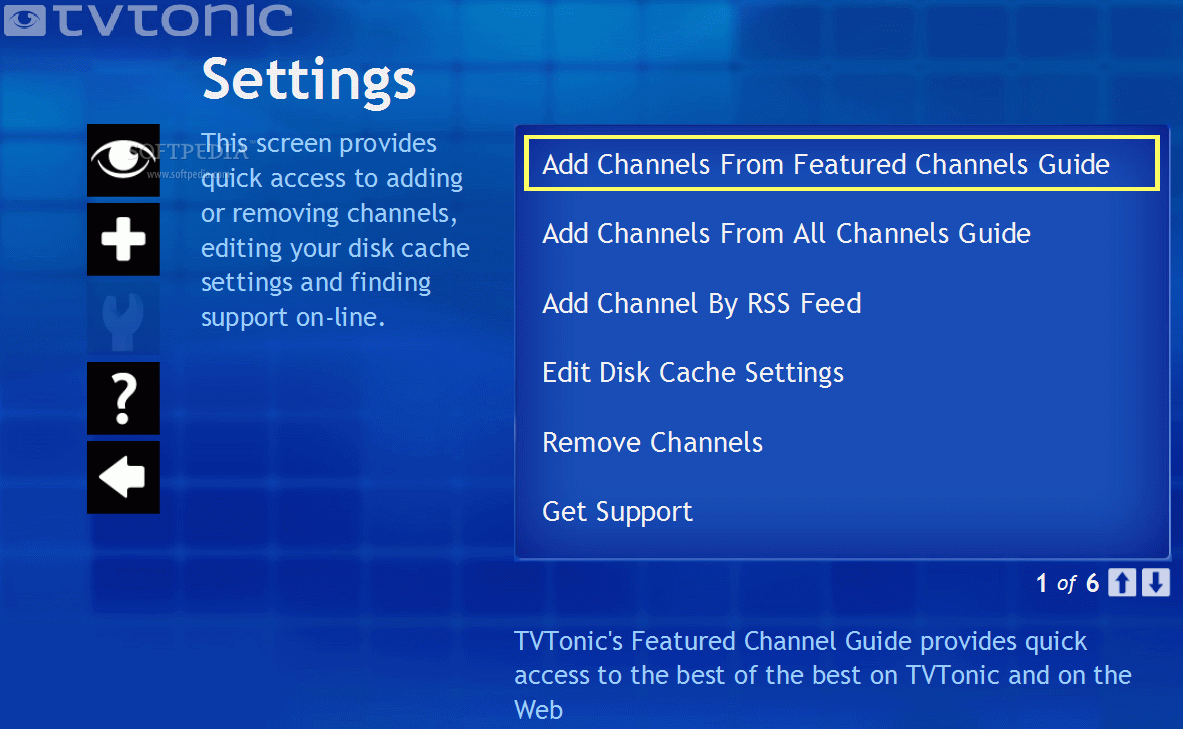
It's easy to subscribe to video podcasts (in TVTonic they're called channels) via the built-in guide in the Add Channels section of TVTonic. Plus, any RSS 2.0 video feed from the web is compatible with TVTonic.
You also get exclusive access to premium channels available only to TVTonic users - all free.
Video can take up a lot of disk space, with TVTonic you control how much space each channel uses via a simple graph and slider interface.
TVTonic works great within Windows XP Media Center Edition. Once TVTonic is installed, just select it from the More Programs menu within MCE.
Watch TVTonic whether you're on-line or off. By storing media on your computer's hard drive, TVTonic enables immediate playback of full-screen video even when you're not on-line. You need to be connected to the Internet to receive new content and subscribe to new channels.
System requirements
- Windows Media Center
- QuickTime 7.2 or above is required for QuickTime video playback (Note: TVTonic 3.3 64-bit currently does not support QuickTime playback.)
- Processor - 1 GHz 32-bit processor minimum (2GHz 32-bit processor recommended)
- Memory - 1 GB (2 GB recommended)
- Disk space - minimum of .5GB per subscribed channel plus an additional 1GB of free space
- Video - support for DirectX 9 graphics, minimum of 128MB RAM, WDDM Driver, Pixel Shader 2.0 in hardware, 32 bits per pixel
- Broadband Internet connection required (cable, DSL or similiar; not recommended for metered-broadband accounts)
What's new in TVTonic 3.3.1.45:
- Redesigned interface
- navigation menu - quickly jump to the My Channels menu, details on the currently playing clip, the Channel Guide or full screen-mode.
- revamped Channel Guide - makes it easier to find, preview and subscribe new channels.
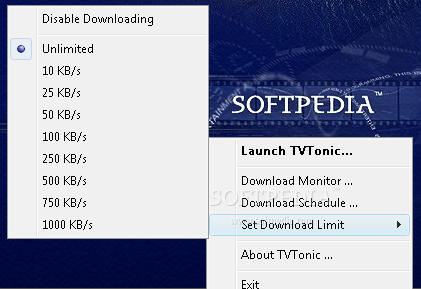
- expanded Channel Settings - easily delete videos, disable downloads on a per channel basis, refresh channels manually & more!
TVTonic 3.3.1.45
add to watchlist add to download basket send us an update REPORT- runs on:
- Windows Vista
- file size:
- 10.3 MB
- filename:
- TVTonicSetup.exe

- main category:
- iPod Tools
- developer:
- visit homepage
Context Menu Manager

ShareX

IrfanView

4k Video Downloader

Windows Sandbox Launcher

Zoom Client

calibre

Bitdefender Antivirus Free

7-Zip

Microsoft Teams

- Bitdefender Antivirus Free
- 7-Zip
- Microsoft Teams
- Context Menu Manager
- ShareX
- IrfanView
- 4k Video Downloader
- Windows Sandbox Launcher
- Zoom Client
- calibre