
Investigate, manage and export Internet Explorer favorites using this straightforward and approachable app with a search function. #Bookmark manager #Search bookmark #Bookmarks finder #Bookmark #Searcher #Finder

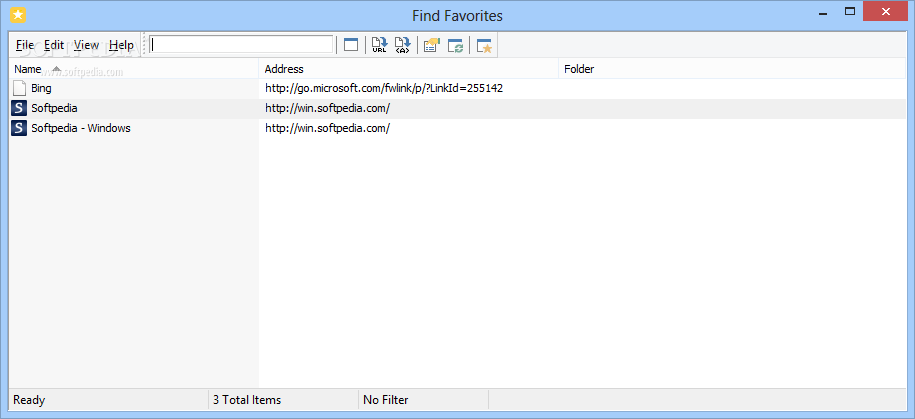
Find Favorites is a tiny and straightforward software program that enables you to examine, manage and export Internet Explorer bookmarks.
It comes packed with some intuitive and powerful options that can be figured out by all types of users, whether they have previous experience with this type of software or not.
After a brief and eventful setup procedure, you are greeted by a normal window with a plain and simple structure, where all Internet Explorer bookmarks are immediately loaded at startup.
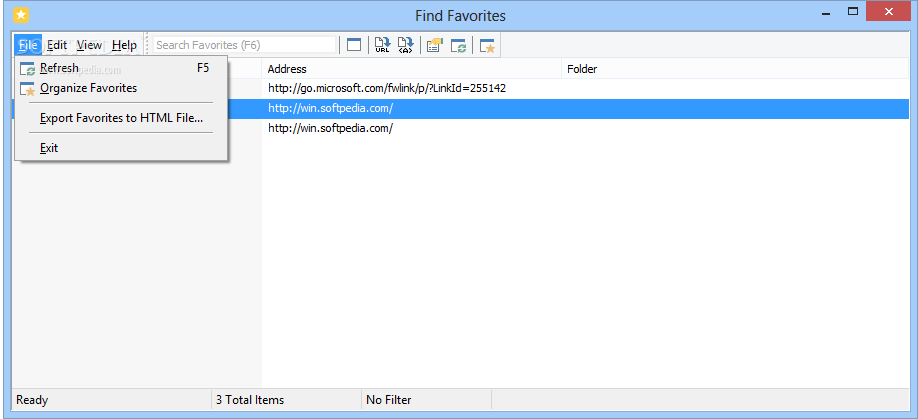
You can check out their name, address and containing folder, use a search function when dealing with large amounts of data to locate a particular bookmark, organize them, as well as export the favorites to an external file with the HTML format.
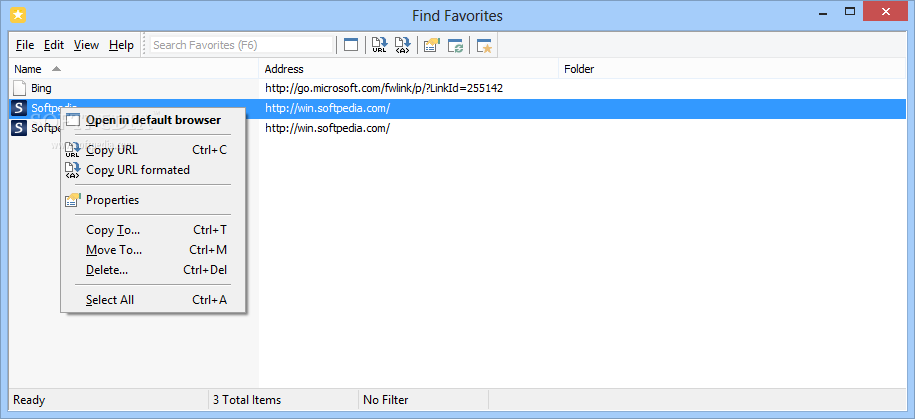
It's also possible to copy URLs to the Clipboard (formatted or unformatted), copy or move favorites to other locations, remove them from the computer, or open them in the web browser.
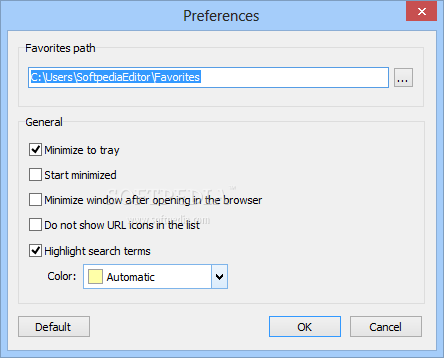
As far as program preferences are concerned, you can change the default favorites path, ask the utility to minimize to the system tray area and to start minimized, as well as modify the color for highlighting search terms. Settings can be restored to default anytime.
Unsurprisingly, Find Favorites left a small footprint on system resources in our tests, thanks to the fact that it required low CPU and memory to work properly. It didn't hang, crash or show error messages.
Although it doesn't have a rich skillset, Find Favorites delivers a simple solution to investigating and administering Internet Explorer bookmarks, and it can be easily handled by anyone.
Download Hubs
Find Favorites is part of these download collections: Favorites Managers
What's new in Find Favorites 3.2:
- Added a new option: Minimize to Tray
- Added a new button style
- Interface tweaks
- Fixed: Edit commands are now only enabled if there is any item selection
Find Favorites 3.2
add to watchlist add to download basket send us an update REPORT- runs on:
- Windows All
- file size:
- 766 KB
- filename:
- FindFavs.zip
- main category:
- Internet
- developer:
- visit homepage
Microsoft Teams

Context Menu Manager

IrfanView

calibre

Windows Sandbox Launcher

7-Zip

Bitdefender Antivirus Free

4k Video Downloader

Zoom Client

ShareX

- 4k Video Downloader
- Zoom Client
- ShareX
- Microsoft Teams
- Context Menu Manager
- IrfanView
- calibre
- Windows Sandbox Launcher
- 7-Zip
- Bitdefender Antivirus Free